.svg)
%20(1).svg)


Updated May 25, 2026
TL;DR
Email finder accuracy rates tell you very little on their own. Finding an email address and verifying it are two separate processes, and conflating them is how sales teams end up with damaged domains and missed monthly targets. B2B contact data decays between 22.5% and 70.3% annually, so any unverified list is already losing ground before your first send. Keep hard bounce rates below 1% to protect sender reputation and maintain primary inbox placement at scale. The safest approach combines lead finding with real-time verification, tests inbox placement before launch, and feeds bounce data back into your CRM.
Email finder accuracy claims can mislead because they mask the real driver of deliverability problems. When a vendor claims 95% email finder accuracy, that error margin does not translate directly to hard bounces at the same rate. The actual bounce risk depends on compounding factors including list age, catch-all domain volume, and whether the tool uses real-time SMTP verification or a static database.
Premium verification services operate at 99% to 99.9% accuracy, and at that range the difference is meaningful: 99% accuracy across 500,000 addresses produces 5,000 errors, while 99.9% produces only 500. That gap compounds when you factor in list decay and catch-all domains. You can perfect your copy and sequence timing, but bad data will still burn your sender score. This guide gives you a concrete framework to audit email finder accuracy, predict bounce risk, and protect primary inbox placement at scale.
Verified contacts for consistent inbox placement
The connection between data quality and deliverability is direct. Stale lists generate hard bounces, spam complaints, and inactive contacts, all of which reduce inbox placement rates. You can warm inboxes perfectly and write strong copy, but bad data will still undercut your campaigns.
B2B contact data decays between 22.5% and 70.3% annually, with email decay accelerating to 3.6% monthly in fast-moving sectors as of late 2024. A list you pulled six months ago may already have over 1,100 invalid contacts per 10,000 records.
Why bounces hurt sender reputation
A hard bounce is a permanent delivery failure: the address is invalid, deleted, or blocked, and the message will never arrive. A soft bounce is a temporary failure, such as a full inbox or a server issue, indicated by SMTP 4XX error codes. Hard bounces use SMTP 5XX codes and require immediate list removal.
Poor bounce rate management leads to emails being flagged as spam, throttling, or your domain being placed on a blocklist. Once you're on a blocklist, recovery takes weeks and pipeline coverage suffers directly.
Preventing bounces with accuracy benchmarks
There are three bounce rate thresholds worth knowing. Under 1% is your operational target: sender reputation stays intact and primary inbox placement holds. Between 1% and 2% is a warning zone: deliverability is not yet penalized, but the trend signals a list quality problem that needs fixing before the next send. Above 2% is where provider enforcement kicks in. Sustained bouncing at this level triggers inbox suppression and domain reputation damage in Postmaster Tools, separate from but compounding Google's 0.3% spam complaint threshold. Set 1% as your internal ceiling, not 2%, so you have a buffer before reaching penalty territory.
For more on building deliverability as a system, watch the Instantly.ai cold email deliverability guide for a full walkthrough of warmup, health monitoring, and pacing.
How to evaluate email finder accuracy claims
Most vendors advertise accuracy rates in the 90% to 98% range, but these numbers can mislead. A tool might achieve 99% accuracy by being very conservative, marking questionable addresses as invalid even when they could work. Accuracy also drops on catch-all, role-based, or throttled domains.
Verifying "95% accurate" claims
Overall accuracy figures do not tell you which direction a tool fails in, and the direction matters. A tool that errs toward false positives marks valid emails as invalid, which shrinks your reachable list. A tool that errs toward false negatives marks invalid emails as valid, which sends bad addresses into your sequences and raises your bounce rate. When evaluating a verification provider, ask how it handles each failure mode separately. A provider that can only give you a single accuracy number cannot tell you which risk you are taking on.
Verify deliverability, reduce bounce risk
Finding and verifying emails are two distinct operations. An email finder discovers a probable address from a name and company. An email verifier checks whether that mailbox actually accepts mail, returning a verdict: valid, invalid, risky, or unknown. Running both steps is not optional at scale.
Modern verification services perform syntax validation, domain checks, and SMTP handshakes with the recipient's mail server. The server responds with a 250 code (mailbox exists) or a 550 code (it doesn't) before any message is sent.
Spotting catch-alls to prevent bounces
A catch-all domain (also called accept-all) means the mail server accepts messages sent to any address at that domain, regardless of whether a specific mailbox exists. When a verification tool flags an address as catch-all, it means the tool could not confirm whether the individual mailbox is real because the server's blanket acceptance policy blocks standard SMTP verification.
According to Hunter.io, unverified catch-all emails are 27x more likely to bounce compared to properly verified addresses. Catch-all domains are also common across B2B contact lists, so the exposure adds up quickly at scale. Segment catch-all addresses by confidence level, send at reduced volume to high-confidence ones corroborated by LinkedIn or company data, and skip those with no supporting evidence.
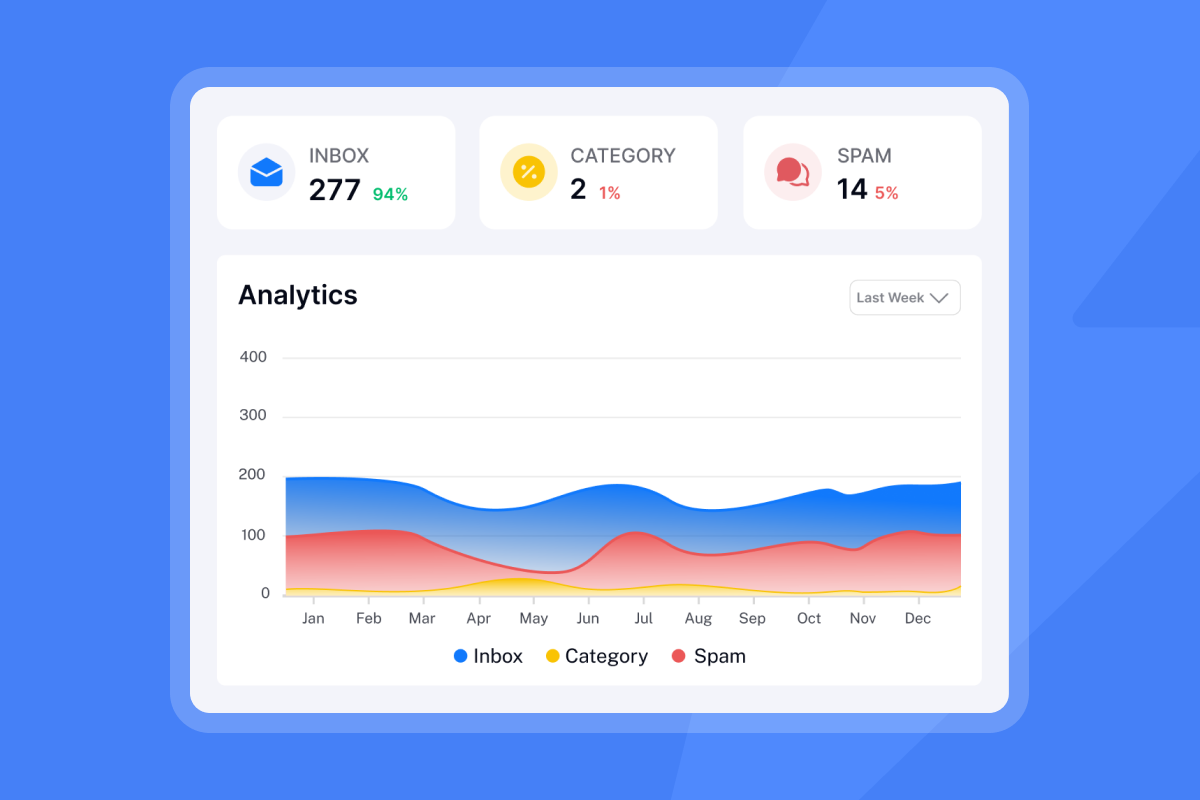

Audit email data quality before campaigns
Pre-campaign auditing separates teams that hit their monthly targets from teams that spend two weeks recovering damaged domains. The Instantly bounce management guide is a practical reference for what to check before and after launch.
Predict bounce risk with sample tests
Pull a random sample of 50 to 100 contacts from your list and follow these steps:
- Run the sample through an independent verifier performing SMTP validation.
- Analyze the breakdown of valid, invalid, and catch-all results.
- Extrapolate to the full list before sending any live campaign.
A high invalid rate in your sample scales proportionally across the full list, and the resulting hard bounces can cross provider penalty thresholds quickly. Make re-verification a regular part of your outbound routine. If you run weekly outbound, verify new contacts before first touch and run a full list re-verification monthly. If you send on a monthly cadence, a full list re-verification each quarter is sufficient. The underlying reason is the same in both cases: B2B email data decays at roughly 2.1% per month, and the faster you send, the faster bad data surfaces as bounces.
Distinguish hard and soft bounces in reporting
Soft bounces are temporary failures with SMTP 4XX codes, meaning the message reached the server but was deferred. You can retry these. Hard bounces are permanent and must be suppressed from every future send. Mixing these two categories in your bounce rate calculation masks the true severity of your data quality problem.
Test without sending a single email
You can validate email addresses without sending any messages. The process simulates the first steps of an email send by initiating an SMTP handshake with the mail server, then cutting the conversation short before any message is transmitted. This is how reputable verification services deliver verdicts without requiring you to sacrifice deliverability on a live test.
Handle unknown and risky statuses
When a verifier returns "unknown" or "risky," the address cannot be confirmed as valid or invalid. Treating unknown addresses as automatically worthless discards potentially valuable prospects, but sending to them unsegmented creates unacceptable bounce rate risk. Send to a small subset at reduced volume, monitor bounce outcomes, and suppress those that hard bounce within the first send.
Compare email finder tools by verification quality
Tool | Pricing model | Verification method | Catch-all handling |
|---|---|---|---|
Instantly Lead Finder | from $0 (free trial), paid plans from $9/mo. | Real-time multi-provider verification | Flags and segments by risk level |
Apollo | Per-seat, tiered plans | Database enrichment, tier-dependent | Limited segmentation |
ZoomInfo | Annual contract, per-seat | Database verification, periodic refresh | Included without clear flagging |
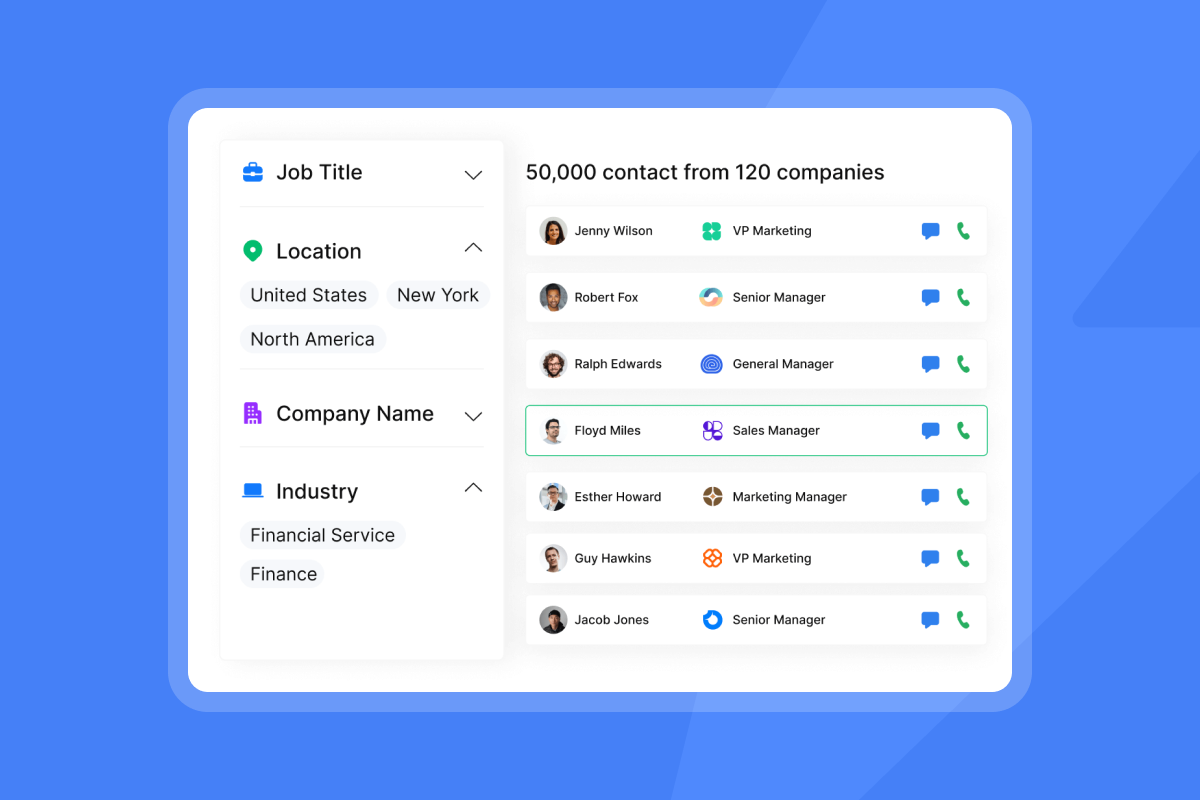
Instantly's Lead Finder pairs a 450M+ B2B lead database and a deliverability network of 4.2M+ accounts with waterfall enrichment across five providers. The flat-fee pricing structure means verification costs don't compound as you scale accounts. Legacy per-seat tools add cost per rep without improving data quality underneath.
Monitor domain health and inbox placement
Verification before sending is necessary but not sufficient. Active monitoring catches problems that develop during a campaign, such as a mailbox provider tightening its filtering rules, a sending domain accumulating spam complaints mid-campaign, or temporary server issues affecting specific domains.
Instantly's automated Inbox Placement tests send test messages to a seed network and report where they land: primary inbox, spam, or promotions. You can run these directly from the preview window before a campaign launches. For teams running multiple campaigns across multiple domains, this is the difference between catching a deliverability problem early and discovering it in your bounce report after the send is already underway. For a practical walkthrough, watch Instantly's deliverability monitoring video covering the specific signals to track.
CRM integration for bounce feedback loops
You must flow hard bounce data back to your CRM automatically to prevent invalid contacts from re-entering future campaigns. The most reliable method is webhook or API-based sync: your sending platform fires a bounce event, which triggers a CRM field update marking the contact as "do not email." Instantly integrates natively with HubSpot, so bounce suppression happens automatically rather than through manual CSV exports.
Set up automated accuracy checks
Building a weekly hygiene routine is how you turn a one-time audit into a repeatable system. Pick a fixed day each week and run through the same four checks every time:
- Review bounce rates broken down by domain, not just at the campaign level.
- Flag any inbox where hard bounces cross 2% and pull it out of active rotation for re-verification before the next send.
- Check soft bounce frequency on the same inboxes, since recurring soft bounces on the same address often precede a hard bounce.
- Rotate out any domain that shows sustained issues across two or more consecutive weekly checks.
Log the results in a shared doc or CRM field so the pattern is visible to the full team, not just the person running the check. This routine takes under 30 minutes and prevents the kind of compounding damage that takes weeks to recover from.
Industry standards and email provider enforcement use 2% as the enforcement threshold. Keep your internal target at 1% to maintain a buffer before that line. Between 1% and 2% is a warning zone that signals a list quality problem before it becomes a penalty. Track this metric weekly so you can intervene before reaching penalty territory, and document which domains or list sources contribute the highest bounce rates so you can adjust your acquisition strategy over time.
Instantly's Lead Finder runs real-time multi-provider verification at the point of lead export, which means contacts flagged as risky or invalid never enter your sequence in the first place. Pair this with secondary sending domains to isolate bounce problems without disrupting active campaigns across the rest of your sending infrastructure.
"I appreciate Instantly for its intelligent handling of domain and mailbox rotation as well as provider matching, which is critical for ensuring that my emails land directly in the primary inbox instead of getting caught in spam filters." - Richard E. on G2
Both outcomes depend on the same foundation: verified data, monitored sending, and active bounce management fed back into your CRM.
Stop treating deliverability as an afterthought and start running it as a system. Try Instantly.ai free and use Lead Finder to source and verify leads in one place, then run an automated Inbox Placement test to check your domain health before your next campaign launches.
FAQs
What bounce rate threshold protects domain health?
Keep hard bounce rates at or below 1% per campaign as your operational target. Rates above 2% signal list quality problems that require attention before your next send. Note that bounce rate is a separate metric from spam complaint rate: Google's sender guidelines set a 0.3% spam complaint threshold, and crossing it triggers delivery failures independently of your bounce rate.
How often should I re-validate a B2B contact list?
Re-verify on a regular cadence. B2B email data decays at roughly 2.1% per month, so a list untouched for six months carries meaningful bounce risk.
Can I test email accuracy without sending any emails?
Yes. SMTP-based verification initiates a handshake with the recipient's mail server and cuts the connection before any message is transmitted, confirming whether the mailbox exists without affecting your sender reputation.
What is the difference between email verification and email validation?
Email validation is the initial check covering syntax, domain existence, and MX record confirmation. Email verification is the definitive step confirming via SMTP handshake that the specific mailbox exists and can accept mail, making it the more critical process for preventing hard bounces.
What should I do with catch-all email addresses?
Segment them by confidence level and send at reduced volume only to those corroborated by LinkedIn or enrichment data. Skipping all catch-all addresses loses access to a large portion of B2B targets, but sending without segmentation creates bounce rate risk across your entire sending program.
Key Terms Glossary
Hard bounce: A permanent delivery failure where the recipient address is invalid, deleted, or blocked. SMTP 5XX codes indicate a hard bounce. Remove these contacts from every future send immediately.
Soft bounce: A temporary delivery failure where the message reached the mail server but was deferred. SMTP 4XX codes indicate a soft bounce. You can retry these, but monitor frequency.
Catch-all domain: A mail server configured to accept messages sent to any address at that domain, regardless of whether the specific mailbox exists. Standard SMTP verification cannot confirm individual mailboxes on catch-all domains.
SMTP handshake: The exchange of commands between a sending server and a receiving mail server that confirms whether a mailbox exists before any message is transmitted. Verification services use this to return a valid, invalid, risky, or unknown verdict.
Sender reputation: A score assigned by inbox providers based on sending behavior, bounce rates, spam complaints, and engagement signals. A damaged sender reputation reduces primary inbox placement and can result in throttling or blocklisting.
List hygiene: The practice of removing invalid, bounced, duplicate, and unengaged contacts from your sending list on a regular schedule to protect sender reputation and improve deliverability.
Email verification: The process of confirming via SMTP handshake that a specific mailbox exists and can accept mail. This is distinct from email validation, which only checks syntax, domain existence, and MX records.
Email validation: The initial check that confirms an email address is correctly formatted, that the domain exists, and that MX records are present. It does not confirm whether the individual mailbox accepts mail.
Inbox placement: Where a sent message lands in the recipient's email client: primary inbox, promotions tab, spam folder, or not delivered at all. Inbox placement is the practical outcome of sender reputation and list quality combined.
Waterfall enrichment: A verification method that queries multiple data providers in sequence until a confident result is returned, improving accuracy compared to relying on a single source.
Read Next
- Cold email deliverability: the complete guide: how warmup, send pacing, and domain health work together to keep your emails landing in the primary inbox.
- Sender Reputation: How to Check, Maintain and Improve It: how inbox providers score your sending behavior and what to do when your reputation takes a hit.
- Cold Email Infrastructure: How to Build and Scale Safely: covers domain setup, mailbox configuration, and scaling across multiple inboxes without putting your primary domain at risk.
