.svg)
%20(1).svg)


Updated February 24, 2026
TL;DR: You achieve high meeting booking rates through a rigorous system combining technical deliverability, data hygiene, and A/Z testing, not luck or perfect templates. Instantly's flat-fee model with unlimited accounts lets you scale testing without per-seat penalties. Follow this framework: Fix deliverability first using warmup and SISR, ensure data integrity with waterfall enrichment, then run A/Z tests on subject lines and CTAs using spin syntax. Automate follow-ups with AI Reply Agent to book meetings before leads go cold.
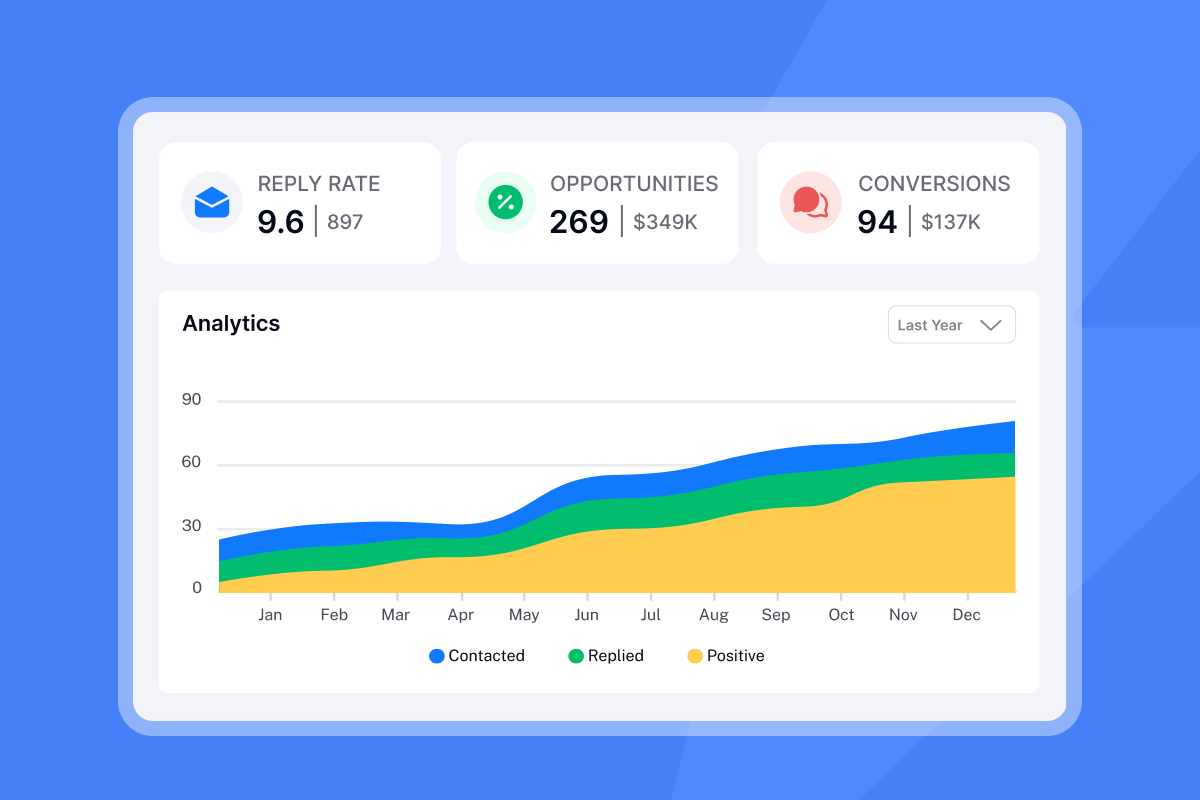
The average cold email reply rate hovers around 5-10% across B2B teams. Your bottleneck is likely not your market or product. It's your optimization process. If you have a great offer, verified list, and empty calendar, you need a testing framework, not another template. The same principles that drive successful cold email outreach apply directly to meeting requests, deliverability, data quality, and systematic testing all determine your booking rate.
Why meeting requests fail to convert at scale
Your meeting request emails probably fail for one simple reason: they never reach the primary inbox. If your email lands in spam or promotions, your copy doesn't matter. Mailbox providers use machine learning to examine clusters like email content, IP address, and subject lines, recording combinations that result in low engagement and spam complaints.
The "generic trap" hits every agency that scales without spin syntax. Using templates that thousands of others use triggers spam filters through fingerprinting. Fingerprinting creates a digital signature of each email from text, HTML structure, links, and images. ESPs use this technique to identify and filter repetitive emails.
Volume without quality burns domains faster. Agencies using dedicated sales email outreach software report that scale only works when deliverability is monitored constantly, without inbox placement monitoring, you're flying blind. Watch this walkthrough on fixing cold email campaigns to see how small deliverability issues compound.
The system: 3 steps to optimize meeting scheduling emails
Prerequisites before you start:
- At least 2 weeks of domain warmup completed
- Verified contact list with <1% bounce rate
- Instantly account with A/Z testing enabled (Growth plan or higher)
- Access to analytics dashboard for tracking
Step 1: Fix technical deliverability and domain health
Deliverability issues, not poor copy, cause many low reply rates. If your open rates sit below 30%, you likely have a technical problem.
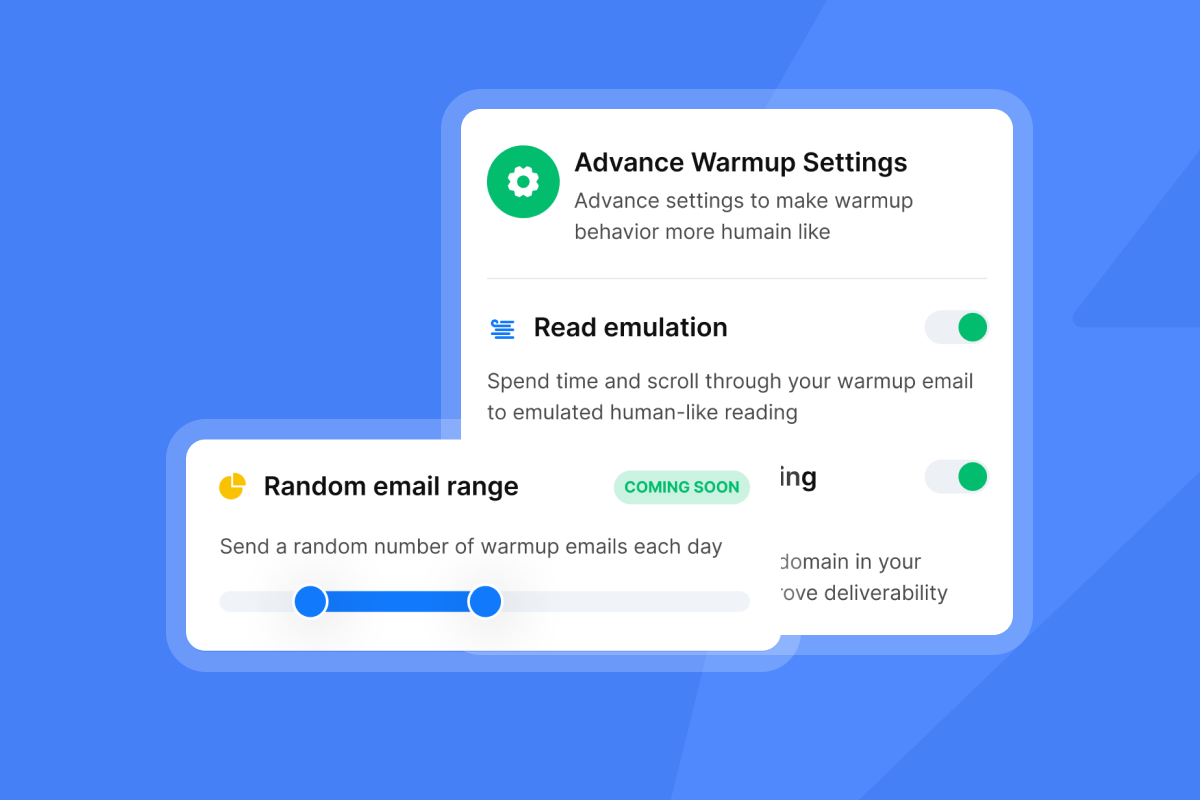
Warmup is like pre-race stretching. Skip it and you risk a spam block. Instantly's warmup feature connects your inbox to a network of 4.2M+ accounts that exchange emails with positive sentiment, signaling to Google, Outlook, and other ESPs that your domain is legitimate. We recommend warming accounts for at least 2 weeks before launching any campaign.
One agency operator explained the impact:
"Love how Instantly can warm up email domains, taking away all that manual work. Its also super easy to set up campaigns and integrates with Clay so I can just push my contacts from directly from Clay to instantly." - Holly B. on G2
For agencies running high-volume campaigns, Instantly's Light Speed plan adds SISR (Server & IP Sharding & Rotation) with dedicated/private IP pools. For a real-world breakdown of how agencies handle infrastructure at high volume, see this case study on scaling daily email volume for agencies without burning sender reputation.
This keeps your sending reputation isolated from shared infrastructure, which matters when you send thousands of emails daily. Scale cold email outreach watching this infrastructure tutorial.
Keep these limits strict:
- Ramp slowly: Start at 5-10 emails per day per inbox, increase to 15 after week one, cap at 30 per day by week three.
- Monitor bounce rates: Stay at or below 1%. Higher bounces signal poor list quality and hurt sender reputation.
- Track health scores: Use the warmup filters to keep scores healthy.
Step 2: Ensure data integrity with waterfall enrichment
Bad data equals bounces, and bounces send your domain straight to spam jail. Instantly SuperSearch uses waterfall enrichment across 5+ providers to maximize data coverage, checking each provider sequentially until it finds verified email addresses and phone numbers.
Keep your list hygiene tight by:
- Verify emails before upload: Use the built-in verification to catch invalid addresses.
- Segment by engagement: Remove leads who haven't opened in 30+ days.
- Use the global blocklist: Prevent duplicate sends with global blocklist.
For a complete walkthrough on creating profitable AI agency campaigns with clean data, watch this 40-minute build.
Step 3: Use spin syntax and A/Z testing
Spin syntax lets you create variations of each sentence to avoid fingerprinting. Instead of sending identical emails that ESPs flag as mass campaigns, you send unique versions that read naturally to each recipient.
Here's how it works:
{Hi|Hello|Hey} {{firstName}}produces three variations: "Hi John," "Hello John," or "Hey John."{Quick question|Thoughts on this|Can I ask you something}creates three different subject line openings.
A/Z testing takes this further by testing 20+ variants simultaneously. Instantly's auto-optimize A/Z testing analyzes variants automatically (A, B, C...Z) to determine which version performs best based on reply rate, click rate, or open rate, then automatically deactivates less effective versions.
"Good deliverability, easy spin tax, can add in lots of personalization clean and simple UI, one click email responses using tags, smooth Zapier integration, and powerful tracking with subsequences." - Joshua Blacklidge on Trustpilot
The key is testing specific elements in isolation:
- Subject lines: Test urgency ("Quick question") vs. personalization ("{{firstName}}, thoughts on {{companyName}}?") vs. direct value ("Increase reply rates by 20%").
- CTAs: Test specific asks ("Tuesday at 2pm?") vs. soft permission ("Are you open to a chat?") vs. value-first ("Want to see the template?").
- Send times: Test morning (8-10am local) vs. lunch (12-1pm) vs. afternoon (3-5pm).
Marketers who consistently test their CTAs see about a 28% lift in conversion performance. Using specific and action-oriented language in CTAs can cause conversions to rise by 121% more than passive alternatives.
Validation checks to run weekly:
- Open rate holding above 35%
- Bounce rate staying below 1%
- Reply rate trending upward
- Warmup health scores staying healthy
- No blacklist flags in deliverability monitoring
Common pitfalls that kill campaigns:
- Scaling send volume too fast (respect the 30/day cap)
- Skipping warmup or cutting it short
- Using the same template across all campaigns
- Ignoring bounce rate spikes
- Not testing CTAs separately from subject lines
Every element of this checklist ties back to one foundation, strong meeting scheduling email deliverability that keeps your messages out of spam before copy or CTAs even matter.

Case study: Optimizing a campaign to 20% booked meetings
The baseline metrics and hypothesis
I worked with an agency sending meeting requests for a B2B SaaS tool targeting sales leaders at mid-market companies. Their initial campaign ran for 30 days.
Metric | Baseline (30 days) |
|---|---|
Emails sent | 2,800 across 8 inboxes |
Open rate | 32% |
Reply rate | 4.2% |
Positive replies | ~45% of replies |
Meetings booked | 8 (0.29% conversion) |
The hypothesis was clear: subject lines felt too salesy ("Quick demo?"), and the CTA was too high-friction ("Let me know your availability for next week").
Using Instantly's analytics dashboard, we identified that a significant portion of sends were landing in spam or promotions based on seed list tests.
The experiments: Subject lines, CTAs, and timing
We rebuilt the campaign using a systematic testing framework. Here's what we changed:
Subject line test (5 variants):
Quick question(control){{firstName}}, quick chat?(personalized)Meeting for {{companyName}}(direct){{companyName}} + Instantly(pattern interrupt)Thoughts on this?(soft curiosity)
CTA test (3 variants):
Are you open to a 15-minute call?(soft ask)Can we chat Tuesday at 2pm?(specific time)Want to see the 3-step template?(value-first)
Timing optimization:
We shifted send windows to 9-11am local time using campaign options, when B2B professionals typically engage with email.
We also used Instantly Copilot to draft personalized variants based on each prospect's LinkedIn activity, which added relevance without manual research
The results: High reply rates and 10x meeting improvement
After 30 days of optimized sending:
Metric | Optimized (30 days) | Change |
|---|---|---|
Emails sent | 2,950 across 8 inboxes | +150 |
Open rate | 48% | +16 points |
Reply rate | 9.7% | +5.5 points |
Positive replies | ~55% of replies | +10 points |
Meetings booked | 42 (1.42% conversion) | 5.2x improvement |
The winning combination:
- Subject:
{{firstName}}, quick chat? - CTA:
Want to see the 3-step template?(value-first) - Send time: 9-11am local
The value-first CTA performed best because it lowered friction. Instead of asking for time first, we offered immediate value (a template), which positioned the meeting as a logical next step.
Your follow-up strategy matters as much as your initial email. Using automated follow-ups, we sent a second touchpoint 3 days later with a different angle. Watch this breakdown of the best cold email follow-up strategy to see what works.
Success metrics that matter:
Before running any tests, make sure you understand which meeting email metrics to track so you can isolate what's actually moving your booking rate.
- Open rate: Target 35-45%, achieved 48%
- Reply rate: Target 5-10%, achieved 9.7%
- Positive reply ratio: Target 40-50%, achieved ~55%
- Meeting conversion: From 0.29% to 1.42%
3 high-converting meeting scheduling templates
Here are three templates that consistently book meetings, shown with spin syntax variations.
Template 1: The soft ask
Subject: {Quick question|{{firstName}}, quick chat|Thoughts on this}
Body:
{Hi|Hey|Hello} {{firstName}},

I noticed {{companyName}} {is hiring|recently raised funding|launched a new product}.

{We help|We work with|We support} {sales teams|companies like yours|B2B SaaS teams} {book more meetings|close more deals|improve reply rates} without {hiring more reps|increasing headcount|tool sprawl}.

{Would you be open to|Are you interested in|Can we schedule} a {quick call|15-minute chat|short conversation}?

{Best|Thanks|Cheers},
{{senderFirstName}}
Why it works: The soft ask ("Would you be open to") lowers friction. The personalization trigger shows you did research.
Template 2: The value-first
Subject: {{companyName}} + reply rate template
Body:
{{firstName}},

{Most sales teams|Top-performing agencies|Companies we work with} see {5-10%|single-digit|low} reply rates on meeting requests.

{We built|I created|Our team developed} a {3-step framework|simple template|tested playbook} that {improved|increased|boosted} reply rates to {double digits|2x|higher}.

{Want to see it|Interested in the template|Can I share the framework}?

{{senderFirstName}}
Why it works: Leading with value (the framework or template) positions the meeting as a logical next step. You're not asking for their time first, you're offering something useful.
Template 3: The permission-based
Subject: Permission to send over a quick idea?
Body:
{Hi|Hey} {{firstName}},

I have a {quick idea|simple suggestion|small recommendation} on how {{companyName}} could {improve|increase|boost} {meeting bookings|pipeline|reply rates}.

{Is it okay if|Can I|Mind if} I {send it over|share the details|send a quick video}?

{{senderFirstName}}
Why it works: Asking permission reverses the power dynamic. Instead of demanding attention, you're requesting it politely.
For more templates, check out 600 templates for cold emails in the help center, or watch this breakdown of 113 sales calls in 30 days using tested templates.
How to automate follow-ups and replies with AI
Most meetings book after the second or third touchpoint, not the first. Research shows that follow-ups drive significant conversion lift. But manually tracking every reply isn't scalable when you send thousands of emails.
Instantly's AI Reply Agent reads incoming emails, classifies intent (interested, not interested, out of office, or requesting more info), and drafts personalized responses. The AI ensures replies go out in under 5 minutes, 24/7, keeping leads warm and booking calls while intent is high.
Here's how it works:
- Intent classification: Tags replies based on sentiment and next action needed.
- Personalized drafts: References the lead's specific question or objection.
- Calendar sync: Inserts scheduling links when leads signal readiness ("What time works?").
- CRM updates: Logs the interaction and moves the lead to the appropriate pipeline stage.
"The AI reply agent is a standout feature for me; it efficiently drafts responses based on client replies, saving me valuable time by simply requiring a review before sending. Instantly's email marketing automation capabilities are outstanding, especially with features like the warmup email option, which prepares inboxes for high deliverability, and the ability to send follow-up emails on a timely basis, ensuring no lead is left untended." - Sachin J on G2
If you manage 50+ inboxes, you need this automation. Without it, you lose meetings to slow response times. B2B buyers spend only 17% of their time meeting with suppliers, so speed matters.
For a step-by-step guide, watch speed-running cold email, which shows the full setup including AI reply handling.
Ready to replicate these results
You can replicate these results when you treat optimization as a system rather than a guessing game. Start by fixing deliverability with warmup and SISR, clean your data with waterfall enrichment, then run aggressive A/Z tests on every campaign element.
The difference between low and high meeting rates isn't your product or market. It's your process. Agencies that scale profitably measure everything, test constantly, and automate the repetitive work.
Ready to run your first A/Z test? Start your free trial of Instantly. and use the templates above as your baseline. Track every metric, test every variable, and watch your meeting rates climb. Review our complete pricing breakdown to see how unlimited accounts scale your testing budget.
For more cold email strategy, watch 10 years of cold email advice or read the complete cold email strategy guide.
Frequently asked questions
How many emails should I send per day per inbox to schedule meetings?
Max 30-50 per inbox. Start at 5-10 during warmup, ramp to 15 after week one, and cap at 30 by week three.
What is a good reply rate for meeting request emails?
Aim for 5-10% minimum replies across B2B. Anything above 10% reply rate is excellent in 2025.
How does spin syntax help with meeting scheduling?
Spin syntax creates unique variations to avoid fingerprinting. This improves deliverability and inbox placement.
What is the best time to send meeting request emails?
9-11am local time performs best across B2B. Avoid early morning (before 8am) and end of day (after 5pm).
How long should I warm up domains before sending meeting requests?
Minimum 2 weeks at 10-20 warmup emails per day. Launch cold campaigns only after warmup completes.
Key terms glossary
Spin syntax: A format using brackets and pipes like {Hello|Hi|Hey} to create random text variations that avoid email fingerprinting.
Waterfall enrichment: A data validation process that checks multiple providers sequentially until it finds verified contact information.
A/Z testing: Testing multiple variants (A through Z) simultaneously to identify the highest-performing combination based on reply rate, click rate, or open rate.
SISR (Server & IP Sharding & Rotation): A deliverability feature using dedicated/private IP pools to isolate sending reputation, available on Instantly's Light Speed plan.
Inbox placement: The percentage of emails landing in the primary inbox versus spam or promotions folders, measured through seed list testing.



