.svg)
%20(1).svg)


Updated August 21, 2026
TL;DR: Choosing sales execution software correctly means evaluating deliverability infrastructure first, pricing model second, and feature count last. Instantly.ai's 2026 benchmark report found the platform average cold email reply rate is 3.43%, but top-quartile sales teams reach 5.5% or higher by treating deliverability as a system rather than a setting, and flat-rate pricing lets you add sending accounts without compounding per-seat costs. Before signing anything, run a proof of concept with real campaigns and verified contacts to confirm the platform actually delivers on its promises.
Most sales leaders evaluate sales execution software by comparing feature checklists, only to watch their pipeline stall three months later when their domains hit global blocklists. The real test of any platform is not its feature count: it is whether the platform lands emails in the primary inbox consistently and at scale, without burning your sender reputation or your budget.
This guide gives you a structured framework for how to choose sales execution software based on deliverability infrastructure, admin controls, pricing transparency, and integration depth, along with a vendor question bank and a structured proof of concept plan you can run before committing.
What makes sales execution software different from sales engagement platforms?
Many vendors use "sales engagement" and "sales execution" interchangeably, but they describe two different layers of your outbound stack.
Sales engagement platforms focus on managing buyer interactions across the full sales cycle: multichannel outreach, activity tracking, and sequence management. They answer the question "how many touchpoints did my reps make?" Sales execution software goes one layer deeper. Execution operates throughout the entire motion, turning preparation and engagement into consistent, repeatable field action with infrastructure-level controls over deliverability, workflow automation, and outcome-based reporting.
The practical difference: an engagement tool tells you how many emails your team sent. An execution platform tells you how many actually reached the primary inbox and converts those replies into pipeline.
Execution vs. engagement: key distinctions
| Dimension | Sales engagement | Sales execution |
|---|---|---|
| Primary focus | Engagement outcomes (open rates, reply rates, call connections) | Deliverability outcomes and pipeline results |
| Pricing model | Typically per seat or per user | Flat rate (such as Instantly's model) |
| Deliverability approach | Basic sending, often shared IP pools | Active warmup networks, domain health monitoring, inbox placement testing |
When you need execution over features
Use this diagnostic to determine if your team's motion requires a dedicated execution engine.
Sales motion assessment checklist:
- Your team sends high volumes of cold outreach across multiple domains.
- Deliverability crashes have already hurt a sales quarter.
- You need admin controls to standardize what reps send and when.
- Your current vendor's pricing scales against headcount, not performance.
- CRM data and platform reporting regularly show different reply counts.
- You are onboarding new reps and need a ramp plan, not a six-month implementation.
If most of these apply, a dedicated execution engine will serve your team better than a broader engagement suite.
Core evaluation criteria for sales execution software
Five criteria determine whether a platform will protect your pipeline or undermine it. Treat these as non-negotiable requirements during any vendor evaluation.
- Deliverability as a system: Active warmup, domain health monitoring, and inbox placement testing.
- Admin controls and team governance: Workspace isolation, global blocklists, and permission management.
- Pricing transparency and contract flexibility: Flat-rate vs. per-seat billing and clear credit rules.
- Integration depth: Bidirectional CRM sync and webhook availability.
- Reporting accuracy: Platform metrics that reconcile directly with CRM records.
Deliverability as a system
Deliverability is not a feature you toggle on. It is a system that requires active management. The 2026 benchmark report analyzed billions of cold email interactions across 2025 and found that consistent, stable sending patterns produce 15-20% higher reply rates than irregular bursts. That consistency comes from infrastructure, not copy.
A systematic deliverability infrastructure includes:
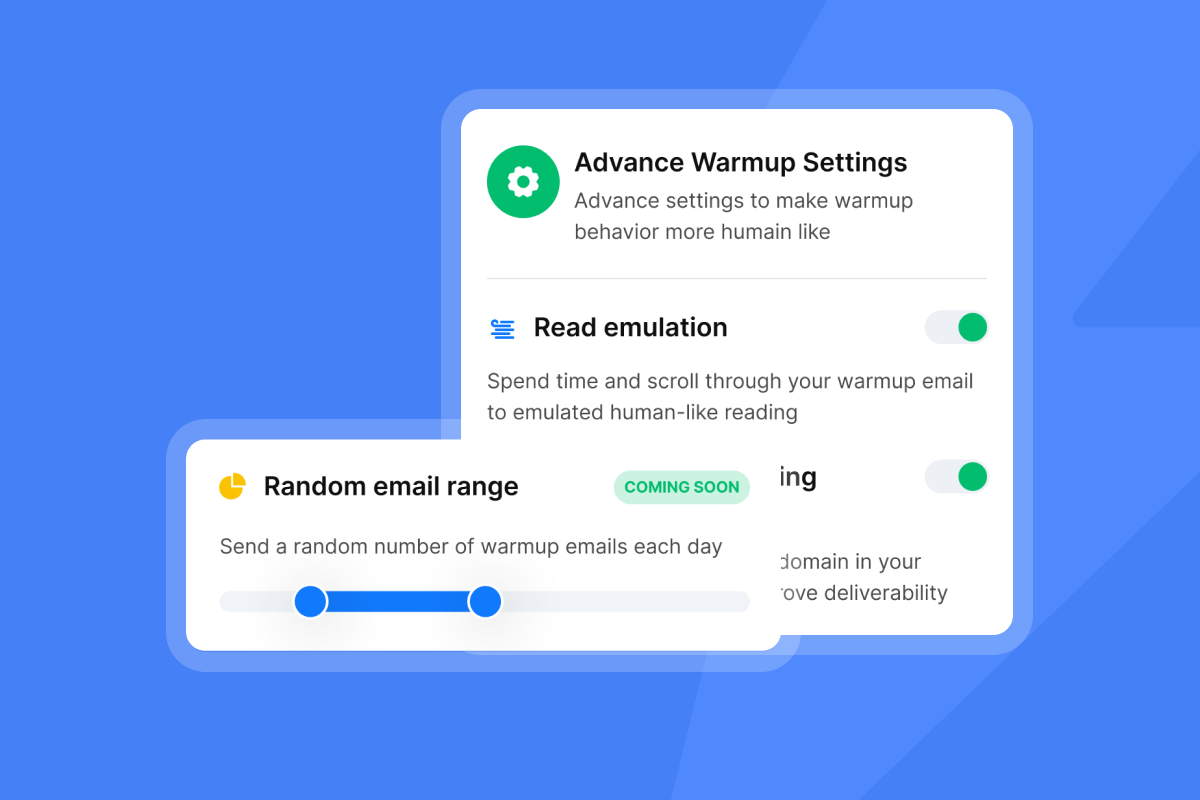
- Warmup network: A pool of real, active accounts that engage with your emails to build sender reputation before campaigns launch. A strong warmup pool uses real, active accounts that generate authentic engagement signals (Instantly's warmup network covers over 4.2 million accounts).
- Inbox placement tests: Automated pre-send verification showing where your email lands across Google and Microsoft. Instantly's Inbox Placement tool monitors 94 blacklists and supports scheduled automated tests.
- Domain health monitoring: Real-time scores that flag problems early, before bounce rates cross the 2% threshold.
- DNS record verification: DMARC, DKIM, and SPF fully configured and verified before warmup begins.
Admin controls and team governance
Without admin controls, reps go off-script and damage the domain reputation your warmup took weeks to build. Non-negotiable governance features include:
- Global blocklists: Block entire domains or individual addresses workspace-wide so no rep can accidentally re-contact an unsubscribed lead. Require CSV import, manual entry, and live spreadsheet sync as minimum capabilities. Instantly's Global Blocklist supports all three.
- Template standardization: Push approved sequence templates across the team from a central library rather than letting each rep improvise. A strong platform lets admins publish templates from a central library and lock them for team-wide use. Instantly supports this workflow natively.
- Workspace isolation: Separate workspaces per client or campaign to prevent cross-contamination of sending accounts and lead lists. This structure lets agencies or multi-brand teams operate safely under one roof. Instantly provides workspace-level isolation as a core governance feature.
- AI-driven reply classification: Automatically tag replies by intent so reps do not mishandle positive responses. Look for platforms that classify replies across multiple languages without manual triage. Instantly's Unibox NLP classifies replies in over 50 languages.
Pricing transparency and contract flexibility
Per-seat pricing creates a direct conflict of interest between the vendor's revenue and your team's scaling strategy. Every new rep or extra sending account you add costs you more money, which discourages the domain distribution required for safe, high-volume sending.
The math is straightforward: flat-rate models let you add as many inboxes as your sending volume requires without the bill climbing per inbox you add.
Flat-rate vs. per-seat cost comparison (10-rep team):
| Scenario | Per-seat model (illustrative: $100/user) | Instantly flat-rate (Hypergrowth, $97/mo) |
|---|---|---|
| 10 reps, 10 accounts | $1,000/month | $97/month |
| 10 reps, 50 accounts | $1,000/month + overage | $97/month |
| 15 reps, 75 accounts | $1,500/month | $97/month |
| Cost per meeting | Higher cost per meeting as headcount grows | Lower cost per meeting as sending accounts scale |
*$100/user is used as an illustrative rate for comparison purposes only and does not represent any specific vendor's pricing.
Instantly's Outreach pricing starts at $47/month on the Growth plan and reaches $97/month on Hypergrowth, with unlimited sending accounts and warmup included on both tiers. Use the flat-rate vs. per-seat evaluation scorecard in the CTA section below to run your own cost-per-meeting comparison.
Integration depth with your stack
A platform that does not sync bidirectionally with your CRM forces daily manual reconciliation, eroding data quality and slowing AE handoffs. Require these integrations as minimums:
- Bidirectional HubSpot or Pipedrive sync so reply status and lead interest levels update CRM records automatically.
- Webhook support to trigger downstream workflows on specific events such as a lead replying or a campaign completing.
- API access for custom routing and automation build-outs.
Bidirectional sync should update CRM records in real time when a lead replies and trigger outreach workflows when CRM property values change, creating a closed loop between your platform and your sales system. Instantly's native HubSpot marketplace integration and Automations builder support bidirectional sync. HubSpot contact updates can trigger Instantly campaign actions, and Instantly replies can create HubSpot tasks, notes, or deals automatically. The Pipedrive integration in Automations follows the same bidirectional logic.
Reporting accuracy and auditability
Platform-only metrics that do not reconcile with CRM data are a liability. If your platform reports 200 positive replies but your CRM shows 140 new contacts, your pipeline forecasts are wrong and your CFO will notice.
Demand vendors show you a live data trail: pull a set of recent replies and show the corresponding activity record in HubSpot in real time during the demo. If they cannot do it on the spot, the reporting is not auditable. Instantly's automated inbox placement tests give you pre-send verification, while the Unibox dashboard provides a central record of every reply across all accounts.

How to evaluate deliverability infrastructure
Three infrastructure controls determine whether your domains stay healthy under campaign load. Each one requires active vendor support, not passive monitoring.
Warmup and domain health monitoring
Warmup is the process of gradually increasing send volume from a new domain while a network of real accounts engages with your emails to build sender reputation with ISPs. Without it, your first campaign becomes your last.
ISPs measure engagement rates, not just volume: opens, replies, and time-spent reading. The 2026 benchmark report puts the full warmup timeline at four to six weeks before launching high-volume campaigns. During evaluation, ask vendors:
- The exact size of their warmup pool.
- Whether warmup is included or billed separately.
- What health score indicates campaign readiness (Instantly requires a score above 90%).
Send pacing and throughput controls
Never scale a single inbox past 30 campaign emails per day. This is the hard ceiling set by ISP engagement-rate calculations. Google publishes a spam complaint rate threshold for bulk senders, and crowding too much volume into too few accounts accelerates complaint accumulation beyond that limit.
The correct approach is Inbox Rotation across multiple warmed accounts, distributing campaign volume safely. This is precisely why Instantly's flat-rate unlimited accounts model matters: you can add sending accounts to distribute load without paying a per-seat penalty.
Bounce handling and verified contacts
A bounce rate above 2% triggers spam filters and can reduce inbox placement by 30-50% for all future sends, according to Instantly's outbound lead generation bounce rate guide. Keep bounce rate below 2% to protect sender reputation and inbox placement.
Required capabilities:
- BounceShield: Instantly's BounceShield feature automatically skips high-risk recipients based on real-time and historical bounce data before sending.
- High-bounce auto-pause: Campaigns auto-pause once the bounce rate exceeds the configured threshold after a minimum of 200 sends.
Lead verification: SuperSearch-sourced leads ship pre-verified. CSV imports require a separate
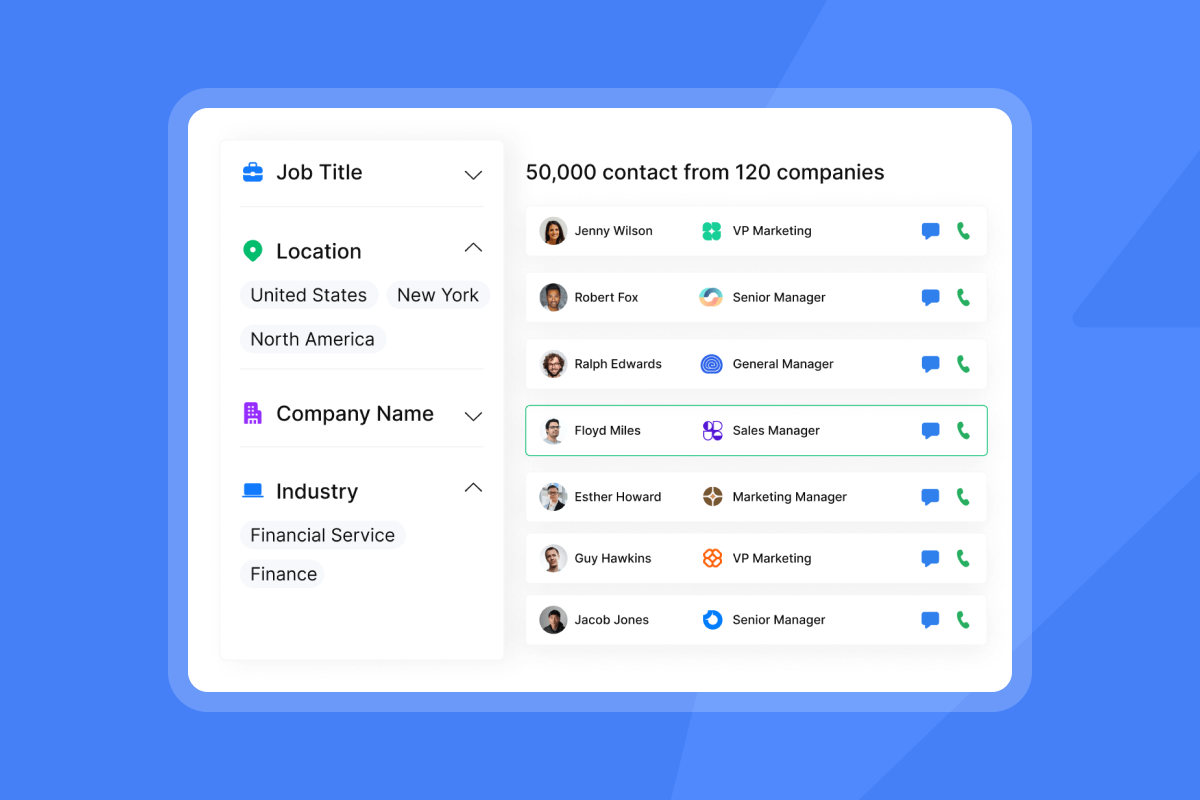
verification step at 0.25 credits per lead.
Instantly's 2025 deliverability guide recommends pausing any mailbox where the bounce rate exceeds 2%, fixing the underlying list quality issue, then re-warming and resuming at a lower send cap.
Questions to ask every vendor during demos
Use this checklist during active evaluations, where every question maps to a red flag you need to rule out before committing.
Deliverability and infrastructure questions
- How many real accounts are in your warmup network, and are they dedicated to warmup or shared with active campaigns?
- Do you offer automated inbox placement tests, or is testing only available on demand?
- What triggers an automatic campaign pause for deliverability reasons, and how does the platform notify me?
Pricing and contract questions
- Is pricing per seat, per account, or flat rate? If it is flat rate, what are the hard sending limits per tier, and what counts toward that limit?
- When do credits expire, and what happens to unused credits if I cancel?
- Can I cancel month-to-month, or is there an annual lock-in with exit penalties?
Integration and workflow questions
- Does your HubSpot or Pipedrive integration sync bidirectionally, or is it import-only?
- Are webhooks available on all plans, or only on higher tiers?
- Can HubSpot property changes trigger outreach workflows inside your platform?
Support and implementation questions
- What is your average first-response time on support tickets during live campaigns?
- Do you offer technical setup assistance for domain configuration and DNS records?
- If a deliverability emergency occurs mid-campaign, what is the escalation path?
Red flags that should disqualify a vendor
Each of the following warning signs points to a structural problem that will not resolve after you sign. Treat them as disqualifiers, not negotiating points.
Guaranteed inbox rates or unrealistic promises
No legitimate platform can guarantee inbox placement. The reason is straightforward: email delivery (the technical act of sending) and inbox placement (where the email lands) are two separate outcomes, and many factors controlling placement sit outside any vendor's control. When you hear "guaranteed inboxing," the vendor is masking deliverability complexity with false certainty.
An email can be "delivered" to a spam folder, which technically satisfies delivery metrics while your pipeline sees zero benefit. Require vendors to show inbox placement test results, not delivery rate percentages.
Annual-only contracts with no opt-out
Research on ERP implementations commonly finds that between 55% and 75% of projects fail to meet their objectives. Annual-only contracts with no exit clause trap you inside a failing rollout for an entire year while your pipeline suffers.
A vendor confident in their product offers month-to-month flexibility. Instantly does not require annual commitments, and the 14-day free trial requires no credit card, giving you a real test before any spend.
Unclear data sourcing or privacy stance
If a vendor cannot tell you where their contact data originates, how consent was collected, and where your data goes on cancellation, you are carrying compliance risk you cannot audit. Request a Data Processing Agreement before signing and check whether the vendor maintains a public sub-processor list. Instantly's DPA and sub-processor documentation are publicly available, and the platform restricts upload of HIPAA, biometric, and payment card data by policy.
Analytics that don't reconcile with CRM
Platform-reported reply rates that do not match your CRM's contact activity logs are a structural problem, not a sync delay. Ask vendors to pull a set of recent replies and show you the corresponding activity record in HubSpot in real time during the demo. Instantly's deliverability troubleshooting guide walks through the audit process you should require vendors to replicate during evaluation.
Slow support or no escalation path
A deliverability crash during a live campaign does not wait for a Monday morning ticket review.
"It's very user-friendly and highly efficient, with great integrations. The ROI feels clear and predictable, and the pricing is transparent. Support has been great and responsive whenever I've needed help." - Lia-Maria V. on G2
How to map tools to your team workflows
The following workflows cover the three handoff points where execution platforms either protect pipeline or lose it: sequences, CRM sync, and rep ramp.
Sequence governance and standardization
Standardizing what your team sends protects domain reputation at scale. Build your governance layer around the benchmark specifics: 4-7 step sequences, emails under 80 words, Monday sequence launches (with Wednesday producing the highest reply rates, per the 2026 benchmark report), and standardized templates pushed from a central library so reps pull from a validated set rather than drafting from scratch. The 2026 benchmark report also found that first-touch emails generate 58% of replies versus 42% from follow-ups, which means your opening step does the most work and deserves the most testing.
Use Instantly's AI Sequence Writer to generate compliant multi-step sequences from offer and audience inputs, then lock them down in team workspaces for controlled deployment.
CRM and calendar handoff flows
A positive reply that sits unrouted in a platform inbox for 24 hours is a missed meeting. The handoff from reply to booked call must be automated, not manual. Here is the recommended flow:
- Lead replies with positive intent signal.
- Unibox NLP classifies the reply automatically.
- Automation creates a HubSpot contact and deal at the correct pipeline stage.
- AE receives a Slack notification with the reply text and a direct link to the contact.
- AE books the meeting and the CRM record updates.
Instantly's Automations handles steps 3 and 4 natively without requiring Zapier. Instantly's native HubSpot and Pipedrive automations cover the same CRM sync requirements without per-seat pricing that scales against your team.
Rep onboarding and ramp plans
Complex software rollouts stall pipelines. That widely cited 55-75% implementation failure range comes largely from poor user adoption driven by overly complex platforms. Keep ramp timelines tight.
A practical four-week SDR ramp example: Start with email account setup and DNS record configuration (DMARC, DKIM, and SPF), and warmup enablement using Instantly's connecting accounts guide. Follow with platform training and import a verified contact list before enabling any active sending. Run warmup-only until your domain health scores show stable, consistent improvement, then launch the first campaign at a conservative daily inbox volume, monitoring bounce and reply rates daily before ramping to the 30-email maximum.
Team workspaces and collaboration
Managers need visibility into rep activity without becoming bottlenecks. Instantly's workspace-level controls let you assign accounts to specific reps without cross-contamination, review campaign performance by rep from the analytics dashboard, share blocklists across the team, and monitor Unibox reply classifications to catch misrouted leads before they go cold.
Running a proof of concept before you commit
A proof of concept with dummy data is useless. Run it with real campaigns, real contacts, and real CRM data so you can measure actual performance against your pipeline targets.
Define success metrics upfront
Set your success criteria before you start. Use the 2026 benchmark report's data (Jan 1-Dec 18, 2025) as your reference: platform average reply rate is 3.43%, top-quartile senders reach 5.5% or higher, top 10% clear 10.7% or higher. Target a bounce rate below 2% and inbox placement above 80% as your minimum operational thresholds.
Test with real campaigns
Load a verified contact list across two to three sequences and assign them to warmed accounts with health scores above 90%. Start at a conservative daily inbox volume, confirm stable placement and bounce rates, then ramp toward the 30-email-per-inbox daily ceiling by week three. Use A/Z testing to identify best-performing copy within the proof of concept window. Require this feature on your entry-level tier, not as a paid upgrade. Instantly includes A/Z testing on the Growth plan and supports up to 26 variants per step on Hypergrowth.
Validate reporting against CRM data
Run a daily check during the first two weeks: pull the reply count from Instantly's analytics dashboard and reconcile it against new activity records created in HubSpot or Pipedrive. Any consistent gap between the two systems is a data lineage problem that will undermine your reporting credibility with leadership.
Assess rep adoption and friction points
At the end of week two, run a brief structured check-in with each rep and ask: How long does it take to start a campaign from a new list? Where do you lose the most time inside the platform? Does the Unibox give you enough context to respond to a positive reply without leaving the tool?
Low adoption in week two predicts low adoption permanently. If reps are routing around the platform rather than through it, the tool has a UI problem that will not resolve itself.
"The platform made it much easier to keep outreach activities structured and saved time compared to sending emails manually... the interface is clean and beginner friendly, I was able to learn the platform quickly and most features were easy to find without needing much training." - Devika P. on G2
Start your evaluation today
Start your free trial with no credit card required and run the POC framework above using real contacts from your target accounts. Download the flat-rate vs. per-seat evaluation scorecard to run a cost-per-meeting comparison before you finalize any vendor decision.
FAQs
What's a realistic reply rate to expect from cold email outreach?
The 2026 benchmark report puts the platform average at 3.43%, with the top quartile reaching 5.5% or higher and the top 10% of senders clearing 10.7% or higher. These top performers reach those rates by maintaining consistent send patterns, which the same report found produces 15-20% higher replies than irregular sending.
Should I choose per-seat or flat-rate pricing for my team?
Choose flat-rate outreach pricing with a separate, flexible credit pool for data enrichment and AI features. Per-seat models charge you more as your team grows and discourage the domain distribution required for safe, high-volume sending.
How long does implementation typically take?
Basic account setup and DNS configuration takes 24-48 hours for propagation, but full domain warmup requires 4-6 weeks before you launch high-volume campaigns. Budget that warmup period into your go-live timeline.
What integrations are non-negotiable before I commit?
Bidirectional CRM sync with HubSpot or Pipedrive and native webhook support are essential for clean AE handoffs and CRM data integrity. Without them, your ops team carries the manual reconciliation burden daily.
How do I avoid deliverability crashes during rollout?
Use dedicated tracking domains, cap individual inbox sending at 30 campaign emails per day maximum, keep your bounce rate below 2%, and run automated inbox placement tests before every new campaign launches. Instantly's Deliverability AI Agent monitors DNS health, blocklists, warmup scores, and bounce rates automatically on Hypergrowth plans and above, surfacing issues with one-click fixes before they become pipeline-killing problems.
Key terms glossary
Bounce rate: The percentage of sent emails that could not be delivered to the recipient's inbox. Keep this below 2% to protect sender reputation with major ISPs.
BounceShield: Instantly's automated feature that skips high-risk recipients before sending based on real-time and historical bounce data, preventing reputation damage before it occurs.
Deliverability: Whether your emails reach the primary inbox rather than spam or promotions folders. Deliverability is determined by sender reputation, domain health, list quality, and sending behavior, not just technical delivery.
Domain health: A real-time score reflecting how ISPs perceive your sending domain based on engagement signals, bounce history, complaint rates, and DNS record configuration.
Inbox placement: The specific folder where your email lands after delivery. An email can be technically delivered but placed in spam, which counts as delivered but produces zero pipeline benefit.
Inbox Rotation: Distributing campaign send volume across multiple warmed accounts so no single inbox exceeds its safe daily limit, protecting domain reputation at scale.
Sender reputation: The trust score ISPs assign to your sending domain and IP address based on historical engagement, complaint rates, and bounce patterns. It determines inbox placement across recipients.
Sequence governance: The set of admin controls, template standards, and send rules that define how reps execute outreach, preventing off-script sending that can damage domain reputation.
SQL (Sales Qualified Lead): A lead that has been reviewed and confirmed as a genuine sales opportunity, typically after a positive reply and AE handoff from the outreach platform.
Throughput: The total volume of emails a team can send safely per day across all active inboxes without triggering spam filters or exceeding ISP complaint thresholds.
Unibox NLP: Instantly's reply classification system that automatically tags incoming replies by intent across more than 50 languages, reducing manual triage and speeding up AE handoffs.
Warmup: The process of gradually increasing send volume from a new domain or inbox while a network of real accounts engages with your emails, building sender reputation with ISPs over four to six weeks before high-volume campaigns launch.
Read next
- Instantly vs Apollo vs Smartlead: head-to-head outbound platform comparison: A direct feature, pricing, and deliverability comparison of three leading outbound platforms to help you identify which fits your team's motion.
- Best outbound sales software for growing sales teams in 2026: A ranked breakdown of the top outbound sales tools for teams scaling past their first 10 sending accounts.
- How to choose outbound sales software: the ultimate evaluation checklist: A step-by-step checklist covering the questions, criteria, and red flags to work through before committing to any outbound platform.


