.svg)
%20(1).svg)


Updated August 20, 2026
TL;DR: If you manage a sales team and your pipeline depends on cold email, choose the platform that scales accounts and deliverability, not software costs. Instantly.ai gives you unlimited sending accounts on a flat fee, a private deliverability network of 4.2M+ accounts, and team workspaces so you scale campaigns without per-seat penalties. Apollo is a strong sales intelligence suite with deep data and native Salesforce integration for enterprise buyers. Instantly covers the same CRM workflows through native HubSpot and Pipedrive integrations on a flat fee, so every rep you add costs you sending capacity rather than per-seat charges that scale against you.
When you evaluate outbound sales software, you'll see flashy UI features in every demo while vendors gloss over the deliverability infrastructure that determines whether your reps' emails ever reach the primary inbox. Feature checklists grow longer every year, yet feature count rarely predicts pipeline output. What does predict it: how well the platform handles warmup, inbox rotation, bounce management, and CRM handoff as a continuous operating system. Feature evaluation only matters once the fundamentals of outbound lead generation are in place.
This guide cuts through the checklist noise, maps outbound sales software features to real business outcomes, names the window dressing vendors use to inflate pricing, and gives you a repeatable POC framework to validate any platform before you commit. See this breakdown of the different types of AI agents for how these roles typically divide across a stack.
How to evaluate outbound software features
When you evaluate outbound sales software features, start with one question: does this feature produce more verified meetings, or does it just look impressive in a demo? Feature count is not a proxy for pipeline. The platforms that pass this test are usually ones built specifically as a sales development tool.
Map features to business outcomes
Every feature on a vendor checklist should trace back to a measurable outcome: primary inbox placement, reply rate, meetings set, or pipeline coverage. Automation across reporting, forecasting, and follow-ups only justifies software investment if the platform ties those automations to measurable outputs like reply rate or meetings set. If you can't answer "which metric does this feature move, and by how much?", it doesn't belong in your evaluation criteria. For more, see our guide to how outbound sales automation works.
Instantly's 2026 benchmark report (data from Jan 1 to Dec 18, 2025) sets a clear reference point: the platform average reply rate is 3.43%, top-quartile senders hit 5.5%+, and the top 10% clear 10.7%+. Consistent, stable sending patterns produce 15 to 20% higher replies. Those numbers come from process discipline, not from extra features.
Team-level vs. individual-rep features
Basic templates and one-click personalization help individual reps move faster, but they don't solve the problems a sales leader faces: rogue sending, shared domain reputation risk, and inconsistent reporting. The features that matter for a multi-rep team are the ones that prevent those problems. Global blocklists, shared workspaces, send caps, and centralized analytics fall into this category. Single-rep shortcuts do not. For a full category breakdown, see the best outbound sales software for B2B teams.
Window dressing vs. pipeline drivers
You can spot window dressing by asking one question in the demo: which customer metric did this feature move? If the vendor can't answer, it's not a pipeline driver. Animated dashboards, social listening widgets, and "AI insights" that surface generic next-step suggestions without acting on them are examples. Pipeline drivers look different. They run warmup cycles, rotate inboxes, flag bounce spikes, and auto-classify replies so your team responds to the right leads faster. Our outbound sales software evaluation checklist walks through exactly how to run that POC.
Features that drive meetings and pipeline
These are the outbound tool capabilities that show up directly in your meetings-booked number.
Deliverability as a system
Instantly treats deliverability as a system, not a toggle. It combines warmup, inbox rotation, DNS health monitoring, bounce detection, and IP management, with each component protecting a different part of your sender identity. Skipping these controls is a common cause of the outbound sales mistakes that kill reply rates.
Multi-mailbox rotation is the technical foundation. A single inbox sending 200 cold emails per day trips rate limits, degrades sender reputation, and typically lands in spam within a week because ESPs flag sudden volume spikes as suspicious. By distributing volume across dozens of accounts, you keep each mailbox's daily send count at or below 30 campaign emails while your total throughput scales. The Instantly inbox rotation guide outlines recommended practices for managing inboxes at scale, including how to group accounts by domain age, provider, and health score, and when to pull an account from active sending based on bounce rate, spam complaint, and placement signals.
On the Light Speed plan, Instantly's SISR (Server and IP Sharding and Rotation) takes this further by continuously rotating dedicated IP pools, isolating risk and protecting sender reputation at the infrastructure level rather than the account level.
Warmup and health monitoring
You need 4 to 6 weeks of warmup before pushing full send volume on new inboxes. Skip that window and ESPs flag your domain as suspicious before your first prospect opens an email. Instantly's private deliverability network includes 4.2M+ accounts that participate in automated warmup, generating authentic engagement signals that build trust with mail providers.
The Deliverability AI Agent (available on Hypergrowth and above) monitors DNS health, blocklists, warmup scores, bounce rates, and reply-rate benchmarks automatically every 24 hours and surfaces one-click fixes: pause a risky campaign, replace a flagged account, rebalance providers. See the Deliverability AI Agent documentation for the full monitoring list. Paired with automated Inbox Placement tests that monitor 94 blacklists, this is what deliverability-as-a-system looks like in practice.
For a video walkthrough of how warmup and campaign setup connect, watch the full Instantly tutorial for the end-to-end flow from account connection to live campaign.
Send pacing and throttle controls
The recommended ceiling is 30 campaign emails per inbox per day. Beyond that, you trade short-term volume for long-term domain health. Your platform needs to enforce this automatically, not rely on reps to self-police. Look for configurable send windows (for example, 8:30 to 10:30 a.m. local time), daily send caps per account, and gradual ramp plans that increase volume incrementally from 5 to 15 to 30 sends per inbox per day over the warmup period.
Verified contact data and bounce management
Bad list hygiene compounds at scale. If your bounce rate hits 5% on a campaign, the platform pauses campaigns automatically and ESPs downgrade your sender reputation across every inbox in your workspace. Keep bounce rates below 2%.
Instantly's SuperSearch database holds 450M+ B2B contacts with built-in lead verification (0.25 credits per lead) that classifies addresses as valid, invalid, or risky before a single email goes out. For inbound imports, BounceShield automatically skips known high-risk recipients, and the high-bounce auto-pause feature stops campaigns at a configurable threshold (default 5% after 200 sends) to prevent a bad list segment from burning an entire sending domain.
Unified inbox and reply classification
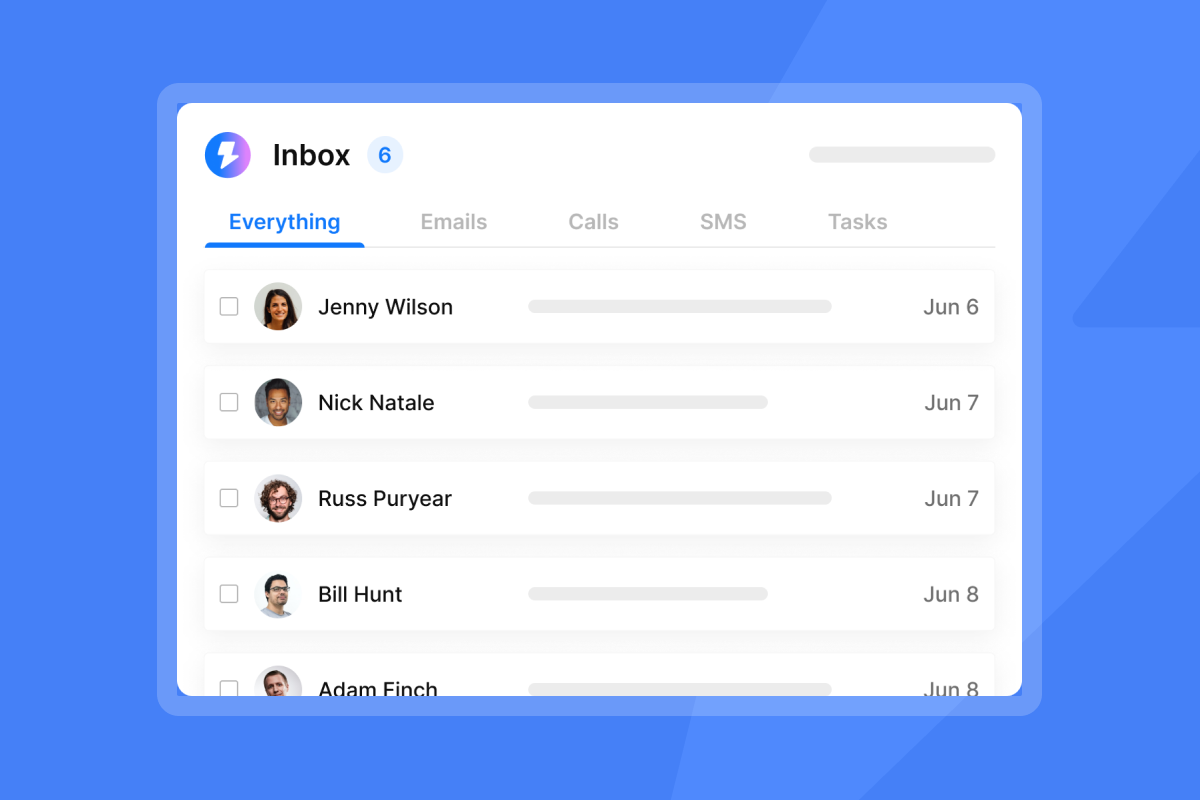
Unibox centralizes all replies into one view and lets your team respond from the same interface. Unibox NLP auto-classifies those replies using NLP across 50+ languages, tagging each by interest status so your AEs see only the warm leads they need to act on rather than sorting through every thread.
"It makes building customer profiles easy and this helps in customizing email marketing campaigns and I like that the email deliverability is consistently strong which is great for transactional messaging." - Patricia R. on G2
CRM handoff and calendar workflows
A reply that doesn't move to a meeting wastes the outbound effort that generated it. The handoff from Unibox to your CRM needs to be automatic and auditable. Instantly's native HubSpot integration in Automations supports bidirectional sync: HubSpot contact and deal changes trigger Instantly actions, and Instantly replies and campaign completions trigger HubSpot contact creation, task creation, and note logging. The turning leads into meetings guide covers the specific steps for moving interested leads through this flow.

Team controls and governance features
Once your outbound system works, the next problem is keeping it working when multiple reps are running it simultaneously.
Sequence templates, standardization, and oversight
Consistent templates across reps are a testing requirement because you can't isolate which variable drives reply rate improvements if every rep runs a different sequence format. Instantly's 2026 benchmark report shows that consistent, stable sending patterns produce 15 to 20% higher replies compared to erratic or frequently changed approaches. Standardize a 4 to 7 step sequence with email copy under 80 words per step. Use the AI Sequence Writer to generate starting templates, then lock the approved version to the workspace. A/Z testing is included on the Growth plan, so you can run controlled subject line and copy experiments without changing the core sequence structure. The full 26-variant capability is gated to Hypergrowth at $97/month and above.
Platform-level analytics need to answer two questions: is the spend working, and is the data handling compliant? Look for campaign-level analytics with exportable data, clear logs of who sent what and when, and a defined data retention policy. Instantly's Account Analytics includes a "Combined Score" (weighted open and reply rate) with a clear benchmark: above 30 is healthy once you've reached 100+ contacts. For teams reviewing compliance posture, Instantly's DPA (operated under Foo Monk LLC) lists data categories and sub-processors including AWS, and defines which data types you must not upload.
Team workspaces and permissions
Workspaces let you separate campaigns by rep, client, or product line while sharing blocklists, templates, and domain health across the team. The global blocklist prevents two reps from mailing the same prospect simultaneously, protecting both domain reputation and commercial relationships.
QA and compliance guardrails
When reps go rogue with unsafe templates or purchased lists, you burn a domain faster than almost any other mistake. Platform-level guardrails include the AI Spam Words Checker (flags spam-triggering language using contextual AI, not keyword matching), AI Blocklist Triggers (auto-blocklists leads based on unsubscribe status on all plans, or account status and reply-content keywords on Hypergrowth and above), and the Delivery Optimization tool (strips HTML for plain-text sending when deliverability is at risk).
Reporting and analytics that matter
The metrics that matter to a sales leader are the ones that reconcile with the CRM. For more, see our guide to what AI sales automation is.
Meetings set and SQL tracking
Open rates are not a pipeline metric, but meetings set and SQLs created are. Your outbound platform should tag positive replies, push them to your CRM, and let you trace the path from first send to closed-won. The HubSpot integration in Automations creates the opportunity record in HubSpot the moment a lead is tagged as interested in Unibox, which prevents double-entry and data loss.
Primary inbox placement rates
You can't improve reply rates if your emails don't reach the primary inbox. Instantly's Inbox Placement testing monitors 94 blacklists and shows exactly where your emails land across providers. The standalone plan starts at $47/month for unlimited one-time tests, and the $97/month tier adds automated scheduled tests with alerts.
Rep productivity dashboards and CRM reconciliation
Account Analytics shows email health scores, send volume, reply rates, and bounce rates per sending account, giving you a clear view of which inboxes are performing and which need attention. The email outreach plans comparison details which analytics features are available per tier.
For CRM accuracy, the most common sync failure is duplicate records and inconsistent field values between systems. Before you sign a contract, test the integration by running a small batch of sends, marking some as positive replies, and checking whether they all appear as opportunities in your CRM with correct contact data. Instantly's Pipedrive integration in Automations and HubSpot integration both support bidirectional field mapping to minimize these gaps.
A/B test results and send-time analysis
According to Instantly's 2026 benchmark report, Monday is the best day to launch a sequence, and Wednesday sees the highest reply rate. First-touch emails account for 58% of all replies, with follow-ups generating the remaining 42%. Use A/Z testing to isolate which subject line or opening sentence drives the difference, then standardize the winner across the team.
Features that sound good but don't move the needle
| Feature | What vendors claim | What it actually does | What to use instead |
|---|---|---|---|
| Fully autonomous AI replies | Saves hours of response time | Sends unapproved copy to high-value leads | AI Reply Agent with human-in-the-loop mode |
| LinkedIn browser automation | Multichannel outreach at scale | Gets rep accounts restricted, violates platform ToS | High-deliverability email with SISR |
| Open rate tracking | Shows engagement | Inflated by Apple MPP pre-loading pixels | Primary inbox placement + reply rate |
| Animated dashboards | Visibility into performance | Can't reconcile with CRM data | Auditable campaign analytics with CRM sync |
Over-promised AI reply detection
Fully autonomous AI agents that send responses without human review introduce two real risks. They misclassify replies (a "not interested, wrong timing" reply becomes a follow-up trigger), and they send unapproved copy to high-value accounts. If an agent can send without a human approving the message, you're one misfire away from a damaged relationship. For more, see our guide to common outbound automation mistakes.
Instantly's AI Reply Agent offers both Autopilot and Human-in-the-Loop modes. Human-in-the-Loop drafts a response within 5 minutes of a lead reply and holds it for rep approval before sending.
Risky LinkedIn automation
Using browser-extension LinkedIn automation is the fastest way to get your reps' LinkedIn accounts restricted. LinkedIn's automated activity detection is aggressive, and a suspended account mid-campaign stalls pipeline with no recovery path. Email outreach with proper warmup and inbox rotation delivers better reply rates with zero account-suspension risk. If you need LinkedIn in your sequence, Instantly's Automations builder connects to third-party LinkedIn tools as an alternative to browser extensions. Verify the current compliance and enforcement status of any LinkedIn automation vendor before deploying, given LinkedIn's active and ongoing enforcement action against tools in this category.
Vanity metrics and misleading open rates
Mail privacy protection features pre-load tracking pixels automatically across major email clients, generating phantom open events before a human reads the email. Any open-rate figure your platform reports should be treated as directional at best. Build your reporting stack around reply rate, primary inbox placement, and meetings booked.
Flashy UI without reliability
A platform that crashes during live campaigns costs you more in lost meetings than a simple, stable one ever will. Prioritize uptime, load performance, and fast support response over visual design. Instantly publishes a public status page with component-level uptime data so you can review historical reliability before you commit.
Platform comparison: Instantly vs. Apollo vs. Lemlist
| Feature | Instantly | Apollo | Lemlist |
|---|---|---|---|
| Pricing model | Flat fee ($47–$358/mo), unlimited accounts | Per-seat pricing | Per-seat pricing |
| Warmup | Built-in, 4.2M+ account network | Third-party integration, plan-gated | Built-in but smaller network |
| Multi-mailbox rotation | Unlimited accounts on all plans | Supported on paid plans, mailbox count and sending limits vary by tier | Unlimited on Email plan, 5/user on Multichannel plan (+$9/mo per additional mailbox) |
| CRM integration | Native HubSpot + Pipedrive, Automations builder | Native Salesforce + HubSpot | Native HubSpot, Salesforce, Pipedrive |
| Team controls | Global blocklist, shared workspaces, send caps | Admin controls | Admin controls |
| AI reply handling | Human-in-the-loop + Autopilot modes | No dedicated AI reply agent | Unified Inbox centralizes replies across channels, tags interest status (no AI reply drafting) |
| Deliverability monitoring | Automated Inbox Placement, Deliverability AI Agent | Standard reporting | Standard reporting |
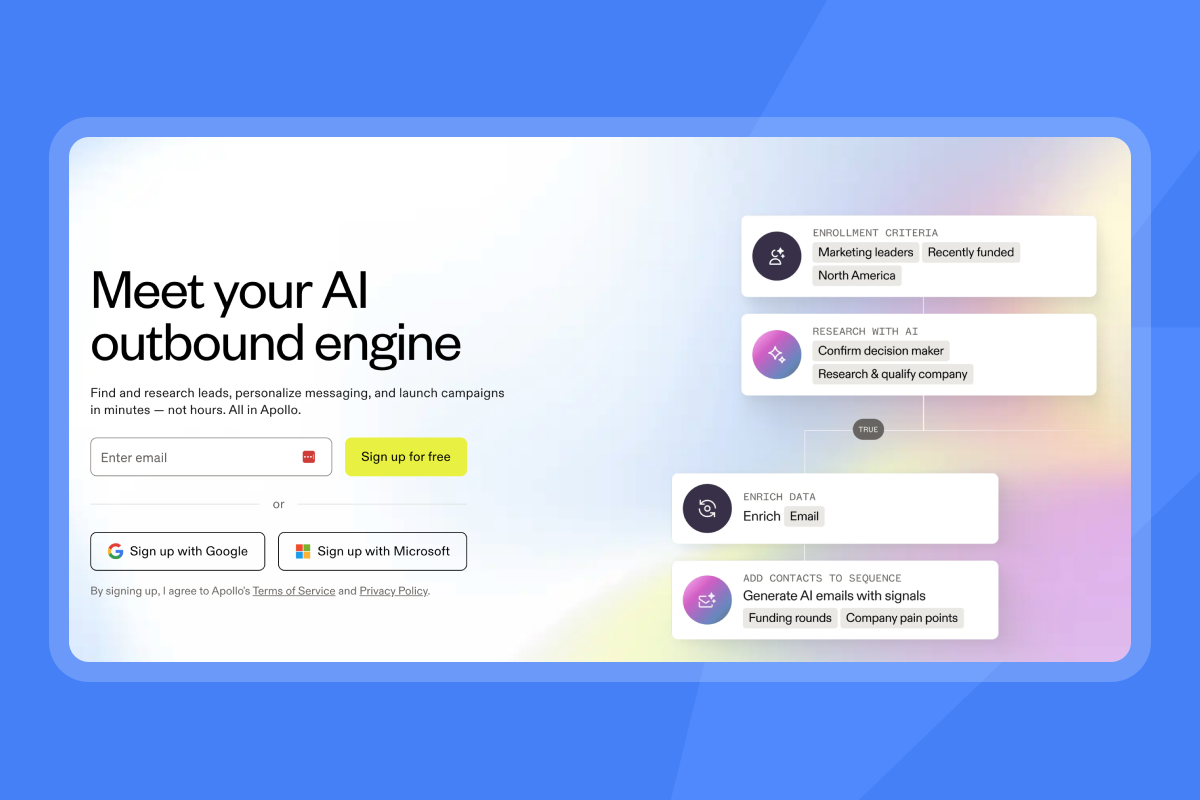
Apollo includes native Salesforce connectivity, which makes it a common choice for enterprise buyers already running Salesforce as their system of record. Instantly addresses compliance needs through its DPA, sub-processor transparency, and GDPR operational support on a flat fee, so every account you add costs sending capacity rather than per-seat charges that compound with headcount. Lemlist offers multichannel outreach options including video and LinkedIn sequences, and Instantly's email-first infrastructure with flat-fee pricing means you don't pay more for adding sending accounts as your team grows.
Prove the platform before you sign: POC framework
Set measurable targets tied to meetings booked and pipeline coverage, then validate every claim in the demo against real campaign data during a controlled test window.
Set three metrics and test for 30 days
Set three specific targets before you start: a minimum reply rate of 5%, a meetings-set target, and a maximum bounce rate below 2%. The 5% reply rate is a reasonable starting benchmark from Instantly's benchmark data, where the platform average is 3.43% and top-quartile teams hit 5.5%+. If the platform can't hit those targets on a warm list with clean data, it won't hit them at scale.
- Weeks 1-2: Connect your sending accounts, enable warmup, configure SPF, DKIM, and DMARC, and import verified contacts with one sequence running multiple variants.
- Week 3: Review inbox placement results, bounce rates, and reply classification accuracy across all active accounts.
- Week 4: Check CRM reconciliation, export your lead lists and campaign analytics, and run a support ticket during a live campaign to measure response time.
Test deliverability and validate reporting under team load
You can't predict deliverability at scale by testing a single account. Run automated Inbox Placement tests with all active sending accounts running to get an accurate read.
During the POC, manually pull the positive reply count from Unibox and compare it to the opportunities created in HubSpot. If the counts don't match, the integration has a field-mapping or sync-timing problem that will compound at full volume.
Check support responsiveness and escalation
Run a support ticket during a live campaign, even a low-priority one, and measure the time to first substantive response. A platform that takes 48 hours to respond during a bounce spike costs you meetings.
If you're ready to run a POC, Instantly's 14-day free trial includes 250 uploaded contacts and 1,000 emails with no credit card required. The Instantly full tutorial walks through the complete setup from account connection to first campaign send.
FAQs
What outbound sales software features improve deliverability most?
Multi-mailbox rotation, automated warmup, and custom tracking domains improve primary inbox placement most directly. Keep daily campaign sends at or below 30 emails per inbox and run automated Inbox Placement tests across all sending accounts to catch blacklisting before it affects reply rates.
How do I know if my outbound platform's reporting is accurate?
Compare the platform's positive reply count directly with the number of opportunities created in your CRM for the same campaign period. Run this check weekly during your first month rather than waiting until a full quarter of data has accumulated, and investigate any discrepancies before they compound at scale.
Which features are essential for scaling a multi-rep team?
Shared workspaces, global blocklists, standardized sequence templates, and per-account send caps are non-negotiable for multi-rep teams. These four features prevent domain collisions, keep bounce rates low, and give you consistent data for A/Z testing. Instantly's email outreach plans comparison shows how these are structured across tiers.
Are AI features in outbound tools worth paying extra for?
Only if the feature includes human-in-the-loop controls. Fully autonomous AI agents that send without approval introduce misfire risk on high-value leads. The AI Reply Agent at 5 Instantly Credits per reply is worth the cost because it drafts and holds, it doesn't send without review unless you opt into Autopilot mode. Instantly Credits are a separate subscription starting at $9/month.
What is a realistic reply rate benchmark for outbound teams?
Based on Instantly's 2026 benchmark report, the platform average is 3.43%, top-quartile teams hit 5.5%+, and the top 10% clear 10.7%+. Consistent sending patterns, not higher volume, produce the 15 to 20% reply rate lift that separates average teams from top performers.
Key terms glossary
Primary inbox: The main inbox tab in an email client, as opposed to spam or promotions folders. Reaching it is the first requirement for any reply.
Sender reputation: A score mail providers assign to your domain and IP based on engagement, bounce rates, and spam complaints. A low score routes your emails away from the primary inbox.
Warmup: The process of gradually increasing send volume on a new inbox over 4 to 6 weeks to build trust with mail providers before running full campaigns.
Inbox Rotation: Distributing campaign sends across multiple sending accounts so no single inbox exceeds the recommended daily limit of 30 campaign emails.
List hygiene: The practice of verifying and cleaning your contact database to remove invalid, risky, or duplicate addresses before sending.
Verified contacts: Email addresses that have been checked against a validation service and classified as deliverable before being added to a campaign.
Send windows: The scheduled time blocks during which your platform sends campaign emails. Aligning them to business hours in the recipient's time zone improves reply rates.
Reply rate: The percentage of sent emails that receive a response. According to Instantly's 2026 benchmark report, the platform average is 3.43%, with top-quartile teams hitting 5.5% and above.
BounceShield: Instantly's feature that automatically skips known high-risk recipients before sending. The in-app toggle reads "BounceProtect" in Settings.
SISR: Server and IP Sharding and Rotation, available on Instantly's Light Speed plan. It continuously rotates dedicated IP pools to isolate deliverability risk at the infrastructure level.
Read next
- Outbound sales software: what it is, how it works, and how to choose: covers the core categories of outbound tooling, how each component connects to pipeline output, and the questions to ask before you buy.
- Outbound sales software pricing: understanding what you're actually paying for: breaks down per-seat vs. flat-fee models, hidden costs to watch for, and how to calculate true cost per meeting as your team scales.
- Best Instantly alternatives for outbound sales teams in 2026: compares the top platforms on deliverability infrastructure, team controls, and pricing so you can make a direct side-by-side evaluation.


