



Updated November 11, 2026
TL;DR AI agents are software that works toward a goal on its own. They decide the next step, use tools, and act without a person clicking through each task. In sales and revenue teams, they automate tedious, repetitive tasks across lead generation, outreach, content enablement, and revenue operations. They handle everything from sourcing leads and answering replies to scheduling meetings, monitoring deal health, and maintaining deliverability. The best ones quietly keep your systems running while humans focus on strategic work and creative problem-solving. Below are 15 AI agent examples grouped by team, a quick reference table, and three real-world examples from outside sales.
The most useful examples of AI agents for B2B teams are lead sourcing, reply handling, lead qualification, meeting scheduling, deal monitoring, forecasting, and deliverability monitoring agents. Each one owns a narrow, repeatable job and hands the judgment calls back to a person.
Every B2B team loves to talk about productivity. But few will admit just how many hours are lost chasing leads, wrangling content, or piecing together reports. Enter AI agents: not the robots of sci-fi, but background partners quietly clearing your path.
You won’t always see their handiwork, but you’ll feel it when meetings book themselves, prospects route themselves to the right rep, and the right case study is ready before the call.
The smartest teams aren’t asking if they should try agents. They're already experimenting with different AI agent frameworks. This guide is for sales leaders and founders running lean B2B teams who want to know which agent to deploy first. For the mechanics behind them, start with how AI agents work.
AI agent examples and use cases at a glance
| # | AI agent | What it does | Best for |
|---|---|---|---|
| 1 | Lead sourcing agent | Finds and adds verified contacts that match your ICP | Teams that need a steady pipeline |
| 2 | Lead qualification agent | Scores and filters new leads against fit criteria | High inbound volume |
| 3 | Lead routing agent | Assigns qualified leads to the right rep in real time | Teams with several reps or territories |
| 4 | Reply handling agent | Reads replies, then drafts or sends the response | High-volume outbound |
| 5 | Scheduling agent | Books meetings and sends reminders | Demo-heavy sales motions |
| 6 | Content recommendation agent | Surfaces the right deck or case study for the deal | Reps who send collateral |
| 7 | Personalization agent | Rewrites outreach for each prospect | Cold email at scale |
| 8 | Summarization agent | Summarizes calls, emails, and docs, then suggests next steps | Busy account executives |
| 9 | Deal monitoring agent | Flags stalled deals and missed tasks | Large pipelines |
| 10 | Pricing optimization agent | Spots pricing patterns and suggests tests | Flexible pricing or frequent promos |
| 11 | Forecasting agent | Estimates revenue from live pipeline data | Leaders who report numbers |
| 12 | Customer success agent | Flags churn risk and expansion signals | Post-sales teams |
| 13 | Deliverability agent | Monitors sender health and suggests fixes | Teams that rely on email |
| 14 | Data entry agent | Logs activity and keeps records in sync | Anyone with a CRM backlog |
| 15 | Security and compliance agent | Watches how data is shared and accessed | Teams with strict data rules |
Lead generation and outreach agents
Lead generation agents take the manual work out of building your pipeline. They spot new opportunities, handle data entry, answer replies, and smooth the handoff to sales. Most teams start by learning how to create an AI agent that fits their exact workflow.
1. Lead sourcing agents
A lead sourcing agent, a type of AI sales agent, finds contacts that match your ideal customer profile and adds them to your list without a manual search. A good one filters by things like industry, job title, company size, or revenue, then verifies each email before it reaches your campaign.
You dial in your campaign criteria, and the agent matches you with up-to-date, verified contacts. No more hoping your list is even half right. It suits teams that want a steady stream of leads without burning hours on manual searches or static uploads.
Example: Instantly's Lead Finder searches 450M+ B2B leads, and the Lead Finder Agent tops up a campaign automatically when its active lead count drops below a threshold you set. Instantly lets you send contacts right into your campaign flow, so you’re teeing up outreach and follow-up with barely a click.
2. Lead qualification agents
Lead qualification agents sort new contacts by your most important criteria before a salesperson even touches the list.
They check each lead for things like the right job title, company fit, budget range, or recent engagement, so you only see prospects who match what you’re looking for. Contacts that don’t fit your standards get set aside automatically.
This is especially helpful for companies getting a lot of leads from forms, webinars, or ads. If your team wants to focus on decision-makers and skip cold or irrelevant contacts, these agents help you start with the best possible list. The best ones explain why a lead passed or failed, so reps can trust the score instead of re-checking it.
3. Lead routing agents
A lead routing agent assigns each qualified lead to the right rep the moment it arrives. It reads territory, account ownership, deal size, and rep capacity, then routes the lead and creates the follow-up task.
Speed matters here. A lead that waits hours in a shared queue goes cold, and two reps chasing the same account waste each other's time. Routing agents work best for teams with several reps, several territories, or inbound and outbound running side by side.
4. Reply handling agents
A reply handling agent reads every response to your outreach and labels it (interested, not now, out of office, unsubscribe). Then it drafts or sends the next message. It keeps conversations moving outside working hours, when a slow reply can cost you the meeting.
Most teams start in review mode and approve each draft. They switch on autopilot once they trust the output.
Example: Instantly's AI Reply Agent answers lead replies in under 5 minutes, with Human-in-the-Loop and Autopilot modes. It runs on Instantly Credits at 5 credits per reply.
5. Scheduling agents
A scheduling agent handles the back-and-forth of booking calls, demos, or meetings. Instead of emailing prospects about times and chasing responses, this agent checks everyone’s calendars and finds the soonest slot that works. Meeting details (plus friendly reminders) are sent out for you when necessary.
Scheduling agents work best for busy teams juggling a lot of appointments. They’re also a relief for anyone who’s lost deals to long delays in booking or just wants to get a conversation on the calendar faster.

Content enablement agents
Content enablement agents find, adapt, and summarize the material your reps need, so nobody hunts for files mid-deal. Content enablement agents are the coworkers who actually know where everything lives and hand it to you before you ask.
6. Content recommendation agents
A content recommendation agent matches sales collateral to the deal in front of you. When it’s time to send a deck, one-pager, or case study, the bot agent surfaces what fits**, based on the prospect's industry, deal stage, and the questions they've asked**, usually before you remember what you need.
No more wandering through endless folders or sending last year’s PDF by accident. It is most useful for teams with a large content library and reps who sell into several industries.
7. Personalization agents
Think of personalization agents. as mail merge with research built in. These agents rewrite your generic outreach so it sounds like you wrote it for that prospect.
Job title spelled right, company name not in all-caps, even a nod to their latest product launch. You set the rules, the agent does the typing, and you get out of sounding like a robot yourself. Many teams start from an AI agent template instead of building rules from scratch.
Keep the personalization to one specific, verifiable detail. Instantly's 2026 benchmark report found that elite performers average fewer than 80 words per first-touch email, so a short, relevant opener beats a paragraph of flattery.
8. Summarization agents
Ever been handed a 20-page doc before a call and asked to “skim the highlights”? Summarization agents bail you out.
They read faster than anyone on your team and pull out the biggest highlights that matter for your specific use cases. The same agents summarize sales calls and long email threads, then suggest the next best action: send the pricing page, loop in a technical buyer, or book the follow-up. These agents are perfect for people who want to get up to speed quickly without reading a novella before every meeting.
Revenue operations agents
Managing deals and predicting revenue shouldn’t take guesswork or late nights with a spreadsheet. Revenue agents keep sales moving and catch small problems before they grow.
9. Deal monitoring agents
Deal monitoring agents track what’s happening with every deal in your pipeline. They watch for signs a prospect has stopped replying or a task has stalled, then alert you when something needs attention.
Instead of digging into your CRM line by line, the agent flags anything falling behind, so nothing slips past you.
Deal monitoring agents work best for teams with a lot of deals to juggle or anyone who wants a heads-up before losing a sale. If you’ve ever stared at your pipeline and thought, “What now?” this agent answers it for you.
10. Pricing optimization agents
A pricing optimization agent tries different prices and offers to see what works best for your customers. It notices patterns (maybe one group always goes for the larger package, or discounts only matter in certain months) and recommends small changes to help you close more deals or avoid giving away too much.
This agent is useful for anyone managing sales where pricing isn’t set in stone, or for teams running lots of promos. If you want proof that your pricing makes sense (or you just want to stop guessing), this is the agent for you. Treat its suggestions as tests, not final decisions. A person should approve any price change customers will see.
11. Forecasting agents
Sales forecasting agents look at your deals, activities, and past results to estimate how much revenue you can expect. Instead of old spreadsheets and gut feelings, you get a real number that updates when new deals arrive or old ones fall through.
They’re best for anyone who needs to report numbers to a boss, an investor, or the team. If being caught off guard by missing your target sounds familiar, a forecasting agent keeps surprises to a minimum.
12. Customer success agents
A customer success agent watches accounts after the deal closes. It tracks product usage, support tickets, and email sentiment, then flags churn risk or expansion signals before the renewal conversation.
For example, it might notice that a customer's active users dropped by half in a month and prompt the account manager to check in. These agents fit post-sales teams that manage more accounts than they can review by hand.
Workflow automation agents
These are the agents doing the tasks you put off: moving data, checking details, and keeping everything clean behind the scenes. They won’t show up in team meetings, but you’ll feel it when admin headaches disappear.
On Instantly.ai, Copilot can build these workflows from a plain-language request, such as "When a lead replies, create a contact in HubSpot," and turn it into an Automation you can refine.
13. Deliverability agents
Deliverability agents watch over your outgoing email so more messages land in the inbox, not spam. They check DNS records, blocklists, bounce rates, and sender reputation, then flag problems before a campaign goes out.
Instead of playing email whack-a-mole or calling IT, you get a heads-up and practical fixes right away. These make sense for any team that relies on email to reach prospects or customers.
If you’ve ever wondered why a perfectly good campaign vanished into thin air, this agent is the early warning system you need.
Example: Instantly's Deliverability AI Agent runs every 24 hours. It checks DNS health, blocklists, warmup scores, and bounce rates, and suggests one-click fixes such as pausing a campaign or replacing a risky account. It is included on Hypergrowth and above, with no Credits cost.
14. Data entry agents
Data entry agents handle the small stuff you mean to update but always put off things like adding contacts, logging activities, or syncing info across platforms. In Instantly, Automations can log a reply as a HubSpot contact, task, or note, so your CRM stays current without manual copying. See Instantly's AI agents for the full lineup.
If you’re tired of finding typos or searching for old notes, this agent is a fix. Great for anyone who wants less manual entry and fewer “did anyone log that?” moments.
15. Security and compliance agents
Security and compliance agents keep an eye on how data moves. They check if files are shared too widely, monitor for risky behavior, and make sure your team follows the rules.
They’re a great match for companies with strict data rules or anyone sending sensitive info. Instead of worrying about surprise audits or leaks, you get peace of mind that someone (or something) is always on the lookout for issues.
Real-world AI agent examples outside sales
AI agents in business are not limited to revenue teams. These three public examples follow the same pattern, a narrow job with clear rules, in other functions.
- Customer service: Klarna's AI assistant had 2.3 million conversations in its first month live, two-thirds of Klarna's customer service chats, doing the equivalent work of 700 full-time agents, according to Klarna's February 2024 announcement.
- Software development: GitHub's Copilot cloud agent takes an assigned issue, writes the code, opens a pull request, and requests a review when it finishes, per GitHub's documentation.
- Transportation: Waymo runs a fully autonomous ride-hailing service in cities including Phoenix, San Francisco, and Los Angeles. Each car perceives its surroundings, plans a route, and drives without a person at the wheel (Waymo).
How to choose your first AI agent
Start with the task that eats the most rep hours and has the clearest rules. Use this checklist:
- Pick one bottleneck. Slow replies, thin lead lists, and missed follow-ups are the most common starting points for outbound teams.
- Define the guardrails. Write down what the agent can do alone and what needs approval, such as discounts or replies to unhappy prospects.
- Start in review mode. Approve the agent's output until you trust it, then switch on autopilot.
- Measure one number. Track reply rate, meetings booked, or hours saved before and after. Instantly's 2026 benchmark report puts the platform average reply rate at 3.43%, which gives outbound teams a baseline.
- Check the cost model. Many agents bill per action. Instantly's Credits-billed agents, for example, cost 5 credits per generated lead or reply, so estimate your volume before you scale.
Key takeaways
AI agents help keep sales moving, content ready, and admin work low enough that your team doesn’t burn out. Most of these agents slip in quietly and start saving you time before you even notice.
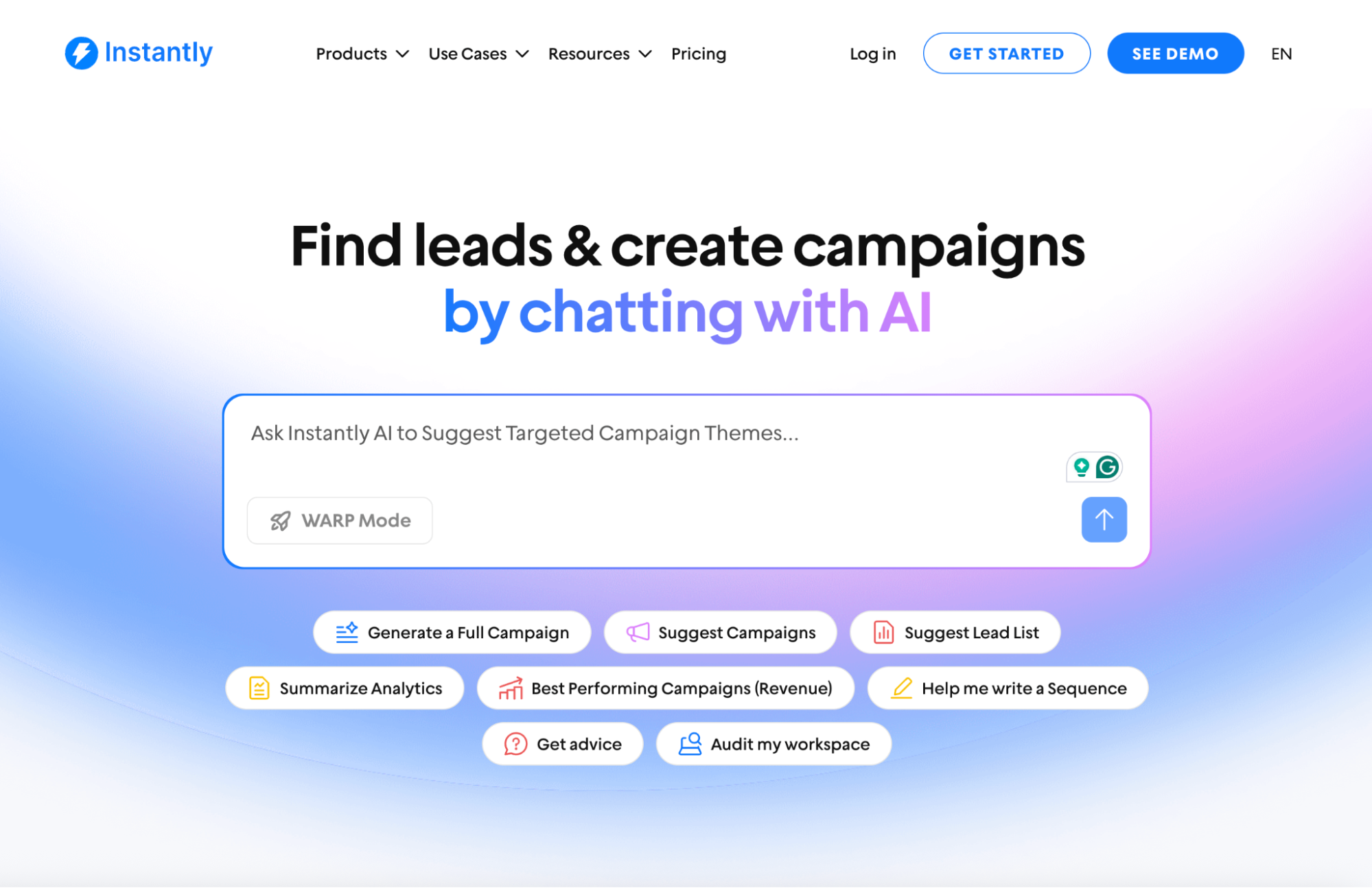
Today's top teams lean on agents for the repetitive parts, so humans can focus on the calls, deals, and creative moves that bring in revenue. Instantly's AI Sales Agent combines several of these jobs: it sources leads, writes and sends the sequence, and adjusts based on replies. There’s no secret formula, just small wins that stack up fast.
If you’re curious how these AI agents could fit into your day, start your free Instantly trial and see where your next easy win might come from.
FAQs: AI agent examples
What is an example of an AI agent?
A lead sourcing agent is a common AI agent example in sales. You give it an ideal customer profile, and it finds, verifies, and adds matching contacts to your campaign on its own. Outside sales, self-driving cars, customer service assistants, and coding agents that open pull requests are all AI agents.
What are AI agents typically used for?
AI agents are typically used for repetitive work that still needs some judgment, such as answering customer questions, qualifying and routing leads, handling email replies, scheduling meetings, monitoring systems, and summarizing documents. They work best on narrow tasks with clear success criteria.
Are AI agents the same as automation?
No. Traditional automation follows fixed if-then rules, while an AI agent decides its next step based on context. A workflow rule sends the same follow-up to every lead. A reply agent reads each response and chooses whether to answer, reschedule, or stop. For a related comparison, see AI agent vs chatbot.
Which AI agent should a sales team start with?
Most outbound sales teams start with a lead sourcing or reply handling agent. Both remove hours of manual work, and you can measure the results in reply rate and meetings booked. For a deeper look at sales-specific agents, see AI agents for sales.
Read next



