.svg)
%20(1).svg)


Updated February 24, 2026
TL;DR: High deliverability requires automated hygiene, not luck. Single-source data guarantees gaps. Waterfall enrichment cascades through 5+ providers until you find valid contacts. API validation catches syntax errors, verifies MX records, and confirms mailboxes exist via SMTP. Keep bounces under 2%, verify at import, automate deduplication. Our SuperSearch combines waterfall enrichment with verification across 450M+ contacts, removing the need for fragmented third-party stacks.
A 5% bounce rate doesn't just waste money on dead leads. It burns your sender reputation, trains ISPs to route your emails straight to spam, and can cost you weeks of warmup work when a domain gets flagged. You can't fix this by manually scrubbing spreadsheets once a quarter, strong cold email deliverability starts with automated data hygiene built into your workflow. U.S. businesses lose approximately $3.1 trillion each year due to poor data quality, with companies losing 15% of revenue on average due to inaccurate data. You can't fix this by manually scrubbing spreadsheets once a quarter. You need an automated system that filters out bad data before it ever hits your sending queue.
Why email API services matter for outreach scale
When you need scalable cold email software that handles enrichment, validation, and sending in one place, manual CSV workflows simply can't compete. You export leads from one tool, import to a verification service, download cleaned data, then upload to your sending platform. Each step introduces delays, human error, and data silos that fragment your workflow.
Email APIs automate the entire flow from lead discovery through sending. Data enrichment appends missing fields like job titles, company size, and tech stack. List hygiene removes duplicates, catches typos, and flags disposables. Validation layers check syntax, verify domain MX records, and simulate SMTP connections to confirm mailboxes exist. Your system processes all three in milliseconds, before you send a single email.
The shift from manual to automated isn't just speed. When you build systems that scale without compounding headcount or software costs, you protect the metrics Maya cares about most. When you eliminate 5% bounce waste, you recover that capacity for qualified conversations that drive meetings and pipeline. Agencies managing multiple clients can't manually clean lists for every campaign launch. API-driven hygiene removes the guesswork.
Three core components work together. Data enrichment finds missing information, list hygiene removes problematic contacts, and validation confirms deliverability before sending. Miss any one and your campaigns leak revenue through bounces, spam flags, or wasted sends to wrong contacts. High bounce rates on client campaigns damage agency reputation and lead to client churn. Watch The Ultimate Guide to Cold Email Deliverability for a complete walkthrough.
How email API data enrichment works
When you enrich data, you take a raw email address and append business context that transforms a contact into a qualified prospect. You start with [email protected] and end with Sarah Chen, VP of Marketing at a 150-person SaaS company using HubSpot, headquartered in Austin, with $20M in funding.
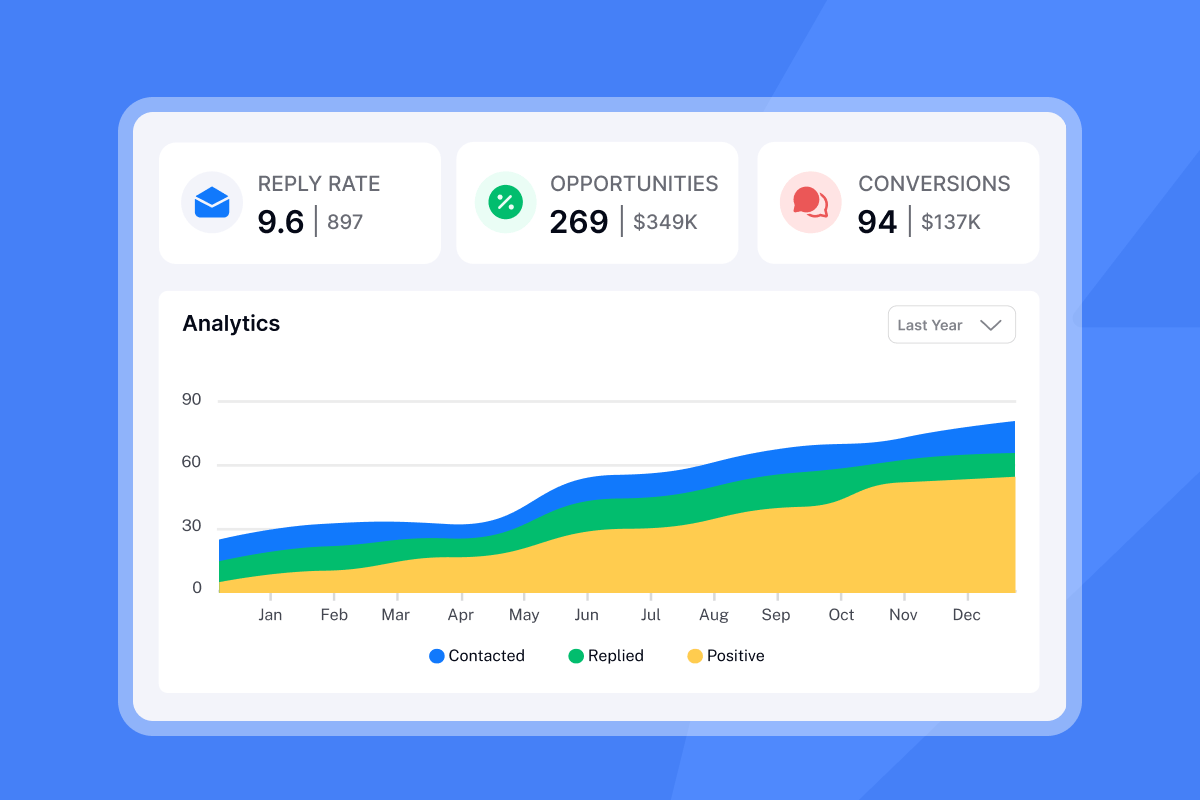
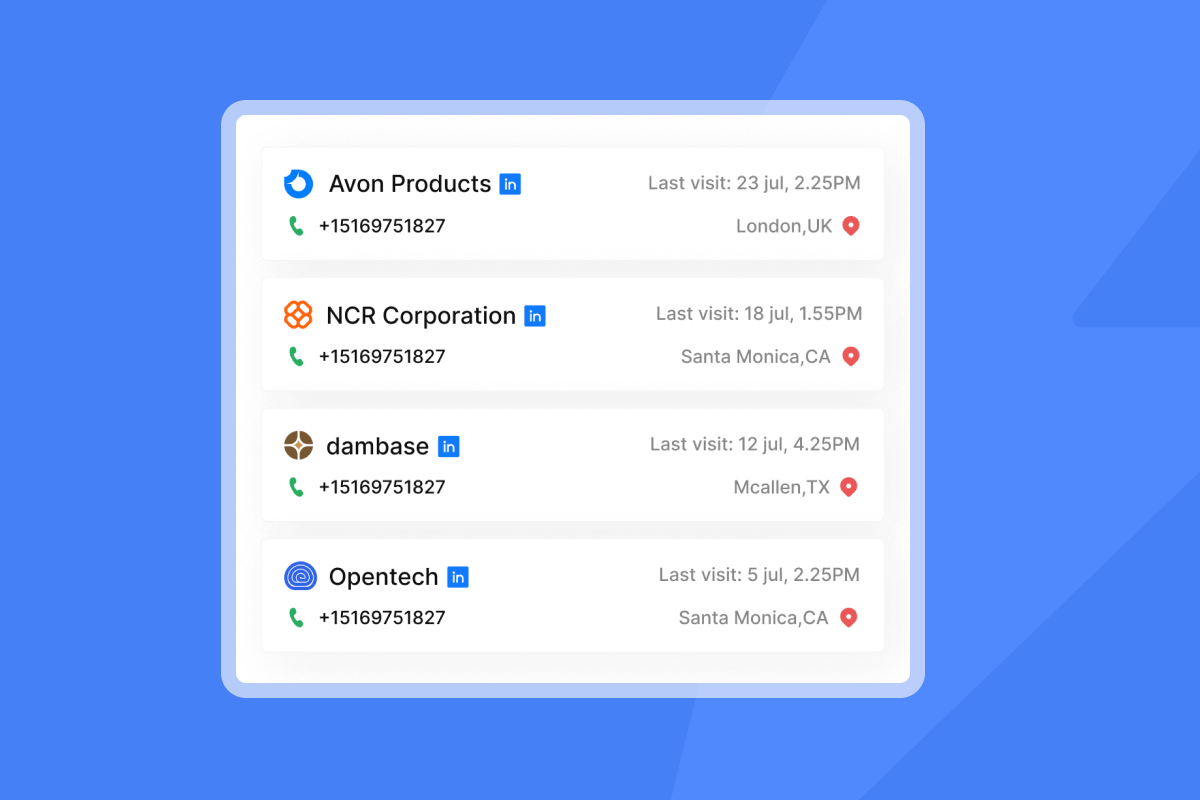
Common enrichment data points include firmographics (industry, company size, revenue), key contacts and titles, and technographic data showing current software stacks. Our SuperSearch appends work email, job title, company name, location, LinkedIn URL, contact summary, contact headline, subindustry, company size, and company description. Advanced enrichment layers on AI web research agents that scrape company websites, job listings revealing hiring patterns that signal growth phases, and news enrichment surfacing recent media mentions for timely personalization hooks.
Why enrichment matters for segmentation
Raw email lists force you into one-size-fits-all campaigns. When you enrich lists, you enable precision targeting. Create segments like "VPs of Marketing at SaaS companies with 50-200 employees using Marketo" by combining job title, industry, company size, and tech stack filters. You can append emails, phone numbers, contact names, job titles, firmographics, technographics, and social media profiles for meaningful segmentation.
This segmentation directly impacts performance. Sending a generic "improve your marketing" pitch to a CMO at a 10-person startup wastes their time and your reputation. Sending "scale your Marketo instance without adding headcount" to a growth-stage VP using that exact platform gets replies. Audience segmentation is the most effective way to send targeted content and impact engagement and deliverability rates. Beyond demographics, you can segment by email behavior, grouping non-openers to retarget with adjusted messaging.
Data accuracy and reliability
Not all enrichment is created equal. Single-source providers have coverage gaps. Marketing Sherpa reports B2B contact data decays at about 2.1% per month, translating to roughly 22.5% annually. IBM estimates U.S. businesses lose $3.1 trillion annually due to poor data quality.
Look for verification rates above 95%, transparent sourcing (where the data comes from), regular refresh cycles (how often data updates), and catch-all handling for ambiguous addresses. Our native email verification service categorizes every lead as Verified, Risky, or Invalid, with invalid and risky leads excluded from sending by default so bad leads never slip into sequences.
Waterfall enrichment explained for agencies
Waterfall enrichment connects to multiple data vendors in sequence, one after another, until you find valid contact details. Your existing contact starts its journey through a primary data provider. If that source can't fill all gaps, the system automatically moves to the next provider, continuing until data is complete or all sources are exhausted.
Think of it as having seven keys for one lock. If key one doesn't work, you try key two. One of them will open the door.
Why multiple sources beat single-source data
Single-source enrichment guarantees gaps. Provider A might have great coverage for tech companies but weak data on manufacturing. Provider B excels at C-suite contacts but misses mid-level managers. Provider C specializes in Europe but has limited US coverage. When you rely on any single provider, you accept blind spots in your addressable market.
Waterfall enrichment routes prospect data through multiple prioritized providers until it identifies missing fields like verified email or phone number. This overcomes individual provider limitations. You get the most complete coverage across industries, geographies, and seniority levels.
Our SuperSearch checks multiple data providers in sequence. If Provider A can't find the email, Provider B tries next, and so on. You get only verified emails, resulting in more complete and accurate contact lists. The system handles the complexity. You just get working emails.
Agency ROI from waterfall enrichment
Agencies managing diverse client niches benefit most from waterfall enrichment. A client in fintech needs different data sources than a client in e-commerce. Building individual provider relationships for each vertical is expensive and complex. Building waterfall workflows manually with Make or Zapier can cost hundreds per month, with no meaningful discounts and constant maintenance when providers update APIs or you hit rate limits.
Waterfall enrichment collapses that complexity into one workflow. The same system that finds CFOs at Series B startups also finds procurement managers at Fortune 500 manufacturers. Coverage improves, costs consolidate, and you avoid subscription sprawl. Expect 1 to 2+ credits to find a verified work email in SuperSearch, making economics predictable compared to per-provider billing.
Watch How To Setup Cold Email Campaign for a visual walkthrough of how enrichment fits into campaign setup.

Email list hygiene: Automated cleaning strategies
List hygiene is the ongoing process of removing invalid, risky, and unengaged contacts before they damage sender reputation. Treat it like a water filter. Replace it before the water tastes off. One of the biggest mistakes businesses make is overlooking metrics like bounce rates, engagement rates, and spam complaints. When you keep sending to inactive users, you hurt your sender reputation, which snowballs into deliverability issues.
Actionable hygiene steps
- Implement double opt-in at capture: Double opt-in requires new subscribers to confirm their email twice, first at signup and again by clicking a confirmation link. This filters out bots, fake emails, and typos before they enter your system. Double opt-in helps ensure readers have agreed to receive messages, producing increased deliverability and higher engagement.
- Review engagement metrics quarterly: Segment based on engagement patterns like frequent openers or clickers. Exclude inactive subscribers who haven't interacted in 60-120 days to protect sender reputation.
- Segment by activity level: Create tiers like Engaged (opened in last 30 days), Warming (opened in last 90 days), and Cold (no opens in 90+ days). Send re-engagement campaigns to Cold segments before removing them entirely.
- Automate unengaged suppression: Use analytics rules to auto-suppress contacts with 0 opens or clicks in 120 days, after a 2-email re-engagement series.
Automating the hygiene process
APIs turn hygiene from a quarterly project into continuous monitoring. By integrating validation into your signup forms, you block invalid or disposable addresses at entry, preventing problems before they start.
Key workflows include bounce management that removes hard bounces immediately, engagement-based segmentation sorting subscribers by activity, and re-engagement campaigns that revive inactive contacts before removal. Turn on auto-validation to verify every new email as it's added to your lists.
For detailed guidance, watch How to Set Up Instantly AI Email Warm Up.
Email API bounce prevention and validation methods
Validation happens in three layers. Each layer catches different problems. Miss one and you'll send to addresses that bounce, wasting sends and damaging reputation.
Three validation methods explained
- Syntax validation: Checks that email addresses follow correct format like [email protected], catching typos before they become bounces.
- MX record verification: Confirms the domain can receive email by checking DNS and mail-exchange records. MX records point to a domain name with an associated A record that holds the IP address.
- SMTP verification: Simulates sending without actually delivering, confirming the mailbox is active and accepting mail.
Additional checks catch disposable addresses (Mailinator, temporary services), typo corrections (gmial.com → gmail.com), and role-based addresses (info@, support@) with typically lower engagement.
Understanding bounce codes
Codes starting with 4 (like 421) indicate soft bounces, while codes starting with 5 (like 550) indicate hard bounces.
550 User Unknown (Hard Bounce): The recipient's mailbox doesn't exist, was deleted, or was entered incorrectly. These are permanent failures. Remove any address that generates a hard bounce immediately to protect sender reputation.
421 Service Unavailable (Soft Bounce): Temporary failure when the recipient's server is busy or overloaded. Wait 15-30 minutes and retry. Reduce sending rate if you see repeated 421 codes.
Proactive reputation management
Validation prevents bounces. Reputation management ensures your validated emails reach inboxes instead of spam folders.
Monitor blacklists: According to ZeroBounce's analysis of more than 10 billion email addresses, 28% of databases are invalid or outdated. Regular blacklist checks catch problems before they spiral. Monitor your inbox placement regularly. Our warmup filters for Google and Microsoft help you maintain positive sending patterns before problems compound.
Manage sending IPs: Rotating IPs and sending algorithms create high deliverability. Our Light Speed plan includes SISR (Server & IP Sharding & Rotation) with dedicated private IP pools to isolate sender reputation across campaigns.
Maintain consistent sending patterns: Sudden volume spikes trigger spam filters. Most ESPs penalize sender reputation if bounce rates go too high. Keep hard bounces at or below 1% with complaint rates at or below 0.3%.
"I like the inbox rotation feature, which spreads sends across multiple inboxes to reduce risk. I also like the blacklist monitoring and spam assassin analysis, along with SPF DKIM and DMARC checks, which help diagnose inboxing problems." - Gangadhar M on G2
Our catch-all email verification addresses a critical gap. When you upload a lead list to standard verification tools, about 50% of emails are labeled as Risky, Catch-All, or Unknown. Catch-All Verification recovers 300-400 additional contacts from every 1,000 leads, increasing your pool of potential leads.
Watch The Best Cold Email Marketing Setup for a complete implementation guide.
Choosing the right email API for your agency
Not all email APIs are built the same. Feature sets, pricing models, and integration complexity vary widely. Agencies need platforms that scale across multiple clients without compounding costs or operational overhead.
Evaluation framework
Volume capacity: Can the platform handle your total monthly send volume across all clients? Does pricing scale linearly or include unlimited sending at a flat rate? Agencies managing 50,000+ sends per month need clarity on throttling, rate limits, and overage charges.
Budget alignment: Calculate total cost of ownership including base subscription, per-credit charges for enrichment and verification, add-on modules like CRM or Website Visitors, and integration costs.
Integration needs: Does your stack require native CRM connections, webhook support for custom workflows, or API access for advanced automation? Our API documentation covers reply handling, campaign management, and lead operations. Check compatibility with HubSpot, Salesforce via OutboundSync, Slack, Zapier, Make, and Pabbly integrations. Check compatibility with HubSpot, Salesforce, and other tools, your CRM for sales deliverability setup directly affects how cleanly data flows into your sending queue.
Deliverability features: Look for built-in warmup, inbox placement testing, bounce detection, spam score analysis, and blacklist monitoring. Our deliverability toolkit includes automated inbox placement tests, warmup across a massive account network, and reputation protection settings that pause campaigns when health dips.
Comparison: Instantly vs standalone verification tools
| Feature | Instantly | Standalone Verification |
|---|---|---|
| Enrichment Model | Waterfall (5+ providers) | N/A (verification only) |
| Verification | Built-in | Core product |
| Pricing | Flat-fee unlimited accounts + credits | Per-credit consumption |
| Typical Monthly Cost | $47-97 outreach | Volume-Dependent |
| Sending Platform | Integrated | Requires separate tool |
| Warmup | Yes (4.2M+ network) | No |
| Catch-All Handling | Yes, verified | Flagged as risky |
Our Growth plan starts at $47/month monthly ($30/month annual) with unlimited email accounts and warmup. SuperSearch credits range from $47/month (Growth, 1,500-2,000 credits) to $197/month (Hyper Credits, 10k-200k credits) on monthly billing, with 10% annual discounts. Verification costs 0.25 Instantly credits per lead.
Standalone verification tools excel at one task but require integration work, add another vendor to manage, and don't include sending. We consolidate data, hygiene, and sending into one platform, reducing vendor sprawl and simplifying operations across clients.
What users report
"Instantly.ai has made running my cold email campaigns much easier. The interface is clean, intuitive, and beginner-friendly. I really like the analytics dashboard, which gives me clear insights into opens, clicks, and replies so I can adjust my campaigns quickly." - Shiv C on G2
"Deliverability tools that actually move the needle: warmup, inbox rotation, and smart sending windows help us land in Primary instead of Promotions/Spam... Lead management at scale: easy list import, deduplication, and automatic verification keep our lists clean and reduce bounce rates." - Anthony V on G2
For step-by-step setup guidance, review the Campaign Options help doc.
Taking control of your list quality
You can't treat clean data as a nice-to-have. It's the foundation of every successful outreach campaign. Based on updated data, average industry hard bounce rates are below 1%. A good bounce rate is less than 2%, with rates below 1% considered ideal.
When you build automated hygiene into your workflow, you create the foundation needed to achieve high cold email deliverability consistently across every campaign you run. You prevent bounces before they happen. Waterfall enrichment gives you complete data. API validation confirms deliverability. Automated segmentation keeps engaged contacts warm and removes dead weight.
You avoid the reporting discrepancies that derail decisions when data, verification, and sending live in separate tools. Implementation takes hours, not weeks. Pricing stays transparent with flat fees and predictable credit consumption, so you can forecast tests without hidden burn.
The best email sending API isn't the one with the cheapest per-message rate. It's the one that prevents bad data from reaching the sending queue in the first place, protecting your deliverability while you scale. We combine unlimited sending accounts, waterfall enrichment across 5+ providers, built-in verification, and a private deliverability network of 4.2M+ accounts. You get data, hygiene, and sending in one platform with flat-fee pricing that scales without per-seat penalties. Try Instantly for free.
Stop guessing with your data. Try our SuperSearch and built-in verification to automate list hygiene and protect your sender reputation. For advanced automation workflows, watch Cold Email Outreach with Instantly & N8N.
Frequently asked questions about email APIs
What is the difference between a hard bounce and a soft bounce?
Hard bounces are permanent failures where the email address doesn't exist or will never accept mail. Soft bounces are temporary problems that might fix themselves, with the server retrying delivery later.
Can APIs really prevent all bounces?
No, but they reduce bounces significantly. Industry benchmarks show average hard bounce rates of 0.21% and soft bounce rates of 0.70% with proper validation, compared to 5%+ without hygiene.
Is waterfall enrichment expensive?
You'll pay hundreds per month if you build waterfall workflows manually with Make or Zapier, managing multiple provider subscriptions and constant API maintenance. We include waterfall enrichment in SuperSearch plans starting at $42.3/month on annual billing.
How often should I verify my email list?
Verify new leads immediately upon import or signup. Re-verify your entire list quarterly, as B2B contact data decays at 2.1% per month (roughly 22.5% annually).
What is a safe bounce rate for cold email campaigns?
Keep bounce rates under 2%, with under 1% considered ideal.
Do double opt-in processes reduce list size too much?
Yes. You'll lose some signups, but you dramatically improve quality. Double opt-in filters out bots and fake emails, giving you engaged subscribers with better deliverability and higher engagement.
Key terms glossary
Hard Bounce: Permanent delivery failures where the email address doesn't exist or will never accept mail. Remove these addresses immediately to protect sender reputation.
Soft Bounce: Temporary delivery problems that might resolve themselves, such as full mailboxes or server issues. Servers typically retry delivery automatically.
Sender Reputation: A measurement of how trustworthy your bulk emails are to ISPs like Gmail and Microsoft. Your reputation determines inbox placement vs. spam folder delivery or complete blocking.
MX Record: Mail exchange records used to indicate which mail server to connect to reach mailboxes hosted on a domain. These DNS records are essential for email validation.
SMTP Verification: A validation method that simulates sending an email without delivering it, confirming the mailbox is active. More thorough than simple domain checks.
Waterfall Enrichment: A step-by-step method that improves raw data by sequentially integrating insights from multiple third-party sources until complete information is found. Increases data coverage and accuracy.
Further reading
Build your deliverability systems with these technical guides and implementation tutorials:
- What is Waterfall enrichment? - Technical deep-dive on sequential provider queries
- Why do emails bounce? - Complete guide to bounce causes and fixes
- Advanced Deliverability - Expert-level reputation management tactics
- SEG Detection (Secure Email Gateways) - Handle enterprise email security without triggering blocks
- How to Enable Warm-Up - Step-by-step warmup configuration



