.svg)
%20(1).svg)


Studies show that the first person to respond to a lead wins the deal. But you can’t camp out in your inbox all day waiting for replies. Setting notifications is always an option, but they’re unreliable, especially if you have several other tasks you need done.
With an email autoresponder, you don’t have to compromise your time and worry about leads going to competitors because of a late reply. For more on this, see our cold email strategies guide. So, how do you set one up? What strategies make it work? And how do you set autoreplies that are contextually relevant?
Email autoresponder software can take this further than a basic automatic reply. It can help sales teams respond to leads, trigger follow-ups and manage different responses based on how prospects engage with their outreach. The right email responder can keep conversations moving while reducing the amount of manual work involved in managing replies.
What is an Email Autoresponder?
Email autoresponders handle replies for you. You can use them to send simple auto-generated email messages, like out-of-office notices, or set them up to respond based on what the prospect says in their email.
Instead of getting “Thanks for replying, we’ll get back to you soon," your automated replies give prospects value and move them further down your sales pipelines. An autoresponder can improve conversion rates by 391% with the proper setup.
At its simplest, an auto email responder sends a predefined message when a particular trigger occurs. More advanced autoresponder email software can use information about the lead and their response to determine what should happen next.
For example, a prospect asking for more information could receive a relevant response or enter a follow-up sequence, while someone who isn’t interested could be handled differently. This makes an email autoresponder useful for managing leads at scale without treating every reply the same way.
How Does an Email Autoresponder Work?
An email autoresponder works by sending a predefined response or triggering an automated action when certain conditions are met. The trigger could be an incoming email, a particular type of reply or an action taken by a lead.
Basic autoresponders send the same message whenever the trigger occurs. More advanced email responder tools can use information about the prospect or their response to decide what happens next. For example, an interested lead could receive more information or move into a follow-up sequence, while a negative response could stop further outreach.
This becomes particularly useful when you’re managing a larger number of leads. Instead of manually reviewing and responding to every email, autoresponder software can handle predictable interactions automatically while leaving your team to step in when a conversation needs a human response.
How to Set Up an Email Autoresponder in Gmail
Gmail has a built-in autoresponder, but it’s not the most advanced or flexible tool. It is a simple Vacation Responder meant for short-term use when you’re out of the office or unavailable. To turn it on, head to Settings, go to the General tab, and find the Vacation Responder section.
From there, you can set the date range, add your subject line and message, and choose whether to send the reply only to people in your contacts. It works well for basic scenarios, but it won’t cut it if you’re trying to handle lead replies or customer support emails on autopilot.
Here’s how to set up an autoresponder in Gmail:
- Select See all settings.
- Under the General tab, scroll down to the Vacation Responder section.
- Check the Vacation responder on.
- Set the start and end dates, write your subject and message.
- Click Save Changes.
Advanced Email Autoresponder Setup
Email autoresponders shouldn’t just be a plug-and-play tool in your stack. They must work in sync with your entire outreach and sales process if you want them to drive results. To do that, you need the right strategy and the right tools. Here’s what you’ll need:
Dynamic Email Templates (a.k.a. Reply Macros)
A solid set of templates is at the heart of any automated reply system. But these aren’t just static messages—they use dynamic variables like {{first name}}, {{company name}}, or {{pain point}} that personalize your response in real time.
The goal is to sound human without writing each email from scratch. Whether you’re replying to a pricing inquiry or a lead asking for next steps, reply macros let you stay consistent while scaling personalization.
AI Integration
AI can generate or suggest responses based on the context of a lead’s reply. Instead of relying on fixed templates, AI tools (like ChatGPT) can interpret sentiment, detect intent, and craft relevant replies in real time.
Labeling & Segmentation
Autoresponders work best when they’re context-aware, and that’s where labeling comes in. Whether a lead is “Interested,” “Not a Fit,” or “Needs More Info,” applying the correct label lets you tailor your response strategy.
These labels can be assigned manually or through AI-powered sentiment detection. They allow you to segment leads based on behavior and trigger the most relevant follow-up actions.
Conditional Logic or Sequences
One reply doesn’t fit all. Conditional logic allows you to automate different paths based on specific triggers, like keywords in the lead’s reply, their label, or their previous interaction.
For instance, if someone replies asking about pricing, that could trigger a pricing-specific sequence. If they mention a competitor, you could trigger a competitive positioning email. These flows keep the conversation moving intentionally and responsively.
Unified Inbox or Centralized Lead Feed
A centralized inbox or lead dashboard lets your team see incoming replies, override automation when necessary, and pick up where the AI left off. It also gives you insight into what’s working and where leads might fall off, so you can adjust your sequences or macros accordingly.
Best Email Autoresponder Software and Tools
Now that we know how to set up an effective email autoresponder, the next step is choosing the right tool to bring it all together. Autoresponder email software varies considerably in how it handles replies, automation and lead management, so the right choice depends on how you plan to use it.
Whether you’re looking for AI-powered replies, conditional workflows, or dynamic templates, these platforms offer the features you need to build a responsive, scalable follow-up system.

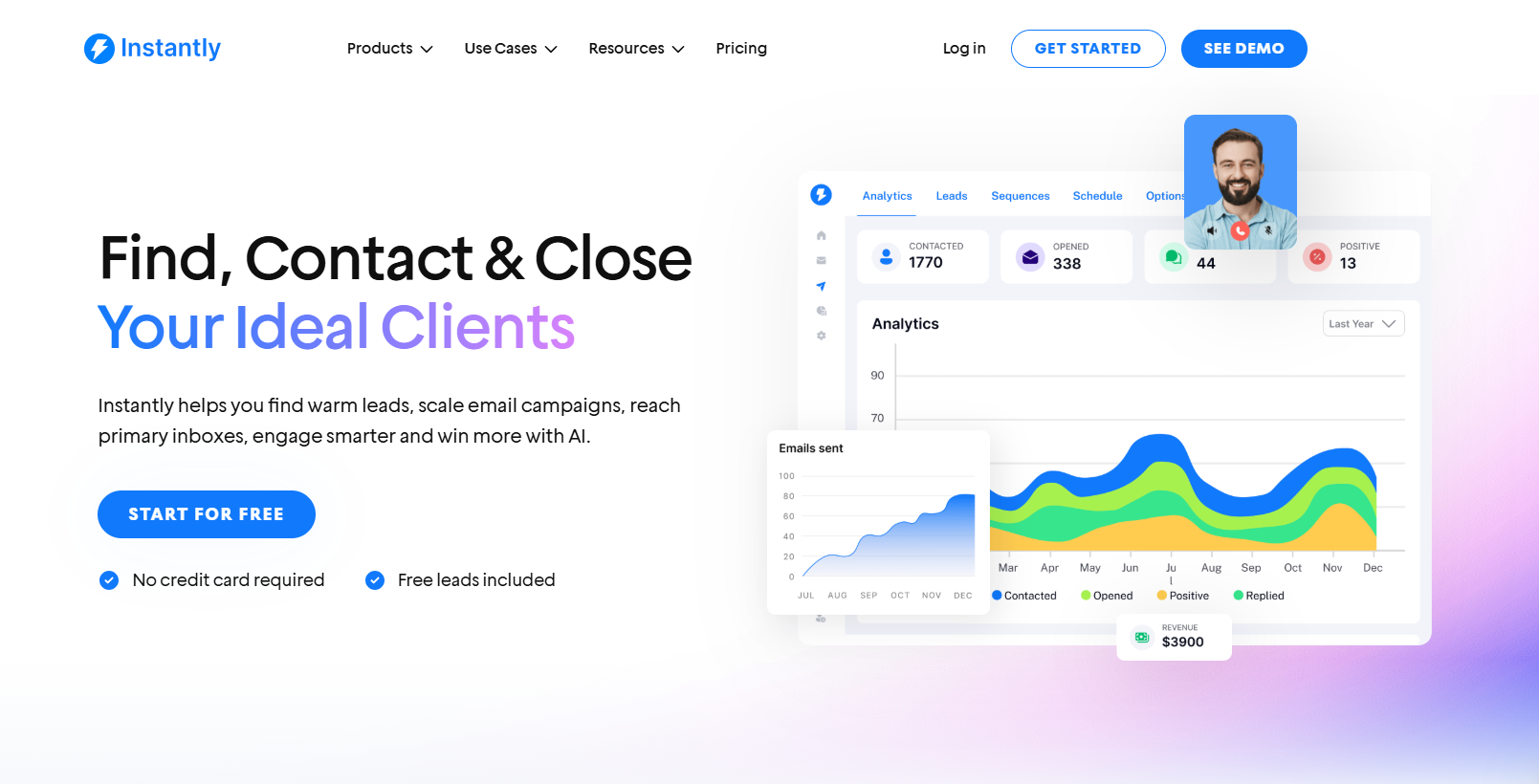
Instantly Email Autoresponder
G2 Rating: 4.8/5 ⭐ from 3,715 reviews
Instantly allows you to automatically reply, label, and trigger follow-up sequences based on how your leads respond. This leads to faster response times, personalization at scale, and frees up your team to focus on high-value leads. You’ll want to use three main tools: AI Inbox Manager, Subsequences, and Unibox NLP.
AI Inbox Manager
This feature automatically replies to a lead’s first positive response within 5 minutes. It only fires when the AI is confident it understands the lead’s intent, so replies stay relevant and human-sounding. To set it up:
- Go to Settings > Preferences and enable “Automatically suggest replies using OpenAI.”
- Add your OpenAI API key under Settings > Integrations.
- Create clean Reply Macros with dynamic fields like {{first name}} and {{company name}}.
- Enable AI Inbox Manager and save.
You don’t need a CRM subscription to use this. If you’re on a Hyper Growth or Light Speed plan, you can run this setup through Instantly Unibox.
Subsequences
Subsequences let you send automated replies based on specific conditions, like keywords or lead status. Use these to answer common questions ("How much is it?", "Can you send a case study?") or even filter out uninterested replies. Use subsequences when you want to:
- Send targeted responses based on reply content or lead labels
- Automatically share pricing, resources, or booking links
- Follow up with leads marked as “Interested,” “Not a fit,” or any custom label you define
Unibox NLP (AI Auto Labeling)
This is where it all comes together. Unibox NLP is Instantly’s AI-powered labeling system that reads incoming replies and tags leads based on buying intent. It works in 50+ languages and doesn’t cost extra. The key features include:
- Auto-labels lead as "Interested," "Not Interested," or any custom label
- Triggers subsequences automatically based on those labels
- Integrates with your CRM, creating opportunities when positive interest is detected
To enable Instantly’s Unibox NLP:
- Go to Settings > Preferences > AI Automation
- Turn on “Automatically tag interest status in replies”.
- Choose which labels the AI should apply
Note: Subsequences only activate on newly labeled leads, not retroactively. So when a lead replies positively, Instantly’s AI:
- Detects the intent.
- Label the lead (for example, “Interested”).
- Triggers the corresponding subsequence or auto-reply.
Brevo
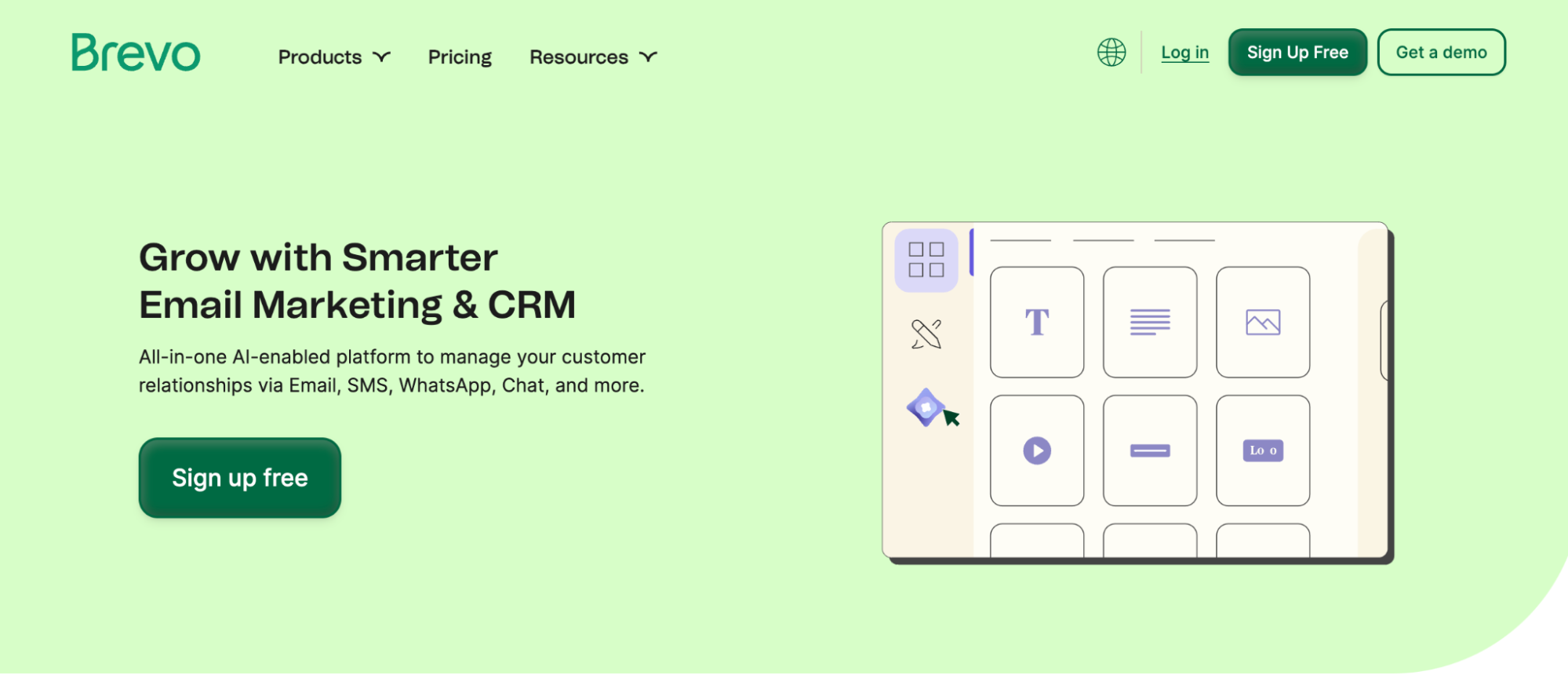
Brevo (formerly Sendinblue) is an email and SMS marketing platform that offers robust autoresponder features, even on its free plan. It’s built for small to medium-sized businesses that need automation without the steep price tag.
Email Autoresponder Features:
- Pre-built Automation Templates: Brevo has ready-to-use workflows for welcome emails, abandoned cart reminders, and more.
- Custom Workflows: Create multi-step automation sequences using conditions like email opens, link clicks, or website visits.
- Behavioral Triggers: Automations can start when a contact joins a list, submits a form, or performs a specific action on your website.
- Time Delays & Logic Branching: To personalize the journey, add wait times, conditional splits (if/else logic), and parallel paths.
- Email + SMS in One Flow: Autoresponders can include email and SMS steps, which is great for time-sensitive follow-ups.
- Unlimited Contacts: You’re never penalized for growing your list; pricing is based on email volume, not list size.
It’s best for solopreneurs, startups, and small teams who want to set up flexible autoresponders without paying enterprise-level prices. Ideal for nurturing new leads, onboarding users, or following up with minimal setup.
Things to consider:
- The free plan limits you to 300 emails per day
- Advanced features like A/B testing are locked behind higher tiers.
- Emails on the free plan include Brevo branding unless you upgrade.
Pricing: Free forever plan (300 emails/day, unlimited contacts). Paid plans start at $9/month for 5,000 emails/month.
AWeber
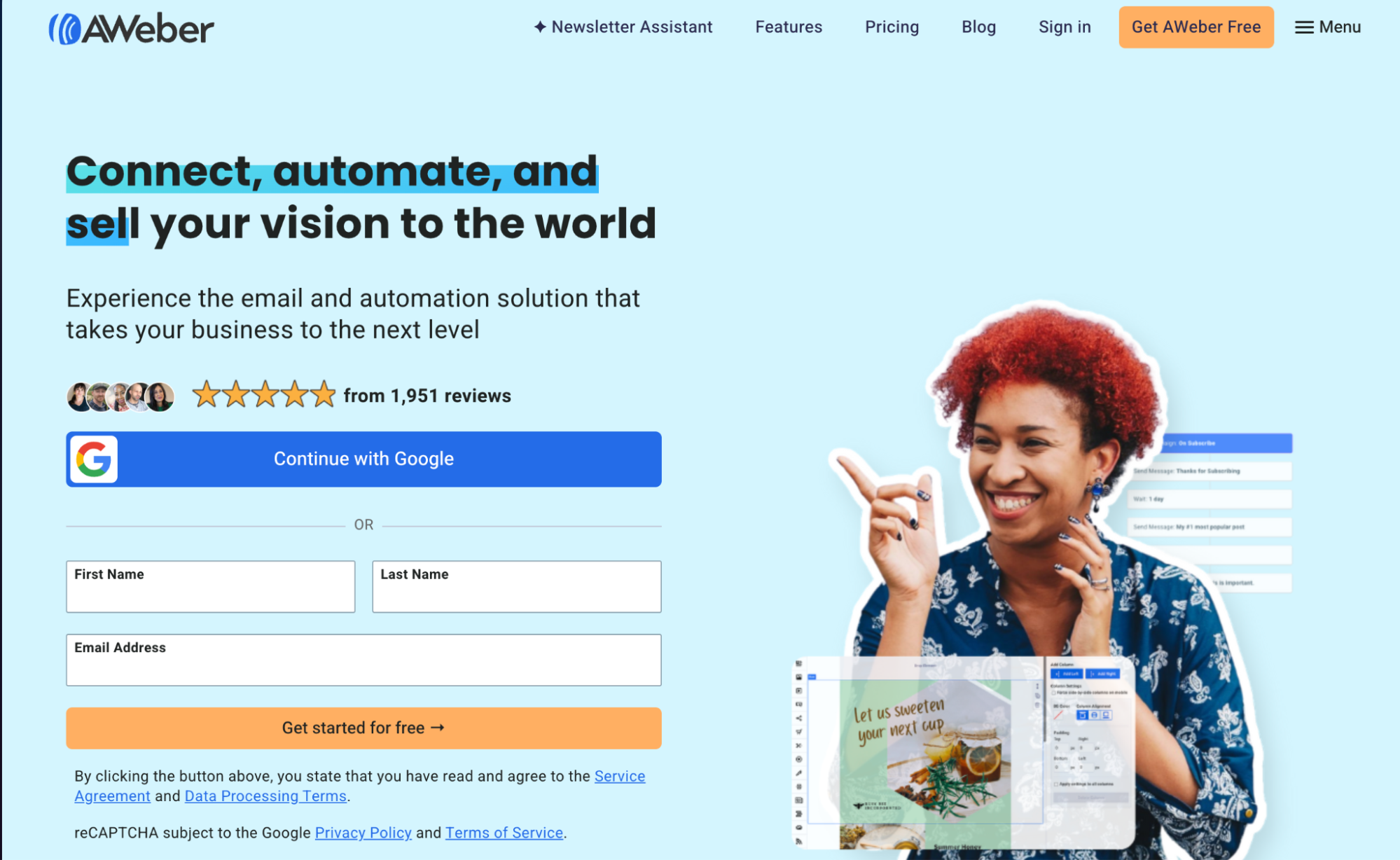
AWeber is one of the original email marketing platforms, trusted by small businesses and creators for its dependable deliverability and ease of use. It has autoresponders for users who want to start quickly without building complex workflows from scratch.
Email Autoresponder Features:
- Autoresponder Series (a.k.a. Campaigns): Easily set up automated email sequences based on time delays or subscriber actions. We cover this topic further in our b2b email campaign strategies resource.
- Pre-built Campaign Templates: AWeber offers plug-and-play sequences like mini-courses, onboarding series, and lead-nurture flows you can import instantly.
- Behavior-Based Triggers: Start or modify sequences when subscribers open an email, click a link, join a list, or get tagged.
- Click-Based Automation: You can add or remove tags based on what users click, helping you send more targeted follow-up emails.
- Drag-and-Drop Builder: Create responsive emails visually without coding.
Things to consider:
- Automation logic is more linear—if you need deep branching workflows or advanced segmentation, you may outgrow it.
- While intuitive, the interface still feels dated compared to newer platforms.
- Advanced features like split testing and behavioral automation require a paid plan.
Pricing: Free plan for up to 500 subscribers and 3,000 emails/month. Paid plans start at $12.50/month.
MailChimp
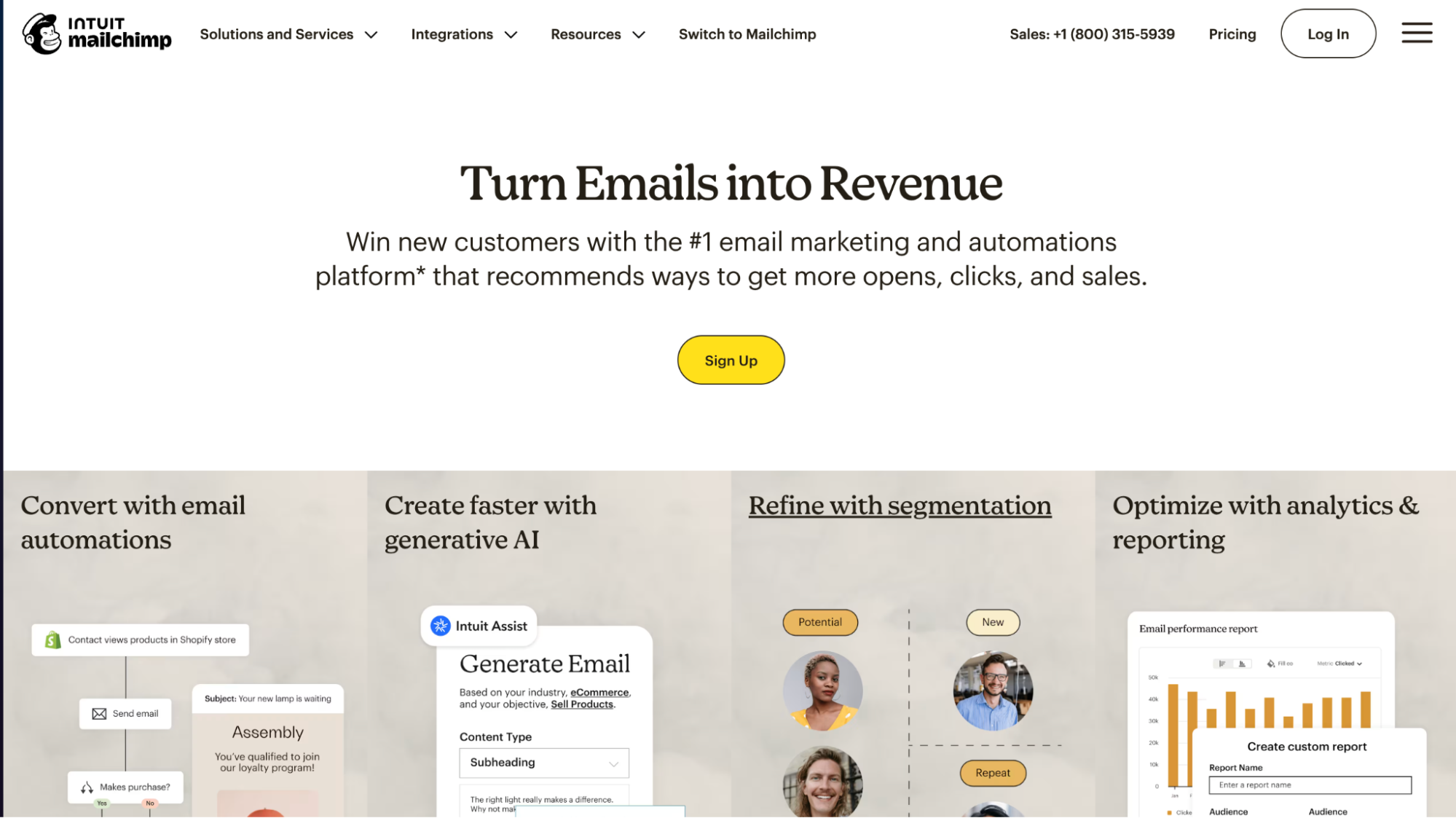
Mailchimp’s autoresponder features are packaged as “Customer Journeys.” They’re built for businesses that want easy-to-set-up automation without a steep learning curve.
Email Autoresponder Features:
- Customer Journeys (Automation Builder): Visual drag-and-drop interface to create multi-step email workflows.
- Behavioral Triggers: Start sequences when someone signs up, clicks a link, buys a product, or reaches a custom date (e.g., birthday, renewal).
- Branching Logic: Use if/else conditions to send subscribers down different paths based on their actions.
- Pre-Made Templates: Dozens of starter flows including welcome emails, re-engagement, follow-ups, and abandoned cart (for e-commerce).
- AI Tools: Predictive segmentation and send-time optimization (available on higher tiers).
Things to consider:
- Multi-step automations are only available on paid plans; the free plan allows just one-step email automations.
- Pricing increases quickly as your contact list grows.
- The interface is user-friendly but can feel cluttered with features unrelated to email (ads, social, etc.).
Pricing: Free plan includes 500 contacts and 1,000 email sends/month with basic autoresponders. Paid plans with multi-step automation start at $20/month (Standard plan).
GetResponse
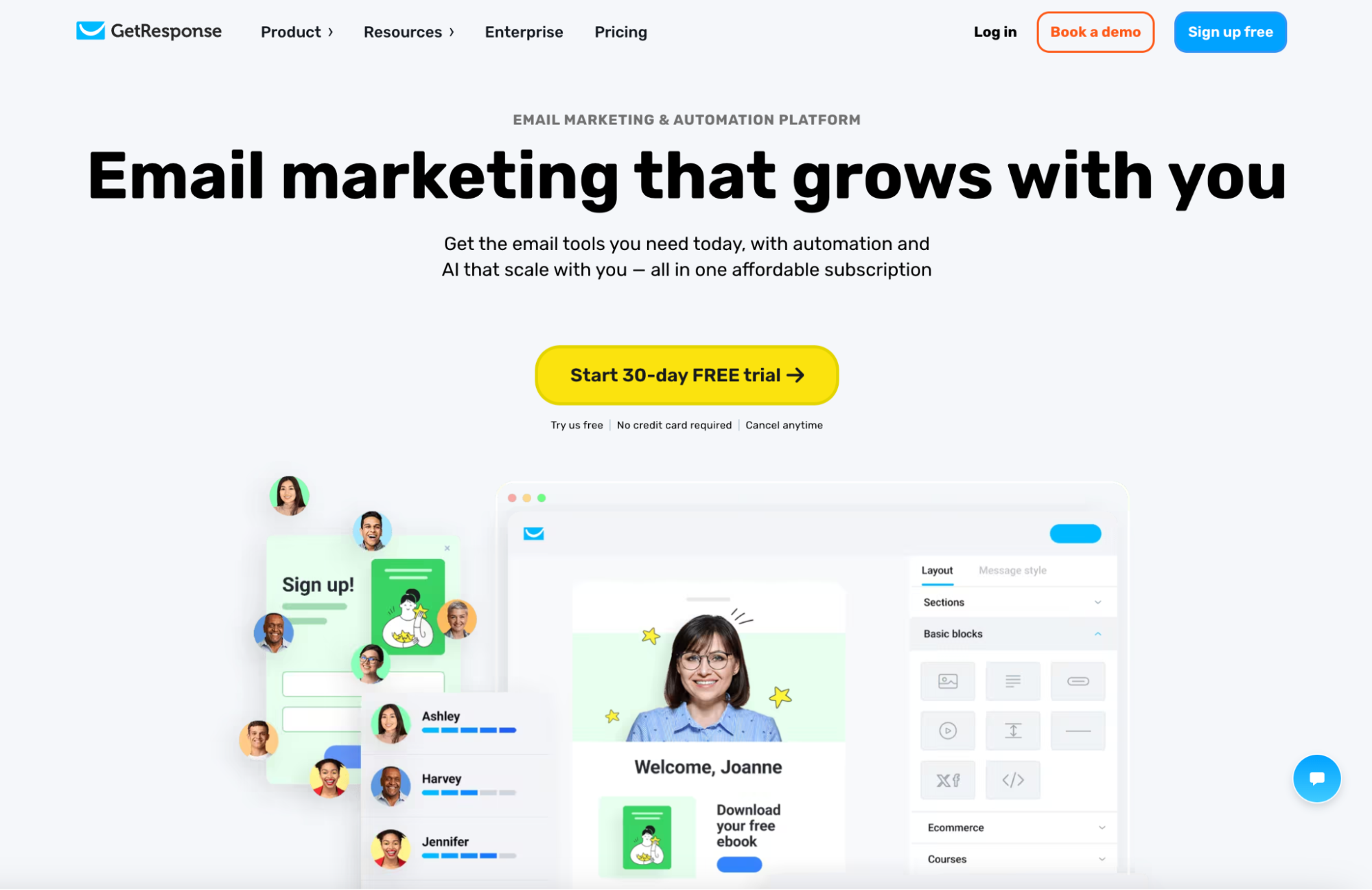
GetResponse is a full-featured marketing platform that offers tools beyond email, such as sales funnels, webinars, and landing pages. Get practical tips in our guide to proven email marketing best practices. But when it comes to email automation, its visual workflow builder and advanced sequencing make it a standout, especially for businesses running lead-generation funnels or multi-step campaigns.
Email Autoresponder Features:
- Autoresponder Series: Easily schedule emails to send at timed intervals after someone joins your list—perfect for welcome series, drip campaigns, or lead nurturing.
- Visual Automation Builder: Drag-and-drop interface for creating complex workflows with triggers, conditions, and actions (e.g., if contact clicks link → wait 2 days → send follow-up).
- Advanced Triggers: Launch automations based on behavior (clicks, opens), sign-up forms, ecommerce actions, or custom events.
- Prebuilt Workflow Templates: Dozens of ready-to-use sequences for lead magnets, onboarding, product launches, and more.
- Tagging & Scoring: Automatically tag contacts or assign lead scores based on behavior, helping you fine-tune your follow-up.
Things to consider:
- Autoresponders and automation workflows are unavailable on the free plan—you’ll need a paid tier to unlock them.
- The platform's all-in-one nature includes features you may not need (e.g., webinars, live chat).
- The interface can feel crowded if you only want email-specific tools.
Pricing: Free plan includes newsletters only (no autoresponders). Paid plans with full automation start at $19/month (Email Marketing plan).
Using Email Autoresponders for Leads
Email autoresponders become particularly useful when you’re managing leads across larger cold email outreach campaigns. Rather than leaving an interested prospect waiting for someone to manually check their inbox, an autoresponder can help keep the conversation moving as soon as a relevant response comes in.
The response doesn’t have to be the same for every lead. You can use information from the reply to determine the next step, whether that’s answering a common question, sending additional information, triggering a follow-up sequence or handing the conversation over to a sales rep.
This is where more advanced email responder tools become useful. By combining automated responses with lead labels, conditional workflows and AI, sales teams can automate predictable interactions while still stepping in when a prospect needs a more personal response.
Why Use Instantly for Email Autoresponders?
Instantly brings your email autoresponder into the same platform you use to manage cold outreach, so replies don’t have to sit separately from the campaigns that generated them.
You can use Instantly to manage incoming responses, automatically identify lead intent and trigger the appropriate next step based on how a prospect responds. This makes it easier to keep conversations moving without manually reviewing every reply or switching between different tools.
For example, when a prospect shows interest, Instantly can identify and label the response before triggering the relevant follow-up workflow. Your team can then manage conversations from a centralized inbox and step in when a lead needs a more personal response.
If you want to automate more of the sales development process, an AI sales agent can take this further by helping with prospecting and personalized outreach alongside automated follow-ups. Instantly’s AI SDR agent can find prospects, write and send personalized emails, run follow-ups, handle replies and help turn interested prospects into booked meetings.
Start your 14 day free trial and use Instantly to automate more of your email outreach and lead response workflow.
Key Takeaways
Email autoresponders ensure no leads slip through the cracks, making them essential for every business doing outreach campaigns. To recap, here are the best ones you need to try:
- Instantly: Best for cold email campaigns
- Brevo: Best for budget-friendly email autoresponders
- AWeber: Reliable, ready-to-use autoresponders
- MailChimp: User-friendly autoresponders with broad integration
- GetResponse: Best for funnel-based autoresponder workflows
If you want holistic outreach campaigns, from automated email sequences to replies, there’s no better tool than Instantly. Try it for free today.

Frequently Asked Questions About Email Autoresponders
What Is an Email Autoresponder?
An email autoresponder automatically sends a response or triggers an action when predefined conditions are met. More advanced tools can respond differently based on a lead’s reply, status or intent.
What Is Autoresponder Integration?
Autoresponder integration connects your email responder with other tools in your sales or marketing workflow, allowing actions and lead information to move between systems automatically.
Can You Use an Email Autoresponder for Leads?
Email autoresponders can help sales teams respond to leads faster, trigger relevant follow-ups and route interested prospects to the appropriate next step.
What Should You Look for in Email Autoresponder Software?
Look for email autoresponder software that supports the workflows you need, such as automated replies, conditional follow-ups, lead segmentation and integrations with the rest of your sales stack.
What’s the Difference Between an Email Autoresponder and Email Automation?
An email autoresponder usually reacts to a specific trigger or incoming response. Email automation is broader and can manage multi-step workflows based on different actions, conditions and stages in the customer journey.
Further Reading
- AI Sales Agent — Learn how AI sales agents automate prospecting, personalized outreach, follow-ups and other repetitive parts of the sales process.
- How to Improve Your Cold Email Response Rate — Learn how to improve targeting, deliverability and follow-ups to generate more responses from your cold email campaigns.
- How to Find Sales Prospects — Learn how to identify relevant prospects, find their contact information and build a more effective sales prospecting process.
- How to Generate More Sales Pipeline — Learn how to turn prospecting and outbound outreach into a more consistent flow of qualified sales opportunities.
- Cold Email Marketing Agency — See how cold email agencies build and manage outbound campaigns, from prospecting and outreach to follow-ups and lead generation.


