.svg)
%20(1).svg)


TL;DR: Cold calling software replaces manual dialing with an automated dialer, then logs the call to your CRM. The best cold calling software for your team depends mainly on one question: how many lines you need to dial at once. Allo is the affordable AI cold calling software that records and transcribes your calls, and can talk to Claude. Cloudtalk is the international option that offers local presence in 100+ countries and an AI that speaks 60 languages. Orum and Kixie are the parallel dialers. Both hide their pricing, and both expect a real outbound team. The advertised entry price is rarely the cold calling price. On most of these tools the dialer sits one or two tiers up.
The industry average cold call success rate is 2.7%, up from 2.3% the year before, according to Cognism's 2026 cold calling report, which analyzed over 200,000 calls.
Whether cold calling makes commercial sense depends on your deal value, list quality, connect rate and the cost of generating each conversation. The B2B cold calling software you use can influence that equation by reducing the time reps spend dialing and handling the admin around each call.
In this article, we compare seven cold calling software platforms for outbound sales teams, looking at their dialers, AI capabilities, pricing, integrations and the types of teams they’re best suited to.
What Is Cold Calling Software?
Cold calling software helps sales teams make, manage and track outbound calls to prospects who haven’t previously interacted with the business. It can reduce the manual work involved in calling through a B2B prospect list and keep a record of what happens during each conversation.
Most platforms include an automated dialer, although the type of dialer varies. Depending on the software, you may also get call scripts, CRM integrations, call recording and transcription, along with reporting to track how your calls are performing.
Cold calling can also form part of a wider cold outreach strategy alongside channels such as cold email. More advanced cold calling software may use AI to summarize conversations, analyze calls or help sales reps prepare their follow-up.
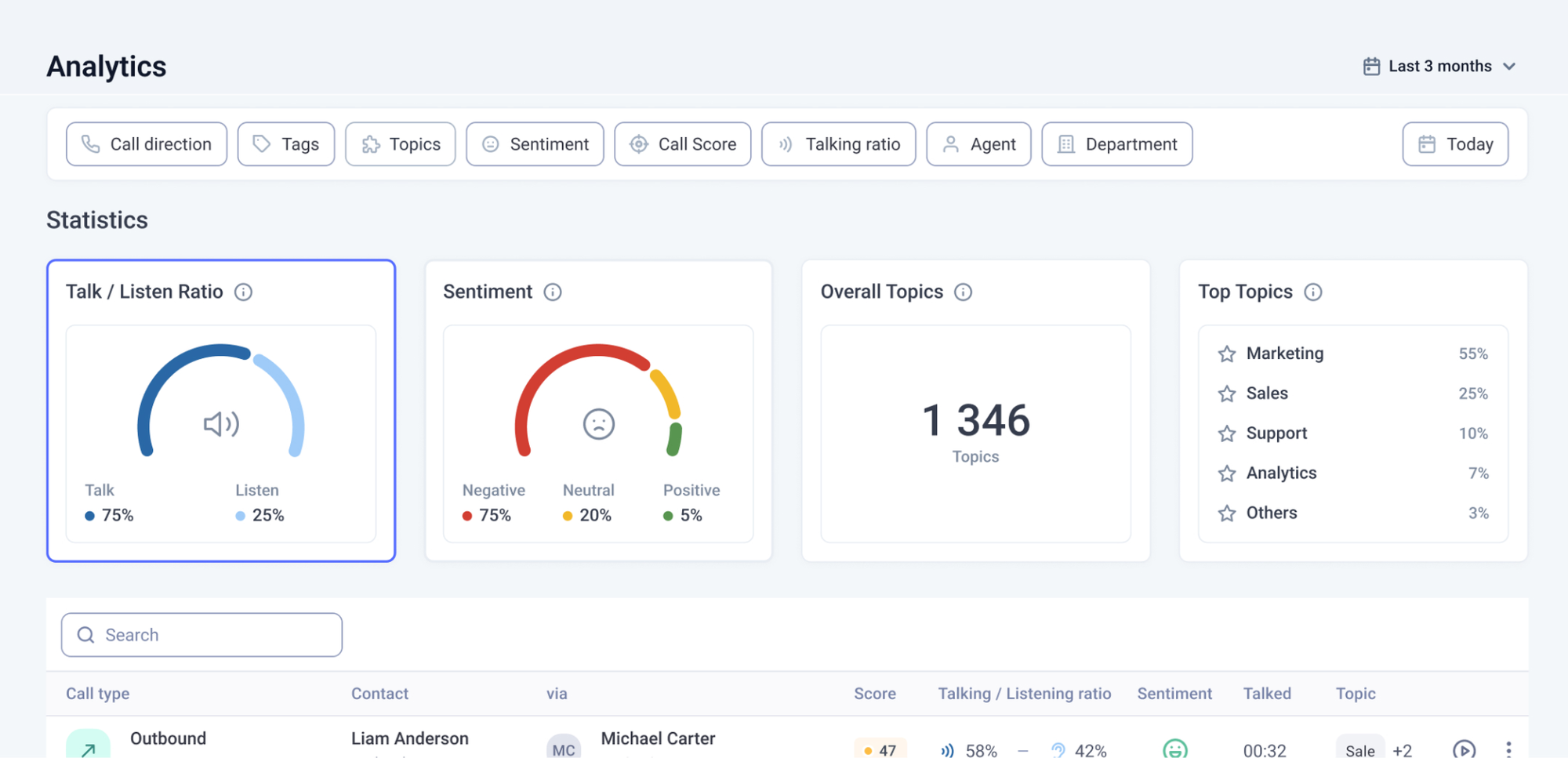
AI Cold Calling Software vs. Traditional Dialers
Traditional cold calling software primarily helps sales reps work through prospect lists more efficiently. AI cold calling software can automate more of the work that happens during and after those conversations.
For example, AI can transcribe and summarize calls before adding the information to your CRM. It can also analyze conversations to identify topics or sales objections, score calls against your team’s criteria and give reps feedback on their performance.
Some platforms use AI to prepare follow-up emails or messages based on what was discussed during the call. Others provide live assistance while a rep is speaking with a prospect, such as prompts or coaching based on the conversation.
AI voice agents take this a step further by speaking directly with prospects rather than assisting a sales rep. Depending on the platform, they can handle tasks such as answering questions, qualifying prospects and booking meetings.
Which Type of Cold Calling Dialer Do You Need?
Dialer type is one of the first things to consider when comparing cold calling software.
- A single-line dialer works through a list one number at a time. It removes the dialing, the waiting and the manual logging. For a team making 40 to 80 calls a day against a decent list, this is usually enough. Allo, Aircall, and PhoneBurner belong to this category.
- A parallel dialer, sometimes called a multi-line or predictive dialer, calls several numbers at once and connects a rep only when a human answers. It multiplies live conversations per hour. It also introduces the awkward pause a prospect hears on handover, and it burns through your list far faster. Cloudtalk, Justcall, Kixie and Orum belong to this category.
The right choice largely comes down to your calling volume and the size of your prospect list. If reps spend a lot of time waiting for prospects to answer and you have a large audience to work through, parallel dialing can make sense. For smaller lists of high-value prospects, a single-line dialer may give reps more control over each attempt.
How We Compared These Cold Calling Software Tools
We compared the tools based on the features most relevant to outbound sales teams, including dialer type, AI capabilities, pricing and CRM integrations.
Pricing, plan names and feature availability were reviewed using information published by each vendor. We also considered customer ratings and reviews from sources such as G2, Trustpilot and Capterra when assessing each platform.
The tools are ordered by their published starting price, from lowest to highest, with platforms that don’t publish pricing appearing at the end. Where the advertised starting plan doesn’t include the dialer, we’ve also included the plan required to access it.
7 Best Cold Calling Software Tools
1. Allo
Best for
Founders, agencies and small outbound teams who want the AI included rather than itemised and don’t need a parallel dialer.
Overview
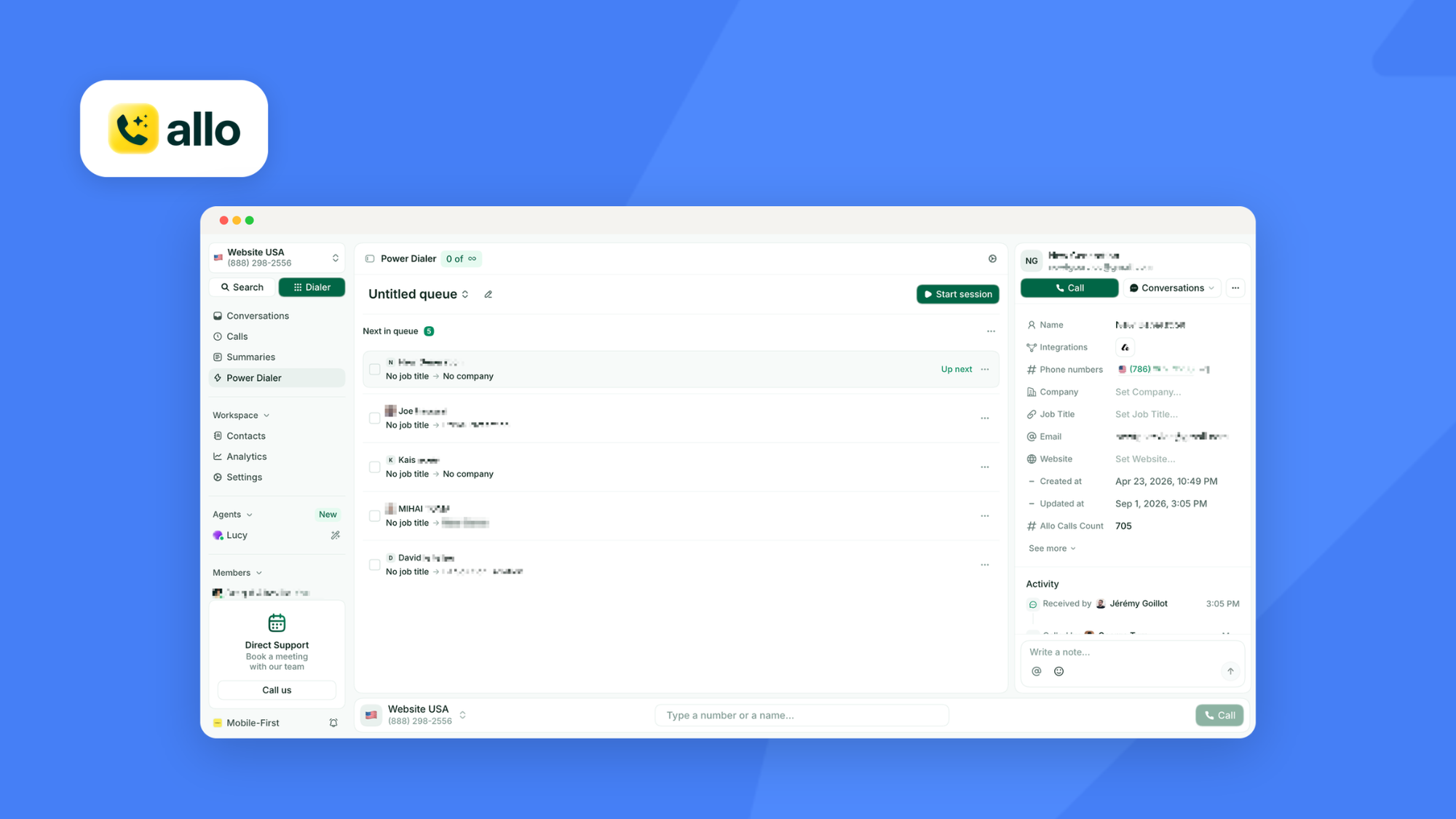
Allo launched in 2024 to attack an aging category with AI rather than another VoIP interface. Every plan includes the AI features that competitors sell as add-ons, and an MCP connector lets Claude or another assistant build a calling list and query past calls directly. That combination of AI-in-the-base-price and agent-friendliness is what makes it a distinct pick rather than a cheaper clone.
Key features
- Power dialer that pulls contacts from your CRM, a CSV, the API, or from an LLM through the MCP connector
- Integrates with all the leading CRMs
- Call transcription and summaries in 36 languages, with drafted follow-up emails
- Local numbers in 11 countries, with pay-as-you-go international calling
Pricing
- Solo is $18/user/mo billed yearly, with a 30-day money-back guarantee, covering one number, unlimited national calls, recording, SMS, CRM autofill, AI summaries and an AI receptionist.
- Business is $45/user/mo, or $32 billed yearly, and adds the power dialer, all integrations, AI call tags, custom summary templates, analytics and the MCP connector.
- Ultra adds a set of AI agents.
Extra numbers cost $5/mo, and there are no AI add-ons.
Integrations
Eighteen native integrations including HubSpot, Pipedrive, Salesforce, Attio, Zoho CRM, Notion and Apollo, plus Intercom, a Zapier connection to over a thousand apps, and an API. Some integrations require the Business plan.
Pros and cons
Pros
- Deep two-way CRM sync that writes back recordings, transcriptions and contact updates automatically
- AI included in every plan, with no add-on line items
- The MCP connector makes it usable from an AI assistant, which nothing else here offers
- Flexible routing, with announcements, voicemail paths and webhook-driven workflows
- Rates 4.7 on G2 across 209 reviews
Cons
- Most integrations are gated behind the Business plan
- No local presence option, no parallel dialer
2. CloudTalk
Best for
Teams selling across borders who want local numbers and multi-language support.
Overview
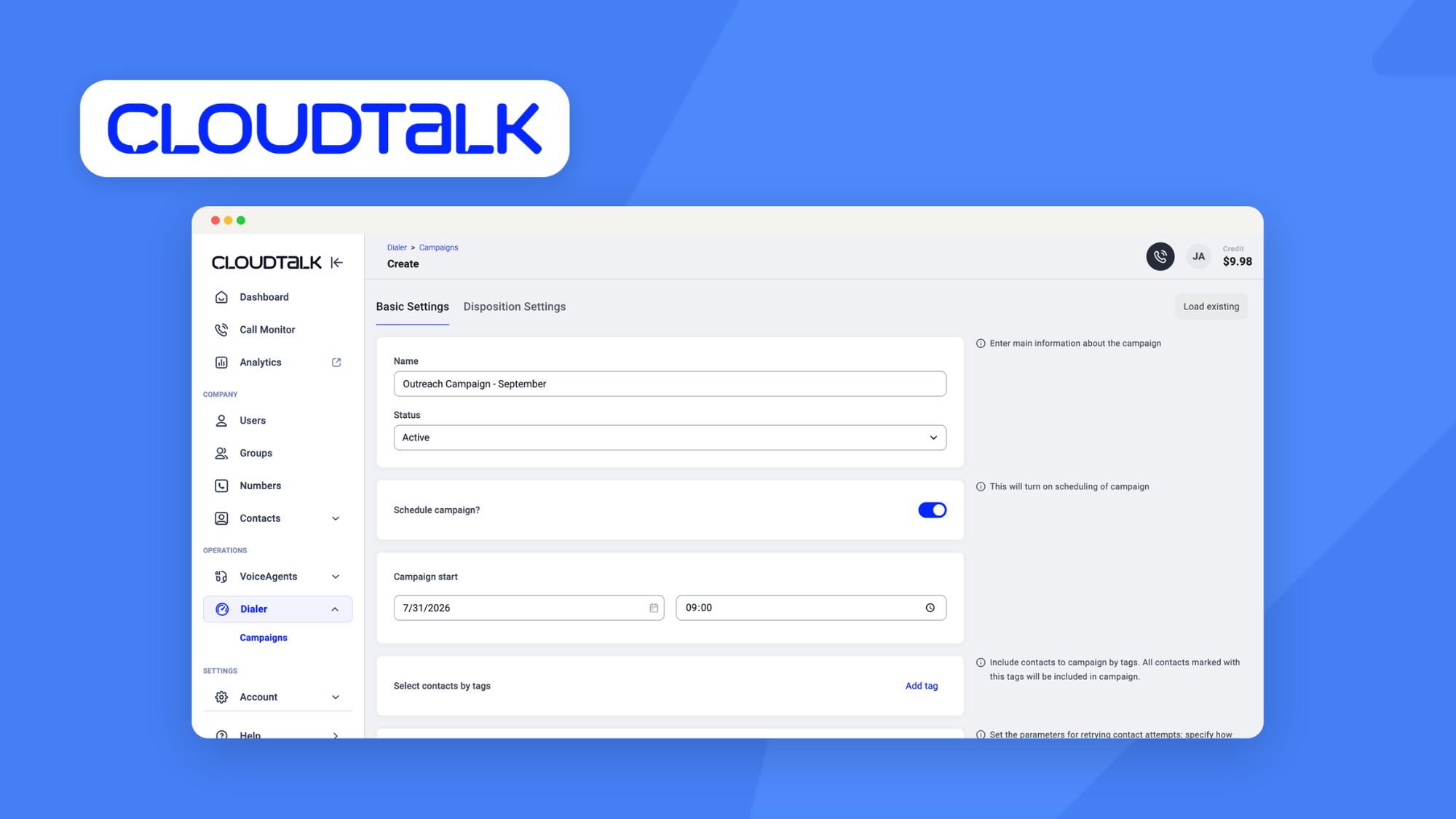
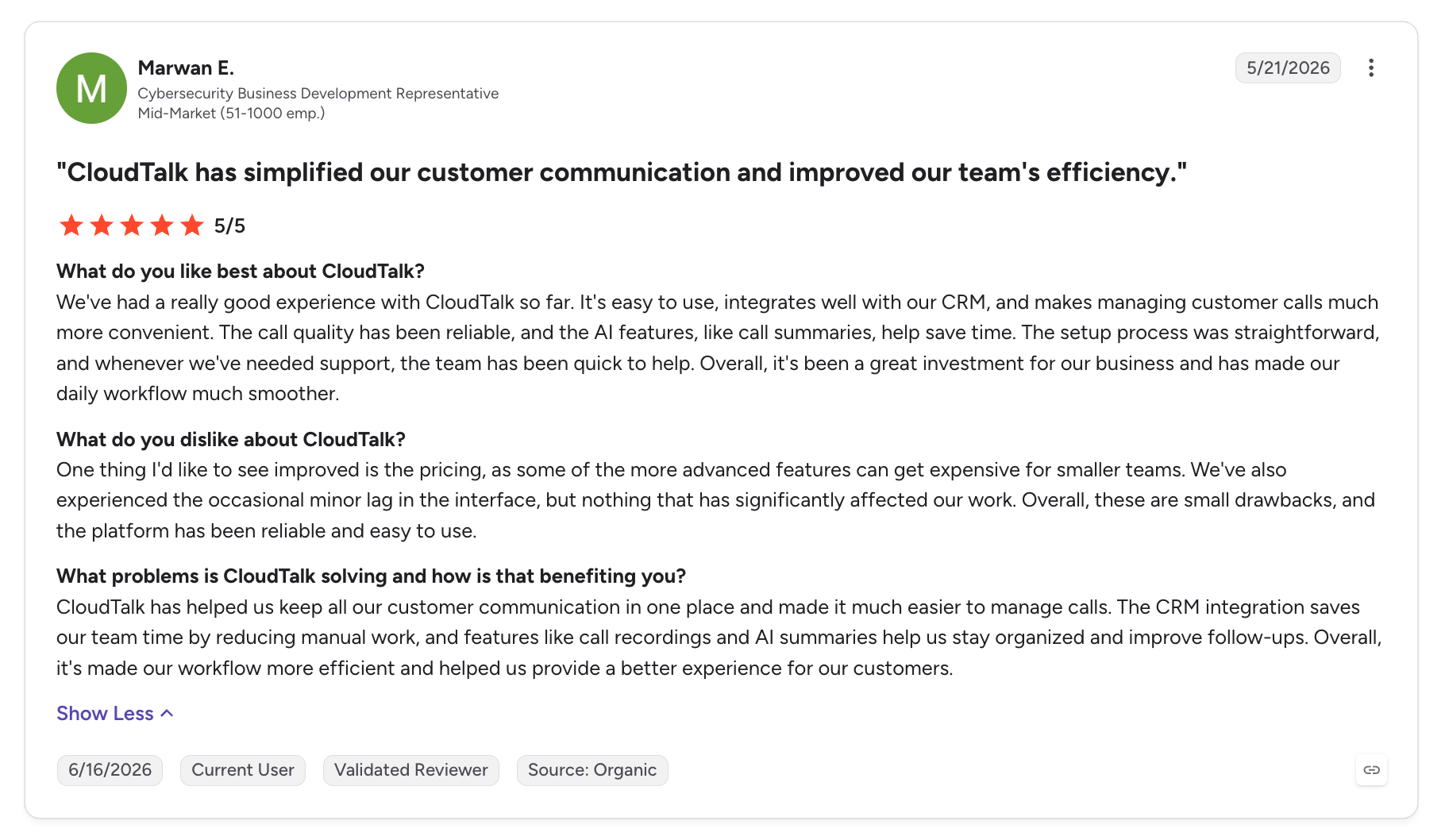
CloudTalk has made international calling its home turf. Local numbers in more than 160 countries, automatic switching to a number local to your prospect, and around 4,000 customers spread across 100 countries put it in a different position from the US-first tools in this list. If your list crosses time zones, this is the one built for it.
Key features
- Local numbers in 160-plus countries, with automatic local presence on outbound calls
- Power dialer with CSV or CRM import, call scripts and in-call surveys
- Parallel dialer for up to 10 simultaneous lines, sold as a separate add-on
- Voicemail drop and supervisor listen-in
- AI transcripts, summaries, topic extraction, sentiment and talk-to-listen ratio, plus an AI voice agent for inbound and outbound calls
Pricing
- Starter is $34/user/mo, or $25 yearly.
- Essential is $39, or $29 yearly, and adds routing, IVR and integrations.
- Expert is $69, or $49 yearly, with a three-licence minimum, and is the tier that includes the power dialer, live monitoring and advanced reporting.
The parallel dialer is another $39/user/mo, billed annually only.
Integrations
79 integrations, including Salesforce, HubSpot, Pipedrive, Zoho, Odoo and noCRM. The HubSpot listing rates 4.3 out of 5.
Pros and cons
Pros
- The widest international footprint here, at 160-plus countries
- Automatic local number switching, which reviewers single out
- Clean interface that reviewers describe as easy to learn
- 14-day free trial with no card required, the most generous in this comparison
Cons
- Call quality complaints recur in reviews
- Support is reported as slow
- The parallel dialer is an annual-only add-on rather than part of a plan
3. JustCall
Best for
Teams that follow every call with a text and want both in one thread.
Overview
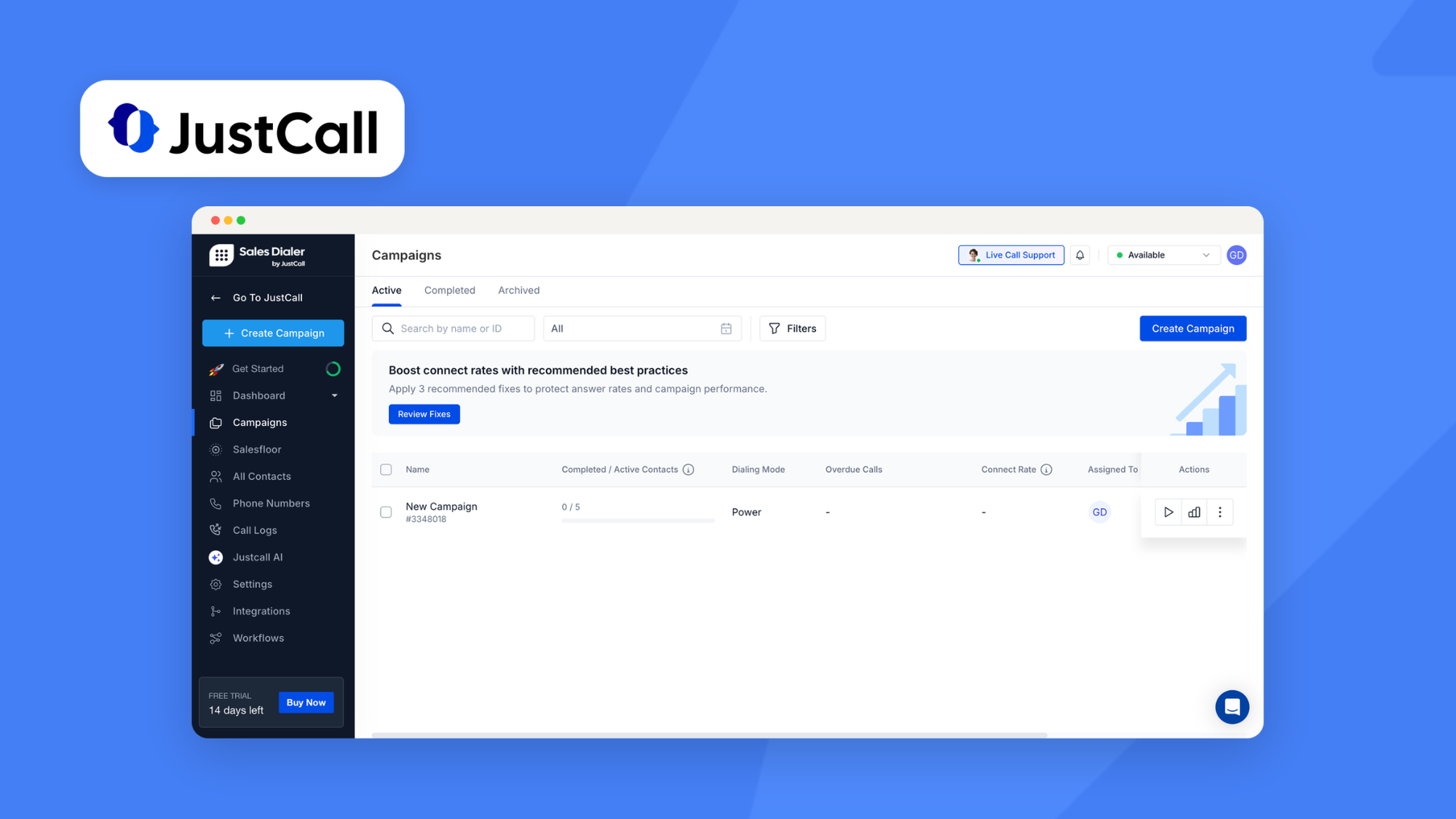
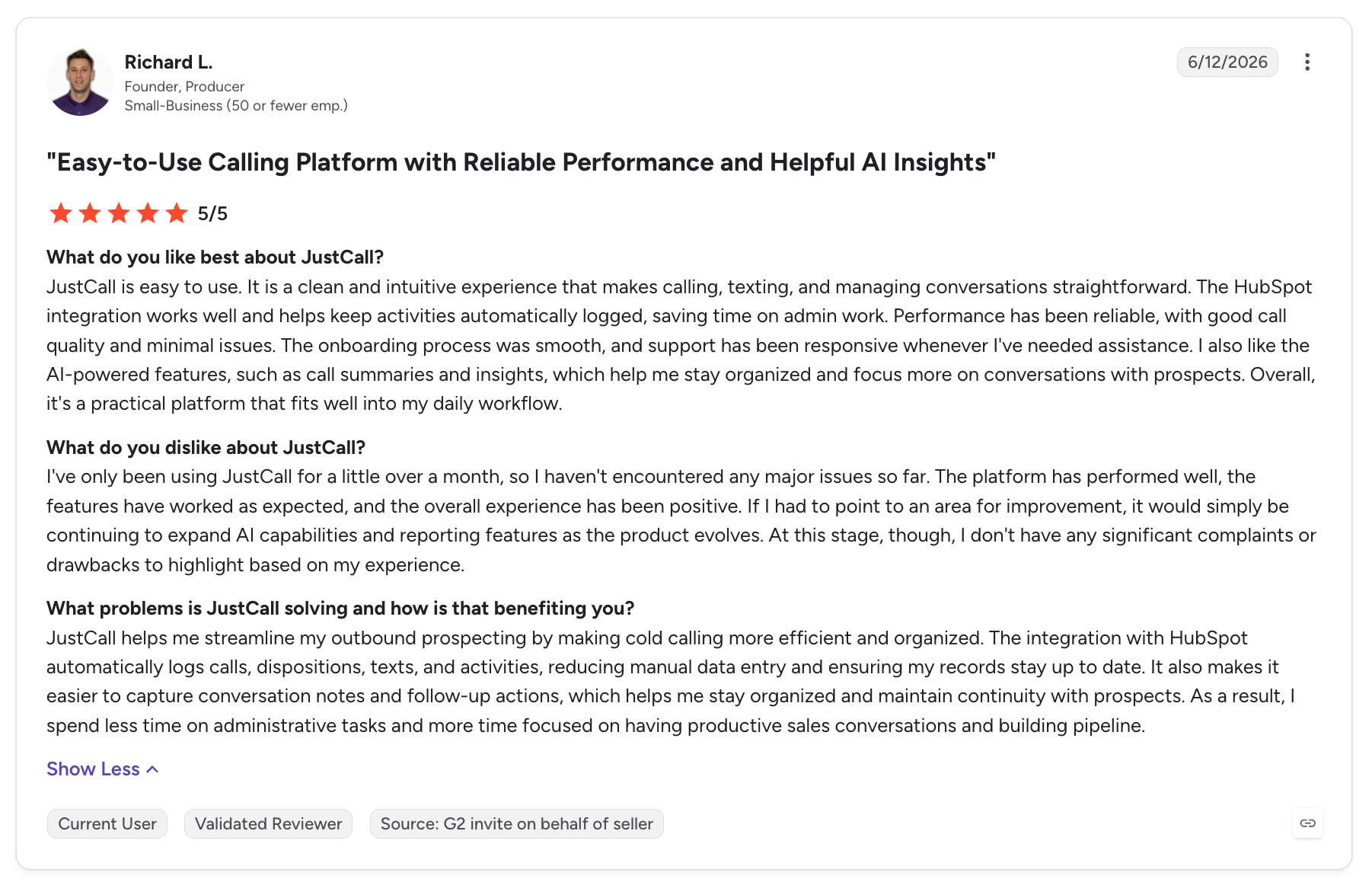
JustCall started by automating the admin around calls, then grew into a multichannel platform. Voice, SMS, WhatsApp and email sit in one inbox across more than 70 countries, and it carries the most complete set of dialers in this comparison: power, parallel and predictive. It suits sales teams whose sequences mix channels rather than leaning on the phone alone.
Key features
- Power, parallel and predictive dialing, with up to 10 simultaneous calls
- Voice, SMS, WhatsApp and email in a single thread per contact
- Local presence and local numbers in 70-plus countries
- Territory controls that restrict calling windows per region, plus DNC compliance
- AI transcripts, summaries, sentiment, call scoring, coaching and an outbound AI voice agent that qualifies leads, in 17 languages
Pricing
- Team is $39/user/mo, or $29 yearly, with a two-licence minimum, and includes unlimited US and Canada calling plus AI transcription.
- Pro is $69, or $49 yearly, and is where the power dialer, bulk SMS, Salesforce and reporting arrive.
- Pro Plus is $109, or $89 yearly, for real-time agent assist and call scoring.
Most AI features beyond transcription need AI Review Assist at $9/user/mo.
Integrations
HubSpot, Pipedrive, Salesforce, Attio, Copper, Capsule, HighLevel, Follow Up Boss, Freshsales and Intercom. Its HubSpot listing rates 4 out of 5, which is high for this category.
Pros and cons
Pros
- The most complete dialer set here, covering power, parallel and predictive
- Genuine multichannel, with SMS and WhatsApp beside the call
- Support staffed by people who answer
- Strong CRM integrations for the price
Cons
- AI beyond transcription is a paid add-on
- Reviewers report glitches, and numbers being flagged as spam
- Support can be slow to reach despite the quality once you do
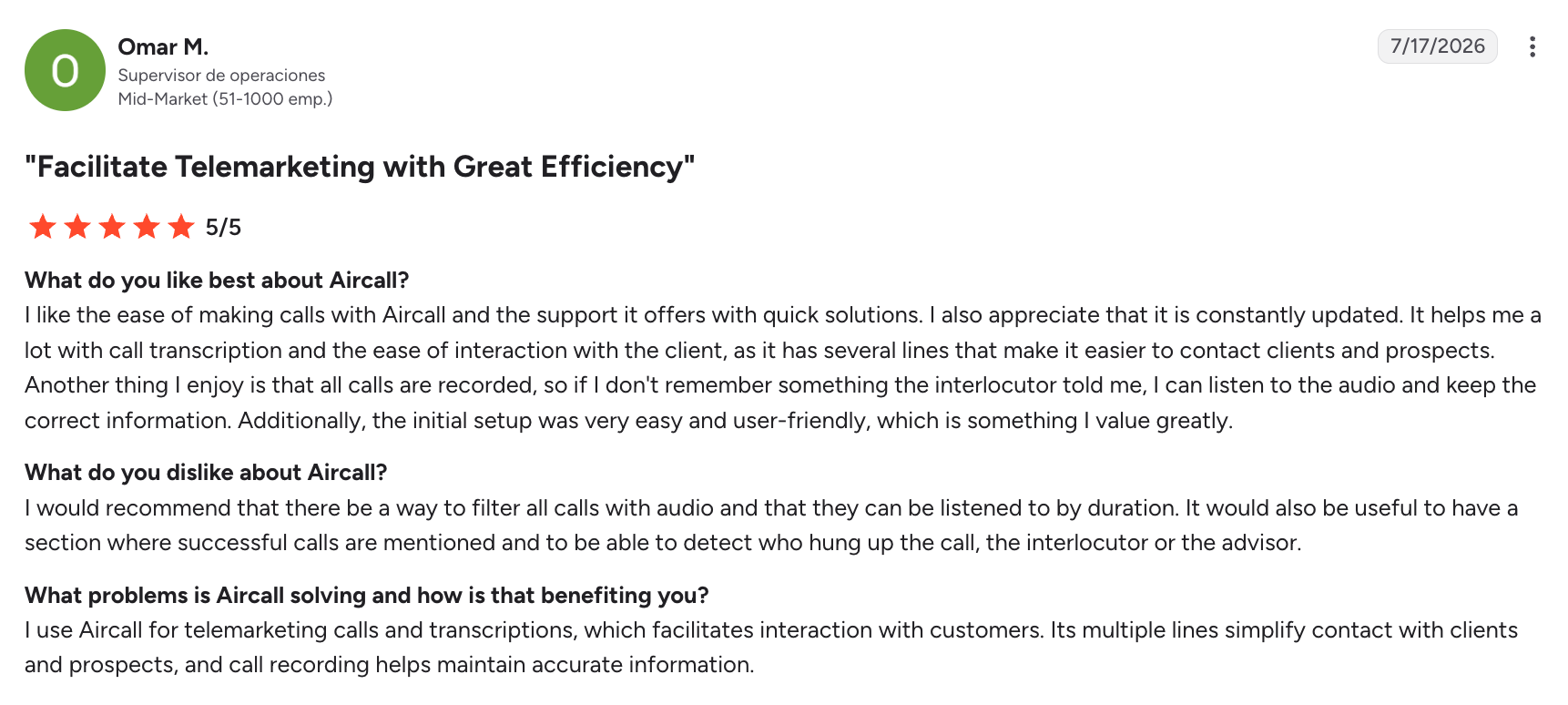
4. Aircall
Best for
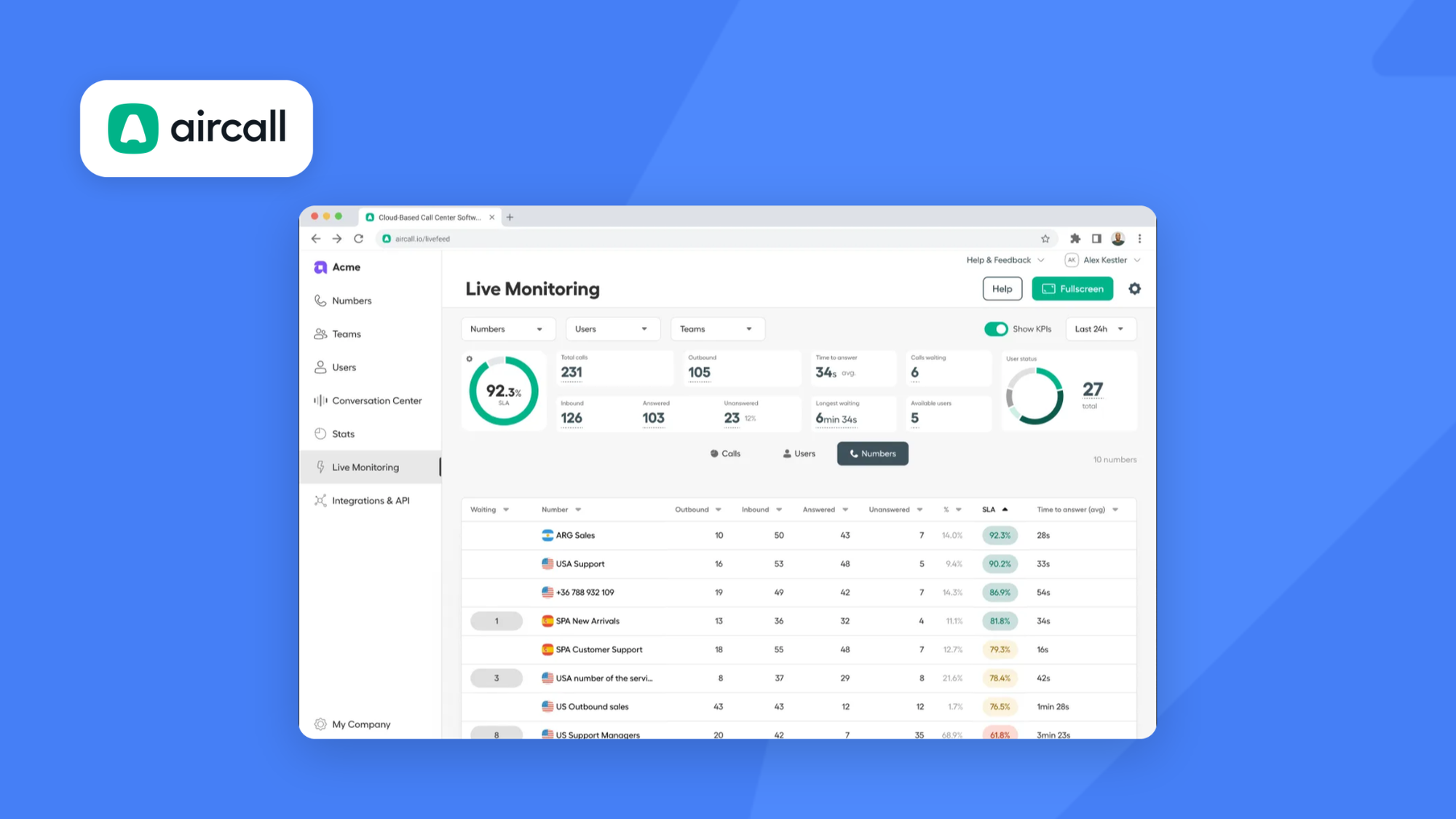
Established teams already standardized on Salesforce and HubSpot, where reliability matters more than dials per hour.
Overview
Aircall began in Paris in 2014 as a reaction to hardware-based phone systems, then made CRM integration its centre of gravity. It is the institutional choice here and it is deliberately conservative about outbound.
Key features
- Unlimited US and Canada calling and SMS, with local numbers in 38 countries
- Power dialer with voicemail drop and CRM context surfaced before the call
- Call monitoring with listen, whisper and barge
- An unusually deep Salesforce integration
- AI transcription and summaries, with live prompts and playbooks on the top AI tier
Pricing
- Essentials is $40/user/mo, or $30 yearly.
- Professional is $70, or $50 yearly, and is the tier carrying the power dialer, voicemail drop and advanced analytics.
Both plans need a minimum of three licences.
AI is billed on top:
- AI Assist is $9/user/mo
- AI Assist Pro is $49/user/mo
Integrations
HubSpot, Salesforce, Pipedrive, Attio, Zoho, Microsoft Dynamics, Odoo, HighLevel, Intercom and Shopify, alongside Google Workspace and Microsoft 365.
Pros and cons
Pros
- A recognized, low-risk brand that is easy to get approved internally
- Broad integration catalogue, with Salesforce support that goes deeper than most
- Coverage in 38 countries
- Supervisor tooling for coaching live calls
Cons
- Costs stack through add-ons, with AI, WhatsApp and analytics all billed separately
- A three-licence minimum on every plan penalizes small teams
- No local presence and no parallel dialer
5. PhoneBurner
Best for
Small lists of high-value prospects, where burning a contact costs more than the subscription.
Overview
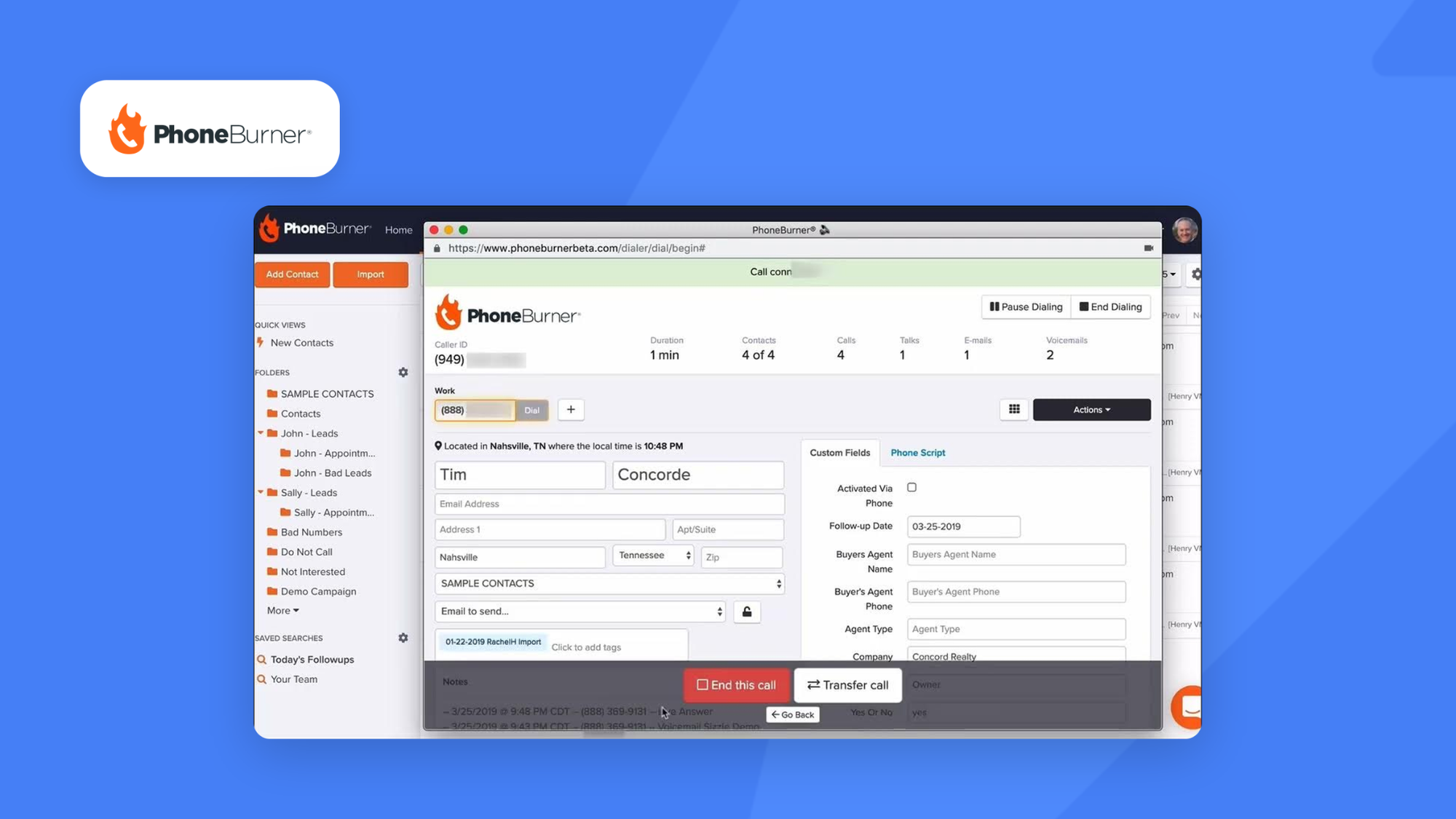
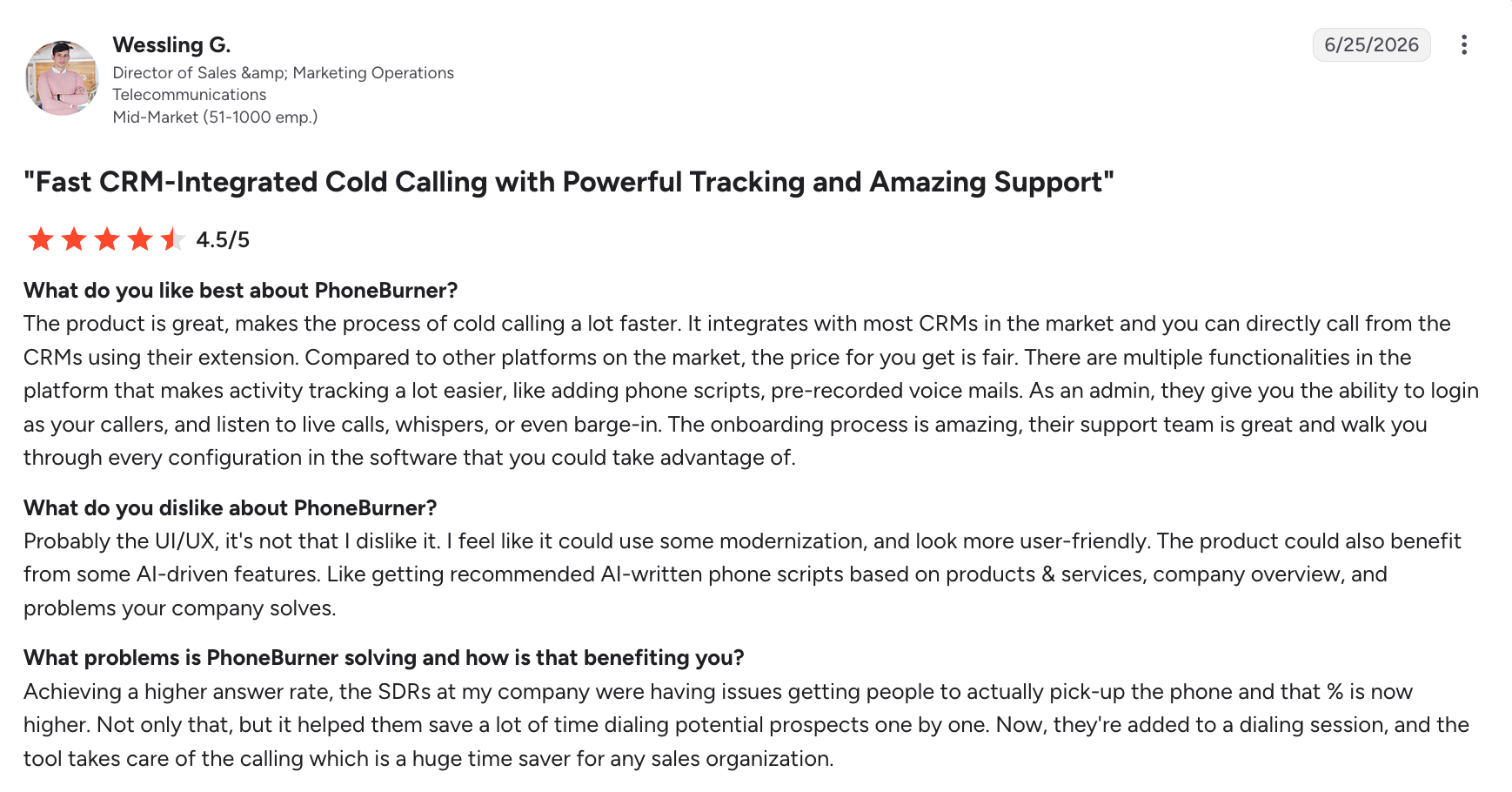
Running since 2008 under the banner of "Responsible Communications", PhoneBurner is the philosophical outlier here. It has no parallel dialer and does not want one, on the argument that a rep fully present on one call beats a rep half-present on four. Everything in the product follows from that, including the deliverability tooling that protects your numbers rather than your dial count.
Key features
- Single-line dialing by design, included in the entry plan rather than an upgrade
- Armor, which monitors your outbound numbers and disables them when carriers flag them as spam
- Local presence that matches your prospect's area code automatically
- Voicemail drop, call recording and appointment emails
- Automated lead attribution across reps, plus a built-in CRM
Pricing
- Standard is $165/user/mo with unlimited calling and call analytics, and requires a hardware phone.
- Professional is $195/user/mo and adds live monitoring and coaching.
- The top tier is $215/user/mo and adds transcription, text messaging and unlimited recording storage.
Unlike everything else here, the dialer is in the entry plan.
Integrations
HubSpot, Salesforce, Zoho, SugarCRM and HighLevel. It also ships its own CRM.
Pros and cons
Pros
- The best deliverability protection in this comparison, which is what actually preserves connect rates
- The dialer is in the entry plan, so there is no upgrade trap
- A built-in CRM for teams without one
- Rates 4.7 on G2 and 4.8 on Capterra
Cons
- By far the highest entry price here at $165/user/mo, and the Standard plan needs a hardware phone
- Steep learning curve, and no way to call only mobile numbers and skip office lines
- US and Canada dialing only, and AI is limited to transcription
6. Kixie
Best for
SDR teams who live inside HubSpot or Pipedrive and dial in volume.
Overview
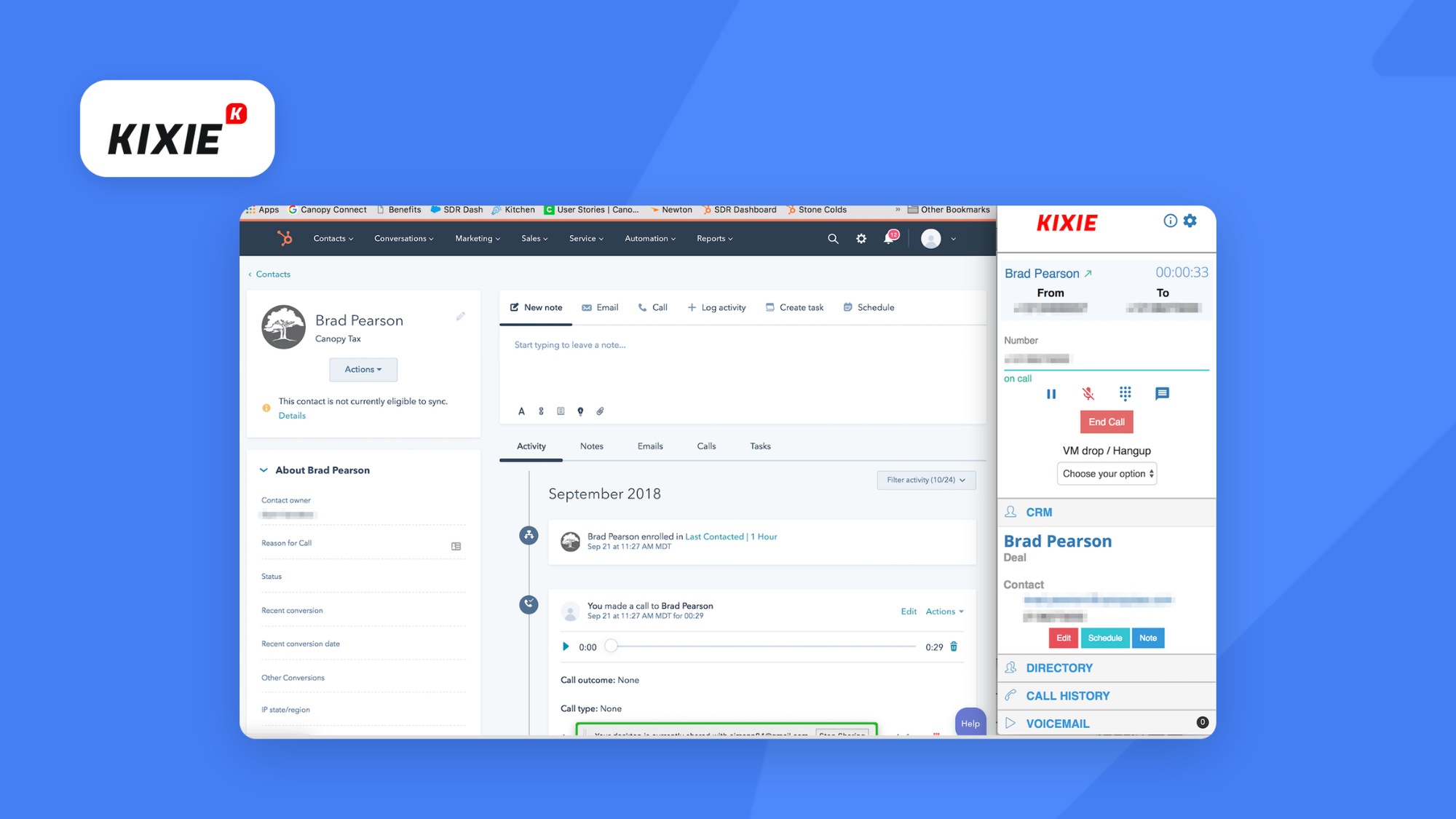
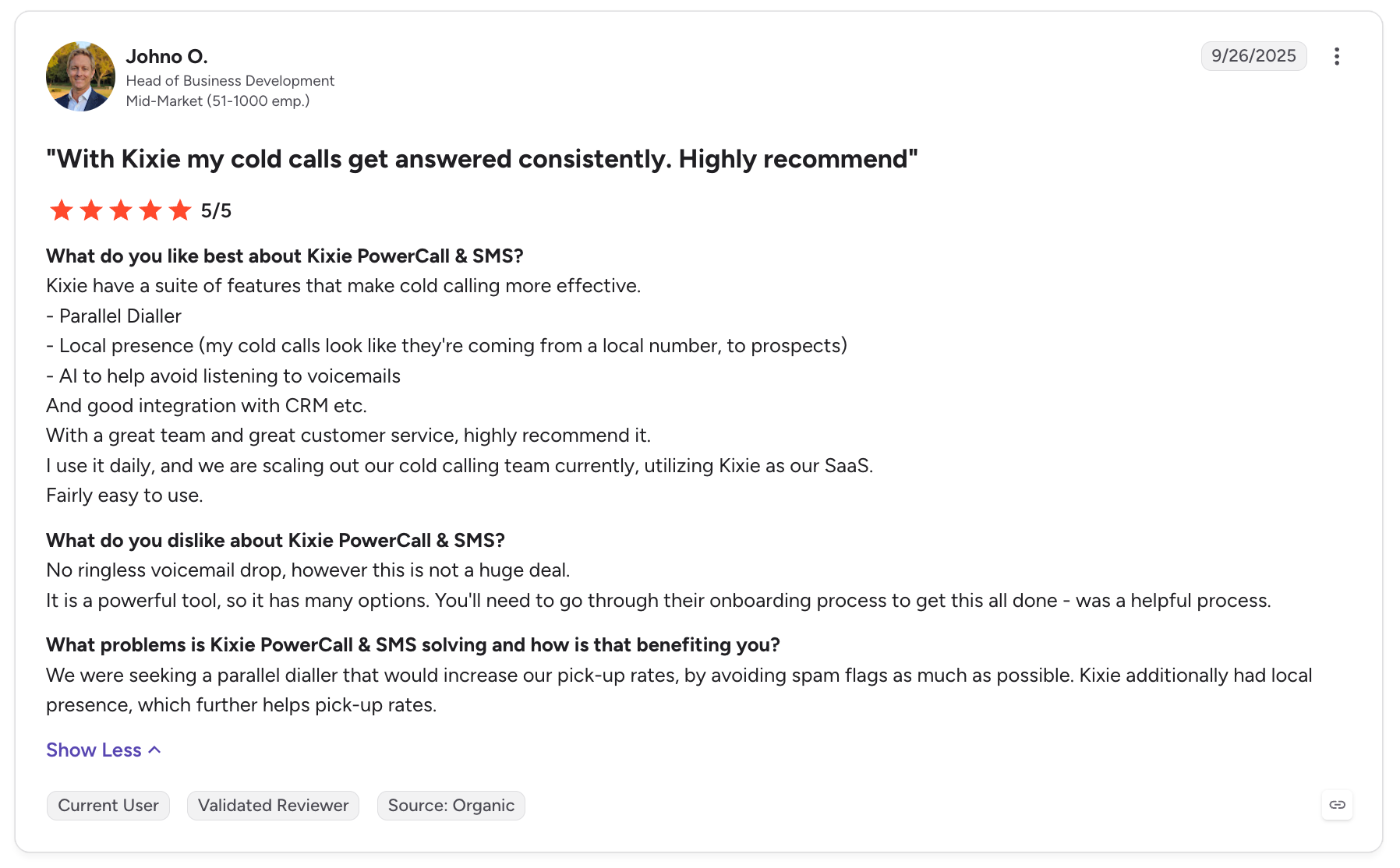
Kixie has been building for SMB sales floors since 2013, and its distinguishing idea is that the dialer should live where the rep already works. It runs inside the CRM rather than beside it, and the features that surround it are all aimed at answer rate: local presence, number rotation and automatic spam remediation. It rates 4.8 on G2, the highest score in this comparison.
Key features
- Parallel dialing up to 10 lines, plus single-line power dialing
- The dialer runs inside your CRM, so reps start calls without switching apps
- Local presence and local number rotation, so a repeat attempt shows a different number
- AI spam protection that retires your numbers once carriers flag them
- AI Human Detect, which skips voicemail greetings and IVR menus without a rep listening
Pricing
Kixie does not publish prices. When prices were last public in 2023, they ran from $35 to $95 per month, billed quarterly (source: WayBackMachine).
Integrations
HubSpot, Salesforce, Pipedrive, Zoho and HighLevel natively, with Make and Zapier on top. Its HubSpot listing rates 4.6 out of 5.
Pros and cons
Pros
- The deepest CRM integrations here on an SMB budget
- Answer-rate tooling that most competitors charge extra for or lack entirely
- Highest G2 score in this comparison at 4.8
Cons
- It runs through a Chrome extension, so your team uses Chrome whether it wants to or not
- No ringless voicemail drop, and users report glitches and outages
- Pricing is quote-only
- Play Store rating sits at 2.1
7. Orum
Best for
Funded SDR floors optimizing for live conversations per hour.
Overview
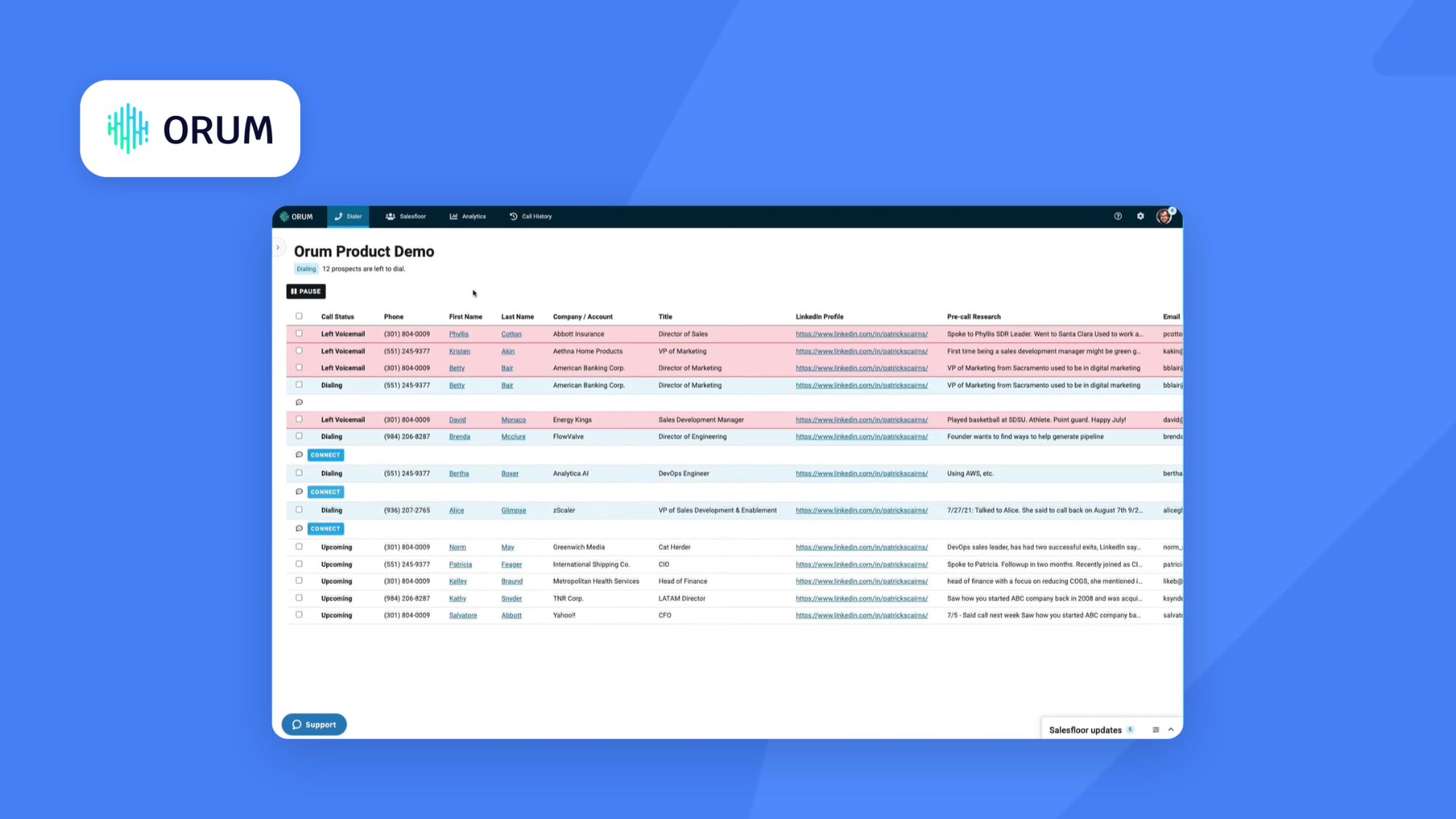
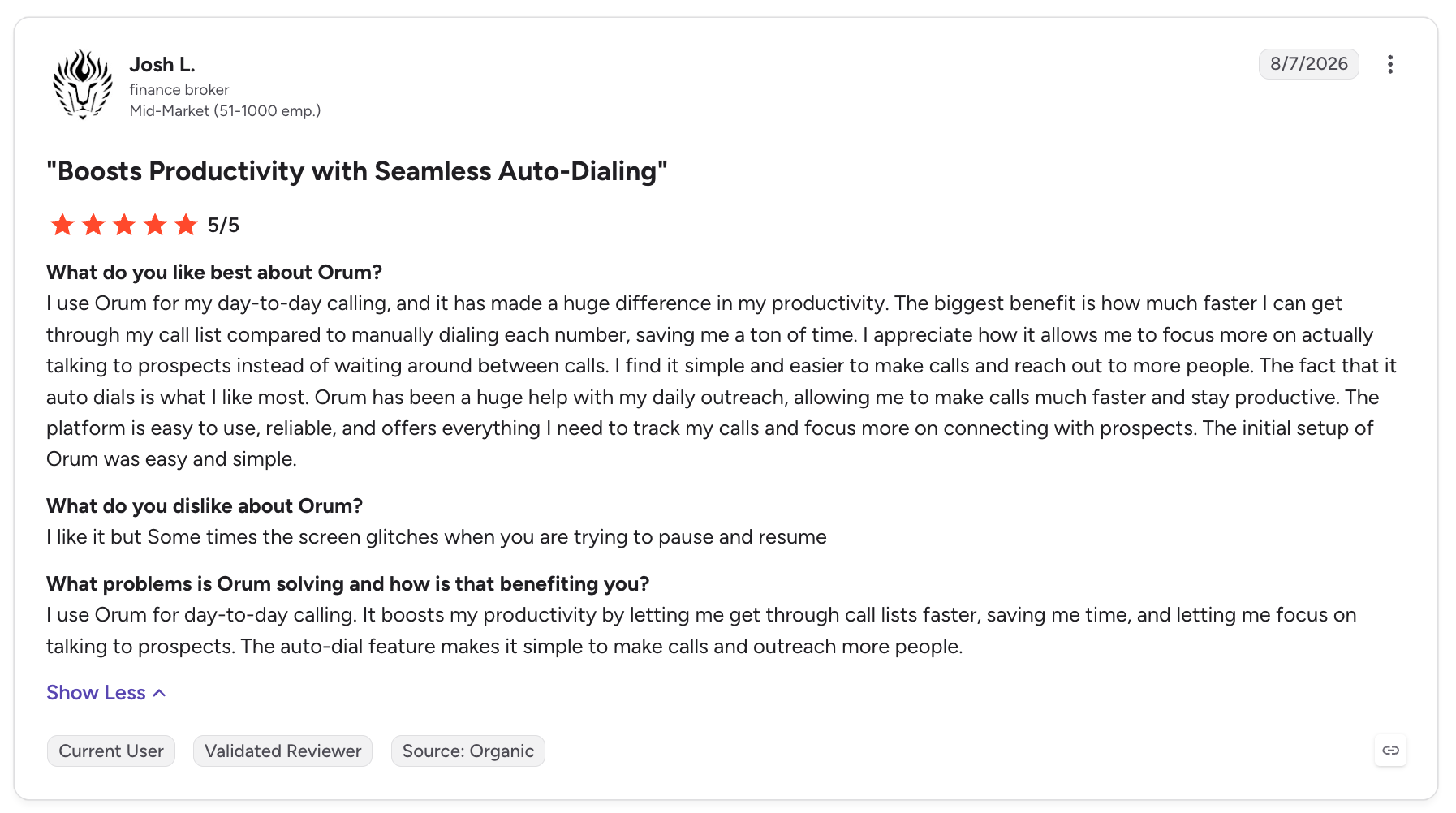
Orum was founded in 2018 by Jason Dorfman, a career salesperson who thought most platforms were built to monitor reps rather than make them productive. It has raised $51 million and sells almost exclusively to tech SDR teams. Its real differentiator is not the parallel dialer but what surrounds it: Salesfloor recreates the noise and coaching of a physical sales floor for a remote team, and the AI grades every call.
Key features
- Parallel dialing, up to 5 lines on the entry plan and up to 10 on the higher one
- Salesfloor, where reps listen to colleagues' live calls and talk to each other while dialing
- AI roleplay agents to practice against before a real call
- AI scorecards grading openers, discovery, objection handling and closing, with objection detection in 20-plus languages
- Contacts pull straight from the CRM, with a choice of dialing office or mobile numbers
Pricing
Not published, you’ll have to go through a demo call to get a quote.
Integrations
HubSpot and Salesforce, plus Outreach and Salesloft.
Pros and cons
Pros
- The strongest AI coaching set here, which shortens ramp time for new reps
- Salesfloor gives remote teams something no other tool in this list offers
- Parallel dialing that scales to 10 lines
- Rates 4.6 on G2 across 1,077 reviews
Cons
- Pricing is opaque and the product is expensive relative to everything else here
- A learning curve at the start, and no mobile app at all
- Local numbers cover only a handful of countries, so it suits US-focused outbound
How to Choose Cold Calling Software
The size of your prospect list is a good place to start. Parallel dialers can help teams work through large lists quickly, but that speed may be unnecessary if you’re targeting a smaller number of high-value accounts. In that case, a power dialer may give reps more control over each call.
Pricing also needs a closer look than the figure advertised on the vendor’s homepage. Some cold calling software providers reserve power or parallel dialing for higher-tier plans, so compare the price of the plan that includes the dialer you actually need.
AI features can add to the overall cost as well. Transcription may be included as standard, while more advanced features such as call coaching, analysis or AI voice agents can require a higher plan or separate add-on. If AI is important to your team, check exactly what’s included before comparing prices.
Your existing sales stack should also influence the decision. If calls are part of a wider cold outreach sequence, look for software that can pass call activity back to your CRM and work alongside the tools you already use for prospecting and cold email. This makes it easier to coordinate outreach without manually updating prospect activity between platforms.
If you are tracking the results, the metrics that matter are connect rate, quality conversation rate and meetings booked, and Instantly's guides on cold calling metrics and cold calling ROI cover how to instrument that properly.
How Cold Calling Software Fits Into Your Outbound Stack
Cold calling software usually sits alongside your CRM and the other tools you use for sales outreach. Your CRM holds prospect and account data, while your sales engagement platform manages activity across channels and your calling software handles dialing, conversations and call outcomes.
Connecting these systems can save reps from manually building call lists or updating records after every conversation. Call outcomes and recordings can be written back to the CRM, giving the rest of the sales team a record of what happened and helping inform the next step in the outreach process.
This is particularly useful when calls are combined with other channels. A prospect who doesn’t answer the phone might receive a follow-up email, while information from a conversation can help shape future outreach. Keeping that activity connected gives sales teams a clearer view of each prospect as they move through the sales process.
Choosing the Best Cold Calling Software for Your Team
The best B2B cold calling software will depend on how your team works. Smaller outbound teams or startups may find that a power dialer gives them everything they need, while teams working through much larger prospect lists may benefit from parallel dialing.
The differences between platforms go beyond dialer type. International coverage may be important if you’re calling across several markets, while CRM integrations and AI capabilities can matter more for teams looking to reduce the admin around each conversation.
Price should be compared at the plan where the features you need actually become available. A platform may advertise a low starting price but require a higher tier for power dialing, parallel dialing or more advanced AI features.
Once you’ve narrowed down the options, compare them against your prospect list, expected calling volume, existing sales stack and monthly budget. That should give you a much clearer picture of which cold calling software is the best fit for your team.
How Instantly Supports Your Cold Calling Strategy
Cold calling is often more effective when it’s part of a wider sales outreach strategy. Instantly can support the prospecting and email side of that process, helping you find relevant contacts and reach them across your outbound campaigns.
You can use Instantly’s B2B contact database to find prospects that match your target audience and build lists for outreach. Those contacts can then be added to cold email campaigns, giving you another way to reach prospects alongside your calling activity.
For teams looking to automate more of the prospecting process, AI Sales Agent Software can help identify relevant prospects, enrich their contact information and prepare personalized outreach based on what you’re selling.
This gives your sales team a way to combine prospecting and email outreach with the cold calling software that best fits their workflow.
Try Instantly free and build your next outbound campaign.

Frequently Asked Questions About Cold Calling Software
What is cold calling software? Cold calling software helps sales teams manage outbound calls to prospective customers. It can automate dialing, record call outcomes and connect activity with your CRM. Many platforms also include call recording, transcription, analytics and AI features.
How does cold calling software work? Cold calling software connects a prospect list with an automated dialer, allowing sales reps to work through contacts without manually entering each phone number. Call activity can then be recorded and synced with the team’s CRM for reporting and follow-up.
What is the best cold calling software? The best cold calling software depends on your prospect list, calling volume and existing sales stack. Power dialers can work well for teams that want more control over individual calls, while parallel dialers are designed for teams that need to work through larger prospect lists quickly.
What is AI cold calling software? AI cold calling software uses artificial intelligence to automate or assist with parts of the calling process. Depending on the platform, AI can transcribe and summarize conversations, analyze calls, provide sales coaching or prepare follow-up messages.
How much does cold calling software cost? Cold calling software is usually priced per user, but the advertised starting price doesn’t always include the dialer or AI features. When comparing platforms, check which plan includes the type of dialer you need and whether AI, international calling or other features carry additional charges.


