.svg)
%20(1).svg)


Updated August 27, 2026
TL;DR: Sales execution is the operational bridge between strategy and revenue. CRMs store data but can't manage domain rotation, automated warmups, or real-time deliverability monitoring. A dedicated execution platform handles all three. Instantly gives you unlimited sending accounts on a flat fee, a deliverability network of 4.2M+ accounts, and automated reply triage so you scale without per-seat penalties. Apollo carries deep multichannel data and per-seat warmup on paid plans, starting at $49/seat/month (annual), and Instantly's Lead Finder provides 450M+ verified B2B contacts with waterfall enrichment on a credit model, so adding reps costs you sending capacity rather than software seats.
Most sales leaders focus on sequence copy and subject line tests while ignoring the technical infrastructure that determines whether those emails ever reach the primary inbox. Sales execution covers sequence governance, domain health, reply triage, and analytics. It sits downstream from your CRM, handling the operational layer that drives pipeline completion.
This guide defines the sales execution category, explains how it differs from CRM and sales engagement, and shows you how to build a repeatable, risk-managed outreach system that lands in the primary inbox consistently. If you're a sales leader or RevOps manager running outbound for a team of five or more reps, this guide is for you.
Sales execution explained
To apply this definition in practice, start by separating the two roles most teams conflate: engagement and execution.
Sales execution is the act of delivering repeatable, measurable outreach activity from a controlled technical environment. Revenue Operations (RevOps) frameworks describe execution as the rigor that converts strategy into predictable revenue across marketing, sales, and expansion. The shift in the last two years is that "operational completion" now requires a software layer that confirms delivery into the primary inbox, not just a record that an email was sent.
A system of record answers "What happened?" A system of action answers "Who should I contact next, and did my message land?" Sales execution software is the system of action. It builds pipeline while reps focus on live conversations rather than data entry and manual logging.
Execution vs. engagement for RevOps
Sales engagement platforms measure activity: calls made, emails sent, touches logged. Sales execution platforms measure the outcomes that activity produces in the inbox: open rates, reply rates, domain health, and meetings booked.
If you mix up the two, you scale activity while deliverability quietly collapses. Your primary job as a sales leader is protecting sender reputation at the infrastructure level. Every rep running their own unverified lists and send windows is a liability. The Instantly 2026 benchmark report found that consistent, stable sending patterns produce 15 to 20 percent higher reply rates compared to erratic send schedules that vary daily volume and timing. Standardizing the technical layer produces that consistency, not coaching reps to write better subject lines. Watch Instantly's signal-based cold email at scale video to see how execution-first campaigns are structured at the campaign level.
Why CRM alone fails sales teams
Your CRM stores contacts, deals, and history. Most CRMs don't provide the infrastructure capabilities that require signal detection and orchestration operating in real time, such as real-time blocklist scanning across providers like Spamhaus and Barracuda, dedicated IP rotation that distributes send volume across multiple server and IP pools to reduce reputation risk on any single address, or dedicated warmup systems that build inbox trust through coordinated positive engagement signals. These are specialized infrastructure functions that require a dedicated execution layer, not a database that responds to human login.
A stack that works in practice separates three responsibilities: the CRM as source of truth and reporting home, the execution platform managing the technical path to the inbox, and the lead database feeding verified contacts into campaigns. Teams that collapse all three into a single CRM end up with a reporting tool that also tries to send emails, and the deliverability outcomes reflect it.
Why teams adopt sales execution tools
Most reps spend a major portion of their week on tasks that don't generate pipeline, including CRM updates, manual follow-ups, and switching between tools. Data entry alone can consume hours that would otherwise go toward prospecting and live conversations.
Execution platforms reduce this by automating follow-up sequences, classifying replies, and syncing outcomes back to the CRM without manual input. For sales leaders managing quota-carrying teams, reclaiming that time translates directly into more pipeline coverage and fewer missed targets.
The 4 pillars of modern sales execution
Each pillar addresses a distinct failure point. Work through them in order, because gaps in one will undermine the others.
A complete sales execution system rests on four operational pillars: scaling compliant sequences, managing domain health, streamlining inbox responses, and validating ROI. Each pillar depends on the others, and fixing one without the rest still leaves you with unreliable deliverability.
1. Scaling compliant sales sequences
Sequence governance controls how campaigns are built, what content is approved, and how volume is ramped. Without it, reps send duplicate emails that trigger spam filters and use unverified lists that spike bounce rates.
Two technical tools enforce compliance at scale. Spintax uses variable rotation syntax so no two emails are identical across the list, preventing duplicate content flags. Custom Tracking Domains replace shared tracking URLs with your own domain, isolating sender reputation per client or campaign. Use Instantly's 600 email templates as a standardized base so reps start from approved copy rather than blank pages.
2. Managing domain health and inboxing
Getting to the primary inbox requires three DNS records configured and authenticated before you send a single campaign email. All three DNS records, SPF, DKIM, and DMARC, must be configured before you send to major providers like Gmail and Outlook, though DMARC authentication passes when at least one of SPF or DKIM aligns. Google's February 2024 bulk sender requirements made a DMARC policy mandatory for anyone sending 5,000 or more messages per day to personal Gmail addresses, so if you're running cold outreach at scale, your DNS must include all three authentication records before launch.
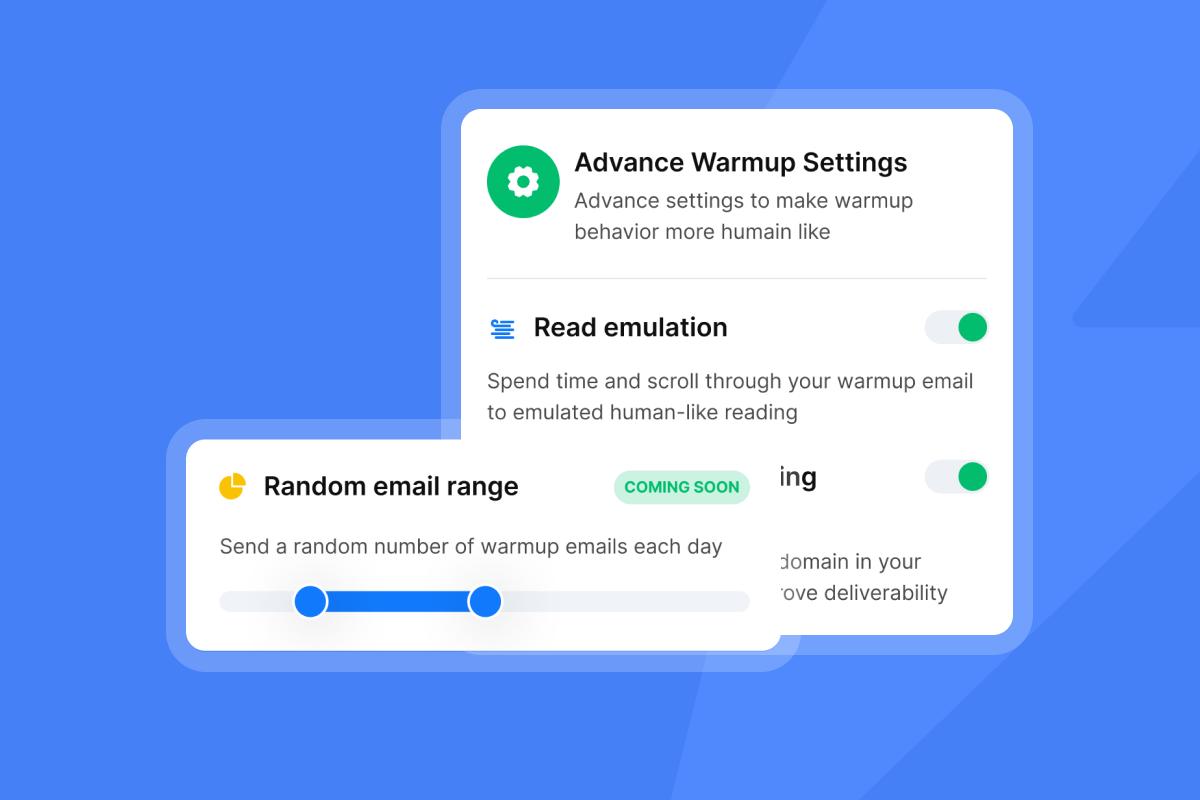
After DNS setup, you need to warm a new inbox for 4 to 6 weeks before reaching full sending volume, starting at 5 to 10 emails per day and ramping gradually as positive engagement signals build. Instantly's built-in warmup network uses 4.2M+ accounts to generate authentic open and reply signals, which accelerates inbox trust without manual coordination.
Bounce rates must stay below 2% to maintain domain health. Instantly's BounceShield (labeled "BounceProtect" in the app settings) automatically skips known high-risk recipients based on real-time bounce data analysis, and the high bounce auto-pause triggers if a campaign crosses 5% after 200 sends.
3. Streamlining sales inbox responses
Reply speed matters, but managing replies across 10 or 15 sending accounts manually is where leads slip through. When a prospect responds positively, a delayed reply drops the probability of booking a meeting, and reps waste hours switching between inboxes to find the hot leads.
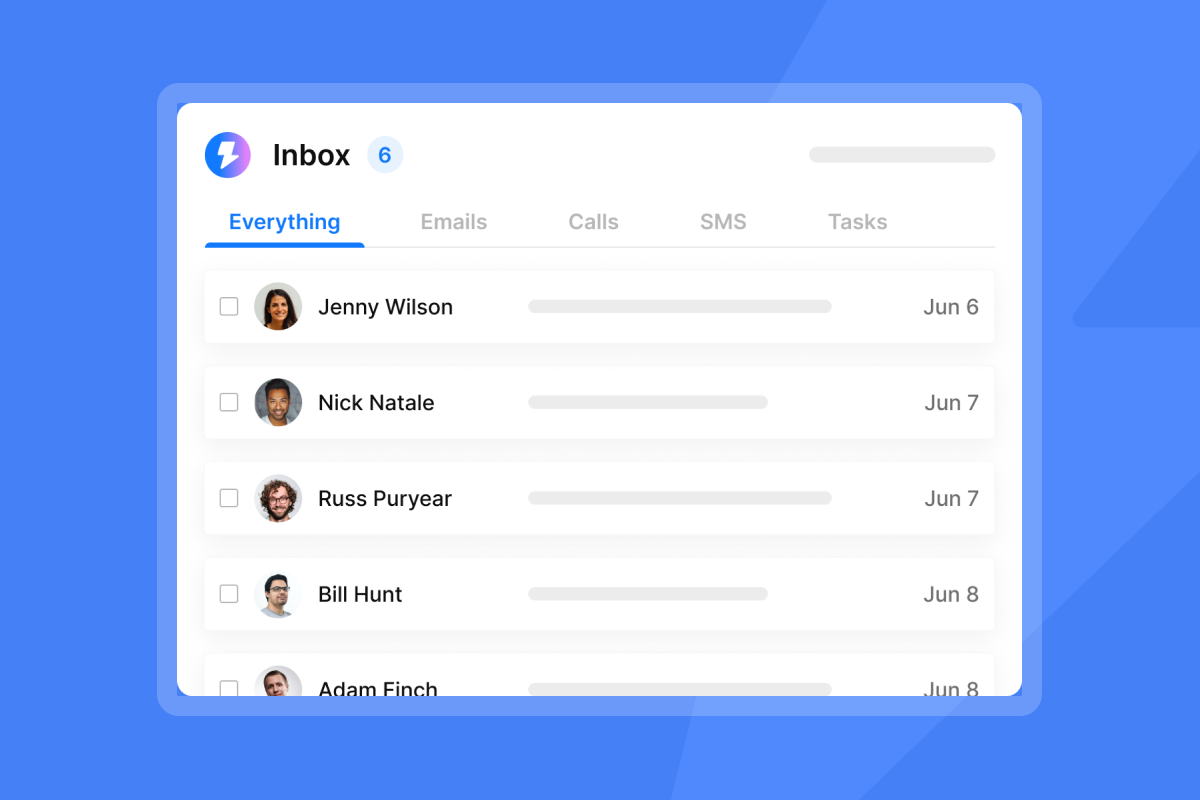
Instantly's Unibox keeps follow-ups in sequence threads for context, and Unibox NLP classifies incoming replies across 50+ languages into built-in labels including "Interested," "Not interested," and "Out of Office," with custom labels available on Hypergrowth and above. This removes the manual triage step that burns rep time. The Out-of-Office Resume feature detects OOO replies via NLP, extracts the stated return date, and automatically resumes sending on that date across all plans.
"Instantly has helped me to manage outbound email activities in a much more organized way, it makes it easy to create email campaign, schedule follow ups and monitor responses without spending hours sending emails." - Kareena K. on G2
4. Validating sales process ROI
If you're not measuring reply rates, bounce rates, and meetings booked per 1,000 sends, you're running activity, not execution. The Instantly 2026 benchmark report analyzed billions of emails sent between January 1 and December 18, 2025, and provides the clearest available benchmarks for what good looks like.
The platform average reply rate is 3.43%. Top-quartile senders reach 5.5% or higher. The top 10% of senders achieve reply rates above 10.7%. The report also shows that 58% of all replies come from the first email in a sequence, which means your opening email carries more weight than every follow-up combined. Measure each step independently and audit any step that underperforms its historical average before blaming the entire campaign or the list.

Optimizing your stack for better sales execution
Two areas produce the most measurable gains: the quality of data entering your campaigns and the consistency of rep behavior across the team.
Syncing verified data to your CRM
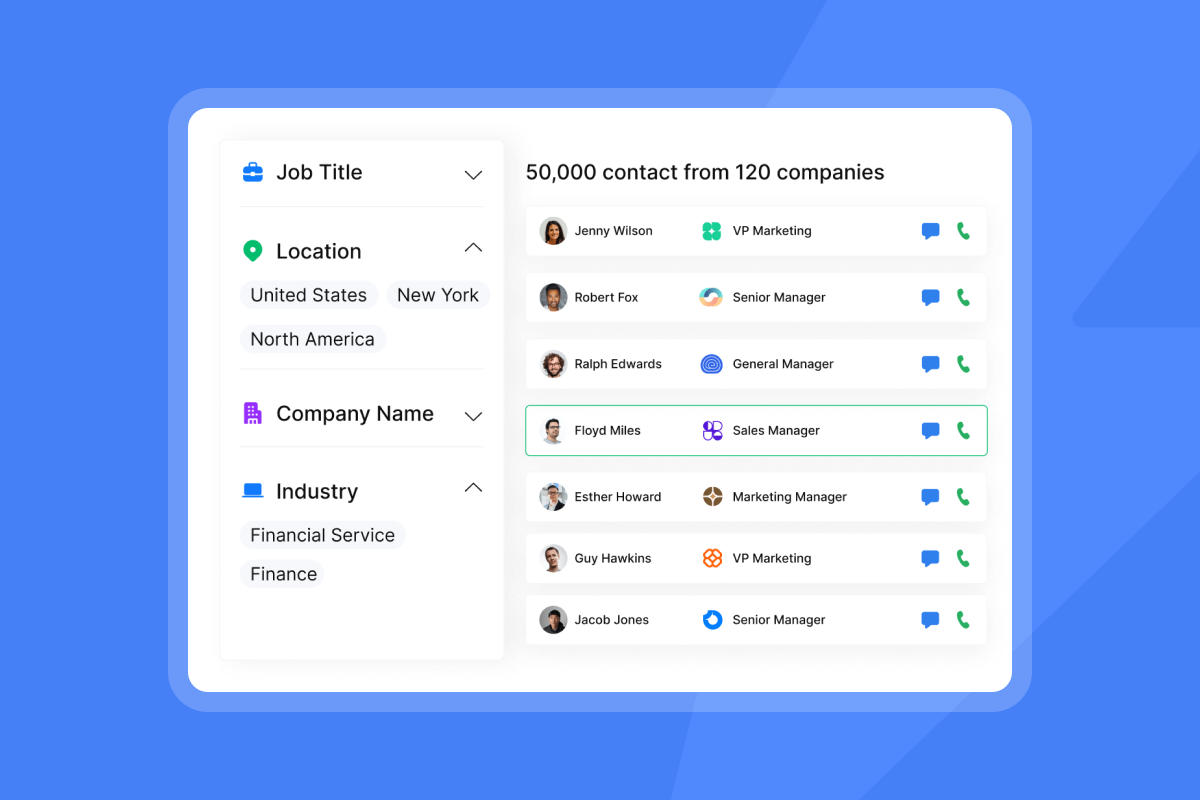
List quality directly determines deliverability. Verified email lists produce better reply rates and lower bounce rates than unverified ones. Before any contacts enter a campaign, they need to pass lead verification to classify addresses as valid, invalid, or risky. Instantly's built-in verification charges 0.25 credits per lead. Contacts sourced through Lead Finder come pre-verified. CSV imports and HubSpot or Pipedrive imports do not, so build verification into your import workflow as a mandatory step.
Once leads are verified, manual data entry is where pipeline coverage degrades. Instantly's native HubSpot connection handles contact import and campaign enrollment. Bidirectional sync, including reply events and deal stage triggers, is handled through Instantly's Automations builder. Zero manual data entry required from reps.
Standardizing rep playbooks and rules
Inconsistent rep behavior is the most common way a scaling team destroys its sender reputation. One rep sending unverified lists from a shared domain, ignoring bounce alerts, or pushing past daily send limits can blacklist infrastructure the entire team relies on.
The fix is removing the decision from the rep entirely. Set hard send limits at the platform level: cap at 30 campaign emails per inbox per day, enforce send windows aligned to the prospect's time zone, and use Instantly's AI Spam Words Checker to flag templates before they go live. Instantly's AI Blocklist Triggers automatically blocklist leads based on unsubscribe status on all plans. Blocklisting based on account status or reply-content keyword matches requires Hypergrowth or above. Both close the loop on compliance without manual list management.
Why revenue teams are consolidating into dedicated execution platforms
The business case comes down to two factors: what disconnected tools actually cost versus what a consolidated stack requires.
The hidden costs of suite sprawl
Many teams running cold outreach end up paying for several disconnected tools across the same workflow: a data finder, a sending platform, a warmup service, and a CRM. Each tool has its own pricing model, data format, and sync requirements. The operational cost is hours of integration maintenance and a data layer that's always slightly out of date. New rep onboarding multiplies the problem, because legacy enterprise suites require weeks of training and have features buried in menus reps never find, driving low adoption and inconsistent process.
Instantly consolidates all four into a single subscription stack. Outreach Growth at $47/month covers unlimited sending accounts and warmup. Adding Instantly Credits at $47/month (Growth tier) brings in Lead Finder with 450M+ B2B contacts and waterfall enrichment across named providers. Adding Growth CRM at $47/month gives you Unibox and pipeline management. The combined starter stack runs at approximately $141/month total.
"The user friendly interface, automated email campaign sequence, inbox rotation and lead management features make easier to handle this tool." - Karthick P. on G2
Outreach and Salesloft carry deep compliance tooling for enterprise buyers, and Instantly's simpler UI and flat-fee scaling cover the same operational requirements without the implementation timelines or seat-based pricing that scales against you as the team grows.
| Feature | Instantly | Apollo | Outreach | Salesloft |
|---|---|---|---|---|
| Pricing model | Flat-fee, unlimited accounts | Per-seat pricing: $49–$119/seat/month (annual billing), free plan available | Seat-based + consumption-based (AI credits), custom pricing only, no published per-seat rates | Custom pricing only, two tiers (Advanced, Elite), no published per-seat rates. Contact sales to request a quote |
| Sending accounts | Unlimited on all plans | 1 mailbox per user (Free/Basic), unlimited Google and Microsoft mailboxes + 5 SMTP per user (Professional), + 15 SMTP per user (Organization) | Multi-channel sequences included on Core and above, sending account limits not publicly disclosed | Gmail and Outlook integration supported, no publicly disclosed mailbox or sending account limits |
| Built-in warmup | Included, 4.2M+ network | Via third-party providers (not native). Mailbox limits vary by plan: 1 mailbox/user on Free and Basic ($49), unlimited Google and Microsoft mailboxes + 5 SMTP/user on Professional ($79), unlimited Google and Microsoft mailboxes + 15 SMTP/user on Organization ($119). | Not included | Not included |
| Primary use case | Cold email execution & deliverability | Sales intelligence & multichannel | AI agent platform for enterprise revenue teams (pipeline, forecasting, coaching) | Revenue lifecycle platform for enterprise sales teams (pipeline generation, seller coaching, conversation intelligence, opportunity management) |
Maintaining sender reputation at scale
Sending all campaign volume from a single inbox concentrates every reputation signal in one place. One complaint spike or high bounce day can flag the entire domain. Inbox Rotation in Instantly automatically distributes sends across all accounts assigned to a campaign. The Light Speed plan adds SISR (Server & IP Sharding & Rotation), which provides dedicated private server and IP pools for high-volume senders running multiple workspaces. SISR is applied automatically for eligible workspaces on Light Speed and above.
Avoiding SaaS vendor lock-in traps
Annual lock-ins and billing complexity are the two most common complaints from sales leaders switching off legacy suites. When a platform charges per seat and locks you into a 12-month contract, every new rep hire raises your software cost, and billing run-arounds after cancellation become a real risk.
Instantly's outreach plans are flat-fee and month-to-month by default, with a 20% discount available on annual billing. Unlimited email accounts and warmup are included at every tier, which means adding inboxes for new reps or new client domains doesn't change your plan cost. The 14-day free trial (no credit card required) lets you validate deliverability performance before any financial commitment.
Must-have features for revenue team platforms
Prioritize the features that protect pipeline first. Deliverability monitoring and inbox management are where most teams take on avoidable risk.
Deliverability monitoring and warmup systems
Every execution platform must include automated warmup, always-on domain health monitoring, and built-in inbox placement testing. Manual monitoring using external tools is a reactive process. By the time you see a problem, campaigns have already taken damage.
Instantly's Deliverability AI Agent runs an automatic audit every 24 hours across DNS health, blocklists, warmup scores, bounce rates, provider balance, and campaign copy. When it detects an issue, it surfaces what's affected, why it matters, and a one-click fix option. It's available on Hypergrowth and Light Speed plans and runs without manual configuration after initial setup.
Admin controls and privacy compliance
Admin controls protect the team from itself. You need workspace-level settings that enforce send limits, restrict template editing, and provide activity visibility for review. Instantly's workspace architecture separates accounts, campaigns, and permissions so team leads can review activity without full admin access.
Data privacy compliance starts with understanding what data the platform processes. Instantly's Data Processing Agreement outlines restricted data categories and lists AWS as a primary sub-processor. A self-service GDPR and CCPA opt-out flow is available for contacts who request removal. For enterprise buyers requiring formal security certifications: Instantly's public documentation covers its DPA and sub-processor listing. Request current attestations under NDA before committing to a compliance-sensitive deployment.
Ensuring data integrity in sales workflows
Integrity breaks down at two points in the workflow: how fast you send, and whether the metrics you review reflect what actually happened.
Managing send throughput and pacing
Start new inboxes at 5 to 10 warmup emails per day for the first two weeks. After the inbox clears the minimum warmup period and its health score reaches above 90%, introduce campaign sends at a low daily cap and increase gradually. Do not exceed 30 campaign emails per single inbox per day. Exceeding that threshold concentrates too many signals on one account and raises the probability of ISP filtering.
Set send windows that match the prospect's business hours. Instantly's 2026 benchmark report identifies Monday as the best launch day and Wednesday as the highest reply day. Align your send windows accordingly and keep them consistent across reps.
Monitoring email deliverability metrics
Three metrics require daily monitoring during active campaigns:
- Bounce rate: Must stay below 2%. Above that threshold, domain reputation degrades and ISPs begin filtering more aggressively. BounceShield skips high-risk recipients automatically, but list hygiene is the root fix.
- Warmup health score: Must stay above 90%. This is the percentage of warmup emails landing in the inbox vs. spam over a trailing 7-day window. A score below 90% on a sending account means that account needs to be paused before it's added to a live campaign.
- Spam complaints: Any spike in complaints requires immediate investigation. Server infrastructure best practices recommend rate limiting sends from new IPs and avoiding patterns that trigger ISP complaint rate thresholds.
Key KPIs for sales execution success
Define the scorecard before you launch. Based on the Instantly 2026 benchmark report, which covers data from January 1 to December 18, 2025, here are the benchmarks top performers achieve with reliable processes:
- Reply rate: Platform average 3.43%. Top-quartile senders reach 5.5%+. Top 10% reach above 10.7%.
- Bounce rate: Must stay below 2% per campaign at all times.
- Warmup health score: Must stay above 90% per sending account.
- Sequence structure: Optimal length is 4 to 7 steps, with each email under 80 words.
- First-touch performance: 58% of all replies come from the first email in a sequence, so treat step one as your highest-impact asset.
- Meetings booked per 1,000 emails sent: Calculate this per rep to identify process outliers and set team baselines.
Addressing top sales execution challenges
Three problems account for most execution failures at the team level. Each has a repeatable fix once you know where to look.
CRM integration with execution software
The most common integration failure is a one-directional sync where outreach events log to the CRM but CRM updates don't flow back to Instantly. This creates duplicate outreach to contacts already in an active AE conversation or to closed-lost accounts still sitting in sequence. Instantly's native HubSpot connection handles contact import, mapping HubSpot lists and fields into Instantly and enrolling contacts into outbound campaigns. Bidirectional sync, including Instantly reply events creating HubSpot tasks or notes and HubSpot deal stage changes triggering Instantly campaign actions, is built using Instantly's Automations builder, which natively supports HubSpot as both trigger and action.
Standardizing sequences for deliverability
Use Instantly's AI Spam Words Checker as a pre-launch step for all campaigns. It flags language that correlates with spam filtering before the campaign goes live. Pair this with Spintax on all shared templates so every rep's emails vary slightly even when they're working from the same approved sequence. The AI Sequence Writer generates full multi-step sequences from offer and audience inputs, giving reps a governed starting point rather than blank pages.
Typical sales execution rollout timelines
A realistic rollout runs in three phases:
- Weeks 1 to 2: Configure MX, SPF, DKIM, and DMARC for all sending domains. Connect email accounts. Initialize warmup. Do not send campaign emails during this phase.
- Weeks 3 to 4: Continue warmup. Import and verify your first contact lists. Build sequences using approved templates. Begin sending at low volume (5 to 10 campaign emails per inbox per day) to a small test segment.
- Weeks 5 and beyond: Health scores above 90% allow you to increase daily send volume toward your plan limit. Monitor the Deliverability AI Agent dashboard daily and adjust pacing based on bounce and reply trends.
Skipping the warmup phase to accelerate results is the most common way teams burn domains and miss monthly targets.
Sales execution framework checklist
Use this checklist to audit your team's current system before rolling out any new execution platform.
Planning phase:
- Configure DNS records: Set up SPF, DKIM, and DMARC for all sending domains. All three must pass before the first send.
- Verify contact lists: Run lead verification on all imports. Unverified contacts should not enter campaigns.
- Set up Custom Tracking Domains: Create one CTD per client or campaign to isolate sender reputation.
Execution phase:
- Enable warmup: Warm all inboxes for a minimum of 2 weeks. Health scores must reach above 90% before campaign launch.
- Cap daily sends: Set a maximum of 30 campaign emails per inbox per day.
- Apply Spintax: Ensure no two emails are identical across the list.
Monitoring phase:
- Review bounce rate daily: Keep bounces below 2% at all times.
- Check Deliverability AI Agent: Review the automated report every 24 hours. Resolve blocklist or DNS flags immediately.
- Triage interested replies: Use Unibox NLP classifications to respond to interested leads within 2 hours.
Optimization phase:
- A/Z test key elements: Run at least 2 variants per campaign step for subject lines and opening lines. A/Z testing is included on Growth ($47/mo) and above, with full 26-variant capability available on Hypergrowth ($97/mo) and higher tiers.
- Audit reply rates monthly: Compare each sequence step against the 3.43% platform average.
- Sync events to CRM: Ensure reply and bounce events update CRM records automatically. Zero manual data entry required from reps.
Scale your sales execution with Instantly
Sales execution is a system, not a set of tactics. Getting to the primary inbox consistently requires DNS configured correctly, inboxes warmed for 4 to 6 weeks, sends paced at a maximum of 30 per inbox per day, and replies classified and routed in minutes rather than hours. Running this system manually across a team of 5 or more reps is where most pipeline targets get missed.
Instantly combines deliverability, data, automation, and AI into a single flat-fee platform. Unlimited sending accounts and warmup on every plan mean you add reps and domains without adding software costs. The Deliverability AI Agent monitors DNS, blocklists, and warmup scores every 24 hours with one-click remediation. Unibox NLP classifies every incoming reply across 50+ languages so your team focuses on conversations, not inbox triage. The AI Reply Agent (powered by Instantly Credits, separate from Outreach plans) responds within 5 minutes of a lead's reply. In Human-in-the-Loop mode, it drafts a response and posts it for rep approval before sending. In Autopilot mode, it sends the reply automatically without rep review.
Start your free 14-day trial with no credit card required. You get 250 uploaded contacts and 1,000 emails to validate deliverability performance against your actual domains before any financial commitment. If you're ramping for next quarter, that trial window gives you time to warm inboxes and test sequences before your team scales volume.
FAQs
What is sales execution?
Sales execution is the operational process of delivering outreach activities from a technically controlled environment and confirming delivery into the primary inbox, distinct from sales strategy (what to do) and CRM management (recording what happened). It covers sequence governance, domain health, reply triage, and performance analytics.
How does sales execution differ from a CRM?
A CRM is a system of record that stores contacts, deals, and history. A sales execution platform is a system of action that manages domain rotation, automated warmup, bounce protection, and reply classification. CRMs don't maintain warmup infrastructure or monitor blocklists in real time.
What reply rate should sales teams target for cold email?
The platform average reply rate across billions of emails in 2025 is 3.43%, with top-quartile senders reaching 5.5% or higher and the top 10% reaching above 10.7%, according to Instantly's 2026 benchmark report. These figures assume proper warmup, verified lists, and bounce rates below 2%.
How long does it take to set up a sales execution system?
A full rollout takes 5 to 6 weeks: 2 weeks for DNS setup and warmup initialization, 2 weeks for ramping sends on verified lists, and 1 to 2 weeks to reach full production volume. Skipping the warmup phase risks domain blacklisting and deliverability collapse.
What is the maximum number of emails to send per inbox per day?
Cap campaign sends at 30 emails per single inbox per day. Combined with 10 warmup emails, the total per account per day should not exceed 40. Exceeding this concentrates reputation risk on a single account and raises the probability of ISP filtering.
Key terms glossary
Deliverability: The ability of an email to reach the recipient's primary inbox rather than the spam folder, determined by DNS authentication, sender reputation, and engagement history.
Sender reputation: A score assigned by inbox providers (Gmail, Outlook, Yahoo) to a sending domain and IP address based on bounce rates, spam complaints, and engagement patterns. A damaged sender reputation causes emails to be filtered or blocked.
Warmup: The process of gradually increasing a new inbox's send volume over 4 to 6 weeks, using positive engagement signals to build trust with inbox providers before launching cold campaigns.
Sequence governance: The rules, templates, and technical controls that standardize how outreach campaigns are built and executed across a sales team, preventing inconsistent rep behavior that damages shared sending infrastructure.
SISR (Server & IP Sharding & Rotation): An infrastructure architecture available on Instantly's Light Speed plan that distributes outbound email across multiple dedicated servers and IP addresses to prevent reputation damage from concentrating on a single point of failure.
Read next:
- Best outbound sales software for growing sales teams in 2026: A breakdown of the top outbound platforms compared by deliverability infrastructure, pricing model, and sending account limits so you can build the right stack for your team size.
- How to fix email deliverability issues in your outbound sales platform: A step-by-step diagnostic covering DNS authentication, bounce rate thresholds, blocklist checks, and warmup health scores so you can identify and resolve deliverability problems before they hit monthly targets.
- How often does B2B contact data go stale? Understanding data decay and refresh rates: An analysis of how quickly B2B contact records degrade by role and industry, with a refresh cadence you can build into your list hygiene workflow.


