

ActiveCampaign
Connect Instantly with ActiveCampaign to sync outreach with tags, lists, deals and automations, and start workflows from contact and deal events.
Categories
Email Marketing
Built by
Instantly


Heading 1
Heading 2
Heading 3
Heading 4
Heading 5
Heading 6
Block quote
Ordered list
- Item 1
- Item 2
- Item 3
Unordered list
- Item A
- Item B
- Item C
Bold text
Emphasis
Superscript
Subscript
About
ActiveCampaign
ActiveCampaign is a customer experience automation platform that combines email marketing, marketing automation and a built-in CRM. Teams use it to manage contacts, segment audiences with tags and lists, build automated sequences, and track deals through sales pipelines. It is popular with small and midsize businesses, agencies and marketers who want one place to run campaigns and follow each contact from first touch to closed deal.
ActiveCampaign
And Instantly
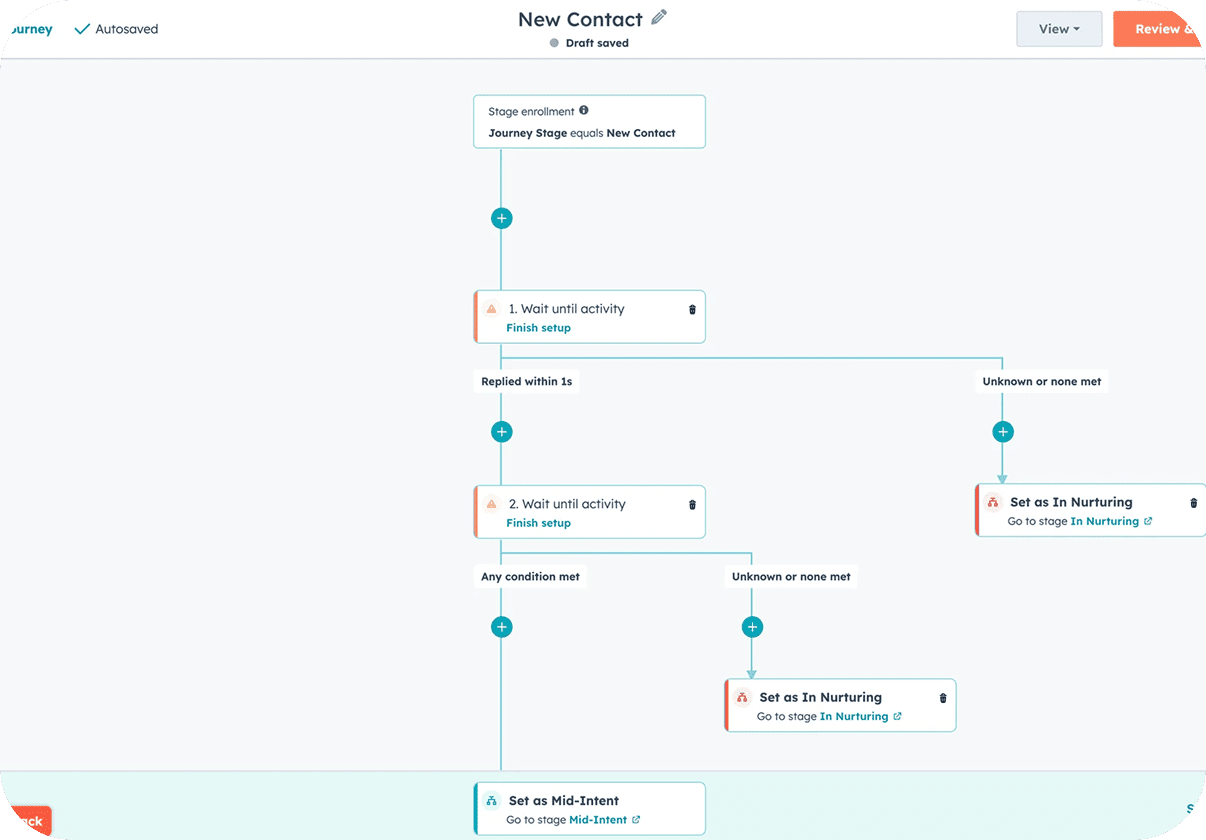
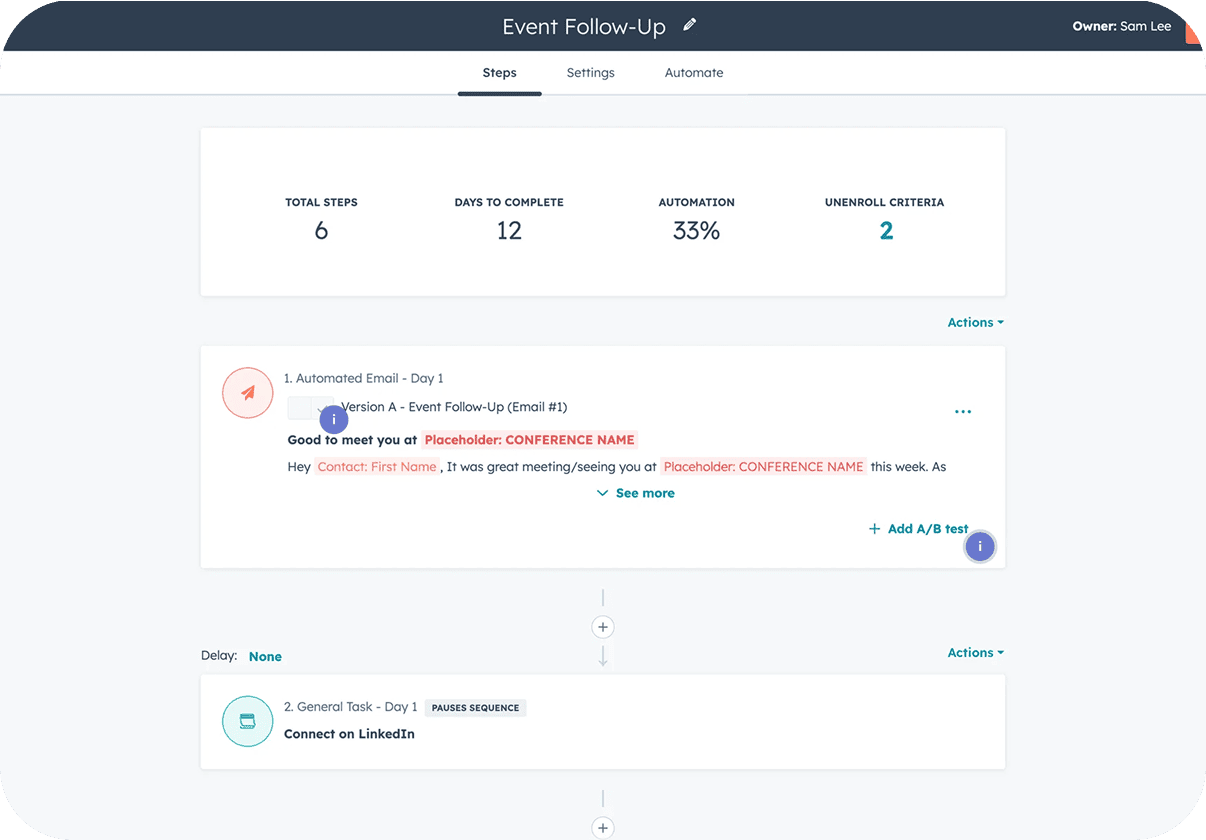
Connect ActiveCampaign in Settings → Integrations, or from the app picker inside Automations, with your own account. Then pick a trigger. ActiveCampaign events such as Contact Created or Updated, Tag Added to Contact, Deal Stage Changed or Campaign Replied can start a workflow that runs Instantly steps like Add Lead to Campaign. In the other direction, Instantly events like Lead Replied or Lead Interest Status Changed can run Create or Update Contact, Add Tag to Contact, Subscribe Contact to List, Add Contact to Automation, Create Deal or Add Note to Deal. Your marketing and outbound teams then work from the same tags, lists and deals, and a reply in Instantly moves a contact forward in ActiveCampaign without anyone copying data by hand.
Common Use Cases
- Tag interested leads: When a lead is marked Interested in Instantly, add a tag in ActiveCampaign and subscribe the contact to a nurture list.
- Replies create deals: Create an ActiveCampaign deal and add a note when a lead replies, so sales sees the context straight away.
- Deal stage to outreach: Use the Deal Stage Changed trigger to add the contact to an Instantly campaign built for that stage.
- Suppress unsubscribes: Start a workflow from Contact Unsubscribed in ActiveCampaign and add the address to the Instantly blocklist.
Use Cases
Media
Featured



Start building your AI sales engine
Get started now to access exclusive templates and elevate your projects to the next level.
Stop letting poor deliverability kill your pipeline. Join 50,000+ sales teams who've made the switch to Instantly for better inbox placement, higher response rates, and more closed deals.
No credit card required.