

GetResponse
Connect Instantly with GetResponse to create contacts, tags, and lists from replies and trigger custom events in your marketing flows.
Categories
Email Marketing
Built by
Instantly


Heading 1
Heading 2
Heading 3
Heading 4
Heading 5
Heading 6
Block quote
Ordered list
- Item 1
- Item 2
- Item 3
Unordered list
- Item A
- Item B
- Item C
Bold text
Emphasis
Superscript
Subscript
About
GetResponse
GetResponse is an email marketing and marketing automation platform. Businesses use it to build lists, send newsletters, run automated sequences, and manage subscribers. Beyond email, it offers tools such as landing pages and webinars. Marketers rely on contact tags, custom fields, and events to segment audiences and personalize what each subscriber receives, which makes it a common choice for small and midsize teams.
GetResponse
And Instantly
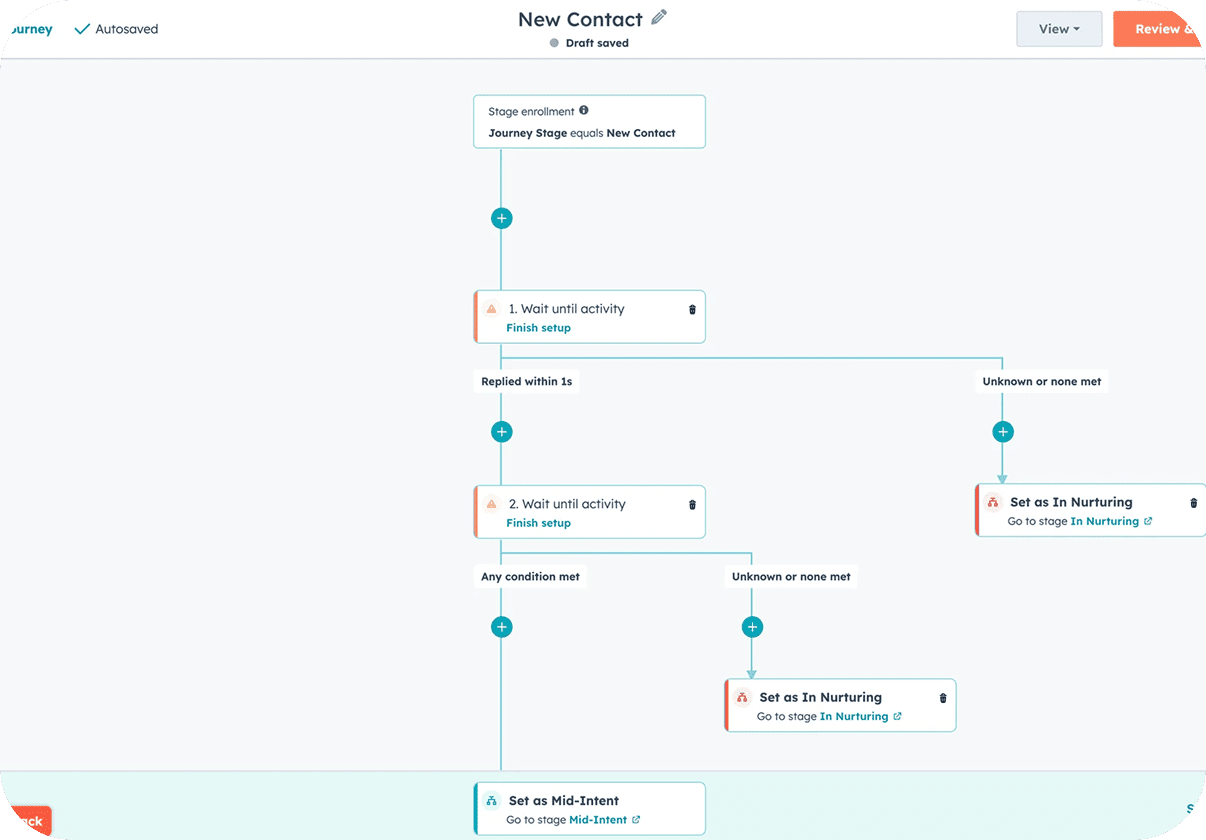
Connect GetResponse in Instantly from Settings → Integrations, or pick it from the app picker inside Automations, using your own GetResponse account. GetResponse has no triggers, so it does not start Instantly workflows. Instead, Instantly events run steps in GetResponse. After a trigger such as Lead Replied, Lead Interest Status Changed, or Email Link Clicked, you can use Create or Update Contact, Find Contact, Get Contact, Add Tags to Contact, Remove Tags from Contact, Delete Contact, Create List, Find or Create Tag, Trigger Custom Event, and Create Newsletter. A positive reply can add the contact, apply a tag, and trigger a custom event that begins a nurture flow. Your team lines up marketing nurture with outbound results.
Common Use Cases
- Add interested leads: When a lead is marked Interested, create or update the contact in GetResponse and apply a tag.
- Trigger a nurture flow: After a reply, trigger a custom event for the contact to start the right GetResponse automation.
- Create a list for a campaign: Create a GetResponse list for a new outbound campaign and add contacts as leads respond.
- Remove contacts on request: When a lead unsubscribes in Instantly, remove or delete the matching GetResponse contact.
Use Cases
Media
Featured



Start building your AI sales engine
Get started now to access exclusive templates and elevate your projects to the next level.
Stop letting poor deliverability kill your pipeline. Join 50,000+ sales teams who've made the switch to Instantly for better inbox placement, higher response rates, and more closed deals.
No credit card required.