

monday.com
Connect Instantly with monday.com to start outbound workflows from board events and turn replies into items, updates, and subitems.
Categories
Productivity & Collaboration
Built by
Instantly


Heading 1
Heading 2
Heading 3
Heading 4
Heading 5
Heading 6
Block quote
Ordered list
- Item 1
- Item 2
- Item 3
Unordered list
- Item A
- Item B
- Item C
Bold text
Emphasis
Superscript
Subscript
About
monday.com
monday.com is a work management platform. Teams organize projects, tasks, and processes on customizable boards made of items, columns, groups, and subitems. People use it to track sales pipelines, plan campaigns, manage client work, and follow progress across departments. Boards can be adapted to many workflows, which makes monday.com a flexible home for work that involves several people and steps.
monday.com
And Instantly
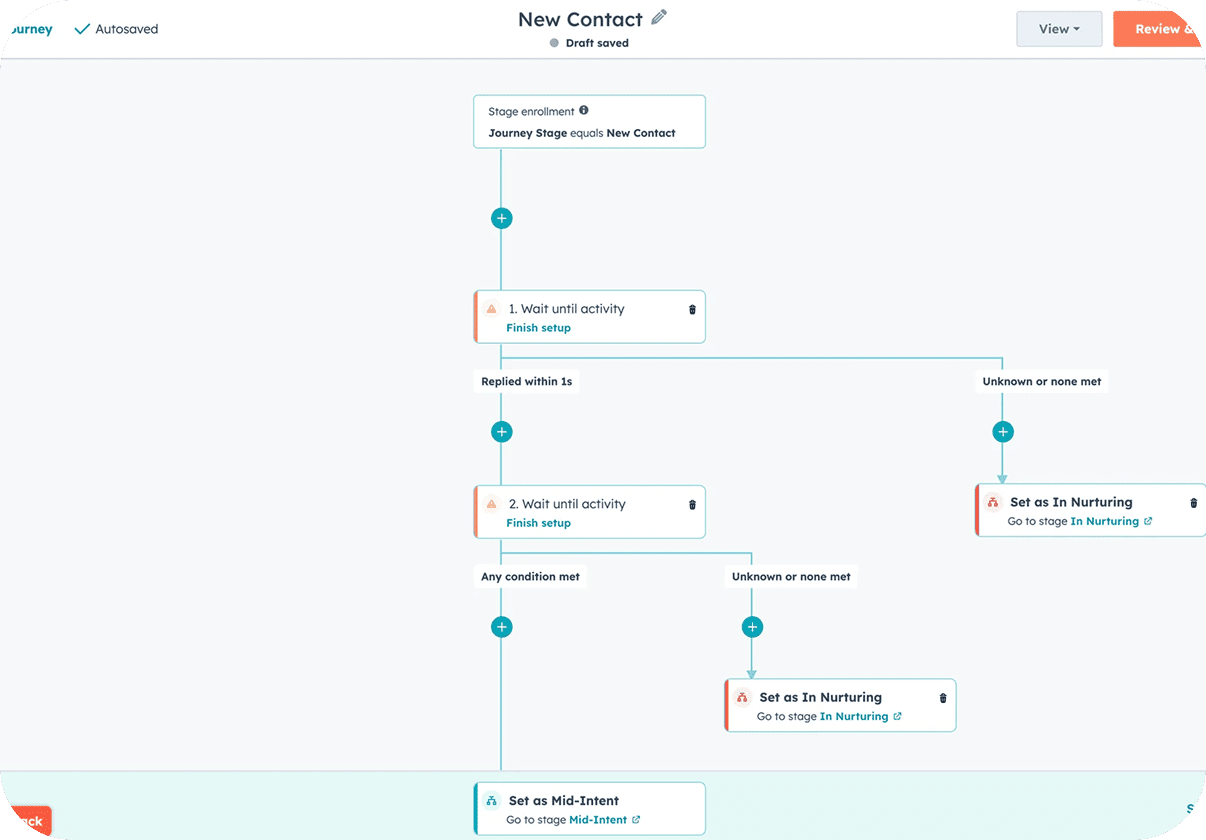
Connect monday.com in Instantly from Settings → Integrations, or pick it from the app picker inside Automations, using your own monday.com account. monday.com can start an Instantly workflow on Item created, Subitem created, Column value changed (any), Specific column changed, Item moved to group, or Update posted. Your workflow can run monday.com steps: Create item, Update item (multiple columns), Change column value, Create subitem, Post update, Move item to group, Create group, Find items by column value, and Get column values. Instantly events such as Lead Replied can create an item and post the reply as an update. Sales and operations teams track outreach results on boards the whole team already checks.
Common Use Cases
- Create items from replies: When a Lead Replied event fires in Instantly, use Create item in monday.com and Post update with the reply.
- Move deals by status: When a lead is marked Interested, use Move item to group so the board shows where each opportunity stands.
- Launch outreach from new items: Start a workflow from Item created, then use Create Lead and Add Lead to Campaign in Instantly.
- React to column changes: Start a workflow from Specific column changed, such as a status change, to update the lead in Instantly.
Use Cases
Media
Featured



Start building your AI sales engine
Get started now to access exclusive templates and elevate your projects to the next level.
Stop letting poor deliverability kill your pipeline. Join 50,000+ sales teams who've made the switch to Instantly for better inbox placement, higher response rates, and more closed deals.
No credit card required.