

PDF.co
Use PDF.co in Instantly to generate, merge, fill and parse PDFs inside your workflows, from proposals to invoices and form documents.
Categories
Documents & Content
Built by
Instantly


Heading 1
Heading 2
Heading 3
Heading 4
Heading 5
Heading 6
Block quote
Ordered list
- Item 1
- Item 2
- Item 3
Unordered list
- Item A
- Item B
- Item C
Bold text
Emphasis
Superscript
Subscript
About
PDF.co
PDF.co is a web API and toolkit for working with PDF files. Developers and operations teams use it to create PDFs from HTML or web pages, convert PDFs to other formats, merge and split files, fill in forms, add text and passwords, and extract data such as tables, invoices and barcodes. It is used to automate document tasks that would otherwise be done by hand.
PDF.co
And Instantly
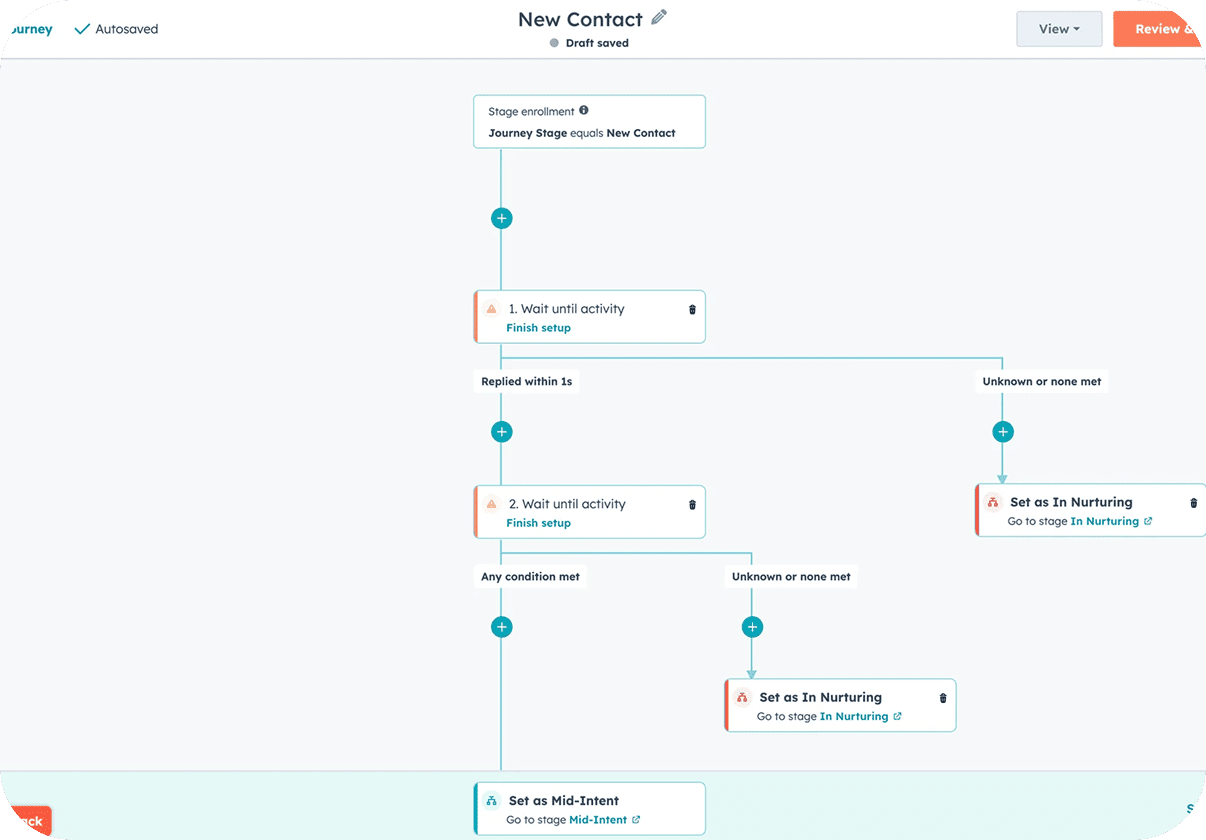
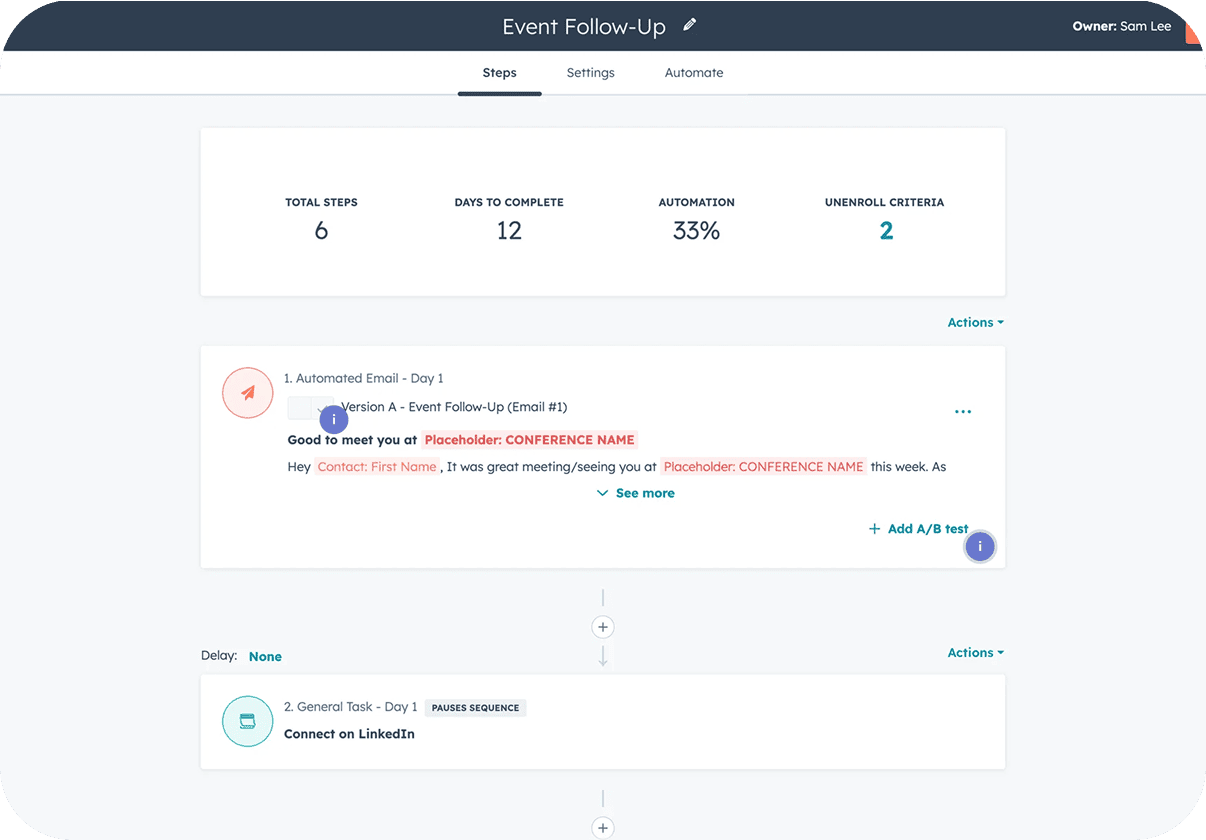
Connect PDF.co from Settings → Integrations, or from the app picker inside Automations, using your own PDF.co account. PDF.co adds actions only, so it runs as a step after an Instantly event such as Lead Replied or Lead Interest Status Changed. Use Create PDF from HTML to build a one-page summary, Merge PDFs to combine documents, Fill PDF Form to complete a template, and Add Password to PDF to protect a file. Parse Invoice with AI, Find Tables in PDF and Read Barcodes pull data out of existing files. For an outbound team, documents tied to a reply can be prepared without anyone opening a PDF editor.
Common Use Cases
- Build a PDF from a reply: After a lead is marked Interested, create a PDF from an HTML template that holds their details and your offer.
- Fill forms automatically: Use Fill PDF Form to complete an agreement or onboarding form with data from the lead record.
- Protect sensitive files: Add Password to PDF before you share a quote or contract, so only the intended recipient can open it.
- Extract invoice data: Run Parse Invoice with AI on a supplied invoice and pass the fields to the next step of the workflow.
Use Cases
Media
Featured



Start building your AI sales engine
Get started now to access exclusive templates and elevate your projects to the next level.
Stop letting poor deliverability kill your pipeline. Join 50,000+ sales teams who've made the switch to Instantly for better inbox placement, higher response rates, and more closed deals.
No credit card required.