

Resend
Connect Instantly with Resend to send email and manage contacts and segments, and start workflows from deliveries, bounces, opens and replies.
Categories
Email Marketing
Built by
Instantly


Heading 1
Heading 2
Heading 3
Heading 4
Heading 5
Heading 6
Block quote
Ordered list
- Item 1
- Item 2
- Item 3
Unordered list
- Item A
- Item B
- Item C
Bold text
Emphasis
Superscript
Subscript
About
Resend
Resend is an email API built for developers. Teams use it to send transactional and marketing email from their applications, manage audiences with contacts and segments, and receive inbound mail. It reports what happens to each message, including deliveries, bounces, complaints, opens and clicks, so product and engineering teams can see how their email performs.
Resend
And Instantly
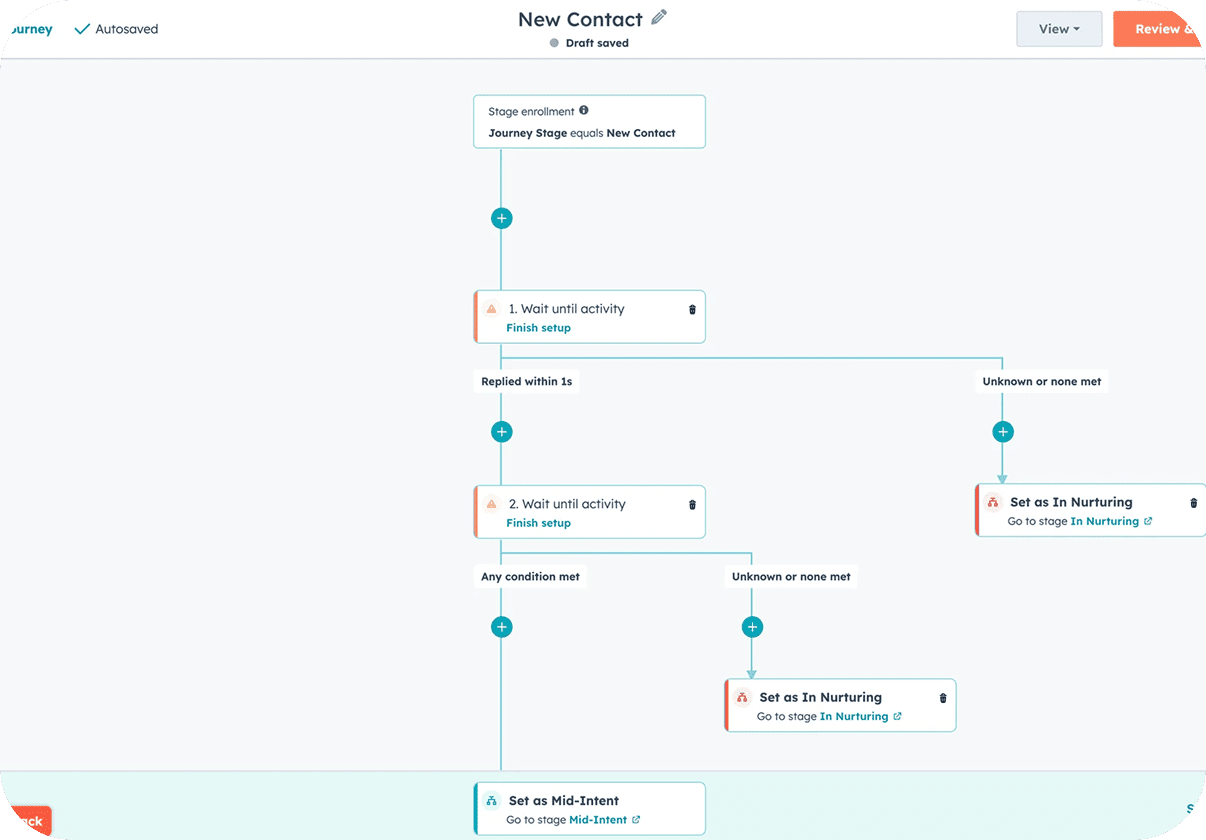
Connect Resend from Settings → Integrations, or from the app picker inside Automations, using your own Resend account. Resend triggers such as Email Delivered, Email Bounced, Spam Complaint, Link Clicked, Email Received and Contact Updated can start an Instantly workflow. Instantly events such as Lead Replied or Lead Unsubscribed can run Resend steps like Send Email, Create or Update Contact, Add Contact to Segment, Update Topic Subscriptions and Add Suppression. Resend reports on each message it handles, and you choose what happens next in the workflow. Each trigger arrives as an event, so you can act on it right away. For a team that sends both product email and outbound campaigns, this keeps contact lists, suppressions and engagement signals aligned across the two.
Common Use Cases
- Suppress after unsubscribes: When a lead unsubscribes in Instantly, use Add Suppression so Resend stops sending to that address as well.
- Send a follow-up email: After a lead replies with interest, use Send Email to deliver a confirmation or resource from your Resend domain.
- Reach out after clicks: When a Link Clicked event arrives from Resend, add the contact to an Instantly campaign for warm follow-up.
- Segment engaged contacts: Use Add Contact to Segment to group people who replied or clicked, ready for your next broadcast.
Use Cases
Media
Featured



Start building your AI sales engine
Get started now to access exclusive templates and elevate your projects to the next level.
Stop letting poor deliverability kill your pipeline. Join 50,000+ sales teams who've made the switch to Instantly for better inbox placement, higher response rates, and more closed deals.
No credit card required.