

Square
Connect Instantly with Square to turn payments and new customers into follow-up outreach, and create invoices or payment links from replies.
Categories
Payments & Billing
Built by
Instantly


Heading 1
Heading 2
Heading 3
Heading 4
Heading 5
Heading 6
Block quote
Ordered list
- Item 1
- Item 2
- Item 3
Unordered list
- Item A
- Item B
- Item C
Bold text
Emphasis
Superscript
Subscript
About
Square
Square is a payments and commerce platform used by retailers, restaurants and service businesses to take card payments, send invoices and manage customers. It offers point-of-sale tools, online payments and customer records in one account. Small and mid-sized businesses use it to accept payments in person and online, track who has paid and keep a directory of buyers. Teams that sell services often rely on Square invoices and payment links to get paid quickly after closing a deal.
Square
And Instantly
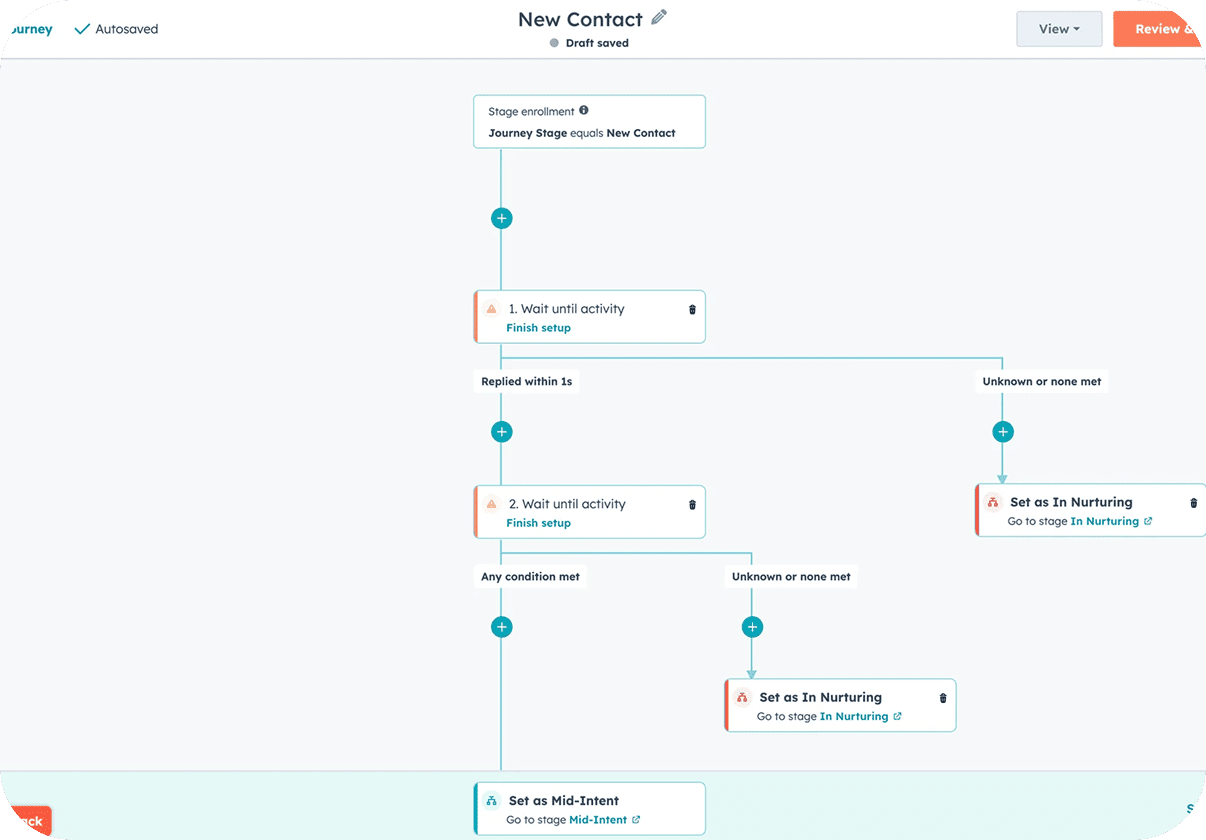
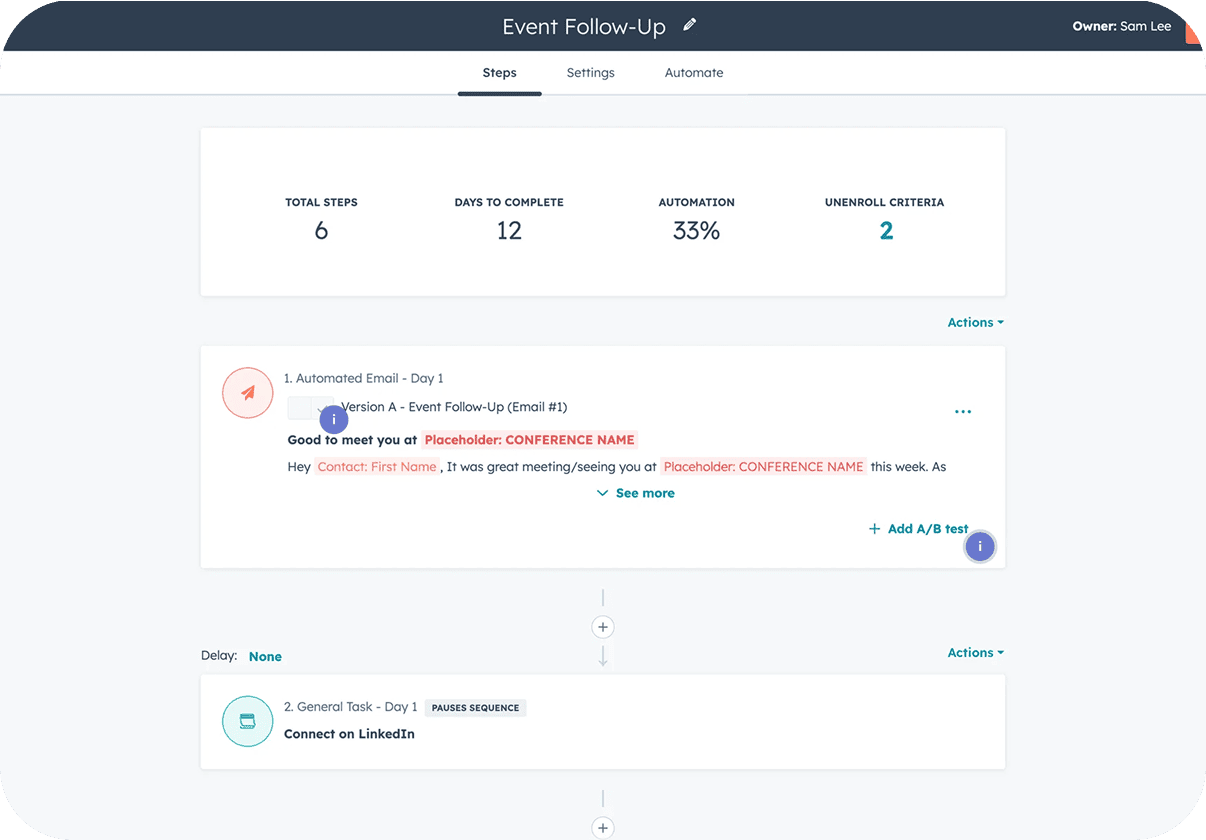
Connect Square in Instantly under Settings → Integrations, or from the app picker inside Automations, using your own Square account. A New Payment, Invoice Paid or New Customer event in Square can start an Instantly workflow, such as adding the customer to a campaign. Instantly events like Lead Replied or Lead Interest Status Changed can run Square steps: Create or Update Customer, Add Customer to Group, Create Payment Link, or Create and Send Invoice. Find Customer, Get Payment and Refund Payment cover lookups and corrections. For outbound and sales teams, this means a positive reply can move straight to a payment link or invoice, and paid customers can receive a follow-up sequence.
Common Use Cases
- Send an invoice after a reply: When a lead replies with interest, create and send a Square invoice so the next step is a payment, not another email.
- Share a payment link: Create a Square payment link when a lead is marked Interested in Instantly, and send it in your reply.
- Follow up on new customers: Start an Instantly campaign for a New Customer in Square to ask for referrals or introduce related services.
- Thank customers after payment: Use Invoice Paid to add the customer to a follow-up campaign and group them in Square for later segmentation.
Use Cases
Media
Featured



Start building your AI sales engine
Get started now to access exclusive templates and elevate your projects to the next level.
Stop letting poor deliverability kill your pipeline. Join 50,000+ sales teams who've made the switch to Instantly for better inbox placement, higher response rates, and more closed deals.
No credit card required.