.svg)
%20(1).svg)


Updated June 10, 2026
TL;DR:
AI sales agents save time on prospecting and copy drafting, but they cannot improve conversion rates for prospects who never see the email. You need three foundational systems to improve reply and meeting rates: verified contact data that keeps bounces at or below 1% (2% is the hard ceiling before ISPs apply negative signals), automated inbox warmup that runs for at least 30 days before your first campaign send, and strict sending limits of no more than 30 emails per inbox per day. Build that foundation first, then layer AI personalization and automated triage on top. Without the foundation, AI delivers high-tech spam faster and nothing more.
Sales reps spend roughly 60% of their time on non-selling tasks, including data entry, list cleaning, and manual follow-ups. AI sales automation agents promise to claw back that lost time, and they often deliver. What vendors frequently omit is that personalized AI copy cannot convert a prospect sitting in a spam folder because the sending domain was improperly warmed or over-sent.
We break down the actual performance benchmarks for AI-driven cold email, detail the deliverability guardrails required to protect your domains, and show you how to build a conversion-focused workflow using Instantly.ai, an approach that works even for lean sales teams.
Debunking AI assumptions in email outreach
AI vendors promise personalized copy at scale, but personalization cannot fix emails that never reach the inbox. This section breaks down the gap between AI hype and the deliverability fundamentals that actually drive replies and meetings. Master these systems before you scale AI agents.
The AI hype vs. fundamentals gap
An AI sales agent is software that automates one or more steps in the outbound sales process: sourcing leads, personalizing copy, sending sequences, and triaging replies. Modern platforms split this work across distinct agent types.
Instantly runs three separate agents. The AI Sales Agent handles autonomous lead sourcing and outbound execution at 5 Instantly Credits per generated lead. Copilot assists with research, campaign creation, and analytics summaries inside the platform. The AI Reply Agent drafts and sends responses to incoming replies in under five minutes, with a Human-in-the-Loop mode that routes drafts to Slack for rep approval before they go out, at 5 Instantly Credits per reply.
Deploying any of these agents is not enough on its own. ISPs score your sender reputation based on bounce rates, engagement signals, and sending consistency - the infrastructure priorities covered in our AI sales agent deliverability system guide. When poor list hygiene pushes your bounce rate past 2%, providers flag your domain for careless or malicious behavior, and negative signals accumulate across all future campaigns, including ones sent to valid addresses. AI copy cannot fix that. Only clean infrastructure can. If you want to understand exactly what damages inbox placement before you deploy an agent, this breakdown of why cold emails land in spam covers the root causes that AI personalization cannot work around.
How to track real reply rate impact
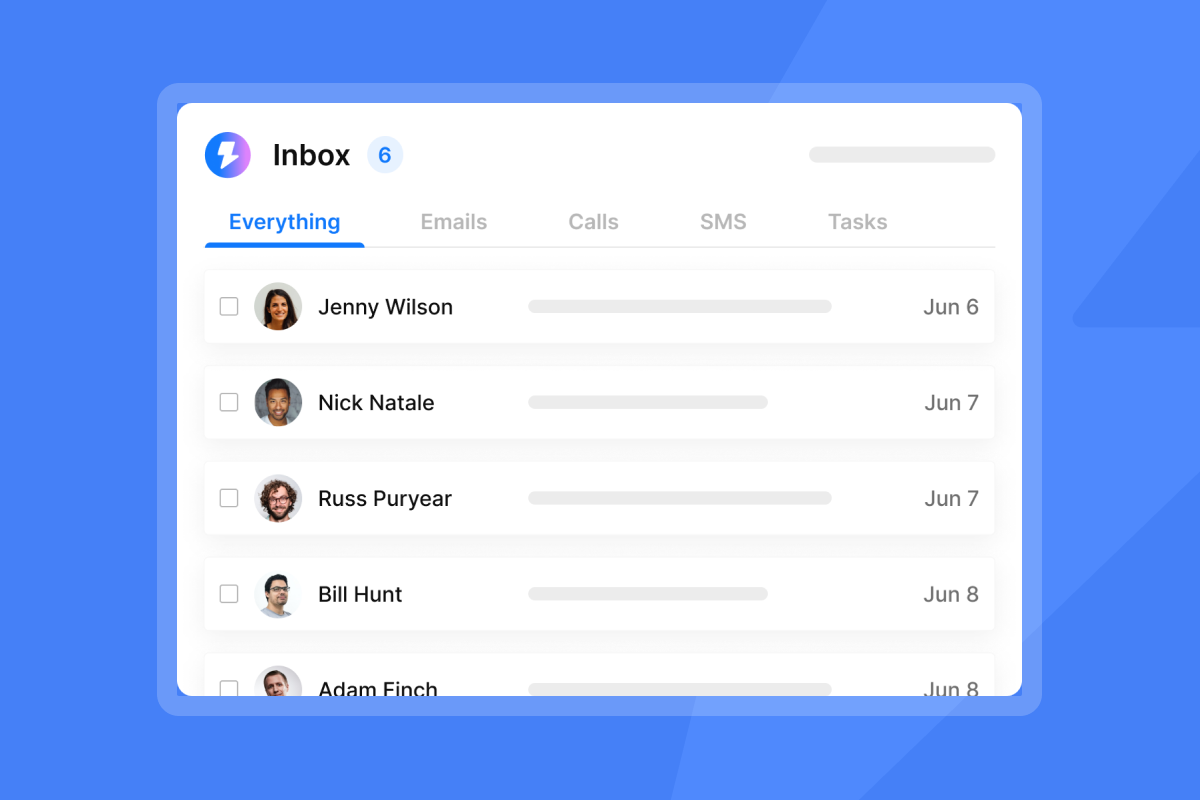
The most common trap is a dashboard that looks healthy but does not reconcile with CRM data. Bot clicks inflate open rates. Platforms that count out-of-office messages in reply totals inflate reply rates.
Track three metrics that cannot be fabricated:
- Positive reply rate: Replies expressing interest or requesting a meeting, divided by total emails delivered to the inbox (excluding bounces).
- Meeting booked rate: Meetings booked, divided by total outreach attempts or prospects contacted, expressed as a percentage. This measures how many prospects in your sequence converted to a scheduled meeting.
- MQL-to-SQL rate: Sales Qualified Leads divided by Marketing Qualified Leads, showing how many marketing-generated leads meet sales qualification standards. Instantly's Reply Rate Discrepancy help article explains exactly how the platform counts replies and where discrepancies can appear, which is the transparency that makes audit-ready reporting possible.
4 core levers for increasing reply and meeting rates
The following four levers are the controllable inputs that determine whether AI personalization produces replies and meetings. Master contact data quality, subject line testing, send windows, and follow-up sequencing before you scale AI agents. Our guide on AI sales agents for personalization covers the first lever in depth. Each lever compounds the others, so address them in order.
Prioritize verified contact data
Verified contact data is a required input for any cold email campaign, and that requirement does not change when you add AI agents to the workflow - our AI sales prospecting tools guide covers how to keep that data clean. Contacts with unverified or outdated email status are more likely to bounce, and hard bounces damage sender reputation at the domain level, not just the account level. Neither Google nor Microsoft publish explicit bounce rate thresholds, but high bounce rates are widely observed to correlate with spam folder placement and domain filtering across both platforms. Instantly's deliverability guidance recommends keeping bounces at or below 1% to maintain positive sender reputation. Industry benchmarks allow up to 2%, but staying at 1% or below gives your domains a wider safety margin before ISPs begin applying negative signals.
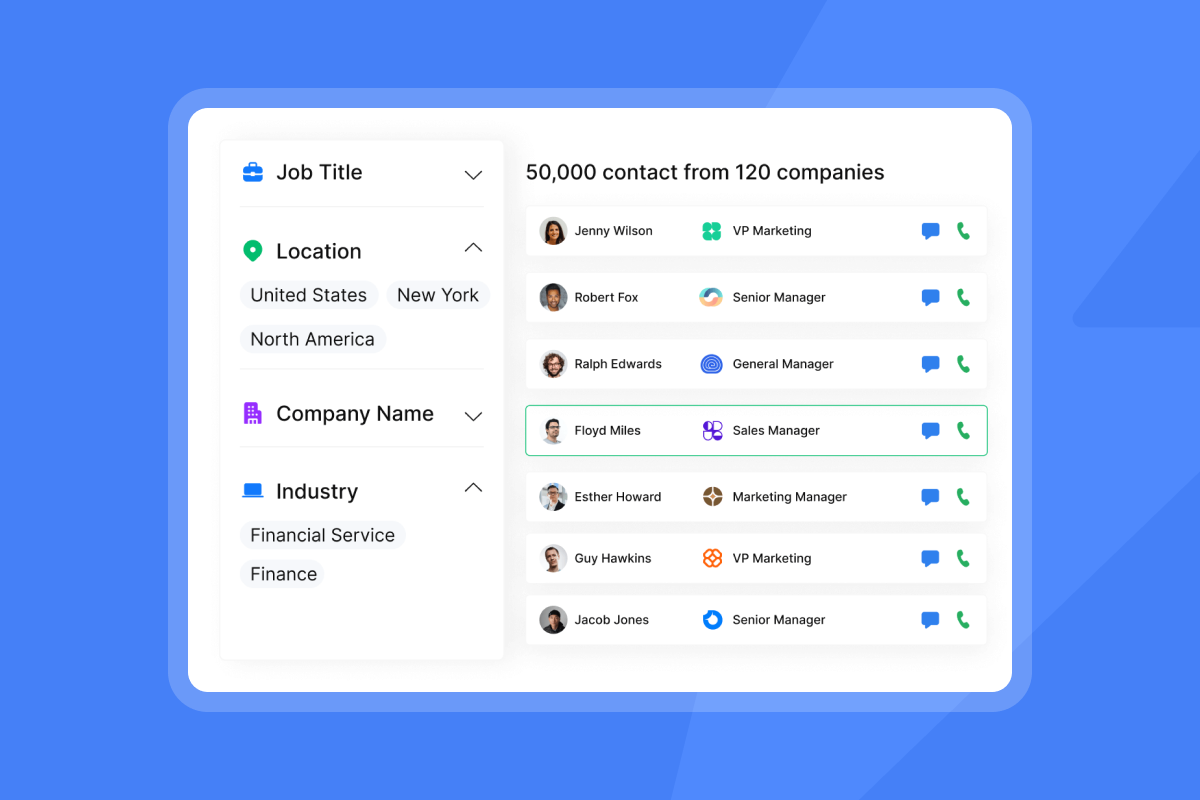
Instantly's SuperSearch provides access to 450M+ B2B contacts with waterfall enrichment across five or more data providers, cross-referencing each contact for accuracy before it enters your campaign. This goes beyond basic syntax validation to improve data quality at scale.
"I use Instantly primarily for cold email outreach and lead generation. It helps me manage, scale, and optimize email campaigns without worrying about deliverability issues or complex technical setups." - Pradeep T. on G2
Optimizing subject lines for replies
Subject lines function as deliverability signals as much as copy decisions. Spam filters score them for trigger words, excessive punctuation, and aggressive capitalization. Conversational, low-pressure subject lines that read like a colleague's email consistently outperform promotional ones for primary inbox placement.
The practical playbook:
- Keep subject lines under six words.
- Test one variable at a time, either the subject line or the first sentence, not both simultaneously.
- No single word automatically triggers spam on its own. Modern filters assess context, combination, and sending behavior together, so avoid stacking multiple high-pressure terms in the same subject line rather than banning individual words outright.
- Use conversational language that reads likea colleague's email rather than promotional copy.
Instantly's A/Z testing is available from the Growth plan at $47/month ($37.60/month on annual billing). The Hypergrowth plan at $97/month ($77.60/month on annual billing) increases the cap to the full 26 copy variants per sequence step.
Governing send windows for conversion
Send timing affects both open rates and primary inbox placement. Industry data suggests emails sent between 9:30 a.m. and2:00 p.m. in the prospect's local time zone, particularly Tuesday through Thursday, often outperform late-afternoon sends in B2B outreach because recipients are more active early in the workday and inbox competition is lower.
Sending consistency matters to ISPs just as much as timing. Erratic spikes, sending 500 emails on Monday followed by silence for three days, signal automated bulk behavior and trigger throttling. Configure send windows in Instantly to match business hours in the prospect's time zone and set a consistent daily cap per inbox, two settings covered in detail in this cold email strategy guide alongside the broader sequencing decisions that affect primary inbox placement.
Refining follow-up for meeting rates
A single email rarely books a meeting. Most positive replies come from steps two through four of a well-structured sequence:
- Step 1 (Day 1): Short, specific first touch with one clear question.
- Step 2 (Day 3): One-sentence add-on that references the first email and adds a new proof point.
- Step 3 (Day 7): Softer check-in that reduces friction with a yes/no question.
- Step 4 (Day 14): Breakup email that creates mild urgency without pressure.
Instantly's Cold Email Copywriting Framework documents the exact structure used to generate 400+ replies monthly, including subject line formulas and first-line templates for each step.

Evidence: How AI agents actually impact conversion rates
This section presents open rates, reply rates, meeting conversion, and cost per meeting from real campaigns. Interpret the data in the context of the deliverability controls described in the previous section. Without verified data, warmed domains, and strict send limits, the benchmarks below are not achievable.
Typical email open rate performance
Open rate is a leading indicator of subject line quality and inbox placement, not a direct measure of AI effectiveness. Warmed inboxes consistently achieve higher primary inbox placement than fresh ones, and that placement gap directly affects downstream reply rates. When primary inbox placement improves, more prospects see the email, which means open rates rise and reply rates follow. The performance data in the reply rate section below reflects this: campaigns built on warmed domains with verified contact lists produce measurably higher reply rates than campaigns where only copy or targeting changed. Deliverability infrastructure, not AI personalization, drives that difference.
Baseline reply rates for AI agents
The Instantly 2026 Cold Email Benchmark Report shows an average reply rate of 3.43% across campaigns on the platform, with top-performing campaigns exceeding 10% and the top quartile achieving around 5.5%.
We compare AI agent performance against human SDR baselines using research data on hybrid AI and human outbound pods:
Metric | AI sales agent | Human SDR |
|---|---|---|
Ramp time to first meeting | ~24 days | ~142 days |
Recommended daily send limit (per inbox) | 30 emails (ISP-safe cap) | 50 to 100 emails (actual capacity, capped at 30 per inbox to protect domain health) |
Cost per qualified opportunity | ~$224 (hybrid model) | ~$487 (human-only) |
Lead triage speed | Under 5 minutes | Hours to next business day |
The 30-email-per-inbox cap applies equally to both columns because the limit is set by ISP behavior, not by human capacity.
Meeting conversion: The metric that matters
Industry benchmarks for B2B cold email place meeting booking rates at roughly 1% of total emails sent. AI-assisted outreach can reach or exceed that benchmark, but only when deliverability fundamentals are in place, the same fundamentals we weigh in our review of the best AI sales agents for 2026.
According to Bridge Group SDR Metrics 2026, Apollo, and ZoomInfo outbound data compiled by Digital Applied, AE win rates on AI-sourced opportunities run 9 to 12 percentage points below human-sourced opportunities at the average B2B SaaS company. The same research puts meeting-to-opportunity conversion at 28% for AI SDR meetings compared to 47% for human SDRs. These conversion gaps apply across deal sizes. Teams running human-in-the-loop triage rather than full automation typically do so to improve accuracy, catch misclassified replies, and maintain human oversight on qualified conversations before they reach the pipeline.
Instantly CRM tracks these handoffs through the Unibox, which centralizes replies from all sending accounts and routes qualified conversations to AE pipelines.
AI sales agent approaches compared
Choosing the right AI sales agent model, including how Instantly compares to competitors, requires understanding the deliverability trade-offs of each approach:
Approach | Key features | Target use case | Deliverability risk |
|---|---|---|---|
Pure AI bot (autonomous) | Fully automated lead sourcing, copy, sending, and replies with no human oversight | High-volume transactional outreach with low ACV and short sales cycles | High: erratic send patterns and no rep copy review often trigger spam filters |
Legacy sales engagement (template-heavy) | Manual list uploads, static templates, limited personalization, per-seat pricing that increases cost as team size and sending volume grow | Teams needing CRM integration and multichannel orchestration | Moderate: static templates and high send volumes from a small number of accounts can produce erratic sending patterns that ISPs flag as bulk behavior |
Hybrid system (Instantly Outreach + AI agents) | Unlimited warmed accounts, AI personalization with HITL triage, waterfall data enrichment, strict 30/day send caps | Agencies and lean sales teams scaling across multiple clients or ICPs while protecting domain health | Lower than alternatives when configured correctly: built-in warmup, per-inbox send caps, and HITL rep oversight reduce the conditions that commonly produce spam filter triggers, though outcomes depend on list quality and configuration |
Calculating true cost per meeting
Cost per meeting = (Monthly tool cost + Rep time cost) / Meetings booked
For a starter Instantly stack (Outreach Growth at $37.60 + Instantly Credits Growth at $37.60 + CRM Growth at $37.60 on annual billing = $112.80/month when paid annually), running 30 warmed inboxes at 30 sends per day produces roughly 27,000 monthly sends. At a 3.43% reply rate, that is 926 total replies. At a 20% meeting conversion from total replies, that produces approximately 185 meetings per month. Tool cost per meeting: approximately $0.61. Add rep time for HITL review and CRM handoff to get your real number, or run your own inputs through our AI sales agent ROI calculator.
"Sending 100000+ emails every month with epic ROI." - Joakim S. on G2
Warning signs of low-performing AI outreach
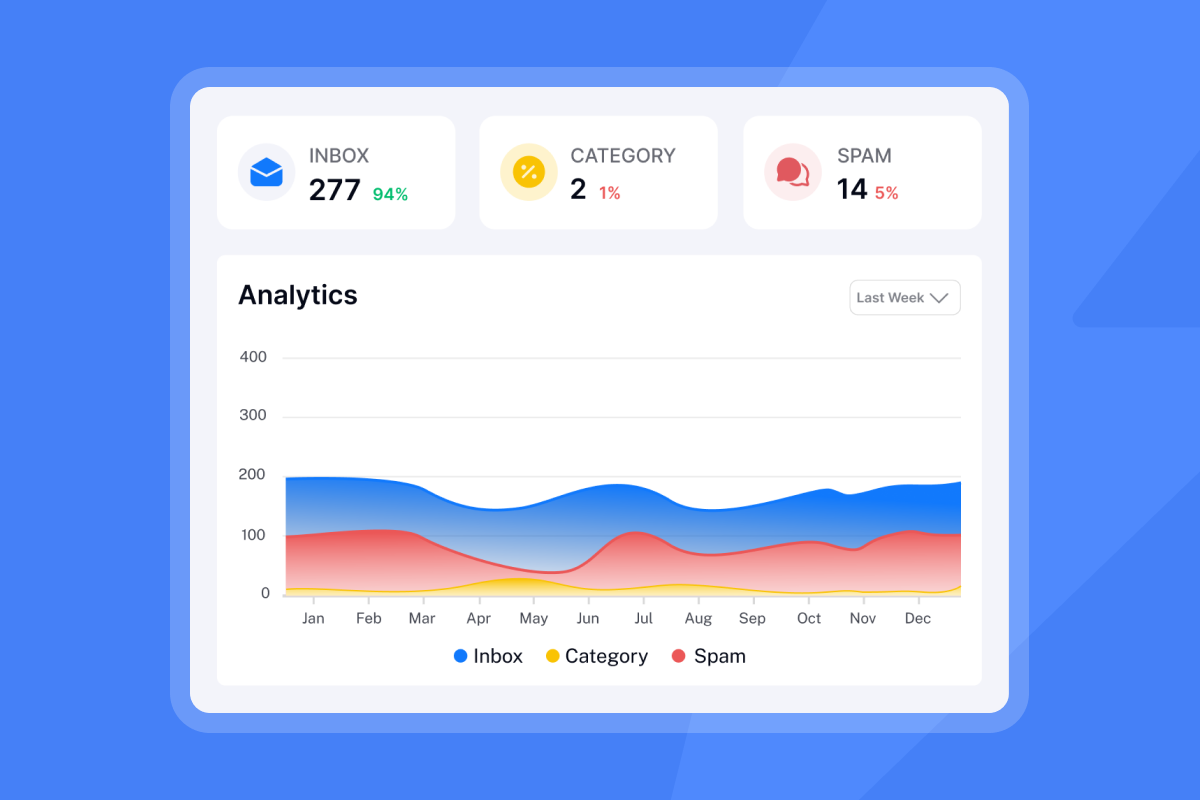
AI-assisted outreach most commonly breaks down at three points: ISP volume limits, data quality failure, and analytics discrepancies. Watch for these warning signs before they damage your sender reputation. Each has a clear fix, but the fix works only if you catch the problem early.
Respect ISP volume and pacing limits
The 30-email-per-inbox-per-day limit is not a conservative suggestion. Gmail and Microsoft flag patterns that exceed what a normal human sender produces, and cold outreach at scale crosses that threshold quickly on a single account. Erratic spikes, including large volume jumps or sends outside business hours, trigger spam filters independently of bounce rates.
Spreading volume across more warmed inboxes solves this. Instantly includes unlimited email accounts and warmup on every plan, which means you run 1,000 daily sends across 35 warmed inboxes rather than blasting from one account. Create a maximum of three to five email accounts per sending domain and keep each at or below 30 campaign sends per day. Instantly's guide on scaling with secondary sending domains covers the exact domain-to-account ratios to use.
Fix data quality before AI scaling
If your bounce rate crosses 2%, pause your campaign, verify your contact list, suppress hard bounces and invalid addresses, and re-source contacts where needed before resuming at a reduced send volume. Remove hard bounces and catch-all addresses before resuming. Plan for approximately two weeks of warmup before restarting campaign sends. Restart at 10 to 20 emails per inbox per day, confirm bounces stay at or below 2% and complaint rates stay under 0.1%, then ramp back gradually toward 30 per inbox per day. Instantly's deliverability recovery guide covers how to configure automatic campaign pauses when bounce thresholds are crossed. An AI agent fed a list with 8% invalid contacts will generate hard bounces that trigger domain-level filtering regardless of personalization quality. List hygiene must precede AI deployment.
Reconciling AI stats with your CRM
Misleading analytics are one of the most common complaints against sales automation tools, and our guide to AI sales agent reporting and analytics covers how to catch them early. At minimum, confirm that reply data and positive signals in Instantly match opportunity stages in your CRM. Where possible, set up webhook integrations to push replies and positives into your CRM automatically and reduce manual reconciliation gaps. Use native integrations with HubSpot or partner-supported syncs with Salesforce via OutboundSync to avoid manual export errors that create reporting gaps your CFO will question.
How smart automation secures deliverability
Instantly's warmup network of 4.2M+ accounts runs in the background on every account to maintain positive engagement signals with ISPs. New inboxes build reputation through real warmup interactions before any campaign email is sent.
For teams sending at scale who need additional domain protection, the Light Speed plan ($358/month, or $286.30/month on annual billing) includes SISR, Server and IP Sharding and Rotation. SISR distributes sending across dedicated private servers and IP pools, rotating them automatically if any single IP faces throttling or filtering, so one IP issue does not affect your entire sending operation. You can see how rotating IPs support deliverability in Instantly's technical documentation.
The risk of AI tooling in a team environment is inconsistency. One rep running an aggressive sequence from a shared domain damages deliverability for everyone. Instantly's global block list prevents any contact from receiving a campaign email if they have already been reached or opted out across any rep's campaigns. Combined with team-level workspaces and centralized campaign controls, RevOps gets a defensible governance structure without micromanaging reps.
Building a conversion-focused AI sales workflow
Run AI agents on top of solid infrastructure using this AI sales agent implementation guide, then follow these steps in order before scaling volume:
- Establish baseline inbox health: Warm every new sending domain for at least 30 days before starting active campaigns. For established domains with existing sending history, 1 to 2 weeks is often sufficient. In both cases, ramp gradually to a maximum of 30 sends per day per inbox before going live.
- Verify your contact list: Run all contacts through SuperSearch or a comparable multi-provider enrichment tool. Remove hard bounces and catch-all addresses before any email sends.
- Run inbox placement tests: Before your first campaign send, use Instantly's automated inbox placement tests to confirm primary inbox delivery and catch issues before they affect live campaigns.
- Set up copy testing: Load two to four subject line variants per sequence step using A/Z testing. Run each variant to a meaningful sample size before selecting a winner.
- Deploy AI Reply Agent with HITL: Enable Human-in-the-Loop mode first. Review draft replies for the first two weeks to calibrate tone and accuracy. Move specific reply categories to Autopilot once accuracy is confirmed for your ICP.
- Connect to CRM: Map qualified reply signals in Unibox to opportunity stages in your CRM using native HubSpot integration or Salesforce via OutboundSync to ensure no qualified conversation falls through the handoff. Follow the Instantly beginner guide to cold email if you are setting up from scratch and need the full process from domain purchase to first campaign send.
"It has everything needed for sending personalized cold outreach campaigns, with everything documented in clear SOPs and a customer support that is quick to respond and solve the issue/answer inquiry." - Yassine Raji on Trustpilot
A starter Instantly stack costs $112.80/month on annual billing (Outreach Growth at $37.60 + Instantly Credits Growth at $37.60 + CRM Growth at $37.60 per month). Monthly billing brings the same stack to $141/month. Add Instantly Credits, starting at $9/month for 150 credits on the Nano plan (free trial includes 100 credits), to run AI agents. Scale to Hypergrowth Outreach at $97/month when you consistently approach the contact and email limits of the Growth plan. See the full Instantly pricing page for current plan details.
Ready to build a deliverability-first cold email system that protects your domain reputation while scaling meetings booked? Start a 14-day free trial of Instantly Outreach with no credit card required. The free trial gives you enough contacts and sending capacity to test the full warmup, sending, and triage workflow.
FAQs
What is the average conversion rate for an AI sales agent?
You can expect a 3% to 8% reply rate and a 1% to 3% meeting booking rate from AI sales agents when you use verified data and warmed domains, based on the Instantly 2026 Cold Email Benchmark Report. Without proper deliverability systems, reply rates often drop below 0.5% due to spam folder placement.
How many emails should an AI sales agent send per day?
Keep AI agent sends at or below 30 emails per inbox per day. That cap keeps your sending behavior within what ISPs treat as normal human volume and reduces the risk of spam filter triggers over the long term. While some practitioners operate up to 100 emails per inbox per day on Google Workspace and Microsoft 365 accounts, staying at 30 gives your domains a wider safety margin. To scale total send volume without exceeding that per-inbox limit, distribute campaigns across multiple warmed inboxes using Instantly's unlimited accounts feature, which is included on all plans.
How much do Instantly AI agents cost to run?
Instantly offers a free trial with 100 credits, and paid plans start at $9/month for 150 credits on the Nano plan via the separate Instantly Credits subscription. Instantly's AI sales agent costs 5 credits per generated lead and the AI Reply Agent costs 5 credits per reply.
Can AI clean bad contact data before sending?
Instantly verifies emails automatically before contacts enter campaigns, but that check happens at the campaign level, not before your list is uploaded. Contacts that pass a basic syntax check but carry catch-all or outdated addresses can still generate hard bounces and damage your sender reputation. Use a dedicated verification tool such as SuperSearch to clean your list before any contact enters an AI-powered sequence.
What is the difference between Human-in-the-Loop and Autopilot mode?
Human-in-the-Loop mode routes AI Reply Agent draft responses to a Slack channel for rep approval before sending, while Autopilot mode sends responses automatically. Use Human-in-the-Loop as your default until you have confirmed the agent's accuracy on your specific ICP and reply types.
Key terms glossary
AI Reply Agent: An automated assistant that drafts and sends email replies in under five minutes, featuring Human-in-the-Loop and Autopilot operating modes, priced at 5 Instantly Credits per reply with Credits available from $9/month.
Sender reputation: A domain and IP-level score assigned by ISPs based on bounce rates, spam complaints, engagement signals, and sending consistency. Poor sender reputation causes emails to land in spam folders regardless of copy quality.
SISR (Server and IP Sharding and Rotation): A deliverability technology on Instantly's Light Speed plan that distributes email sending across dedicated private servers and IP pools, rotating them automatically if any IP faces throttling or filtering.
SuperSearch: Instantly's integrated database of 450M+ B2B contacts with waterfall enrichment across five or more data providers, used to improve contact accuracy before campaign deployment.
Unibox: A centralized inbox in Instantly CRM that aggregates replies from all sending accounts, allowing reps to manage all conversations in one place and route qualified leads to the CRM pipeline.
Warmup: The process of gradually increasing sending volume from a new email account over at least 30 days to build a positive sender reputation with ISPs before campaign sends begin.
Read next
- Cold Email Deliverability: 14 Key Checks Before You Hit Send: A practical pre-send checklist covering domain setup, warmup status, list hygiene, and inbox placement tests to run before your first campaign goes live.
- Email Warmup Process: 4 Stages to Reach Full Sending Capacity: A stage-by-stage breakdown of how to ramp a new inbox from zero to full send capacity without triggering ISP filters.
- Email Sequence Benchmarks 2026: What's a Good Open Rate, Reply Rate, and Cost-Per-Meeting?: Current benchmark data on open rates, reply rates, and cost per meeting so you can measure your AI-assisted campaigns against real performance baselines.



