.svg)
%20(1).svg)


Updated July 23, 2026
TL;DR: The best outbound sales software for B2B GTM teams delivers three things: consistent primary inbox placement, predictable flat-fee pricing, and clean CRM integration. According to Instantly.ai's 2026 benchmark report, top-performing teams reach reply rates above 10.7%. Protecting domain health through horizontal scaling across multiple inboxes, rather than pushing more volume through a single account, is one of the structural habits that supports consistent performance at that level. Platforms like Instantly.ai combine unlimited sending accounts, a private deliverability network of 4.2M+ accounts, and an integrated database of 450M+ B2B leads on a flat monthly fee, removing the per-seat growth tax that penalizes teams as they scale.
This guide is for Sales Leaders and RevOps managers running a B2B GTM team who need consistent outbound execution without per-seat pricing traps or brittle tooling. The biggest mistake in modern B2B outbound is scaling volume by increasing sends per inbox. To protect domain health, you must scale horizontally across unlimited accounts while keeping individual inbox throughput low. This guide evaluates the category based on deliverability systems, team governance, and true cost-per-meeting ROI. It is written by Instantly, so examples, benchmarks, and product references reflect how Instantly approaches these problems, with comparisons to common alternatives where relevant.
Core requirements for reliable outbound systems
Three areas determine whether your outbound system produces predictable pipeline: how you manage sender reputation, how you enforce team governance, and how you automate CRM handoffs. These same principles anchor any solid outbound lead generation program.
Outbound in 2026 runs as a technical system with measurable inputs and predictable outputs. Platforms that produce consistent pipeline results are designed around sender reputation management, not just sequence automation. Most of this comes built in when you standardize on sales development software like Instantly.
Ensuring consistent primary inbox access
The single most important rule in outbound: never push more than 30 campaign emails per day through a single inbox. Instantly's account and campaign limits cap this at 30 per account, and that ceiling exists for a structural reason.
ESPs track unique recipient counts, ramp velocity, and engagement patterns. A new inbox jumping from 10 sends to 300 in two days signals a compromised account.
The correct approach is horizontal scaling. Distribute volume across multiple inboxes and domains rather than increasing sends from a single account. Five warmed inboxes sending 30 emails each per day gives you 150 daily sends with a fraction of the deliverability risk.
Gmail has required bulk senders to use SPF, DKIM, and DMARC since February 1, 2024, and major ESPs have followed with their own enforcement. Gmail requires spam rates to stay below 0.10% as measured in Postmaster Tools, and never reach 0.30%, which is the hard enforcement ceiling, not a safe operating target.
According to Instantly's deliverability blog, SPF requires authorizing every sending service on your domain with one TXT record while keeping total DNS lookups at or below 10 per RFC 7208. These are no longer best practices. They are requirements enforced at the SMTP level.
Platform governance for sales teams
When you manage 8 SDRs, you cannot manually audit every rep's send window, subject line, or daily throughput. The platform must enforce those guardrails automatically. Look for these controls before committing to any platform:
- Send window enforcement: Restrict sends to high-engagement hours such as 8:30 to 10:30 a.m. local time to protect domain reputation.
- Template locking: Standardize copy at the workspace level so reps personalize without rewriting from scratch.
- Bounce detection and auto-pausing: Any platform that does not auto-pause when bounces climb puts your domain health at risk. Keep hard bounces at or below 1%.
- Sequence safety rules: Limit step counts to the 4-7 range that benchmark data shows produces the best reply rates.
Instantly's cold email strategy documentation covers how to configure these controls at the campaign level.
Automating CRM handoffs for reps
Manual data entry between your outbound tool and your CRM is where pipeline accuracy breaks down. When a rep books a meeting through a reply, that outcome needs to flow into your CRM automatically, with the correct contact record, deal stage, and timestamp. Use our outbound sales software evaluation checklist alongside this guide before you sign.
Instantly's native HubSpot integration handles this workflow directly. Unibox NLP auto-classifies incoming replies across 50+ languages into interest labels such as "Positive," "Not Now," or "Referral." From there, you set up a HubSpot workflow that fires when a positive classification occurs, creating the deal record at the right pipeline stage and keeping handoff data clean for the AE.
Critical checkpoints for your outbound software POC
Each checkpoint below maps to a specific failure mode teams encounter after go-live. Work through them in order before you sign any contract. Skipping these checkpoints is how teams end up repeating outbound sales mistakes after go-live.
Before committing your team's quota to a platform, run a structured 30-day proof of concept. Your POC should answer five operational questions.
Deliverability and domain health monitoring
Demand a live demonstration of the platform's deliverability tooling, not a marketing claim. Test these three capabilities:
- Automated inbox placement tests: The tool must send test messages to seed accounts across Gmail and other major providers and report placement results in real time. Instantly's inbox placement tests run on a scheduled basis and show exactly which provider is filtering your mail.
- DNS health monitoring: Confirm the platform sends automated alerts when SPF, DKIM, or DMARC records break or when a domain lands on a blocklist.
- Bounce rate tracking: Confirm the platform pauses campaigns automatically when bounce rates exceed safe thresholds.
The Deliverability AI Agent, available on our Hypergrowth and Light Speed plans, runs a full diagnostic every 24 hours covering DNS health, blocklists, warmup scores, bounce rates, provider balance, and campaign copy.
Validating analytics against CRM data
Platform-reported metrics such as opens, clicks, and replies must reconcile with your CRM's meetings-booked and SQL counts. If the numbers do not match, you cannot trust either system for pipeline forecasting. For the specific features worth prioritizing, see the outbound sales software features that matter.
During your POC, run a controlled batch of 200 contacts through the platform. Compare reported replies in Unibox to actual CRM deals created in HubSpot. If the numbers do not reconcile, investigate your reply classification setup and tracking configuration before scaling volume further. Focus your POC scorecard on reply rate and booked meetings, not open rates, which automated spam filters inflate with false clicks.
Audit ready data and privacy controls
Before signing any contract, obtain a countersigned Data Processing Agreement. Instantly's DPA documents the processing terms under Foo Monk LLC and specifies data categories that customers must not upload, including PHI, payment card data, and biometric data. Sub-processor information, including AWS (USA), is documented in the DPA with a transparent notification process.
For compliance-sensitive buyers, anchor your vendor evaluation to DPA availability, sub-processor transparency, data category restrictions, and GDPR/CAN-SPAM operational support.
Predictable billing and contract terms
Watch for two billing traps during contract review:
- Annual lock-in with no exit: If the platform auto-renews annually with no opt-out window, you cannot pivot when deliverability degrades.
- Credit expiration with no rollover: Data credits that reset monthly with no carryover punish teams that ramp slowly.
Instantly offers a 14-day free trial with no credit card required, including 250 uploaded contacts and 1,000 emails, so you validate deliverability before committing.

How the outbound sales software category breaks down in 2026
The outbound software category splits into three distinct types. Understanding where each fits helps you evaluate trade-offs before committing to a platform.
Here is how they compare.
Comparing B2B platform capabilities
2026 GTM stack evaluation matrix
Platform category | Core focus | Pricing model | Ideal for |
|---|---|---|---|
All-in-one hubs (e.g., Apollo) | Data + multichannel outreach | Per seat ($65-149/user/mo, monthly billing) | Teams needing deep CRM integrations and built-in calling |
Infrastructure-first (e.g., Instantly) | Deliverability + unlimited accounts + leads | Flat fee ($47-358/mo, monthly billing) | Teams scaling horizontally across inboxes |
Autonomous agents (e.g., AI SDR tools) | Autonomous lead sourcing and outreach | Flat monthly or per-meeting (varies by vendor) | Teams testing AI-led prospecting at early stage |
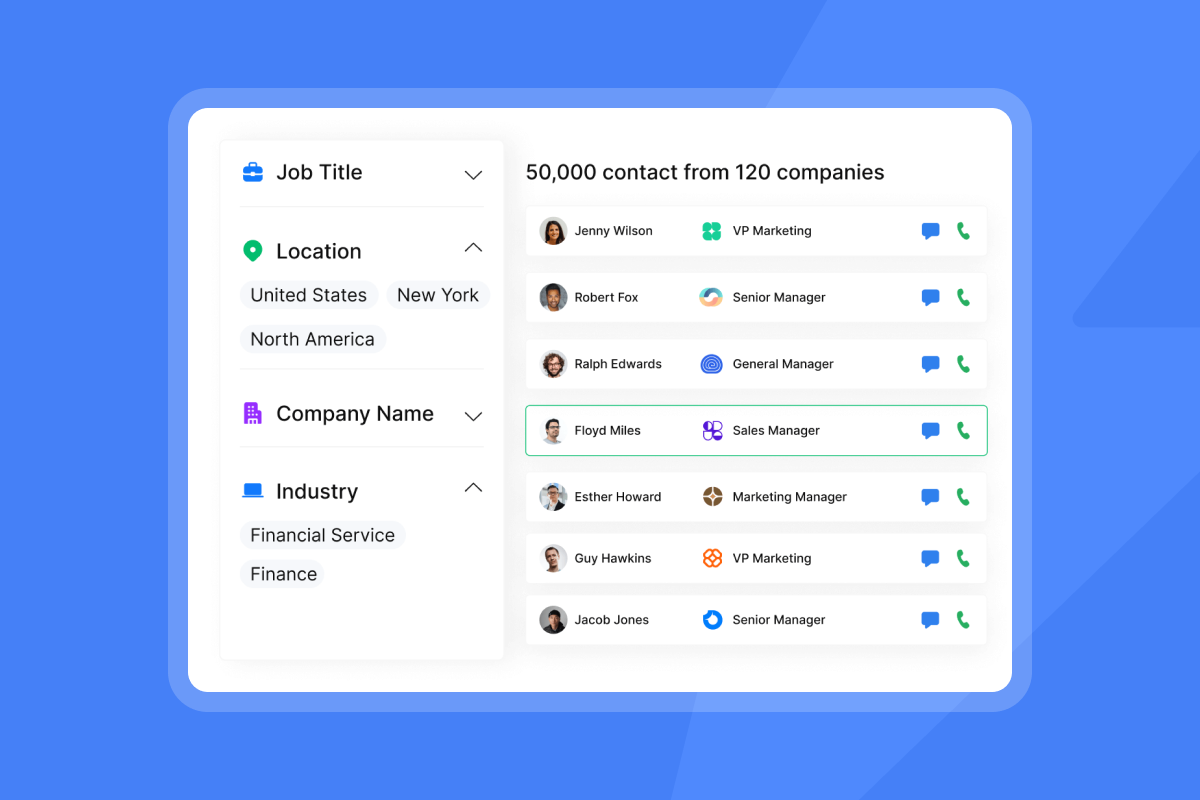
Instantly combines outreach automation, deliverability infrastructure, and SuperSearch (450M+ B2B leads with waterfall enrichment across 5+ providers) into a single flat-fee platform. Waterfall enrichment across multiple providers increases contact match rates compared to single-provider solutions, which reduces bounce rates and protects domain reputation.
At 20 users on Apollo's Organization tier on annual billing (approximately $119 per user per month, billed annually), total annual spend reaches approximately $28,560 before add-ons. Confirm current Apollo pricing directly before using this figure in budget planning. At the same scale, Instantly's Hypergrowth plan at $97 per month covers unlimited accounts with no per-seat penalty. For a detailed side-by-side, read the Instantly vs. Apollo breakdown.
"Instantly makes it genuinely easy to run outbound at scale without feeling overwhelmed by complexity. The inbox rotation, sending controls, and campaign setup are all intuitive, which means you can go from idea to live campaign quickly." - Curtis S. on G2
Inbox placement and domain health
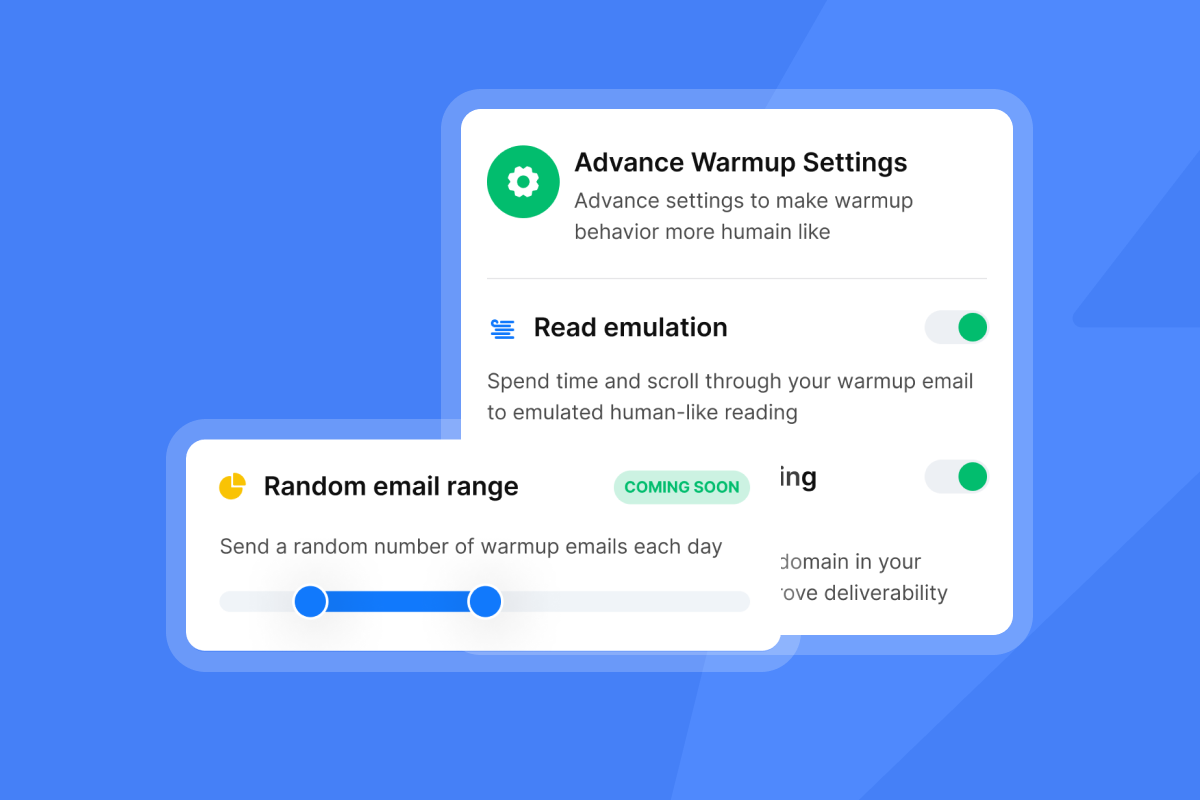
Instantly's private deliverability network uses 4.2M+ accounts for automated warmup. Warmup engagement happens with real inboxes, not bot traffic, which is what ESP engagement scoring systems actually measure.
The Deliverability AI Agent runs a full diagnostic automatically every 24 hours after setup, covering DNS health, blocklists, warmup scores, bounce rates, provider balance, and campaign copy, and integrates with Slack for alerts. The Light Speed plan adds SISR (Server and IP Sharding and Rotation), routing campaigns through private, dedicated IP pools instead of shared public infrastructure. This reduces the risk of one sender's reputation affecting your delivery.
"It works, you don't have to worry about email spam quality... the system is well designed for it so if you want to run proper outbound campaigns without stressing about the emailing and tooling Instantly does it for you." - Verified user review of Instantly
Synchronizing sales and CRM data
Instantly integrates natively with HubSpot and Clay. The Clay integration (confirmed April 2026) supports direct data flows between prospecting and sending without a third-party iPaaS layer. For Zapier and Make users, the API v2 plus webhooks layer supports custom automation recipes.
Role based access and audit tools
Workspace-level separation lets you assign reps to specific domains, campaigns, and lead segments without risking cross-contamination of sender reputation. Unibox NLP auto-classifies replies using AI across 50+ languages on all plans, giving managers a clean audit trail of reply outcomes without requiring reps to manually categorize every response. Custom label selection is available on Hypergrowth and Light Speed plans.
The AI Reply Agent handles replies in under 5 minutes in either Human-in-the-Loop or Autopilot mode. It runs on Instantly Credits (a separate subscription starting at $9 per month for 150 credits), keeping the audit trail clean and the cost model transparent.
Comparing subscription tiers and true ROI
Pricing structure shapes your total cost at every growth stage. These sections break down billing models, credit consumption, and cost-per-meeting math so you can run the numbers before committing.
Predictable billing: seat vs. flat fees
Seat-based pricing creates a compounding growth tax. Every time you hire a new SDR or add a sending mailbox, your monthly software bill increases. Pricing analysis shows that at 20 users, Instantly costs approximately 96% less than Apollo annually ($1,164 vs. $28,560 on the figures used in this guide), and that gap widens as teams scale because per-seat costs multiply with headcount while Instantly's flat-fee model stays fixed.
Instantly's unlimited accounts and warmup model means you can add 10 new inboxes to support a new campaign without paying more on the Outreach plan. Horizontal scaling, the operationally correct approach, becomes financially aligned instead of penalized.
Warning signs of billing overages
Instantly Credits are a separate subscription that powers SuperSearch lead lookups, Copilot, AI Sales Agent (5 credits per generated lead), and AI Reply Agent (5 credits per reply). This separation means your core Outreach plan ($47 to $358 per month) does not fluctuate based on AI agent usage. You control credit consumption independently and can scale from Growth Credits ($47/mo for 1,500-2,000 credits) to Supersonic ($97/mo for 5,000-7,500 credits) only when volume justifies it.
Calculating your cost per meeting
Instantly's 2026 cost-per-meeting analysis benchmarks cold email against calling as channels. The table below uses illustrative inputs. Your actual cost per meeting will vary based on list quality, reply rate, and meeting conversion rate.
Cost-per-meeting calculator framework
Metric | Seat-based (5 reps, 15 mailboxes) | Instantly flat-fee (Growth stack) |
|---|---|---|
Software cost per month | ~$1,200 (illustrative, at $119/seat + mailbox add-ons) | $47 + $47 + $47 = $141/mo |
Data and enrichment cost | ~$200-400 (separate enrichment tool) | Included in Credits subscription |
Total monthly cost | ~$1,400-1,600 | ~$141-188/mo |
Estimated replies (3.43% on 2,000 sends) | ~69 replies | ~69 replies |
Est. meetings booked (15-30% conversion) | ~10-21 meetings | ~10-21 meetings |
True cost per meeting | Will vary by setup | Illustrative range only, depends on actual reply and conversion rates |
The 2026 benchmark report puts the platform average reply rate at 3.43%, with the top quartile at 5.5%+ and the top 10% reaching 10.7%+. Use 3.43% for conservative forecasting.
Strategies for rapid team onboarding
A structured onboarding sequence prevents the most common deployment failures. Follow these steps in order to get reps sending safely within the first month.
Establishing safe email warmup protocols
The warmup timeline is 4-6 weeks and cannot be compressed. The deliverability ramp process follows this structure:
- Days 1-2: Publish SPF, DKIM, and DMARC records for every new domain. Set up a custom tracking domain CNAME and confirm verification.
- Days 1-14: Enable warmup on each new inbox. Start at 5-10 warmup sends per day and ramp to 40-50 as placement stabilizes. Target hard bounces near zero and total bounces at or below 1%.
- Weeks 2-3: Verify 1-2k contacts. Import only "deliverable" rows.
- Weeks 3-4: Begin live campaign sends at capped volume (30 per inbox per day). Most inboxes reach steady-state sending within the 4-6 week warmup window. Monitor Gmail Postmaster Tools weekly.
Instantly's warmup network handles this automatically through 4.2M+ accounts. Never attempt manual warmup via personal email accounts. The engagement signals do not replicate.
Scaling performance with sales training
Template standardization is the fastest path to team-level consistency. Instantly's 600 template library gives reps a starting point, and the cold email copywriting framework explains the structure behind high-performing sequences.
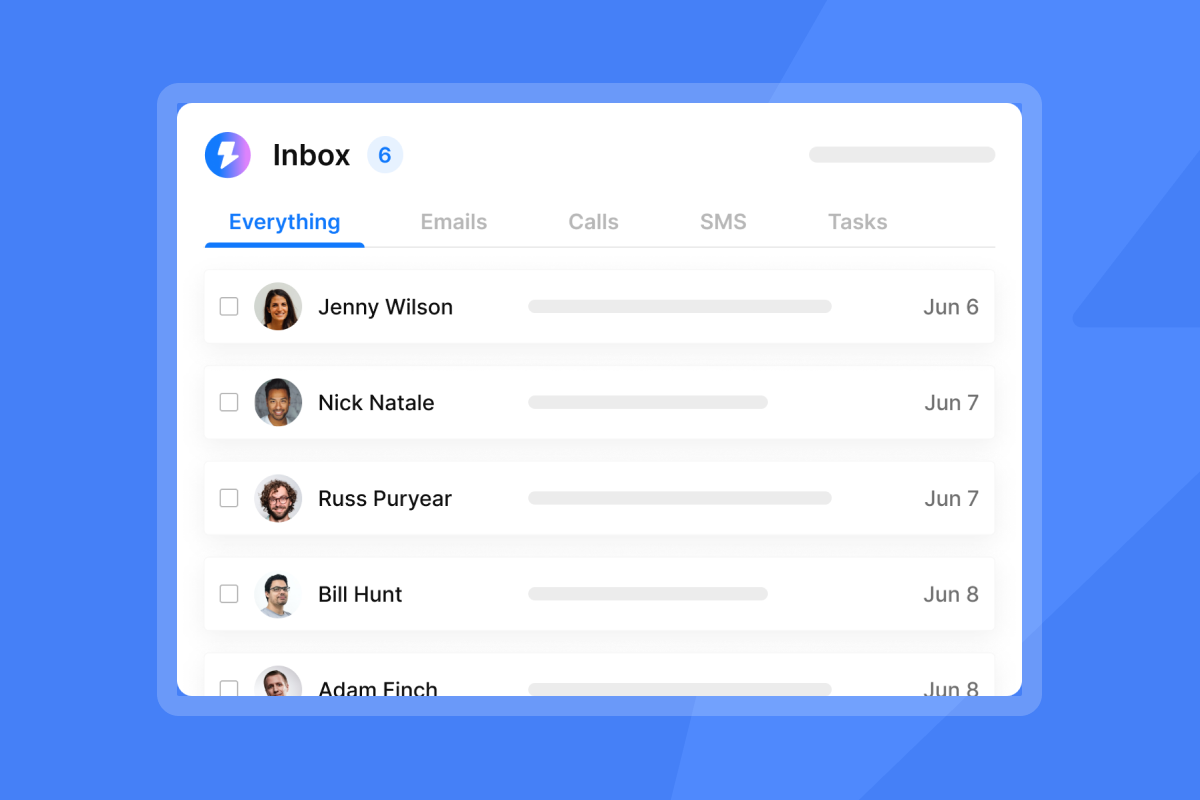
Train reps on Unibox reply management in week 3 of onboarding. Every rep should work from a single unified inbox view, not individual mailboxes, so reply classification and escalation stay standardized.
Automating CRM lead handoffs
Set up this workflow in week 4, after campaign sends have started and replies are flowing:
- Unibox NLP classifies a reply as "Positive."
- A HubSpot trigger fires via the native integration, creating a new deal record in the appropriate pipeline stage.
- The AE receives an automatic task assignment with the reply text and lead context attached.
- The SDR marks the lead as "Handed Off" in Unibox, closing the loop.
For enrichment data flowing in from Clay, the native Clay integration feeds updated contact information into the same HubSpot record automatically.
Setting realistic goals and avoiding contract traps
Before you present projections to leadership or sign a vendor contract, anchor your expectations in verified data and review the specific clauses that create risk.
Reply rate benchmarks and email length
Use these figures from the 2026 benchmark report (data from Jan 1 to Dec 18, 2025) to set honest expectations with leadership:
- Platform average reply rate: 3.43%
- Top quartile: 5.5%+
- Top 10%: 10.7%+
- Consistent vs. sporadic senders: +15-20% higher replies
Consistent sending patterns (same volume each weekday, same time windows, same monitoring protocol) produce materially better outcomes than burst-and-pause patterns. Keep emails under 80 words. Shorter emails reduce the surface area for spam filter pattern matching, load faster on mobile, and force writers to cut filler language that reduces reply rates.
Technical habits for inbox health
Build these checks into your weekly RevOps cadence:
- Bounce rate review: Keep hard bounces at or below 1%. Instantly's High Bounce Auto-Pause automatically pauses any campaign where the bounce rate exceeds 5% (the default threshold, adjustable in Preferences), but the check only runs after a campaign has sent at least 200 emails. Monitor bounce trends manually before that threshold is reached.
- Gmail Postmaster Tools: Check domain reputation and spam rate weekly. Stay below 0.30% spam rate.
- Inbox placement test results: Review automated test results every Monday. If a provider filters to spam, pause that account's sends and investigate DNS or warming status.
- Warmup score monitoring: Any inbox with a degraded warmup score needs to pause from campaign sends and stay in warmup-only mode for 7-10 days to stabilize reputation.
Contract red flags to catch before signing
Any vendor claiming "guaranteed 100% inboxing" is selling a result no email infrastructure provider controls. What you can control is infrastructure quality, list hygiene, and monitoring frequency.
Ask vendors specifically: "What happens when a domain lands on a blocklist?" The correct answer involves automatic detection, alerting, and remediation steps. A vague answer about "proprietary AI" with no operational specifics warrants caution.
Watch for these specific clauses before signing:
- Auto-renewal with no opt-out: If the contract auto-renews annually without a 30-day window, you cannot pivot when deliverability degrades.
- Credit expiration with no rollover: Unused data credits that reset monthly punish teams that ramp slowly.
- Data deletion on trial expiration: Instantly's trial account deletes automatically after expiration if not upgraded. Confirm the data export window before the trial ends.
Open rates also mislead teams making ROI calculations. Automated pre-fetching by email clients can trigger false opens without a human reading the email. Focus performance reviews on reply rate and booked meetings, the two metrics that reconcile directly with CRM pipeline data.
Secure email sending requirements
Every sending domain in your stack needs these four technical elements before a single campaign email goes out:
- SPF record: One TXT record per domain authorizing all sending services, keeping DNS lookups at or below 10.
- DKIM: A key pair with the public key published at selector._domainkey.yourdomain.com.
- DMARC: A published policy that tells receiving ESPs what to do with unauthenticated mail.
- Custom tracking domain: A CNAME-verified tracking domain separate from your primary sending domain to avoid contamination if tracking URLs get flagged.
Reliable outbound comes down to three things: domain health you can measure, a team workflow your reps actually follow, and pricing that does not punish you for scaling. The checkpoints, benchmarks, and onboarding steps in this guide give you a concrete system to evaluate platforms, set honest targets with leadership, and get new reps sending safely within 30 days. Apply them in order and you have a defensible process, not a guess.
What does your current cost per meeting look like across software, data, and rep time, and does that number hold up when your CFO asks?
For teams ready to move past evaluation and into deployment, start Instantly's free trial with no credit card required. Set up unlimited sending accounts, access SuperSearch, and run automated warmup in the same session.
FAQs
How many emails can you safely send per inbox per day?
Cap campaign sends at 30 emails per single inbox per day, per Instantly's account limits. For new domains, start at 5-10 sends per day and ramp gradually, as jumping volume too quickly triggers ESP spam filters.
What is horizontal scaling in cold email outreach?
Horizontal scaling means distributing send volume across multiple inboxes and domains rather than increasing sends from a single account. Five warmed inboxes at 30 sends each produce 150 daily sends with far lower deliverability risk than one inbox at 150 sends.
Does Instantly include CRM functionality in its pricing?
Instantly offers a separate CRM module starting at $47 per month (Growth CRM) and $97 per month (Hyper CRM, which adds Calling and SMS). A starter stack combining Outreach Growth, Growth Credits, and Growth CRM runs $141 per month on monthly billing.
How long does email warmup take before launching a campaign?
Plan for 4-6 weeks per inbox before launching active campaigns, starting at 5-10 warmup sends per day and ramping to 40-50. Launch campaigns only after inbox placement tests confirm primary inbox delivery.
What authentication records are required for cold email in 2026?
All three are mandatory: SPF, DKIM, and DMARC. Gmail enforced these requirements starting February 1, 2024, and major ESPs have followed with their own enforcement timelines. Non-compliant mail is rejected at the SMTP level for domains sending more than 5,000 messages per day, and Gmail requires spam rates below 0.10% as tracked in Postmaster Tools, with 0.30% as the hard enforcement ceiling, not the safe target.
Key terms glossary
Horizontal scaling: Distributing email send volume across multiple inboxes and domains rather than increasing sends from a single account. This protects sender reputation by keeping individual inbox throughput within safe daily limits.
Primary inbox: The main inbox folder (not Promotions or Spam) where emails achieve the highest open and reply rates. Landing in the primary inbox consistently requires proper DNS authentication and a healthy sender reputation.
SISR (Server and IP Sharding and Rotation): Instantly's Light Speed plan feature that routes campaigns through private, dedicated IP pools instead of shared infrastructure, reducing the risk of cross-sender reputation impact on your delivery.
Warmup: The 4-6 week process of gradually increasing send volume from a new inbox to build sender reputation before launching live campaigns. Instantly's warmup network uses 4.2M+ accounts to generate authentic engagement signals.
Unibox NLP: Instantly's AI reply classification system that automatically labels incoming replies (e.g., "Positive," "Not Now," "Referral") across 50+ languages, enabling automated CRM triggers and standardized rep workflows.
Cost per meeting (CPM): The total monthly software, data, and infrastructure spend divided by meetings booked. Instantly's 2026 cost-per-meeting analysis illustrates cold email at $152.73 versus $2,777.78 for calling under specific input assumptions. Your actual CPM will vary based on list quality, reply rate, and meeting conversion rate.
Read Next
- Best cold email sequence templates to win replies in 2026: a step-by-step breakdown of the 4-7 step sequence structures that top-performing teams use to hit reply rates above 5.5%.
- How to build a verified B2B email list for cold outreach: the complete playbook: covers list sourcing, verification, and hygiene practices that keep bounce rates at or below 1%.
- Cold email: ultimate guide to email outreach in 2026: covers domain setup, warmup, copywriting, and reply handling in one place.


