.svg)
%20(1).svg)


Updated July 13, 2026
TL;DR: Enterprise AI BDR deployments fail when teams treat them as high-volume spray engines instead of account-based coordination tools. Separating sending domains by territory or risk profile, capping sends at 30 emails per inbox per day, and centralizing workspace governance are the core practices that prevent rep collisions and protect deliverability. Instantly.ai gives sales teams the infrastructure to scale safely, with unlimited sending accounts, a private deliverability network of 4.2M+ accounts, and SISR dedicated IP pools on the Light Speed plan. Legacy platforms that charge per-seat fees and cap mailboxes create compounding friction as your team grows. Instantly removes that friction on a flat fee.
When scaling cold outreach from 10,000 to 100,000 emails monthly, the biggest risk is not the copy. It is your domain reputation. Enterprise AI BDR deployments that skip structured governance don't just underperform, they actively damage sender reputation across every rep's territory, often before you notice the drop in reply rates.
To scale account-based sales reliably, you need to deploy an AI sales agent within a strict governance framework. This guide covers how to structure multi-domain setups, prevent multi-rep collisions, and apply Instantly's sales automation for enterprise to maintain primary inbox placement across your entire team.
Enterprise vs. SMB: AI BDR deployment models
SMB outreach is a volume game. Enterprise account-based sales is a coordination game, the starting point in our guide to the best AI sales agents for enterprise. The distinction drives every architectural decision about how you deploy an AI BDR, and which of the best AI BDR platforms you shortlist.
Targeted ABM vs. high-volume outreach
High-volume spray outreach optimizes for maximum sends per unit of cost. Account-based marketing (ABM) optimizes for coverage and precision across a defined set of target accounts. For enterprise sales with high annual contract values, ABM wins because the deals justify the coordination overhead. Running ABM with an AI BDR agent for B2B outbound means designing that coordination in from day one.
For high-ACV deals, the split between AI and human BDR effort typically looks like this:
Task | AI BDR | Human AE/BDR |
|---|---|---|
Lead research and list building | Yes | No |
Initial sequence execution | Yes | No |
Follow-up cadence management | Yes | No |
Reply classification and triage | Yes | Oversight |
Complex objection handling | No | Yes |
Executive relationship building | No | Yes |
Contract and scope negotiation | No | Yes |
Managing complex buying groups at scale
Enterprise buying committees typically include multiple stakeholders with different priorities. An AI BDR, like other types of ai agents, can run parallel sequences to a CFO, Head of IT, and VP of Operations simultaneously, but only if you map those personas and threads deliberately before launch.
Watch for this risk: Emailing multiple contacts at the same company from different sending accounts on the same day can create conflicting impressions. Instantly lets you control how many leads from the same company domain receive emails per day, which reduces that risk without requiring manual list management. The Instantly AI Sales Agent help article describes autonomous lead sourcing and follow-ups, but persona mapping and stakeholder prioritization require human input up front.
Governance for enterprise sales territories
Territory collisions are the most common and most damaging failure in enterprise AI BDR deployments. Setting up dedicated workspaces per territory, region, or rep pod is the operational fix. Instantly's Workspace settings isolate campaigns, leads, and stats by workspace so data cannot cross-contaminate between territories.
Deploying AI for scalable account-based engagement
Once governance is in place, you can build AI sequences designed for enterprise buying cycles rather than quick-hit conversions, using Instantly's AI agents to run them.
Targeting key stakeholder roles
Use Lead Finder with its 450M+ B2B leads and LLM-assisted enrichment to pull verified contacts segmented by job title, seniority, and department within each target account. This gives you the raw material for multi-threaded outreach without manual list building.
Adjusting AI sequences by persona
A CFO and a Head of IT at the same company need different messages. The CFO wants cost per outcome and risk reduction. The IT lead wants integration depth and security posture. Copilot, Instantly's in-app AI assistant, drafts sequence variants for each persona based on your ICP and the prospect's website context. Run A/Z testing (available on Growth and above) across up to 26 subject line and body variants (Hypergrowth and above) to identify which messaging lands best.
Pacing AI outreach for long cycles
Instantly's 2026 benchmark report puts the optimal sequence at 4 to 7 steps, with 58% of replies arriving on step one and 42% coming from follow-ups. For enterprise accounts with longer review cycles, extend beyond that baseline by adding steps at wider intervals, spacing follow-ups to align with a typical internal review cadence rather than compressing everything into a short window.
Automating lead routing to AEs
When the agentic sales agent generates a warm reply, the handoff to a human AE needs to be immediate and clean. The AI Reply Agent handles incoming replies in under 5 minutes using either Human-in-the-Loop mode, where a rep approves before sending, or Autopilot mode. For enterprise deals, Human-in-the-Loop is the right starting point. The reply gets classified and a draft is prepared, but a human AE reviews and approves before the prospect sees a response.

Automated guardrails for enterprise sales pods
The infrastructure layer is what separates a sustainable AI BDR deployment from one that burns your domains in 60 days.
Mapping accounts to dedicated domains
Each target account segment or territory should map to its own dedicated sending domain. This prevents a deliverability issue in one territory from contaminating another. The secondary sending domains guide covers DNS configuration and how to distribute inboxes across domains.
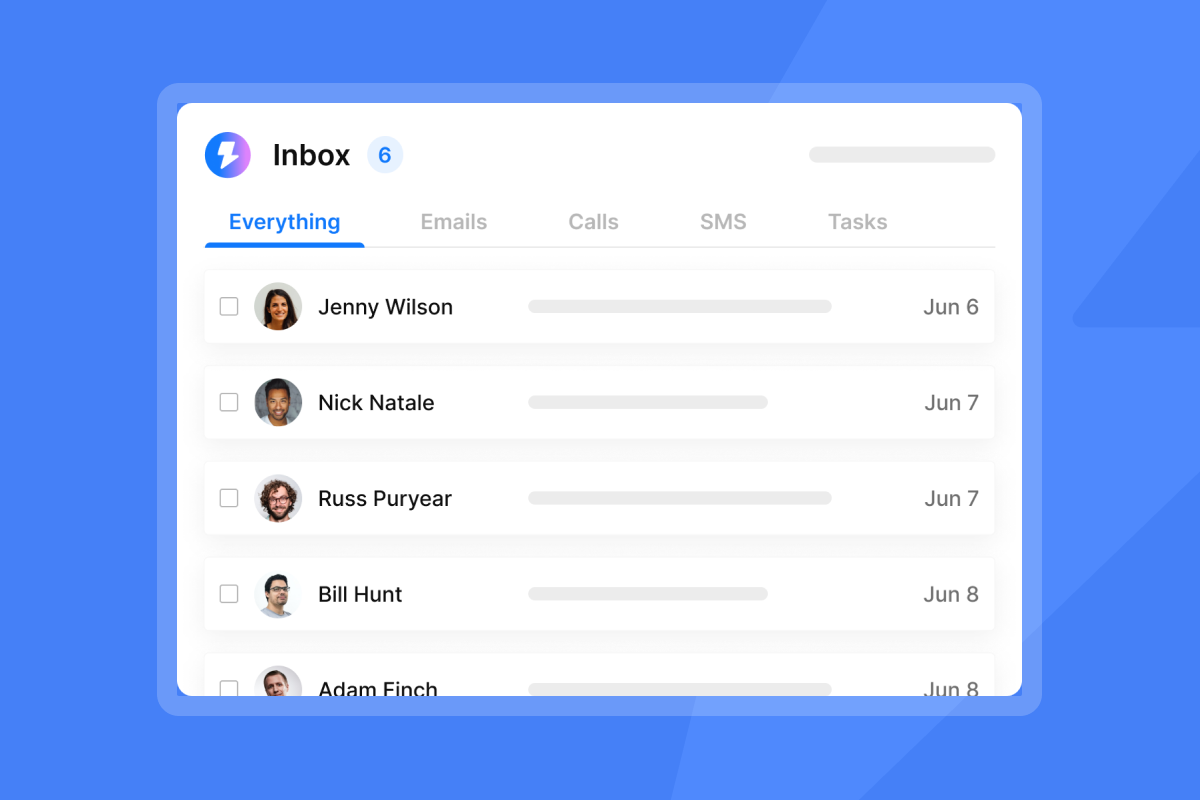
All replies from every sending account converge in Unibox, giving your team a single feed for triage, reply tagging, and AE handoff without switching between accounts.
Eliminating multi-rep account collisions
Instantly's Workspace architecture prevents collisions through data isolation. Each email account connects to only one workspace at a time, and you cannot share leads, campaigns, or statistics between workspaces. For a 10-rep sales pod, create one workspace per territory, assign sending accounts per workspace, and restrict team member access to their assigned workspace only.
Governance rules for email templates
Every sequence template your AI uses should go through a human approval step before it runs live. Use the AI Spam Words Checker (included on Growth and above) to flag copy issues before launch, and run a deliverability test from the campaign preview window to confirm inbox placement. For team-level governance, maintain a shared template library inside each workspace and require a second reviewer to approve any new template before activation.
Mitigating risk with audit controls
Set stop-loss triggers at the campaign level. AI Blocklist Triggers (available on Hypergrowth and above) automatically add leads to your blocklist when they unsubscribe, change account status, or their reply matches a keyword phrase you define. Pair this with Out-of-Office Resume, which detects OOO replies, pauses the lead, and auto-resumes on the stated return date.
Risk management for AI-driven account sales
At enterprise scale, a single compliance gap or unclear vendor data posture can stall a deal, trigger a legal review, or damage brand trust. These two areas carry the most operational risk.
Privacy compliance automation
Every AI BDR sequence must include a clear unsubscribe mechanism in every email, one of the baseline controls in Instantly's guide to AI BDR security and compliance. GDPR requires a legal basis, typically legitimate interest for B2B prospecting, for outreach to EU contacts. You must keep records of that basis available on request. AI Blocklist Triggers handle the automation side by honoring opt-out requests immediately and applying them workspace-wide. For CCPA, ensure contacts who request data deletion are removed from both your active lead lists and your Instantly workspace. Instantly's campaign analytics log every send, open, reply, bounce, and opt-out event at the individual contact level, creating an auditable record you can export if a compliance review requires documentation.
Vendor security evaluation
When evaluating any AI BDR platform, ask for a countersigned DPA, a sub-processor roster, and documentation of data flow. Instantly operates as Foo Monk LLC and uses AWS (USA) as a primary infrastructure provider. The sub-processor listing details all infrastructure partners. Enterprise buyers with data residency requirements should review the Data Processing Agreement and request a countersigned copy before deployment.
Overcoming integration hurdles in enterprise AI
Enterprise deployments require clean data handoffs between your outreach platform, your CRM, and your existing tooling. Two areas cause the most friction: CRM synchronization and lead routing with access control.
Automating CRM sync for sales teams
Instantly's native HubSpot integration pulls lists and fields into the platform. Webhook support on Hypergrowth and above lets you define exactly which events trigger CRM updates and stream activity data back into HubSpot contact timelines.
For teams that need connections beyond the native HubSpot stack, the integrations hub supports Zapier, Make, Clay, Pipedrive, and Pabbly.
Data validation, lead routing, and access control
Bounce rates above 1% trigger deliverability degradation. Lead Finder uses waterfall enrichment across 5+ verification providers to reduce invalid contacts before they reach a campaign. For existing lists, run verification through the cold email infrastructure guide before uploading.
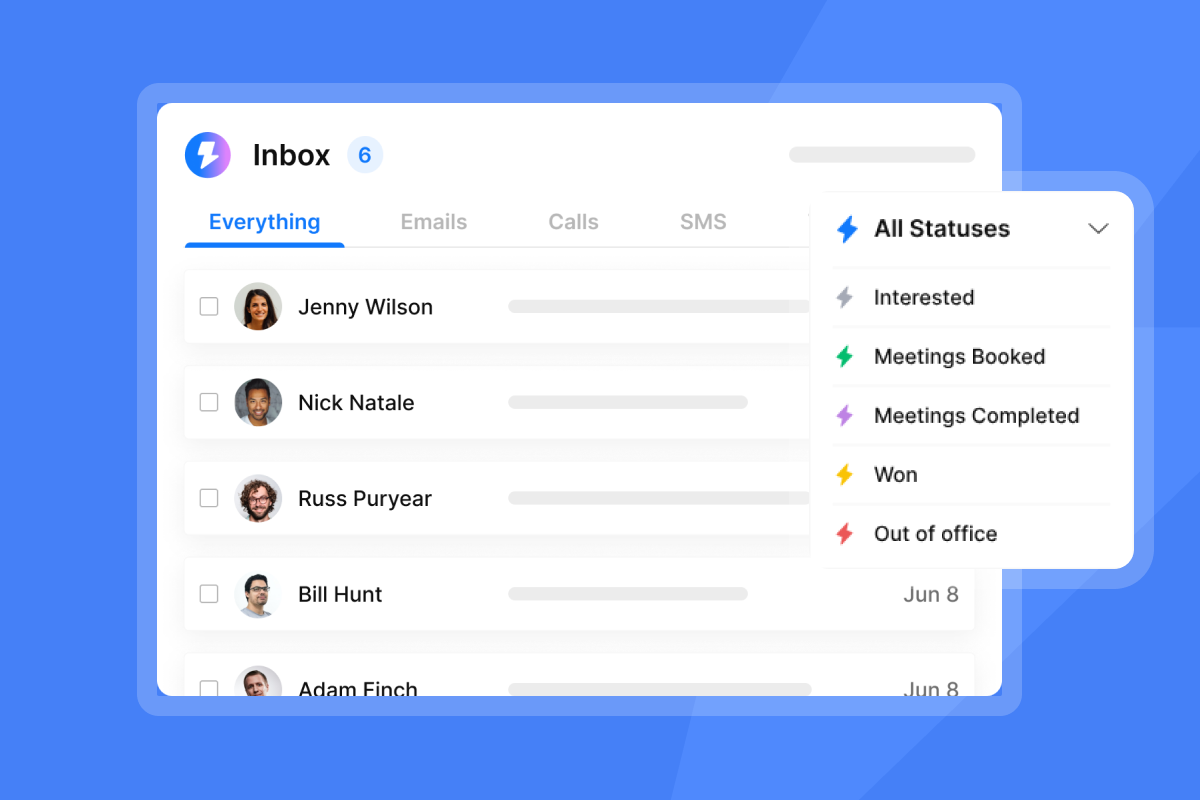
One practical way to structure lead flow is to move contacts through these stages in sequence: verify and import via Lead Finder or a third-party source, assign to the correct workspace, enroll in a campaign, run the AI sequence, classify replies in Unibox, then hand off to an AE. Each stage needs clear ownership and a clear exit condition. Workspaces also support role-based access, so you can restrict reps to their assigned territory using Instantly's five permission levels: Owner, Admin, Editor, View/VA Access, and Client.
Ensuring primary inbox placement for every rep
Deliverability is not a feature you turn on. It is a system you maintain consistently.
Real-time sender identity guardrails
Every sending domain must have SPF, DKIM, and DMARC records configured correctly before the first warmup email goes out. DMARC policy should start at "p=none" with reporting enabled so you can monitor authentication failures before tightening to "p=quarantine." The rotating IPs and sending algorithms guide covers how authentication works alongside IP rotation to protect sender reputation at scale.
Automating rep ramp for AI BDR
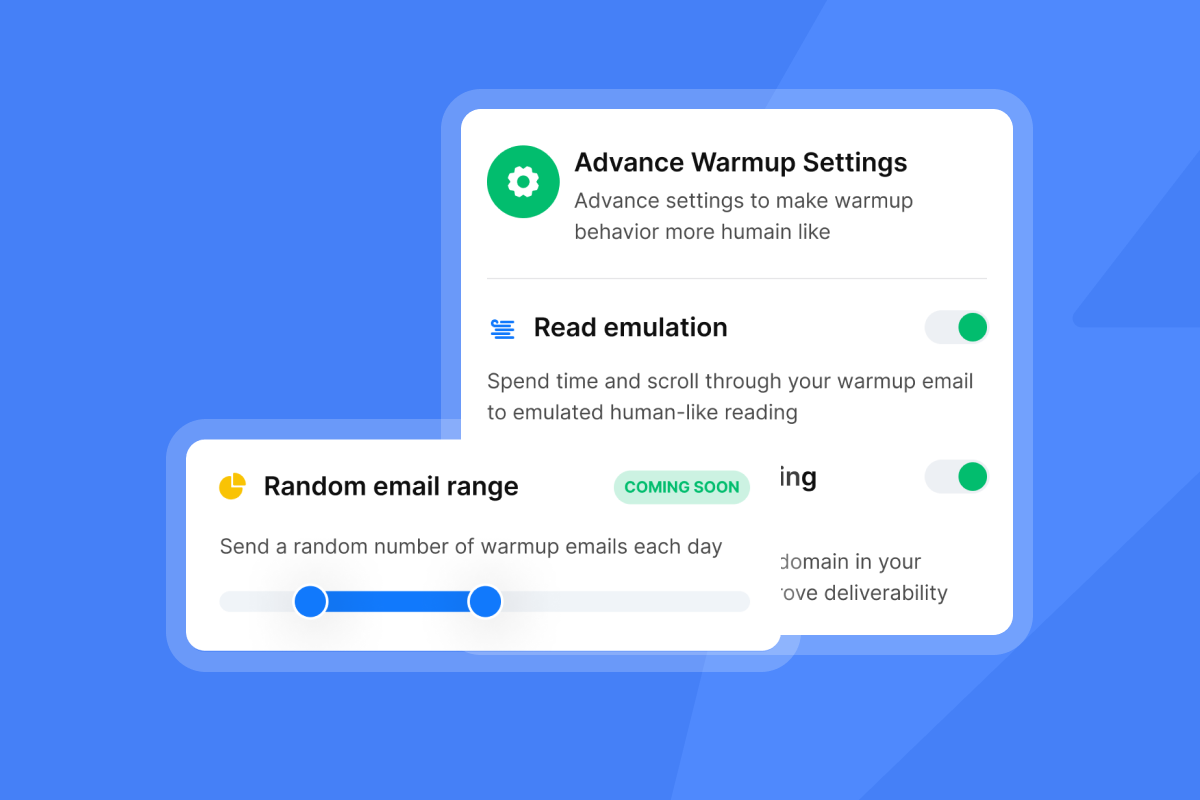
New domains and inboxes need 4 to 6 weeks of warmup before campaign sends begin. Instantly's automated warmup network gradually ramps each inbox from 5 to 30 interactions per day using the private warmup network, building inbox trust with Gmail and Microsoft before any cold outreach touches those providers. Ramp new inboxes to a maximum of 30 campaign emails per day after warmup completes, never more.
"We're able to scale our outreach without sacrificing personalization or risking our sender reputation." - Natalie on Trustpilot
Configuring safe sending cadences
You scale volume by adding inboxes and domains, never by pushing a single inbox past 30 emails per day. Gmail and Microsoft now use behavioral AI to monitor engagement patterns, and bulk-sender behavior at higher per-inbox thresholds triggers spam filter flags that are difficult to recover from. The Inbox Placement testing tool lets you verify where emails land across major providers before scaling, with automated placement tests that run continuously and alert you when placement dips.
For teams scaling across multiple territories and domains, SISR on the Light Speed plan adds a second layer of protection by assigning dedicated, private IP pools to your sending accounts and automatically rotating flagged IPs with high-reputation replacements without interrupting active campaigns.
Managing bounce rates at enterprise scale
Keep bounce rates at or below 1%. When bounces exceed this threshold, pause the campaign, re-verify the affected list segment, and resume at a lower daily volume before ramping back up. The Deliverability AI Agent (included on Hypergrowth and above) monitors your deliverability health on an ongoing basis. When it detects a problem, it surfaces the affected component and explains why it matters.
Auditing AI BDR outcomes for pipeline health
Measurement keeps the system honest. Track these three areas to confirm your AI BDR is converting outreach activity into real pipeline, not just logged sends. Pipeline quality also starts upstream, with how an AI BDR qualifies leads.
AI BDR impact on pipeline coverage
Instantly's 2026 Cold Email Benchmark Report analyzed billions of interactions from January to December 2025 and found a platform average reply rate of 3.43%. Top-quartile senders reach 5.5% and the top 10% reach 10.7%. Consistent sending patterns produce 15 to 20% higher reply rates than erratic volume spikes, making cadence stability a measurable input to pipeline coverage. Use these benchmarks, alongside our AI sales agent benchmarks for 2026, to set realistic targets per rep pod before launch, not after.
Tracking AI BDR workload efficiency
Measure hours saved on administrative tasks per rep per week. A well-deployed AI BDR handles lead research, sequence enrollment, follow-up execution, and reply classification, freeing reps from non-strategic work. Track this against sequence step completion rates and meetings set per rep to confirm efficiency gains are converting to pipeline.
Quantifying enterprise account breadth
For each target account, track the number of unique stakeholders contacted, how many replied, and how many advanced to an AE conversation. A single active opportunity at an enterprise account should involve multiple stakeholder threads. Unibox NLP classifies replies across 50+ languages by interest level, letting you measure stakeholder sentiment across an account without reading every reply manually.
Unit economics of AI sales outreach
The core economic argument for Instantly at enterprise scale is the flat-fee model. The Hypergrowth Outreach plan at $97/month provides unlimited sending accounts, removing the cost penalty for adding inboxes as you grow. Legacy per-seat platforms charge per user with capped mailboxes, meaning your software cost scales linearly with team size while your sending capacity stays limited. That friction compounds as you add reps and territories.
Enterprise AI BDR: implementation realities
Even well-configured deployments hit friction in the first 60 days of an AI BDR rollout. These three areas are where enterprise teams most commonly need to adjust course.
Preventing dual prospect messaging
The most practical collision prevention tool is a global blocklist applied at the workspace level. When a prospect replies, the AI marks them as active and removes them from further automated sequences. Any rep who looks up that contact sees the status in Unibox before composing a manual message. Pair this with territory-based workspace isolation to eliminate nearly all dual-contact scenarios.
Mandatory certifications for AI BDR
Before going live, reps who manage AI sequences should work through an AI BDR onboarding checklist, confirm they know when to override AI replies manually, and run a calibration check to confirm how the AI Reply Agent classifies interest signals for your specific ICP.
Typical AI BDR deployment timelines
Realistic AI BDR implementation timelines for a 5 to 10 rep enterprise deployment:
- Week 1: Set up your sending infrastructure. Register and configure sending domains, set DNS authentication records (SPF, DKIM, and DMARC), connect your email accounts to Instantly workspaces, and restrict workspace access by territory or rep assignment.
- Weeks 2 to 6: Run automated warmup on all inboxes. Start at 5 emails per day and ramp toward 30 over the full 4 to 6 week period. Run baseline Inbox Placement tests to confirm primary inbox placement.
- Week 6 to 7: Build target account lists in Lead Finder, configure AI sequence templates by persona, set up HubSpot sync and webhook events.
- Week 7 to 8: Launch campaigns at low volume (5 to 10 emails per inbox per day), monitor bounce rates and reply classification, and confirm AE handoff workflows function correctly before scaling volume.
Can AI BDR handle complex buying committees?
AI BDRs handle the early stages of multi-stakeholder outreach well: initial contact, qualification, and follow-up across parallel threads. They cannot handle complex internal stakeholder politics, contract terms negotiation, or executive relationship conversations that require judgment beyond pattern matching. The human-in-the-loop model is not a limitation of the tool. It is the correct design for high-ACV deals where a misclassified reply or an automated response sent to the wrong stakeholder can set back a deal by months.
Start with Human-in-the-Loop mode for all AI Reply Agent responses and evaluate Autopilot only for specific reply categories, such as meeting scheduling confirmations, after you have validated accuracy across several weeks of live data.
Enterprise AI BDR deployment checklist
Use this checklist before launching any enterprise AI BDR campaign to confirm your infrastructure and governance layers are production-ready:
- Deliverability foundation: SPF, DKIM, and DMARC configured on every sending domain. Warmup completed for 4 to 6 weeks. Inbox Placement baseline confirmed at "Primary" across Gmail and Microsoft.
- Data residency and privacy: DPA countersigned, sub-processor roster reviewed, prohibited data categories confirmed absent from contact lists, and unsubscribe mechanism tested in sequence.
- CRM reconciliation: HubSpot bidirectional sync tested, webhook events flowing to contact timelines, and deal stage mappings confirmed with the AE team.
- Workspace governance: Territory-based workspaces created, team access restricted by role, global blocklist active, and AI Blocklist Triggers configured for unsubscribe and keyword matches.
- Signal integration and sequence logic: Stakeholder persona segments built in Lead Finder, sequence variants approved per persona, Human-in-the-Loop mode active on AI Reply Agent, and AE handoff tested end-to-end.
Start with a 14-day free trial of Instantly Outreach and CRM to test multi-domain workspace governance, automated warmup, and Unibox reply management before committing to a full deployment. No credit card required. Then review the 2026 Cold Email Benchmark Report to calibrate your reply rate targets against what top-performing teams achieve with stable, well-governed sending patterns.
FAQs
How many emails can an enterprise AI BDR safely send per day?
You must limit sending to a maximum of 30 emails per single inbox per day to protect domain reputation. To scale total volume, add more sending domains and inboxes rather than increasing throughput on any single account.
What is the recommended warmup timeline for new enterprise sending domains?
New domains require 4 to 6 weeks of gradual warmup before active campaigns launch. Start at 5 emails per day per inbox and ramp toward 30 over the full period to earn trust with Gmail and Microsoft before any cold outreach begins.
How does Instantly prevent multiple reps from emailing the same prospect?
Workspace isolation ensures leads and campaigns cannot cross territories. AI Blocklist Triggers apply opt-outs workspace-wide instantly, and Unibox shows active reply status to prevent double-contact.
What benchmarks should enterprise AI BDR campaigns target for reply rates?
Instantly's 2026 benchmark report puts the platform average reply rate at 3.43%, with top-quartile senders reaching 5.5% and the top 10% reaching 10.7%. Consistent sending patterns produce 15 to 20% higher reply rates than erratic volume spikes, making cadence stability a measurable performance input.
Key terms glossary
SISR (Server & IP Sharding & Rotation): An enterprise deliverability technology on Instantly's Light Speed plan that uses dedicated, private IP pools to isolate your sending reputation from other users and automatically replaces flagged IPs with high-reputation alternatives without interrupting live campaigns.
Deliverability AI Agent: An automated monitoring tool included on Hypergrowth and above that monitors deliverability health and identifies potential issues before they impact campaign performance.
Unibox: The centralized reply management dashboard in Instantly CRM that aggregates incoming emails from all connected sending accounts into a single feed for triage, tagging, and AE handoff.
Human-in-the-Loop (HITL): An AI Reply Agent mode that drafts responses to incoming replies but requires a human rep to review and approve before the draft is sent to the prospect.
AI Blocklist Triggers: Automated rules available on Hypergrowth and above that add leads to your workspace-wide blocklist when they unsubscribe, their account status changes, or their reply matches a defined keyword phrase.
Lead Finder: Instantly's B2B lead database of 450M+ leads with LLM-assisted enrichment and waterfall verification across 5+ providers, used to build segmented, persona-targeted contact lists for account-based sequences.
Read next
- AI Sales Agent deliverability: how to maintain inbox placement at scale: How Instantly's AI Sales Agent manages sending behavior to protect domain health during autonomous outreach.
- Email sequence timing and cadence: optimal send times and intervals: Data-backed guidance on sequence step spacing, send windows, and follow-up intervals for outbound campaigns.
- Outbound lead generation: proven strategies for success: How to source, verify, and segment contact lists for account-based outreach at scale.



