.svg)
%20(1).svg)


Updated July 15, 2026
TL;DR: Evaluating AI BDR platforms means moving past flashy demos and auditing the underlying systems. The best platforms prove their deliverability with real inbox placement tests, offer transparent waterfall enrichment, and price on a flat-fee model that doesn't penalize you for scaling. For quota-carrying sales teams, deliverability infrastructure is the first filter: a vendor who can't prove primary inbox placement during your trial is disqualified before the rest of the matrix applies. Score the remaining pillars, data quality, support responsiveness, pricing and exit terms, and CRM integration, in that order. Download the scoring template and start a 14-day trial with real data before you sign anything.
Most AI BDR sales demos are carefully staged theater. Vendors warm up demo domains weeks in advance, pre-select hand-picked lead lists, and show you reply rates that have no connection to what your team will actually achieve. To evaluate AI BDR platforms objectively, you need a scoring rubric that audits the systems underneath the demo, not the demo itself.
This guide gives you a weighted five-pillar scoring framework you can apply to any AI sales agent vendor. It covers deliverability infrastructure, lead data quality, support response speed, contract fairness, and CRM integration depth. If you are a Head of Sales or RevOps managing a quota-carrying team of 3 to 15 reps, this framework is built for your evaluation process, and it scales up cleanly into the governance model in Instantly's guide to AI BDR for enterprise sales teams.
Standardizing your platform selection process
Vendor selection without a standard process produces decisions driven by the best demo, the most persistent sales rep, or the most recent reference call. A scoring rubric removes that noise and gives you a defensible, repeatable method to compare AI BDR platforms on the dimensions that actually determine production outcomes.
The framework below uses five criteria weighted to reflect what predicts pipeline results for quota-carrying sales teams, whether you test the AI BDR platform from Instantly or another vendor. Deliverability infrastructure is weighted highest because it is the prerequisite for every other metric: an email that lands in spam produces zero replies regardless of copy quality or AI assistance.
Sales leader scoring matrix
Evaluation criteria | Why it matters | Typical weight range |
|---|---|---|
Deliverability infrastructure | Primary inbox placement directly determines meetings set | 25% |
Data quality and compliance | Verified contacts protect sender reputation and domain health | 15% |
Support responsiveness | Live campaign failures need fast resolution | 10% |
Pricing model | Flat-fee models scale without per-seat tax | 15% |
CRM integration | Clean handoffs to pipeline are non-negotiable for quota teams | 20% |
Spotting flaws in AI platform demos
Every vendor demo is a controlled environment. The domains are pre-warmed, the leads are pre-screened, and the reply rates shown reflect best-case scenarios, not what a fresh install with your data will produce.
Ask these questions during any live demo:
- Are these demo domains pre-warmed? Ask the vendor to show you a cold domain added today and explain the exact ramp plan it would follow.
- Can you process my actual data live? Any vendor who redirects this to "send it over and we'll get back to you" is showing you something important about production reliability.
- How many qualified meetings did a comparable customer book in 90 days? Vague "engagement" metrics are not a pipeline number. Push for a specific, verifiable outcome tied to a specific team size and measurement window.
- Show me the inbox placement test results for this domain. Instantly.ai's Inbox Placement tool surfaces this in real time. Ask every vendor to do the same.
Matching platform specs to sales needs
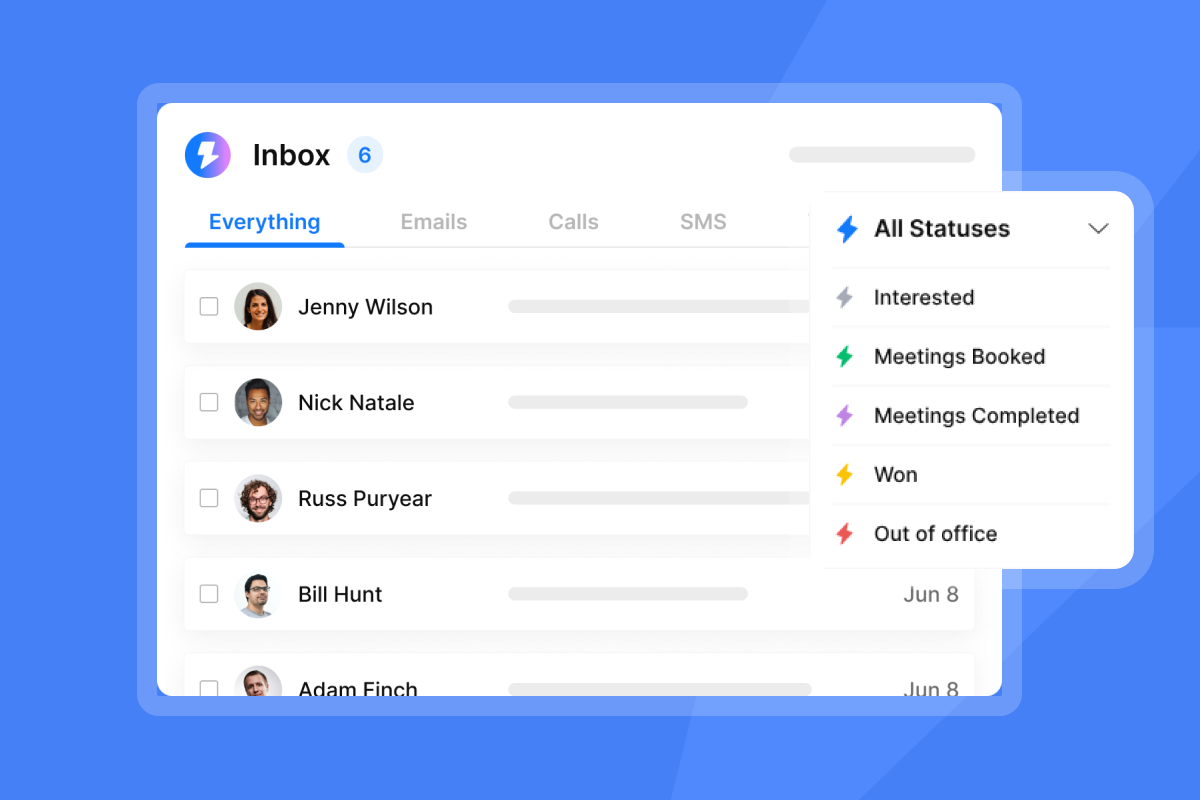
For a quota-carrying sales team, the non-negotiables are primary inbox placement, CRM sync, and reliable reply triage, the same core functions Instantly's AI sales agent automates. These three determine whether your team sets meetings and hands off clean pipeline, which is what quota attainment depends on.
Define your baseline requirements before scoring vendors, so every platform gets measured against the same standard.
Applying the scoring matrix to vendors
Score each vendor 1 to 5 on each criterion, multiply by the weight, and sum to a total out of 100. Use the template to record scores and compare finalists side by side. Treat any weak result on deliverability infrastructure as a critical red flag. You cannot compensate for poor inbox placement with stronger data quality or better pricing, and a vendor who fails the bounce rate test during your POC is disqualified regardless of their total score.
5 critical benchmarks for AI BDR selection
These five pillars are the scoring categories in the matrix above, the same categories that matter across most types of ai agents, not just AI BDR platforms. Each one maps directly to a production failure mode that kneecaps quota attainment.
Ensuring primary inbox placement
Deliverability is the foundation of outbound sales. Keep sends under 30 emails per single inbox per day. Start new domains at 5 emails per day, step to 15, then step to 30 over a 4 to 6 week warmup period, as Instantly's 2026 Cold Email Benchmark Report confirms. Sudden spikes in sending velocity trigger spam classification at major inbox providers.
The non-negotiable rules:
- Cap every inbox at 30 emails per day, no exceptions.
- Ramp new domains from 5 to 15 emails per day in week one.
- Increase send volume gradually each week, guided by engagement metrics. Pause or hold if bounce rate climbs toward 1% before the next planned increase.
- Pause immediately if bounces exceed 1%.
Instantly's Outreach plans include unlimited email accounts and built-in warmup across all tiers, which means you scale horizontally by adding inboxes rather than violating per-inbox send limits.
Assessing lead accuracy and GDPR
Bad data from unverified prospect sources destroys sender reputation. A bounce rate above 1% signals to inbox providers that your list is unverified, which pushes future sends toward spam even for contacts who are valid. Ask every vendor to show you their bounce rate on a sample of your target industry and role filters during the trial.
For GDPR compliance, confirm the vendor documents data provenance for all leads in the database and supports opt-out workflows at the contact level. Ask for a Data Processing Agreement before you import your first list.
Vendor service and support speed
A deliverability failure during a live campaign can cost a week of pipeline. Test support during your trial period: submit a technical ticket about a specific deliverability configuration at 8:00 PM on a weekday and note how the response arrives. A vendor with strong support connects you with a human who diagnoses the root cause and provides a specific fix. A chatbot that links to a knowledge base article and closes the ticket tells you everything you need to know about how they handle live campaign failures. Ask for a written SLA before signing that specifies response time by severity level.
Evaluating vendor pricing and exit terms
Per-seat AI BDR pricing penalizes growth. A team scaling from 5 to 15 reps on a typical per-seat model triples its software cost with no proportional increase in outreach capacity. The ROI table below illustrates the pattern across a comparable scaling scenario. Flat-fee models with unlimited accounts remove this penalty entirely. Confirm before signing: month-to-month option available, data export is free on cancellation, and no restart fees apply if you pause.
CRM and workflow sync capabilities
Your outbound platform must push engagement data back to your CRM in real time. Test the HubSpot native integration for any platform you shortlist and verify that custom field mapping works end-to-end before the trial ends.

Inbox placement and sender reputation metrics
Sender reputation is built or destroyed at the infrastructure level. The four sections below cover the specific signals to monitor, the throttle settings to enforce, the warmup process to automate, and the list hygiene rules that keep bounce rates in check.
Monitoring sender health and warmup
Domain health monitoring covers four signals: DNS configuration (SPF, DKIM, DMARC), blacklist status, bounce rate trends, and warmup scores. Ask every vendor how they surface these signals and what automated action they take when a threshold is breached.
Instantly's Deliverability AI Agent monitors all four every 24 hours automatically. It surfaces what's affected, explains why it matters, and recommends a fix with direct in-platform actions (pause campaigns, replace risky accounts, rebalance providers, improve copy). This feature is available on Hypergrowth and above Outreach plans.
Configuring automated throttle settings
Your platform must enforce per-inbox send caps automatically, not just advise you to stay under the limit manually. The rotating IPs and sending algorithms help doc explains how send-pacing works at the infrastructure level. Set send windows to business hours in your prospect's time zone, cap at 30 per inbox per day during your ramp period, and increase send volume gradually over several weeks.
Automating domain warmup and safety
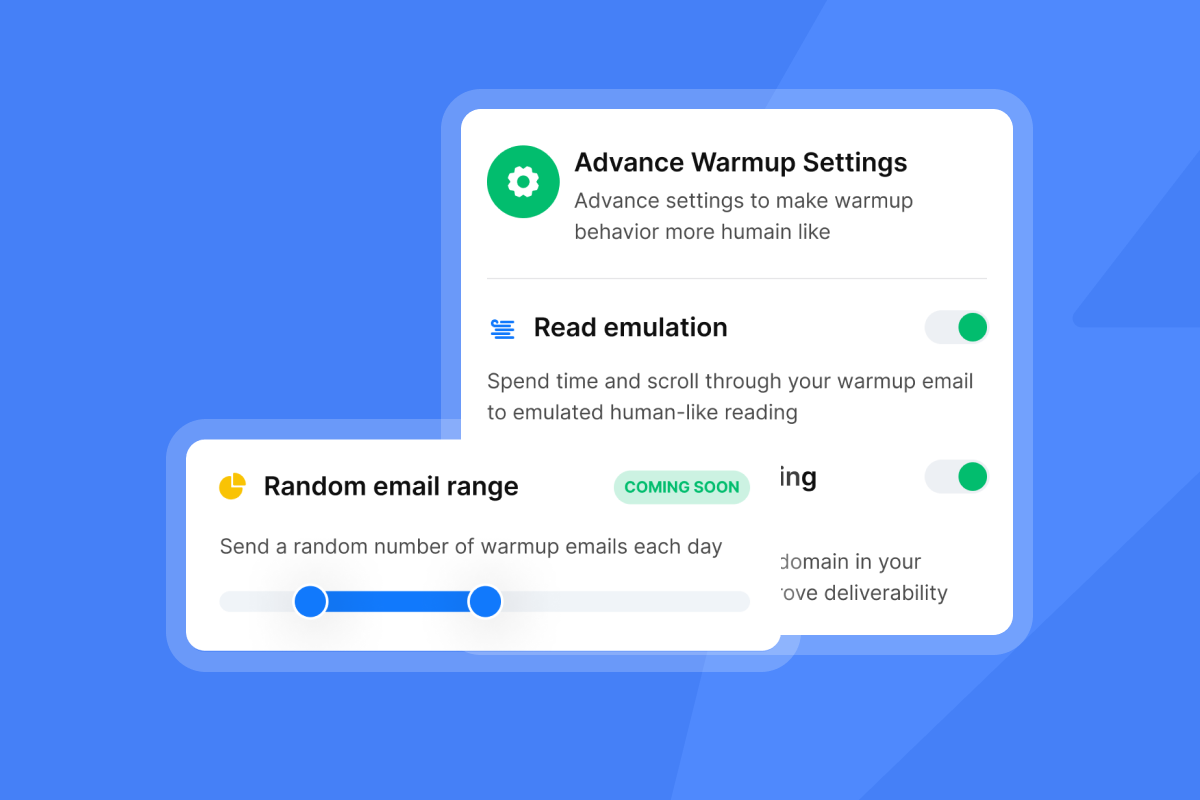
Automated warmup works by sending low-volume, high-engagement emails between accounts in a private network, signaling to inbox providers that the domain is legitimate and active. Instantly runs warmup across a 4.2M+ account deliverability network. The secondary sending domains guide covers the full domain rotation strategy for teams scaling past a single root domain.
Managing list health and bounces
Keep bounces at or below 1%. If your bounce rate exceeds this threshold, pause sends immediately, re-verify the list, and restart at a lower send cap across affected mailboxes, keeping total sends within the 30 per inbox per day cap as you recover. Instantly's AI Spam Words Checker (included on all paid Outreach plans) flags high-risk language before you send.
Data quality and compliance scoring criteria
Data quality failures compound over time. A stale list degrades your sender reputation, compliance gaps create legal exposure, and low match rates leave pipeline on the table. The sections below give you a concrete test for each risk area.
Measuring lead verification outcomes
Test any vendor's database with 100 leads matching your ICP. Run the output through a third-party verification tool and measure the verified email rate. Single-source enrichment tools leave gaps in your contact list because no single provider covers the full B2B market. Waterfall enrichment closes those gaps by sequentially querying providers until a verified result is confirmed, producing higher match rates than any single source alone.
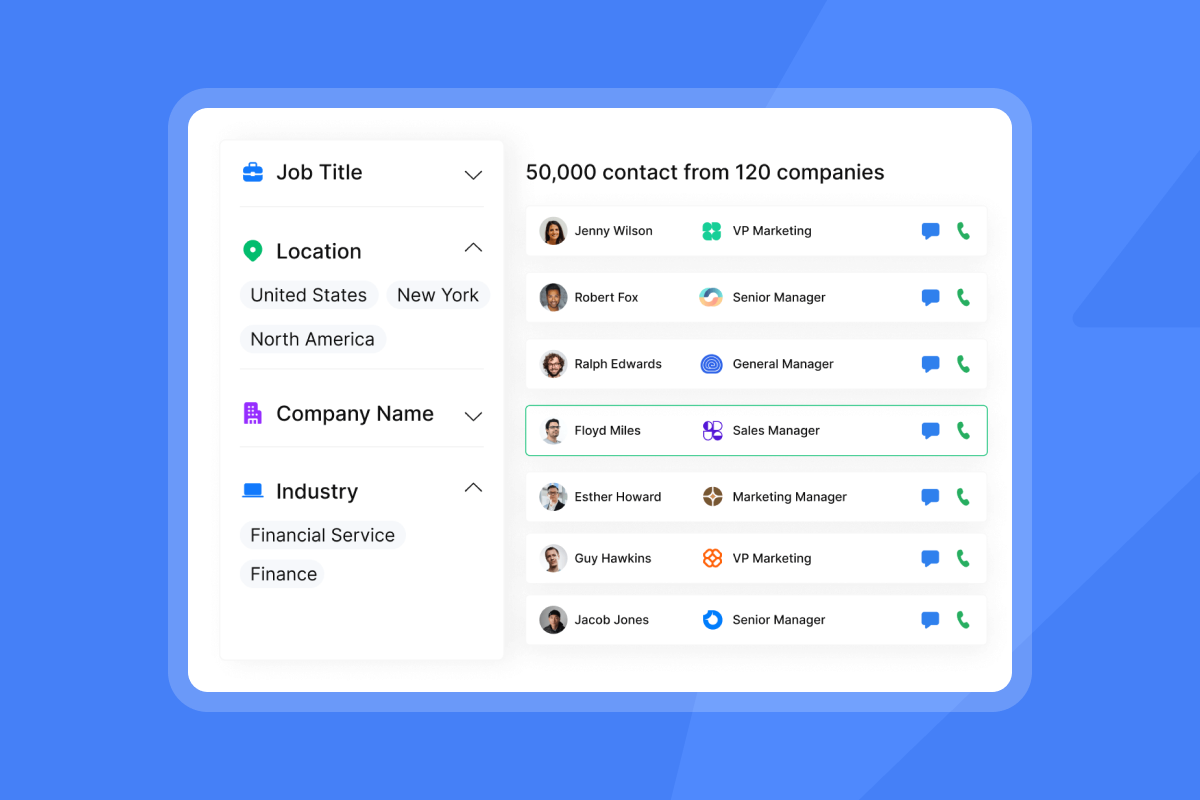
Instantly's Lead Finder covers 450M+ B2B leads with waterfall enrichment with 5+ providers plus LLM-assisted enrichment, which means the system keeps querying until it returns a verified result rather than returning a blank field.
Verifying lead database provenance
Ask the vendor to show you the source documentation for their data, a baseline expectation covered in Instantly's complete guide to what an AI BDR is. If they cannot explain where each data point comes from and how recently it was verified, they run a black-box database. Black-box enrichment creates two risks: compliance exposure if data was collected without lawful basis, and quality degradation if the source data is stale. Good provenance documentation includes the provider name, date of last verification, and confidence score per field.
Managing prospect consent workflows
GDPR and CAN-SPAM compliance require that opt-outs are processed immediately and that opted-out contacts are blocked across all active campaigns. Manually managing unsubscribe lists across multiple inboxes is error-prone and creates legal risk. Instantly's AI Blocklist Triggers automatically blocklist leads based on unsubscribe status, account status, or reply-content keyword matches. Instantly applies the block workspace-wide as soon as you save it. This feature is available on Hypergrowth and above.
Analyzing email deliverability metrics
Use Instantly's 2026 Cold Email Benchmark Report as your performance baseline. The platform average reply rate is 3.43%. Top quartile senders reach 5.5% or above. The top 10% reach 10.7% or higher. Consistent senders see 15 to 20% higher replies than those with irregular sending patterns. A vendor claiming 15% or 20% average reply rates in a demo is showing you either their best accounts or fabricated data.
Evaluating vendor assistance and response times
Support quality separates platforms that keep campaigns running from those that leave you stranded during critical incidents. A deliverability drop, a sudden blacklist event, or a broken CRM integration can halt pipeline generation within hours. When these failures happen, you need immediate access to technical expertise that can diagnose root causes and provide actionable fixes, not generic troubleshooting links or chatbot deflections.
The difference between resolution and deflection becomes visible during your trial period. Strong vendors staff support teams with engineers who understand email infrastructure, DNS configuration, and deliverability mechanics. Weak vendors route tickets through generalist support agents reading from scripts, adding days of delay to problems that should be resolved in hours. Test this difference before you commit to an annual contract.
Evaluating support response times
The test is described in the five-pillar section above. Once you receive a response, evaluate it on three signals:
- Does the reply reference your specific configuration, or is it a generic template? A generic reply means the support agent did not read your ticket.
- Does the responder identify a root cause, or do they ask you to reproduce the issue? Reproducing a deliverability failure mid-campaign is not a fix.
- Is there a follow-up check-in within 24 hours, or does the ticket close the moment a reply is sent? Vendors who close tickets on first reply without confirming resolution are optimizing for response-time SLA compliance, not for your campaign health.
Vendor accountability and response SLAs
Ask for the vendor's written SLA before signing. It should specify response time by issue severity (critical, high, normal), resolution time targets, and escalation paths for platform outages. A well-structured help center reduces your team's dependency on support for routine questions. Look for step-by-step troubleshooting guides with screenshots, a clear index organized by feature area, and documentation that matches the current product UI.
Evaluating subscription flexibility and lock-in risk
Pricing structure and contract terms are the most common sources of post-signature regret in the sales tech category. The sections below cover the four areas to audit before you sign: term flexibility, per-seat cost exposure, exit terms, and POC structure.
Assessing term lengths and opt-outs
Multi-year contracts without opt-out clauses are the most common source of buyer regret in the sales tech category, which is why negotiating contract terms before you sign matters as much as the platform's feature set. A vendor confident in their product offers monthly billing and annual discounts as an option, not as the only way to access full features. Instantly's plans run month-to-month by default, with a 20% discount available on annual billing.
Spotting opaque pricing tactics
Per-seat pricing looks manageable until you scale. The table below shows the real cost of AI BDR platforms for a team scaling from 5 to 15 reps.
ROI comparison, per-seat vs. flat-fee
Metric | Typical per-seat stack | Instantly flat-fee stack |
|---|---|---|
Cost at starting team size | Scales with headcount | Flat monthly fee |
Software cost at 15 reps | 3x the 5-rep cost | Same flat fee |
Cost increase to scale | Multiplies by seat count | No increase |
Sending account limits | Often capped per seat | Unlimited |
Per-seat pricing based on typical enterprise cold email platform rates. Verify current vendor pricing before final comparison.
Per-seat pricing at scale multiplies costs without adding deliverability infrastructure, as the email sequence benchmarks analysis from Instantly explains.
Avoiding unexpected exit charges
Ask every vendor explicitly before you sign: "Is data export free on cancellation? Are there any restart fees if we pause?" Vendors who charge to export your own contact data or campaign history on exit are not pricing transparently. You should never pay to retrieve your own data.
Structuring a meaningful vendor POC
A 14-day POC should have three defined success metrics agreed in advance, mapped against a realistic AI BDR implementation timeline: inbox placement rate on a test domain, bounce rate on a sample list of your target contacts, and support response time on one submitted ticket. If any of these fail, the vendor doesn't move forward. The Instantly free trial includes 250 uploaded contacts and 1,000 emails with no credit card required, which gives you a clean baseline.
Assessing CRM and tech stack synchronization
A platform that doesn't write clean data back to your CRM creates reporting gaps and broken handoffs. The sections below cover field mapping, pipeline attribution, and webhook flexibility, the three layers your ops team needs to verify before go-live.
Mapping fields for clean CRM data
Before the trial ends, test field mapping end-to-end. Import a sample list of contacts from HubSpot into the platform, run a sequence, and confirm how send events, reply events, and meeting bookings appear in HubSpot contact records. Verify your specific sync setup works with your data before your trial closes. The Instantly HubSpot integration is native, and the Clay native integration covers enrichment workflows.
"Instantly.ai is easy to set up and use. It is designed to scale. The price is very reasonable. It also has a very good database and built-in tools like email validation. It is a good one-stop shop for cold outreach." - Frank on Trustpilot
Scoring calendar sync and pipeline attribution
The moment a prospect replies to book a meeting, the platform should sync to your calendar tool or create a task in CRM with the full reply context. Test this manually during your trial. Instantly's CRM opportunities and pipeline tracking ties campaign activity to deal records, so you can trace which sequence, domain, and email step generated each opportunity, which is the reporting layer that holds up under CFO review.
Custom triggers and webhook capabilities
Webhooks let you push platform events into any downstream tool (Zapier, Make, Pabbly) without waiting for a native integration. Instantly's API v2 and webhook docs cover available endpoints, giving your ops team flexibility to build custom workflows without being locked to the vendor's native integration roadmap.
How to objectively rank potential AI BDR vendors
Use the table below as a starting point to compare vendors on the dimensions that matter most. Then apply the steps that follow to standardize your measurement period, align weights to your business goals, and produce a final ranked score.
AI BDR vendor comparison checklist
Feature | Vendor A | Vendor B | Instantly (benchmark) |
|---|---|---|---|
Max emails per inbox per day | Verify | Verify | 30 (enforced) |
Warmup network size | Verify | Verify | 4.2M+ accounts |
Lead database size | Verify | Verify | 450M+ B2B leads |
Pricing model | Verify | Verify | Flat-fee, unlimited accounts |
Native HubSpot sync | Verify | Verify | Yes (native) |
Standardizing vendor performance metrics
Before you compare vendors, agree on a common measurement period (14 or 30 days), a common list source (same contacts run through each platform's enrichment), and a common outcome metric (qualified meetings booked, not emails sent or opens). Without standardization, you're comparing different experiments.
Aligning metrics with business goals
If your primary constraint is pipeline coverage, weight deliverability higher and reduce the pricing weight. If cost-per-meeting is your primary constraint in a cost-reduction cycle, weight pricing higher and reduce CRM integration weight. Agencies managing multiple client accounts should weight CRM integration and reporting even higher than the default matrix suggests. The matrix is a tool, not a rigid formula. Adjust weights to reflect your team's highest-risk failure mode.
Aggregating your final vendor rankings
Multiply each criterion score (1 to 5) by its weight, sum the totals, and rank vendors by final score. Any vendor who fails the POC on bounce rate (above 1%) is disqualified regardless of total score.
Establishing your baseline vendor requirements
Your must-have list before scoring: automated warmup included on the base plan, inbox placement testing available, HubSpot native integration confirmed, and bounce detection with automatic campaign pause. Once you shortlist a vendor, an AI BDR onboarding checklist keeps the rollout on track. A vendor missing any of these doesn't enter the scoring matrix.
Non-negotiable blockers for AI BDR tools
Some vendor risks don't show up in a scoring matrix. They surface as manipulated demo data, restricted rep access, hidden billing terms, or missing audit logs. The four blockers below are automatic disqualifiers regardless of how a vendor scores on the five-pillar framework.
How to spot manipulated AI analytics
Demos are single runs by design. A vendor showing you one AI email writer output or one AI reply handler response is showing you a curated best-case, not the distribution of outputs your team will see across hundreds of contacts over 30 days. Ask vendors to show you AI-generated email examples from their actual customer base across 30 days, including failed or flagged outputs. If they can't produce this, their AI analytics aren't auditable.
Platform limits on rep autonomy
A platform that requires reps to wait for AI approval before responding to a hot lead is a liability. Your team needs the ability to intervene manually on any conversation at any time. Instantly's Unibox gives reps a centralized reply view, and the AI Reply Agent operates in configurable Human-in-the-Loop mode, which means AI drafts a response and a rep approves before send.
Hidden fees and contract lock-ins
The most common billing traps in this category are automatic renewal without notification, price increases at renewal that weren't disclosed at signup, and fees to export data. Confirm all three in writing before signing.
Lack of traceable system logs
For any team coordinating with Marketing Ops on domain health and compliance, system logs are an audit requirement. You need records of when campaigns were paused, which accounts were flagged, and what actions the platform took automatically. Ask vendors to walk you through their event log and export functionality during the demo. If they can't show you this, you have no audit trail.
Apply the five-pillar matrix, run a structured POC with your own data, and disqualify any vendor who fails the deliverability or pricing floor before the total score even matters, then see how Instantly's AI agents score against it.
Start a 14-day free trial of Instantly Outreach to test deliverability infrastructure with real domains and no credit card required. Then read Instantly's 2026 Cold Email Benchmark Report to set your team's performance targets before you sign with any platform.
FAQs
How should I adjust the scoring weights for my team's priorities?
Increase the deliverability weight if domain health is your primary concern, or increase pricing weight if cost-per-meeting is your constraint. Keep deliverability weighted as a top priority regardless, because primary inbox placement is the prerequisite for every other metric.
How many vendors should I test during a POC?
Test 3 to 5 vendors during a structured POC using the same list segment and success metrics across all of them. Fewer than 3 gives you no comparison baseline.
How do I tie-break between two finalist vendors?
Tie-break on two signals from your trial period: how the vendor handled your support ticket, and whether the pricing model is flat-fee or per-seat. A vendor who resolved your trial ticket with a human, root-cause answer and prices on a flat-fee basis is better positioned to protect pipeline during live incidents and team growth.
How do I verify a vendor's ROI claims?
Calculate cost-per-meeting from your actual pilot results: total platform cost divided by qualified meetings booked. Do not use vendor case studies as your baseline.
Key terms glossary
Deliverability infrastructure: The systems that determine primary inbox placement, including DNS configuration, warmup networks, send throttling, and domain rotation.
Waterfall enrichment: Sequential querying of multiple data providers until a verified contact result is confirmed, producing higher match rates than any single source alone.
Flat-fee pricing: A pricing model that charges a fixed monthly fee regardless of user count, so teams can scale without per-seat penalties.
Bounce rate: The percentage of emails that fail to deliver. Keeping this metric at or below 1% helps protect sender reputation.
Primary inbox: The main inbox folder (not spam, promotions, or social tabs) where emails have the highest visibility and reply probability.
SISR: Server and IP Sharding and Rotation. Infrastructure that distributes outbound email across dedicated IP pools on Instantly's Light Speed plan to protect sender reputation at scale.
Read next
Cold email tips and best practices for successful outreach: a practical reference covering send timing, copy structure, and list hygiene rules that protect deliverability while improving reply rates.
How to send cold emails + 5 templates that get replies: step-by-step guidance on structuring outbound sequences, with five copy templates built around short email length and a single clear ask.
7-step B2B CRM playbook: from lead generation to closed-won deals: a repeatable pipeline process covering how to route verified contacts from outbound sequences into CRM deal records and track conversion to closed-won.



