



Updated November 26, 2026
TL;DR: Generic AI cold email output is often a prompt problem, not a model problem, though list quality and deliverability also affect reply rates. This guide walks through seven fixable prompt mistakes that can produce weak, low-reply copy: missing audience variables, no length constraint, no proof point, vague CTAs, wrong tone, no negative examples, and asking for "persuasive" instead of measurable outcomes. Instantly.ai's 2026 benchmark report found the platform average reply rate is 3.43%, while top-quartile senders reach 5.5%+. Fixing these seven AI prompt mistakes in your cold email workflow can help move results from average toward top quartile.
If you are a growth marketer whose AI-written outreach is not getting replies, start with the prompt. Most AI prompt mistakes in cold email are specific and fixable. This guide covers seven of them and shows you how to test each fix against your reply rate.
Diagnosing your low AI cold email reply rates
Generic AI outreach copy is not a mystery. It traces back to specific, fixable prompt failures. The challenge is that most growth marketers blame the AI model or the channel when the real problem sits upstream in the prompt itself.
Fixing stale AI outreach copy
Stale AI copy is a symptom of a prompt that lacks specific inputs. When you ask an AI to "write a cold email," you get the average of every cold email in its training data. That average reads like every other cold email your prospect received this week.
Instantly's 2026 benchmark report found that top-quartile senders reach 5.5%+ reply rates while the platform average sits at 3.43%. The difference is rarely the model. It is the prompt structure feeding it.
Linking prompt structure to reply rates
The connection is direct: prompt inputs determine output quality, and output quality determines reply rate. This matters most on the first touch. The same benchmark report found that 58% of all replies come from step one, with follow-ups generating the remaining 42%. Your first email's prompt quality carries disproportionate weight in the entire sequence.
Reply rate goals for top performers
Use these baselines to frame every prompt experiment you run:
| Benchmark tier | Reply rate |
|---|---|
| Platform average | 3.43% |
| Top quartile | 5.5%+ |
| Top 10% | 10.7%+ |
A well-structured prompt can reasonably aim for top-quartile performance as a working target. Below-average results do not automatically signal a prompt problem, though. Reply rates can also suffer from list quality, sender infrastructure, or deliverability issues, so when replies stall, check targeting and deliverability before assuming the copy is at fault.
Mistake 1: failing to define your ideal lead profile
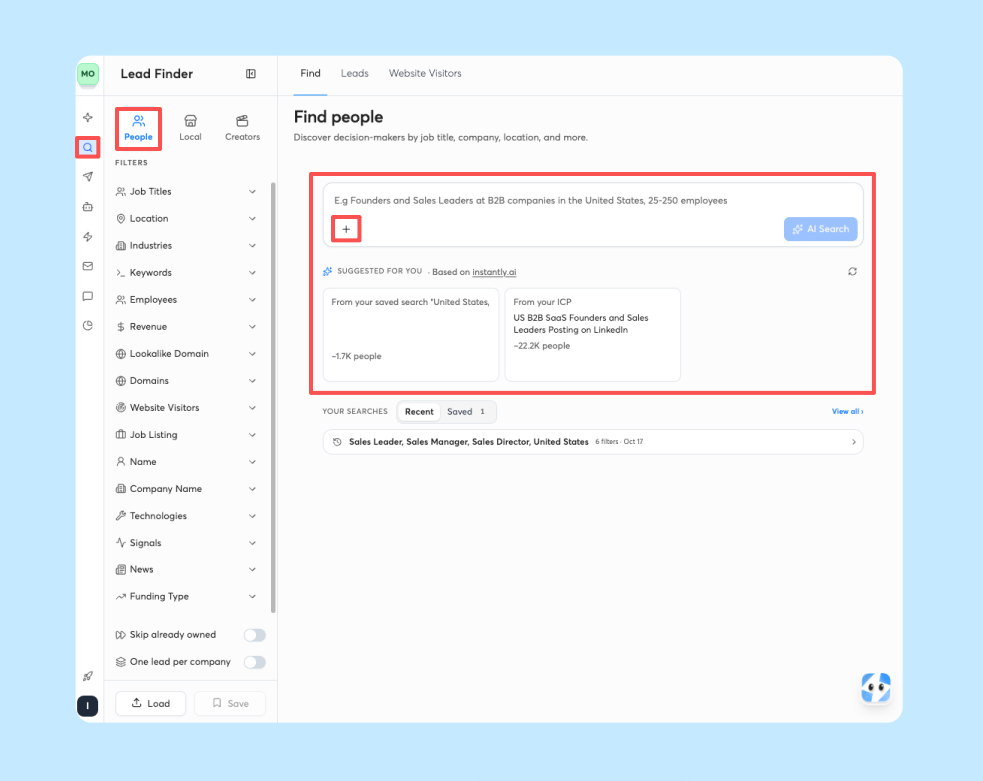
The first prompt mistake is leaving out who the email is for. This section covers why generic copy underperforms, which data points to add, and how to measure the lift. For more on how loose targeting weakens AI output, see Instantly's guide to AI prospecting prompt mistakes.
Why generic copy kills reply rates
Without an audience variable in the prompt, the model has no details about who the email is for, so its output can read as generic. The output sounds like every other cold email because it is statistically derived from all of them. Your prospect's pattern-recognition filter flags it as bulk outreach almost immediately.
Asking for "a cold email to a startup founder" tells the model nothing about your prospect's industry, pain point, or why your offer matters to them right now.
Defining data points for AI prompts
Include these six data points in every prompt:
- Industry: Not "SaaS" but "B2B SaaS selling HR compliance software to mid-market companies."
- Company size: Employee count or revenue range.
- Role title: The specific person you are writing to, not a department.
- Pain point: The problem they likely face, stated in their language.
- Trigger event: A recent funding round, hire, product launch, or regulatory change that makes your outreach timely.
- Personalization hook: One detail that proves you did not send this to 10,000 people.
Before (illustrative generic prompt): "Write a cold email to a marketing director about an analytics tool." This is a hypothetical example, not a tested prompt.
After (audience-tuned prompt): "Write a cold email to a [role title] at a [company size and industry] company that just [trigger event]. They are likely dealing with [pain point in their words]. Reference [one specific proof point] and connect it directly to that pain."
Measuring lift from audience tuning
Run an A/Z test with one variant using a generic prompt and one using the audience-tuned version. Instantly's A/Z testing is included in Growth, but the full 26-variant capability per step is gated to Hypergrowth ($107/mo) and above. Two variants are enough to isolate this single variable.
Instantly's 2026 benchmark report found that consistent senders see +15-20% higher reply rates than erratic senders. This is a correlation, not proof that prompts caused the lift. Using systematic prompt inputs is one way to keep your sends consistent, which you can then test against your own reply rate.

Mistake 2: ignoring optimal word counts
Length is the second prompt mistake. This section covers the benchmark data on email length, how to set a word count in your prompt, and how to spot filler in AI drafts.
Optimizing length for cold email ROI
Instantly's 2026 benchmark report found that elite performers average fewer than 80 words per first-touch email. Shorter emails respect the reader's time and reduce the surface area for spam-triggering language.
A Sales.co analysis of 3,142,687 cold emails across 1,200+ B2B outbound campaigns (January 2025 to January 2026) supports this. Cold emails between 50-125 words got 2.4x more replies than emails over 200 words, and the 75-100 word band peaked at a 3.8% reply rate. This is a vendor-run dataset, not an independent study, so use it as a general guideline and test length against your own reply rate.
Prompting for precise word counts
Without a length constraint, AI often runs 150 to 200 words or more. Add this line to every prompt: "Write a cold email under 80 words."
That single instruction forces the model to cut filler, prioritize one idea, and get to the point. It also makes your email easier to scan on a phone, which is where most cold emails get read.
For a generic AI outreach copy fix, this is one of the highest-leverage single changes you can make.
Spotting fluff in AI templates
Run every AI-generated email through this fluff checklist:
- Adjectives without evidence ("best-in-class," "cutting-edge," "powerful")
- Value propositions that could apply to any company ("save time and money")
- Multiple CTAs competing for attention
- Opening lines that announce why you are writing or wish the reader well ("reaching out," "hope this finds you well")
Any sentence you could paste into a different email to a different person without changing a word
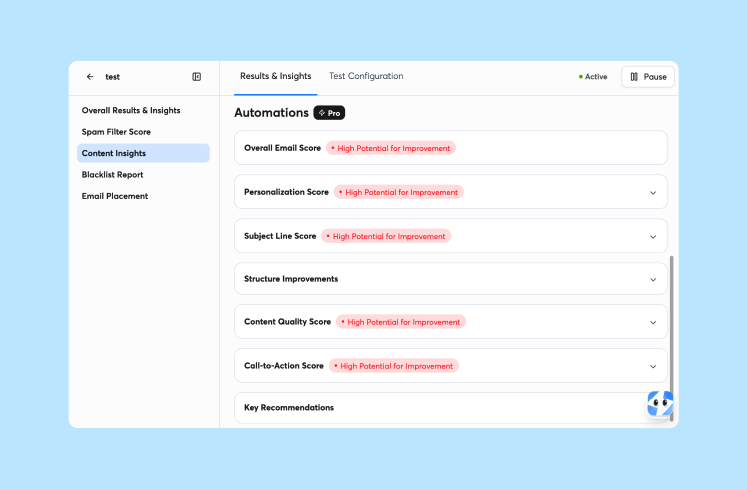
Cut every flagged sentence. If the email still makes sense, the cut was correct.
Mistake 3: neglecting verifiable data sources
AI cannot supply evidence you do not give it. This section covers why proof points matter, how to add concrete metrics to your prompt, and how to validate every claim.
Why social proof triggers conversions
A proof point gives the reader a reason to believe your claim. Without one, your email is an unsupported assertion competing with 50 other unsupported assertions in the same inbox.
AI cannot invent a real proof point. If your prompt says "add social proof" without providing the data, the model generates vague statements like "companies love our product" or fabricates a plausible-sounding statistic.
Refining prompts for concrete metrics
Add the proof point directly into the prompt: "Include this metric: [specific number, customer name, timeframe]."
Example: "Include this proof point: [customer name] increased qualified pipeline by 34% in Q2 2026 after fixing their cold email deliverability."
The AI now has raw material to work with instead of generating filler. If you use Instantly's AI Sequence Writer, you can configure these proof points in your business details so the model has your proof points available when generating sequences.
Validating claims for higher reply rates
Before sending any AI-generated email, run this validation:
- Can you name the customer or data source behind every number?
- Can you state the timeframe for every claim?
- Would the claim survive a reply asking "which customer?" or "says who?"
If the answer to any question is no, cut the claim or replace it with a verifiable one. Unverified claims erode trust faster than no claims at all.
Mistake 4: lack of specific outcome instructions
A prompt that does not say what the reader should do next produces a vague close. This section covers soft versus hard asks, prompt rules for sharper CTAs, and how to test the lift.
Testing soft vs hard ask CTAs
A soft ask ("would love to connect") produces soft replies or silence. A hard ask ("reply 'yes' to get the calendar link") produces a clear yes or no. Vague CTAs are one of the primary reasons why AI cold emails get no replies.
Prompting rules to curb vague CTAs
Add this instruction to every prompt: "End with a single question that can be answered in one word."
Examples of strong CTA instructions:
- "End with: 'Worth a 15-minute call this week?'"
- "End with: 'Want the report?'"
- "End with a question that requires only 'yes' or 'no' to answer."
Before (vague CTA prompt): "End with a call to action."
After (specific CTA prompt): "End with one question that can be answered in one word. The question should reference the specific pain point mentioned earlier in the email."
Testing prompt-induced reply lifts
Run an A/Z test with one variant using a soft CTA and one using a hard CTA. Growth includes A/Z testing, but the full 26-variant capability per step is gated to Hypergrowth ($107/mo) and above. Measure both reply rate and reply quality. Remember that 58% of all replies come from step one, so the first email's CTA is your highest-leverage test point in the entire sequence.
Mistake 5: neglecting custom stylistic guardrails
Without style rules, AI defaults to stiff, corporate language. This section covers why that tone hurts replies, how persona prompts fix it, and how to check for empathy.
Why stiff language kills conversions
AI defaults to formal, corporate language. "Reaching out to discuss a potential synergy between the two organizations" reads as automated because it is. Readers ignore emails that sound like a template, and stiff AI copy is the definition of template-sounding.
Using persona prompts for better replies
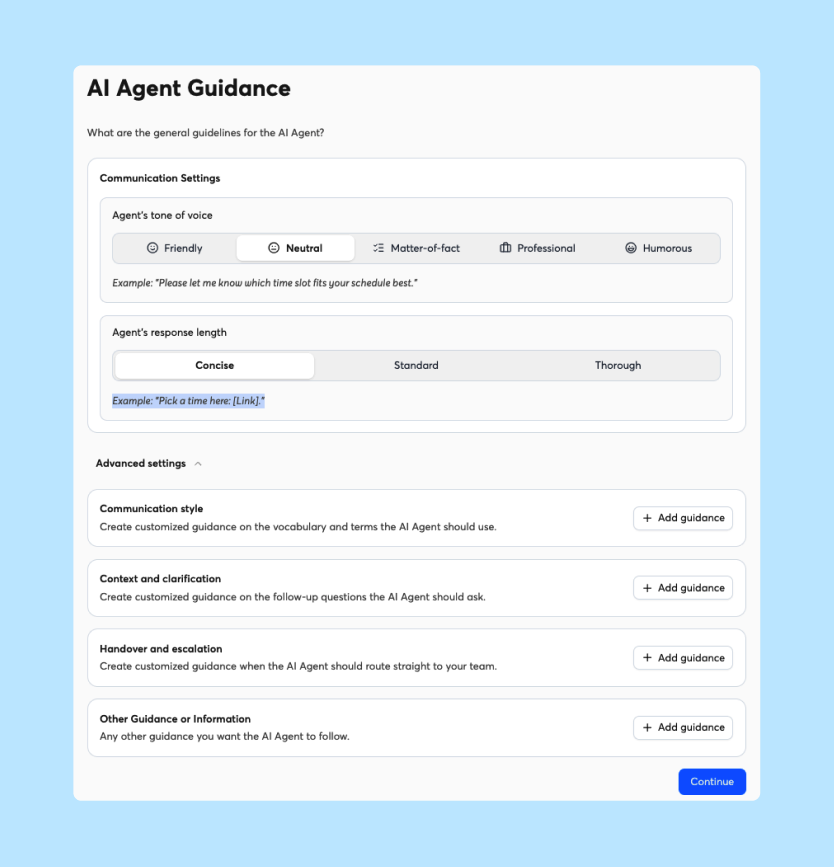
Add a tone guardrail to every prompt. The most effective approach is assigning a persona: "Write like a peer who has done this job, not a vendor pitching a service."
Before (no tone guardrail): "Write a cold email about an analytics platform."
After (tone guardrail): "Write a cold email about an analytics platform. Write like a former demand gen manager who solved this exact problem at their last company. Use short sentences. No jargon. Sound like a person, not a pitch deck."
Refining AI prompts for human empathy
Run every AI output through this empathy check:
- Does the email acknowledge a specific pain point the reader likely faces?
- Does it use language the reader would use with a colleague?
- Does it avoid words you would never say in person?
Empathy is a prompt instruction, not a model capability. The model will not add it unless you ask for it explicitly.
Mistake 6: neglecting guardrails for AI accuracy
Without guardrails, AI repeats the same cliches in every draft. This section covers how negative examples work, which phrases to ban, and how to measure the result.
Preventing generic AI output pitfalls
Without negative examples, AI defaults to cliches and overused phrases. Negative examples teach the model what not to write. They work as a filter that catches the patterns your prospect's spam radar catches.
Most modern spam filters evaluate context and patterns, not just individual trigger words. Repetitive, generic AI output triggers both algorithmic filters and human pattern recognition. This is where Instantly's AI Spam Words Checker adds a layer of protection: it evaluates context, tone, and structure using an AI model trained on deliverability patterns, not just keyword matching.
Setting boundaries for AI output
Add a negative example list to every prompt. Here is a starter set:
"Do not use any of these phrases: 'hope this email finds you well,' 'just checking in,' 'touching base,' 'reaching out,' 'synergy,' 'circle back,' 'game-changer,' 'best-in-class,' 'cutting-edge,' 'revolutionary.'"
You can expand this list based on phrases you see repeated across your own AI-generated drafts. If a phrase shows up in more than two drafts, add it to the negative example list.
Quantifying your AI rewrite success
Run an A/Z test with one variant using no negative examples and one using your banned-phrase list. Growth includes A/Z testing, but the full 26-variant capability per step is gated to Hypergrowth ($107/mo) and above. Measure reply rate and spam placement separately. A variant that improves replies but increases spam placement has a deliverability problem, not a copy problem. Instantly's built-in warmup helps establish sender reputation before campaigns launch.
Mistake 7: asking for 'persuasive' copy
The word "persuasive" gives the model no target. This section covers why vague instructions fail, how to replace them with measurable goals, and what the difference looks like in practice.
How generic input ruins AI output
"Persuasive" is a vague instruction. It tells the model to optimize for a feeling rather than an outcome. The AI fills the gap with cliches because it has no specific metric to target.
Vague instructions like this are a common reason AI cold email copy reads as generic. You asked for "persuasive." The model gave you the average of every "persuasive" cold email ever written. Your prospect has seen it before.
Define measurable response metrics
Replace "persuasive" with a measurable outcome in the prompt itself:
"Write an email designed to get a 5%+ reply rate. Use one specific pain point, one proof point, and a one-word CTA. Keep it under 80 words."
The prompt now defines the metric, not the adjective. The model has constraints to optimize against instead of a vague quality target.
Side-by-side cold email performance data
Here is what the difference looks like in practice:
| Illustrative prompt input | Email output | Word count | CTA specificity | Target reply rate |
|---|---|---|---|---|
| "Write a persuasive cold email about a tool" | Generic pitch with multiple value props, no proof, vague CTA | 150-200 words | "Would love to connect" | Below 3.43% average |
| "Write an email under 80 words to a demand gen director at a 50-200 person B2B SaaS company who just posted about struggling to attribute pipeline to specific outbound campaigns. Include proof point: [verified metric, customer name, timeframe]. End with one-word CTA." | Specific, short, proof-backed, clear ask | Under 80 words | "Worth 15 minutes?" | Top quartile (5.5%+) |
Run these diagnostic checks on your prompts
Treat each prompt fix as a controlled experiment. This section covers how to set up variants, how to read reply rate lift, and how to debug a fix that does not work.
Setting up AI variant experiments
Follow this protocol to test prompt changes:
- Identify the variable: Pick one prompt element to change (audience variable, length constraint, CTA, tone, negative examples, proof point, or outcome instruction).
- Create two prompts: One with the original prompt (control) and one with the single variable changed (variant).
- Generate both outputs: Use the same AI tool for both.
- Load into A/Z test: Use Instantly's A/Z testing to split sends evenly between the two variants. Growth includes A/Z testing, but the full 26-variant capability per step is gated to Hypergrowth ($107/mo) and above.
- Measure reply rate: Compare against the 3.43% platform average as your control baseline.
Measuring statistical reply rate lift
Reply rate is your primary metric. Use the benchmark baselines to frame results: 3.43% is average, 5.5%+ is top quartile. Plan for at least 200 sends per variant as a starting point. Larger samples make the result more reliable, so treat 200 as a minimum, not a guarantee of statistical significance.
Do not judge a variant after 20 sends. Small sample sizes produce misleading results that derail good prompts and inflate bad ones.
Debugging your AI prompt logic
When a prompt fix does not improve reply rates, work through this troubleshooting tree in order:
- Check deliverability first. Bounce rate below 2%? Warmup complete (4-6 weeks minimum)? If not, fix this before touching prompts. Instantly's Deliverability AI Agent (Hypergrowth and above) monitors DNS health, blocklists, warmup scores, and bounce rates automatically, surfacing issues with one-click fixes.
- Check list quality. Are you emailing verified contacts? Stale data inflates bounces and suppresses replies regardless of prompt quality.
- Check prompt structure. Run the seven-mistake checklist from this article against your current prompt. Fix the first failure you find.
- Retest. Change one variable at a time. Resist the urge to fix everything at once, because you will not know which change moved the number.
Deliverability checklist (prerequisite to prompt testing):
- SPF, DKIM, and DMARC records configured and propagated
- Warmup complete (minimum 4-6 weeks per Instantly's benchmark report)
- Bounce rate below 2%
- List verified within the last 30 days
- Sending volume within_daily limits (max 30 emails per inbox per day)
Ready to apply this framework? Try Instantly free and use the AI Sequence Writer with these prompt guardrails built into your campaign setup. To automate more of your outreach workflow beyond prompt testing, explore Instantly's AI agent automations.
FAQs: AI prompt mistakes cold email
Can AI match human-written cold email reply rates?
Yes, with structured prompts. Instantly's 2026 benchmark report shows top-quartile senders reach 5.5%+ reply rates. AI-generated copy with proper prompt structure can match or exceed the 3.43% platform average when it includes audience variables, proof points, and specific CTAs.
How many prompt iterations before testing live?
Run 2-3 prompt iterations in your AI tool before loading the best variant into an A/Z test. Growth includes A/Z testing, but the full 26-variant capability per step is gated to Hypergrowth ($107/mo) and above. Test it against a control variant with at least 200 sends per variant as a starting point before scaling.
Should you use the same prompt for every campaign?
No. Each campaign needs audience-specific variables, proof points, and CTAs. Build a reusable prompt template with variable fields (industry, role, pain point, trigger event, proof point) that you fill in per campaign, rather than using a fixed prompt.
What's a realistic reply rate for AI-generated emails?
Instantly's 2026 benchmark report puts the platform average at 3.43%, top quartile at 5.5%+, and top 10% at 10.7%+. Use the 3.43% average as your control baseline and treat top-quartile performance as a stretch goal for a well-structured prompt. If you are below 3.43%, diagnose your prompt with the seven-mistake checklist above.
Key terms glossary
Audience variable: The specific data points about the target reader (industry, role, pain point, trigger event, personalization hook) that you include in a prompt to prevent generic output.
Proof point: A specific, verifiable metric or named customer outcome that supports a claim in the email. Proof points replace vague assertions with evidence the reader can check.
Negative example: An instruction in a prompt that tells the AI what not to write, such as banned phrases or cliches. Negative examples reduce generic output by filtering known low-performing patterns.
Length constraint: A prompt instruction that sets a maximum word count for the output. Instantly's 2026 benchmark report identifies under 80 words as the optimal cold email length for elite performers.
Read next
- Industry-specific outreach prompts: SaaS, agency, recruiting, and e-commerce: prompt examples you can adapt for SaaS, agency, recruiting, and e-commerce outreach.
- AI prompts for SaaS founders: outbound campaigns that don't sound robotic: prompt examples that help SaaS founders write outbound emails that sound human.
- AI prompts for sales sequences: the complete guide to multi-touch outbound cadences: a guide to prompts that help you write each step of a multi-touch outbound sequence.


