


Updated November 20, 2026
TL;DR: A five-email onboarding lifecycle (welcome, setup, early value, engagement check, evaluation) keeps new customers engaged past the contract signature. Use AI prompts to draft each email. Instantly.ai's 2026 benchmark report shows top-quartile senders hit 5.5%+ reply rates by keeping emails under 80 words with one clear CTA. Deploy with a dedicated onboarding address and Automations to trigger based on customer actions, not calendar dates.
Most founders obsess over the pre-sale sequence and then go silent after the contract is signed. That silence is expensive, because ProGeekTech research shows 40 to 60 percent of new users leave within the first 30 days when they never reach the promised value.
A closed deal is not a retained customer. It is the start of a new relationship that needs its own communication system. This guide gives you copy-paste AI prompts for every stage of the first 30 days, plus the deployment logic to run them without hiring a customer success team.
Boost lifetime value with post-sale touchpoints
Chattermill data shows most churn occurs within the first 30 to 90 days of a customer's lifecycle. If your onboarding is confusing or delayed, users fail to see the product's value and are more likely to abandon it. 70% of SaaS customers leave within 90 days when onboarding fails.
AI prompts for client onboarding close this gap without adding headcount.
Instantly's 2026 benchmark report (data: January 1 to December 18, 2025) adds another layer: 58% of replies arrive on the first touch, but 42% come from follow-ups. This data covers cold outreach, not onboarding. The principle still holds for onboarding, because a single welcome email leaves engagement on the table.
Bridging the post-sale communication gap
Founders worry that AI-written emails sound robotic. The fix is constraint-based prompting. Instead of asking for "a welcome email," you specify exact word counts, tone markers, and merge tag requirements. Instantly's AI Sequence Writer generates multi-step sequences when you provide your business details, and the output quality improves when you specify exact constraints like word count and tone.
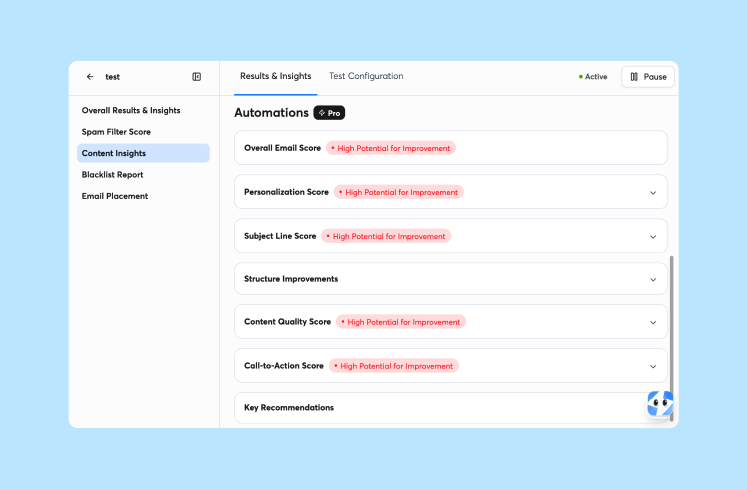
Use merge tags like {{firstName}} and {{companyName}} to force personalization. This keeps the AI focused on structure while you control the variables that make messages feel human.
Boost retention with rapid email followups
Speed matters more than polish in the first week. Per Taqwah Agency, citing Stanford Behavior Design Lab research, users activating within 3 days are 90% more likely to retain. Your welcome email should arrive within minutes of signup, not hours.
Set up trigger-based sending so the sequence starts immediately after payment confirmation or account creation. Instantly's Automations builder connects to platforms including Stripe, HubSpot, and Calendly to fire the first email without manual intervention.
Mitigating buyer remorse with AI
Address buyer remorse in the first 48 hours with a structured welcome sequence. The key is specificity: reference the exact plan they bought, the problem they told you they wanted to solve, and the first step they should take.
AI drafts the template, but you insert the specific details during your sales handoff. This hybrid approach keeps the message personal while the system handles the timing.
Blueprint for a high-converting sequence
The five-email lifecycle covers the first month without overwhelming the customer. Each email has one job and one CTA. Instantly's benchmark data shows elite performers average under 80 words per first-touch email, and onboarding messages benefit from the same brevity since customers read them on mobile devices between meetings.
| Suggested timing | Primary goal | Example CTA | |
|---|---|---|---|
| Welcome | Immediate | Confirm purchase, set expectations | Complete profile or book kickoff |
| Setup | Around Day 2 | Drive the first technical action | Finish setup task |
| Early Value | Around Day 7 (within the week 1 to 2 window) | Highlight a quick win from one feature | Try a specific feature |
| Engagement pulse check | Around Day 14 (start of the week 3 to 4 window) | Spot at-risk accounts and re-engage inactive users | Reply with the obstacle |
| Evaluation (30-day review) | Around Day 30 | Gather feedback, prevent churn | Book a review call or share feedback |
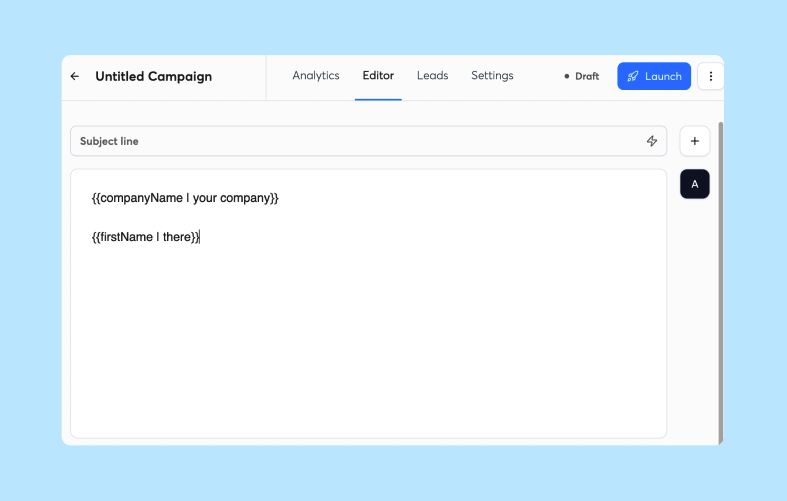
First impression email prompts
The welcome email confirms the transaction and tells the customer exactly what happens next. Use this prompt structure:
Write a welcome email for {{companyName}}. Keep it under 70 words.
Tone: warm, professional, confident.
Include: thank you for choosing {{productName}}, confirm their plan tier {{planName}},
tell them the next step is {{nextStep}}, and provide one CTA button.
Do not use exclamation points. Use merge tags {{firstName}} and {{companyName}}.
This prompt forces brevity and specificity. The AI cannot ramble because you capped the word count and banned exclamation points, which can look spammy to some filters and readers.
Actionable setup prompts for new users
Setup emails drive the first technical action. Customers who finish one setup step early see value sooner, so ask for a single task per email and make it easy to complete.
Write a setup instruction email for {{firstName}} at {{companyName}}.
Under 60 words.
Goal: get them to complete {{firstAction}}.
Include one numbered list with 3 steps maximum.
End with "Reply to this email if you get stuck."
Tone: helpful, not salesy.
The reply invitation opens a conversation thread that helps you spot stuck customers before they churn.
Driving early value (week 1 to 2)
Early value emails highlight features the customer has not used yet. Reference their specific use case from the sales call notes. New customers may be more open to trying more of your product in their first weeks, before routines set in, so this can be a good window to expand usage.
Use this prompt:
Write a feature highlight email about {{specificFeature}}.
Target user: {{jobTitle}} at {{companyName}} who wants to {{goal}}.
Under 80 words.
Include one screenshot description placeholder [VISUAL: {{feature}} interface].
CTA: Try {{feature}} now.
Engagement pulse check (week 3 to 4)
The engagement check identifies at-risk accounts before they ghost. Send this to users who have not logged in for 5 days or have not completed the setup step.
Write a check-in email for inactive user {{firstName}}.
Under 50 words.
Acknowledge they might be busy.
Ask: "What's the biggest blocker preventing you from {{desiredOutcome}}?"
Offer two times for a 10-minute call this week.
Keep the tone personal and founder-direct. This email should bypass marketing automation language and read like a text message from someone who genuinely wants to help.

Scaling client onboarding with smart AI templates
Templates let you maintain quality while scaling. Build once, then clone for each new customer segment. If you also onboard sales reps, a manager-approved library of sales rep onboarding prompts works the same way.
Standardizing onboarding copy with AI
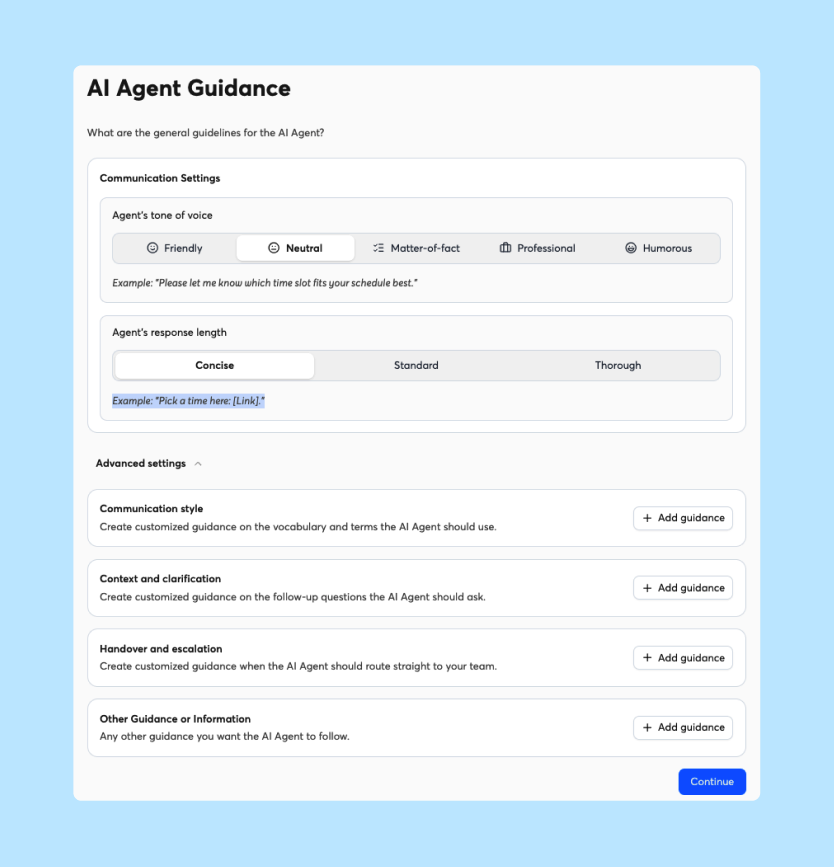
Create a master prompt template with placeholders for variables that change per customer. Store this in a doc or Instantly's AI Sequence Writer for reuse. The prompt should specify your brand voice rules (sentence length, banned words, emoji policy) so every output sounds consistent.
For example, add these constraints to every prompt:
- Sentences under 15 words
- No buzzwords like "synergy" or "leverage"
- Active voice only
- One idea per paragraph
Must-have merge tags for sequences
Merge tags turn generic AI output into personal messages. Essential tags include:
{{firstName}}for the greeting{{companyName}}for relevance{{planName}}to confirm their purchase{{salesRepName}}or{{founderName}}for the signature{{firstAction}}for the specific next step
Instantly supports predefined merge tag variables in campaign setup. Check the campaign setup guide for the current list. Tags like {{planName}}, {{salesRepName}}, and {{firstAction}} are not predefined, so add them as custom variables when you upload your customer data. You can also use Spintax to create variations within the template, though keep these subtle for onboarding emails.
Field-tested welcome email scripts
Here is a field-tested welcome email generated from the prompt above:
Subject: Welcome to {{productName}}, {{firstName}}
Hi {{firstName}},
Thanks for choosing {{productName}} to help {{companyName}} with {{problem}}. Your {{planName}} account is active.
Next step: {{firstAction}}.
[Button: Complete Setup]
Questions? Reply to this email.
{{founderName}}
This works because it confirms the purchase, sets the immediate next step, and opens a reply channel. The full message stays well under the 80-word ceiling.
Drafting high-conversion kickoff emails
Kickoff emails work for service businesses and complex SaaS implementations. They replace the "what happens now" anxiety with a clear roadmap.
Building a reusable onboarding prompt
Create a kickoff prompt that adapts to project complexity:
Write a project kickoff email for {{clientName}}.
Project: {{projectType}}.
Duration: {{timeline}}.
First milestone: {{milestone1}} due {{date1}}.
Under 75 words.
Include calendar link placeholder [CALENDAR LINK].
Tone: organized, confident, collaborative.
Structuring realistic project milestones
Break the first 30 days into three milestones maximum. Each milestone gets its own email. The kickoff email outlines all three so the client knows what to expect.
Milestone structure:
- Week 1: Setup and access
- Week 2: First deliverable or integration
- Week 4: Review and optimization
Drafting your first welcome sequence
Combine the welcome and kickoff if you have a high-touch service. Send the welcome immediately, then the detailed kickoff 1 to 2 days later, following Instantly's client onboarding workflow. This spacing respects the customer's attention while establishing momentum.
Use Instantly's campaign setup guide to configure the delay between steps. Set the wait time to 1 day or 2 days depending on your onboarding complexity.
Automating key customer progress updates
Manual check-ins do not scale. Automations trigger emails based on customer behavior, not your calendar.
AI prompt framework for founders
The framework covers three trigger types:
- Time-based: Day 7, Day 14, Day 30
- Behavior-based: Login detected, feature used, setup incomplete
- Hybrid: If no login by Day 3, send reminder
Use this prompt for behavior-based triggers:
Write a re-engagement email for user who has not {{specificAction}} after {{timePeriod}}.
Under 60 words.
Assume they are stuck, not lazy.
Offer specific help with {{commonBlocker}}.
CTA: Book 10-min help call.
Automating client milestone updates
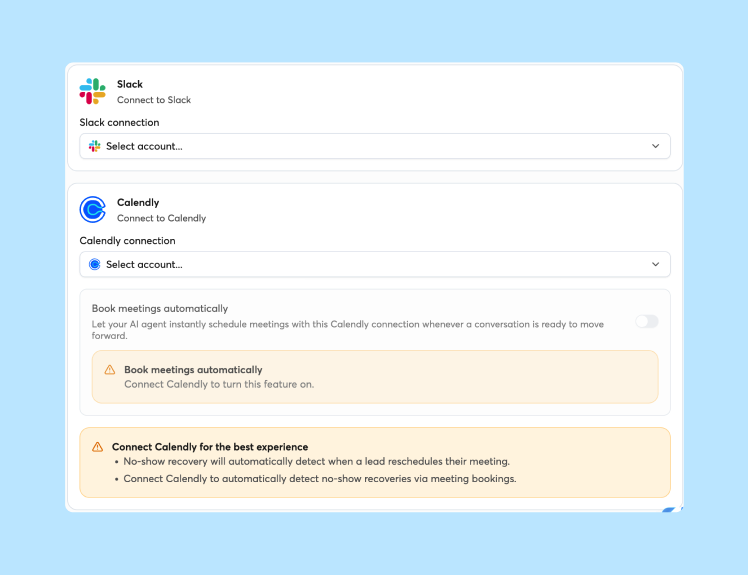
Instantly's Automations builder connects to your product analytics via webhook or Zapier. When a customer completes Milestone 1, trigger the congratulations email. When they stall, trigger the help offer.
Set up these workflows:
- Trigger: Tag "milestone-1-complete" added
- Action: Send congratulations email with next step
- Delay: 3 days
- Action: Send milestone 2 prompt if not started
Drafting your first milestone email
Milestone emails celebrate progress and preview what comes next:
Write a congratulations email for completing {{milestoneName}}.
Under 50 words.
Acknowledge the work they did.
Preview {{nextMilestone}} coming on {{date}}.
CTA: View progress dashboard.
Drafting effective post-sale check-in emails
Check-in emails prevent silent churn. They surface problems while you can still fix them.
Building high-impact onboarding flows
Structure your flow to catch customers at risk moments:
- Day 3: If setup incomplete, send help offer
- Day 7: If no login, send "everything okay?" email
- Day 21: Usage review with tips
Each email uses a soft CTA that invites conversation rather than demanding action.
Automating early churn detection
Monitor login frequency and feature adoption. Customers who haven't reached first value within the first week are the most likely to drift, so flag them early.
Set up an automation that adds a "at-risk" tag if no login occurs by Day 5. This tag triggers a personal email from the founder account, not a marketing sequence.
Optimized check-in email examples
Use this template for the Day 14 check-in:
Subject: Quick question about {{productName}}
Hi {{firstName}},
I noticed you have not had a chance to {{keyAction}} yet.
Is there a blocker I can help remove? Sometimes it is a missing integration or unclear permission setting.
Reply with what is slowing you down, or grab 10 minutes on my calendar here: [LINK].
{{founderName}}
This works because it is specific, assumes good intent, and offers two low-friction response options.
Fine-tuning AI outputs for your unique brand voice
AI drafts, but you refine. The goal is consistent voice across all customer touchpoints.
Training AI to sound like your brand
Feed any AI writing tool examples of your best past emails. For Instantly's AI Sequence Writer, constraints like word count and tone in your prompt help shape the output.
Create a brand voice guide for your prompts:
- Sentence length preference (short, medium, mixed)
- Formality level (conversational vs. professional)
- Humor policy (none, light, frequent)
- Sign-off style (Best, Thanks, Talk soon)
Personalizing prompts with client info
The more context you give the AI, the better the output. Include in your prompt:
- Client industry
- Company size
- Specific pain point they mentioned in sales
- Integration stack they use
Context: B2B SaaS, 50 employees, using Slack and Salesforce,
pain point is manual data entry.
Write a Day 7 check-in email about automating their first workflow.
Measuring impact with customer data
Track these metrics to optimize your sequence:
- Open rate: Transactional emails typically see higher open rates than cold outreach, so treat a drop as a signal to check deliverability
- Reply rate: Aim to beat cold email averages on check-in emails, since recipients already know you
- Completion rate: Percentage finishing setup by Day 7
- Time to value: Days from signup to first key action
Instantly's Account Analytics tracks opens and replies in one dashboard. Compare your numbers against the 2026 benchmark report averages, though onboarding emails typically outperform cold outreach since the recipient already knows you.
Deploying your onboarding flows in minutes
You do not need a marketing automation platform to send five emails. You need a dedicated sending address and basic triggers.
Setting up trigger conditions
Instantly's Automations connect to platforms including Stripe, HubSpot, and Calendly. Set up these basic triggers:
- New customer: Payment success webhook → Add to "Onboarding" campaign
- Setup complete: Tag added → Move to "Active Users" list
- At risk: No login 5 days → Add "At Risk" tag → Send founder email
The Automations help article walks through the visual builder. Start with time-based triggers if you lack technical resources, then add behavior triggers later. To track customers in the same place, Instantly's CRM is included with Hypergrowth ($107/mo) and Light Speed ($358/mo) Outreach plans, but not with Growth ($47/mo).
Best windows for onboarding emails
Send time matters less for onboarding than cold email because these are expected messages. However, Instantly's send time research shows Tuesday and Wednesday see peak engagement for B2B communication.
For onboarding, prioritize immediacy over optimal windows. Send the welcome email instantly, regardless of time. For follow-ups, stick to business hours in the customer's timezone (8 AM to 6 PM) to maintain professional context.
Space your sequence 3 to 4 days apart. This prevents inbox fatigue while maintaining momentum.
Tracking opens and replies
Monitor these metrics in your dashboard:
- Open rate: Indicates deliverability and subject line effectiveness
- Reply rate: Indicates content relevance and CTA clarity
- Bounce rate: Should stay under 2% to protect sender reputation
If open rates drop below 25%, check your sender reputation and consider using a separate domain for onboarding emails. Instantly includes unlimited email accounts on every plan, so you can dedicate an address like success@yourdomain.com to post-sale communication without extra per-seat costs.
Ready to turn these prompts into a live system? Try Instantly free and deploy your five-email onboarding sequence in minutes, with built-in warmup and AI writing tools to keep your messages landing in the primary inbox.
FAQs: AI prompts for client onboarding emails
How long should each onboarding email be?
Keep every onboarding email under 80 words. Instantly's 2026 benchmark report found that elite performers average fewer than 80 words for first-touch emails, and this brevity respects the customer's attention while improving deliverability. Focus on one clear idea per message.
Should you send onboarding emails from the same address as sales?
No. Use a dedicated address like success@yourdomain.com or onboarding@yourdomain.com for post-sale communication. This separates your sender reputation streams and prevents onboarding volume from affecting cold outreach deliverability. Instantly includes unlimited email accounts on all plans, so adding a dedicated address costs nothing extra.
What if a customer doesn't reply to the welcome email?
Send the setup email on schedule (around Day 2, as shown in the sequence table). The welcome email is informational, not conversational, so lack of reply is normal. Focus on driving the first login or setup action rather than generating replies to the initial message. If the customer remains inactive after Day 7, send a personal check-in from your founder account.
Can you use these prompts for service businesses, not just SaaS?
Yes. Replace "login" with "complete kickoff call" or "submit first deliverable." The five-email structure works for agencies, consultants, and service providers. Adjust the milestones to match your delivery timeline, but keep the same cadence: welcome, setup, early value, engagement check, evaluation.
How do you know if your onboarding sequence is working?
Track completion rates for each milestone and 30-day retention. If customers finish setup and stay past the first month, your sequence works. Also monitor reply rates for your check-in emails, tracked separately from the rest of the sequence. Aim for 5%+ reply rates, which beats the 3.43% average for cold email in Instantly's benchmark data, since onboarding recipients already know your brand.
Key terms glossary
Churn: The percentage of customers who stop using your product or cancel their subscription within a given period. High early churn indicates onboarding failure.
Merge tags: Placeholder variables like {{firstName}} that automatically insert personalized customer data into email templates.
Time to value: The number of days between a customer's signup and their first meaningful outcome or "aha moment" with your product.
Trigger-based sending: Automated emails fired by specific customer actions (login, purchase, inactivity) rather than calendar dates.
Sender reputation: A score assigned by email providers that determines whether your messages land in the inbox or spam folder. Separate onboarding streams protect your cold outreach reputation.
Read next
- Industry-specific outreach prompts: SaaS, agency, recruiting, and e-commerce: Copy-paste prompts adapted to the buyers, offers, and sales cycles of four common industries.
- AI prospecting prompts: common mistakes and fixes: A breakdown of the prompt errors that produce vague, off-target outreach and how to correct each one.
- AI prompts for SaaS founders: outbound campaigns that don't sound robotic: Prompts that help founders write outbound emails with a natural, human tone.


