.svg)
%20(1).svg)


Updated October 10, 2026
TL;DR: Agency operators don't need to rebuild their AI sales agent workflow for every client. They need five repeatable templates covering lead sourcing, personalization, sending, reply handling, and CRM sync, deployed across unlimited inboxes on a flat-fee platform. Instantly.ai's 2026 benchmark report puts the platform average reply rate at 3.43%, with top-quartile senders hitting 5.5% or higher. That gap isn't about better copy. It's about disciplined, repeatable systems. This playbook gives you those systems in template form so you can deploy across 10 to 150+ inboxes without starting from scratch each time.
The cold email AI workflow you deploy on day one should be the same one your junior staff runs on day 90. Each template in this library answers three questions: what to configure, why it protects deliverability, and how to measure it.
Core components of an AI outreach system
Most AI sales agent workflows move through five stages: lead sourcing, personalization, sending, reply handling, and CRM sync. A gap in any stage creates manual work that breaks repeatability across client accounts.
Core tech stack for AI sales agents
Before deploying any template, your stack needs to cover five functions.
| Function | Tool | Plan gate |
|---|---|---|
| Lead sourcing | AI Sales Agent + Lead Finder | Instantly Credits (from $9/mo) |
| Lead top-up | Lead Finder Agent | Instantly Credits |
| Sending + warmup | Outreach (unlimited accounts) | Growth ($47/mo) |
| Reply handling | AI Reply Agent + Unibox | Instantly Credits + Outreach |
| Deliverability monitoring | Deliverability AI Agent | Hypergrowth ($97/mo) |
| CRM sync | Automations (HubSpot native) | Outreach (all plans) |
The AI Sales Agent sources leads from 450M+ B2B leads in Lead Finder, writes personalized emails, builds multi-step campaigns, and adjusts messaging based on replies. Configure a daily sending limit between 10 and 10,000 emails per day, but cap new client accounts at 30 campaign emails per inbox per day. The AI Reply Agent handles inbound replies in under five minutes at 5 credits per reply. The AI Sales Agent costs 5 credits per generated lead. The Lead Finder Agent automatically tops up fresh leads when your active count drops below a threshold you set, with no manual re-search needed.
The Deliverability AI Agent monitors DNS health, blocklists, warmup scores, bounce rates, provider balance, campaign copy, and abuse complaints on a 24-hour cycle. The agent is included in the Hypergrowth Outreach plan and above and does not consume Instantly Credits.
Why AI agents outperform basic bots
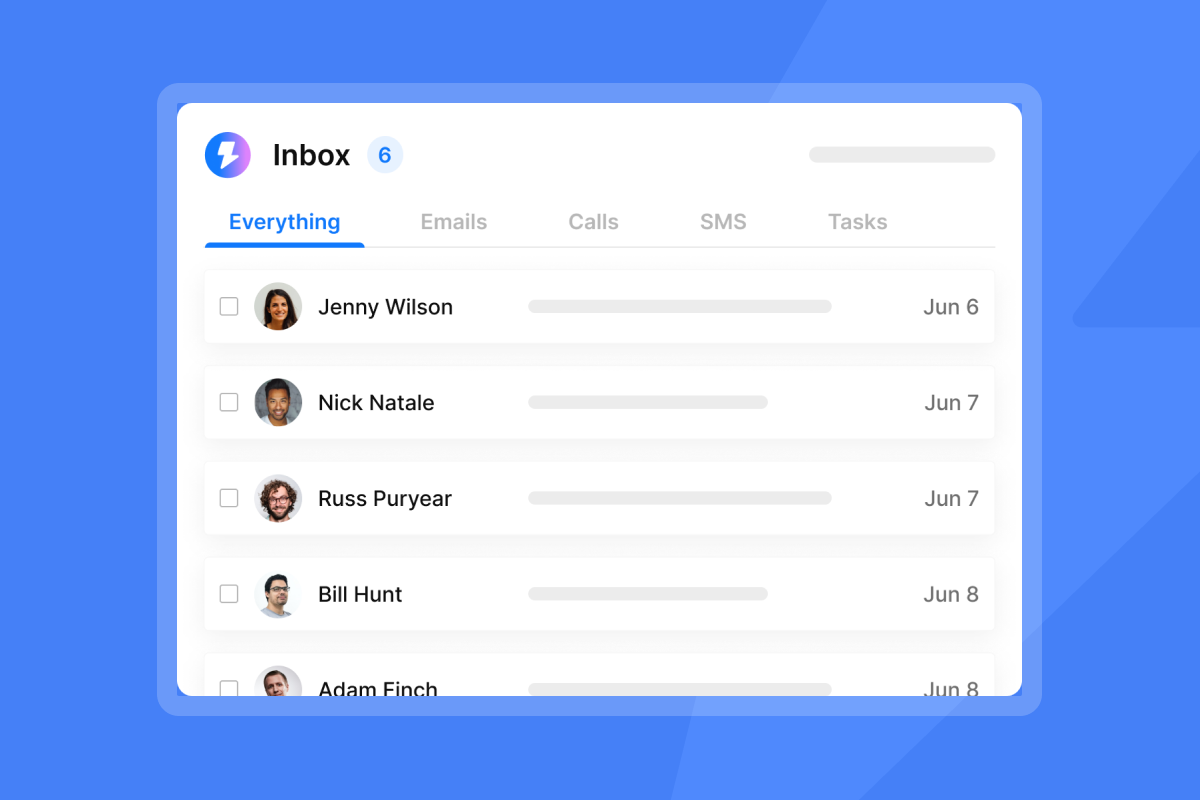
Basic bots execute fixed sequences regardless of what happened in prior steps. AI agents read context, and the AI Reply Agent offers Human-in-the-Loop or Autopilot modes so you control autonomy before replies ship. Unibox NLP auto-classifies replies into interest labels across 50+ languages, so your team routes leads by intent rather than reading every inbox.
Platform comparison: Instantly vs alternatives
| Feature | Instantly | Apollo | Salesloft |
|---|---|---|---|
| Pricing model | Flat fee, unlimited accounts | Per-seat pricing | Per-seat pricing |
| Native warmup | Built-in, all plans | Not included | Not included |
| AI reply handling | AI Reply Agent (5 credits/reply) | Basic automation | Enterprise automation |
| Lead database | Lead Finder (450M+ B2B leads) | 240M+ contacts | Requires third-party data |
| CRM sync | HubSpot native via Automations | Native to Salesforce and HubSpot (one at a time) | Native to major CRMs |
| Best for | Agencies scaling across multiple clients | Sales teams needing multichannel | Enterprise sales organizations |
Apollo carries deeper multichannel tooling and native CRM integrations for enterprise buyers. Instantly covers the same send scale on a flat fee, so every inbox you add costs sending capacity rather than an additional per-user charge. Salesloft offers enterprise-grade reply handling and sales engagement workflows, while Instantly's unlimited accounts remove per-user penalties as you scale.
Tools like Outreach and Salesloft offer enterprise-grade reply handling but bill per user, so costs grow with headcount. Instantly's unlimited accounts mean you add sending capacity, not software cost per person.
When to use workflow templates vs custom builds
Use a template when the client's ICP maps to an existing campaign type and you want to move from brief to first send in under a day. Build custom when the client has compliance requirements or a multi-committee buying structure that demands specific opt-out or routing logic. For most agency clients, templates handle the sending architecture. The ICP definition, offer statement, and opening-line prompt are the variables you swap per client.

Designing repeatable AI sales agent flows
Run this five-step checklist before deploying any template. Each step protects deliverability and ensures the workflow holds up across client accounts.
Step 1: Choose your core campaign KPI
Pick one primary metric: reply rate, meetings booked, or cost per meeting. Everything else is a diagnostic. Instantly's 2026 benchmark report puts the platform average reply rate at 3.43%, with top-quartile senders reaching 5.5% or higher. Set 5.5% as the target for a well-configured campaign and use 3.43% as the floor that triggers a review.
Step 2: Connect CRM and enrichment sources
Use the native HubSpot integration in Automations for bidirectional sync. Map these triggers before launch:
- Lead replies in Instantly → create contact in HubSpot.
- Campaign completes for lead → create task in HubSpot.
For lead data, Lead Finder's waterfall enrichment checks multiple providers before reporting no match, and leads sourced this way ship pre-verified. CSV imports from client databases do not, so run verification at 0.25 credits per lead before any import goes live.
Step 3: Configure send windows and pacing
Per Instantly's 2026 benchmark report, the best launch day is Monday and the highest reply day is Wednesday. Set send windows to 9 a.m. to 2 p.m. in the prospect's timezone. Cap each inbox at 30 campaign emails per day with warmup emails running in parallel. Do not exceed 30 campaign emails per inbox regardless of client pressure to scale faster.
Step 4: Route leads from AI responses
The AI Reply Agent tracks Involvement Rate and Resolution Rate as its two named metrics. Set it to Human-in-the-Loop mode for new client campaigns so you review AI-drafted replies before they send. As your Resolution Rate improves over time, shift low-complexity reply types to Autopilot and keep Human-in-the-Loop for interest-positive replies that need a human close. Custom label selection in Unibox NLP requires Hypergrowth or Light Speed.
Step 5: Define lead escalation logic
Write three rules before launch:
- Any reply classified as "Interested" by Unibox NLP routes to a human for a personal response.
- Any out-of-office reply triggers AI Smart Pause, which detects the return date and resumes sending automatically on all plans.
- Any hard bounce triggers automatic removal from the active campaign, and BounceShield skips known high-risk addresses before future sends.
Proven AI sales agent templates for agencies
These AI sales agent templates are built to deploy as-is and adjust per client, not rebuild per client.
Building high-intent lead lists
Template: ICP-filtered Lead Finder build
- Open B2B Lead Finder and set company size, industry, revenue range, and job title filters for the client ICP.
- Apply the Signals filter for buyer-intent data, set to "buying intent" for competitor mentions or pain-point signals relevant to the client's offer.
- Export leads within your plan's uploaded contacts limit. On Hypergrowth, that limit is 25,000 uploaded contacts total at the time of writing (confirm current limits before quoting to clients), not a monthly export cap.
- Enable the Lead Finder Agent and set the active lead threshold to match daily send volume. At 30 emails per inbox across five inboxes, set the threshold to 1,000 so the agent tops up before you run dry.
Automating personalized email sequences
Template: 5-step sequence with Spintax variation
Optimal sequences run 4 to 7 steps, emails under 80 words perform best, and the first email captures 58% of all replies per Instantly's 2026 benchmark report. Structure the sequence as:
- Email 1 (Day 1): Opening line specific to the lead's company or role. Offer in one sentence. One soft question.
- Email 2 (Day 4): Reference email one briefly. Add one proof point.
- Email 3 (Day 8): Change the angle. Address a different pain point.
- Email 4 (Day 13): Short break-up tone. Make it easy to reply no.
- Email 5 (Day 18): Value-only email with a resource or insight. No ask.
Use the AI Sequence Writer to generate the first draft from your offer and ICP inputs, then run the copy through the AI Spam Words Checker before activating. Add Spintax variants using {{RANDOM | option1 | option2}} syntax for subject lines to create variation across inboxes. Instantly's 600 cold email templates in the Help Center cover a wide range of ICPs and offer types as starting points.
"Instantly AI Sales Agent was a huge time-saver for me. It was able to source quality leads and write emails on my behalf, which made my workflow much easier." - Akira on G2
For prompt engineering on generating personalized opening lines, the AI cold email personalization guide includes role-based prompt structures with constraint rules that keep output deliverability-safe.
For best practices on scheduling meeting invitations after a positive reply, see Best Time to Send Meeting Scheduling Emails in 2026.
Optimizing sender reputation workflows
Template: Domain health protection checklist (run weekly)
- Check warmup health score in the account dashboard. It must stay above 90%.
- Open the Deliverability AI Agent panel and review any flagged items from the last 24-hour cycle.
- Confirm BounceShield is active and the high bounce auto-pause threshold is set to 5% after 200 sends (default), or lower for new domains.
- Review the global blocklist for the workspace. Any domain or address added after a bounce or unsubscribe should appear here.
"We're able to scale our outreach without sacrificing personalization or risking our sender reputation." - Natalie on Trustpilot
Automated follow-up sequence templates
Template: Follow-up routing by reply classification
When a lead doesn't reply after the full sequence, route them through Automations rather than restarting the same campaign:
- Trigger: Campaign finished for lead.
- Condition: Lead interest status is "No Response."
- Action: Add lead to a re-engagement list with a delay node.
- Action: At the delay end, add lead to a new campaign with a different angle and sender account (Inbox Rotation handles account distribution automatically).
AI reply handling and triage templates
Template: Human-in-the-Loop reply routing
Configure the AI Reply Agent with these settings for a new client:
- Mode: Human-in-the-Loop.
- Label filter: Generate replies for the default built-in labels "Interested," "Not Interested," and "Out of Office," and add any custom labels on Hypergrowth or Light Speed.
- Monthly credit budget cap: At 3.43% average reply rate across 3,000 sends, budget for roughly 103 replies at 5 credits each (515 credits/month). Enable business-days-only follow-up and Slack integration for real-time alerts with AI-drafted response previews you can approve or edit directly from Slack.
Syncing AI agent data to your CRM
Template: HubSpot bidirectional sync via Automations
Set up these four flows for each client workspace using the Automations builder or by prompting Copilot to build them from natural-language requests:
- Lead replies with positive interest → create or update HubSpot contact → add deal to pipeline.
- Campaign completes for lead (no reply) → create HubSpot task for manual review after 30 days.
- Lead status changes to "Meeting Booked" in Unibox → update HubSpot deal stage.
- HubSpot deal stage changes to "Closed Lost" → remove lead from active campaigns and add to global blocklist.
AI sales agent examples by use case
The templates above define the infrastructure. The examples below show how to apply them across three common client scenarios, from initial setup through to event-triggered sends.
Streamlined client integration steps
A new client setup follows this sequence: create workspace, connect client Google accounts via OAuth, enable warmup, connect HubSpot sync via Automations, and run one Inbox Placement test before the first campaign send. Warmup must run for a minimum of two weeks, with a health score above 90%, before any campaign goes live.
For clients needing high monthly send volumes, the Hypergrowth plan at $97/mo and Light Speed at $358/mo cover progressively larger scale (125,000 and 500,000 sends per month respectively at the time of writing. Confirm current limits at instantly.ai/pricing before quoting). Light Speed also adds SISR (dedicated server and IP rotation) for clients at maximum volume. Apollo carries deeper multichannel tooling for enterprise buyers, and Instantly covers the same send scale on a flat fee, so every inbox you add costs sending capacity rather than an additional per-seat charge.
Automated warm lead follow-up flows
When a lead replies positively but doesn't book a meeting, the AI Reply Agent fires a follow-up within five minutes. The Out-of-Office Resume feature handles the edge case where a warm lead is traveling by detecting the OOO reply, extracting the return date, and resuming automatically on all plans.
Event-triggered outreach workflow
Trigger: Signals filter in Lead Finder detects a funding announcement or leadership change at a target company. Action: Pull matching contacts from Lead Finder into a new lead list. Action: Build a campaign in the AI Sales Agent with an offer framed around the specific event and assign it to warmed inboxes. This workflow uses the Signals filter's ~5.8M new weekly signals to keep outreach timely without manual list refreshes. Use AI Blocklist Triggers to auto-blocklist leads after each campaign. Unsubscribe-based blocklisting works on every plan, while blocklisting by reply content keywords or lead status requires Hypergrowth or above.
Optimizing send windows for inbox placement
Inbox placement starts before the first campaign email sends. The two settings below, send windows and warmup schedules, work together to protect sender reputation as you scale.
Standardized 4-week warmup schedules
The minimum warmup period before a campaign starts is two weeks, with a health score above 90%. The benchmark for reaching full sending volume is 4 to 6 weeks per Instantly's 2026 benchmark report. The sample ramp below is a practical starting point based on widely used warmup guidance. Adjust it to your domain age, ESP, and health score.
| Week | Daily warmup emails | Daily campaign emails | Total per inbox |
|---|---|---|---|
| Week 1 | 5-10 | 0 | 5-10 |
| Week 2 | 25-50 | 0 | 25-50 |
| Week 3 | 50-100 | 15 | 65-115 |
| Week 4+ | 30-50 | 30 | 60-80 max |
Pre-warmed accounts with DNS already configured (SPF, DKIM, DMARC) skip this schedule and are campaign-ready from day one. Instantly's Done-For-You Google accounts ship with DNS configured at $5/month per inbox plus $15/domain/year, with warmup enabled automatically after setup.
Setting sustainable outreach caps and blacklist alerts
Cap every inbox at 30 campaign emails per day. Use additional inboxes to scale volume rather than pushing individual inboxes past this limit. The email outreach infrastructure guide covers Inbox Rotation and account assignment for agencies scaling past 20 inboxes.
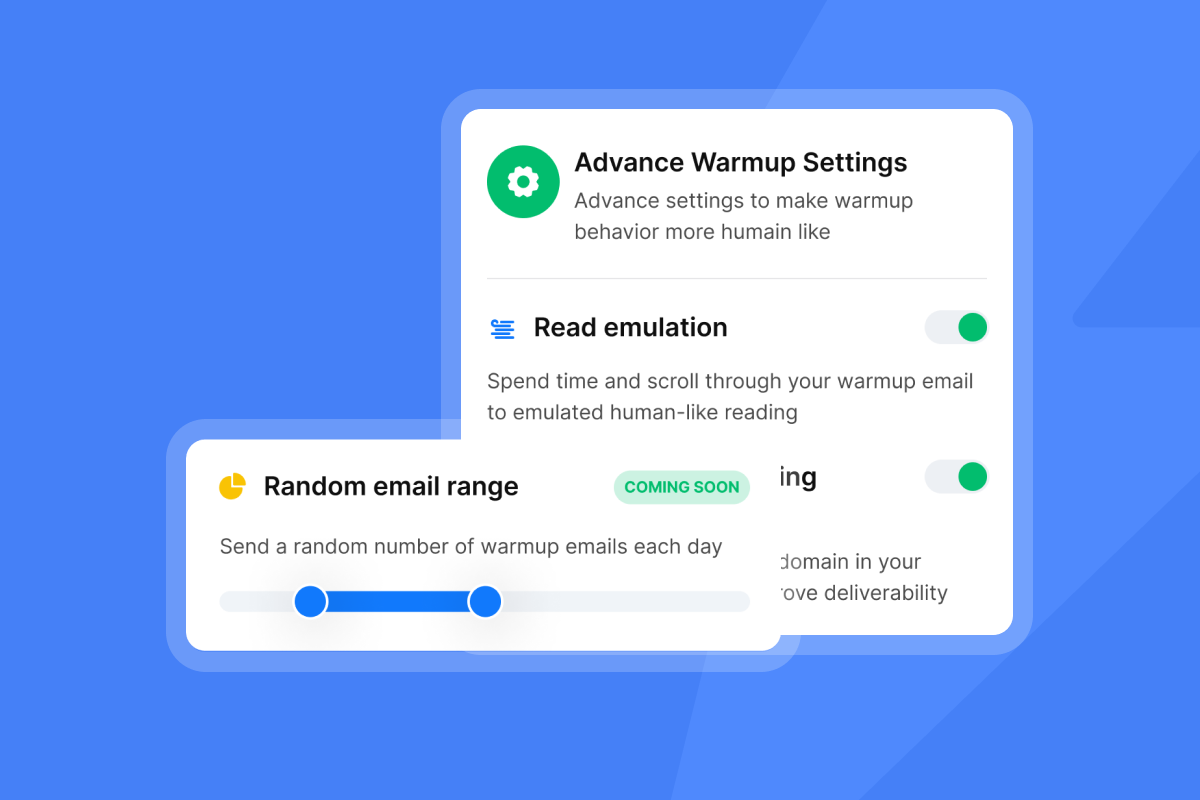
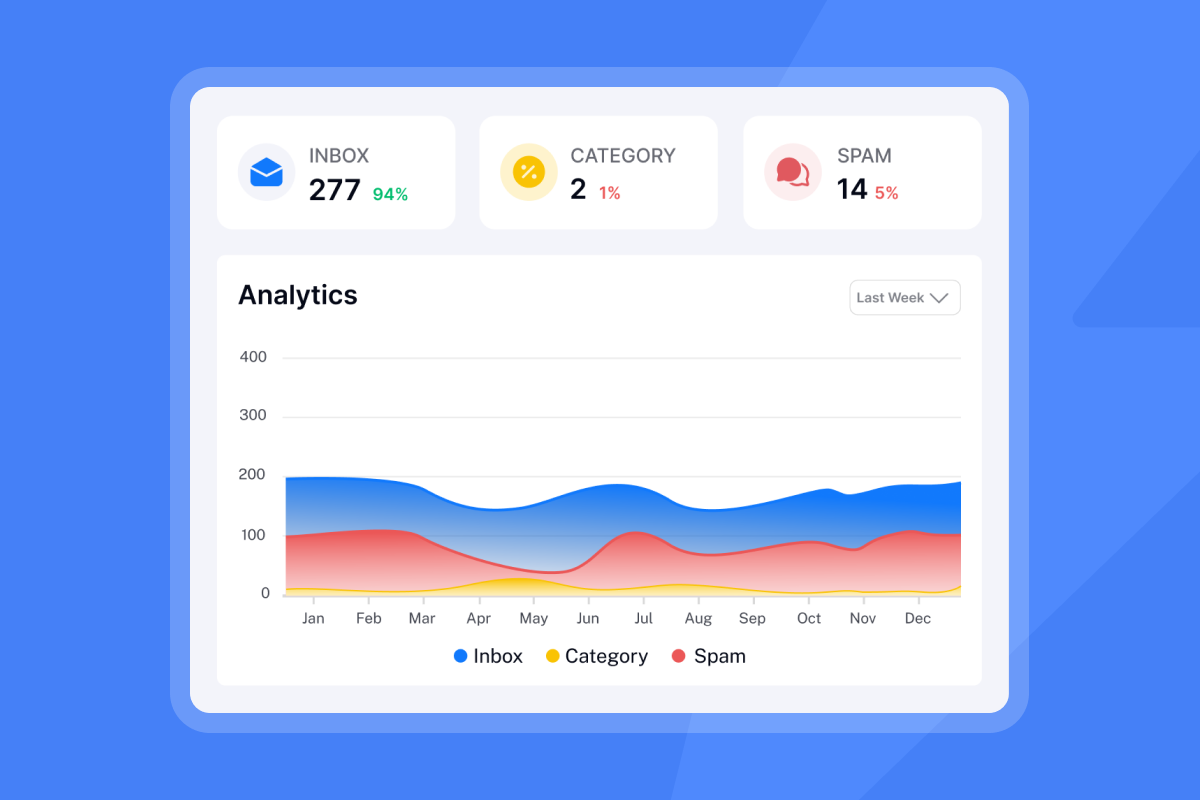
The Deliverability AI Agent monitors domain health signals continuously on Hypergrowth and above. For Growth plan users, run a manual Inbox Placement test weekly. Keep bounce rates below 2%. BounceShield automatically skips known high-risk recipients before each send, and the high bounce auto-pause triggers at 5% after 200 sends as a backstop.
How to deploy templates across client campaigns
With the core templates in place, the next step is applying them consistently across every client account. The two sections below cover what to adjust per client and how to confirm each campaign is ready before it goes live.
Customizing AI sales agent templates
For each new client, change four variables in the base template: the ICP definition, the offer statement, the proof point, and the opening-line prompt for the AI Sales Agent. Everything else (sequence length, send windows, reply routing, CRM sync) stays constant. This is the mechanic that makes this template approach worth building: the infrastructure is identical across clients, only the messaging adapts.
Final QA steps and measuring outreach ROI per client
Run this checklist before activating any new client campaign.
- Warmup health: Score above 90% for all sending accounts.
- Inbox placement: Test confirms primary inbox placement above 80%.
- HubSpot sync: Automations live and tested with a dummy lead.
- Copy cleared: AI Spam Words Checker passed.
- Bounce threshold: High bounce auto-pause set to 5% (default) or lower for new domains.
- Blocklist: Global blocklist populated with the client's existing opt-outs.
- Credit cap: AI Reply Agent monthly budget cap confirmed.
Track three numbers per client per month: total campaign cost, replies generated, and meetings booked. From those, derive cost per meeting (CPM). A healthy CPM for most B2B deals is $50 to $100. If CPM rises above that range, audit list quality first, then deliverability setup.
On a flat-fee platform, CPM falls as volume grows. On per-seat tools, CPM rises with every inbox you add. Cost Per Meeting (CPM) is calculated by dividing total campaign cost by the number of qualified meetings completed: CPM = Total Campaign Cost / Meetings Booked. Track it monthly per client so you can identify which workflow configurations produce the best CPM and replicate them. For the full cost comparison between flat-fee and per-seat models at agency scale, the cold email ROI guide covers the math across inbox counts.
Try Instantly free for 14 days, no credit card required, and deploy the ICP-filtered Lead Finder build template and 5-step sequence from this playbook for your first client campaign.
Instantly in Action
Tymely Generated $1.2M in Sales Pipeline
Discover how Tymely generated 21 enterprise opportunities using Instantly's cold email outreach platform.
FAQs: AI sales agent workflow
How long does it take to set up an AI sales agent workflow?
A standard client setup using a pre-built template covers workspace creation, account connection, ICP configuration, and HubSpot sync, with warmup requiring a minimum of two weeks before the first campaign send. Full sending volume typically takes 4 to 6 weeks to reach safely.
Can these templates be used with multiple clients at once?
Yes. Each client runs in a separate workspace managed from one Instantly account, and Unibox centralizes reply handling across all workspaces in a single view.
What reply rate is realistic with these workflows?
Instantly's 2026 benchmark report puts the platform average at 3.43%, with top-quartile senders reaching 5.5% or higher. Well-configured campaigns using disciplined warmup, verified lead lists, and 4 to 7 step sequences consistently outperform the platform average, but no specific rate is guaranteed.
How can workflows be configured to protect sending domains?
Keep daily sends at or below 30 per inbox, maintain warmup health scores above 90%, and let BounceShield and the high bounce auto-pause handle bounce risk automatically. On Hypergrowth and above, the Deliverability AI Agent monitors key health signals (DNS health, blocklists, warmup scores, bounce rates, campaign copy, and more) daily and surfaces actionable alerts before issues affect sender reputation.
Are technical skills required to customize these templates?
No. The AI Sales Agent, AI Sequence Writer, and Automations builder accept natural-language inputs, so API access is only needed for custom integrations beyond standard agency deployments.
Key terms glossary
Sender reputation: The trust score email providers assign to a domain and sending IP based on engagement signals, bounce rates, and complaint history. A low score causes emails to land in spam regardless of copy quality.
Warmup: The process of gradually increasing daily send volume from a new inbox to build a positive engagement history with email providers. The minimum period is two weeks, with 4 to 6 weeks recommended for full volume.
BounceShield: Instantly's feature that automatically skips known high-risk email addresses before a campaign sends to them, reducing hard bounces that damage sender reputation.
Inbox Rotation: Automatically distributes sends across all accounts assigned to a campaign. When an account is removed from the campaign, sends shift to remaining active accounts automatically. A disconnected but not removed account is waited on rather than reassigned.
Waterfall enrichment: A sequential verification process where Lead Finder checks multiple data providers until it returns a valid email address. No match across all providers costs zero credits.
Unibox NLP: Instantly's AI reply-classification system that reads inbound replies and assigns interest labels across 50+ languages. Custom label selection requires Hypergrowth or Light Speed.
Instantly Credits: The separate subscription pool that powers the Lead Finder, the AI Sales Agent (5 credits per lead), the AI Reply Agent (5 credits per reply), and Copilot. Plans start at $9/month with a free tier of 100 credits.
Cost per meeting (CPM): A B2B sales development metric that calculates the total cost required to generate one held, qualified sales meeting, including SDR salaries, tools, data, management, and vendor fees, divided by the number of qualified meetings completed. A healthy CPM for most B2B deals is $50 to $100, and it's the primary performance metric for agency client reporting.
Read next
- AI agents for sales calls: what actually works in 2026: a sales leader's capability map: A practical breakdown of which AI calling tools deliver real pipeline results and how to evaluate them by capability, not by vendor claim.
- AI sales agents for B2B company research: the complete guide for outbound teams: Step-by-step guidance on using AI agents to research target accounts, surface buying signals, and feed verified data directly into outreach campaigns.
- Best AI sales automation tools for GTM teams: 2026 buyer's guide & comparison: A side-by-side comparison of the top AI sales automation platforms rated on pricing model, deliverability features, and scalability for GTM teams.


