.svg)
%20(1).svg)


Updated September 14, 2026
TL;DR: AI sales agents now handle firmographic, technographic, and intent-signal research before outreach, cutting manual prospecting from hours to minutes. The real payoff comes when you pair AI research with human validation, clean data pipelines, and solid sending infrastructure. Instantly.ai's 2026 benchmark report found the platform average reply rate sits at 3.43%, with top-quartile senders reaching 5.5%+ through disciplined list hygiene and consistent sending. This guide covers how AI agents research companies, how to evaluate platforms, and how to deploy them across multiple client accounts without burning domains or blowing margins.
Manual company research eats hours per campaign. AI sales agents cut that to minutes, but only if you validate the output and protect your sending infrastructure. For agency operators managing dozens of client accounts, that time saving compounds fast and can mean the difference between launching a campaign this week or next.
The question is not whether AI can research companies. It can. The real question is whether you can trust that research enough to scale it across 20 client accounts without burning domains or hitting spam folders.
How AI agents handle B2B company research
Before deploying AI research at scale, it helps to understand what makes these tools genuinely different from the automation most outbound teams already use. The distinction affects what you can trust them to do unsupervised.
AI agents vs rules-based automation
True AI sales agents differ fundamentally from rules-based automation. Rules-based tools execute a predefined sequence when triggered, for example, if a prospect opens an email, enroll them in step 2. AI agents are goal-based: given a target account, they research the buyer, draft a personalized message, check intent signals, and schedule follow-up, adapting as they go.
This distinction matters for B2B company research automation. A rules-based tool adds a contact to a drip sequence. An AI agent decides which contacts are worth targeting in the first place, based on live signals, and then acts on that decision autonomously. AI agents reason, decide, and act across multiple steps, pulling from real-time data sources like hiring signals, funding news, technology stack changes, and competitor mentions. In practice, most production deployments combine both: rule-based guardrails set the boundaries for what the agent can do, while an LLM handles the open-ended reasoning inside them.
Data quality and hallucination risk
Clean B2B firmographic data reduces hallucinations and improves the reliability of AI-generated outreach. For AI research to produce reliable output, the underlying data needs to be governed, current, and specific enough to your target accounts that the agent is not filling gaps with assumptions. When an agent cannot verify a fact, it should escalate rather than improvise. Always review a sample of AI-generated opening lines before approving a full send run.
Use the AI Sales Agent's manual approval mode for new client verticals until you have validated output quality across at least one campaign cycle.
Scaling research: AI vs manual methods
Manual lead research takes several minutes per lead. At 50 leads per day, that adds up to hours of an SDR's working day spent on qualification work alone. For 1,000 leads, the cumulative research time compounds quickly.
AI agents shift that cost model. Research, routing, data entry, and follow-up tasks that used to consume most of a rep's week now run in parallel across every client account. Removing lookup and data-entry work from a rep's day is widely expected to increase the share of time spent on actual selling activity, though the exact lift varies by team size, workflow, and tooling.
How AI agents automate prospect research
The mechanics behind AI-driven prospecting determine how reliable the output is and how safely you can scale it across client accounts. Here is what happens under the hood at each stage of the research process.
How AI agents aggregate lead data
Understanding how AI Sales Agents research companies starts with the data layer. Instantly's AI Sales Agent searches Instantly's Lead Finder database of 450M+ B2B leads to identify matched prospects, enriches each lead with verified contact data and firmographics, then writes personalized outreach for every account. Instantly's AI Prompts and Enrichment tools pull context from external sources to generate personalized opening lines at approximately 0.5 credits per row for most enrichment tasks.
Instantly's Signals filter adds four intent-signal categories:
- Social activity
- Buying intent sourced from Reddit pain points and competitor mentions
- Growth signals like funding and new tech adoption
- Company activity including leadership changes and pricing shifts
The system processes around 5.8M new signals per week, matched against the full contact database.
Lead scoring, verification, and sequence sync
AI agents evaluate firmographic fit, engagement signals, and historical data to rank leads by likelihood to convert. This is where AI sales agent software for B2B outreach goes beyond simple list building. Instantly's AI Sales Agent supports multiple ICP configurations, up to 10 guidance rules per agent, and a daily sending limit you configure from 10 to 10,000 emails per day, with a choice between manual approval and full Autopilot mode.
Waterfall enrichment addresses stale or inaccurate data. Instantly's waterfall enrichment checks its own database first (1 credit if found), then sequences through 5+ partner providers until a verified email is found. If no match is found, you pay zero credits. Leads sourced in Lead Finder ship pre-verified. CSV or CRM imports need a separate lead verification step at 0.25 credits per lead before sending.
Once leads are validated, the AI Sales Agent writes the sequence and syncs it to your outreach pipeline. Instantly's Lead Finder Agent monitors active lead counts against a threshold you set and tops up fresh prospects when the count drops, so campaigns never stall mid-run.

Agency playbooks for AI-driven prospecting
Running AI research across 10 or more client accounts requires a structured operating model, not just a working tool. These two practices form the foundation of any repeatable agency deployment.
Isolating client data and standardizing ICP fit
Instantly's workspace architecture keeps each client's data in a completely separate space within a single login. On Hypergrowth and Light Speed plans, the white-label solution lets you run client-facing portals under your own brand. Each client workspace runs its own subscription, so billing tracks per client even though the login is shared.
Consistent ICP definitions are what make AI agent tools for B2B sales company research repeatable across accounts. Build your ICP in the AI Sales Agent settings once per client, including:
- Firmographic filters (company size, industry, revenue range)
- Technographic requirements sourced from the Signals filter
- Intent signals such as recent hiring activity or funding rounds
Document each client's ICP, Business Offer, and Guidance Rules so every new AI Sales Agent starts from the same settings. Business Offers can be duplicated inside the agent, which cuts setup time for repeat launches.
Automating event-driven prospecting and handoffs
Intent signals give you a time advantage over static lists. A buyer who just posted about switching CRMs, or whose company just hired three new sales reps, is a better target this week than last month. Instantly's Signals filter surfaces these in real time. Pair those filters with the Lead Finder Agent and your campaigns automatically refresh with high-signal prospects as old ones move through the funnel.
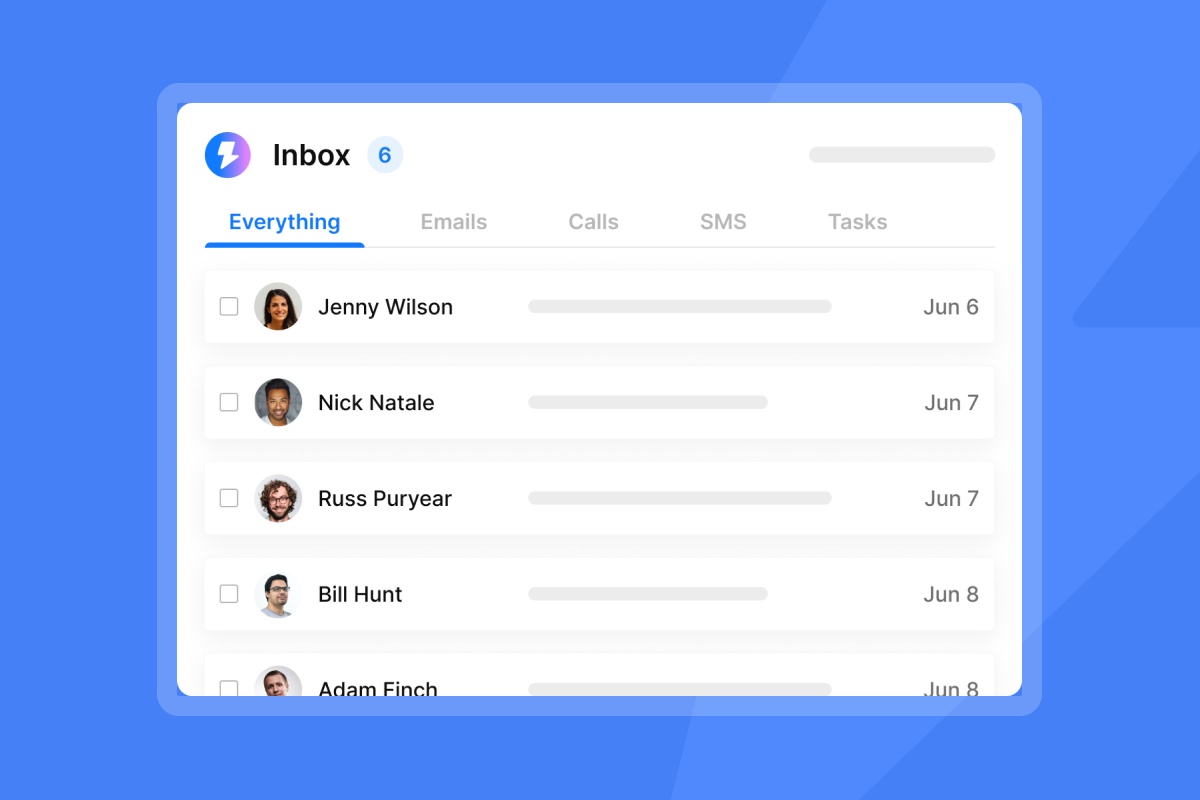
The handoff from research to sending is where most agencies leak time. Instantly's Automations builder handles the routing. When a lead replies with interest, Automations push the contact to HubSpot as a contact, task, or note, while the AI Reply Agent (if enabled) drafts or sends a response in under five minutes at 5 credits per reply. Note that this full workflow uses Automations natively for HubSpot routing, with Zapier or Make available for any additional CRM or tool connections. Most routine handoff steps run without manual input.
Top rated AI agents for B2B lead gen
The platforms in this category vary widely in research depth, pricing structure, and deliverability safeguards. Evaluating them on those three dimensions gives you a more accurate picture than feature lists alone.
Platform comparison
Not every platform that calls itself an AI sales agent actually conducts company research. Research quality determines list quality, and list quality determines whether campaigns hit primary inboxes or burn client domains. Here is how the leading AI agent tools for B2B sales company research stack up:
| Platform | Research depth | Pricing model | Deliverability safeguards |
|---|---|---|---|
| Instantly | 450M+ contacts, waterfall enrichment across 5+ providers, live Signals filter with 5.8M new signals/week, bring your own key (BYOK) for 11 additional providers | Flat-fee Outreach ($47/mo+) plus Instantly Credits ($9/mo+), unlimited accounts on every Outreach plan | 4.2M+ account deliverability network, BounceShield, Deliverability AI Agent (Hypergrowth+), SISR on Light Speed |
| Apollo | 240M+ contacts, built-in email sequences and calling | Per-seat, from $49/seat/month billed annually | Deliverability Suite & Email Warmup on paid plans. 7-step email verification with 91% accuracy rate. Standard sending limits. Basic bounce detection. |
| Clay | Waterfall enrichment across 75+ data providers, AI research via Claygent, CSV and CRM imports | Action-based plans: Launch $185/mo and Growth $495/mo (lower on annual billing), per clay.com/pricing | No native sending or warmup. Deliverability depends on the outreach tool you connect Clay to. |
Predictable costs for scaling outreach
Apollo's per-seat model means every new user you add increases the monthly bill, regardless of how many inboxes that user manages. Within a single client workspace, Instantly's flat fee holds steady whether you run 10 inboxes or 150. Each client workspace needs its own subscription, so five clients on Hypergrowth run 5 × $97. Here is what that looks like in practice:
| Inbox count | Per-seat model (illustrative) | Instantly flat fee (Hypergrowth Outreach, per workspace) |
|---|---|---|
| 10 inboxes | Scales with users | $97/month |
| 50 inboxes | Scales with users | $97/month |
| 100 inboxes | Scales with users | $97/month |
The Hypergrowth Outreach plan at $97/month includes unlimited email accounts and warmup plus the Deliverability AI Agent. Instantly Credits (from $9/month for 150 credits) power Lead Finder lookups and AI agents as a separate subscription. The AI Sales Agent costs 5 credits per generated lead.
Compliance for European prospects
GDPR compliance obligations center on data processing activities: under Article 4, a data controller determines the purpose and means of processing personal data, while a data processor acts on the controller's instructions. Under Article 28, a processor must act only on the controller's documented instructions. Lawful basis and consent requirements govern data sourcing separately, but the DPA governs what happens to the data once it flows to a platform.
For European prospect data, the core operational requirement is a signed Data Processing Agreement before any data flows to a platform. Instantly publishes the DPA under Foo Monk LLC with sub-processor listings and data category restrictions. The DPA explicitly prohibits uploading restricted data including PHI, payment card data, and biometric data. Before deploying any AI research agent on European prospect data, request the DPA, sub-processor roster, and data-flow documentation from the platform you are evaluating.
CRM and Tech Stack Sync Options
Instantly's Automations builder connects bidirectionally with HubSpot, Pipedrive, Clay, and additional platforms via native integrations. When a lead replies or a campaign step completes, Automations push contact and deal data to your CRM automatically, without manual export.
For tools outside the native integration list, Zapier and Make extend coverage through their respective app libraries, so your existing stack stays connected as you add client accounts.
For agencies, this means research, sending, reply handling, and CRM handoff all run inside one workflow without stitching together a separate enrichment tool, a separate warmup tool, and a separate sending platform.
Building a scalable workflow for AI-driven outreach
This five-step workflow covers how to deploy an AI sales agent for B2B company research across multiple client accounts without burning domains or compounding tool costs.
- Define ICP and research criteria: Set firmographic filters (company size, industry, revenue), technographic requirements from the Signals filter, and intent signal types. Configure up to 10 guidance rules in the AI Sales Agent settings per client workspace.
- Tune agent settings for outreach: Set daily sending limits. Cap at 30 campaign emails per inbox per day, as recommended to protect sender reputation. Configure the AI Sales Agent in manual approval or Autopilot mode, and enable the Lead Finder Agent to maintain a minimum active lead count. Set a credit budget cap in the AI Reply Agent to prevent runaway credit consumption.
- Validate and enrich prospect lists: Run lead verification at 0.25 credits per lead before sending on any CSV or CRM-imported list. Remove risky or invalid email classifications from your send list before launching. Use the Global Blocklist to manually block specific domains or emails you want excluded from all campaigns.
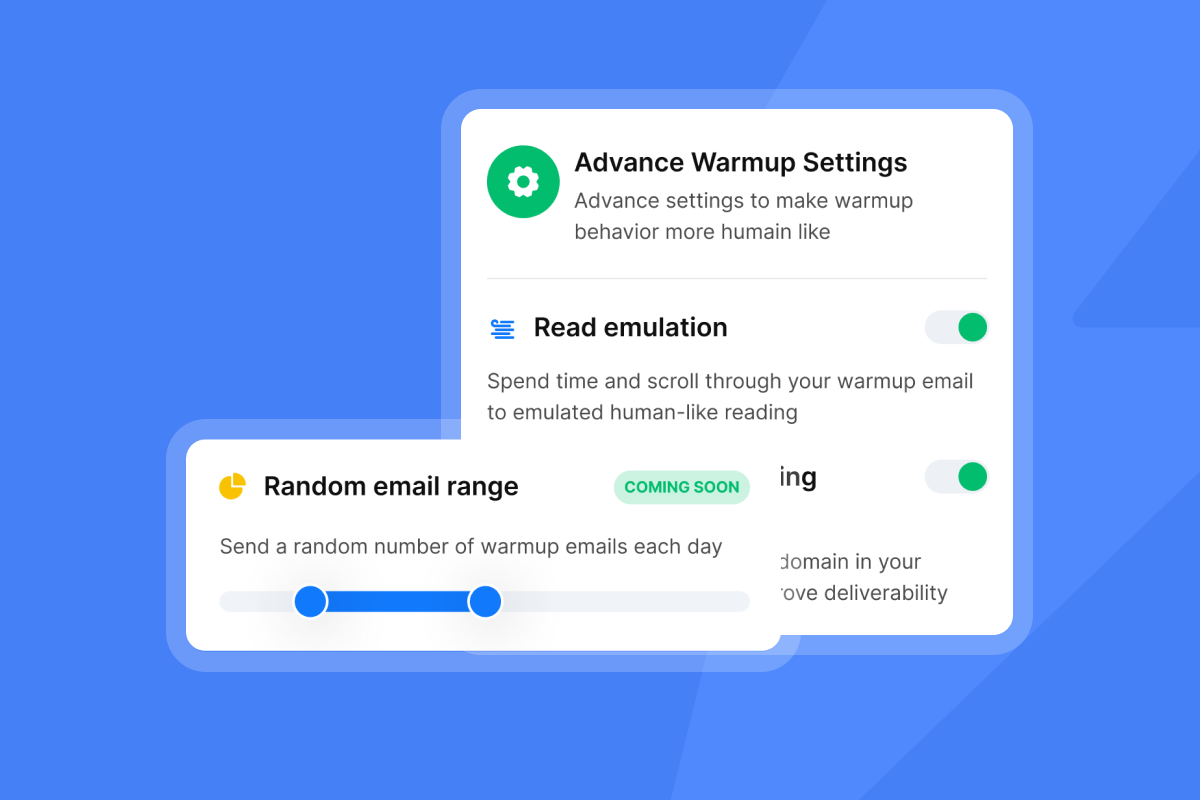
- Automate sequence ramp and warmup: Instantly requires a minimum 2-week warmup and a health score above 90% before campaign sends. Instantly's 2026 benchmark report recommends starting at 5-10 emails per day and ramping gradually over 4-6 weeks to full volume. Pre-warmed accounts skip this wait.
- Improve lead quality via filters: After the first 200 sends, check bounce rates. Instantly's High Bounce Auto-Pause triggers automatically at 5% bounce rate, but your target is below 2%. If bounces climb, pause, re-verify the list, and tighten firmographic filters before resuming.
Calculating ROI for AI-driven research
ROI for AI research tools shows up in two places: time recovered from manual prospecting and improvement in cost per meeting. The numbers below use a standard 1,000-lead campaign as the baseline.
Cost comparison and meeting lift
The ROI case for AI-driven research rests on two numbers: labor savings and cost per meeting. Here is how the two approaches compare using 1,000 leads as an illustrative example:
| Research method | Leads | Cost / effort | Time to launch | Bounce rate |
|---|---|---|---|---|
| Manual research (illustrative estimate) | 1,000 | 83-250 hours of labor (5–15 minutes per lead) | Days to weeks | Elevated risk without verification |
| AI Sales Agent + Credits | 1,000 | ~$144/mo (Supersonic Credits at $97 for 5,000 credits, covering 1,000 AI Sales Agent leads at 5 credits per lead, plus Growth Outreach at $47) | Minutes | Target below 2% with pre-verification |
At scale, AI-driven research shifts the economics. A 1,000-lead campaign through the AI Sales Agent consumes 5,000 credits (5 credits per lead). The AI Sales Agent handles prospecting, enrichment, and sequence creation in minutes instead of days, freeing your team to focus on reply handling and closing.
The ROI calculation that matters for client retention is cost per meeting. Instantly's 2026 benchmark report found top-quartile senders reach 5.5%+ reply rates when they run disciplined 4-7 step sequences at under 80 words per email. Monday is the strongest day to launch. Schedule follow-ups through the week, with Wednesday consistently the highest-reply day. At the 3.43% platform average from Instantly's 2026 benchmark report, 1,000 verified leads produce about 34 replies. Top-quartile senders at 5.5% produce about 55. At an illustrative 30% reply-to-meeting rate, that works out to roughly 10 to 17 meetings, though results vary by team and offer. Your cost per meeting equals your total campaign cost divided by meetings booked.
Senders who send consistently and maintain warmup and list hygiene see 15-20% higher reply rates than inconsistent senders, per the same benchmark report. AI-sourced leads filtered by live intent signals give you a structural advantage over static lists that sit stale for weeks before a send.
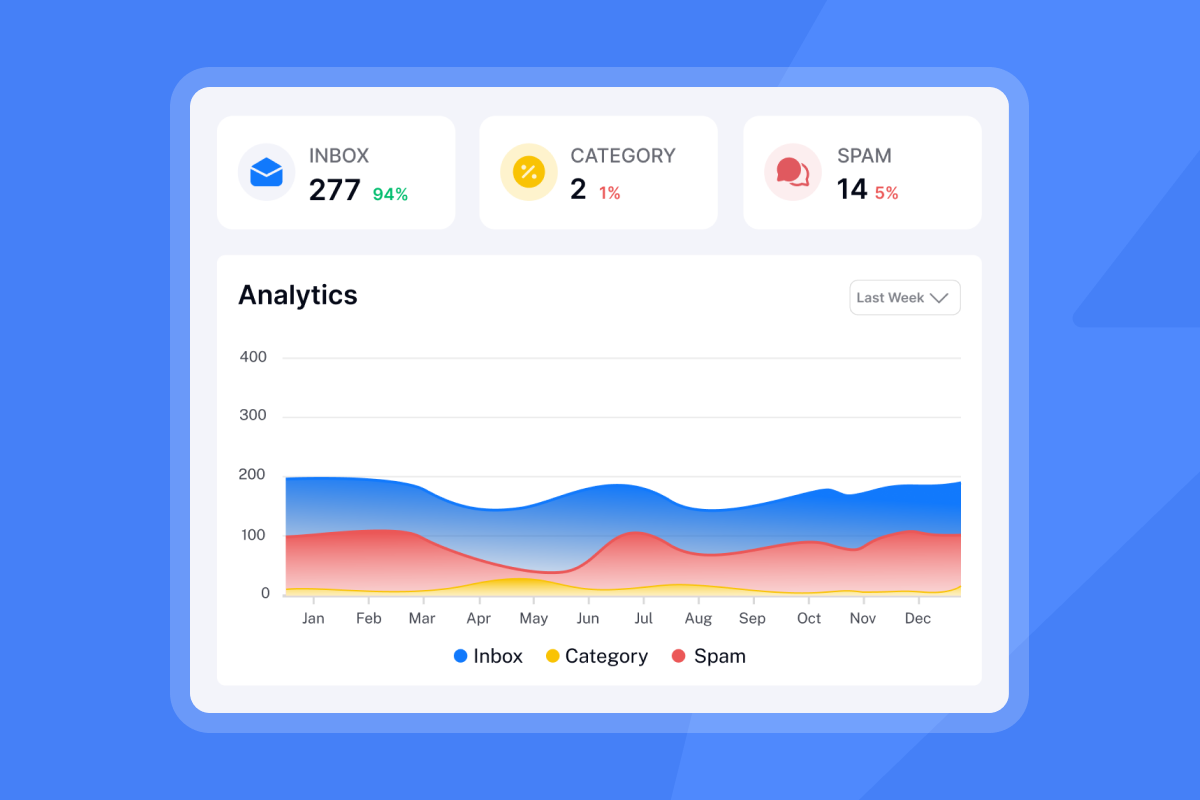
Pre-verified leads from Lead Finder arrive ready for campaign sends. Imported CSV lists carry elevated bounce risk without a verification step. Running those imports through lead verification at 0.25 credits per lead before sending help keep bounce rates within the below-2% threshold. BounceShield automatically skips known high-risk recipients, and the Deliverability AI Agent (Hypergrowth+) monitors DNS health, warmup scores, bounce rates, and blocklist status on a 24-hour cycle with one-click remediation.
For a structured ROI model you can run against your client accounts, see Instantly's AI Sales Agent ROI calculator.
Testing AI Reliability for B2B Prospecting Data
AI research tools perform differently depending on how well-documented your target market is. Before scaling across client accounts, test reliability against your actual ICPs, not just vendor demo data.
AI Research Depth by Market Segment
AI agent research output quality depends heavily on how much verified public data exists for the target account. These companies generate consistent public signals: job postings, funding announcements, press releases, and technology adoption data that agents can verify across multiple sources.
Coverage thins out for small businesses, local operators, and companies with limited digital footprints. When an agent cannot find corroborating signals, it fills gaps with assumptions rather than verified data. Gaps in public data increase the likelihood that an agent will fill missing information with unverified assumptions.
Before deploying AI research on a new client vertical, pull a sample from Lead Finder using that client's ICP filters. Spot-check firmographic data against publicly available sources before approving the sequence. Use early sample runs as an ongoing signal for how much manual review that segment needs. Re-evaluate output quality across multiple runs before drawing firm conclusions about that vertical.
Managing AI Hallucination and Error Rates
Hallucination in AI research means the agent states a fact it cannot verify, for example, attributing the wrong technology stack to a company, citing a funding round that did not happen, or generating a personalized opening line based on a misread job title. The risk increases wherever an agent encounters sparse, ambiguous, or contradictory public data.
The following controls reduce this risk:
- Use manual approval mode to review AI-generated sequences before they send. The AI Sales Agent lets you review every AI-generated sequence before it sends. Use manual mode when entering a new client vertical to review output quality before switching to Autopilot.
- Cap guidance rules tightly. Each AI Sales Agent supports up to 10 guidance rules per workspace. Specific rules give the agent less room to interpret ambiguously and make output easier to review. Specify the exact job titles, company sizes, and signal types you want the agent to act on.
- Review AI-generated opening lines before each send run. Review AI-generated opening lines for accuracy and tone before approving a full send run. If personalization reads as generic or implausible, tighten ICP filters and re-run.
For enterprise accounts where message precision matters most, manual research on the top 20 to 30 accounts in a list often produces better results than AI-generated personalization alone. Use AI to qualify and route the bulk of the list, and reserve manual research for accounts where a wrong detail would close the conversation.
Optimizing Daily Research Send Limits
Daily send limits protect sender reputation and prevent deliverability from degrading across client accounts. Cap campaign sends at 30 emails per inbox per day to protect sender reputation. Running more inboxes in parallel is the correct way to scale volume, not raising the per-inbox cap.
In the AI Sales Agent settings, the daily sending limit runs from 10 to 10,000 emails per day across the agent's full account set. Set the limit to match the number of warmed inboxes multiplied by 30. Five warmed inboxes support a safe daily ceiling of 150 sends.
Instantly requires a minimum 2-week warmup and a health score above 90% before campaign sends. Instantly's 2026 benchmark report recommends starting at 5-10 emails per day and ramping gradually over 4-6 weeks to full volume. The most common cause of domain blacklisting is a dirty list. High bounce rates and spam-trap hits signal to inbox providers that data was bought or scraped. Sudden volume ramps on cold domains compound that risk and follow the same pattern inbox providers flag as suspicious.
The Lead Finder Agent maintains a minimum active lead count automatically, so campaigns do not stall mid-run as earlier leads move through the funnel. Configure its threshold to ensure campaigns do not stall mid-run as earlier leads move through the funnel.
Training Needs for AI Sales Agents
AI Sales Agents do not self-configure. Each agent needs a clear ICP definition, well-scoped guidance rules, and a validated sample before it runs reliably at scale.
The setup work that matters most:
- ICP configuration: Define firmographic filters (company size, industry, revenue range), technographic requirements from the Signals filter, and the intent signal types you want the agent to act on. Document each client's ICP, Business Offer, and Guidance Rules so every new AI Sales Agent starts from the same settings. Business Offers can be duplicated inside the agent, which cuts setup time for repeat launches.
- Guidance rules: The AI Sales Agent supports up to 10 guidance rules per workspace. Write rules that reflect how your client's best reps qualify a lead, not generic instructions. Specific rules produce more consistent output.
- Sample validation: Before approving a full send run, review a sample of AI-generated opening lines for accuracy and tone. This is especially important whenever you are entering a new client vertical or have made substantial changes to ICP filters or guidance rules.
- Credit budget caps: Set a credit budget cap in the AI Reply Agent settings to prevent runaway credit consumption on high-reply campaigns. Five credits per reply adds up quickly on active campaigns without a ceiling.
Agents improve when input data improves. If output quality is inconsistent, check list quality and ICP filter specificity before adjusting the agent's configuration.
Calculating ROI on AI Research Agents
ROI for AI research tools shows up in two places: labor recovered from manual prospecting and improvement in cost per meeting.
The labor calculation is the most visible part of the ROI picture, but AI agent costs extend beyond hours saved and into infrastructure, orchestration, and oversight that indirect costs often make up the majority of total AI spend. Manual lead research takes 5 to 15 minutes per lead. At 1,000 leads, that is 83 to 250 hours of research and data entry before a single email sends. The AI Sales Agent handles that work in minutes, freeing your team for reply handling and closing.
Cost per meeting is a key campaign efficiency metric for evaluating AI research ROI:
Total campaign cost / meetings booked = cost per meeting
Total campaign cost includes your Outreach plan, Instantly Credits consumed, and any enrichment spend.
Instantly's 2026 benchmark report found top-quartile senders reach 5.5%+ reply rates with disciplined 4 to 7 step sequences at under 80 words per email. At the 3.43% platform average from Instantly's 2026 benchmark report, 1,000 verified leads produce about 34 replies. Top-quartile senders at 5.5% produce about 55. At an illustrative 30% reply-to-meeting rate, that works out to roughly 10 to 17 meetings, though results vary by team and offer. Consistent senders who maintain warmup and list hygiene see 15 to 20% higher reply rates than inconsistent senders, per the same report.
For a structured model you can run against your own account volume, see Instantly's AI Sales Agent ROI calculator.
AI sales agents can take most routine company research off your team's plate, but the payoff depends on validation, clean data, and protected sending infrastructure. Start with one client, verify output in manual approval mode, then scale the settings that hold up.
Ready to deploy AI research across your client accounts? Start a free Instantly trial and run the AI Sales Agent on one client campaign. No credit card required. Your 14-day Outreach trial includes 2 sending accounts, 250 uploaded contacts, and 1,000 emails. The free Instantly Credits trial includes 100 credits to test Lead Finder and the AI Sales Agent.
FAQs: AI Sales Agent for B2B company research
Can AI sales agents fully replace manual company research?
AI Sales Agents can handle much of the routine B2B company research for most target segments, covering firmographic lookup, technographic enrichment, and intent signal scoring automatically. For accounts where message precision matters most, Instantly's manual approval mode lets you review and refine AI-generated sequences before any send.
How accurate is AI-generated firmographic data?
Accuracy depends on the data sources the agent uses and how recently they were refreshed. Instantly's waterfall enrichment checks 5+ verification providers in sequence, and leads sourced in Lead Finder arrive pre-verified. Imported lists need a separate verification step at 0.25 credits per lead before sending.
What's the typical ROI timeline for AI research tools?
Early indicators like reduced researcher hours and faster campaign launches often appear within the first few weeks of deployment, though meaningful cost-per-meeting improvements typically take a full campaign cycle or two to measure accurately. Track total plan cost divided by meetings booked, and use the ROI calculator to model your specific account volume.
How does list verification affect deliverability when using AI research agents?
The quality of your lead list determines deliverability, not the research method. Pre-verified leads from Lead Finder help keep bounce rates below the 2% threshold, and BounceShield automatically skips known high-risk recipients. The Deliverability AI Agent (Hypergrowth+) monitors DNS, warmup scores, and bounce rates every 24 hours and flags issues before they compound across client accounts.
How do I integrate AI research with my existing outbound stack?
See "CRM and Tech Stack Sync Options" above for a full breakdown of native integrations and Zapier and Make coverage.
Key terms glossary
Firmographic data: Company-level attributes including industry, size, revenue range, and location, used to filter and score target accounts before outreach.
Technographic data: Information about the software and technology stack a company uses, sourced from tools like BuiltWith and Wappalyzer to find companies using a competitor or complementary product.
Intent signals: Behavioral data points indicating a buyer may be in-market, including recent job postings, funding announcements, competitor mentions, and social activity patterns.
Waterfall enrichment: A sequential verification method that checks one data provider, then falls back to the next if no match is found, until a verified contact is returned or all providers are exhausted.
ICP (Ideal Customer Profile): A definition of the company attributes and buyer characteristics that make a prospect most likely to convert, used to configure AI agent targeting rules.
Sender reputation: A score assigned to an email address or domain by inbox providers based on historical sending behavior, bounce rates, spam complaints, and engagement rates.
BounceShield: An Instantly feature that automatically skips known high-risk recipients based on real-time and historical bounce data, preventing hard bounces before they damage sender reputation.
Warmup: The process of gradually increasing email send volume from a new or inactive account to build positive sending history with inbox providers before launching cold campaigns.
Unibox: Instantly's centralized reply management inbox that aggregates responses across all sending accounts and campaigns in one place, with AI-powered reply classification.
SISR (Server and IP Sharding and Rotation): An Instantly Light Speed plan feature that automatically routes outbound sends across dedicated private servers and IP pools to isolate sender reputation across client accounts.
Read next
- Best AI sales prospecting tools for B2B teams in 2026: A breakdown of the top AI prospecting platforms, what each does well, and how to choose the right fit for your outbound stack.
- What is AI sales automation? Definition, components & why GTM teams need it now: Covers what AI sales automation actually means, the core components, and where it fits into a lean outbound workflow.
- Best AI sales agents for conversion rates: What actually drives reply & meeting rates: A data-backed look at which agent behaviors and sequence habits consistently move reply rates toward the top-quartile 5.5%+ threshold.


