.svg)
%20(1).svg)


Updated May 15, 2026
TL;DR
Prospecting campaigns fail because of bad data, unsafe send volumes, and single-threaded outreach, not weak products or reps.B2B contact data decays at 22.5% per year, which means a list built six months ago is already stale. Keep bounce rates under 1%. Top cold email performers exceed a 10% reply rate, against an industry average of 3.43% (Instantly 2026 Cold Email Benchmark Report). Centralized reply management helps teams avoid duplicate outreach when multi-threading across buying committees. Instantly.ai gives sales teams flat-fee unlimited inboxes, a built-in warmup network of 4.2M+ accounts, and a centralized Unibox to fix these errors in one platform.
Most sales teams, founders, agencies, and RevOps operators obsess over subject lines while the real problem is upstream: bad data, uncapped send volumes, and outreach without a shared framework. Small execution errors compound fast when you are contacting enterprise decision-makers at scale. This guide breaks down the seven most common decision-maker prospecting mistakes and shows you how to build a system that protects sender reputation and books more meetings.
How outreach failures starve your pipeline
Gartner's research found that only 48% of digital initiatives meet or exceed their business outcome targets. When outbound campaigns fail to generate pipeline, the cause is rarely the product being sold.
Wasted spend and cascading pipeline decay
When reps prioritize contact volume over contact quality, every resource attached to those contacts gets burned on people who will never buy. A single email to an outdated or mismatched contact is a bounce risk, a spam complaint risk, and a negative data signal that tells your mailbox provider your list hygiene is poor. At scale, bad targeting creates low engagement, low engagement hurts domain health, and damaged domain health reduces inbox placement across future campaigns. The cascade is predictable, which also means it is preventable. The sections below map each failure mode to a specific system fix.
Mistake 1: misidentifying key pipeline influencers
Treating all decision-makers the same is one of the fastest ways to stall a deal. An economic buyer evaluates ROI and strategic alignment. A technical buyer checks integration fit and implementation risk. A champion advocates internally. Reaching only one of these stakeholders, or reaching the wrong one first, creates friction that kills pipeline momentum.
How mis-targeting kills pipeline
Generic, company-focused emails fail to land because they do not reflect the specific pain of the reader's role. According to Forrester research, 68% of B2B buyers already have a preferred vendor in mind at the start of their purchasing process, and 80% of the time that front-runner wins. A generic pitch gives you no reason to displace the incumbent.
Mapping key stakeholder roles
Define three profiles for every target account: economic buyer (ROI, risk, budget control), technical buyer (specs, integrations, implementation), and champion (end-user advocate who helps manage internal politics). Research company news, recent hires, and LinkedIn activity to understand each role's current priorities before writing a word of outreach. Enterprise deals require an average of 27 interactions to close, spanning 15 digital and 12 human touchpoints, which means a structured cadence, not ad-hoc follow-up.
Verification steps before outreach
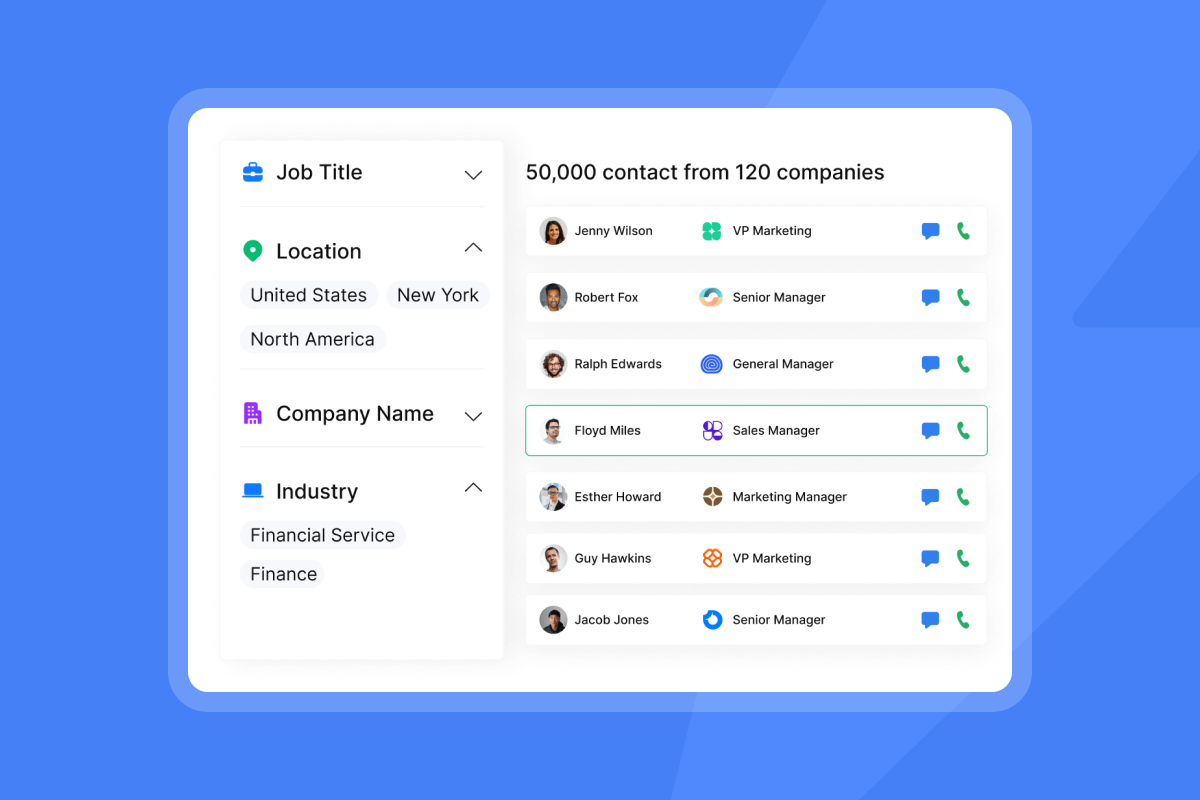
Before adding a contact to a sequence, verify current job title, correct email format, and active employment. Instantly's B2B lead finder gives you access to 450M+ verified B2B leads with 13 granular filters, including job title, company size, industry, revenue, and technology stack. Waterfall enrichment across 5+ data providers means you get the highest-confidence email before a single send.
Mistake 2: neglecting data hygiene and list verification
Bad data is the fastest way to destroy a campaign before it starts. According to Marketing Sherpa, B2B contact data decays at 22.5% per year on average, and in high-turnover industries like tech and SaaS the rate can reach 70%. The Bureau of Labor Statistics reports the median employee tenure is now 3.9 years, and in tech it is often 2 to 3 years. A list you built 12 months ago is already compromised.
Poor data's impact on inboxing
Outdated job titles mean mismatched messaging. When your email references a role the contact left a year ago, the message reads as generic at best and careless at worst, and a prospect who feels misunderstood rarely replies. Incorrect email formats generate hard bounces, and hard bounces are one of the fastest ways to damage sender reputation with mailbox providers. Gmail and Microsoft track engagement patterns across your sending domain. When they see a high proportion of undeliverable addresses relative to total sends, they interpret it as a signal that your list was not verified before use, and they adjust your inbox placement accordingly.
Role-based addresses such as info@, support@, and admin@ carry similar risk. These addresses often route to shared inboxes monitored by multiple people, which means low engagement is almost guaranteed and spam complaints are more likely. Both hard bounces and low engagement from unverified contacts signal poor sender hygiene to Gmail, Microsoft, and other mailbox providers. The Instantly help center's guide to fixing campaign bounces covers the most common bounce types and how to prevent them before they accumulate.
Bad data bounces: blacklist warning signs
A hard bounce rate above 1% is the modern threshold that triggers mailbox provider scrutiny. Industry research shows that bounce rates above 2% can damage sender reputation, and rates above 5% risk blacklisting. When your bounce rate climbs above 5%, blacklisting becomes a real risk.
The email deliverability for sequences guide on the Instantly blog details how authentication (SPF, DKIM, DMARC), warmup, and list hygiene work together as a system to maintain consistent primary inbox placement.
How to clean prospecting data
Run every list through verification before uploading it to a campaign. Dirty lists are one of the top reasons campaigns stop generating pipeline, a pattern reflected consistently across cold email performance data. Track opt-outs manually and remove those contacts from all active sequences before your next send to prevent repeat outreach to disengaged prospects.
"Features like email rotation, warm-up, and time zones for each target segment are very valuable for email marketing. The global unsubscribe list is useful to avoid outreaching to uninterested people multiple times." - Bara A. on G2
Mistake 3: conflicting messages kill buyer trust
When reps write their own outreach without a shared framework, messaging quality varies widely. One rep sends a polished, prospect-centric sequence. Another sends a generic template that reads like a mass broadcast. The prospect sees both, and the inconsistency signals disorganization before you get a reply.
Eroding prospect trust with inconsistency
A prospect-centric message references a specific pain, acknowledges the buyer's role, and asks a small question. A generic message leads with features and asks for time. The table below shows the gap:
Element | Generic (avoid) | Prospect-centric (use) |
|---|---|---|
Opening | "Our platform improves sales performance." | "Saw your team posted three SDR roles last week." |
Value prop | "We have 450M+ verified contacts." | "Teams in [industry] cut bounce rates to under 1% using verified data." |
Ask | "Can we schedule a 30-minute demo?" | "Is outbound a priority for Q3, or is this a Q4 conversation?" |
Tone | Broadcast | One-to-one |
Controlling rep messaging and domain health
Sequence governance means every rep sends from an approved template set, and changes go through a review before going live. Without governance, one rep's off-brand email can damage the domain health shared by the entire team, especially when multiple reps share sending domains through inbox rotation. The subject line testing governance framework on the Instantly blog covers how to set up a testing and approval process that keeps messaging quality consistent at scale.
How to standardize prospecting templates
Instantly's A/Z email testing lets you test up to 26 variants per sequence step, from subject lines to body copy, and measure which version produces the highest reply rate across your team's actual sending data. This creates an evidence base for template decisions rather than relying on rep intuition.
The cold email subject line checklist on the Instantly blog provides a pre-send QA framework your team can use before every campaign goes live.

Mistake 4: failing to map the buying committee
Enterprise deals require consensus. Gartner's research on the B2B buying process found the average B2B buying committee has 11 members. When teams single-thread to one contact, every other stakeholder evaluates the decision without ever hearing from you, which lets your competitor fill the gap.
Identifying all buying committee members
For each target account, map three roles before outreach begins:
- Economic buyer: Controls the budget and defines success criteria, focused on ROI and risk.
- Technical buyer: Usually in IT, RevOps, or engineering, focused on integration fit and implementation.
- Champion: The internal advocate and primary end-user who makes the internal case for the purchase.
Research signals like LinkedIn activity, company news, and job posting language help identify which stakeholders are actively involved in a buying decision right now.
How to multi-thread prospecting teams
Reach all three roles simultaneously with separate, role-specific messaging. The economic buyer gets an ROI and pipeline coverage angle. The technical buyer gets an integration and deliverability infrastructure angle. The champion gets a workflow and time-savings angle. Assign one rep per role per account, not one rep per account across all roles. Watch the signal-based cold email webinar from Instantly to see how to use company-level and individual-level signals to time and target multi-threaded outreach and improve message relevance across a buying committee.
Avoid duplicate prospecting
The operational risk of multi-threading is two reps emailing the same contact on the same day with different messages. That collision is visible to the prospect and immediately signals internal disorganization. Instantly's Unibox consolidates every reply, task, and opportunity from all campaigns and email accounts into one centralized dashboard, filtered by campaign, rep, or account, so your team can see at a glance which contacts have been touched and what they said.
"I love that Instantly lets me reach the right people directly... The multi-inbox management, warm-up, and personalization tools make it easy to run campaigns across different sub-niches like HVAC, glazing, and steel fabrication." - Victor on G2
Mistake 5: automation without proper admin controls
Automation without guardrails is the fastest way to burn a domain. When reps can set their own send limits, disable warmup, or upload unverified lists without admin oversight, one bad decision wipes out the sender reputation shared across the entire team's sending infrastructure.
How automation harms domain reputation
Sending too many emails too fast from a new domain triggers spam filters at Gmail and Microsoft. Mailbox providers measure engagement (opens, replies) against volume, and when positive engagement drops below expected thresholds, inbox placement suppresses across all future sends from that domain.
Protecting domain health with send pacing
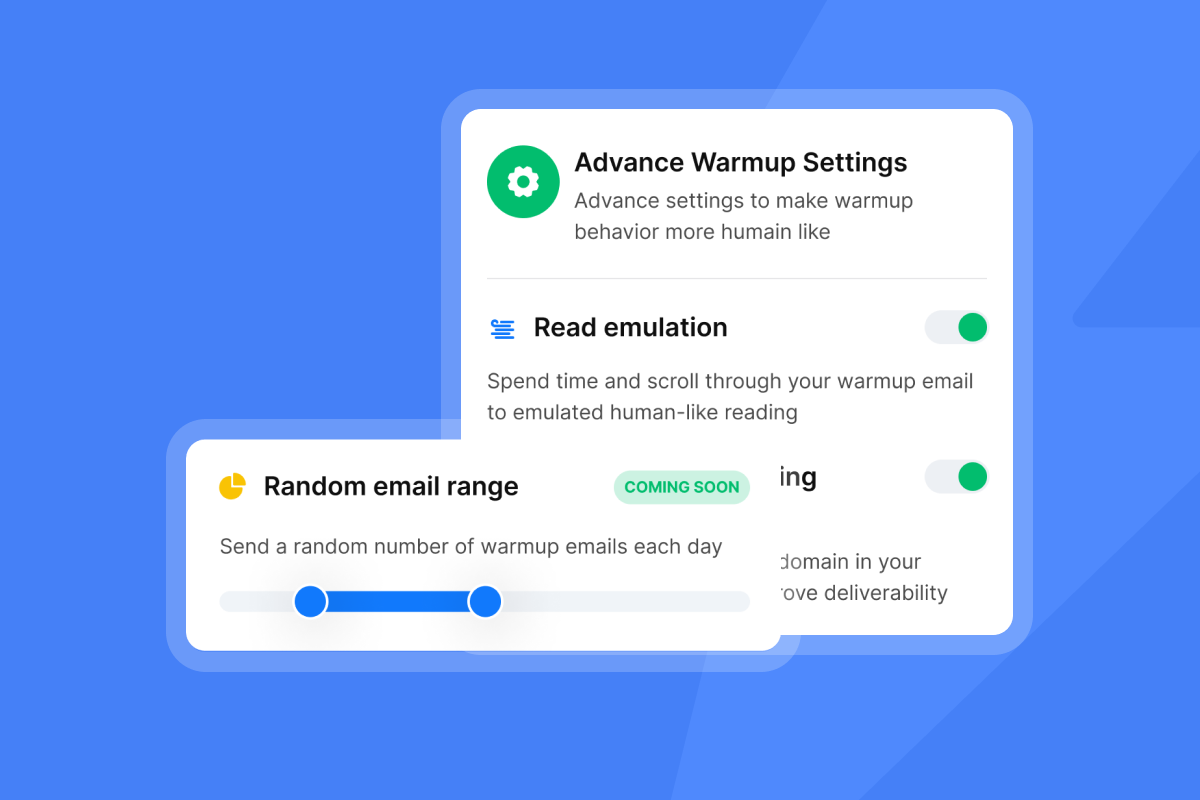
A safe ramp-up schedule for a new domain works in stages. Start at 5 sends per inbox per day in week one. Move to 15 in week two. Cap at 30 per inbox per day in week three and beyond. Crossing 30 per inbox per day is where deliverability risk compounds, regardless of list quality.
Instantly's send pacing and send window controls let admins set these limits at the account level so reps can't override them. The Instantly help center's secondary sending domains guide explains how to distribute volume across multiple domains to protect each individual domain's reputation while increasing overall throughput.
Monitoring deliverability health
Knowing your inbox placement rate before a campaign fully ramps is the difference between catching a problem early and discovering it after a week of wasted sends. Instantly's Inbox Placement tests run automated checks against a seed network of accounts, reporting whether your emails land in the primary inbox, promotions tab, or spam folder, and triggering alerts when placement drops. The platform's deliverability network of 4.2M+ accounts provides the warmup engagement signals that tell mailbox providers your domain is trusted.
Mistake 6: dropping the ball on prospect follow-up
Most replies from enterprise decision-makers come after the second or third touch, not the first. Research on cold email sequence performance shows that campaigns with 4 to 7 steps generate three times the reply rate of those with only 1 to 3 steps. Teams that send one email and move on leave a large portion of their addressable pipeline untouched.
Pacing sequences and managing reply accuracy
A well-paced sequence spaces steps 3 to 4 days apart with a single clear ask in each message. But follow-up that continues after an opt-out, or that misses a positive reply, creates the opposite problem: a damaged buyer relationship and a compliance risk. Continuing outreach after an opt-out, or sending follow-ups while a prospect is away and unreachable, damages the buyer relationship before it starts and creates an exposure you cannot easily walk back.
Email tracking myths around open rates matter here too. Apple Mail Privacy Protection and security bots inflate open rate figures, which means open rate alone is an unreliable signal for follow-up timing. Reply rate is the metric that matters.
When to stop prospecting outreach
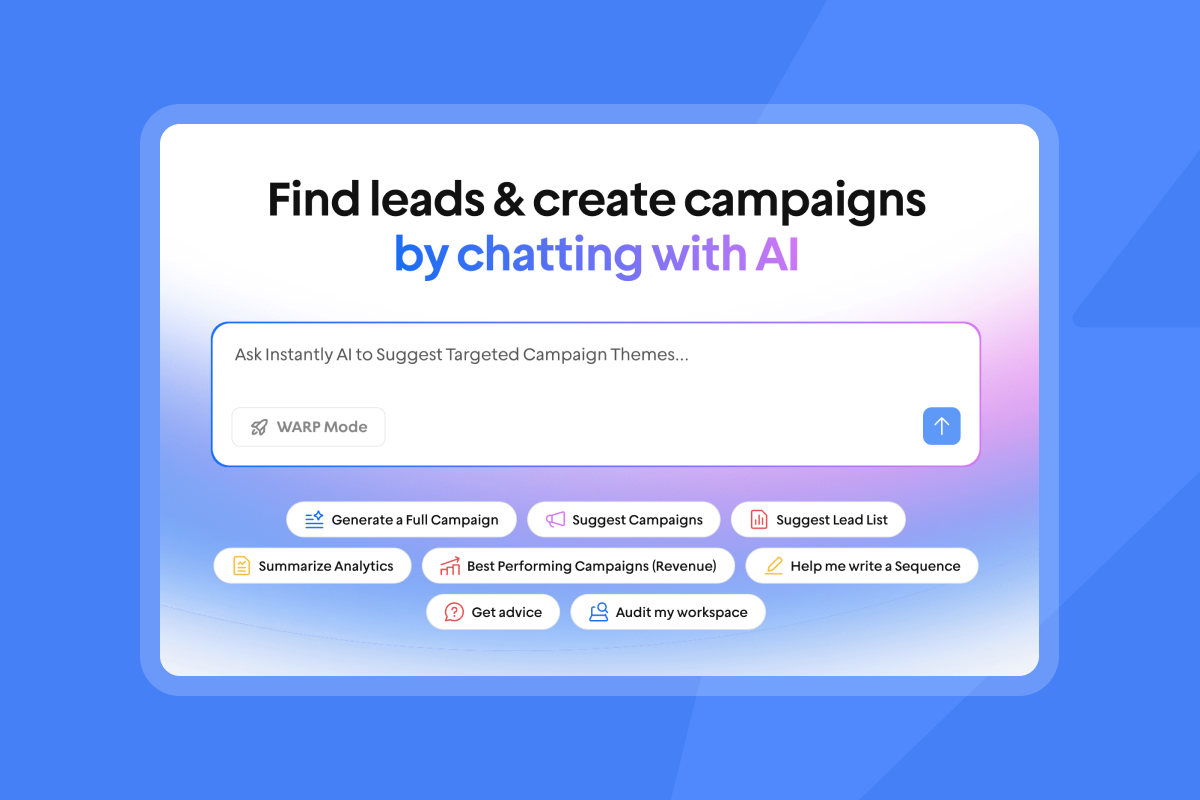
Instantly's AI Reply Agent reads incoming emails and classifies them automatically using labels such as "Interested," "Not interested," "Out of Office," "Meeting booked," and "Referral." The agent can be configured to stop sequences based on reply type, protecting your sender reputation from unnecessary follow-up. Responses go out in under 5 minutes, 24/7, keeping leads warm while intent is still high.
Mistake 7: data privacy violations and consent issues
Using data from sources with unclear consent posture is a compliance risk that can result in GDPR fines, CAN-SPAM complaints, and public brand damage. Sales leaders who have not reviewed their data sourcing process are carrying unknown liability.
Compliance fines and lost deals
GDPR fines for unlawful data processing can reach 4% of global annual revenue, and CAN-SPAM violations carry per-email penalties. Beyond fines, a single public complaint from a mishandled opt-out can damage brand trust in the exact markets you are trying to enter. The privacy and compliance guide on the Instantly blog covers GDPR and CCPA obligations for outbound sales teams in detail.
Required data source disclosures
Before running a campaign, document where each list came from, how contacts were collected, and whether the data source operates under a consent framework compatible with your target market. This is basic data lineage, and it is what makes your process defensible if a complaint is filed.
Standardizing consent workflows
Instantly operates under a published Data Processing Agreement that details sub-processors, audit rights, and the categories of data customers must not upload, including PHI, payment card data, and biometric data. The DPA is publicly available for enterprise buyers conducting security reviews, and the sub-processor roster is accessible on request through the DPA process.
How to audit your prospecting process
Fixing prospecting errors requires a regular audit cycle, not a one-time cleanup. Use the framework below before each new sequence launch.
Track prospecting health metrics
Focus on four metrics that directly reflect outreach health:
Metric | Target threshold | Why it matters |
|---|---|---|
Bounce rate | Under 1% | Above 2% sustained for 5-7 days suppresses Gmail inbox placement |
Reply rate | 5% or above | Primary signal of list quality and message relevance |
Open rate | Directional only | Inflated by Apple MPP and bots, accuracy is unreliable |
Cost per meeting | Total spend divided by meetings booked | The metric that withstands CFO scrutiny |
According to Instantly's 2026 Cold Email Benchmark Report, the average cold email reply rate is 3.43%, with top performers exceeding 10%.
Warning signs of outreach failure
Pause a campaign immediately when you see any of these signals:
- Bounce rate climbs above 1% in the first 48 hours of a new campaign
- Reply rate stays flat or declines across multiple sequence steps with no improvement between touches
- Inbox Placement test shows spam or promotions placement for more than 20% of tested accounts
- Spam complaint rate approaches 0.1% from any single sending domain
The campaign troubleshooting guide in the Instantly help center provides a step-by-step diagnosis process for campaigns that stop sending or show unexpected delivery failures.
Developing your prospecting runbook
A prospecting runbook standardizes execution across every rep. Use this checklist before launching any new campaign:
- ICP definition: Job title, company size, industry, and buying signals confirmed.
- List verification: Run all contacts through an email verification tool before upload. Remove invalid, role-based, and catch-all addresses from the list.
- Domain warmup status: All sending domains warmed for at least 30 days. Inbox Placement test passed.
- Send pacing confirmed: Daily send cap set at or below 30 per inbox. Send window aligned with business hours.
- Sequence governance review: All templates approved. A/Z testing variants configured. No unapproved copy in production.
- Reply triage assigned: AI Reply Agent configured. Human-in-the-loop review scheduled for "Interested" and "Referral" labels.
- Metrics baseline set: Bounce rate and reply rate targets documented. Alert thresholds configured in the deliverability dashboard.
Ready to fix your pipeline? Try Instantly free and use the audit framework above to standardize execution, protect domain health, and book more meetings across your entire team.
FAQs
What makes a strong ideal decision-maker profile for cold outreach?
A strong profile defines job title, company size, industry, pain point, and a current buying signal such as a recent hire, funding round, or technology change. Build one profile per buying role (economic buyer, technical buyer, champion) and verify each contact against it before adding them to a sequence.
What bounce rate threshold signals a bad list?
A bounce rate above 1% is the modern warning threshold for cold outreach. Bounce rates above 2% signal list hygiene problems that damage sender reputation with mailbox providers, and rates above 5% risk blacklisting. Separately, Google's sender guidelines require keeping spam complaint rates below 0.1% and warn that rates approaching 0.3% trigger inbox placement suppression.
When should you end a prospecting sequence?
End a sequence after 4 to 7 steps with no engagement, or immediately upon an opt-out reply. For accounts where one stakeholder does not respond, shift to a different buying committee member rather than continuing to contact the same person.
What safeguards protect inbox placement when using automation?
Cap sends at 30 per inbox per day, run a 30-day warmup on any new domain, and align send windows with the prospect's local business hours as a general deliverability best practice. Configure automated Inbox Placement tests to alert you before a deliverability problem compounds. Keep spam complaint rates below 0.1% across all sending domains.
How many touchpoints does it take to reach an enterprise decision-maker?
Closing a B2B enterprise deal typically requires an average of 27 interactions to close, spanning 15 digital and 12 human touchpoints, and complex deals involving multiple departments can require more across multiple stakeholders. Plan sequences for at least 4 to 7 touches per contact and map each touch to a specific buying committee role.
Key terms glossary
Throughput: The total volume of emails a sending account or system successfully delivers within a set period, typically measured per day per inbox. Keep individual inbox throughput at or below 30 emails per day to protect sender reputation.
Unibox: Instantly's centralized inbox that consolidates replies and conversations from all campaigns and email accounts into one dashboard, filtered by campaign, rep, or account status.
Inbox Placement: Whether an email lands in the recipient's primary inbox, promotions tab, or spam folder. Inbox Placement tests run automated checks against a seed network to report placement before a campaign fully deploys.
Primary inbox: The main folder in a recipient's email client where emails from known senders and trusted domains land. Getting into the primary inbox is the baseline objective for all cold outreach.
SISR (Server and IP Sharding and Rotation): Instantly's Light Speed plan infrastructure feature that assigns dedicated private server and IP pools to your sending accounts, reducing the risk of one sender's behavior affecting another's delivery reputation.
List hygiene: The ongoing process of verifying, updating, and removing stale or invalid contacts from a prospecting list. Poor list hygiene is the primary cause of bounce rates above the 1% safe threshold.
Read next
- B2B email list decay: how to keep your prospect data fresh: B2B contact data decays at 22.5% per year. Learn how to identify stale records, run verification before uploads, and keep bounce rates below the 1% threshold.
- How To Send Cold Emails + 5 Templates That Get Replies: A practical guide to writing cold emails that earn replies, including five tested templates your team can adapt and deploy today.
- Meeting Scheduling Email Guide for Cold Outreach 2026: How to turn a positive reply into a booked meeting without friction, covering timing, ask structure, and follow-up after a prospect goes quiet.



