.svg)
%20(1).svg)


Updated April 20, 2026
TL;DR: AI cuts proposal email drafting time by up to 80%, but it can't write your unique value proposition, handle nuanced objections, or replicate your brand voice without human review. Use AI to generate first drafts, scale personalization across hundreds of contacts, and run A/B subject line tests. Step in manually for high-value accounts, regulated industries, and any email that carries strategic weight. Instantly's AI Sequence Writer and AI Reply Agent sit inside an unlimited-account infrastructure with built-in warmup and deliverability protection, so you can scale proposal outreach without per-seat pricing or spam filter casualties.
AI tools can make writing a business proposal email up to 80% faster. But if you let a bot write your entire pitch and hit send without review, your reply rate will drop to zero and your domain reputation will pay the price.
The founders who get this wrong treat AI as an autopilot. The ones who book meetings treat it as a co-pilot: AI handles the first draft and the scaling busywork, while you inject the strategic positioning, objection handling, and brand voice that actually converts.
This guide breaks down exactly when to use AI for business proposal emails, when to step in manually, and how to build a system that scales your outreach without sounding like a robot or burning your sender reputation.
Where AI-powered proposal emails save the most time
AI delivers the highest return on the repetitive, time-consuming tasks that eat your day: generating first drafts, scaling personalization, testing subject lines, and producing sequence variants. The key is knowing which of these tasks to hand over and which to keep.
Generate your first proposal draft
Anthropic's analysis of 100,000 real conversations found that AI handles complex tasks people would typically spend around 1.4 hours completing, at a fraction of the time. For proposal emails, that means faster first drafts and more time for editing, personalization, and sharpening the argument.
You can use AI to draft proposal emails across several formats:
- Introductory cold pitch: A short, specific opening email that connects a pain point to your offer
- Follow-up after a call: A recap email referencing conversation details with clear next steps
- Pricing and scope summary: A bullet-point summary of deliverables, timeline, and expected outcome
- Sequence follow-up: Days 3, 7, and 14 follow-ups that maintain a logical thread without repeating the opener
A strong prompt for a cold pitch looks like this: "Act as a B2B SaaS founder selling [product] to [role] at [company size]. Tone: conversational, not salesy. You noticed they just [specific trigger]. Write a 75-125-word email with one specific observation, one problem you solve, and a clear ask for a 15-minute call. Do not use 'I hope this email finds you well,' urgency words, or generic value propositions."
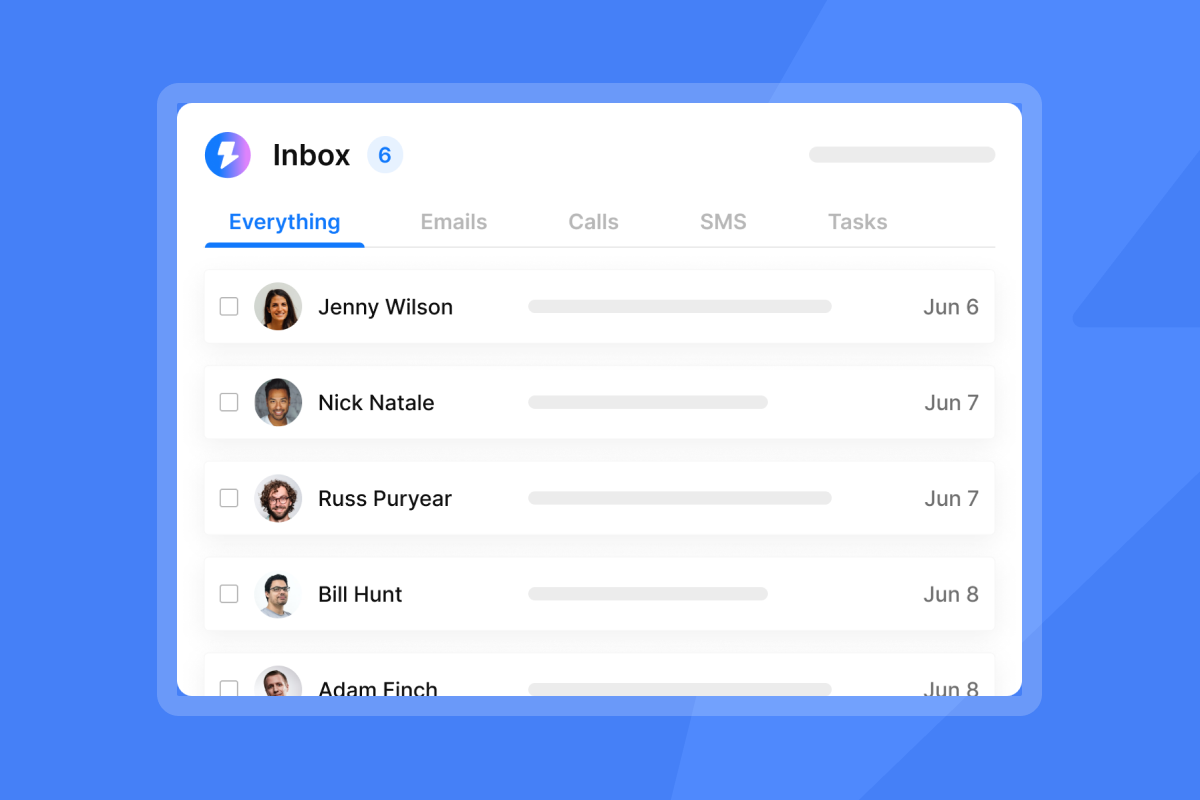
The Instantly AI Sequence Writer generates a full multi-step sequence from a brief like this in minutes. You review, edit, and own the output before it goes anywhere near a contact.
Tailor proposal emails at scale
Personalization at scale is where AI earns its keep. Writing a role-specific, company-specific opening line for every contact on a 400-person list manually is time-intensive work. AI can generate opening lines that reference a prospect's recent LinkedIn post or company news, if you feed it the right data.
The workflow runs in four steps:
- Pull contacts: Pull verified contacts from your lead source with enrichment fields (role, company size, industry, recent trigger event)
- Map variables: Map those fields to AI prompt variables such as {{RecentHire}} and {{CompanyIndustry}}
- Generate at scale: Run the AI prompt across the list to produce unique opening lines for each contact
- Sample review: Review a subset of outputs for quality before launching to the full list
Nick Saraev's deep personalization system demonstrates how this approach keeps personalization specific enough to feel human while processing contact lists that would otherwise take weeks to write manually.
AI for high-converting subject lines
Subject lines are the ideal AI testing ground because they are short, high-impact, and the consequences of a bad one are contained to an open rate, not a spam block. AI can generate 10 to 20 subject line variants in seconds, giving you a real testing pool without a full rewrite cycle.
Effective prompt patterns for subject line ideation:
- "Write 10 subject lines for a proposal email to a CTO at a 50-person SaaS company. Tone: direct, no hype. Avoid words like 'free,' 'guaranteed,' or 'urgent.' Each must be under 50 characters."
- "Generate 5 curiosity-based subject lines that reference a recent company event without being misleading."
- "Write 5 subject line variants of increasing specificity, from generic to highly personalized."
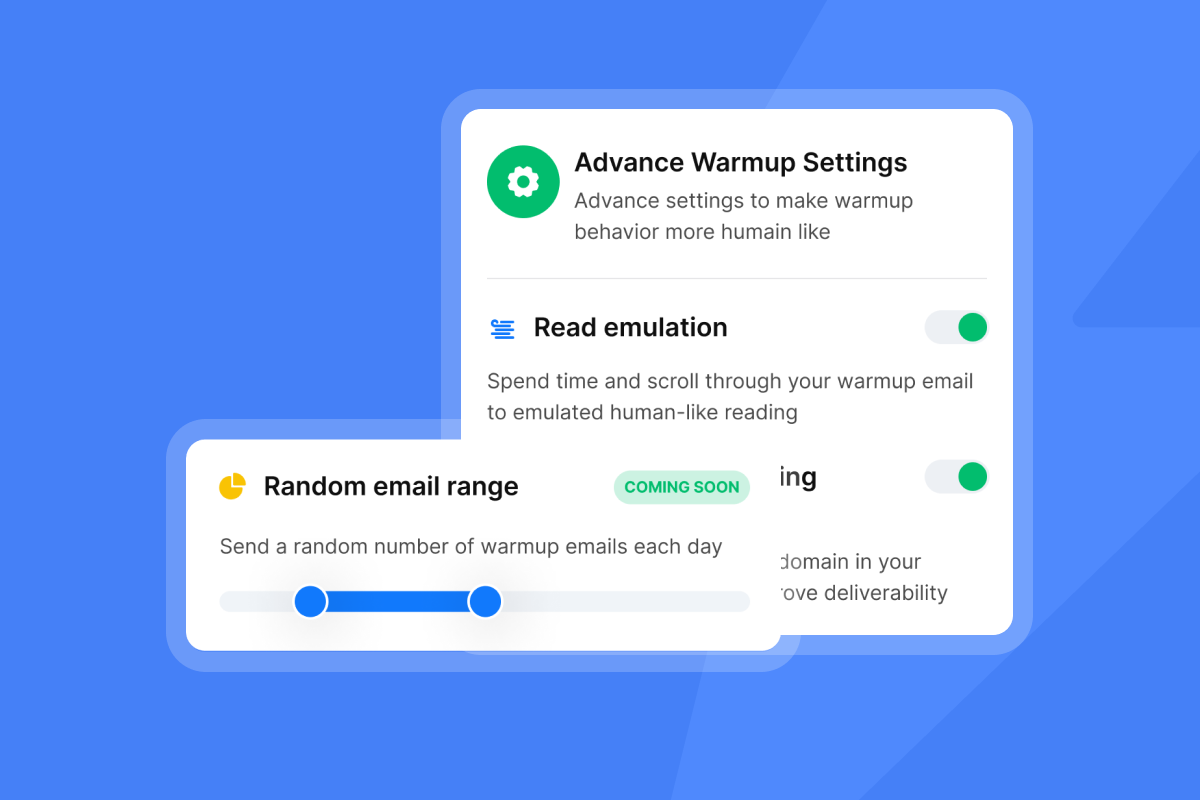
Run every batch through the pre-send subject line checklist before committing to a variant, because spam trigger scoring is cumulative. A weak subject line stacked with an unwarmed domain and an aggressive CTA compounds into a deliverability problem fast.
Optimize your A/B email tests
A/B testing without AI requires writing every variant by hand, which means most founders test two versions at most. AI can quickly generate multiple variants across different dimensions: tone (formal vs. conversational), structure (pain-led vs. proof-led), and CTA type (meeting request vs. low-commitment ask).
Instantly's A/Z testing feature, included in all Outreach plans from the Growth tier, supports multiple variants in a single sequence so you can test simultaneously across a live campaign rather than running slow sequential tests. Feed the AI the variant parameters, review the outputs, load them into the sequence, and let the data decide. For statistically valid results, aim for at least 500 contacts per variant, since reply rates in B2B cold email typically run between 2% and 8%.
"The AI features are top-notch, making it an all-in-one tool that addresses our bulk and targeted outreach needs effectively... the ability to automate email generation really helps us come up with ideas." - Sohaib I. on G2
What AI can't deliver for your pipeline
The proposal management software market will reach USD 9.0 billion by 2035, growing at 11.1% annually. As AI adoption rises across the category, the emails that stand out will be the ones that carry something a bot can't generate: strategic judgment, authentic voice, and genuine understanding of the buyer's situation.
Off-brand AI messaging and voice dilution
Buyers now recognize AI "speak" patterns and spot them immediately. Phrases like "I hope this message finds you well," "circling back," "leverage synergies," and "in today's fast-paced world" signal that no human wrote the email. Generic AI output creates a specific kind of uncanny valley that makes prospects disengage right away.
Common AI clichés and their human alternatives:
AI cliché | Human alternative |
|---|---|
"I hope this message finds you well" | "Hi [Name], saw your post on [topic]" |
"Reaching out to touch base" | "Quick question about [specific issue]" |
"I'd love to tell you more" | "Let's jump on a 15-min call Tues or Thurs" |
"In today's fast-paced world" | (Remove entirely, start with the point) |
"Kindly let me know" | "Let me know what you think" |
Both humans and spam filters now recognize these patterns. The fix is a mandatory human read-aloud before any email goes out. If you wouldn't say it in a conversation, cut it.
Default prompts also produce output that sounds identical to every other startup using the same tool. If your proposal uses "comprehensive solution" or "end-to-end platform," you sound exactly like your competitors. Use AI for competitor analysis (summarize their positioning, find the gaps), then use those gaps to inform your own writing.
Handling unique proposal objections
AI handles common objections with generic acknowledgment that rarely resolves anything. A human founder responding to "we already use a competitor" brings institutional knowledge, relationship context, and strategic positioning that no AI can replicate from a prompt. AI handles budget objections with "I understand budget constraints are important," while a human founder reframes with specific proof from similar implementations or demonstrates clear cost-benefit alignment.
The Anthropic productivity research notes that AI improves performance by nearly 40% when used within the boundary of its capabilities, but causes a 19-percentage-point drop in performance when used outside that boundary. Objection handling sits squarely outside that boundary. For complex objections, write the response yourself, then use AI only to check tone and trim word count.
Crafting a unique value proposition
AI summarizes and recombines existing language. It cannot invent your unique selling proposition because that requires knowing your market position from the inside, your competitors' real weaknesses, and the specific insight you've earned from customer conversations. Asking AI to write your USP produces a version that sounds like everyone else in your category. Your USP must come from you. AI can help you sharpen the phrasing once you have the core insight, but the insight itself is yours to produce.
Tailoring tone for prospects
AI can switch between "formal" and "casual" tone settings, but it cannot detect the specific register that works for a particular buyer. A compliance officer at a large enterprise and a growth manager at a 15-person startup both technically fall under "professional," but they respond to completely different voice patterns, proof types, and CTA framing. Read the prospect's LinkedIn posts, company content, and any prior email exchanges before finalizing tone on any high-stakes send.

Steps for AI-powered founder proposal emails
This five-step workflow uses AI for speed and scale while keeping human control where it matters. Think of it as a production line where AI handles manufacturing and you handle quality control and strategy.
Step 1: Outline your email with AI
Start with a structured brief, not a blank prompt. Give the AI your ideal customer profile, the prospect's role, the specific trigger that prompted the outreach (for example, "they just hired a VP of Sales"), your core offer in one sentence, and your CTA. The more specific your input, the less editing you do on the output.
Inside Instantly, navigate to the Campaigns tab, select "Create Sequence," and use the AI Sequence Generator. Review the draft against this pre-send checklist:
- Personalization tokens: Verify {{FirstName}} and {{CompanyName}} are correctly mapped
- Spam words: Run through the AI Spam Words Checker before finalizing
- Read aloud: Does it sound like something you would actually say? Reading aloud catches robotic phrasing your eye will miss.
- CTA clarity: Is the ask specific (day, time, link) or vague ("let me know if interested")?
- Personal detail: Is there one reference that proves a human read their profile?
The Instantly cold email copywriting framework is a useful reference for structuring your brief before you prompt the AI.
Step 2: Frame your winning offer
Before the formal proposal document arrives, send a pre-proposal email that sets the frame. This email should arrive after a discovery call and before the full scope document, and its job is to confirm you understood the conversation and preview the approach. Structure it with four elements:
- Opening: Reference one specific detail from the call
- Frame: Confirm the core problem you discussed
- Preview: One sentence on the approach you will propose
- Bridge: "Here's the full proposal. Let me know if you want to walk through it together."
AI is useful for structuring the summary, but the key details (what they said, what they need, what you are proposing) must come from your call notes.
Step 3: Tune AI to your brand voice
Build a master prompt that encodes your brand voice and save it as a reusable template. Every AI generation you run should start from this prompt as the system instruction:
You are writing on behalf of [Founder Name] at [Company].
Audience: [role] at [company size/industry].
Tone: [3 descriptors, e.g., direct, specific, slightly informal].
Banned phrases: [list your clichés].
Sentence structure: Lead with the outcome, use active voice,
mix short and medium sentences.
CTA style: Propose a specific next step, never "let me know
if you're interested."
Update this prompt quarterly as your brand voice evolves and you find new AI clichés entering the output. Jake Bhatt's make and Instantly workflow shows a practical implementation of this prompt architecture in live campaigns.
Step 4: Review personalization tokens
Before any campaign goes live, audit individual emails end-to-end, not just the template. Token mapping errors (a blank {{CompanyName}} or the wrong industry variable pulled in) are common and signal carelessness to any recipient. Run a test send to yourself and a second inbox, read the full email as a recipient would, and check every dynamic field manually.
Step 5: Optimize for reply rates
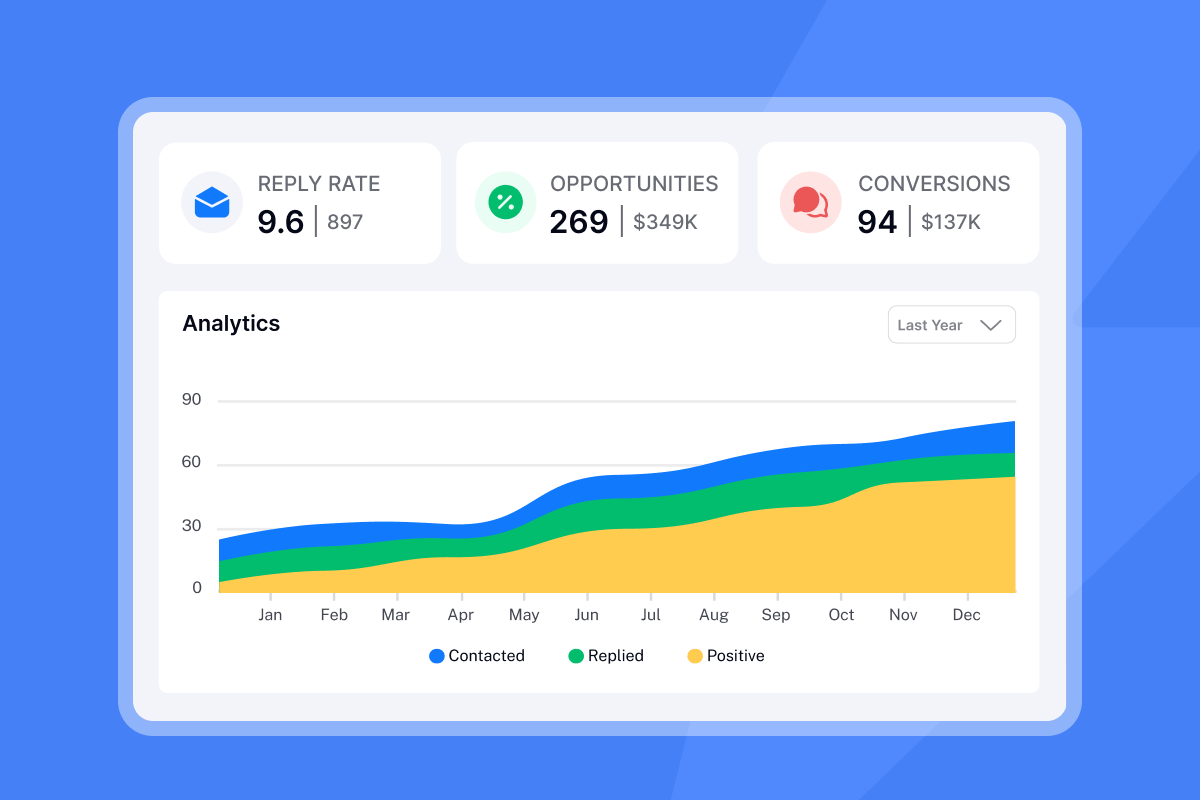
Open rates are an unreliable metric, as our email open tracking accuracy guide explains in detail. Focus on reply rate (target: 5% or above), booked meetings per 100 sends, and pipeline created per campaign dollar. AI can cut proposal drafting time significantly, freeing hours per month for client calls and campaign optimization.
Protect your brand voice when using AI
Brand voice is one of the few things a founder has that a competitor can't copy overnight. The moment you let AI default to generic output, you erase that differentiation and your proposals start sounding identical to every other tool-assisted pitch hitting the same inbox.
Define your AI brand voice
A prompt library is the operational version of a brand voice guide. Build a library of master prompts that cover your main proposal email types: cold intro, post-call follow-up, pricing summary, and objection reframe. Store these in a shared doc your team can access and update.
Each prompt should include: target role, banned phrases specific to your brand, one example opening line that sounds like you, and the exact CTA format you prefer.
"The UI UX is clean and easy to follow, setting up domain and emails were smooth, the copilot does help with writing cold emails may be because of the system prompt designed specifically to write cold emails." - Vivek from Mapster on Trustpilot
Use AI as a co-pilot, not autopilot
The most productive use of AI in proposal email workflows is Human-in-the-Loop (HITL) mode: AI drafts, you approve, then it sends. Instantly's AI Reply Agent operates in exactly this mode. When a prospect replies, the agent drafts a response in under 5 minutes, then holds it for your review in the Slack integration before it goes out. You see the draft, approve or edit it, and the reply goes from your inbox.
Use full autopilot only for low-stakes, high-volume follow-ups where a slightly off-brand reply carries minimal cost. For any reply that could influence a deal outcome, keep HITL active.
"The AI reply agent is a standout feature for me; it efficiently drafts responses based on client replies, saving me valuable time by simply requiring a review before sending." - Sachin J. on G2
Add your human touch before sending
Three additions reliably separate AI-assisted emails from AI-generated ones:
- A personalized P.S.: Reference a shared connection, a conference you both attended, or something specific from their recent content
- A case study snippet: Replace generic stats with a specific outcome from your experience: "worked with a client who had similar deliverability issues and saw measurable improvement after fixing their warmup process"
- A specific observation: "Noticed you just published [post] on [topic], your point about [insight] connects directly to what we are solving"
These elements prove a real person reviewed the email and found a genuine reason to reach out beyond a cold blast.
Don't let AI ruin your proposal emails
Lazy AI execution creates four failure modes: generic output that kills response rates, spam trigger words that block deliverability, voice dilution that makes you sound like every competitor, and tone drift that confuses prospects mid-sequence. Here is how to catch each one before it costs you pipeline.
AI emails lacking human touch
You can spot the difference between AI-assisted personalization and generic AI output in the opening line: "I noticed your company just hired a VP of Sales" versus "I hope this finds you well." One proves you paid attention. The other proves a bot sent it.
Instantly's 25% reply rate formula breaks down the structural elements that make emails feel personal even when scaled, and the anatomy of a cold email masterclass covers the sentence-level choices that separate high-reply sequences from noise.
AI copy that triggers spam filters
Spam filters score emails across three dimensions: vocabulary, formatting, and sender reputation. No single word automatically causes a spam classification, but cumulative scoring compounds risk fast. An AI-generated subject line with urgency words, stacked with three exclamation marks and an unwarmed domain, will land in junk. Our spam trigger words guide identifies the highest-risk categories: financial urgency ("free," "cash," "act now"), exaggerated claims ("guaranteed," "#1"), and deceptive prefixes ("Re:", "Fwd:").
Instantly's built-in AI Spam Words Checker runs an audit inside the campaign editor, flagging high-risk terms against current filter logic before any email goes out. Pair that with automated Inbox Placement tests to verify where emails are landing before you scale to your full list.
Key scenarios for manual proposal emails
There are three situations where turning AI off entirely is the right call. Recognizing them early saves deals, protects relationships, and keeps your brand credibility intact.
Crafting proposals for key accounts
High-volume outreach to broad prospect lists is where AI delivers the best ROI. Strategic accounts, marquee partnerships, or any deal where a bad email could cost you the relationship entirely require full human ownership. For these sends, write the email yourself first, then use AI only to clean up phrasing or trim word count after you are satisfied with the substance.
Resolving tricky client concerns
Highly regulated industries (healthcare, financial services, legal) carry compliance language requirements and specific disclaimers. AI cannot reliably replicate these from general training data. An AI-generated email to a healthcare procurement team that uses the wrong regulatory framing doesn't just lose the deal, it damages your credibility in the sector. Write compliance-sensitive sections manually, use AI only for the non-regulated structural elements, and have a subject-matter expert review before sending.
Crafting your brand message
Your core brand narrative must come from you: the story of why you built this, who you built it for, and what you believe about the problem. AI can help you say it more clearly, but it cannot generate authentic founder conviction. The proposals that win at the early stage of a company's life do so because the founder's voice comes through. You can't outsource that part.
Demystifying AI for proposal emails
Founders running lean on their first outreach campaigns often have practical questions about deliverability, speed, and transparency. Here are direct answers to the four that come up most.
Managing AI email deliverability
The infrastructure you send from matters as much as the copy you write. Our warmup runs on a 4.2M+ account deliverability network, which builds sender reputation for new inboxes before any real outreach begins. Pair warmup with a maximum of 30 emails per inbox per day and spread campaigns across multiple sending accounts to keep per-account volume within safe thresholds.
The infrastructure logic behind high deliverability at scale includes IP rotation, which reduces the risk of provider-level blocks when volumes increase.
"Instantly makes cold outreach operationally simple at scale. The interface is straightforward, setting up campaigns with multiple inboxes is fast, and the warm-up system helps maintain deliverability when sending higher volumes." - ivar s. on G2
Boost email writing speed with AI
For a practical comparison of where AI proposal tools differ, here is what the current market looks like:
Tool | Starting price | Best for | Key feature |
|---|---|---|---|
ChatGPT (OpenAI) | Free ($20/mo for Plus) | One-off drafts, prompt experimentation | Flexible, general-purpose generation |
Instantly Copilot | Included from $47/mo (Growth plan) | Sequence generation inside an outreach platform | AI Sequence Writer, Spam Words Checker, A/Z testing |
Jasper | Starts at $39/mo | Marketing copy teams with brand voice templates | Brand voice training and content templates |
Our Copilot has a structural advantage over standalone AI writing tools: it sits inside the same platform as your warmup, deliverability testing, and campaign management. You don't export a draft to a separate tool; you generate, test, and launch from one place.
Should I disclose AI use to prospects?
No disclosure is required when AI is used as a drafting tool and a human has meaningfully reviewed, edited, and personalized the final email. Choose disclosure when you run fully automated reply sequences without human review, particularly in regulated industries where transparency requirements may apply. The practical test: would you be comfortable telling the prospect that AI drafted the email and you edited it? If yes, you are in the clear.
You can review privacy and compliance requirements for outbound email in our email tracking privacy and GDPR guide.
You don't need more AI to book more meetings. You need a clear division: AI owns the draft, you own the strategy, objection handling, and voice. That division protects your deliverability and your deals at the same time.
Try Instantly free to access the AI Sequence Writer, AI Spam Words Checker, and built-in warmup across unlimited accounts, all within a flat-fee infrastructure that eliminates seat-based pricing.
Read next
- Email deliverability for sequences: warmup, health monitoring, and compliance
- Cold email subject line checklist: pre-send QA for sales teams
- Cold email subject line myths debunked: what data really shows
FAQs
How much faster does AI make business proposal email writing?
Anthropic's research estimates AI speeds up tasks averaging 1.4 hours to complete by approximately 80%, cutting a 90-minute drafting session to under 15 minutes. Running four campaigns per month at that rate recovers 5+ hours of founder time before accounting for follow-up sequence writing.
What is the proposal management software market worth by 2035?
The proposal management software market will reach USD 9.0 billion by 2035, growing at a compound annual growth rate of 11.1% from 2025. This growth means more AI-generated proposals in every inbox, which raises the bar for human differentiation.
How many emails per day can I safely send from a single inbox?
Cap sends at 30 emails per day per inbox after a full 30-day warmup period, and ramp from 5 to 15 to 30 over that warmup window. Going above 30 per inbox per day increases the risk of provider-level flags regardless of copy quality.
Does Instantly's AI Reply Agent require human approval before sending?
The AI Reply Agent supports both Human-in-the-Loop and Autopilot configurations. In HITL mode, the agent drafts a reply in under 5 minutes, then holds it in the Slack integration for your review before sending. Each AI reply costs 5 Instantly credits.
Do I need to disclose to prospects that AI drafted my proposal email?
No disclosure is required when AI is used as a drafting tool and a human has meaningfully reviewed, edited, and personalized the final email. Disclosure is recommended when replies are fully automated without human review, particularly in regulated industries (healthcare, financial services, legal) where transparency requirements may apply.
Read next
Key terms glossary
AI hallucination: When an AI model generates text that is factually incorrect or fabricated, presenting it as true. In proposal emails, this appears as invented case study results or inaccurate company details. Always verify AI-generated claims against your actual data before sending.
Prompt engineering: The practice of structuring AI input instructions to produce more accurate, on-brand, and contextually relevant output. A well-engineered prompt includes role, audience, tone rules, banned phrases, and a specific CTA format, reducing the editing required on every AI-generated draft.
Human-in-the-Loop (HITL): A workflow configuration where AI generates a draft and a human reviews and approves it before the action completes. In Instantly's AI Reply Agent, HITL means every AI-drafted reply waits for founder approval via Slack before it reaches the prospect.
Sender reputation: A score email providers assign to your sending domain and IP, based on engagement signals like reply rate, spam reports, and bounce rate. A damaged sender reputation causes emails to land in spam regardless of copy quality, which is why warmup and list hygiene directly affect proposal email performance.
A/Z testing: Instantly's version of A/B testing that supports more than two variants simultaneously within a single email sequence. For statistically valid results in B2B cold email, aim for at least 500 contacts per variant before drawing conclusions from reply rate data.



