.svg)
%20(1).svg)


Updated October 24, 2026
TL;DR: Artificial intelligence (AI) sales call prep turns scattered account research into a 90-second brief that gives your reps trigger-based questions instead of generic scripts. The secret isn't the AI itself, but the standardized data inputs you feed it. By combining firmographics, intent signals, past engagement history, and clean customer relationship management (CRM) data, you cut manual research time from 30-60 minutes down to under 60 seconds. This shortens ramp time for junior reps and improves discovery quality across the team without adding headcount.
Your best rep does great discovery because they instinctively know how to dig for context. Your newest rep skims a LinkedIn profile, lacks a framework for what to look for, and still asks surface-level questions. AI sales call prep closes that gap, but only if the inputs are clean. Think of an AI prep agent like a high-performance engine: if you pump dirty fuel into it, it's going to stall. When you treat automated account research for sales as a data standardization problem first, and an automation problem second, you give your team a reliable system that scales.
Why discovery calls fail and how AI prep fixes it
Discovery calls fail when reps lack context. They ask generic questions that the prospect has already answered on a form, or they miss obvious buying signals because they didn't have time to check recent company news. AI prep helps by pulling firmographics, intent signals, and engagement history into one brief the rep can read before the call.
Solving the 90-second research bottleneck
Reps often spend way too much time digging for basic information. According to Floral's research on meeting preparation, sales reps spend 30 to 60 minutes preparing for each meeting, yet most still walk in with surface-level knowledge. When you multiply that by a 50-account call list, you burn hours of prime selling time. That time doesn't just delay one call, it compounds across your entire pipeline and pushes quota attainment further out of reach.
An AI pre call brief lands in under 60 seconds. That leaves the rep time to read it and dial, instead of spending another 30 to 60 minutes on manual research before a standard discovery call.
What reps miss without automation
Without automation, reps rely on fragmented browser tabs. They might catch the job title, but they miss the fact that the company just raised a Series B, or that the prospect complained about a competitor on Reddit last week.
AI prep tools catch these signals by scanning multiple data sources simultaneously. Instead of a static snapshot, the rep gets a dynamic view of what is happening right now. Watch this walkthrough of signal-based outreach to see how live intent data flows into real campaigns.
Measuring AI impact on quota success
To measure the impact of AI discovery call prep, you look at meeting conversion rates and pipeline velocity. Instantly's 2026 benchmark report found that consistent, stable sending patterns produce 15-20% higher reply rates. The same principle applies to calling: consistent, stable preparation produces better conversations.
When your reps walk into every call with the exact same level of high-quality context, your conversion metrics become much easier to predict and defend to your chief financial officer (CFO).
What an AI pre-call brief actually contains
A useful AI pre call brief contains four distinct layers of data: firmographics to prove fit, intent signals to prove timing, engagement history to provide context, and CRM data to prevent duplicate efforts. Skip one of these layers and the rep walks in with a blind spot, such as no timing trigger or no record of past outreach. Apollo and Clay offer broader data enrichment across multiple channels. Instantly can send engagement history to your other tools through webhooks (available on Hypergrowth plans and above), which means you can add clean email context without replacing your entire stack.
Filtering accounts by ideal profile
Firmographic data tells you whether an account fits your ideal customer profile (ICP). This includes company size, industry, revenue, and geography. Technographic data (tech stack) is a separate layer that confirms compatibility. But firmographics only tell you if the account can buy, not if they want to buy.
Using a tool like SuperSearch allows you to filter 450M+ business-to-business (B2B) leads down to the exact firmographic profile that matches your best customers.
Detecting high intent buying moments
Timing is everything in sales. Intent signals reveal what a prospect is doing right now. The Signals filter in SuperSearch tracks four key categories:
- Social activity: What a prospect or company posts and engages with on social platforms.
- Buying intent: Reddit-sourced pain points, competitor mentions, and churn risk.
- Growth signals: Funding, expansion, and new technology adoption.
- Company activity: Leadership changes, pricing changes, and Glassdoor reviews.
Mapping past engagement patterns
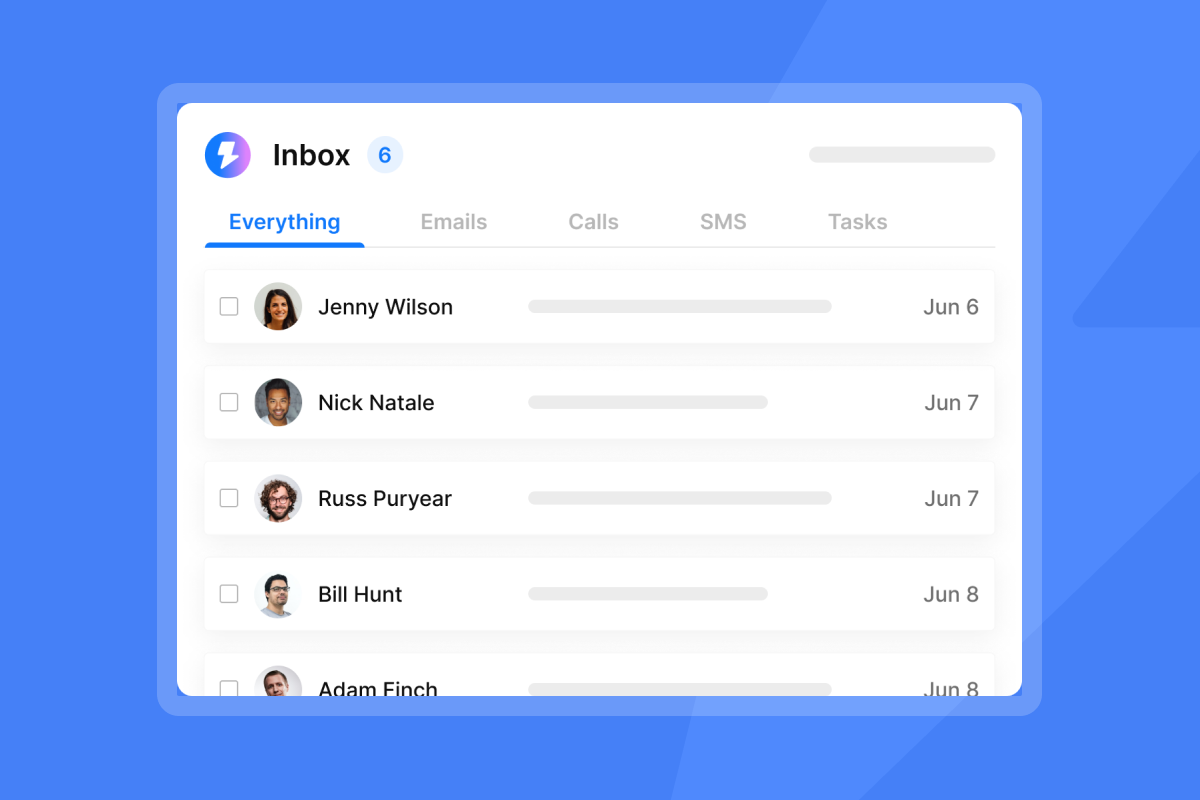
Before a rep calls, they need to know what emails the prospect has already received. Did they open any of them? Did they click a link? Did they reply with an objection?
Instantly's Unibox captures this history. With Unibox NLP, the system automatically classifies reply sentiment across 50+ languages. This means past engagement patterns are structured and searchable, not just buried in an inbox. Instantly can push this same classified history into external briefing workflows via webhooks (available on Hypergrowth plans and above), turning raw replies into a narrative the AI can synthesize.
Syncing CRM data for better briefs
Nothing kills a deal faster than a rep pitching a product the prospect already bought, or calling a contact who marked "do not call" in your system. Syncing your CRM data ensures the AI brief respects existing relationships and open deals.
Centralizing your email workflow matters even more when AI needs to pull engagement history. As one user noted about managing these pipelines from a single platform:
"I appreciate how Instantly allows me to manage the entire cold email process from one place. I can find leads, run campaigns, manage multiple email accounts, and track replies without needing to switch between different tools." - Martin K. on G2

Anatomy of a high-conversion AI prep brief
A high-conversion brief fits on a single page and reads in 90 seconds or less. It doesn't dump raw data on the rep. Instead, it synthesizes the data into a clear "why this call matters" frame, complete with suggested opening questions.
Standardizing prospect firmographics
In this article's recommended brief format, the first section confirms fit. It lists the industry, headcount, and current tech stack.
- Why it matters: It validates the rep is calling the right account.
- The AI's job: Pull this from your B2B database and present it as a short, scannable list.
Monitoring prospect intent signals
The middle of the brief highlights the trigger. Did the prospect just hire a new vice president (VP) of Sales? Did they just adopt a new piece of technology that integrates with yours?
- Why it matters: It gives the rep a reason to call today instead of next quarter.
- The AI's job: Summarize the intent signal in one sentence.
This moves the rep from asking "Can I help you?" to "I saw X, here's how we solve it."
Custom prospect engagement prompts
Based on the fit and the timing, the AI generates trigger-based questions. For example: "I saw your company is hiring several new sales reps. How are you planning to handle the increased lead routing?"
- Why it matters: It replaces generic scripts with personalized, consultative questions.
- The AI's job: Turn the fit and timing data into two or three trigger-based opening questions.
Identifying deal risks and obstacles
Finally, the brief flags potential issues. It notes if the prospect went dark on a previous deal, or if they recently unsubscribed from a marketing sequence.
- Why it matters: It helps the rep avoid raising a topic that already went badly on a previous deal.
- The AI's job: Flag stalled deals, past objections, and unsubscribes from your CRM and engagement history in one short line.
Distinguishing reliable data from vanity metrics
The biggest risk with AI prep is the "plausible but wrong" syndrome. If the AI pulls from bad data, it will confidently write a brief full of errors. You must distinguish between data sources that provide actionable context and vanity metrics that just add noise.
Essential data points for sales AI
Reliable data points share one trait: they directly influence the sales conversation. Here is how the best sources compare to the noisy ones.
| Data Source | What it tells you | What it does not tell you | Use in Brief |
|---|---|---|---|
| Firmographics | If they fit the ICP | If they are ready to buy | Recommended |
| Buying Intent | Signs of a possible pain point | Confirmed pain or the exact budget | Recommended |
| Engagement History | How they reacted to past emails | Their current mood today | Recommended |
| Website Traffic | Someone visited the site | Who exactly visited | Situational |
| Generic Company News | Basic public relations (PR) updates | Actual internal priorities | Low priority |
Data inputs that stall sales prep
Vanity metrics look impressive but waste a rep's time. Things like "Company has 5,000 LinkedIn followers" or "CEO posted a motivational quote" rarely help a rep run a better discovery call.
If the AI cannot tie the data point to a specific pain point or product benefit, it doesn't belong in the brief. Keep the inputs strict to protect the rep's attention span.
Defining agent data input rules
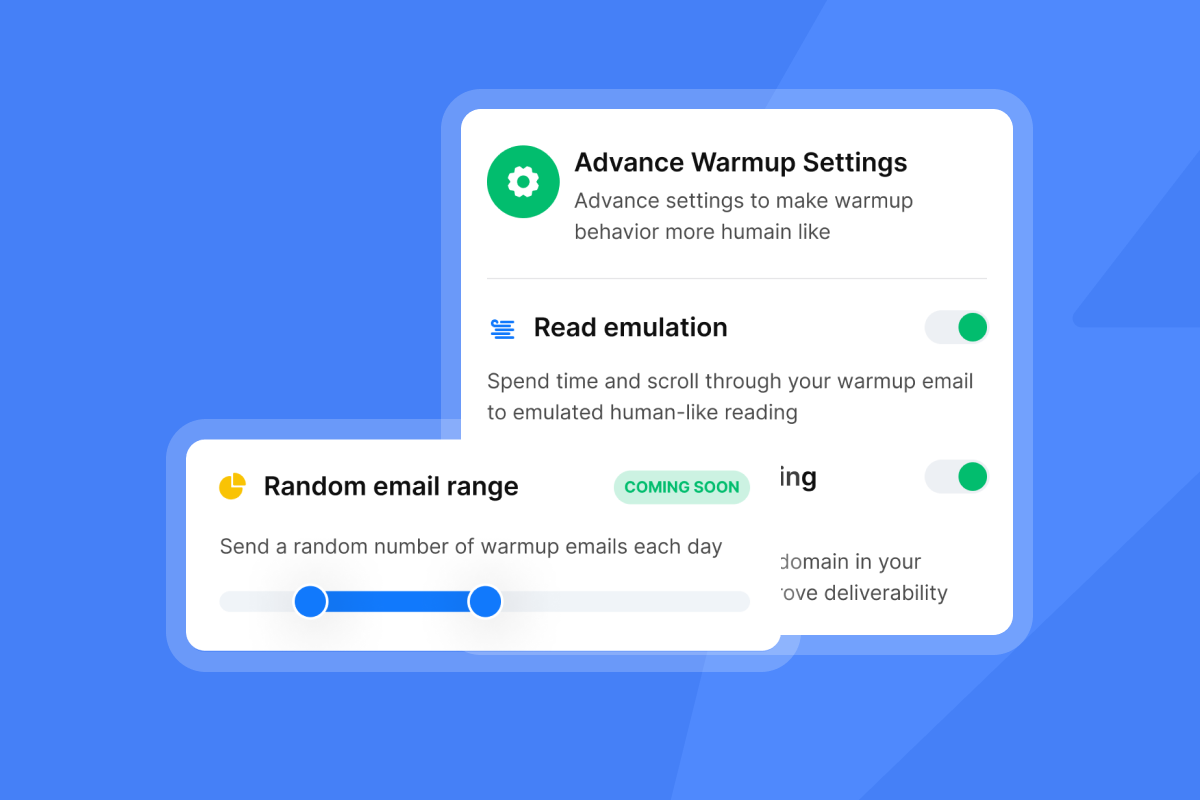
To get clean outputs, you need clean inputs. You can control this by using custom lead variables. When importing leads, you can map up to 50 variables per comma-separated values (CSV) import.
By standardizing these exact fields, you dictate exactly what the AI sees. You map the custom variables you create (such as a funding date field or a current CRM field) directly into your AI briefing engine, ensuring the AI never has to guess where to find the context. For a deeper look at how AI agents handle the full outbound cycle, review these AI sales agent benchmarks.
How automated account research improves discovery quality
Automated account research for sales does more than just save time. It fundamentally changes the quality of the conversation by forcing a baseline level of preparation across the entire team, regardless of individual rep habits.
Shorten ramp for junior sales reps
New reps often need time to learn which questions to ask. A standardized AI brief gives them a checklist of context and suggested questions for each call, so they start from the same baseline as your more experienced reps.
The best reps tend to dig deeper before a call, almost on instinct. AI closes this gap by applying the same rigorous synthesis process to every single deal, ensuring every rep gets the same high-quality context regardless of their experience level.
Standardizing pre-call research workflows
When every rep does their own research, you get inconsistent results. Some reps over-prepare and burn out. Others wing it and burn leads.
A standardized workflow sets a fixed time for the AI to generate briefs for every prospect on the call list. The rep opens the brief, scans the fit, timing, and history sections, and dials. This consistency makes it easier to compare results across reps and track how many conversations lead to a meeting. For a tactical breakdown of how to set up these workflows, watch this guide on configuring AI sales agents.
Refining lead qualification criteria
Over time, the AI helps you refine your ICP. If the intent signals show that companies with 50-100 employees respond better than companies with 500+ employees, you can adjust your targeting.
Instantly's 2026 benchmark report shows that top 10% senders achieve a 10.7% reply rate by constantly refining their targeting and messaging based on what the data tells them. Your prep data should feed that same feedback loop.
Standardizing your AI sales call prep process
Rolling out AI prep requires a defensible process. You can't turn it on and hope for the best. You need to map the data, configure the cadence, and set strict rules for what the AI is allowed to output.
Pipeline and CRM integration steps
Before you push data into an AI briefing tool, you need to clean your CRM. Start by running three hygiene checks:
- Deduplication: Run a duplicate report. As a rule of thumb, if your duplicate rate is above 5%, run a cleanup pass. This is a suggested starting threshold, not a published Instantly figure, so adjust it to your own data.
- Field standardization: Ensure all required fields (like Industry and Headcount) are filled out.
- Bounce removal: Exclude unsubscribed or invalid contacts so the AI doesn't research dead leads.
Once clean, you can use webhooks to push engagement data from Instantly directly into your CRM or AI briefing engine. Webhooks are available on Hypergrowth plans and above, and they can trigger on campaign events such as a lead replying to an email or a campaign completing. For a broader look at securing your outbound stack, review this AI SDR security and compliance guide.
Configuring research cadence rules
You don't want the AI researching an account 30 days before the call, because the data will go stale. Set a strict cadence rule: the AI generates the brief 60 to 90 minutes before the scheduled discovery call. This is a suggested starting window, not a published Instantly figure, so adjust it to your own sales cycle.
This ensures the rep gets the freshest possible intent signals and social activity updates without the data aging out.
Defining AI brief requirements
Write a strict prompt for your AI agent. Tell it exactly what to include and what to leave out.
- Constraint: Keep the brief short enough to read in about 90 seconds.
- Format: Short, scannable bullets.
- Sections to include: Company fit, timing trigger, past engagement, and a suggested opening question.
- Banned content: Generic flattery and news the AI can't tie to a source.
Refining AI output for sales accuracy
AI makes mistakes. It might misclassify a reply or pull a news article about a company with a similar name. You need a human-in-the-loop to spot-check the briefs during the first 30 days of rollout. This is a suggested starting period, not a published Instantly figure, so adjust it to your own rollout.
A Gartner survey found that 69% of B2B buyers prefer to validate AI-generated insights with sales reps. The AI provides the raw material, but the rep must apply human judgment during the actual call. AI agents act on whatever data they are given, so stale contact information can send an agent to the wrong person. That is why the hygiene checks above are mandatory.
The same automation principles that handle follow-ups also standardize prep workflows. As one user shared about using AI to manage responses:
"I really like Instantly's campaign automation, which lets me create different sequences based on the type of client I'm targeting and schedule follow-ups automatically. This is especially helpful since manually remembering follow-ups can be challenging when juggling multiple tasks daily. I'm also a fan of their AI reply agent, which helps manage a high volume of responses by categorizing replies, understanding the conversation context, and preparing responses based on my instructions." - Riley T. on G2
Ready to clean up your data inputs and give your reps the context they need to win? Try Instantly free to see how Unibox engagement history and custom lead variables feed your AI prep workflow.
FAQs: AI sales call prep
How long does it take to generate a prep brief?
An AI agent typically generates a one-page prep brief in under 60 seconds, compared to the 30 to 60 minutes it takes a human rep to research manually.
Can AI agents pull data from your existing CRM?
Yes, modern AI prep agents integrate with CRMs like HubSpot to pull historical deal data, contact properties, and past engagement records directly into the brief. Instantly's webhooks push email engagement data into HubSpot automatically on Hypergrowth plans and above.
What happens if the data sources are incomplete?
If your CRM data is messy or incomplete, the AI will produce flawed briefs. Stale contact data can also send an agent to the wrong person. Run the three-step hygiene check before integration to catch these issues early.
Do reps still need to do manual research?
Yes, but only for high-value, enterprise-tier accounts. For standard outbound volume, the AI brief gives the rep a starting point, so they can spend less time researching and more time on the conversation.
How do you measure if AI prep is improving discovery outcomes?
Track your meeting-to-sales qualified lead (SQL) conversion rate and your average sales cycle length. If discovery quality improves, you should see a higher percentage of initial calls converting into qualified pipeline.
Key terms glossary
Firmographics: Descriptive attributes of companies, such as industry, employee count, and revenue, used to determine if an account fits your ideal customer profile.
Intent signals: Behavioral data points, like a recent funding round or a competitor complaint on social media, that indicate a prospect is actively looking to buy.
Discovery call: The first structured conversation between a sales rep and a prospect, designed to uncover pain points, establish fit, and determine if a demo is warranted.
AI prep agent: An automated tool that pulls firmographics, intent signals, engagement history, and CRM data from multiple sources, then synthesizes them into a concise briefing document a sales rep can read in 90 seconds or less.
Read next
- AI sales agents for startups: the complete 2026 buyer's guide: A buyer's guide to choosing an AI sales agent when you run a startup sales team.
- AI voice agents for sales: the complete guide for growth marketers in 2026: A guide for growth marketers on how AI voice agents are used in sales.
- AI agents for sales calls: what actually works in 2026: a sales leader's capability map: A capability map that shows sales leaders which AI agents help on sales calls.


