.svg)
%20(1).svg)


Updated July 15, 2026
TL;DR: If you manage a sales team and want to scale outbound without risking your domain reputation, avoid black-box AI BDR platforms that demand annual contracts. Many of these vendors use unsafe sending patterns and opaque data sources that trigger spam filters. Instantly.ai offers a transparent, system-first alternative with unlimited sending accounts, a deliverability network of 4.2M+ accounts, and clear credit-based pricing, all powered by Instantly's AI agents. This guide details the 12 critical ai bdr red flags to watch for before signing any contract, so you can protect your brand and scale safely.
Most sales leaders buy AI sales agent platforms to scale outbound, only to find their primary domains on blocklists and their budgets locked into unbreakable annual contracts. The AI demo was polished. The contract was not. Vet every vendor on your shortlist of AI BDR platforms for both.
This guide exposes 12 critical warning signs of predatory AI BDR platforms, from opaque data sourcing to toxic renewal terms, so you can protect your domain reputation and scale pipeline without expensive surprises. It also covers what a transparent AI BDR platform looks like. Use the red flag vs. green flag table below as a quick reference, then read each section for the specific questions to ask before you sign, and pair it with Instantly's guide to AI BDR contract terms to negotiate once you are ready to redline.
Feature / operational area | High risk (red flag) | Low risk (green flag) |
|---|---|---|
Sending infrastructure | Black-box, shared IPs, no visibility into sending volume | Transparent, dedicated IPs (SISR), clear sending logs |
Warmup and pacing | No warmup, immediate high-volume sending | Automated warmup, gradual ramp pacing, max 30 sends/day per inbox |
Data sourcing | Opaque, scraped, unverified lists | Verified contacts, waterfall enrichment, clear consent |
Contract terms | Rigid annual lock-ins, auto-renewals, no opt-out | Flexible monthly plans, clear credit-based pricing |
Support and SLAs | No defined escalation paths, slow response times | Fast, technical support, clear SLAs, public status page |
Red flag 1: Financial traps and unrealistic promises
High-ticket AI BDR vendors often structure contracts to capture budget before delivering measurable value. Three patterns appear most often in predatory deals.
Warning signs of predatory contract terms
Auto-renewal clauses are standard across most SaaS contracts, and notice windows of 60 to 90 days are common enough that missing the deadline is a routine problem for sales teams. A 90-day notice window means you must give notice three months before the contract ends. Miss that deadline during a busy quarter and you pay for another full year. Watch for price escalation language like "up to a 7% increase over the prior term, whichever is greater," which compounds annually regardless of your pipeline results. Also check for data portability restrictions that charge you to export your own contact records.
Spotting AI vendor billing schemes
Vendors rarely discuss the growth penalty of per-seat pricing during demos, a cost structure that disproportionately punishes small sales teams scaling on a tight budget. Cold email stacks typically cost between $300 and $600 per month at mid-range volumes, and every new rep you hire triggers another license fee with seat-based tools. Watch for mandatory platform fees layered on top of seat costs, and credit consumption models that obscure how fast your budget for ai agents depletes. Instantly's flat-fee pricing starts at $47 per month for unlimited email accounts, so adding reps does not increase your platform cost.
Identifying unsafe AI sending patterns
Black-box AI tools blast thousands of emails with no spacing, ignoring the hard limit of 30 emails per inbox per day. Exceeding that triggers behavioral spam filters independently of any volume quota. Spam complaints above 0.3%, high bounce rates, and sudden sending spikes all carry stronger spam signals than total email count. Recovery from over-scaling takes two to four weeks of paused campaigns, which means lost pipeline in your current quarter.
Unrealistic inbox placement claims
No vendor can guarantee 100% inbox placement. Email filtering is controlled entirely by mailbox providers, and no software vendor controls Gmail, Outlook, or Yahoo's algorithms. Instantly's 2026 benchmark report (data: Jan 1 to Dec 18, 2025) puts the platform average reply rate at 3.43%, with top-quartile senders reaching 5.5% or higher through strict list hygiene and consistent sending patterns. Top 10% of senders reach 10.7% or above. Gmail and Microsoft now permanently reject non-compliant senders at the server level, meaning the email never reaches the inbox or spam folder. Ask any vendor to show you inbox placement test reports from the last 90 days across Gmail and Outlook domains, the same evidence to request during the rollout in Instantly's AI BDR implementation timeline. If answers are vague, that is your answer. Instantly's Deliverability AI Agent monitors DNS health, blocklists, and warm-up scores automatically every 24 hours, available on Hypergrowth and above Outreach plans at no additional credit cost.
Red flag 2: Opaque data sourcing and consent
Using unverified, scraped data from unknown sources does not just hurt reply rates. It creates serious legal exposure and permanently damages your sender reputation. Know your AI BDR data sources before you import.
Assessing your vendor data quality
Ask vendors directly: Where does your data come from? How often is it cleaned? What verification method do you use? If a vendor cannot answer those three questions with specifics, the data likely comes from purchased lists. Purchased lists contain spam traps, invalid addresses, and contacts who never consented, making them the fastest path to domain blocklisting.
Protecting your brand from privacy risks
GDPR penalties reach up to 20 million euros or 4% of global annual revenue, whichever is higher. CAN-SPAM penalties reach up to $53,088 per email under FTC enforcement. The consistent failure pattern is lacking documented justification when data protection authorities conduct audits. Cold email is legal. The documentation is not optional. Instantly's Data Processing Agreement gives compliance-sensitive buyers the audit trail they need.
4 ways to validate lead quality
- Request a sample list of 200 contacts and run them through an email verification tool. Bounce rates above 3% signal poor data hygiene.
- Check for spam trap indicators by verifying domains against known blocklist databases.
- Confirm consent documentation is available for any data the vendor sources.
- Test enrichment accuracy by cross-referencing 20 records against LinkedIn manually.
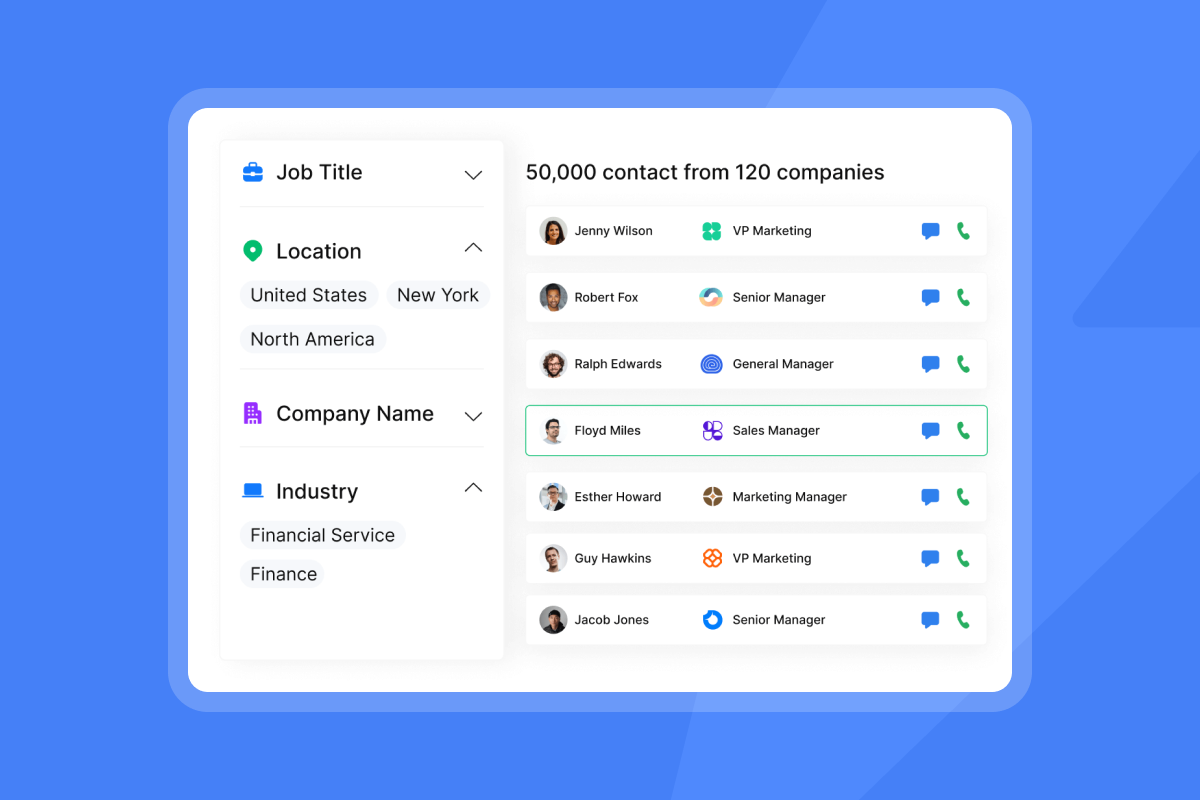
Instantly's Lead Finder offers 450M+ verified B2B leads with waterfall enrichment across five providers, so data quality is built into the system rather than added later.

Red flag 3: Rigid renewals that kill your flexibility
Warning signs of toxic renewal policies
Look for clauses requiring 60 to 90 days of written notice before renewal. A 90-day notice window means you must submit your cancellation request three months before the contract ends. Miss that window once and you pay for another full year. Most sales teams miss it during a busy quarter.
Identifying terminal billing traps
Some vendors make data export prohibitively difficult or slow, adding friction to the cancellation process that costs your team time and risks losing contact records you paid to build. If the vendor makes it hard to leave, that signals the product does not retain users on its own merits.
Standardizing termination notice periods
Consider negotiating the notice period down to 30 days or fewer before signing. Ask for a price escalation cap in writing before signing, and get any agreed figure added to the contract itself rather than left as a verbal commitment.
Red flag 4: Empty promises on service SLAs
Support quality is the feature that disappears fastest after contract signing. The account executive who answered your calls during the sales cycle does not manage your support tickets post-sale.
Lack of defined escalation paths
Ask vendors for their written SLA. Specifically, get the guaranteed first-response time for P1 (campaign down) incidents and the escalation path if the first responder cannot resolve the issue. Without a defined path in the contract, your answer is the general queue.
Support degradation patterns on G2 and Trustpilot
Sort reviews by most recent and filter for one and two-star ratings. Themes like "slow response after signing" or "bot replies only" across multiple recent reviews signal a structural problem, not an outlier. Check Instantly's G2 profile for recent verified reviews as a baseline for comparison.
Testing support quality before you sign
Submit a complex technical ticket during the trial period, specifically one requiring a real answer about domain configuration or bounce rate troubleshooting. A vendor who performs well on a trial ticket with a prospect has strong incentive to perform. That makes it a meaningful signal.
Red flag 5: Discrepancies in CRM attribution data
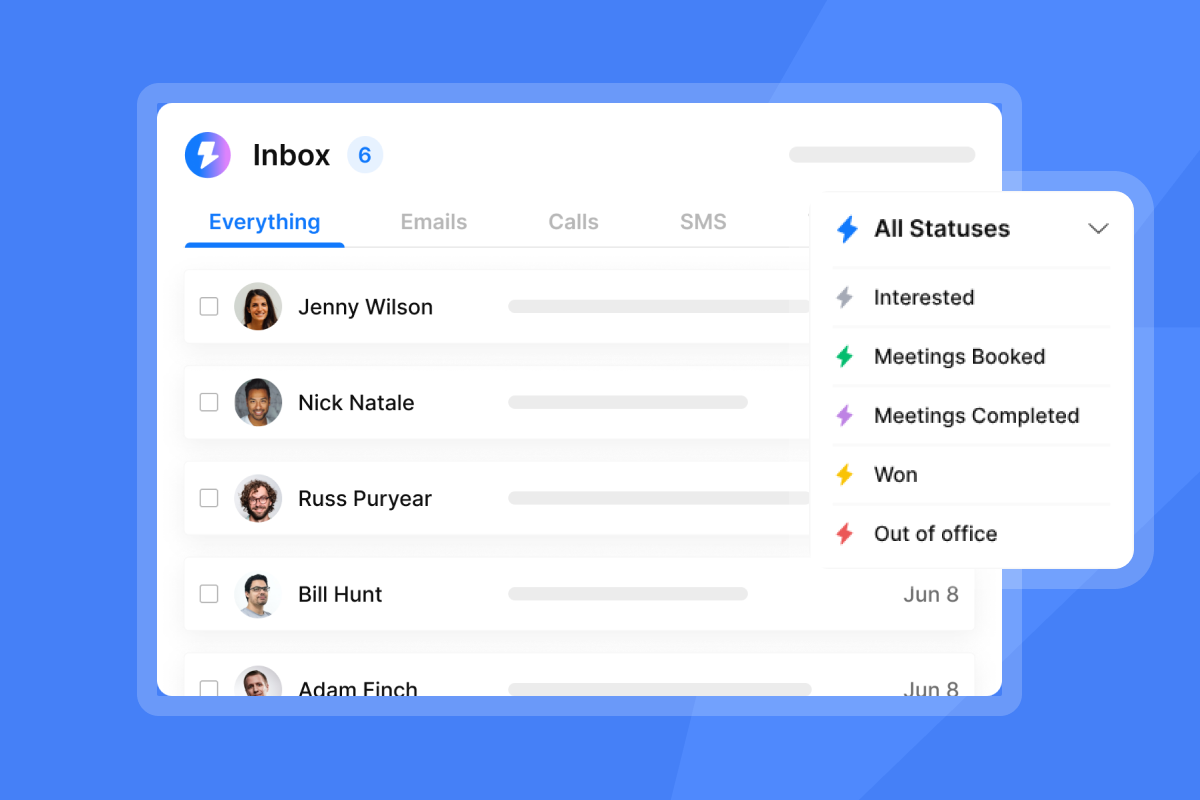
Some AI BDR platforms inflate performance metrics by counting automated security scans as human engagement, which pollutes your CRM pipeline from day one.
Distinguishing bots from real leads
Email bot clicks are automated clicks generated by security systems that scan links in incoming emails before they reach the recipient. From your email platform's view, it looks exactly like a real click. Open rates have nearly doubled due to this technical change, making them an unreliable performance metric for any AI BDR platform to cite.
Identifying platform data mismatches
Run a reconciliation test during your trial: compare the vendor dashboard's "meetings booked" count against your actual CRM records in HubSpot. Discrepancies compound into inaccurate pipeline forecasts that your CFO will flag in the first quarterly review.
Immutable activity trails for compliance
Every email sent, every reply received, and every label applied should be logged in an auditable trail that syncs to your CRM. Instantly's native HubSpot integration and Unibox NLP classify incoming replies across 50+ languages and keep data synchronized, so what you see in your CRM matches what actually happened in the inbox.
Red flag 6: No warmup system or domain health monitoring
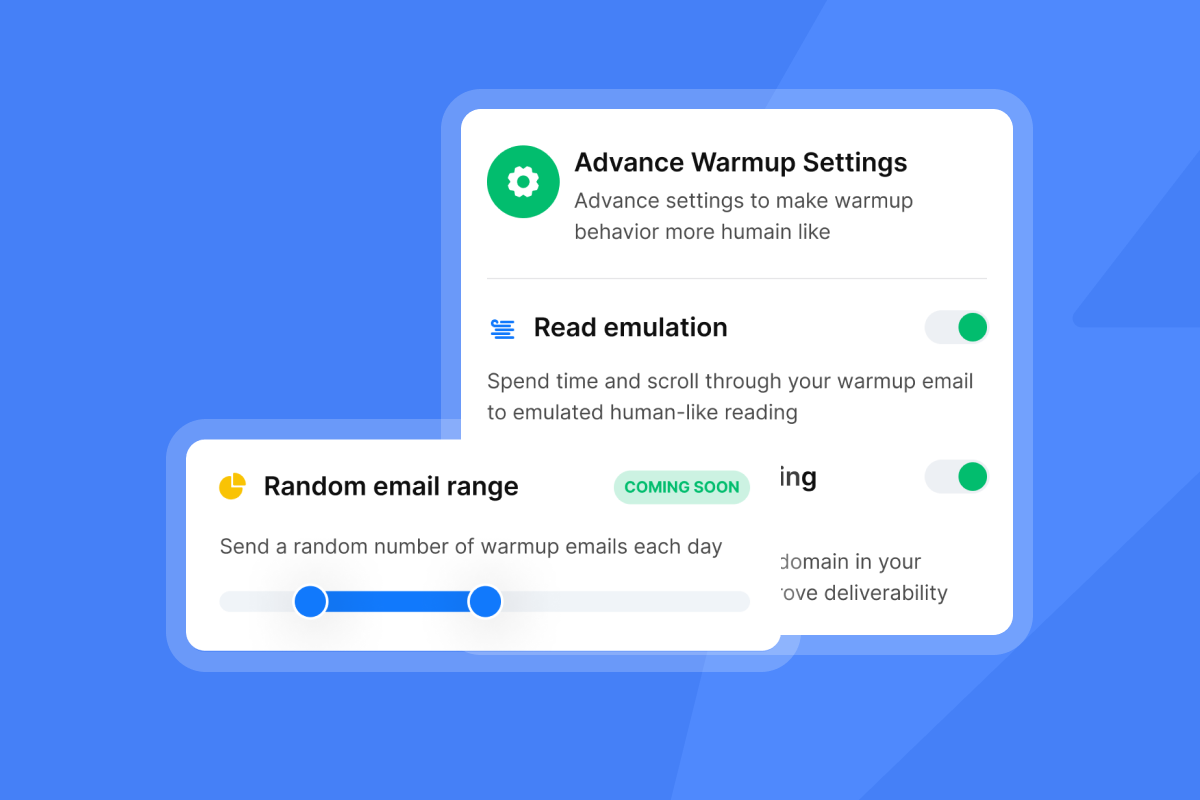
Sending cold emails from a new domain without warmup produces exactly one outcome: immediate blocklisting. Any vendor that skips this step is prioritizing fast setup over your domain's long-term health.
Why ramp pacing protects deliverability
A safe warmup timeline runs four to six weeks. Instantly's 2026 benchmark report found that consistent, stable sending patterns produce 15 to 20% higher reply rates compared to erratic volume spikes. Recovery from over-scaling takes two to four weeks of paused campaigns, meaning lost pipeline in your current quarter.
Protecting domains from silent blacklists
Domains can appear on blocklists without any user notification, leading to 0% open rates that look superficially like low engagement. Inbox Placement testing and automated placement alerts catch silent blocklisting before it kills a campaign.
What a real warmup system looks like
Instantly's warmup network runs on 4.2M+ real accounts that build sender reputation through genuine engagement signals. Warmup is included on every Instantly plan at no additional cost. The full Instantly tutorial for 2026 covers warmup configuration from scratch.
Red flag 7: Hidden fees and unpredictable billing
The hidden costs of user licenses
Per-seat pricing increases your platform cost every time you hire a new SDR, a trap covered in our guide to AI BDR for agencies. Instantly's flat-fee model includes unlimited email accounts on every plan. The Outreach Growth plan starts at $47 per month, so adding reps does not change your platform bill.
Add-on costs for core AI tools
Watch for vendors who treat AI writing, reply handling, and lead sourcing as separate premium add-ons that quietly raise what AI BDRs actually cost. Instantly uses a single Instantly Credits pool for Lead Finder lookups, Copilot, AI Sales Agent (5 credits per generated lead), and AI Reply Agent (5 credits per reply), starting at $9 per month for the Nano plan. A free trial includes 100 credits with full access to Instantly's agentic sales agent and other AI agents.
Fixed monthly spend requirements
Some vendors require minimum monthly spend commitments before you can use core features, locking you in before you prove ROI on an AI BDR. A 14-day free trial with no credit card required, like Instantly's trial, gives you real data before any commitment.
Red flags 8-9: Platform stability and integration gaps
A platform that does not connect cleanly to your existing stack creates manual work. A platform that crashes under load turns that work into lost pipeline.
Stop implementation bottlenecks early
A well-designed AI BDR platform lets you configure email accounts, start warmup, and upload a verified list without a long implementation cycle. Full campaign launch follows after the 4 to 6-week warmup period completes.
Integration traps stalling your CRM
Brittle, third-party connectors for core CRM syncing create fragile workflows that break when either platform updates. Instantly's native HubSpot integration and native Clay integration (confirmed April 2026) give you direct, maintained connections without middleware for critical sync operations. Zapier, Make, and Pabbly are also supported for broader workflow automation.
One verified G2 reviewer noted the difference a clean integration makes:
"What I like most is how easy it is to set up campaigns, manage multiple email accounts, and monitor performance from a single dashboard." - Rehan A. on G2
Assessing UI responsiveness under load
Ask vendors how their platform handles hundreds of active inboxes concurrently. Instantly publishes a public status page showing component-level uptime, which lets you verify historical reliability before signing. Transparency about past incidents is a green flag.
Red flag 10: Misleading AI reporting on prospect intent
Poorly trained AI reply classification systems pollute your CRM with mislabeled leads, costing reps hours of misdirected follow-up.
How misclassification drains SDR time
When "not interested" replies get tagged as positive intent by a miscalibrated NLP model, your pipeline looks healthier than it is. Those phantom opportunities distort your SQL conversion rate and surface in board reports that do not reconcile with closed-won data. At a team of five SDRs following up on 10 mislabeled leads per week, that is 50 wasted outreach attempts compounding across the quarter.
Questions to verify AI triage accuracy
Test any vendor's NLP by sending a sample set of 20 reply types (positive, negative, objection, out of office, referral) and checking how each gets labeled. Instantly's Unibox NLP classifies replies across 50+ languages with refinable accuracy per label. The AI Reply Agent handles replies in under five minutes and includes a Human-in-the-Loop mode so your team reviews responses before they send, preventing rogue AI replies from damaging live prospect relationships.
Red flag 11: Unchecked LinkedIn automation tools
Platforms that push browser-based LinkedIn automation transfer their risk directly to your reps' accounts and your brand reputation.
How automation triggers blacklists
LinkedIn actively prohibits third-party software that scrapes or automates activity on its platform. Detection methods include behavioral analysis, browser fingerprinting, and rate-limit monitoring. LinkedIn has banned multiple automation tools that operated through cloud-based sessions with fake browser environments, including tools that had large established user bases before enforcement hit. Most tools work until they do not, and most sales teams using them have experienced at least one account warning.
Mandatory guardrails for outreach
Email-first outreach with safe webhook-based integrations is more durable than browser extension automation. Instantly's Zapier integration and API allow multi-step outreach workflows without relying on brittle browser extensions for core execution. When LinkedIn activity is genuinely valuable for a prospect, use it manually and document it in your CRM.
Red flag 12: No proof of continued investment or roadmap
A stagnant platform that stops shipping features will fall behind deliverability changes from Gmail and Microsoft, both of which update their filtering logic continuously, underscoring how fast the future of AI BDR in B2B sales is moving.
Evaluating vendor release consistency and health signals
Check the vendor's public changelog for the last six months. Look for frequency, not just volume. A platform with no visible updates is not adapting to new ISP filtering rules or authentication requirements. Beyond the changelog, look for active hiring in product and engineering roles and transparent communication from leadership.
Spotting stagnant product growth
Contrast a stagnant tool's changelog against Instantly's recent releases: AI Blocklist Triggers (automated keyword and status-based blocklisting), Out-of-Office Resume (NLP-based OOO detection and auto-resume), and the Deliverability AI Agent (always-on DNS and blocklist monitoring). These are shipped features solving real deliverability problems, not roadmap slides.
Due diligence checklist for AI BDR platforms
Use this 10-point checklist during your 30-day trial to identify high-risk vendors before signing, and our AI BDR trial vs POC guide to structure the test.
10-point vendor evaluation checklist
- Deliverability proof: Request inbox placement test reports from the last 90 days across Gmail and Outlook domains.
- Sending limits: Confirm the platform enforces a maximum of 30 emails per inbox per day.
- Warmup system: Verify automated warmup is included, with a 4 to 6-week ramp timeline.
- Data sourcing: Ask where contact data comes from, how often it is cleaned, and what verification method is used.
- Contract terms: Check for auto-renewal clauses requiring more than 30 days' notice and price escalation language.
- Billing transparency: Confirm credit consumption is itemized monthly with no hidden per-seat fees.
- CRM reconciliation: Compare vendor dashboard metrics to your actual CRM records. Consistent discrepancies signal a flawed attribution model.
- Support SLA: Get the guaranteed first-response time for P1 incidents in writing before signing.
- AI accuracy test: Send 20 sample replies (positive, negative, objection, OOO, referral) and check classification accuracy.
- Product roadmap: Review the public changelog for the last six months to confirm active feature releases.
Set clear KPIs for your 30-day trial
Define success thresholds before the trial starts. According to Instantly's 2026 benchmark report, the platform average reply rate is 3.43%, with top-quartile senders reaching 5.5% or higher. Track meetings set and cost-per-meeting weekly. If the platform cannot hit baseline benchmarks during a trial with a clean list, it will not perform better at scale.
Check G2 and Trustpilot for billing patterns
Sort reviews by most recent and filter for one and two-star ratings. Look for recurring themes: auto-renewal complaints, charges post-cancellation, or difficulty reaching support during live campaigns. One complaint is an outlier. Three in recent months is a pattern. Instantly's G2 page with nearly 4,000 reviews and a 4.8 rating provides a reference point for healthy review patterns.
Demand transparent security and privacy briefs
Ask for the vendor's Data Processing Agreement, sub-processor list, and data flow diagram. Confirm the DPA includes data category restrictions and audit rights. Instantly's DPA is publicly available and clearly specifies which data categories customers must not upload, giving compliance-sensitive buyers a clear audit trail.
Your domain reputation took years to build. A six-month contract with the wrong AI BDR vendor can damage it in weeks. Use the 12 red flags and the 10-point checklist above to evaluate vendors, demand trial data that reconciles with your CRM, and pick a platform that teaches you its constraints rather than hiding them in fine print.
Try Instantly free for 14 days with unlimited email accounts, built-in warmup, and clear credit-based pricing. No credit card required. Download the 10-point vendor evaluation checklist above to use in your next vendor review call.
FAQs
What is the maximum safe sending limit per single inbox per day?
Do not scale past 30 emails per a single inbox per day. Exceeding this limit triggers behavioral spam filters and damages your sender reputation in ways that can take weeks to recover from.
How long does a proper domain warmup process take?
A safe warmup timeline takes 4 to 6 weeks. Ramping sending volume faster than this risks permanent domain blocks that require a full reset to recover from.
What is the average reply rate for cold email campaigns?
Instantly's 2026 benchmark report found the platform average reply rate is 3.43%. Top-quartile senders achieve 5.5% or higher through strict list hygiene and consistent sending patterns.
What are the biggest AI BDR contract red flags to watch for?
Auto-renewal clauses with 60 to 90-day notice windows, price escalation language guaranteeing annual increases, and data portability restrictions that make it expensive to export your own records are the three highest-risk contract clauses to identify before signing.
How do I test an AI BDR vendor's data quality before committing?
Request a sample list of 200 to 500 contacts, run them through an email verification tool, and check bounce rate. Anything above 3% signals data hygiene problems that will follow your campaigns into production.
Key terms glossary
SISR: Server IP Sharding and Rotation. SISR assigns dedicated, private IP pools per workspace so your sending infrastructure never shares reputation risk with another customer's traffic. Available on Instantly's Light Speed plan and above.
Unibox NLP: An AI-powered reply classification system built into Instantly. It automatically categorizes incoming replies into custom labels based on sentiment and context across 50+ languages, with accuracy refinable per label.
Deliverability AI Agent: An always-on monitoring tool included on Instantly's Hypergrowth and above Outreach plans. It checks DNS health, blocklists, warm-up scores, bounce rates, and campaign copy every 24 hours and surfaces direct in-platform remediation actions to prevent deliverability crashes.
Waterfall enrichment: A data enrichment method that queries multiple providers in sequence to increase contact data completeness and accuracy. Instantly's Lead Finder uses five or more providers in its waterfall enrichment process.
Sender reputation: A score assigned by mailbox providers (Gmail, Outlook, Yahoo) based on your domain's sending history, authentication compliance, engagement rates, and complaint rates. It determines whether your emails land in the primary inbox, spam folder, or get rejected at the server level.
Read next
- From 1% to 5%: improve your cold email reply rates: A practical breakdown of the sequence structure, send windows, and copy changes that move reply rates from platform average to top quartile.
- Cold email deliverability with AI SDRs: protecting domain health at scale: How to maintain sender reputation when scaling AI-assisted outbound across multiple inboxes and rep accounts.
- Best cold email sequence templates to win replies in 2026: Tested sequence frameworks across common B2B verticals, with step counts, email length, and follow-up timing grounded in 2025 send data.



