.svg)
%20(1).svg)


Updated July 15, 2026.
TL;DR: AI BDR for small teams works when you build the data first, not the AI layer. The primary failure mode is bad data: most small teams have a data problem, not a messaging or AI problem. Secondary pitfalls include sending from unwarmed domains and choosing platforms with per-seat pricing that compounds costs as volume grows. Instantly.ai offers unlimited sending accounts on a flat fee, a private deliverability network of 4.2M+ accounts, and modular AI agents that scale outreach without per-seat penalties. Legacy platforms with mailbox caps add friction and hidden costs fast.
AI BDR for small teams is not about replacing reps with bots. It is about giving a lean team the sending infrastructure that larger competitors have, without the bloated software contracts, the exact terms covered in Instantly's guide to AI BDR contract terms to negotiate. If you are running sales or RevOps for a team under 10 people and considering AI-assisted outreach, this guide is for you. It covers how to build that system, what to prioritize, and how to avoid the pricing and deliverability traps that sink most early implementations. If you are still comparing AI BDR tools, read it before you build a shortlist.
When to adopt AI BDR versus manual outreach
Manual outreach is the right starting point. You need real conversations to find your offer, your ICP, and the copy that actually converts. Once you have those three things locked in, manual outreach becomes the bottleneck, and that is when an AI-driven BDR for outbound pays off.
The transition point is predictability. If a given message type converts at a consistent rate, you can automate the volume and let reps handle replies. If you cannot predict that yet, adding automation means sending bad emails faster.
Where AI BDR adds measurable value
An AI sales agent handles the tasks that drain rep time without requiring human judgment: data enrichment, lead verification, follow-up sequencing, and initial reply classification. These are high-volume, low-judgment jobs that software executes faster than a person.
Instantly's AI Sales Agent handles autonomous lead sourcing at 5 Instantly Credits per generated lead. The AI Reply Agent responds to prospect replies in under 5 minutes, with configurable Human-in-the-Loop or Autopilot modes.
Critical prerequisites before automating
Automating bad data creates bad results at scale, which is why data hygiene comes before scaling in Instantly's AI BDR implementation timeline. Before you run a single sequence, your list must meet three standards: verified contact data, a clear ICP match, and a value proposition that has converted at least once manually.
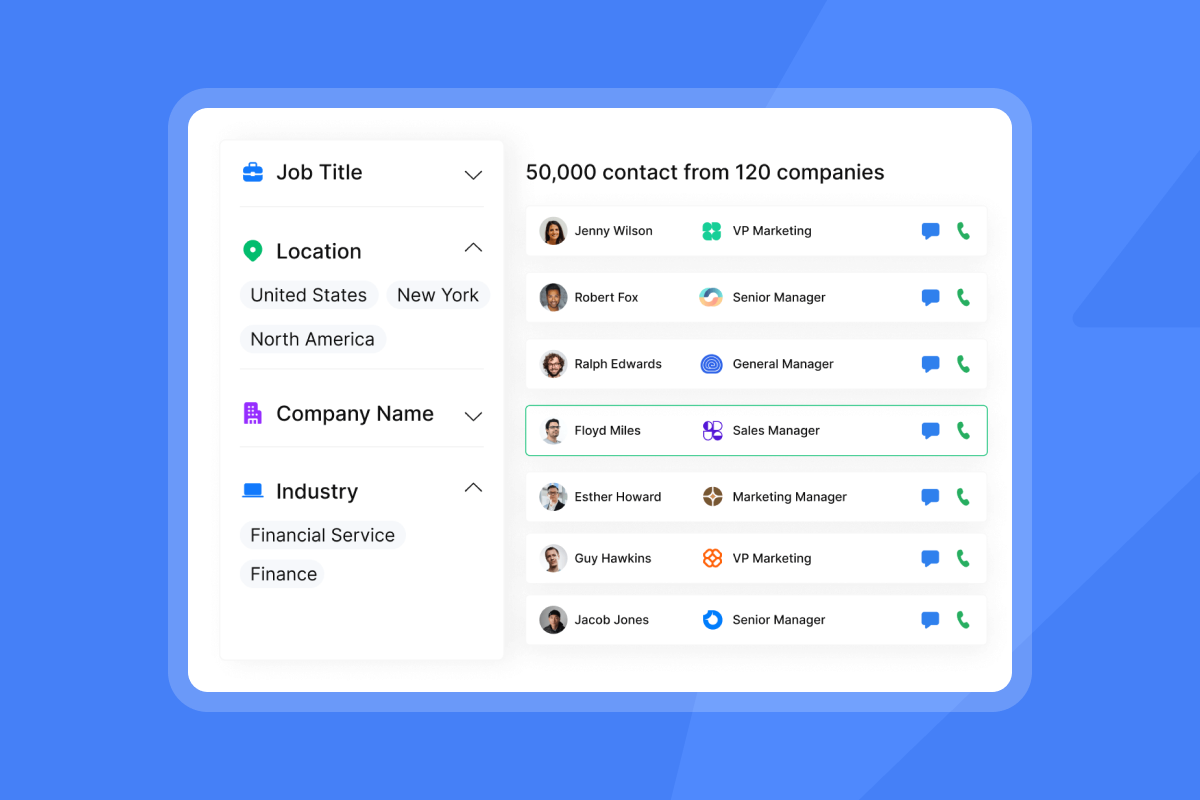
Instantly's Lead Finder uses waterfall enrichment across 5+ providers in sequence to locate verified email addresses. Waterfall enrichment checks 5+ providers in sequence until a verified email is found, which produces higher verification rates and fewer bounces than single-provider lookup. That verification rate directly controls your bounce rate. Keeping hard bounces at or below 1% is one of your most important deliverability levers.
Your domain authentication must also be in place before automation starts. Gmail requires bulk senders to use SPF (Sender Policy Framework), DKIM (DomainKeys Identified Mail), and DMARC (Domain-based Message Authentication, Reporting, and Conformance), with spam rates kept under 0.3%. Missing these authentication protocols can harm deliverability and inbox placement.
Calculating true ROI per meeting
The table below shows why the economics of AI BDR make sense at the small-team scale.
Expense Category | Traditional SDR Model | Augmented AI BDR Model (Instantly Stack) |
|---|---|---|
Annual Software Cost | $3,000 to $5,000 per rep annually across a typical SDR tech stack including CRM, sales engagement platform, data tools, and LinkedIn Sales Navigator (Remote Growth Partners) | $1,692 (Outreach + Credits + CRM at $141/mo) |
Annual Labor Cost | $102,000 to $154,800 annually, fully loaded including taxes, benefits, recruiting, ramp time, tools, and turnover risk | $0 added (managed by existing team) |
Estimated Cost Per Meeting | ~$1,548 to $1,935 (Remote Growth Partners) | ~$44.70 ($1,692 annual stack cost ÷ 38 meetings booked per year, at an assumed rate of ~3 meetings per month from one operator running the system) |
The starter stack is confirmed on the pricing page: Outreach Growth ($47) + Credits Growth ($47) + CRM (Customer Relationship Management) Growth ($47) = $141 per month, or $1,692 annually. The $44.70 cost-per-meeting figure divides that $1,692 annual cost by 38 meetings booked per year, which assumes roughly 3 meetings per month from one operator managing the system. Adjust that meetings assumption up or down based on your own conversion data. The cost-per-meeting figures reflect real-world outcomes, not theoretical minimums, and depend on list quality and sending discipline.
Operationalizing AI BDR at the ten-person scale
A team under 10 people does not need a complex org structure to implement an AI BDR. Assign one person to own the platform and processes (typically the Head of Sales or RevOps), and have reps handle replied conversations and closing.
Augmenting human BDRs and the time math
One rep managing an automated system handles far more outreach volume than they could manually because the AI covers sourcing, sequencing, and initial triage while the human handles every meaningful conversation.
The AI Reply Agent with Human-in-the-Loop lets your rep review and approve every outbound reply before it sends. Autopilot mode handles responses without approval and routes flagged items to Slack so your rep sees them in their existing workflow without context-switching into another tool.
Here is the time math per rep per week:
Manual overhead:
- Prospecting and research: multiple hours per week
- Writing and personalizing emails: additional hours per week
- Following up manually: additional hours per week
AI-augmented overhead:
- Data tasks and list review: verifying exports, checking bounce rates, and confirming ICP filters before each send
- Campaign health monitoring: checking reply rate, bounce rate, and domain health scores in the dashboard before each send day
- Time freed for live conversations and pipeline progression: the majority of the week
Ensuring data and domain ownership
This is a common trap when teams use agencies or outsourced SDR providers, one of several AI BDR red flags to watch for. The agency runs cold outreach on domains and lists they own. When the engagement ends, you leave with nothing: no sending history, no domain reputation, no contact data.
Always own your secondary sending domains. Buy them through your own registrar, configure DNS records yourself, and store your lead lists in your own CRM. The secondary sending domains guide walks through the full setup so you keep control of every asset from day one.

Prioritizing deliverability and data hygiene
Deliverability is a system, not a setting. If your emails land in spam, the copy quality and AI personalization are irrelevant. Get this foundation right before scaling anything else.
Strategies for primary inbox placement
The warmup process is the foundation of inbox placement. Start new sending accounts at low volume and ramp gradually toward 30 emails per day over 4 to 6 weeks, monitoring deliverability health at each stage.
Instantly's private deliverability network of 4.2M+ accounts powers the warmup process, building sender reputation with real engagement signals across all major mailbox providers. The Inbox Placement testing tool lets you run automated placement tests before campaigns go live so you catch spam folder routing before it affects real prospects.
For teams on Hypergrowth and above, the Deliverability AI Agent monitors DNS health, blocklists, warmup scores, and bounce rates automatically every 24 hours, surfacing exactly what to fix and how. Instantly adds SISR (Server and IP Sharding and Rotation) with a dedicated private IP pool on the Light Speed plan for high-volume senders who need an additional layer of sender reputation protection. The rotating IP and sending algorithm guide explains the technical mechanics behind consistent primary inbox placement.
Configuring repeatable sales sequences
Keep your sequences between 4 and 7 steps, with each email under 80 words. Instantly's 2026 benchmark report found these constraints produce the highest reply rates across the platform.
The cold email copywriting framework breaks down the elements of a high-converting email and gives you a repeatable structure you can apply across sequences. Use spin syntax to vary copy at the sentence level so multiple accounts can run similar sequences without triggering spam pattern detection.
The benchmark report also shows consistent senders produce 15 to 20% higher replies than irregular ones. Launch sequences on Monday and expect the highest reply volume on Wednesday, when engagement peaks.
Managing inbound lead responses
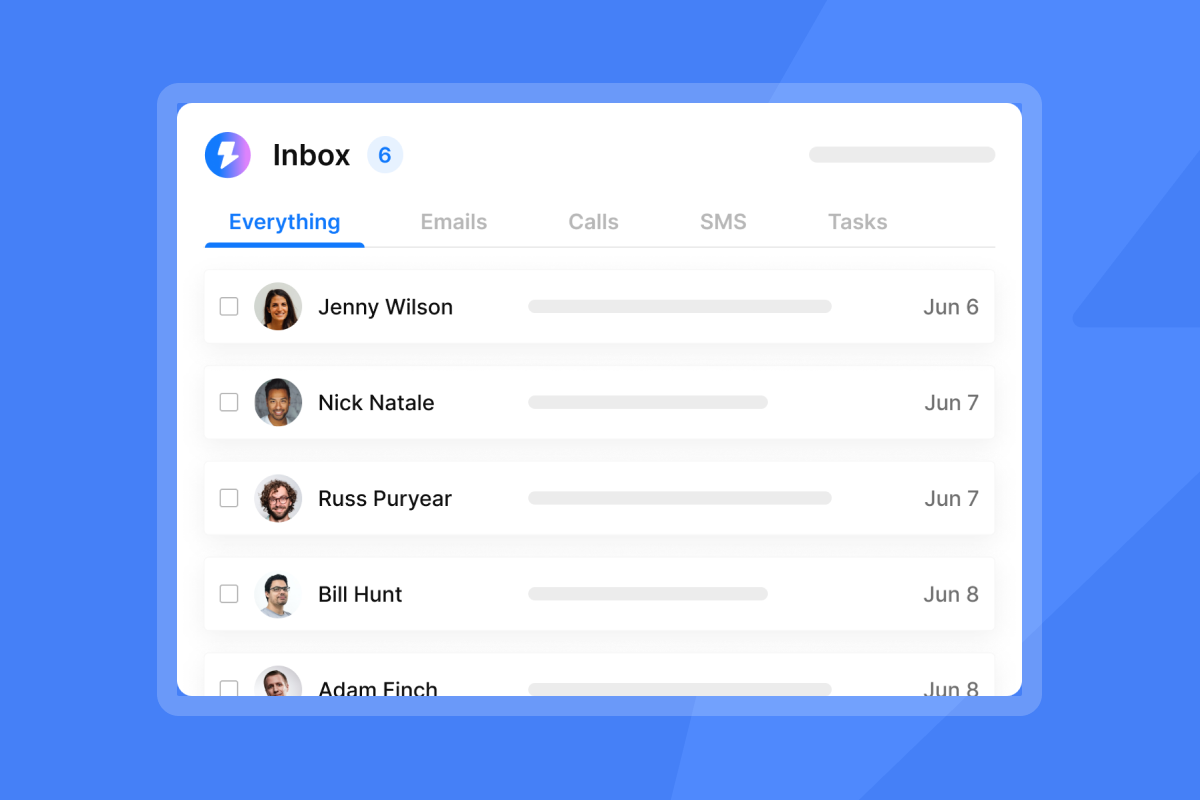
The speed of your initial reply to an interested prospect directly affects meeting conversion. The AI Reply Agent handles inbound replies in under 5 minutes and routes conversations based on intent. Unibox aggregates replies from all sending accounts into a single dashboard so your rep handles every conversation from one place without juggling individual inboxes.
Ensuring accurate CRM record sync
The native HubSpot integration connects under Settings, then Integrations. It supports two directions: importing contacts from HubSpot into Instantly, and exporting leads from Lead Finder directly to HubSpot. Syncing outreach activity back to HubSpot requires a third-party connector such as Zapier or Make.
That eliminates the manual data entry that creates CRM drift and makes pipeline reporting unreliable, as covered in Instantly's guide to AI BDR CRM integration. The integrations help collection covers all native and partner-supported connectors, including Clay, Zapier, Make, and Pipedrive.
Bloatware to avoid in your tech stack
Small teams move fast, which is what makes scaling outbound without headcount possible. Every extra feature that requires configuration, training, or maintenance adds drag. The best stack for a team under 10 is the one with the fewest tools that cover the most ground, not the one with the most features.
Granular user permissions
Tightly scoped user permission structures make sense for enterprise teams where compliance is a legal requirement. For a team of three to eight reps, they create friction without value. Shared workspaces with role-based access keep your team aligned and cut the time you spend managing access settings instead of running campaigns.
Avoid complex test variables
Running too many copy variants at once on a small list produces inconclusive data. Test one variable at a time: start with two subject line variants, run them to a sufficient sample, and then iterate. Once you have subject line data, move to CTA testing. Simplicity produces faster learning loops for lean teams. A/Z testing is available on Growth and above, with the full 26-variant capability gated to Hypergrowth ($97/mo) and above. That range is a powerful tool for later-stage optimization, not week-two setup.
Advanced analytics dashboards
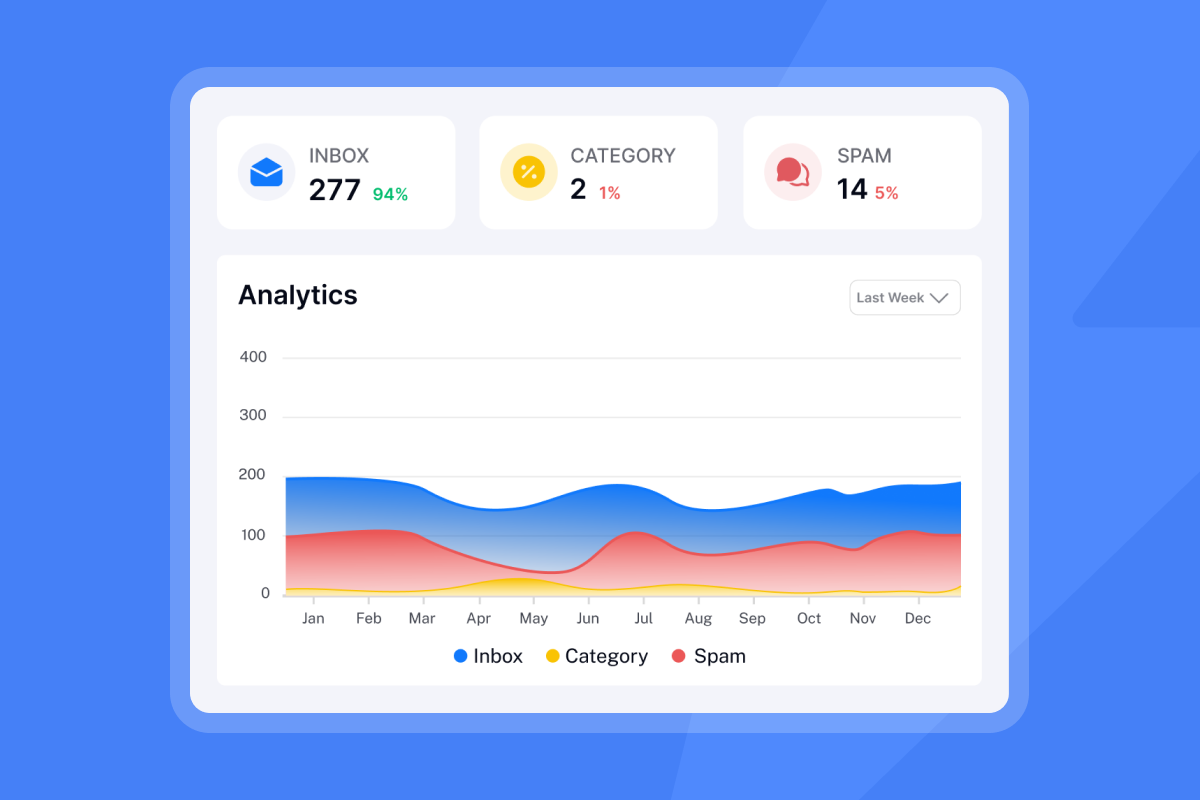
The metrics that matter for a team under 10 are reply rate, bounce rate, and meetings booked. Choose tools where these numbers are visible at a glance and reconcile with your CRM pipeline data. Analytics that do not match what your CRM shows are a trust problem with whoever owns the budget, and an accuracy problem with your quota math.
Avoiding hidden costs in AI BDR tooling
The pricing structure of your outreach platform determines how costs scale as your team and sending volume grow, and understanding what AI BDRs actually cost starts with looking past the sticker price. Per-seat pricing compounds in ways that are easy to underestimate at the start of the year and painful to absorb by Q3.
Hidden costs of per-seat AI pricing
Pricing Metric | Flat-Fee / Unlimited Model (Instantly) | Legacy Per-Seat Model |
|---|---|---|
Monthly Cost (Base) | $47 to $97 per month | Per seat (pricing varies by vendor and tier; each additional rep or mailbox adds a new billable seat) |
Email Accounts Allowed | Unlimited | Capped per seat |
Warmup Included | Unlimited accounts included | Often restricted or requires third-party tools |
Scaling Friction | Low (add domains for $15/yr, no extra seat cost) | High (new seats required for more mailboxes) |
On a per-seat model, every rep and every additional mailbox you add triggers a new line item. Data subscriptions, warmup tools, and CRM licenses stack on top of that base cost. Instantly's flat-fee model runs $564 per year on the Growth plan ($47/mo) or $1,164 per year on Hypergrowth ($97/mo), with the same flat fee regardless of how many inboxes or team members you add, and warmup is included across unlimited accounts.
Lock-ins and annual contracts
Annual contracts lock you into a cost structure before you know whether the tool performs for your team. For a team under 10 people, that risk is amplified because outreach strategy and team size can shift within 12 months.
Instantly offers a 14-day free trial with no credit card required, including 250 uploaded contacts on Outreach. The monthly plans let you scale down during quiet quarters or switch configurations as your needs change. No setup fees and no mandatory annual lock-ins on standard plans.
Matching seat counts to actual volume
The right question about any outreach platform is not "how many seats do we need?" It is "how many email accounts do we need to hit our monthly send target at 30 emails per inbox per day?" That reframe changes the entire cost structure.
At 30 emails per inbox per day across 20 business days, a single inbox produces 600 sends per month. To reach meaningful scale, you add inboxes, not seats. On Instantly's flat-fee model, those inboxes sit inside a single plan with no per-account charge. That structural difference is why flat-fee scales predictably and per-seat does not. Pre-warmed domains are available at $15 per year and pre-warmed email accounts at $10 per month from the Instantly pricing page.
Setting up AI BDR for small teams: a phased approach for under 10 people
The implementation process should be phased and measurable. Trying to go live with a fully automated system in week one is one of the AI BDR rollout mistakes that leave teams with burned domains and no pipeline.
Week 1: Establishing safe sender identity
Buy secondary sending domains separate from your primary company domain. Never use your primary domain for cold outreach. If a campaign triggers a blocklist entry on your primary domain, it affects every email your company sends, including transactional messages and customer support.
Configure SPF, DKIM, and DMARC on each secondary domain before connecting any inbox. Once domains are authenticated, enable warmup on every inbox and start with low daily send volume. Monitor deliverability health before increasing volume.
Week 2: Launching your first AI sequences
Use Lead Finder to build your first verified list. Apply ICP filters, verify against the waterfall enrichment pipeline, and export directly to your campaign. Keep your initial list under 500 contacts so you can read performance data without noise.
Write your first sequence email under 80 words with one specific reference to the prospect's company or role, a clear value statement, and a single low-friction ask. Set up 4 to 7 steps as the benchmark report recommends, with enough time between steps to avoid clustering sends too close together. Continue increasing daily send volume gradually as warmup progresses. Follow Instantly's warmup scaling guide for the recommended progression at each stage.
Optimizing reply rates and pipeline
After your first campaigns send, read the data. Check reply rate, bounce rate, and which sequence step generated the most responses. Run two subject line variants on your next batch. Test each variant on a large enough sample to produce a clear pattern, then promote the winner before moving to the next variable. Once you have subject line data, move to CTA testing. The cold email copywriting framework gives you a structured approach to iteration.
Operationalizing your cold outreach process
Once the system is live, the job shifts from setup to monitoring and iteration. A small team needs a routine that catches problems early and keeps the pipeline flowing.
Benchmarking reply rates for startups
Use Instantly's 2026 benchmark data as your reference frame. The platform average of 3.43% is your baseline. Top-quartile performance at 5.5%+ is your 90-day target. Reaching 10.7%+ requires tight ICP targeting, short copy, and consistent sending patterns that build domain reputation over time. These reflect what top performers achieve with reliable, repeatable processes, not what happens automatically when you turn on a tool.
Defining realistic quotas and timelines
Set rep quotas based on documented send volume, reply rate, and conversion rate per campaign rather than vendor marketing claims. Document these numbers so you can identify where the funnel breaks if targets slip.
The first 4 to 6 weeks are warmup time, not results time. During this period, your inboxes are building reputation and your first sequences are gathering early data. Do not judge the system by week-two reply rates. A well-configured system with a healthy lead list typically begins producing consistent, forecastable meeting volume after the warmup phase completes and you have iterated on copy and targeting with enough data to draw conclusions.
The bottom line for small teams
For a team under 10 people, the AI BDR (Business Development Representative) advantage is in the infrastructure underneath, not the sophistication of the AI. Build the sending foundation correctly, keep data clean, and use AI to handle volume and triage. Your reps close deals. The system handles everything else.
The decision comes down to three questions: Do you have a validated offer? Do you have a clean list? Can you commit to the 4 to 6 week warmup before expecting results? If yes to all three, AI BDR is the right move at your current stage, and the future of AI BDR in B2B sales is worth planning for now.
The best implementations focus on the fundamentals: sender reputation, list quality, and gradual scaling. The AI layer amplifies what already works. Without those foundations, even the most sophisticated ai agents cannot overcome poor deliverability or bad data. Start with infrastructure, add automation once the system proves stable, and let AI handle the volume while your team handles the conversations that matter.
As one Trustpilot reviewer puts it after running Instantly at scale:
"We're able to scale our outreach without sacrificing personalization or risking our sender reputation. For anyone serious about B2B cold email at scale, Instantly is worth every penny. It's become a core part of our go-to-market strategy." - Natalie on Trustpilot
Try Instantly free for 14 days and set up unlimited sending accounts with Lead Finder. No credit card required.
FAQs
How many emails can an AI BDR safely send per day?
Limit sending volume to no more than 30 emails per single inbox per day. To scale your volume, add more secondary domains and email accounts rather than increasing the throughput of a single inbox.
How long does it take to warm up a new sending domain?
A safe warmup process takes 4 to 6 weeks. Start with low daily volume and gradually increase while monitoring deliverability health in your dashboard.
What is the average reply rate for cold email campaigns?
According to Instantly's 2026 benchmark report, the platform average reply rate is 3.43%. Top-quartile senders achieve 5.5% or higher, while the top 10% reach over 10.7% by maintaining strict list hygiene and consistent sending patterns.
Key terms glossary
- Primary inbox: The main folder where legitimate, high-priority emails land, which is the target destination for all cold outreach campaigns.
- Warmup: The process of gradually increasing email volume on a new account to build a positive sender reputation with mailbox providers.
- List hygiene: The practice of regularly cleaning your lead database by removing invalid, inactive, or unverified email addresses to prevent bounces.
- SISR (Server and IP Sharding and Rotation): A deliverability technology on the Light Speed plan that uses dedicated, private IP pools to protect sender reputation at high sending volume.
- Unibox: A centralized inbox that aggregates replies from all your sending accounts into a single dashboard for easy management and reply triage.
Read next
- How to calculate and lower your cost per meeting for outbound lead generation: a breakdown of the real costs behind each booked meeting and the levers small teams can pull to bring that number down.
- 30-day email warmup and hygiene system for primary inbox placement: a step-by-step routine for keeping sending domains out of spam and building the sender reputation that supports consistent primary inbox placement.
- Instantly pricing: unmatched value for unlimited outreach: a plain-language breakdown of what each Instantly plan includes and how flat-fee pricing compares to per-seat alternatives.



