.svg)
%20(1).svg)


Updated: June 10, 2026
TL;DR:
Most enterprise AI sales deployments fail because of poor deliverability systems, not bad copy. The best AI sales agent for enterprise combines strict admin controls, human-in-the-loop approval workflows, and a systematic deliverability engine that keeps domain health intact across every rep and team. Instantly.ai gives you unlimited sending accounts on a flat fee, a private warmup network of 4.2M+ accounts, SISR (dedicated IP rotation) on the Light Speed plan, and AI agents that operate with full human oversight. Legacy suites like Outreach and Salesloft charge $125-200+ per seat per month, making them exponentially more expensive as your team grows.
Most enterprise AI sales deployments fail before the first email reaches a prospect's primary inbox. The failure is not weak copy or poor rep adoption. It is a missing deliverability system, and without one, even the most sophisticated AI agent can crater your domain reputation and kneecap monthly pipeline targets.
Scaling outbound across multiple sales teams requires more than AI copy generation. You need verifiable activity logs, workspace-level partitioning, human-in-the-loop approval workflows, and predictable pricing that does not multiply as headcount grows. Instantly.ai holds a 4.8/5 rating on G2 from nearly 4,000 reviews and serves 40,000+ clients, making it one of the most field-tested options in this category. This guide evaluates the best AI sales agents for large, multi-team deployments, focusing on the security, compliance, and deliverability systems that protect your brand at scale. If you're running a leaner team, our best AI sales agents for small teams roundup uses different criteria.
What enterprise teams need from AI SDR tools
An enterprise AI sales automation agent automates lead sourcing, email writing, follow-up sequencing, and reply handling, reducing the manual workload on SDRs and sales managers. For organizations managing multi-team outbound across hundreds of reps, the requirements extend well beyond basic automation. You need systems that standardize rep behavior, protect domain reputation, and generate auditable data for compliance and CFO review, the foundation of AI sales automation for enterprise teams.
Scaling operations without rep errors
Manual outreach at scale introduces inconsistency. Reps write different subject lines, use different sending windows, and skip follow-ups under quota pressure. AI standardizes this by running pre-approved sequences, enforcing send pacing, and triggering follow-ups based on reply or non-reply signals. Teams still deciding can start by asking if they need an AI sales agent at their current scale.
The primary risk is not that AI replaces your reps. It is that unsupervised AI sends messages that violate brand standards or damage domain reputation, exactly the risk our AI sales agent security and compliance guide is built to manage. The solution is a configurable approval workflow with pre-approved templates that reps execute rather than freely modify.
Managing team access and permissions
A multi-team deployment needs workspace partitioning, the foundation of any account-based sales deployment at scale. Without it, one team's campaign list can contaminate another's, analytics lose reliability, and a deliverability issue in one territory can spread across your shared sending infrastructure. Enterprise-grade platforms separate campaigns, leads, and analytics by team, product line, or region, with role-based access controlling what each user can do within their assigned workspace.
Protecting brand and domain health
Deliverability is not a feature. It is a system built on domain warming, send pacing, and IP management. Skip any one of them and you risk landing in spam folders, triggering blocklists, or getting your domain flagged by Gmail or Microsoft.
Cold email practitioners consistently recommend capping sends at 30 emails per inbox per day, because this keeps each sender within the volume patterns email providers treat as natural human behavior. Across a large team, you reach high total send volume by running inbox rotation across many warmed accounts, each staying within that safe daily threshold.
Verifiable AI logs for sales teams
Sales leaders managing large multi-team deployments need dashboards that show exactly what the AI sent, when it sent, what it classified as an interested reply, and what it queued for human review - the exact dashboard setup covered in our AI sales agent reporting and analytics guide. Without this, you cannot reconcile AI-reported outcomes with your CRM data, and you cannot defend pipeline numbers to a CFO or compliance officer. Our AI sales agent benchmarks for 2026 show what auditable performance actually looks like.
Protecting brand trust in automated outreach
Enterprise brands carry more risk exposure than individual contributors running personal campaigns. A single spam complaint from a mis-targeted prospect, or a data handling error, can generate legal and reputational damage that far outweighs any pipeline gain. Managing this risk requires a layered approach across access, data, and compliance.
Managing user access and permissions
Role-based access control (RBAC) limits what each user can do within the platform. Admins configure which reps can create campaigns, which managers can approve sequences, and which roles can export lead data. Without RBAC, a single rep can launch an unapproved campaign to a list that has not cleared legal review, which is a real compliance risk in regulated industries.
Localizing AI sales data handling
Instantly runs on AWS (USA), and you can verify exactly who processes your data in Instantly's publicly listed sub-processor documentation. Before deploying, confirm that your specific data flows comply with local requirements, particularly for EU-based companies operating under GDPR.
Requesting compliance documentation
Compliance teams running vendor RFPs typically require audit documentation as part of their review process, the exact checklist our AI BDR security and compliance checklist for enterprise walks through. Instantly's Data Processing Agreement covers data processing terms, sub-processor transparency, and restricted data categories. For specific compliance documentation related to your RFP requirements, contact Instantly's enterprise sales team directly. Available documentation is provided to subscribers under NDA rather than posted publicly.
The DPA also specifies restricted data categories you must not upload, including PHI, payment card data, and biometric data.
Maintaining GDPR-ready sales workflows
The EU AI Act brings transparency requirements into effect in August 2026 for operators of high-risk AI systems, requiring documented risk management, automatic logging, appropriate human oversight, and safeguards for accuracy and cybersecurity. AI-powered sales agents using personal data for outreach and profiling may fall within these requirements depending on their classification.
For GDPR compliance in your outreach workflows, include opt-out links in every sequence, process only data covered by your DPA, and avoid uploading restricted data categories. Technical authentication (SPF, DKIM, DMARC) on all sending domains is required before any live volume runs.
Admin controls for large-team deployments
Getting admin controls right from day one prevents the most common AI sales agent mistakes: cross-team data contamination, rogue sends, and compliance gaps that surface during audits.
Partitioning workspaces for SDR teams
Workspace partitioning separates campaigns, leads, inboxes, and analytics by team. A typical setup creates separate workspaces for each product line, region, or vertical, so that SDR teams in different divisions cannot see or modify each other's campaigns. This keeps reporting clean enough to track performance by team without manual filtering, and it gives each team a controlled operating environment with independently configured AI settings.
The AI Agents documentation details how agent behavior is configured per workspace, so each team's AI Reply Agent settings, approval workflows, and reply classifications stay isolated from other teams.
Configuring secure admin roles
Instantly uses five documented roles, each scoped to what a user can do within a workspace. Note that access is controlled at the workspace level, not per campaign within a workspace. Any team member added to a workspace can see all campaigns and data in that workspace.
- Owner: Full platform control, including billing and all workspace settings.
- Admin: Workspace creation and platform-wide configuration.
- Editor: Create and edit campaigns within their assigned workspace.
- View / VA Access: Can reply to Unibox messages and update email account settings, but cannot create or edit campaigns.
- Client: Read-only reporting access, suited for external stakeholders or agency clients.
This structure prevents any single user from making changes that affect the entire sending infrastructure, which is the primary guard against accidental deliverability damage. To confirm the current permissions for each role, check Instantly's team member roles documentation.
Standardizing outreach approval workflows
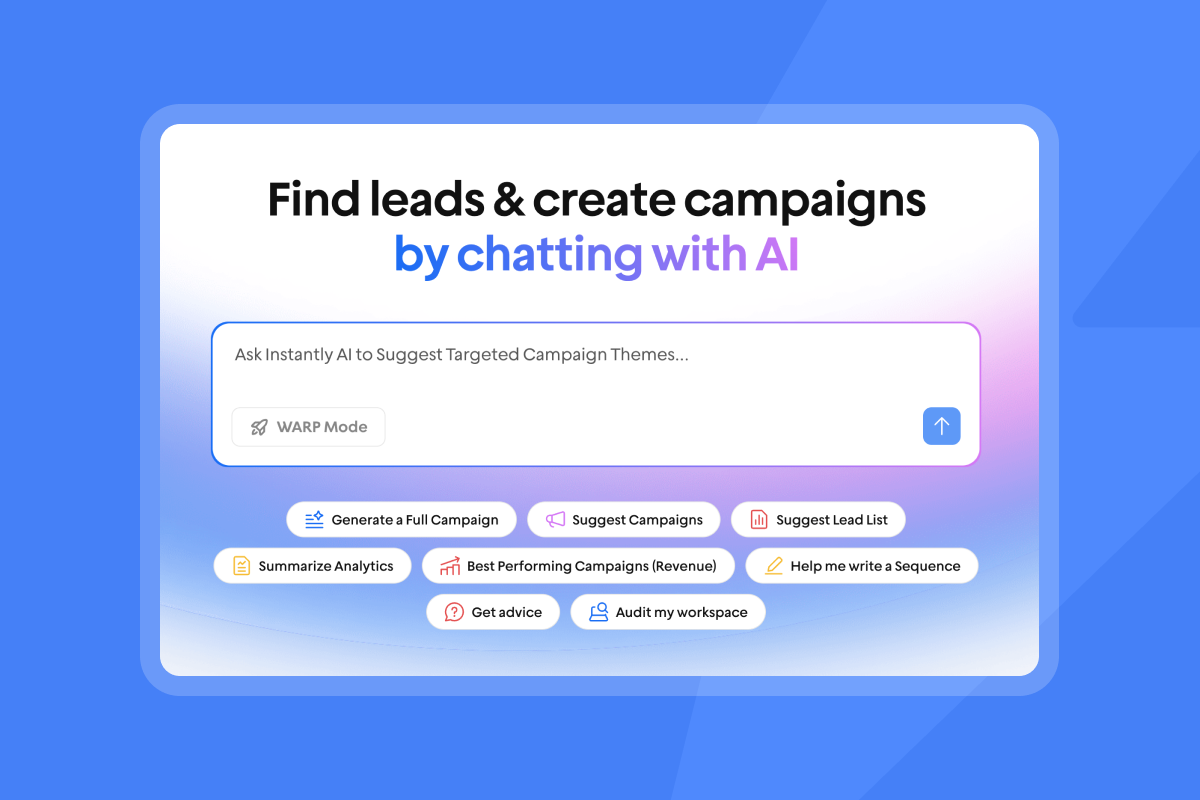
The most important admin control for AI-generated outreach is human-in-the-loop (HITL) approval. The AI Reply Agent supports two modes: Autopilot, where the agent sends replies automatically in under 5 minutes, and Human-in-the-Loop, where each reply goes to a reviewer before it sends.
For large deployments, HITL is the safer default. Managers receive draft replies in Slack via the Reply Agent Slack integration, review or edit them, and approve with a single click. This keeps AI output within brand standards and prevents misclassified replies from damaging a prospect relationship.
OWASP's 2025 Top 10 for LLM applications lists prompt injection as the #1 critical vulnerability in production AI deployments. HITL approval is a direct mitigation for this risk, since a human reviewer catches anomalous or injected output before it reaches a prospect.
Preventing domain and IP blacklisting
Technical authentication (SPF, DKIM, DMARC) is table stakes. Beyond that, the primary prevention tools are:
- Send cap: No more than 30 emails per inbox per day. Instantly's secondary sending domains guide explains how to reach high total send volumes safely through inbox rotation while keeping each account within that threshold.
- Warmup: All Instantly plans include unlimited email warmup on a private network of 4.2M+ accounts that open, reply to, and rescue emails from spam folders.
- Bounce monitoring: Keep bounce rates at or below 1%. If rates rise, pause sends, re-verify the list, and restart at a lower send cap.
- Inbox Placement tests: Instantly's automated Inbox Placement tests run on schedule and alert you if placement rates drop before they affect live campaign volume.
Transparent sales activity tracking
Enterprise buyers need reporting that can withstand CFO scrutiny. The metrics that matter most for multi-team deployments are:
- Open and reply rates per campaign and per rep
- Meetings set and pipeline coverage
- Cost-per-meeting (total platform cost divided by meetings booked)
- Bounce rates and deliverability health scores
- AI reply classification (Instantly categorizes replies to help you prioritize follow-up)
"Instantly makes cold outreach operationally simple at scale. The interface is straightforward, setting up campaigns with multiple inboxes is fast, and the warm-up system helps maintain deliverability when sending higher volumes." - Ivar S. on G2

How SLAs protect your sales operations
Support quality is one of the most common failure points in enterprise software deployments. A deliverability crash mid-campaign with no support response can cost you weeks of pipeline. Before committing to any platform, define what support guarantees you need in writing.
Defined SLAs and implementation support
Look for documented response times (not just "priority support" language in marketing copy), named escalation paths for critical issues, and coverage during your team's peak sending hours. For large deployments, ask specifically about response commitments for deliverability incidents, API failures, and billing disputes. Instantly's VIP service packages include done-for-you setup and operations support for teams that need a managed launch.
A 14-to-30-day ramp period is realistic for a clean deployment. Work through these steps in order:
- Domain configuration: Verify SPF, DKIM, and DMARC records across all sending domains before warmup starts.
- Warmup ramp: New inboxes start at 5 sends per day, scaling to 15, then up to 30 over the first 30 days.
- Workspace setup: Create separate workspaces per team with roles and permissions assigned before any campaigns go live.
- Sequence approval: Load and test pre-approved templates before any live sends.
"I've been using Instantly.ai for about 4 months, and I have never had an issue with using their features or a challenge with customer support. It has everything needed for sending personalized cold outreach campaigns, with everything documented in clear SOPs and a customer support that is quick to respond and solve the issue/answer inquiry." - Yassine Raji on Trustpilot
Resolving AI agent workflow failures
When an AI agent stalls or produces unexpected output, follow this structured response process:
- Check the AI Reply Agent troubleshooting guide for common failure causes (credits exhausted, Slack integration disconnected, or lead reply not matching trigger conditions).
- Review your Instantly Credits balance, since AI Reply Agent and AI Sales Agent each consume 5 credits per action.
- Switch affected campaigns to HITL mode while diagnosing the root cause.
- Check the Instatus page for any platform-level incidents affecting agent infrastructure.
Standardizing team onboarding workflows
New reps should inherit a standardized setup rather than start from scratch. Pre-approved templates, configured send windows, approved A/Z test variants, and workspace access all load from your admin configuration. This cuts ramp time and prevents reps from experimenting with unapproved copy that could affect domain reputation.
Top AI sales agents for enterprise deployment
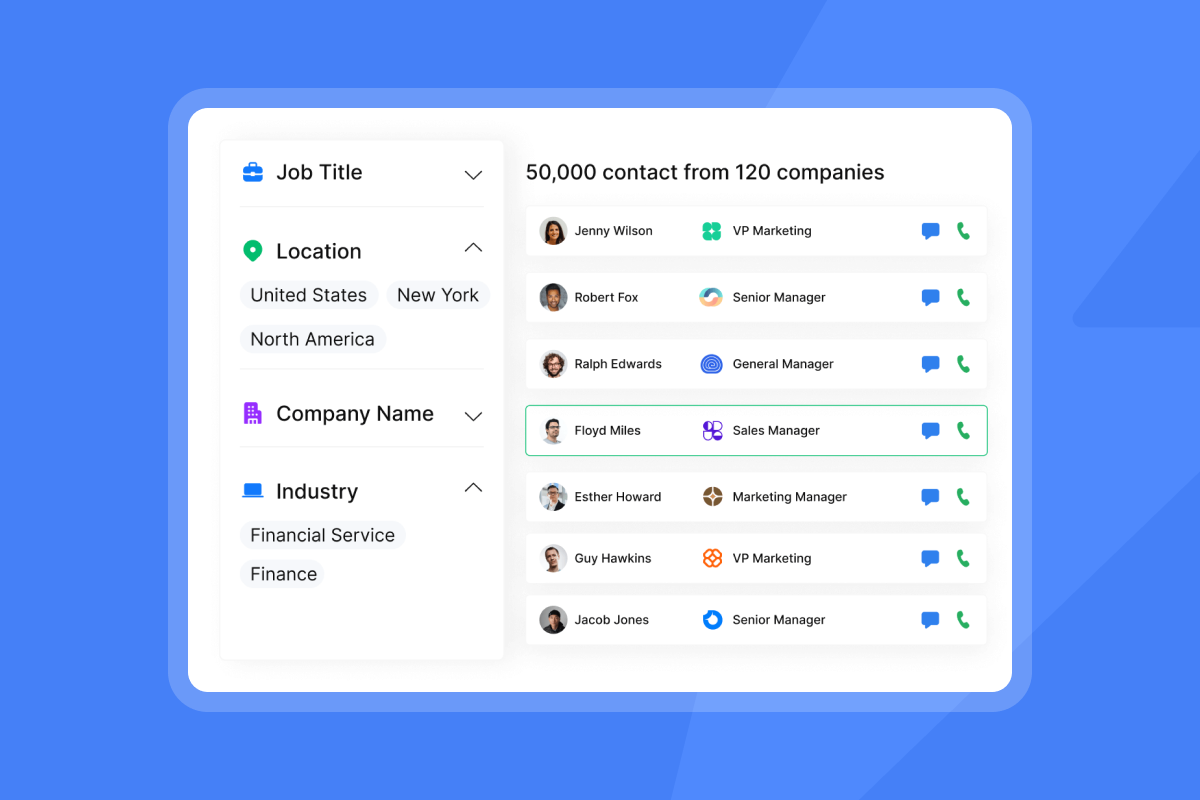
The market for scalable AI SDR tools, covered in our roundup of the best AI sales agents for 2026, includes legacy Sales Engagement Platforms (SEPs), data-first prospecting tools, and focused email outreach engines. These map to the main types of AI agents. Each category makes different trade-offs on pricing, deliverability, and admin control. Our guide to choosing an AI sales agent breaks down these trade-offs in more depth.
Ensuring audit-ready sales automation
Audit readiness means you can show exactly what the AI did: which leads it contacted, what it sent, what replies it received, how it classified them, and whether a human approved each action. Platforms that operate as black boxes, where AI activity is summarized but not individually logged, create compliance gaps that surface during security reviews.
The AI Sales Agent logs each lead it sources and each action it takes, so you can trace the full path from lead generation to reply to meeting booked. Unibox provides a centralized view of all replies across every sending account, giving RevOps teams a single source of truth for AI-generated outreach activity. Watch the Instantly AI Sales Agent walkthrough to see how the agent finds leads, writes messages, follows up, and books meetings within this framework.
The cost of legacy feature overload
Legacy enterprise SEPs carry high implementation complexity and per-seat cost structures that compound quickly. Outreach implementation fees are reported to run from $1,000 to $8,000 depending on deployment size. Salesloft starts at $125 per user per month on the Essentials tier. A 20-rep team on Instantly Light Speed ($358/mo, $4,296/yr flat) pays roughly 82% less than Apollo Professional ($99/user/mo x 20 seats = $23,760/yr) and 86% less than Salesloft Essentials ($125/user/mo x 20 seats = $30,000/yr). Those savings compound as headcount grows because Instantly's flat-fee model does not add cost per seat.
The trade-off with legacy suites is not feature depth. It is that their implementations take quarters rather than weeks, their billing structures penalize growth, and their deliverability tools often require separate subscriptions or third-party workarounds. For a direct feature comparison, watch Scaling Sales with AI: Instantly vs legacy suites walk through the core differences in practice.
Tiered pricing for sales automation
The table below compares the four main categories across the metrics that matter most when evaluating platform risk and total cost of ownership.
Platform | Pricing model | Deliverability system | Admin controls | Best for |
|---|---|---|---|---|
Instantly | Flat-fee ($47-$358/mo billed monthly or $37.6-$286.3/mo billed annually, Outreach plans) + credits | 4.2M+ warmup network, SISR (Light Speed), automated inbox placement tests | Workspace partitioning, RBAC, HITL approvals | Sales leaders scaling outbound across multi-rep teams without per-seat penalties |
Apollo.io | Per-seat ($65-$99/mo per user, billed monthly, or $49-$79/mo per user, billed annually, Basic and Professional plans) | Basic warmup, shared IP pools | Standard team roles | Teams prioritizing data-first prospecting over deliverability optimization |
Outreach | Per-seat (estimated $150-200+/mo per user) + implementation fees | Limited built-in deliverability | Enterprise SSO, advanced RBAC | Enterprises with Salesforce-heavy stacks and budget for long implementations |
Salesloft | Per-seat (estimated $125+/mo per user) | Deliverability guidance, no built-in warmup | Enterprise RBAC, SSO | Full revenue-cycle management for large enterprise SEP deployments |
How Instantly maintains deliverability at scale
Instantly's architecture centers on deliverability from day one, which is why warmup is included on every plan, automated placement testing runs on schedule, and SISR is available at the top tier.
Predictable billing with monthly terms
Instantly's Outreach plans run on monthly terms with no required annual lock-in:
- Growth: $47/mo (or $37.60/mo annual), including unlimited accounts, warmup, A/Z testing, AI Sequence Writer, and AI Spam Words Checker.
- Hypergrowth: $97/mo (or $77.60/mo annual), adding higher throughput and premium support.
- Light Speed: $358/mo (or $286.30/mo annual), adding SISR with dedicated private servers and IP rotation.
- Enterprise: Custom pricing with white-glove onboarding.
The AI agents (AI Reply Agent, AI Sales Agent, Copilot) run on a separate Instantly Credits subscription starting at $9/mo for 150 credits. The AI Reply Agent costs 5 credits per reply, and the AI Sales Agent costs 5 credits per generated lead within Instantly's AI Sales Agent Software, keeping AI costs transparent and separate from your base outreach subscription. A starter stack (Outreach Growth + Instantly Credits Growth + Growth CRM) runs approximately $141/mo, and a full configuration (Light Speed + Hyper Credits + Hyper CRM) runs approximately $652/mo before any custom Enterprise pricing applies.
Predictable inbox placement mechanics
Instantly's private deliverability network includes 4.2M+ accounts that open, reply to, and rescue emails from spam folders, building and maintaining sender reputation across your entire sending infrastructure. Real-world performance is covered in this Instantly vs Apollo agency comparison. Every plan includes unlimited warmup accounts at no additional cost, removing the need for a separate warmup tool.
On the Light Speed plan, SISR (Server and IP Sharding and Rotation) adds dedicated private server and IP pools. Each IP builds its own sender reputation independently. If one IP faces throttling or a blocklist hit, the system shifts sending to other IPs while you investigate, keeping overall delivery rates stable. Instantly's Inbox Placement product runs automated tests on a schedule and alerts you if placement rates drop below your configured threshold before the issue reaches live campaign volume.
"Instantly.ai is the GOAT of cold email and a must for beginners and experts alike. There is not a better tool to scale outreach that lands in inbox like Instantly." - Joseph Elsaghir on Trustpilot
Audit-friendly reporting and data lineage
Unibox centralizes all replies from every sending account into a single inbox, with AI classification of reply intent (interested, not interested, out-of-office, or custom labels you define). This gives RevOps a complete view of AI activity without aggregating logs from multiple tools, and it reconciles directly against your CRM via Instantly's native HubSpot integration connection via OutboundSync.
SuperSearch, Instantly's lead database with 450M+ B2B leads, uses waterfall enrichment across 5+ providers, so you have a clear record of which source underpins each contact before any outreach runs, a foundation for AI sales agent data integration with your CRM.
Zero-friction platform onboarding
Instantly offers pre-warmed domains at $15/year and pre-warmed email accounts at $10/month, removing the most time-consuming part of a new deployment. Done-for-you account setup is available for teams that need a managed launch, with package pricing detailed at the VIP pricing page.
For teams that prefer self-service, the configuration follows a clean ramp: domains go live with authentication records verified, warmup starts at 5 sends per inbox per day, and sequences launch only after each inbox reaches the 30-per-day threshold.
Ready to test this at your scale? Start a free trial and access the AI Sales Agent, workspace partitioning, and warmup network with 100 free Instantly Credits. For a custom demo of SISR and enterprise onboarding workflows, contact Instantly's enterprise sales team for a Light Speed plan walkthrough.
FAQs
What security controls must be in place for enterprise AI sales agents?
You need granular role-based access control, a signed Data Processing Agreement covering sub-processor transparency and restricted data categories, HITL approval workflows for AI-generated sends, and SPF, DKIM, and DMARC authentication on all sending domains. Instantly's DPA covers processing terms, restricted data categories, and sub-processor transparency. Compliance documentation is available to subscribers on request under NDA through the enterprise sales team.
How do we audit AI agent activity logs?
Unibox provides a centralized log of all AI-generated and AI-assisted replies, with reply classification and approval timestamps visible per account and per campaign. For CRM sync, Instantly integrates natively with HubSpot, so AI activity logs reconcile directly against your pipeline records.
What does enterprise AI sales automation cost?
Outreach plans run $47/mo to $358/mo on flat-fee, monthly terms with no required annual lock-in. Instantly's AI agents run on a separate Instantly Credits subscription starting at $9/mo, with AI Reply Agent and AI Sales Agent each costing 5 credits per action.
How long does setup take for enterprise AI agents?
Deployment length depends on your team size and configuration, but the steps run in a fixed order: domain configuration, warmup ramp (5 to 30 sends per inbox per day over 30 days), workspace creation, role assignment, and sequence approval. The warmup ramp itself takes 30 days, which sets the minimum timeline for any new inbox going live.
How does SISR protect sender reputation at high volume?
SISR on the Light Speed plan splits sending volume across dedicated private servers and IP pools, where each IP builds its own sender reputation independently. If throttling or a blocklist event hits one IP, the system shifts sending to other IPs in the pool, keeping delivery rates stable while you investigate the affected IP.
Key terms glossary
SISR (Server and IP Sharding and Rotation): Dedicated private server and IP pools that split sending volume to build independent sender reputations per IP, available on Instantly's Light Speed plan.
Human-in-the-loop (HITL): Approval workflow where a human reviewer checks each AI-generated reply before it sends, protecting brand standards and preventing AI errors from reaching prospects.
Workspace partitioning: Separating campaigns, leads, inboxes, and analytics by team, product line, or region so each team operates in a controlled environment with its own configured AI settings.
Domain warmup: Gradual send-volume ramp (5 to 30 emails per inbox per day over 30 days) that builds sender reputation with email providers before live campaigns launch.
RBAC (Role-Based Access Control): Permission system that controls what each user role (Owner, Admin, Editor, View / VA Access, Client) can do within an assigned workspace. Access is scoped at the workspace level, meaning all members of a workspace can see all campaigns and data within it.
Read next
- Cold Email Deliverability: 14 Key Checks Before You Hit Send: A pre-send checklist covering domain authentication, warmup status, list hygiene, and inbox placement tests before any live volume runs.
- 7 Best AI SDR Tools Worth Investing In: A breakdown of the top AI SDR platforms by pricing model, deliverability system, and admin controls, so you can compare options against your team's requirements.
- GDPR Email Marketing: How to Scale While Staying Compliant: How to structure outreach workflows, opt-out handling, and data processing agreements to keep high-volume cold email within GDPR requirements.



