.svg)
%20(1).svg)


Updated April 22, 2026
TL;DR: Poor data hygiene is the single most preventable cause of domain blacklisting. B2B contact data decays at approximately 2.1% per month, meaning any list you purchased six months ago could already be over 12% stale. Real-time verification catches toxic emails at point of entry or right before a send. Batch verification cleans bulk lists before they ever touch your sending infrastructure. You need both. Running them inside a unified platform, rather than stacking point solutions from separate b2b email list provider tools, keeps costs predictable and protects your primary inbox at scale.
Most sales leaders obsess over email copy while their campaigns burn because of stale, unverified data from their b2b email list provider. Your domain reputation does not care how good your subject line is if a high percentage of your sends are bouncing back as hard failures. When that happens, you miss quota not because your reps are underperforming, but because your infrastructure is poisoned. This guide breaks down how real-time and batch email verification work, where each method protects you, and how to layer them into a system that keeps your bounce rate below 1% and your pipeline moving.
Real-time verification: instant bounce prevention
Real-time email verification runs an API-based check on a single address in milliseconds, before that contact enters your CRM or before a sequence step fires. The check happens server-to-server and returns a pass or fail result your system can act on immediately, with no action required from the recipient.
API steps and pre-send workflow
A quality real-time check runs three validation layers in sequence, typically completing in 100 to 500 milliseconds for most addresses.
- Syntax validation: Confirms the address follows proper email format, catching typos like missing @ symbols or malformed domain names before any network calls are made.
- MX record and domain check: Verifies the domain exists and has active mail exchange records, filtering out addresses tied to expired domains.
- SMTP handshake: Connects to the recipient's mail server and asks whether the specific mailbox exists and can receive mail, without sending a message.
Top verification services run additional checks on top of these three layers, including catch-all email detection, disposable email identification, and role-based address flagging. Each type carries a different risk profile that your email deliverability system needs to account for.
Running a pre-send check as part of your campaign QA process adds no meaningful delay for the rep and prevents the hard bounce that would otherwise signal poor list hygiene to every ISP you send through.
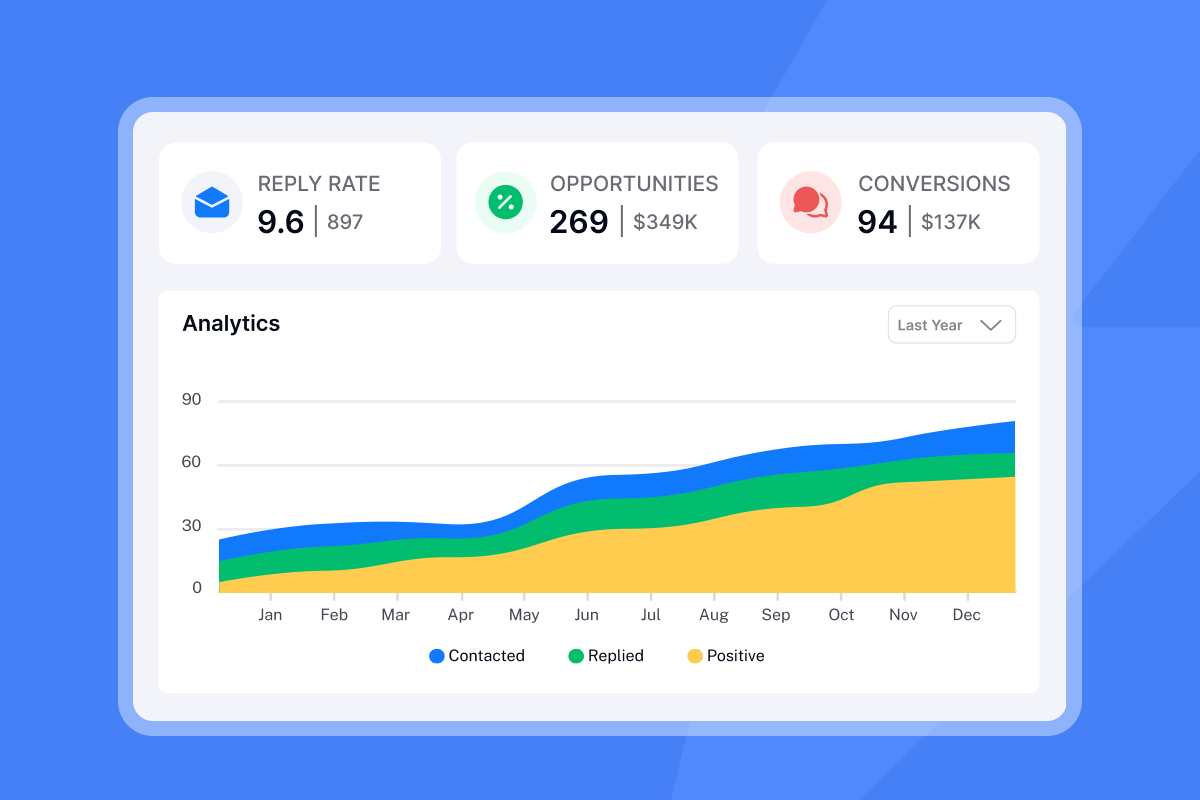
Real-time checks for list hygiene
Real-time APIs identify three categories of toxic emails that standard list uploads miss:
- Disposable emails: Temporary addresses that expire within minutes to hours, spiking your bounce rate as soon as they expire.
- Role-based addresses: Addresses like support@company.com or info@brand.com are tied to a team function, not an individual. They typically generate lower engagement in cold outreach.
- Spam traps: Addresses maintained by ISPs and blocklist operators to catch senders with poor hygiene. Hitting a spam trap can damage your deliverability across your sending domain.
Batch verification: first steps and workflow
For outbound B2B sales, double opt-in confirmation
is impractical because you're contacting prospects who haven't requested contact. API-based batch verification is the practical approach for most teams. It runs asynchronously on bulk files and lets you clean thousands of contacts before they enter your CRM.
B2B contact data decays at a consistent rate of approximately 2.1% per month, accumulating to 22.5% annually, with some analyses putting annual decay as high as 70.3% depending on industry churn and job-change frequency. When you purchase a new list from any b2b email list provider, you should assume a quarter of those contacts are already stale before you send your first message.
The practical consequence: poor data quality costs organizations significant wasted hours and $32,000 per sales rep annually in lost productivity and missed quota. Cleaning data before it enters your CRM is budget protection, not an optional hygiene step.
- Export your raw contact list as a CSV file.
- Upload it to your verification service. If you're using Instantly's SuperSearch, waterfall enrichment across 5+ providers runs natively on your lead data before export.
- The service returns status codes for each address: valid, invalid, catch-all, unknown.
- Filter out invalid addresses. Route catch-all and unknown contacts to a separate, lower-volume sequence.
- Import only verified contacts into your sending infrastructure.
- Export your raw contact list as a CSV file.
- Upload it to your verification service. If you're using Instantly's SuperSearch, waterfall enrichment runs natively on your lead data before export.
- The service returns status codes for each address: valid, invalid, catch-all, unknown.
- Filter out invalid addresses. Route catch-all and unknown contacts to a separate, lower-volume sequence.
- Import only verified contacts into your sending infrastructure.
Schedule batch cleans during off-peak hours, the evening before a campaign launch rather than the morning of, using whichever email verification service fits your stack. For quarterly CRM audits, run the batch job at the start of the month so reps have clean data before their prospecting ramp begins. High-velocity teams running large volumes of new contacts may benefit from more frequent batch cycles, which you can build into a 30-day team rollout schedule.

Feature | Real-time API | Batch upload | When to use |
|---|---|---|---|
Speed | 100-500ms per address | Minutes to hours | Real-time: live forms; Batch: bulk imports |
Volume | Single addresses | Thousands to millions | Real-time: CRM adds; Batch: new list purchases |
Accuracy | High accuracy for live checks | High accuracy at point-in-time | Both methods deliver similar accuracy |
Catch-all handling | Flags immediately | Flags in results file | Batch for first pass; real-time for re-checks |
Cost model | Per-API-call or credits | Per-record or flat fee | Batch is often cheaper at volume |
Accuracy and ROI considerations
Feature | Real-time API | Batch upload | When to use |
|---|---|---|---|
Speed | Typically 100-500ms per address | Minutes to hours | Real-time: live forms; Batch: bulk imports |
Volume | Single addresses | Thousands to millions | Real-time: CRM adds; Batch: new list purchases |
Accuracy | High accuracy for live checks | High accuracy at point-in-time | Both methods deliver similar accuracy |
Catch-all handling | Flags immediately | Flags in results file | Batch for first pass; real-time for re-checks |
Cost model | Per-API-call or credits | Per-record or flat fee | Batch often cheaper at volume |
On the ROI side, verification at $0.008 to $0.02 per address costs a fraction of one lost deal and far less than the domain remediation work required after a blacklisting event, the core math behind how lead verification affects cold email ROI. This cost-per-contact comparison is a straightforward way to make the case internally for consistent hygiene investment.
Reputable verification services aim for high accuracy, though performance can vary across providers. Catch-all addresses are the hardest category: the mail server is configured to accept all incoming email, so the SMTP handshake returns "valid" even for non-existent mailboxes. The Instantly catch-all verification guide explains how to handle this category in your sequencing strategy.

When to apply each email protection
Scenarios for real-time verification
- Inbound lead forms: Every web form submission should trigger a real-time check before the address enters your CRM or marketing automation.
- Manual CRM additions: When a rep adds a contact from LinkedIn research or a business card, a real-time check at entry point prevents one bad address from contaminating sequence data.
- Pre-send sequence checks: Run a real-time validation on each contact immediately before a sequence step fires, catching job changes and domain migrations that occurred after the original import.
- Inbound lead forms: Every web form submission should trigger a real-time check before the address enters your CRM or marketing automation.
- Manual CRM additions: When a rep adds a contact from LinkedIn research or a business card, a real-time check at entry point prevents one bad address from contaminating sequence data.
- Pre-send sequence checks: Run a real-time validation on each contact immediately before a sequence step fires, catching addresses that may have become invalid since the original import.
- New list purchases: Any bulk data acquisition from a b2b email list provider should be batch-cleaned before import.
- Quarterly CRM audits: High-velocity teams should clean monthly. At minimum, run a batch clean every quarter on contacts touched in the past six months.
- Platform migrations: Before moving your contact database to a new CRM or sending tool, run a batch clean to avoid carrying stale data into a fresh environment.
Integrate methods for optimal domain security
At agency or enterprise scale, running both methods without a unified platform becomes operationally complex. The guide to scaling cold email infrastructure covers how teams sending 100,000+ emails per day structure their verification layers. The core principle holds at any volume: batch before import, real-time before send.
No raw list file should ever be imported directly into your sending tool or CRM without a batch verification pass first. Addresses that arrive invalid from a fresh purchase never touch your sending domain, which means they never generate a hard bounce that ISPs can use to downgrade your sender reputation. The secondary sending domains guide explains how to protect your primary domain while scaling.
Prevent bounces with send-time checks
Even after a batch clean, some addresses will degrade between the time you cleaned the list and the time your sequence fires. A real-time check on each sequence step catches those changes. For Instantly users, this layer integrates into the campaign preview workflow, giving you a final signal before the send window opens.
Sustaining primary inbox placement
The goal of both verification layers is the same: keeping your hard bounce rate below 1% so ISPs route your messages to the primary inbox. Industry consensus sets 2% as the acceptable ceiling, but staying below 1% gives you a meaningful buffer. When your rate crosses 5%, your sending IP or domain risks appearing on blocklists like Spamhaus, which can take weeks to remediate and can stop pipeline dead in the meantime.
Instantly's automated Inbox Placement tests show you exactly where your emails are landing, broken down by mail provider, so you can catch placement issues before they compound.
The goal of both verification layers is the same: keeping your hard bounce rate as low as possible so ISPs route your messages to the primary inbox. Most experts recommend keeping bounce rates below 2%. When bounce rates climb significantly higher, your sending IP or domain may risk deliverability issues that can take time to remediate and can stop pipeline dead in the meantime.
"It makes running email campaigns at scale way easier than it should be. The unified inbox is super helpful, and I like that I don't have to worry as much about deliverability with the warmup and settings they have in place." - Verified user on G2
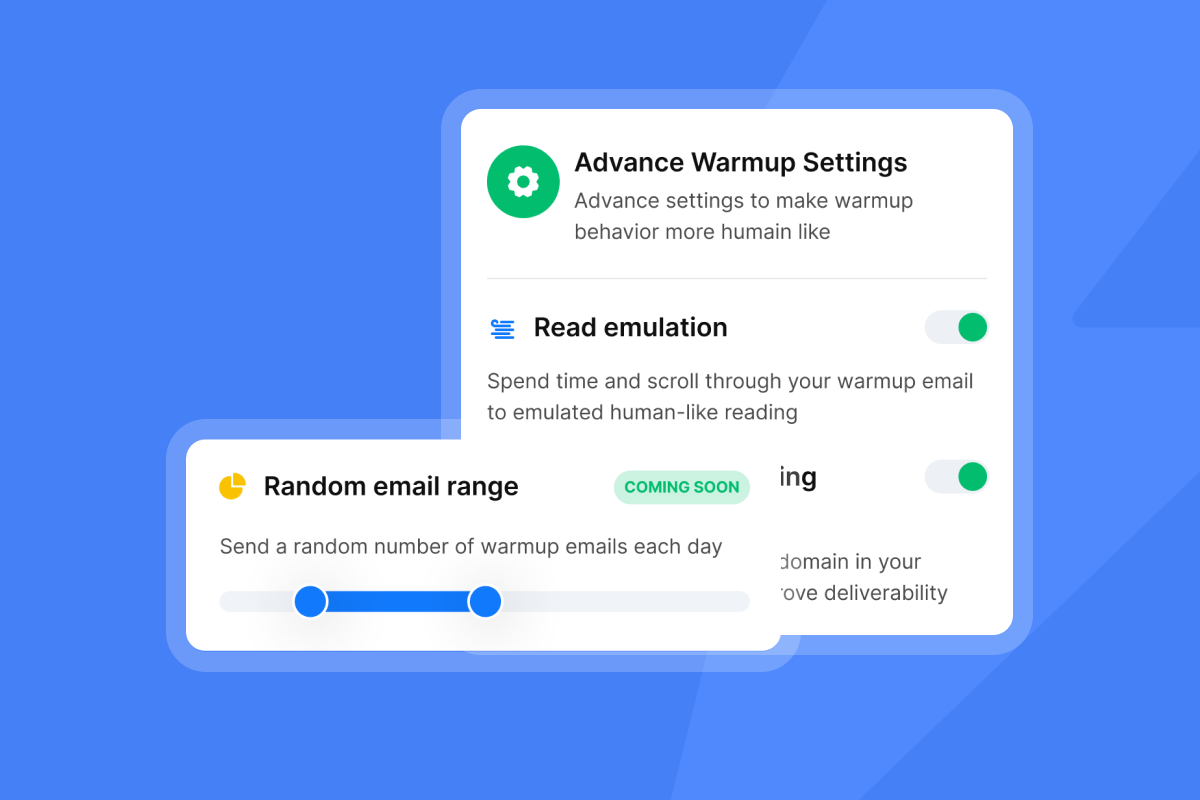
Budget-friendly domain protection
Standalone verification tools charge on a credit or pay-as-you-go model. Entry-level pricing for standalone services typically starts around $0.008 per verification at low volumes and can drop to $0.005 per email at higher tiers of 100,000+ records. Credits on some platforms expire after 12 months, so unused capacity becomes sunk cost.
Instantly's SuperSearch includes verification credits within flat-fee plans starting at $47 per month for the Growth tier, covering 1,500 to 2,000 credits, with unlimited email accounts and warmup included. That removes the billing complexity that comes from stacking a separate verification tool on top of your sending platform. For a full breakdown of how flat-fee structures compare to credit-based models over time, the pricing model comparison guide walks through the total cost of ownership math.
Verification's role in reducing bounces and blacklists
Track bounce rate per campaign and per inbox, not just in aggregate. A single inbox generating a 5%+ bounce rate will contaminate your entire sending domain's reputation if left unchecked. Reply rate and bounce rate are the metrics that reflect list quality most accurately, since open rates are distorted by Apple MPP and security bots.
If your bounce rate spikes during a campaign, stop the send immediately, run a batch clean on the affected segment, and pull sequences back to 5 to 10 emails per inbox per day. Monitor for 48 hours before resuming normal volume. This prevents a temporary data quality problem from becoming a long-term domain health issue. Understanding how fingerprinting affects deliverability at high volume is also worth reviewing as you scale.
Clean data is necessary but not sufficient for primary inbox placement. Your sending domain also needs a proper warmup to build the sender reputation ISPs use to route messages. Instantly's automated warmup operates on a private network of 4.2 million+ accounts, gradually increasing your daily send volume and generating authentic engagement signals that build domain trust over time.
Start a free trial of Instantly and use SuperSearch, built-in verification, and the 4.2M+ account warmup network to protect your domain and hit your first meetings within 14 days.
Why do I need both real-time and batch verification?
Batch verification removes addresses that are already invalid at the time of import, preventing the bulk of bounce events before your first send. Real-time verification catches addresses that degrade between import and send, including contacts who change jobs or have their domain migrate after you cleaned the list.
How much does email verification cost for a B2B list?
Standalone tools like NeverBounce charge $8 per 1,000 verifications at low volumes, dropping to $5 per 1,000 for volumes up to 100,000 records, while ZeroBounce charges approximately $0.0195 per credit. Instantly's SuperSearch includes verification credits within flat-fee plans starting at $47 per month, removing the need for a separate tool and eliminating credit expiration risk.
How fast is real-time verification for B2B outreach?
Most real-time API checks complete in 100 to 500 milliseconds for well-configured mail servers, adding no noticeable delay to a form submission or CRM save. Some slower mail servers can take over 20 seconds, which is why batch processing remains the better choice for large-volume pre-send cleaning.
Key terms glossary
Catch-all email: A mailbox configuration where the server accepts all messages sent to a domain, even if the specific address doesn't exist. These addresses don't hard bounce but carry delivery uncertainty because you can't confirm a real person monitors them.
Disposable email: A temporary address that expires after a short period, typically minutes to a few hours. These addresses indicate low intent and spike bounce rates as soon as they expire.
SMTP verification: A server-to-server check that connects to a recipient's mail server and asks whether a specific mailbox exists and can receive messages, without sending an actual email. This is the third and most reliable step in a real-time verification chain.
B2B email list provider: A service or platform that supplies bulk contact data for business-to-business outreach, typically including job title, company, and email address. Data quality varies significantly by provider, and all purchased lists should be batch-verified before import.
Read next
- Email deliverability for sequences: warmup, health monitoring, and compliance
- Cold email subject line checklist: pre-send QA for sales teams
- Email tracking integrations: sync CRM, calendar, and workflows without data silos



