.svg)
%20(1).svg)


Updated July 13, 2026
TL;DR: If you manage a sales team and your growth depends on cold outreach, choose the platform that scales accounts and deliverability, not headcount. The right AI BDR tool, often called an AI sales agent, must combine high-accuracy data, automated deliverability protections, and predictable pricing. Instantly gives you unlimited sending accounts on a flat fee, a 4.2M+ account warmup network, and automated deliverability monitoring on Hypergrowth and above so you scale without compounding software costs. Apollo, Salesloft, and Outreach (Outreach.io) all use per-seat pricing that adds friction as your team and inbox count grow.
If you manage a sales team and your pipeline growth depends on cold outreach, you are likely evaluating contracts that carry a real annual cost, and knowing how to choose an AI BDR tool before you sign is the difference between a system that books meetings and one that burns your domain. Most AI BDR tools, like other types of ai agents, fail before they send a single email, not because of bad AI copy, but because they run on fragile deliverability infrastructure. This guide gives you a structured framework to audit AI BDR platforms side by side, protect your domain reputation, and avoid the contract traps that have burned teams before.
AI BDR tool comparison: Instantly vs Apollo vs Salesloft vs Outreach
Feature | Instantly | Apollo | Salesloft | Outreach (Outreach.io) |
|---|---|---|---|---|
Pricing model | Flat fee, unlimited accounts | Per-seat (rates vary by tier). Unlimited mailboxes reported on Professional tier and above | Per-seat | Per-seat |
Email accounts included | Unlimited | Limited per seat | Limited per seat | Limited per seat |
Warmup network | 4.2M+ accounts | Not disclosed | No warmup network publicly documented | No warmup network publicly documented |
AI reply handling | AI Reply Agent, under 5-min response | Limited | Add-on | Amplify Core, Plus, and Pro are separate AI-credit add-on tiers layered on per-user pricing |
CRM integrations | HubSpot, Clay, Slack (native) | Deep multichannel CRM | Enterprise CRM focus | Enterprise CRM focus |
Best for | Lean sales teams scaling outbound volume without per-seat costs | Sales intelligence + outreach | Enterprise sales teams | Enterprise sales teams |
Competitor pricing and feature details were researched July 2026 and may change. Verify current plans at apollo.io/pricing, salesloft.com, and outreach.com/pricing before purchasing.
Defining AI BDR tools and ideal use cases
Understanding what an AI BDR for cold email outreach actually does, and how ROI is calculated, helps you filter vendors before you start a demo cycle. The next two sections define the core capabilities you should expect and the cost-per-meeting math that justifies the investment.
Core capabilities of AI BDR platforms
Instantly's ai agents handle the full prospecting workflow: finding accounts that fit your ICP, enriching contact data, deciding who to reach and when, and running multi-step outreach until a prospect replies or books. The critical word is autonomous. These tools automate the thinking, the research, the message, and the sequencing logic, not just the sending.
Compare this to read-only tools that scrape and surface data but require your reps to execute manually. The gap matters because autonomous execution means AI BDRs route prospects through sequences, classify replies, and trigger follow-ups without human intervention per step, work that depends on accurate AI BDR lead qualification. When CRM integration works correctly, enriched contact data and reply activity flow back into your CRM so records stay current and pipeline reporting stays trustworthy. Instantly's AI Reply Agent handles replies in under 5 minutes, runs in Human-in-the-Loop or Autopilot mode, and integrates with Slack so your team reviews flagged replies without leaving their workflow.
Projected ROI for AI sales tools
Most sales leaders make buying decisions based on cost-per-meeting math, not just what AI BDRs actually cost on paper. Here is how the numbers compare when you run them against 1,000 leads:
Lead source | Monthly capacity cost | Cost driver |
|---|---|---|
Human BDR (fully loaded) | $5,000-$9,200/mo (base salary plus estimated benefits and overhead) | Salary, benefits, and overhead |
AI BDR platform | From $47/mo (Instantly Outreach) + credits | Per-action credits model, no headcount cost |
Teams with cost-per-meeting above $200 almost always have a data quality or deliverability problem, not a copy problem.

Trust signals to verify in your AI BDR vendor
Before you sign a contract, verify three trust signal areas: data accuracy, deliverability infrastructure, and privacy compliance. Each one surfaces vendor practices that marketing pages rarely disclose but that directly affect your pipeline and legal risk.
Assessing contact accuracy and hygiene
Waterfall enrichment is the gold standard for data accuracy. Instead of relying on one provider, the system checks multiple data vendors in sequence until it finds a verified result, which produces higher match rates than single-provider models. Instantly's Lead Finder applies waterfall enrichment across 5+ data providers in sequence, combining that with LLM-assisted enrichment to improve match rates on difficult-to-find contacts. Lead Finder enriches and verifies contact emails across multiple providers, pulling confirmed addresses into your lead records so you can send without manually cross-checking each contact.
Sender reputation and warmup systems
Deliverability is not a feature. It functions as a system that requires a warmup network, domain rotation, and strict volume limits working together. New domains need 4 to 6 weeks of warmup before you send a single production email. During that period, your domain builds engagement history with Gmail and Outlook so they recognize you as a legitimate sender. Instantly's warmup network covers 4.2M+ accounts that generate authentic engagement signals for your domains.
Auditing vendor privacy and security
Ask every vendor for their Data Processing Agreement, their sub-processor list, and any independent audit reports. Do not accept generic website security badges as proof of compliance. GDPR fines can reach 4% of global annual revenue, and CAN-SPAM carries fines of up to $53,088 per non-compliant email (FTC inflation adjustment, effective January 17, 2025).
Instantly publishes its DPA and sub-processor list openly, with AWS (USA) as the primary infrastructure provider. The EU AI Act's transparency requirements for AI-generated content also take effect in August 2026, so any vendor sending AI-generated outreach to EU recipients should have a documented compliance strategy ready now.
Standardizing team roles and permissions
Sales leaders who cannot enforce sequence governance across reps will face deliverability variance that makes pipeline reporting unreliable. Before buying, confirm the vendor supports:
- Team workspaces: Separate environments per rep or territory with centralized admin visibility.
- Audit-friendly reporting: Logs that show which rep sent what, when, and with what outcome.
- Global block lists: Workspace-wide unsubscribe and suppression lists that apply across all campaigns automatically.
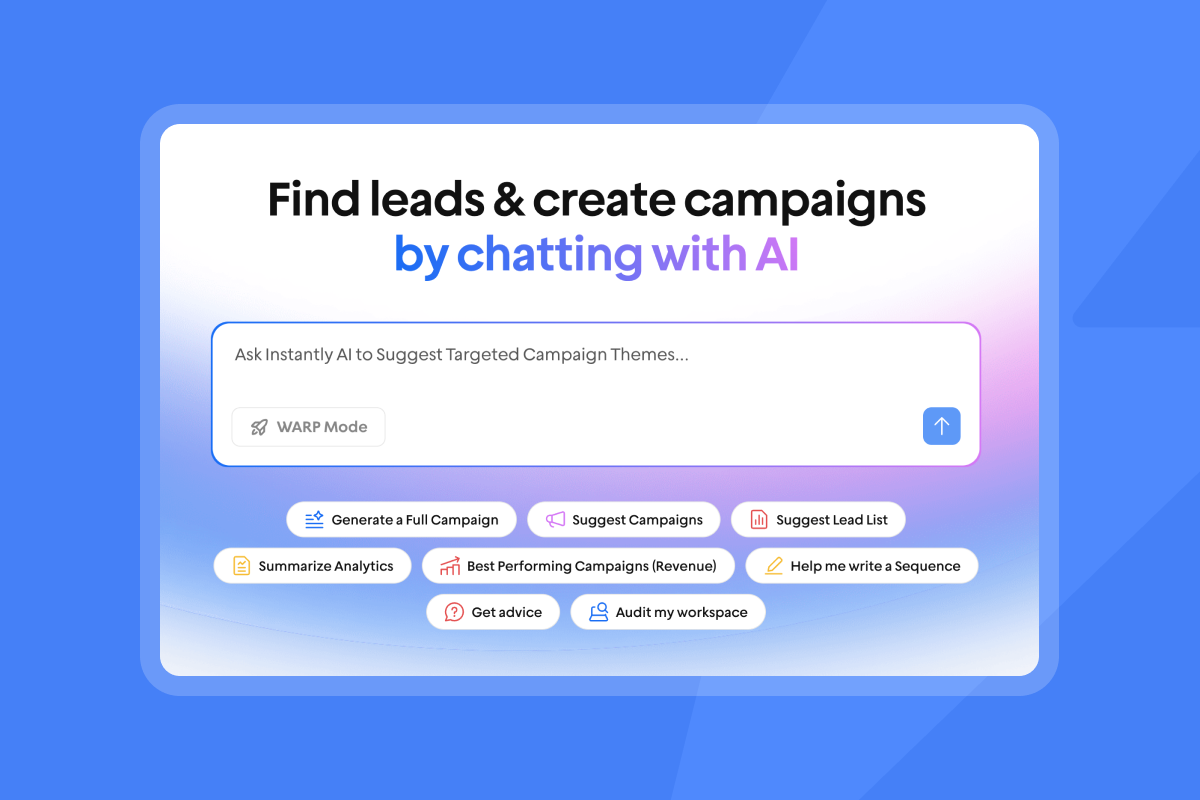
Instantly's Unibox centralizes all reply handling in one interface, and its AI Custom Reply Labels classify incoming replies across 50+ languages using NLP, giving admins a consistent view of pipeline activity across the entire team (custom label selection is available on Hypergrowth and Light Speed).
How to audit vendor data provenance
Before you sign a contract, you need a repeatable way to test a vendor's data quality, not just accept their claimed accuracy figures. The three checks below give you a consistent framework for auditing data provenance and freshness during your evaluation.
Bounce rate benchmarks to expect
Keep total bounce rates below 1% per inbox per day to protect your domain health. Before committing to a contract, run a sample of 500 contacts through a third-party verification tool. If more than 1% come back as invalid, the vendor's data hygiene is not at the standard your domain health requires.
Testing data freshness and accuracy
Ask vendors how often they refresh their database, a question covered in depth in Instantly's guide to AI BDR data sources. People change jobs, companies restructure, and email formats shift, so outdated records translate directly into high bounce rates and wasted send capacity. Instantly's Lead Finder pulls from 450M+ B2B leads with waterfall enrichment across multiple providers, which means the system cross-references data across multiple providers rather than pulling from one source alone.
Before signing any large contract, run a sample test: check how many email addresses come back as valid, confirm job title accuracy, and assess company recency. Export the sample to a third-party verification tool, cross-check a portion of records manually against LinkedIn or company websites, and compare what the vendor claimed against what you found. This test surfaces data quality problems that would otherwise cost weeks of wasted outreach and domain reputation damage.
Verifying legal opt-in and privacy rules
Under GDPR, B2B cold email to EU recipients is lawful under legitimate interest, provided:
- There is a genuine business reason for outreach.
- Every email includes a clear opt-out mechanism.
Under CAN-SPAM, every email must include an accurate From address, a non-deceptive subject line, a physical mailing address, and an opt-out mechanism processed within 10 business days.
The risk with black-box enrichment tools is that you cannot trace where contact data originated or whether it was collected with a lawful basis. Ask vendors for a data lineage document. If a vendor cannot provide one, that is a compliance liability, not just a data quality issue.
Assessing sender reputation and inbox health
Deliverability problems almost always trace back to one of three root causes: a missing ramp plan, no domain health monitoring, or send volumes that exceed safe per-inbox thresholds. The sections below show you how to standardize each component so your team scales without triggering ESP red flags.
Standardizing new account ramp plans
Every new inbox needs a structured ramp plan. A typical sequence looks like:
- Week 1: Start with low daily send volumes to prove to Gmail and Outlook that the account belongs to a real person with normal engagement patterns.
- Weeks 2 to 3: Step up daily sends in small increments, moving from around 10 to 15 emails at the start of the period toward 15 to 25 by the end, as the domain builds its 30-day rolling reputation.
- Week 4 and beyond: Reach your safe production ceiling and hold it steady. Never scale past 30 emails per single inbox per day. To increase total volume, add more warmed inboxes, not more sends per inbox.
Domain health and blacklist monitoring
You need automated monitoring that flags DNS health issues before they affect campaign performance. By the time you notice a domain is blacklisted through reply rate drops, you have already lost multiple days of productive sending.
Instantly's Deliverability AI Agent runs automatically every 24 hours and monitors DNS health, blocklists, warmup scores, bounce rates, provider balance, campaign copy, and abuse complaints. When it finds a problem, it surfaces what is affected, why it matters, and what to fix first, with direct in-platform actions like pausing campaigns, replacing risky accounts, and rebalancing sending providers.
Configuring volume and send velocity
ESPs track engagement patterns closely, and sending volumes that outpace your domain's engagement history are a fast path to spam folder placement. The solution is horizontal scaling: keep each inbox at or below 30 emails per day and distribute your total daily volume across multiple inboxes and multiple sending domains. Instantly's unlimited email accounts on all Outreach plans, combined with SISR on the Light Speed plan (dedicated private servers and IP rotation), let you scale volume without loading any single sending path enough to trigger ESP red flags. The rotating IPs and sending algorithms article in our help center explains how IP rotation works at the infrastructure level.
Verifying primary inbox placement accuracy
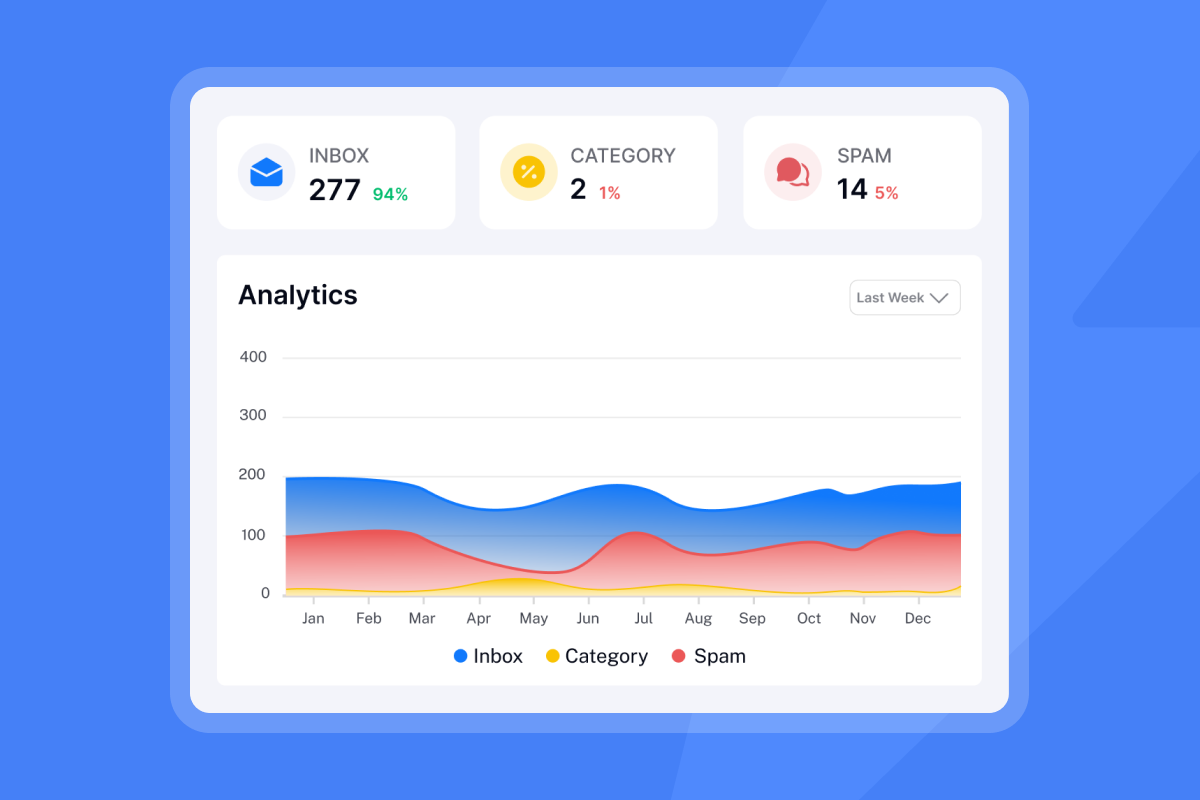
Open rates and click rates are trailing indicators. By the time they drop, your emails may have already been landing in spam folders for days. Run automated inbox placement tests to confirm where emails are actually landing. Instantly's inbox placement product runs automated tests and sends alerts when placement drops, so you can catch deliverability problems before they affect your booked-meeting targets.
Red flags in vendor contracts to avoid
The four contract traps below appear across this category and are worth checking before you negotiate AI BDR contract terms. Each one can turn an affordable-looking platform into a compounding cost problem or a vendor relationship that is hard to exit.
Licensing models: seat vs. flat fee
Per-seat pricing penalizes growth. If you add 3 reps and each rep needs 5 sending accounts, you pay for 3 seats and still face mailbox caps. Flat-fee models remove that friction entirely, a structure that especially benefits lean sales teams. Instantly's Outreach plans include unlimited email accounts and unlimited warmup across all tiers, starting at $47 per month for the Growth plan. You can connect as many inboxes as your ramp plan supports without triggering a billing increase.
Managing usage limits and overage fees
Hidden overage fees for email sends or lead exports are a common trap in contracts that look affordable upfront. Ask every vendor: what happens when I exceed the plan's send limit? Is there a hard stop, or does it trigger automatic overage billing? Instantly uses a transparent, separate credit pool for Lead Finder and AI agents. The Instantly Credits subscription is priced independently from Outreach plans, starting at $9 per month for 150 credits, so costs are visible on the pricing page before you commit to any usage. AI Reply Agent replies and AI Sales Agent leads each consume 5 credits, which makes cost-per-action predictable rather than buried in a line item at invoice time.
Assessing vendor lock-in risks
Before signing any annual contract, confirm: Is monthly billing available? What is the data export process if you cancel? Are there exit fees? Monthly billing preserves cash flow and keeps the vendor accountable. Annually billed Instantly plans carry a 20% discount, but the platform also supports monthly billing if you want to validate before committing.
Avoiding hidden post-cancellation fees
Instantly's cancellation policy is explicit: when your trial ends, your warmup and accounts pause automatically, your campaigns pause, and any free trial account that has not been upgraded is deleted without hidden charges. Instantly does not charge surprise post-cancellation fees.
Scorecard template for AI BDR vetting
A consistent evaluation scorecard, shared across stakeholders before demos begin, prevents criteria from shifting after you have already invested time in a vendor. Use the framework below to weight features by role and structure your reference checks.
Prioritizing essential AI BDR features
Use the criteria below to weight features when building your internal evaluation scorecard before demos begin:
Evaluation criterion | Priority for sales leaders |
|---|---|
Audit-friendly team reporting | High |
CRM integration depth | High |
Deliverability monitoring, blacklist alerts, and bounce tracking | High |
Flat-fee unlimited accounts | Medium |
AI reply classification | High |
Data provenance transparency | High |
Support quality | High |
Priority ratings reflect editorial assessments based on the persona descriptions in this guide. They are not sourced from external benchmark studies.
One sales leader on G2 explained why ease of use and deliverability matter more than feature count:
"Instantly is for me the Apple of Cold Outreach tools. Easy to use, intuitive, minimal clicks/steps to get stuff done, and things just work... if I didn't get good deliverability, I wouldn't use it, no matter the UX." - Thomas D. on G2
Key questions for reference checks
When speaking to a vendor's existing customers, ask these five questions:
- What happened the last time you had a deliverability problem, and how fast did support respond?
- How accurate is the CRM sync in practice? Do you find discrepancies between your outreach tool and your CRM?
- Have you ever been caught by an unexpected overage fee or billing change?
- How long did it actually take to ramp your first set of inboxes and start booking meetings consistently?
- What would you replace if a competing platform offered the same deliverability at a lower price?
30-day POC success benchmarks
Define success criteria before you start a proof of concept, not after. The framework below is a suggested starting point. Adjust timing based on your team size and the number of inboxes you are ramping:
- Days 1 to 7: Domains purchased, inboxes configured, and warmup running at 2 to 10 emails per inbox per day to begin building engagement history with Gmail and Outlook.
- Days 8 to 14: Contacts uploaded and verified. First sequences launched at low volume.
- Days 15 to 21: Warmup complete on initial inboxes. Volume ramping to production levels.
- Days 22 to 30: First 3 to 5 meetings booked. Reply rate tracking at or above the 3.43% platform average.
5 deal breakers for your AI BDR shortlist
The five AI BDR red flags below are not edge cases. They appear regularly in public reviews, support tickets, and sales leader peer conversations, so treat them as non-negotiables during vendor review.
Inconsistent data sync with CRM
Tools that lack CRM write-access force reps to manually update records after every reply. In practice, reps skip manual entry under volume, and CRM records progressively diverge from actual outreach activity the longer the gap persists. Instantly supports native integration with HubSpot, Clay, and Slack, plus connectivity through Zapier, Make, and Pabbly.
Opaque data handling and consent terms
If a vendor cannot tell you where a contact record came from and under what lawful basis it was collected, you are carrying compliance risk on their behalf. GDPR violations carry two tiers of fines. Serious violations, including unlawful data processing, breaches of data subject rights, and unauthorized international transfers, can reach €20 million or 4% of global annual turnover, whichever is higher. For a $50M company, 4% of global turnover means up to $2M in exposure. Before signing, ask for a data lineage document and confirm the vendor's DPA covers your data processing requirements. Instantly's DPA is publicly accessible and specifies the data categories that customers must not upload, giving you a clear compliance boundary from day one.
Hidden fees and predatory billing
Hard-to-cancel plans, auto-renewals without notification, and credits that expire at the end of a billing cycle are all common in this category. Check: Is there a grace period before renewal? Are credits pooled or do they reset? Are AI agent costs billed separately from the core subscription? The Instantly Credits subscription is separate and transparent, with AI agent costs expressed as a fixed per-action rate (5 credits per reply or per generated lead) so there are no surprise line items.
Hidden support delays during onboarding
Slow support during a campaign launch is a pipeline risk, not just an inconvenience. Ask vendors what their average first-response time is for billing and technical issues on your plan tier. Instantly's Hypergrowth plan and above includes premium support, which resolves the slower response times that can appear on entry-level plans.
Avoiding unsafe LinkedIn automation tools
Browser-based LinkedIn automation tools, including Chrome extensions and proxy-based scrapers, are harder for LinkedIn to detect than cloud-based tools because activity originating from your own desktop browser is difficult to distinguish from normal use. Cloud-based automation, by contrast, sends API calls from server infrastructure with IP addresses that LinkedIn flags for bot traffic. LinkedIn's Community Report for July to December 2025 confirms that 97.8% of fake accounts were stopped by automated defenses, with 99.7% caught proactively before any member report, and that spam and scam content removal is handled at scale across the platform each reporting period. LinkedIn's User Agreement explicitly prohibits third-party software that automates actions or scrapes data on the platform, and violations can result in permanent profile bans. Instantly does not offer native LinkedIn messaging, and any LinkedIn workflows use Zapier or API workarounds that keep your corporate profiles protected.
Key considerations before signing your AI BDR contract
The items below are the final checklist before you commit: performance benchmarks, billing structure, integration depth, and domain protection. Review them with your finance and operations teams before you sign any annual contract.
Typical reply rate ranges for 2026
Set team expectations against real platform data before you agree to vendor-supplied benchmarks. Instantly's 2026 Cold Email Benchmark Report analyzed billions of cold email interactions from January 1 to December 18, 2025, and found:
- Platform average reply rate: 3.43%
- Top quartile: 5.5%+
- Top 10%: 10.7%+
- Consistent, stable sending patterns produce 15 to 20% higher replies than irregular sending.
A reply rate above 5% puts your team ahead of most B2B senders. Hitting 10%+ is achievable with clean data, tight sequences of 4 to 7 steps, and emails under 80 words. These are outcomes that come from a well-run process, not guarantees.
"We're able to scale our outreach without sacrificing personalization or risking our sender reputation. For anyone serious about B2B cold email at scale, Instantly is worth every penny." - Natalie on Trustpilot
Annual vs. monthly billing strategies
Instantly's annual plans carry a 20% discount across Outreach and CRM tiers. The Growth Outreach plan drops from $47 per month to $37.60 per month on annual billing. For teams confident in their process, that is a material saving. Start on monthly billing, validate that your ramp plan, inbox placement, and reply rates are hitting your targets, then move to annual billing once the stack is proven.
Must-have CRM and data integrations
Before signing, confirm these integrations work in both directions without manual data export steps:
- HubSpot: Native integration available directly from the platform. Contact data, reply activity, and sequence outcomes flow back into HubSpot via the native connector or through iPaaS tools like Zapier and Make.
- Clay: Native integration confirmed as of April 2026, useful for advanced enrichment workflows.
- Slack: Native integration used for AI Reply Agent alerts and Deliverability AI Agent notifications.
- Zapier and Make: Available for custom workflows where a native connector does not exist.
Instantly supports native integration with HubSpot, Clay, and Slack, plus connectivity through Zapier, Make, and Pabbly.
Preventing cold email blacklisting
Protecting domain reputation is the outcome every other item in this guide points toward. The checklist before you launch:
- Warm every new domain for 4 to 6 weeks before production sending.
- Keep daily sends at or below 30 emails per inbox.
- Distribute volume across multiple domains and inboxes using a secondary sending domain strategy.
- Run inbox placement tests regularly, and always before launching to a new list or domain.
- Keep bounces at or below 1%.
- Use AI Blocklist Triggers on Hypergrowth and above to automatically remove leads who unsubscribe or match high-risk reply keywords.
Choose the AI BDR tool that keeps your domains healthy, your pipeline data accurate, and your team running a repeatable process at scale. Start with our 14-day free trial (no credit card required) to test the deliverability infrastructure and inbox placement tools before committing to any annual contract. Then align your team's performance targets with real benchmark data from our 2026 Cold Email Benchmark Report so you know exactly what top-quartile performance looks like in your category.
FAQs
What is the maximum recommended daily send volume per email inbox?
Keep daily volume at or below 30 emails per single inbox to protect your sender reputation. To increase total volume, scale the number of warmed inboxes, not the sends per inbox.
How long does it take to warm up a new domain for outbound sending?
A standard warmup process takes 4 to 6 weeks before you can safely begin sending campaigns. ESPs build engagement history over this period, tracking how recipients interact with your emails, how often messages bounce, and whether spam complaints are filed against your sending domain.
Does Instantly offer a free trial for its outreach platform?
Instantly offers an automatic 14-day free trial that includes 250 uploaded contacts and 1,000 emails with no credit card required. Once the trial ends, your warmup and campaigns pause automatically, and unpaid accounts are deleted without hidden charges.
What is the cost difference between AI-prospected and human-prospected leads?
A fully-loaded BDR typically costs $5,000 to $9,200 per month when you factor in base salary, benefits, and overhead. This range is derived from ZipRecruiter BDR salary data ($45k to $85k per year at the 25th to 90th percentile) with an estimated overhead factor applied for benefits, payroll tax, and equipment. With a credits-based model like Instantly's, AI Sales Agent lead generation costs 5 credits per lead, making per-lead cost directly calculable from your credits plan. Teams running a well-maintained AI stack can achieve a cost per meeting in the range shown in the ROI table above. The math moves sharply in favor of AI tooling as send volume scales.
What integrations does Instantly support natively?
Instantly supports native integrations with HubSpot, Clay, and Slack, plus connectivity through Zapier, Make, and Pabbly.
Key terms glossary
Deliverability as a system: A structured approach to inbox health that combines domain rotation, automated warmup, and strict volume limits to ensure emails land in the primary inbox rather than spam folders.
Volume wall (as used in this guide): The point where manual sales processes cannot scale outbound volume or personalization further without adding headcount or risking deliverability crashes.
SISR (Server and IP Sharding and Rotation): A deliverability technology on Instantly's Light Speed plan that uses dedicated, private servers and IP rotation to isolate and protect sender reputation across high-volume sending environments.
Waterfall enrichment: A sequential method for verifying contact data that checks multiple providers one by one until a verified result is found, producing notably higher match rates than single-provider models.
Sender reputation: The score that email service providers assign to a domain and IP address based on multiple signals: bounce rates, spam complaint rates, engagement such as opens, clicks and replies, sending volume consistency, authentication setup including SPF, DKIM, and DMARC, and whether your domain appears on any blocklists. ESPs use these signals to determine inbox placement versus spam folder delivery.
Bounce rate: The percentage of sent emails that are returned as undeliverable. Keeping this at or below 1% is the standard threshold for protecting domain health and primary inbox placement.
Read next
- Personalized email deliverability guide: a step-by-step breakdown of how to improve inbox placement through domain setup, list hygiene, and send cadence.
- Mailtrack alternatives: 8 best tools for agencies and sales teams in 2026: a comparison of email tracking tools built for high-volume outbound teams who need reliable open and click data without deliverability trade-offs.
- Common outbound automation mistakes and how to fix them: covers the setup and sequencing errors that most often cause bounce spikes, low reply rates, and domain reputation damage.



