.svg)
%20(1).svg)


Updated July 13, 2026
TL;DR: Deploying an AI BDR successfully requires a deliverability-first approach before writing a single email. That means authenticating your sending domains with SPF, DKIM, and DMARC, warming inboxes for four to six weeks, and validating lead lists to keep bounce rates below 1%. Instantly.ai provides the infrastructure to scale this safely with unlimited sending accounts, automated warmup across a deliverability network of 4.2M+ accounts, and integrated AI reply handling on a flat fee, avoiding the per-seat penalties of legacy platforms.
Most sales leaders focus on what their AI BDR writes, but the real bottleneck is whether those emails ever reach the primary inbox. Your AI BDR can produce a personalized email in seconds, but if the sending domain is not authenticated or the inbox is brand new and unwarmed, those emails land in spam and damage your domain reputation in the process. That infrastructure requirement applies to any AI agents you deploy, not just this one. This guide gives you the exact steps to implement an AI-powered BDR agent correctly, starting with the technical foundations and working through to go-live and post-launch auditing.
Defining the AI BDR role in modern pipelines
An AI BDR handles top-of-funnel work that currently consumes your reps' time: sourcing contacts, sending initial outreach, following up across multiple steps, and classifying replies. It is the core of what an AI sales agent does. Your AEs step in when a prospect signals genuine interest, keeping human attention on live conversations while automation handles volume. Knowing what an AI BDR can't do helps you set that handoff point correctly.
Before you build or buy, decide which path fits your situation and review the best AI BDR software on the market.
Custom build vs. SaaS decision matrix
Factor | Custom API build | SaaS platform (e.g., Instantly) |
|---|---|---|
Technical effort | High (dev resources required) | Low (no-code setup) |
Speed to first send | 4-12 weeks | 1-2 weeks |
Ongoing maintenance | High (you own the stack) | Low (vendor-managed updates) |
Deliverability tooling | DIY (warmup, DNS, monitoring) | Built-in (warmup, SISR, alerts) |
Cost model | Variable (dev time + infra) | Flat fee from $47/mo |
Best fit | Engineering-led teams with unique data needs | Sales-led teams prioritizing speed and reliability |
Cost-per-meeting calculator (example scenario)
Input | Value |
|---|---|
Monthly Instantly cost (Hypergrowth + Credits Growth) | $97 + $47 = $144 |
Contacts reached per month (20 inboxes x 30/day x 20 days) | 12,000 |
Reply rate (platform average) | 3.43% |
Expected replies | 411 |
Reply-to-meeting conversion | 15% |
Booked meetings per month | ~62 |
Compare that to a typical outbound SDR role, which often runs $60k/year or more and may book somewhere in the range of 12-15 qualified meetings per month depending on market, tenure, and tooling. Based on salary alone, that works out to $333-$417 per meeting, before benefits, tools, and overhead. The AI BDR handles high-volume top-of-funnel at a fraction of that cost, freeing your AEs for qualified conversations.
Readiness prerequisites before you launch
Do not automate outreach until you have confirmed all three of the following:
- A validated value proposition: Your ICP has responded positively to your message in manual outreach. Automating an unproven message scales failure, not success.
- A defined sales cycle: You know the deal size, decision-making timeline, and who signs. This shapes your sequence length and follow-up intervals.
- Domain infrastructure ready: Secondary sending domains (never your primary business domain) are purchased and ready for authentication. The secondary sending domain guide from Instantly's help center explains this setup in full.
Pre-deployment: define your ICP and target criteria
Translate your ideal customer profile into concrete data filters before you source a single contact from your AI BDR data sources. Filters should cover industry, headcount range, geography, technology stack, and funding stage where relevant. Cross-reference those filters against your last 12 months of closed-won deals to confirm the AI BDR will target accounts that actually buy.
Your ICP definition must be specific enough to produce actionable lead lists and support AI BDR lead qualification. For example, "B2B SaaS companies" is too broad. "Series A SaaS companies with 20-50 employees selling to enterprise customers in North America using HubSpot" gives your AI BDR clear targeting parameters. Pull win rates by segment from your CRM to identify which account types convert at the highest rates, then build your ICP filters around those patterns.
Set exclusion rules before the campaign goes live. Your AI BDR must not contact existing customers, open opportunities, or accounts flagged as competitors. These rules protect relationships and prevent personalization errors that are hard to recover from.
Group your target accounts into tightly defined segments. A segment built around "Series A SaaS companies with 20-50 employees using HubSpot in the US" produces far more relevant messaging than a broad "SaaS companies" bucket.

Step 1: validate high-quality contact lists
Bad data is the most common reason AI BDR rollouts fail. Cold email best practices are clear: even a 1-2% bounce rate can land you in spam for weeks. The target is staying below 1% consistently.
How to build a clean list:
- Source from verified databases: Instantly's Lead Finder gives you access to 450M+ B2B leads with waterfall enrichment from five or more providers, reducing the chance of sourcing stale or invalid emails.
- Run verification before import: Filter out catch-all and invalid addresses before uploading to your sending tool. Catch-all domains accept any email address, inflating your list size while contributing disproportionately to bounces.
- Set hard bounce thresholds: Keep bounces at or below 1%. If bounce rate climbs above that, pause the campaign immediately and run your list hygiene checklist before resuming. Catching this early protects all sending domains in your workspace.
Step 2: harden your domain and email health
This is the most critical phase of your deployment. Skipping or rushing it costs more time in spam recovery than the days you saved.
Configure domain authentication
Publish three DNS records before any email leaves your sending domain. Set up DKIM and SPF first, and confirm they are authenticating messages for at least 48 hours before adding DMARC.
DNS configuration runbook
Record type | Host / name | Value (template) | Purpose |
|---|---|---|---|
SPF (TXT) | @ | v=spf1 include:[your-sender] ~all | Authorizes which servers can send on your domain |
DKIM (TXT) | selector._domainkey | [Public key from your sending platform] | Cryptographic signature that verifies email authenticity |
DMARC (TXT) | _dmarc | v=DMARC1; p=none; rua=mailto:[your-email] | Ties SPF and DKIM to your From domain |
Keep your SPF record's DNS lookup count at or below 10 per RFC 7208. For DMARC, start with p=none to collect authentication reports without blocking any mail. After a minimum of 90 days with all legitimate senders identified and passing authentication, move to p=quarantine. Rushing this transition before your sending patterns are fully understood risks blocking legitimate outreach.
Implement email warmup schedules
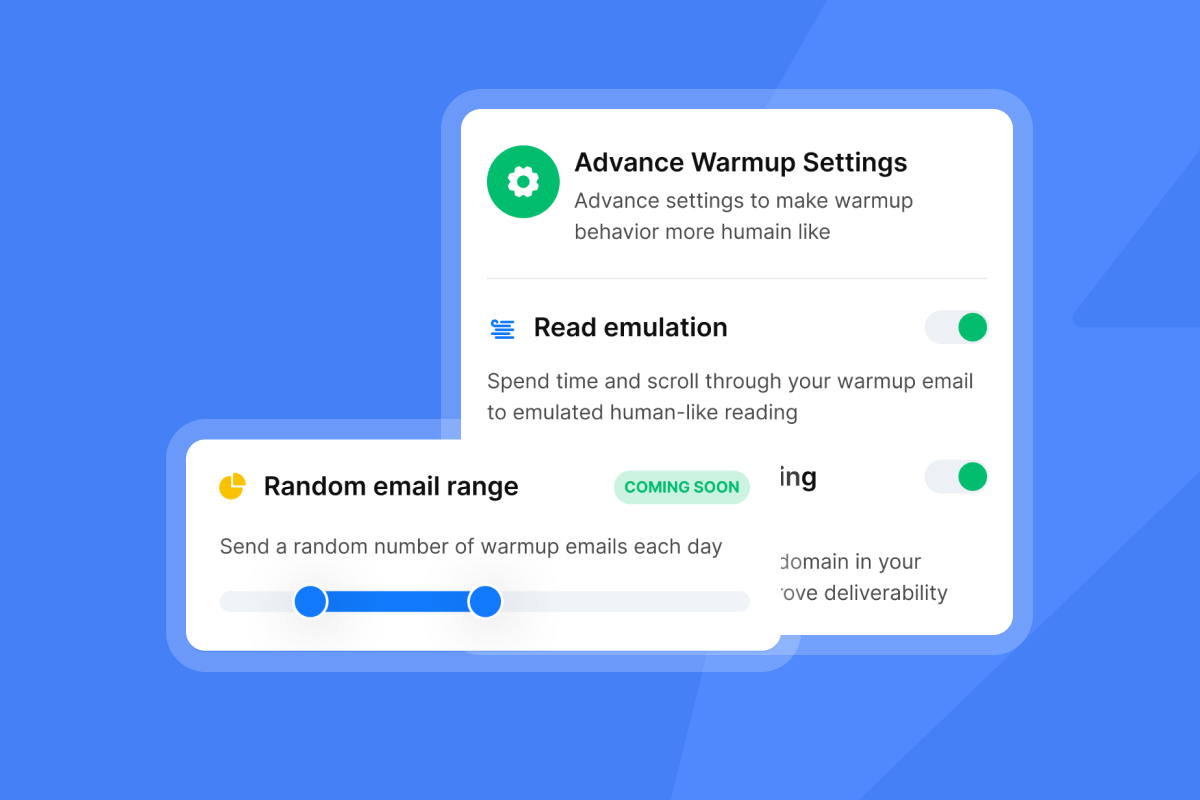
Warmup builds sender reputation by generating positive engagement signals on new sending accounts before cold outreach begins. Instantly's built-in warmup tool automates this using a private deliverability network of 4.2M+ real accounts. The tool ramps naturally, starting at 2-5 warmup emails per day and increasing gradually so inbox providers see organic-looking growth rather than a sudden volume spike.
Plan for a four to six week warmup period before your first campaign touches real prospects.
Set automated blacklist alerts and sending velocity rules
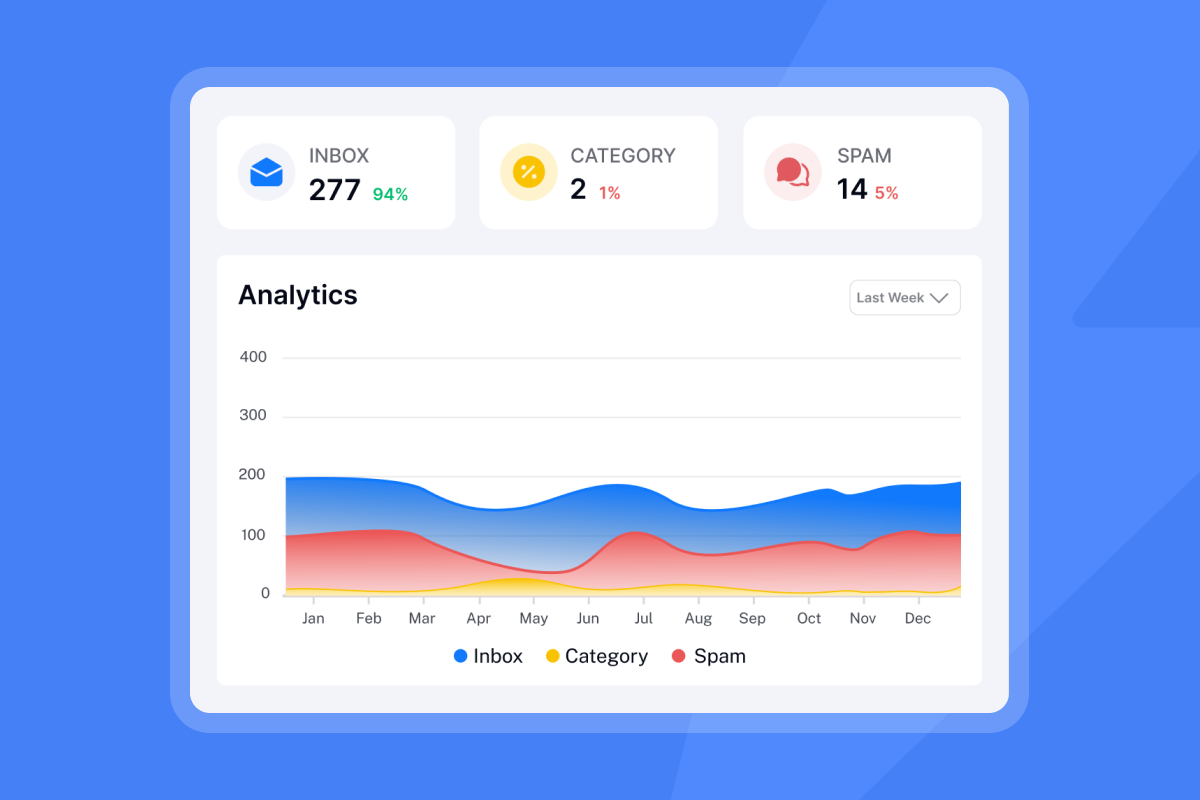
Configure deliverability monitoring to alert your team if any sending domain appears on a major blacklist. Instantly's automated Inbox Placement tests run scheduled checks and surface placement issues before they compound. Catch a blacklisting on day one and you can pause and remediate. Miss it for a week and you may need to retire the domain entirely.
Never send more than 30 emails per day from a single inbox. This is a hard limit. Scale total daily volume by adding more warmed inboxes, not by increasing volume per inbox. To reach 1,000 emails per day safely, use at least 34 warmed inboxes, each capped at 30 sends, giving you a daily capacity of up to 1,020. Thirty sends per inbox per day is the safe maximum, not a default post-warmup setting. Instantly includes unlimited email accounts on every plan, so adding inboxes does not increase your per-seat cost. The guide on rotating IPs and sending algorithms explains how inbox rotation works at scale.
Step 3: optimize messaging for primary inbox reach
With infrastructure ready, structure the sequences your AI BDR will run.
Instantly's 2026 benchmark report (covering data from January 1 to December 18, 2025) shows the optimal sequence length is four to seven steps. Campaigns under four steps leave replies on the table. Campaigns beyond seven steps generate diminishing returns and risk unsubscribes.
Emails under 80 words consistently outperform longer copy. Keep your first touch to 50-125 words and cut everything that does not serve the one ask. The cold email copywriting framework from Instantly's help center walks through the structure in full.
Sequence spacing and send windows:
- Space follow-up steps three to four days apart
- Set send windows to match your prospect's local working hours (8:30 to 10:30 a.m. local time is a strong default)
- Monday is the best day to launch a new sequence. Wednesday sees the highest reply rates per the benchmark report
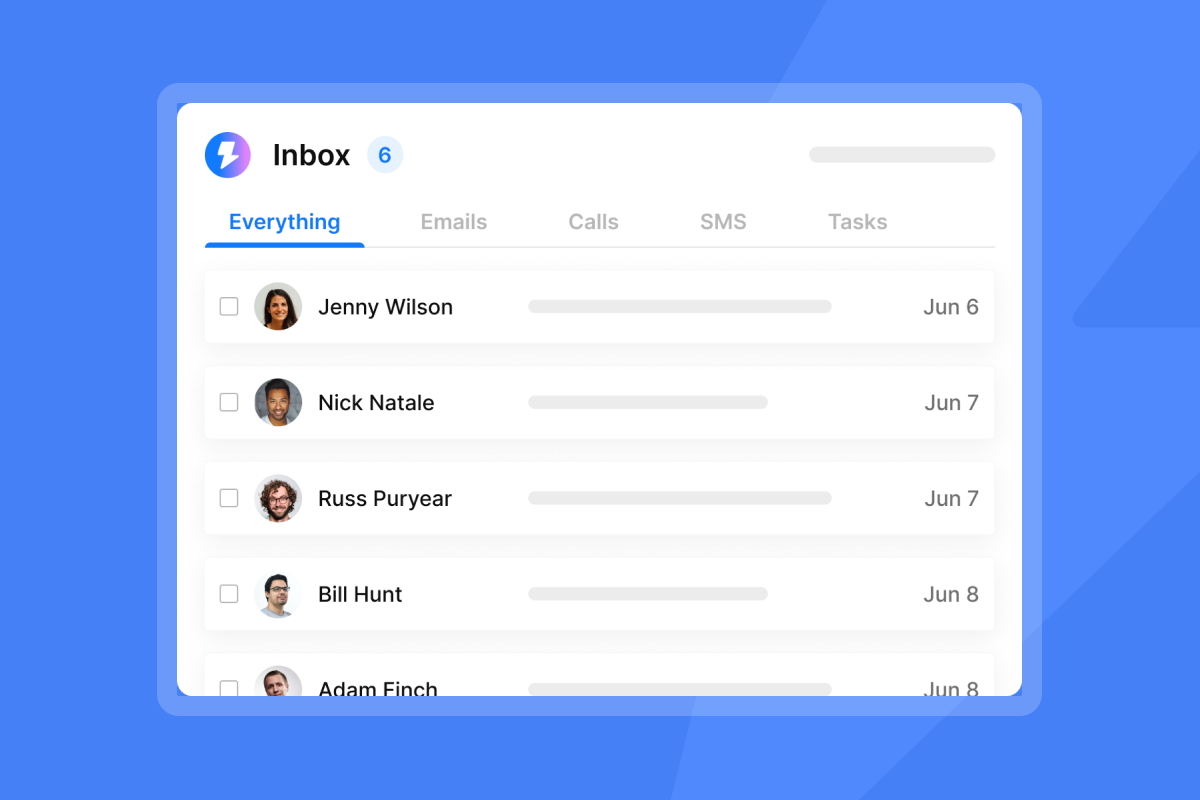
Configure AI reply classification. Your AI BDR needs rules for handling incoming replies so it does not send inappropriate responses to high-value prospects. The AI Reply Agent classifies replies by intent (interested, not interested, out of office, objection, question) and routes them appropriately in under five minutes. In Human-in-the-Loop mode, it drafts a response and sends it to your team via Slack for review before sending. In Autopilot mode, it sends pre-approved responses to defined scenarios.
Start in Human-in-the-Loop mode for the first two to four weeks. Review classifications weekly to confirm accuracy. Once you confirm accuracy is high, move higher-confidence response types to Autopilot.
Step 4: sync your CRM and booking workflows
Instantly's native CRM integration works with HubSpot. To connect, go to the Integrations tab inside Instantly. You will see two HubSpot options: New HubSpot and Old HubSpot. For the lead-sync and automation workflow described here (reply triggers, status updates, and task creation), select New HubSpot. Sign into your HubSpot account and click Connect app. Old HubSpot is a separate path used for importing leads from HubSpot into Instantly and is not required for this workflow. Map the core fields first: email, first name, last name, and company. Adding job title and a source tag to identify contacts from AI BDR outreach is recommended for cleaner reporting but not a hard requirement.
Once a prospect replies positively, the AI Reply Agent triggers an automatic status update in HubSpot, creates a task, and assigns the lead to the correct AE. Territory-based or round-robin routing rules in your CRM are worth configuring early so booked meetings reach the right rep without manual intervention. Our AI sales agent CRM integration guide covers the full setup.
Step 5: execute a low-risk initial rollout
Start your first live campaign with two to three warmed inboxes, each capped at 30 sends per day, once the AI BDR onboarding steps are complete. That gives you 60 to 90 daily sends, enough to generate meaningful data without exposing your full domain infrastructure to an untested sequence. This is not a limitation, it is deliberate. A small initial batch gives you clean data on subject line performance, reply classification accuracy, and CRM handoff quality before you scale.
Use Instantly's A/Z testing (up to 26 variants per step) to run at least two subject line variants from day one. Run Inbox Placement tests before and during the rollout to confirm emails are landing in the primary inbox.
Your pre-launch checklist:
- SPF, DKIM, and DMARC records verified and propagated
- All sending domains warmed for minimum four weeks
- Lead list verified, bounce rate confirmed below 1%
- ICP filters and exclusion rules configured
- Sequence structure: four to seven steps, under 80 words per email
- Send windows set to prospect's local time
- AI Reply Agent configured and tested
- CRM integration connected and core fields mapped where applicable
- Lead routing rules configured
- Inbox Placement test scheduled.
Post-launch audit: metrics and adjustments
Your first 30 days produce the data that shapes everything that follows. Monitor the core metrics every week: reply rate, bounce rate, open rate, and inbox placement score. For AI BDR deployments specifically, also check AI classification accuracy and CRM sync errors to catch handoff failures before they affect pipeline.
Instantly's 2026 benchmark report sets the following reference points from 2025 data: platform average reply rate is 3.43%, top quartile is 5.5%+, and top 10% exceeds 10.7%. Consistent, stable sending patterns produce 15-20% higher replies compared to erratic volume.
These figures reflect what teams achieve with reliable deliverability systems, not guarantees. If you are below 3.43% after your first four weeks, check inbox placement before changing copy. A placement issue suppresses reply rates far more than a weak subject line.
What to do when metrics drop:
- Bounce rate above 1%: Pause campaigns immediately. Re-verify the list segment that triggered the spike, then restart at a lower daily volume.
- Open rate declining week-over-week: Run an Inbox Placement test. A shift from primary to spam shows as a sudden open rate drop before bounce rate moves.
- AI misclassifying replies: Pull a sample of 20-30 replies and review classification accuracy. Adjust intent rules in the AI Reply Agent and monitor for one week.
- CRM data showing gaps: Audit the HubSpot field mapping and confirm reply events are triggering the correct lifecycle stage updates.
Setting growth milestones for your AI BDR
Weeks 1-2: Domain authentication is live, warmup is running, and you have confirmed DNS propagation across all sending accounts. No prospect outreach yet. Use this time to finalize sequence copy and run it through Instantly's AI Spam Words Checker (included on Growth and above).
Weeks 3-6: Inboxes are completing their warmup ramp. Launch your first campaign at 20-50 contacts per day. Collect placement and reply data. The Deliverability AI Agent can flag issues before they affect your metrics.
Months 2-3: Add warmed inboxes to increase total daily volume safely. Each new inbox adds up to 30 sends per day without changing per-domain behavior. Consistent volume during this phase is where the 15-20% reply rate uplift from stable sending patterns compounds. For a week-by-week view, see our AI BDR implementation timeline.
How to implement an AI BDR: common mistakes to avoid
Most deployment failures trace back to the same six common AI BDR mistakes. Here is what goes wrong and how to avoid each one.
Why new domains require warmup
A brand new domain sending 100 emails on day one will trigger spam filters at Gmail and Outlook within hours. Warmup gradually builds sender reputation over four to six weeks so inbox providers see organic growth, not bulk-sender behavior.
Why unverified leads ruin deliverability
A single campaign with a 4% bounce rate can suppress all sending domains in your workspace. Providers share reputation signals. Verify every list segment before import, not after you see bounces.
Managing daily send limits
Thirty emails per inbox per day is the ceiling. Teams that push past this to hit aggressive volume targets pay with deliverability crashes that wipe out the gains. Scale by adding inboxes, not by raising per-inbox caps.
Ensuring stable inbox placement at high volume
Teams running large volumes across multiple client campaigns should consider Instantly's Light Speed plan at $358/mo, which includes SISR (Server and IP Sharding and Rotation). SISR continuously monitors IP performance, rotates high-reputation IPs into campaigns, and replaces any flagged IPs automatically so campaigns continue without disruption.
Compliance and data privacy
Under GDPR Article 6(1)(f), legitimate interest provides a legal basis for B2B cold outreach when you have a genuine business reason for contact and include a clear unsubscribe mechanism. Include a one-click unsubscribe link in every email and process opt-outs promptly. Instantly's Data Processing Agreement and sub-processor list are publicly available for compliance reviews. Maintain logs of sends, bounces, and opt-outs for any regulatory audit.
Exit strategy and data ownership
Your contact lists and campaign data remain your property. Month-to-month billing on all Instantly plans means no annual lock-in. Export contact lists via CSV or through the HubSpot native integration at any time.
Deploying an AI BDR that books meetings reliably is an infrastructure challenge before it is a messaging challenge. Get the DNS records right, warm the inboxes, keep the lists clean, and cap sends at 30 per inbox per day. Those four disciplines, applied consistently, separate teams that book meetings from teams that burn domains.
Instantly is built to handle this infrastructure for you, and you can get started with Instantly's AI agents. Unlimited accounts, automated warmup, verified lead sourcing, and AI-powered reply handling on a flat monthly fee mean you can scale outreach without scaling cost or risk.
Try Instantly free for 14 days to set up unlimited sending accounts, automate warmup, and connect your CRM before your first campaign goes live. Use the cost-per-meeting calculator above and the pre-launch checklist in Step 5 to plan your deployment timeline and budget.
FAQs
How long does AI BDR implementation take before the first email goes out?
Plan for four to six weeks minimum, almost all of which is domain warmup. DNS configuration takes one to two days, and list verification runs in parallel, but inboxes must complete their warmup ramp before any cold outreach sends.
How many email accounts do you need to send 500 cold emails per day?
You need a minimum of 17 warmed inboxes, each capped at 30 sends per day. Rounding up to 20 inboxes gives you a buffer and keeps per-inbox volume well below the spam threshold.
What bounce rate triggers a campaign pause?
Pause any campaign where the bounce rate exceeds 1%. Above that threshold, inbox providers start applying negative reputation signals to your sending domain, which compounds into placement failures within days.
Does Instantly's AI Reply Agent work without human review?
Yes. In Autopilot mode, the AI Reply Agent sends pre-approved responses automatically without any human input. If you prefer oversight, Human-in-the-Loop mode drafts replies and routes them to your team via Slack for approval before sending. Both modes cost five Instantly Credits per reply handled.
What is the realistic reply rate for a well-configured AI BDR campaign?
Based on Instantly's 2026 benchmark report using 2025 data, the platform average is 3.43%, the top quartile reaches 5.5%+, and the top 10% exceeds 10.7%. Consistent sending patterns produce 15-20% higher replies than erratic volume.
Key terms glossary
Sender reputation: A score inbox providers assign to your sending domain and IP based on engagement signals, bounce rates, and spam complaints. Low sender reputation causes emails to land in spam.
Warmup: Gradually increasing daily send volume from a new inbox over four to six weeks to build positive engagement history before cold outreach begins.
SPF (Sender Policy Framework): A DNS TXT record that lists which mail servers are authorized to send email on behalf of your domain. Required by Gmail and Outlook for bulk senders.
DKIM (DomainKeys Identified Mail): A cryptographic signature embedded in outgoing emails that verifies the message was not altered in transit and originates from an authorized server.
DMARC (Domain-based Message Authentication, Reporting and Conformance): A DNS policy record that ties SPF and DKIM to your visible From address and tells receiving servers what to do when authentication fails.
SISR (Server and IP Sharding and Rotation): Instantly's Light Speed plan feature that continuously monitors IP performance, rotates high-reputation IPs into campaigns, and removes flagged IPs automatically.
Unibox: Instantly's centralized reply management inbox that consolidates all incoming prospect replies from multiple sending accounts into one view for triage and routing.
Inbox Placement: The rate at which sent emails land in the primary inbox versus spam or promotions tabs. Measured using Instantly's automated Inbox Placement tests.
Read next
- The 3-step AI Reply Agent system: 15 extra demos with no effort: How to configure intent classification, set up Human-in-the-Loop review, and move reply types to Autopilot as confidence grows.
- Email sequence copywriting: a framework for subject lines, body copy, and CTAs: How to structure a first-touch email under 80 words, write follow-ups that add value, and test subject lines without burning your list.
- Ideal customer profile template for outbound sales teams: How to translate closed-won patterns into targeting filters your AI BDR can act on from day one.



