.svg)
%20(1).svg)


Updated July 13, 2026
TL;DR: AI BDR campaigns fail because of broken foundations, not broken technology. This playbook covers five failure points: vague ICP targeting, unverified contact data, skipped domain warmup, generic sequences, and slow reply handling. Each maps to a specific technical fix. Cap sending at 30 emails per inbox per day, warm new domains for 4 to 6 weeks, validate every list before import, and route AI replies through human-in-the-loop approval. Build these systems before you activate any AI agent.
This playbook is written for heads of sales and RevOps leads managing SDR teams who are evaluating or deploying an AI BDR, a type of AI sales agent, for the first time.
AI will not replace your sales development team, but it will surface weaknesses in your deliverability and data hygiene protocols the moment you scale volume. AI itself rarely causes BDR failures. You cause them by building broken systems around the AI, and the consequences range from blacklisted domains to corrupted CRM data.
This playbook covers the five most common AI BDR mistakes, the exact remediation steps, and the infrastructure checks that keep your pipeline healthy as volume scales, building on our complete guide to AI BDR.
Strategies to fix AI BDR launch failures
A failed AI BDR launch almost always traces back to a chaotic, ad-hoc setup rather than a disciplined system, exactly what our how to implement AI BDR guide is built to prevent. You fix it by stopping the habit of treating deliverability, data, and reply handling as separate concerns. Treat them as one integrated infrastructure decision instead, whichever of the best AI BDR vendors you choose.
The teams that get results fast do one thing differently: they build the system before they turn on the AI, whether that's Instantly's AI Sales Agent Software or another platform. The most reliable way to protect your pipeline from technical failure is to audit each layer before you deploy an AI BDR agent, not after the first crash.
Financial risks of AI BDR errors
Configuration errors destroy AI BDR ROI fast. In practice, a burned domain can take anywhere from 4 to 8 weeks to recover, long enough to stall pipeline for an entire quarter. Our AI sales agent mistakes to avoid guide covers similar failure patterns from the sales-agent side. The damage is not limited to missed meetings. It also includes the time and cost of rebuilding domain reputation, re-sourcing a clean lead list, and managing inbox provider complaints that accumulate during the outage.
Error | Direct cost | Recovery time |
|---|---|---|
Burned primary domain | Lost sends + domain rebuild | 4 to 8 weeks |
High bounce rate | ISP throttling and blacklisting risk | 2 to 6 weeks depending on severity |
CRM sync loop | Duplicate records, missed handoffs | Manual cleanup required, timeline varies by data volume and sync complexity |
Unverified lead list | Wasted credits + spam complaints | Verify and clean list before resuming sends |
Standardizing your AI BDR setup
Instantly.ai gives your team a structural advantage through its flat-fee unlimited accounts model. As a sales leader, you can distribute volume across multiple inboxes and secondary sending domains so that one flagged account does not stall the whole team's pipeline.
Build standard operating templates your reps run without deviation: identical warmup ramp schedules, capped daily send volumes, and shared exclusion lists reviewed in your weekly ops cadence. Consistency at the team level is what protects sender reputation over time, and it gives you a defensible process if deliverability dips.
Mistake #1: targeting without a defined ICP
Vague Ideal Customer Profile (ICP) definitions are one of the most expensive AI BDR errors you can make before a campaign launches. When the AI receives broad targeting inputs, it pulls loosely matched leads, which drives up spam complaints, wastes credits, and produces reply data that tells you nothing useful.
Poor ICP alignment produces cascading damage. High opt-out rates from irrelevant targeting hurt your sender score. Wasted credits on enriching out-of-scope contacts inflate cost-per-meeting. Sales cycles fill with non-buyers, skewing your SQL-to-close ratio and making pipeline forecasting unreliable, a symptom of weak AI BDR lead qualification.
Fixing ICP errors for better results
Tighten your ICP definition before feeding it to any AI agent:
- Start with your closed-won data. Analyze your best customers and identify the firmographic variables they share: company size, revenue range, industry subvertical, and tech stack.
- Add negative filters. List company types, industries, and job titles you have never converted, then feed these as exclusion criteria.
- Lock down seniority levels. Define the exact titles that map to your buyer, not generic seniority bands.
- Document it in a shared filter template. Every rep and every AI agent should start from the same validated ICP definition.
Required assets for accurate sourcing
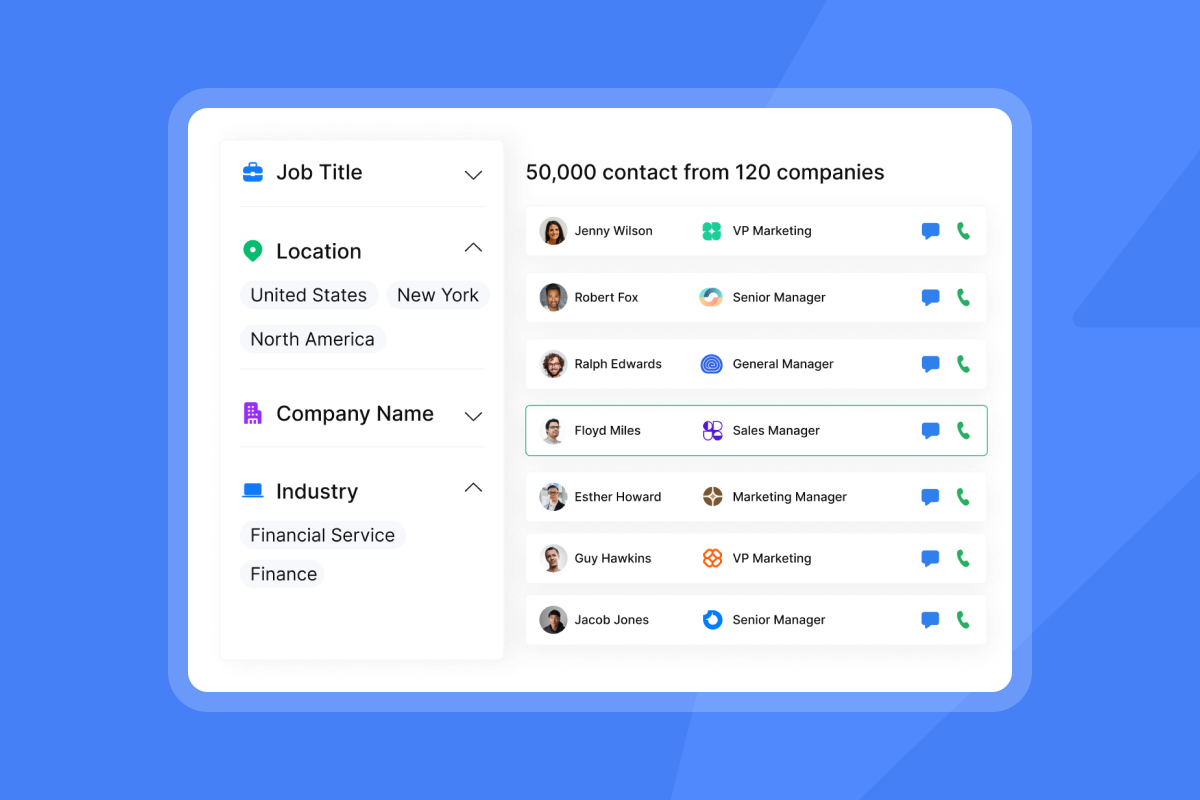
Once your ICP is defined, sourcing accuracy depends entirely on the quality of your data layer. Instantly SuperSearch gives you 450M+ B2B leads and runs waterfall enrichment across 5+ providers in sequence: if one provider cannot verify an email, the system tries the next automatically. Each contact surfaces work email, job title, company name, location, LinkedIn URL, contact summary, subindustry, company size, and company description.

Mistake #2: fueling AI with inaccurate contact info
Bad data does not just produce bounces. It poisons AI personalization at the root. When the AI pulls a custom field from a contact record containing an incorrect job title, outdated company name, or stale firmographic data, the resulting email looks robotic and obviously templated, and reply rates drop.
Essential criteria for lead validation
Keep hard bounce rates below 1%, with hard bounces as low as possible. Cross 2% and you hit the enforcement threshold: inbox suppression starts and domain reputation takes active damage. Verifying a cold outreach list before sending reduces bounce rate and keeps you below the 1% threshold. Run every list through these checks before import:
- Syntax check: Confirm email addresses follow valid formatting patterns.
- MX record verification: Confirm the domain has active mail exchange records.
- Catch-all detection: Flag catch-all domains separately, as they accept any address and inflate deliverable counts.
- Role-based address exclusion: Remove addresses like info@, support@, and admin@ from cold outreach lists.
- Domain age verification: Flag very new domains as higher-risk targets.
Import only contacts that pass a "deliverable" status. Set hard bounce projection targets before any campaign goes live.
Building reliable prospecting pipelines
For advanced enrichment workflows, use Instantly's native Clay integration to validate and enrich contacts before they reach a campaign. Clay pulls from multiple data sources, applies custom formulas, and passes only verified records into Instantly, preventing the garbage-in-garbage-out cycle that kills AI personalization accuracy.
"Instantly makes cold outreach operationally simple at scale. The interface is straightforward, setting up campaigns with multiple inboxes is fast, and the warm-up system helps maintain deliverability when sending higher volumes." - Ivar S. on G2
Mistake #3: bypassing essential deliverability prep
Sending cold emails from a new domain without SPF, DKIM, DMARC, or proper warmup is one of the most common AI BDR implementation mistakes. It is also the most damaging, because major providers like Gmail and Microsoft reject or silently filter messages from unauthenticated or unwarmed domains.
Authentication failures and their impact
- SPF failure: The sending server's IP is not listed as an authorized sender for your domain, so Gmail and Outlook flag or reject the message.
- DKIM failure: The cryptographic signature does not match, which breaks the authenticity chain between your domain and the email.
- DMARC failure: When both SPF and DKIM fail, DMARC tells receiving servers to quarantine or reject the email entirely.
Publish and validate all three records before you send a single outbound email from any domain, primary or secondary. Use Instantly's secondary sending domains guide to set up infrastructure that isolates campaign risk from your primary brand domain.
Proven warmup strategies for AI BDRs
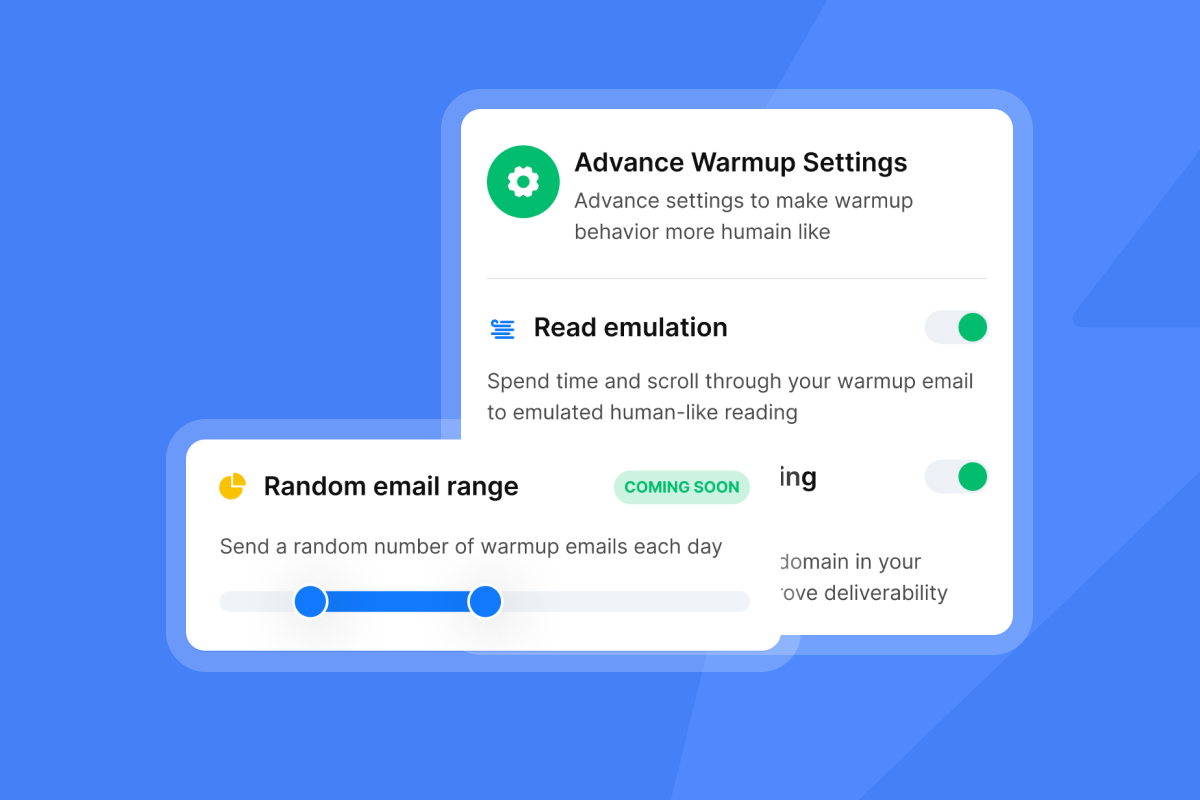
A new sending domain without warmup lands in spam on 60 to 80% of emails sent in week one. Warm new domains for a minimum of 14 to 30 days, with 4 to 6 weeks as the target, and keep warmup running in parallel even after campaigns launch.
- Days 1 to 7: Send 5 to 10 warmup emails per day per inbox.
- Days 8 to 14: Ramp to 15 to 20 per day.
- Days 15 to 30: Ramp to 30 per day.
- Never exceed 30 cold outreach emails per single inbox per day.
Instantly's built-in warmup network runs on 4.2M+ accounts, generating real engagement signals that mailbox providers recognize as healthy sending behavior. Warmup is included on every plan with no additional fee.
Tracking real-time deliverability
Authentication and warmup get your emails into the inbox initially. You stay there by running automated monitoring. Instantly's Inbox Placement tests run automatically and surface placement results by mailbox provider before and during campaigns. When placement drops, you get an alert before it affects your meeting-booked rate.
For teams scaling into high-volume outbound (200+ emails per day across your team), the Light Speed plan at $358/month adds SISR (Server & IP Sharding & Rotation), which continuously monitors IP performance, rotates high-reputation IPs, and replaces flagged IPs automatically. If one IP gets throttled or hits a blocklist, the other IPs keep delivering.
Mistake #4: running generic, one-size-fits-all sequences
AI should personalize at scale, not blast identical messages faster. Generic sequences signal automation to both spam filters and human recipients, and they produce the flat engagement curves that give AI BDRs a bad reputation.
Why custom fields lift reply volume
Relevant custom variables tied to the contact's actual situation, such as a recent hire, a technology they use, or a public announcement, show the recipient that your message is worth reading. Instantly's 2026 benchmark report (data: January 1 to December 18, 2025) finds that the optimal sequence length is 4 to 7 steps, the best-performing emails stay under 80 words, and 58% of all replies come from step one. You'll see short, specific, and personal emails outperform long, generic, and automated messages on every metric. Top-quartile senders reach 5.5%+ reply rates and the top 10% reach 10.7%+, compared to a platform average of 3.43%.
Governance frameworks for AI sequences
AI-generated content creates compliance obligations you cannot delegate to the AI itself. Under CAN-SPAM, every outbound email requires an accurate From address, a working opt-out link, and a physical mailing address, and you must honor unsubscribe requests within 10 business days. For EU contacts, GDPR requires a legitimate interest assessment and a clear privacy notice.
Before launch, confirm that opt-out links are inserted automatically by the platform, not manually by reps, and that a global block list is maintained and synced across all campaigns. Instantly's Global Blocklist feature is built into the platform and applies across all campaigns. Review Instantly's Data Processing Agreement before handling EU contact data.
Iterative frameworks for better replies
A/Z testing in Instantly supports up to 26 sequence variants per step, letting you run structured copy experiments against real reply data. Standardize the test order across your team: subject line first, then opening line, then call-to-action. Running the same test sequence across all reps gives you comparable data and a repeatable QA process, which is how top-quartile senders close the gap between the 3.43% platform average and 5.5%+.
Mistake #5: failing to manage prospect reply windows
Speed-to-reply is a direct conversion variable. A positive reply that waits 24 hours for a human response goes cold. The lead was warm at the moment they wrote back, and every hour that passes reduces the probability they will take your next call or accept a meeting.
Improving AI reply routing accuracy
Instantly's AI Reply Agent handles incoming replies in under 5 minutes and operates in two modes. In Human-in-the-Loop (HITL) mode, the agent drafts a response and routes it to a rep via Slack for approval before sending. In Autopilot mode, the agent sends directly without human review. Start every new AI BDR deployment in HITL mode and stay there until you have reviewed at least 50 AI-generated drafts and confirmed classification accuracy. This protects you from rogue AI responses on high-value replies and builds team confidence before trusting Autopilot on live prospects.
Each reply handled by the AI Reply Agent costs 5 Instantly Credits from a separate Instantly Credits subscription (paid plans from $9/month, with 100 free credits available on signup). If the AI Reply Agent is not sending replies as expected, the troubleshooting guide covers the most common configuration issues.
Standardizing CRM handoff rules
Sync loops between AI tools and CRMs are silent killers. This can look like a campaign running without errors for three weeks, then your AE discovers that company names were overwritten with null values, or that existing customers received outreach because an exclusion rule never mapped correctly. CRM owns lifecycle and pipeline fields. Instantly updates engagement fields and activities. Define one system of record per field before go-live, and set last-write-wins conflict resolution rules with timestamps.
AI Reply Agent classifications mapped to HubSpot CRM fields
AI Reply Agent classification | Example HubSpot field to update | Example recommended action |
|---|---|---|
Interested | Lead Status | Update lead status and route to AE for follow-up |
Not interested | Lead Status | Update lead status and pause sequence |
Out of office | Lead Status | Pause sequence and resume outreach on prospect's return date |
Unsubscribe request | Lead Status | Update lead status, add to Global Blocklist, and remove from all active sequences |
Validate the sync by sending one test email and confirming the "Email sent" timeline event appears on the HubSpot contact record. Reply to the test and confirm the reply appears in Unibox and logs to HubSpot. Check that HubSpot did not create a duplicate contact record for the test address. Use Instantly's native HubSpot integration for the most reliable field mapping path.
Building a reliable AI BDR process from day one
A reliable AI BDR process does not start with the AI. It starts with the infrastructure the AI sends from. Every section of this playbook points to the same root: you build the system first, then turn on one of Instantly's AI agents.
AI BDR mistakes vs. systems-first fixes
Mistake | Root cause | Fix |
|---|---|---|
Vague ICP | Broad targeting inputs without negative filters or defined seniority levels | Define negative filters and document ICP criteria before any agent runs |
Bad contact data | Lists imported without syntax, MX record, or catch-all validation | Validate syntax, MX records, and catch-all status before import |
Skipped deliverability prep | New domains sent cold without warmup | Warm for 4 to 6 weeks, cap at 30 sends/inbox/day, publish SPF/DKIM/DMARC |
Generic sequences | AI generating identical copy at scale | Use specific custom variables, run A/Z tests, keep emails under 80 words |
Slow reply handling | No automated triage or HITL routing | Deploy AI Reply Agent in HITL mode, integrate with Slack for fast approvals |
Pre-launch AI BDR setup tasks
Complete these in order before turning on any AI sending agent:
- Authenticate all sending domains. Publish SPF, DKIM, and DMARC records, then add List-Unsubscribe and List-Unsubscribe-Post headers to all sending accounts.
- Start warmup on every new inbox. Ramp from 5 to 10 per day in week one and hold at 30 per day maximum before any cold sends begin. Target 4 to 6 weeks for full warmup before launching campaigns.
- Validate your lead list. Import only contacts with "deliverable" status. Keep hard bounce rates below 1%. Verify syntax, MX records, catch-all status, and exclude role-based addresses.
- Set daily send cap to 30 emails per single inbox. Never exceed this limit to protect sender reputation.
- Document ICP filters with firmographic constraints and negative keyword exclusions. Confirm every rep and AI agent starts from the same validated ICP definition.
- Run an Inbox Placement test. Use Instantly's automated Inbox Placement tests to confirm where your emails land before the first send.
- Configure AI Reply Agent in HITL mode. Do not activate Autopilot until you have reviewed at least 50 AI-generated drafts and confirmed classification accuracy. For every phase of setup, see our onboarding checklist for AI BDRs.
- Map CRM fields. Define the system of record for every field the AI will touch before campaigns go live. Confirm named system of record for each field and set last-write-wins conflict resolution rules.
- Confirm opt-out link and physical address in every email. Ensure CAN-SPAM compliance by including working opt-out links and a physical mailing address in all outbound emails.
- Maintain the Global Blocklist synced across all campaigns. Prevent contact after opt-out, existing customer status, or do-not-contact flags.
Preventing AI BDR misalignment
Reps, marketing ops, and AI agents need to operate from the same playbook. The three alignment points that matter most are:
- Shared ICP definitions version-controlled and updated quarterly
- Shared messaging library that all AI sequences pull from
- Shared exclusion list that prevents contact after opt-out, existing customer status, or do-not-contact flags
The Instantly cold email strategy guide covers how to structure this across a team.
Key performance indicators for AI BDRs
Track these four metrics weekly from day one:
- Bounce rate: Keep hard bounce rates below 1%. Pause campaigns if hard bounces show an upward trend.
- Reply rate: Target 5.5%+ for top-quartile performance (platform average is 3.43% per Instantly's 2026 benchmark data).
- Meeting-booked rate: Track booked meetings as a percentage of positive replies to measure reply-to-meeting conversion.
- Cost-per-meeting: Divide total monthly platform spend by meetings booked and compare against your target.
Fixing common AI BDR configuration errors
When a live campaign stops generating replies, run this three-step diagnostic before changing copy or ICP. Most failures trace to one of three root causes.
How to fix live AI BDR sequences
- Check domain health and warmup status. Pull your Inbox Placement report and review bounce rate trends. If bounces exceed 2%, pause the campaign, clean the list, and restart at a lower daily cap. Check for blocklist appearances and re-verify SPF, DKIM, and DMARC records.
- Audit data hygiene and custom field inputs. Re-verify the lead list and manually inspect the last 10 sent emails. Confirm AI-generated custom fields are pulling correct data: right company names, accurate titles. Corrupt outputs break personalization and signal automation to human readers.
- Review CRM sync logs. Open HubSpot and confirm reply events are logging correctly to contact records. Check that no sync loop is re-enrolling contacted leads into active campaigns. Verify that opt-out contacts are excluded from all active sequences. If needed, rebuild sync rules using the native HubSpot connector or the Zapier integration.
Milestone benchmarks for live campaigns
As a milestone check, compare your day-30 reply rate against the Instantly 2026 benchmark platform average of 3.43%. Positive replies should be routing correctly to HubSpot by this point. By day 90, use consistent sending patterns as your baseline. Instantly's 2026 benchmark data shows stable senders achieve 15 to 20% higher reply rates than inconsistent ones. Enough data from A/Z tests should also be available to make informed sequence updates.
"Instantly makes it genuinely easy to run outbound at scale without feeling overwhelmed by complexity. The inbox rotation, sending controls, and campaign setup are all intuitive." - Curtis S. on G2
AI amplifies whatever system you give it. Build the system right and it scales pipeline. Skip the system and it scales problems. The question is not whether your team should use AI BDRs. The question is whether you will build the infrastructure that makes them work.
Ready to build that infrastructure before you turn on an AI agent? Take Instantly's free 14-day trial and run the pre-flight checklist from this article during your first week.
FAQs
How many emails can an AI BDR safely send per day?
Cap sending volume at 30 emails per single inbox per day to protect your sender reputation. If you need to scale total volume, distribute campaigns across multiple secondary domains and inboxes using Instantly's unlimited accounts infrastructure, which is included on every plan.
How long should I warm up new domains before launching an AI BDR?
Warm new domains for a minimum of 14 to 30 days and target 4 to 6 weeks before running full cold outreach. Keep warmup active in parallel even after campaigns launch to maintain a healthy sender reputation.
Does Instantly integrate natively with Salesforce?
Instantly's Salesforce integration was sunset in June 2026 and is no longer available. For CRM synchronization and pipeline management, use the native HubSpot integration or connect via Clay, Zapier, or Make.
What bounce rate should trigger a campaign pause?
Pause any campaign where total bounces exceed 1% or hard bounces show an upward trend. When bounce rate crosses 2%, you hit the enforcement threshold where inbox suppression begins and domain reputation takes active damage. Clean the list and restart at a lower daily send cap before resuming.
What is the difference between HITL mode and Autopilot mode in AI Reply Agent?
In Human-in-the-Loop (HITL) mode, the AI Reply Agent drafts a reply and routes it to a rep via Slack for approval before sending. In Autopilot mode, the agent sends directly without human review. Start every new deployment in HITL mode until you have confirmed classification accuracy across at least 50 reviewed drafts.
Key terms glossary
Primary inbox: The main folder where a recipient receives important, personal, or direct business emails, as opposed to spam, promotions, or social folders.
Sender reputation: A score assigned by mailbox providers like Google and Microsoft to your sending domain and IP address, determined by bounce rates, spam complaints, and sending consistency.
SISR (Server & IP Sharding & Rotation): A deliverability technology on Instantly's Light Speed plan that distributes sending volume across dedicated, private servers and rotated IP pools to protect domain health at scale.
Unibox: Instantly's centralized inbox that aggregates replies from all connected sending accounts into a single dashboard for reply management and AI triage.
Hard bounce: A permanent delivery failure caused by an invalid email address or non-existent domain. A rising hard bounce rate signals the need to immediately audit and clean your list.
HITL (Human-in-the-Loop): A mode in Instantly's AI Reply Agent where every AI-generated draft routes to a human rep for approval before the email is sent, preventing rogue AI responses on active prospects.
Read next
- Automating lead qualification with AI SDR tools: How AI SDR tools classify and route inbound replies into qualified pipeline stages, with guidance on setting up lead scoring and handoff rules.
- Cold email deliverability: The complete guide: How to audit and protect domain health across sending accounts, covering inbox placement monitoring, blocklist checks, and the warmup signals that mailbox providers reward.
- How to send cold emails + 5 templates that get replies: A practical framework for cold email copy, including five ready-to-use templates, covering subject line structure, opening lines, and call-to-action length.



