.svg)
%20(1).svg)


Updated July 13, 2026
TL;DR: The AI BDR agent vs AI SDR debate comes down to motion, not marketing labels. AI BDRs drive outbound prospecting: they find cold prospects, verify contacts, and run multi-step campaigns. AI SDRs handle inbound qualification: they triage replies, classify intent, and route warm leads to AEs. Mixing the two damages your domain reputation and wastes budget. Instantly.ai gives you both in one workspace, with unlimited sending accounts, automated warmup, and a unified inbox for outbound campaigns and inbound replies.
This guide is written for heads of sales and RevOps leaders evaluating AI outbound tools for a 20 to 200-person B2B sales team. If you want the top AI SDR platforms compared side by side, that comparison covers vendor selection in more depth. For inbound coverage, Instantly also offers an AI SDR agent that qualifies inbound leads in the same workspace. If you want the top AI SDR platforms compared side by side, that comparison covers vendor selection in more depth. For inbound coverage, Instantly also offers an AI SDR agent that qualifies inbound leads in the same workspace.
Most sales leaders hit the same wall when evaluating AI outbound tools, especially an AI sales agent. The marketing copy for both categories sounds identical, the features overlap, and buying the wrong tool for your sales motion is expensive. This guide cuts through that confusion by separating function from label, so you can align your tool selection with how your pipeline actually grows, using the same framework as our AI-powered outbound sales automation guide.
Choosing between an AI BDR and an AI SDR is not semantic preference. It is a strategic decision between outbound speed-to-contact and inbound lead containment, and the wrong choice damages your domain reputation while wasting budget on features you cannot use. This article breaks down the functional differences, workflow requirements, and deliverability guardrails you need to build a high-performing, hybrid sales motion powered by an AI sales automation agent that covers both sides of your pipeline.
Defining the roles: AI BDR vs AI SDR
Business Development Representatives (BDRs) traditionally run outbound motions: cold calls, cold email, and cold sequences to prospects who have never expressed interest. Sales Development Representatives (SDRs) handle inbound: responding to form fills, qualifying marketing leads, and routing warm prospects to Account Executives. AI tools replicate that same split, but category naming has become inconsistent. Many vendors label their outbound automation tool an "AI SDR," which creates genuine confusion for buyers. The clearest framework is to ignore the label and focus on the primary motion: outbound pipeline creation versus inbound lead qualification. For how AI compares to the human role itself, see our AI BDR vs human BDR guide.
A second important distinction is between autonomous agents and copilots. An autonomous agent executes tasks end-to-end without human approval: it sources leads, writes email copy, sends sequences, and logs outcomes. Our AI Copilot guide covers how the copilot side of that distinction works in practice. A copilot assists a human rep by drafting messages and surfacing data, but a person reviews and approves the output before it goes out. This distinction matters for deliverability and brand risk, because an unchecked autonomous agent can send unapproved messages at scale before anyone catches the problem.
Instantly's AI Sales Agent handles outbound prospecting autonomously, from lead sourcing to sequence execution. The AI Reply Agent offers both an Autopilot mode and a Human-in-the-Loop (HITL) mode, giving your team the ability to review replies before any message sends. Both run on Instantly Credits, a separate subscription starting at $9/month with a free trial available.
What AI BDR tools actually do
An AI BDR agent runs four repeatable tasks that free your reps from manual prospecting:
- Lead sourcing: Searching B2B contact databases and other AI BDR data sources, applying filters by industry, title, headcount, and technology stack, and building a qualified prospect list.
- Contact verification: Enriching records and checking email validity to keep bounces at or below 1 percent.
- Cold outreach automation: Writing AI-generated first-touch emails and multi-step follow-up sequences, then sending them from your connected inboxes.
- Reply routing: Flagging positive replies for human AE follow-up and filtering out-of-office, unsubscribe, and negative responses.
Instantly's AI Sales Agent covers all four functions autonomously. It draws from Lead Finder, Instantly's database of 450M+ B2B leads with waterfall enrichment with 5+ providers, so leads start with clean data rather than requiring manual hygiene before every send.
Core functions of AI SDR tools
An AI SDR manages the inbound side, and our complete guide to what an AI SDR is covers the full workflow. Once a prospect replies, fills out a form, or visits your pricing page, the AI SDR takes over:
- Reply triage: Reading incoming messages and classifying intent (positive interest, pricing question, out-of-office, unsubscribe, objection).
- Lead qualification: Matching reply context against your Ideal Customer Profile (ICP) criteria to score fit before routing to a human.
- Response drafting or sending: Either drafting a contextual reply for rep review (copilot mode) or sending a reply automatically within a defined Service Level Agreement (SLA) (autonomous mode).
- Meeting booking: Surfacing calendar links or passing qualified leads directly into your CRM pipeline. Instantly's AI Reply Agent handles incoming replies in under five minutes at five Credits per reply. In HITL mode, it drafts the reply and routes it to your team via Slack for approval before the message goes out.
Comparing AI BDR vs AI SDR workflow requirements
The two motions require fundamentally different technical infrastructure. Outbound AI BDR operations need high-volume, multi-domain sending infrastructure, authenticated records, and warmup protocols. Inbound AI SDR operations need fast CRM integration, reliable reply classification, and low-latency response routing.
Dimension | AI BDR (outbound) | AI SDR (inbound) |
|---|---|---|
Primary motion | Cold prospecting and outbound sequence execution | Inbound triage and lead qualification |
Lead source | Typically B2B contact databases and enrichment tools | Form fills, ad responses, website visitors, replies |
Speed requirement | Volume and throughput at inbox scale | Sub-5-minute response to warm leads |
Primary KPIs | Reply rate, pipeline created, meetings booked from cold | Response time, qualification rate, meetings from inbound |
Domain risk | High (cold volume, new addresses) | Lower (responding to opt-in signals) |
CRM role | Pushes new contacts and activity data | Updates lead stage, books meetings, routes to Account Executive (AE) |
AI control mode | Autonomous agent | Copilot or autonomous, depending on risk tolerance |
Track BDR motions on volume metrics because you control the inputs. Track SDR motions on speed metrics because inbound demand is variable and response time is one of the strongest predictors of conversion.
Automating cold outreach at scale
Safe outbound automation starts with your technical foundation. Before your AI BDR sends a single cold email, you need domain authentication (SPF, DKIM, and DMARC records on every sending domain), secondary sending domains to protect your primary brand address, automated warmup for 4 to 6 weeks, and a send cap of 30 emails per day per single inbox. Scale total volume by adding inboxes, not by pushing more through one address.
Instantly includes unlimited email accounts and automated warmup on all paid plans. The warmup network covers 4.2M+ accounts to simulate real engagement signals and build inbox trust with Gmail and Microsoft 365. For the technical detail behind high-deliverability cold outreach, see Instantly's guide on rotating IPs and sending algorithms.
AI SDR roles in lead triage
Once a prospect replies, speed and classification accuracy both matter. Instantly's 2026 Cold Email Benchmark Report shows that the first email alone captures 58% of all replies. The remaining 42% come from follow-ups, and many of those replies contain signals that require immediate classification before a rep responds.
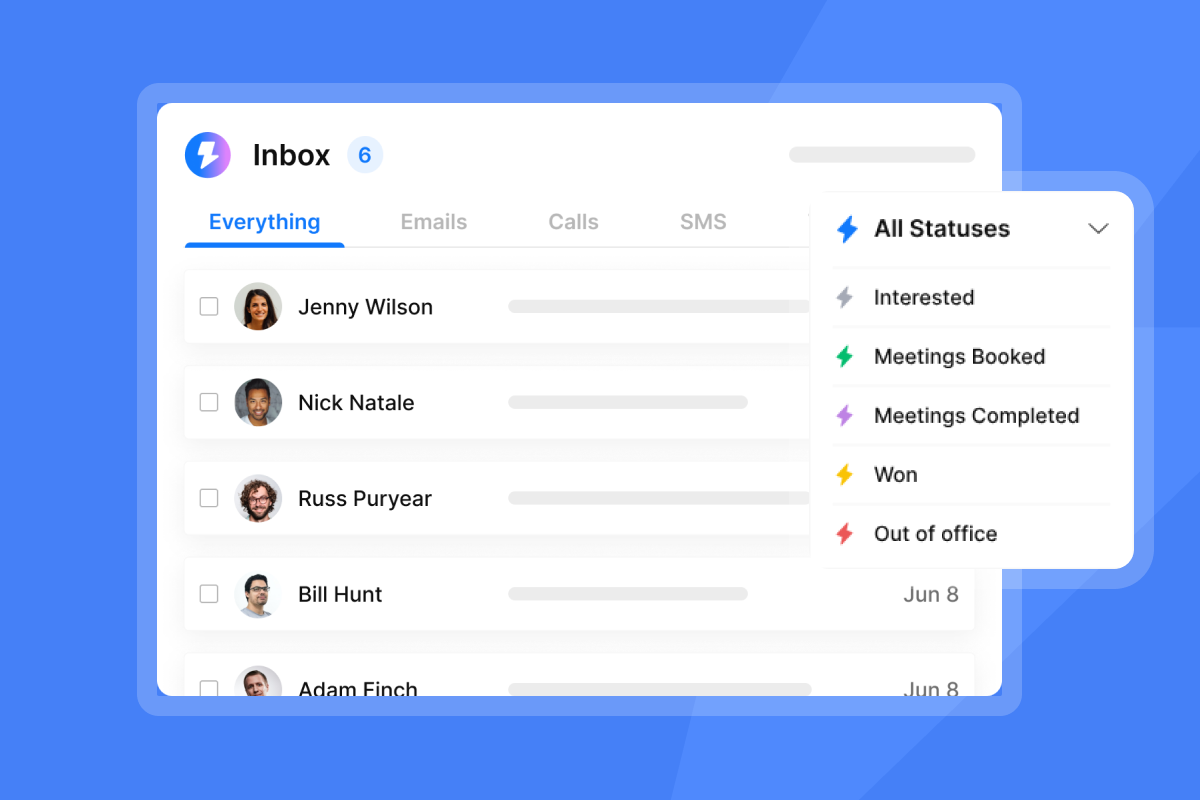
Unibox NLP auto-classifies incoming replies across 50+ languages. Three built-in labels are enabled by default: Interested, Not Interested, and Out of Office. You can add custom labels on top of these, and you can improve classification accuracy by updating a label's description or submitting feedback on misclassified replies using the thumbs up or thumbs down controls in the interface. Custom label selection is available on Hypergrowth and Light Speed plans.
The Out-of-Office Resume (AI Smart Pause) extracts the return date from auto-reply messages, pauses the lead's sequence, and automatically resumes sending on that date. This runs on all plans at no extra cost and prevents the common error of continuing follow-ups while a decision-maker is unavailable.
Choosing tools for your specific model
Ask where your pipeline gap actually sits.
- Lead-starved teams need an AI BDR outbound motion: more prospecting, more first touches, more pipeline creation. If your reps spend too many weekly hours on list-building and manual outreach, Instantly's AI sales agent is your first investment.
- Lead-heavy teams need an AI SDR inbound motion: faster response to existing demand, better qualification, and tighter routing to AEs. If you have consistent inbound volume but meetings-booked numbers are low, response time and classification quality are your bottleneck.
Every AI sales deployment carries predictable risks. The sections below cover performance benchmarks, ramp timelines, and the operational controls that prevent the most common failure points during rollout. Knowing what AI SDR tools cannot do helps you plan around those risks before they surface. The right AI SDR and BDR tools can help you scale outreach and pipeline together once you reach that point

Mapping AI BDR and AI SDR to sales workflows
Aligning your tools to your sales workflow means more than picking the right features. The sections below cover where each motion connects to your pipeline: how you target prospects, how you standardize outreach, how you prevent lead leakage at the handoff, and how you keep your CRM current.
Targeting capabilities: AI BDR vs AI SDR
Outbound targeting means finding accounts that match your ICP before they have expressed intent, which is exactly what AI sales prospecting tools automate. Instantly's Lead Finder lets you filter 450M+ B2B leads by job title, company size, industry, technology stack, and geography. You build a prospecting list, verify it, and push it into an outbound sequence.
Inbound targeting means identifying accounts already showing intent. Instantly's Website Visitors pixel identifies visitors to your site, enriches their contact data, and routes them into your CRM or Unibox so your team follows up while intent is high. These are fundamentally different lead sources: warm rather than cold, and generally faster to convert.
Standardizing outreach cadences by role
Consistent sequences across your team prevent reps from running one-off campaigns that damage your shared sending domains. Instantly's AI Sequence Writer builds sequence templates that reps can clone and adapt, while A/Z testing is available on Growth plans and above, with the full 26-variant-per-step capability on Hypergrowth and above for structured copy experiments.
According to Instantly's 2026 Cold Email Benchmark Report, the optimal sequence length is 4 to 7 steps, and top-performing emails stay under 80 words. Build your standard BDR cadence to those parameters and enforce them using campaign templates. For a practical copywriting framework, see the cold email copywriting guide.
Preventing lead leakage at the AI-to-AE handoff
A common risk in hybrid AI-human sales teams is the handoff from AI lead qualification to human Account Executive (AE) follow-up. Leads can fall through the gap when reply data stays in the outreach tool and never reaches the CRM, when AEs lack the engagement context to run a confident first call, or when no one owns the transition trigger.
Structuring this handoff with explicit approval gates and clear ownership reduces the chance of leads falling through the gap between AI-touched and human-owned stages. The operational controls that matter most are: a unified inbox that aggregates all replies, bidirectional CRM sync that logs engagement history, and admin-level permissions that enforce workspace-wide rules on reply handling.
Streamlining sales reply workflows
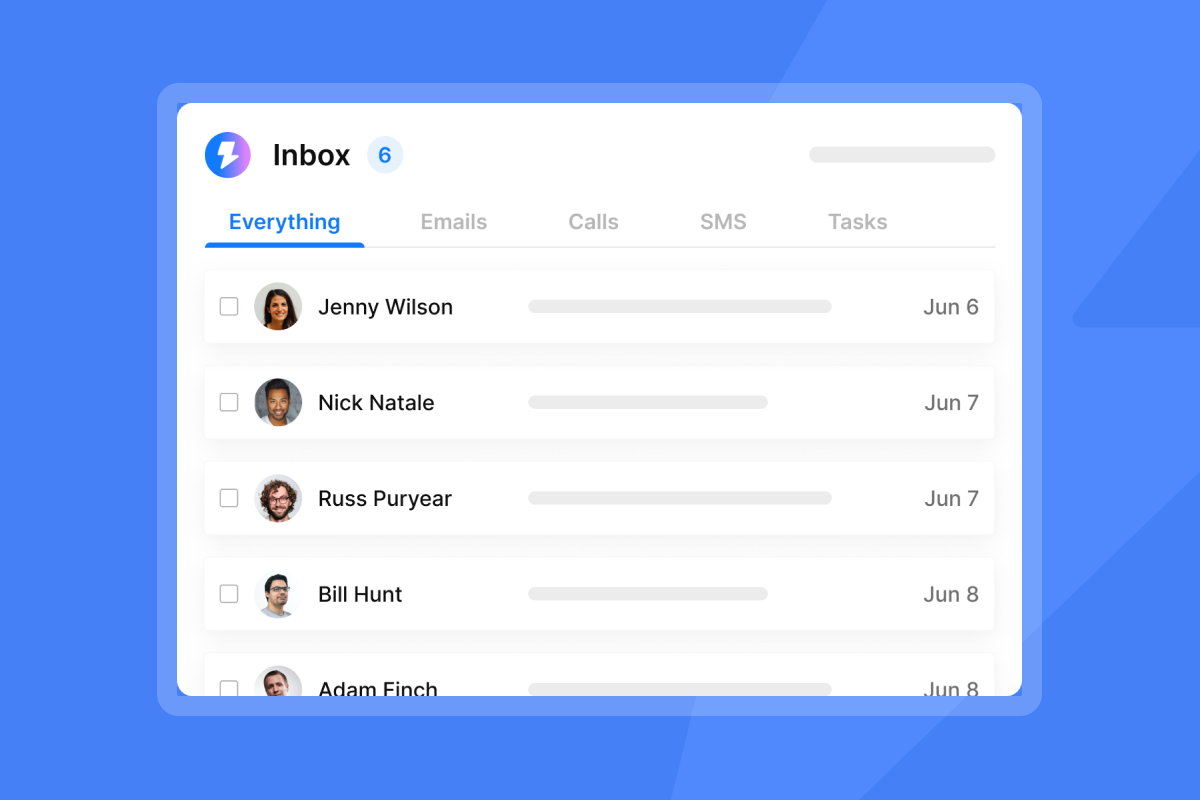
Managing replies from multiple outbound campaigns and inbound channels through separate inboxes is one of the biggest sources of lead leakage at scale. Unibox centralizes every reply from every connected email account into a single dashboard. You can filter by campaign, account, intent label, or date, bulk-action conversations, and add in-app notes visible to your entire team.
Unibox V2 adds AI-powered sentiment analysis using LLM/GPT-4, bulk actions for multi-email operations, and the ability to capture all emails received by connected accounts, not just replies from leads in the workspace. That last change matters: it means a rep sees the full conversation context even when a prospect replies from a different address.
Automating CRM data syncs
Every lead that moves from AI-touched to human-ready needs a clean record in your CRM, the core job of AI BDR and CRM integration. For HubSpot users, the native Instantly integration handles this without manual exports:
- In Instantly, go to Settings > Integrations > Connect HubSpot and authenticate via OAuth.
- Map contact fields and configure which Instantly events (sends, replies, engagement) push to HubSpot contact timelines.
- Build a dynamic list of customers, partners, or Do Not Contact (DNC) records in HubSpot and sync it to Instantly as an exclusion list, refreshing this sync regularly.
- Use Zapier to bridge the two platforms for intent-based automation: the documented recipe triggers when a lead is marked as Interested in Instantly and creates a contact or task in HubSpot. See the full integrations hub for setup guides covering HubSpot, Clay, Zapier, Make, and Pipedrive.
Mapping AI tools to your revenue motion
The right AI motion depends on where your pipeline actually breaks down. Use the criteria below to match your current revenue gap to the right tool, then assess the combined cost of running both.
When to choose AI BDR over SDR
Choose an AI BDR outbound motion when:
- Your pipeline depends primarily on cold prospecting rather than inbound demand generation.
- You are targeting niche enterprise accounts where no inbound volume exists.
- You have launched a new product or entered a new market and need to build a prospect base from scratch.
- Your reps spend too many weekly hours on manual list-building and first-touch emails.
Matching AI SDR to sales goals
Choose an AI SDR inbound qualification motion when:
- You have consistent inbound volume from marketing, SEO, or product-led growth but meetings-booked rates are below target.
- Response time to new leads is measured in hours rather than minutes.
- Your reps spend time triaging replies rather than running discovery calls.
- You need to handle replies across multiple languages without additional headcount.
Managing dual AI sales motion costs
Per-seat pricing models penalize outbound scale. A 10-rep team using a per-seat tool at $120 per user per month spends $1,200 monthly, and that cost grows with every new rep or sending account.
Instantly's flat-fee model, detailed in the AI BDR pricing guide, changes the math. All paid Outreach plans include unlimited email accounts and warmup. A full starter stack (Outreach Growth at $47, Instantly Credits Growth at $47, and Growth CRM at $47) costs exactly $141 per month, regardless of how many inboxes you connect. Add Instantly Credits from $9/month to power AI agents as your volume grows.
The right frame for budget justification is cost per meeting, not cost per seat: total monthly platform cost divided by qualified meetings booked. If your platform costs $141/month and your team books 30 qualified meetings, your cost per meeting is under $5.
How to assess AI sales platforms for ROI
Selecting a platform is straightforward once you know what to measure. The sections below cover the four areas that determine whether an AI sales platform delivers a return: deliverability infrastructure, permission controls, CRM field mapping, and audit readiness.
Ensuring reliable inbox placement
You cannot set up deliverability once and forget it. Run it as an ongoing system with four active components:
- Domain authentication: SPF, DKIM, and DMARC records on every sending domain.
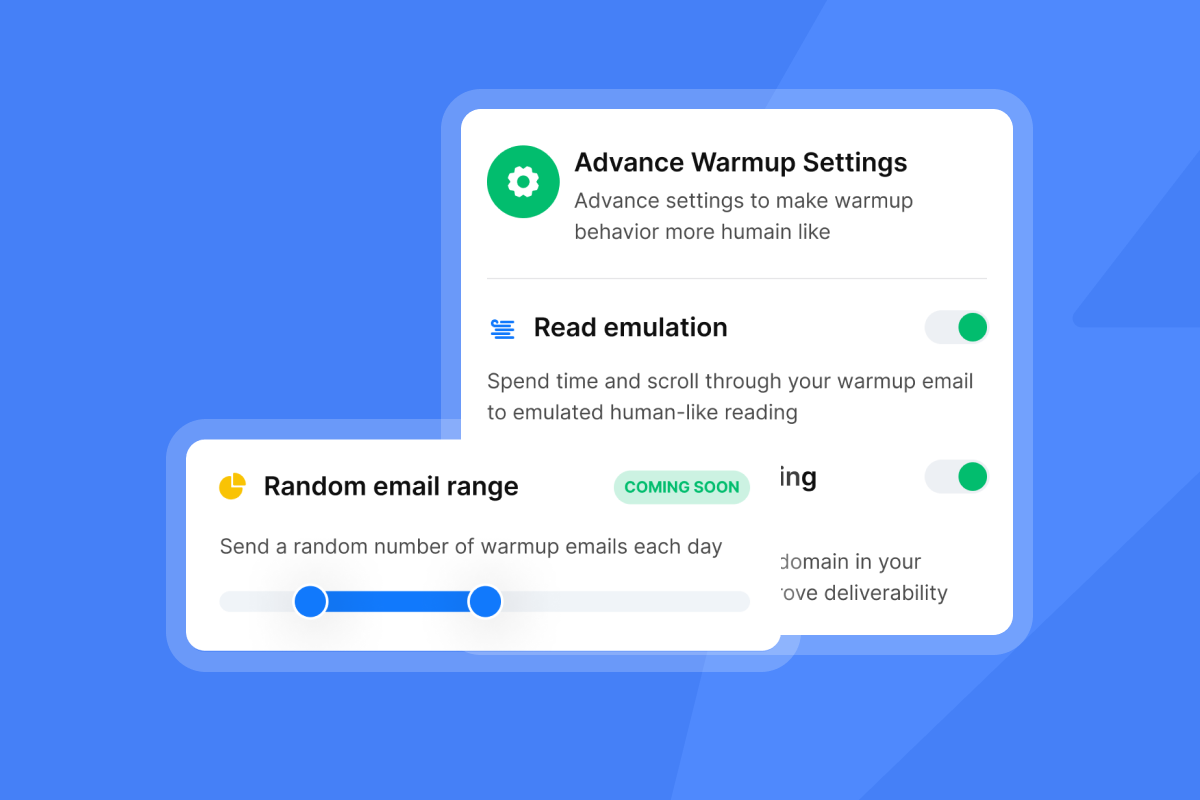
- Automated warmup: 4 to 6 weeks on a private warmup network before active campaigns launch. Keep warmup running during active campaigns, not just at setup.
- Send cap enforcement: 30 emails per day per single inbox. Scale volume by adding inboxes, not by increasing per-inbox throughput.
- Daily health monitoring: Track bounce rates, spam complaint rates, blocklist status, and inbox placement scores. Instantly's Deliverability AI Agent runs automatically every 24 hours on Hypergrowth and above plans. It monitors DNS health, blocklist status, warmup scores, bounce rates, and campaign copy, then surfaces specific remediation actions: pause a campaign, replace a risky account, rebalance sending providers, or improve subject line copy. For enterprise-grade protection, the Light Speed plan adds SISR (Server and IP Sharding and Rotation), which uses dedicated private IP pools to protect sender reputation at high send volumes.
Automated Inbox Placement tests let you run pre-campaign checks to confirm your messages are landing in primary inboxes across major providers before you scale.
"We're able to scale our outreach without sacrificing personalization or risking our sender reputation." - Natalie on Trustpilot
Watch for these red flags when evaluating platforms:
- No automated domain authentication: If a platform requires you to configure SPF, DKIM, and DMARC manually without step-by-step guidance, you are buying hidden setup risk. Most sales leaders are not email infrastructure specialists.
- Warmup sold as an add-on: Warmup should be built into the base plan. Platforms that charge extra for warmup or do not include it at all will degrade your deliverability within weeks of launch.
- Outbound and inbound on shared infrastructure: A platform that uses the same sending setup for cold outbound and warm inbound responses creates unnecessary domain risk and misclassifies intent. These motions need separate governance.
Managing AI BDR and SDR permissions
Prevent "rogue AI" scenarios with admin controls that enforce workspace-wide rules. Instantly addresses this at two levels. First, AI Blocklist Triggers (Hypergrowth and above) automatically blocklist leads based on unsubscribe status, account status, or keyword matches in replies. Changes apply workspace-wide immediately. Second, the AI Reply Agent's HITL mode requires human approval before any reply sends, with Slack integration so approvals happen in the tools your team already uses.
Mapping AI outputs to CRM fields
Clean CRM handoffs prevent pipeline from stalling between AI-touched and human-owned stages. The HubSpot native integration handles bidirectional sync: Instantly pushes engagement activity to contact timelines, and your HubSpot DNC list and active customers sync back to Instantly as exclusion lists. This two-way sync is what closes the most common lead leakage gap in outbound motions.
Audit ready data for AI sales tools
Sales leaders presenting outbound programs to legal or finance need clean audit trails. Instantly's Data Processing Agreement (operated by Foo Monk LLC) covers data categories, sub-processor listing, audit rights, and the specific data types you must not upload, including health records, payment card data, and biometric data. The public sub-processor list includes AWS in the USA as the primary infrastructure provider.
How to manage AI BDR and AI SDR implementation risks
Every AI sales deployment carries predictable risks. The sections below cover performance benchmarks, ramp timelines, and the operational controls that prevent the most common failure points during rollout.
AI BDR vs AI SDR reply performance
Instantly's 2026 Cold Email Benchmark Report (data: Jan 1 to Dec 18, 2025, across billions of interactions) gives a clear picture of what top performers achieve:
- Platform average reply rate: 3.43%
- Top quartile senders: 5.5%+
- Top 10% of senders: 10.7%+
- Consistent, stable sending patterns produce 15 to 20% higher replies compared to irregular cadences
These figures are not guaranteed outcomes. They represent what top performers achieve when they run clean technical infrastructure, verified lists, and tested copy. The gap between average and top-quartile performance maps directly to process quality: domain health, list hygiene, sequence structure, and consistency of sending schedule.
For inbound AI SDR performance, the primary metric is response time. AI Reply Agents that respond within five minutes to positive signals consistently outperform teams where replies sit unanswered for hours.
Deployment timeline for sales teams
Plan a 4-to-6-week ramp once your pre-launch onboarding checklist is complete: Week 1, register secondary sending domains, set up authentication records, and start warmup at 5 emails per day per account. Weeks 2 to 4, build sequences (4 to 7 steps, under 80 words per email), set up HubSpot integration, and run test campaigns at 10 to 15 sends per day while monitoring Inbox Placement results. Week 5, ramp to 20 to 25 emails per day and enable AI Reply Agent in HITL mode. Week 6, reach the 30-per-day ceiling, enable AI Blocklist Triggers, and review your first A/Z test cycle.
Keep warmup running throughout all active campaigns, not just during initial setup. Turning it off on active sending accounts reduces inbox placement rates over time.
The difference between AI BDRs and AI SDRs maps directly to how your pipeline grows: outbound prospecting or inbound qualification. Choose the motion that matches your revenue gap, then select a platform that supports both without per-seat penalties or software bloat, the way Instantly's AI agents do.
Try Instantly free for 14 days, with no credit card required, to run your first campaign with unlimited sending accounts and automated warmup. Or download the 2026 Cold Email Benchmark Report to review performance data from top-quartile senders before you start.
FAQs
What is the main difference between an AI BDR and an AI SDR?
An AI BDR focuses on outbound prospecting and cold pipeline creation, finding and contacting new prospects who have not expressed prior interest, as our complete guide to AI BDR explains. An AI SDR handles inbound lead qualification and triage, responding to prospects who have already engaged and routing qualified leads to human AEs.
How many emails should an outbound inbox send per day?
Do not scale past 30 emails per day per single inbox to protect your sender reputation. Scale total volume by adding more warmed inboxes, not by increasing the per-inbox send cap.
How long does the email warmup process take?
A standard warmup timeline takes 4 to 6 weeks before you begin running active outbound campaigns. Keep warmup running alongside active campaigns indefinitely, not just during initial setup.
Does Instantly charge per-seat fees?
No. Instantly uses flat-fee pricing with unlimited email accounts and warmup across all paid Outreach plans, starting at $47/month for the Growth plan. AI agents (AI Reply Agent, AI Sales Agent, and Copilot) run on Instantly Credits, a separate subscription starting at $9/month.
Can one platform handle both AI BDR and AI SDR functions?
Yes, provided it separates the infrastructure for each motion. Instantly handles outbound BDR campaigns through its Outreach module and AI Sales Agent, and inbound SDR triage through Unibox and the AI Reply Agent, all within a single workspace and without per-seat penalties as your team scales.
Key terms glossary
Primary inbox: The main folder where a recipient receives important, non-spam emails. Landing in the primary inbox rather than promotions or spam is the core goal of deliverability management.
Sender reputation: A score assigned by email service providers that determines whether your emails land in the inbox or spam folder. It builds through consistent sending patterns, low bounce rates, and high engagement signals.
Warmup: The process of gradually increasing email sending volume on a new account to build trust with email providers. A full warmup takes 4 to 6 weeks at a starting rate of 5 emails per day per account.
List hygiene: The practice of regularly cleaning your email list to remove invalid, inactive, or risky contacts. Keep bounces at or below 1 percent as your operational target.
Unibox: Instantly's centralized inbox that aggregates replies from all connected email accounts into a single dashboard, covering both outbound campaign replies and inbound lead responses.
SISR: Server and IP Sharding and Rotation. A deliverability technology on Instantly's Light Speed plan that uses dedicated private IP pools to protect sender reputation at enterprise sending volumes.
AI copilot: An AI assistant that drafts messages or suggestions for human rep review before sending. Contrast with autonomous agents that execute actions without human approval.
Read next
- AI SDR technical breakdown: how it works (2026): A technical walkthrough of how AI SDR tools classify intent, route replies, and hand off qualified leads to human AEs.
- Cold email sequence: how to build one that gets replies: A step-by-step guide to structuring a 4 to 7 step outbound sequence that drives consistent reply rates.
- 15 best ways to find B2B sales leads in 2026: A practical breakdown of the lead sourcing methods that fill outbound pipeline fastest for lean sales teams.



