Automate Weekly Performance Reviews
.avif)
Unlock The Power Of AI With Instantly
Find warm leads, scale email campaigns, reach primary inboxes, engage smarter and win more with AI.
Weekly Analytics on Autopilot
A Sales Brain that only writes emails is useful. A Sales Brain that monitors campaign performance and suggests improvements is transformative. The weekly analytics skill closes the loop between execution and optimization — turning what would normally be a manual review process into a single command.
The skill is built the same way as the sales playbook skill: through the Skill Creator. Start a new conversation and describe what you want: "Create a new skill called weekly analytics, where you take the analytics from all my Instantly campaigns from the past seven days, give me a summary plus suggestions on next actions based on performance. Trigger this skill only with the command [weekly-analytics]."
Claude will generate the skill file, which when triggered performs the following: it connects to Instantly via the MCP, pulls campaign analytics from the past seven days, calculates key metrics including send volume, open rates, reply rates, and bounce rates, and organizes the output into a structured report with a performance breakdown table. Campaigns are categorized by what's working and what needs attention, and the skill adds recommended next actions based on what the data shows.
Download the generated skill file, navigate to Settings > Capabilities > Skills, and upload it to your workspace. The skill is now available across all your projects.
The use case is a weekly rhythm. Every Monday morning or Friday afternoon, open your Sales Brain and type [weekly-analytics]. Within a minute or two, you have a clear picture of your outbound performance: which campaigns are generating replies, which are underperforming, which accounts might need attention, and what the data suggests you should do next.
More importantly, this data feeds back into your Sales Brain. If the analytics reveal that a particular angle is consistently generating replies, you can add that insight to your project's knowledge base. If a certain type of subject line is underperforming, you can update your cold email instructions to avoid it. The optimization loop becomes a built-in habit rather than something that requires dedicated analytical effort.
Even in an account with limited campaign activity, the output is actionable. The skill will flag issues like campaigns in error states, accounts not sending, or missing tracking configurations — small things that compound over time if left unaddressed. Catching them weekly keeps the system running cleanly.
This is the layer that most AI email setups are missing. Prompts and context help generate better emails. A feedback loop ensures the system improves automatically over time. The weekly analytics skill makes that loop as frictionless as a single command.
Video transcript
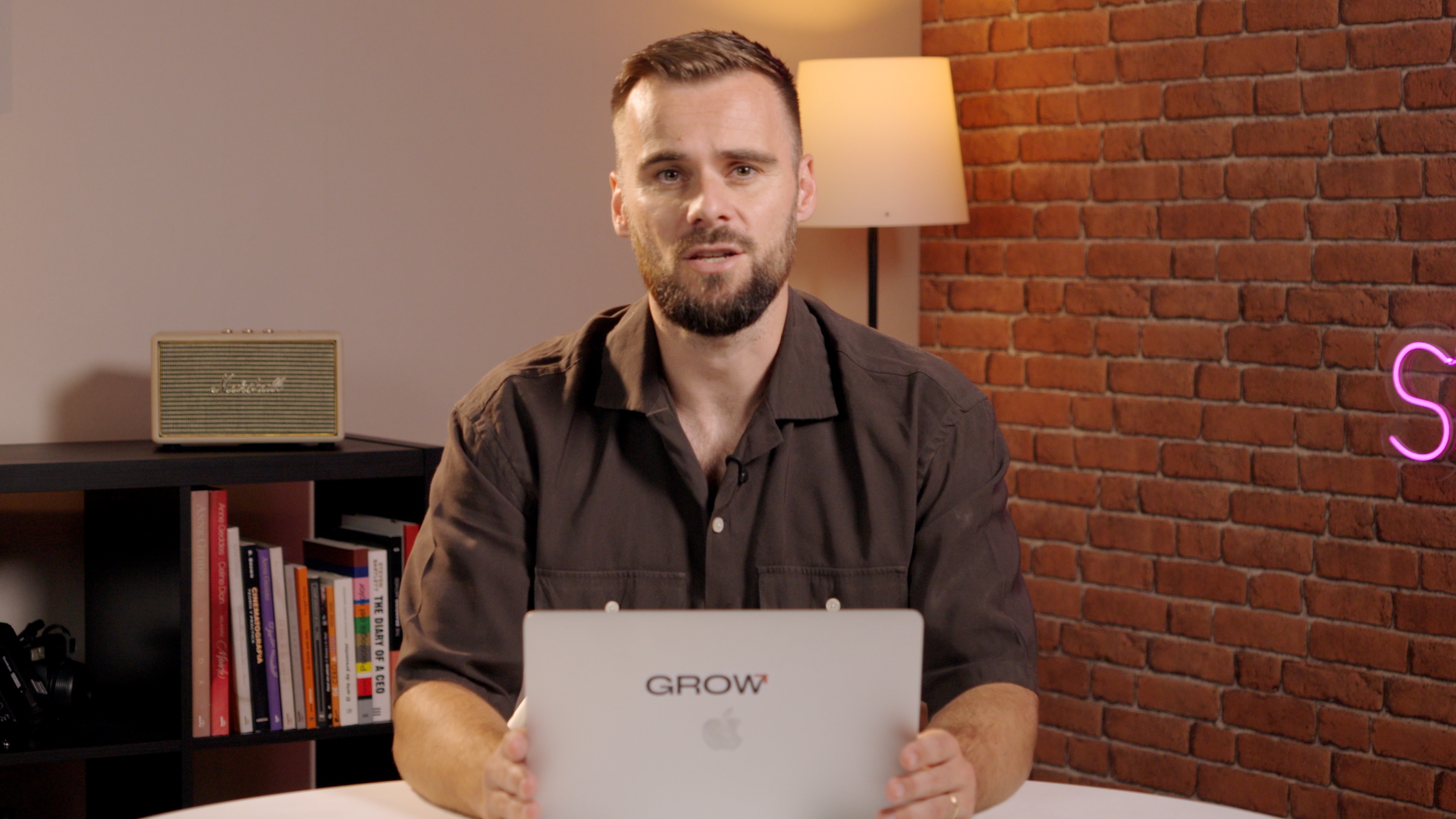
Okay. With all that said and done, we've gotten really far in setting up our sales brain. We just want to create one more scale just first to make sure that you know how scale creating works and you get more confident in it and you get some reps in. And also just to complete our sales brain with something that I call weekly analytics, and that every Monday morning or Friday, you can come in and say, okay.
Run weekly analytics and give me suggestions on what we should improve. So let me show you what I mean by that. I'm gonna go to our sales brain, and here I'm going to say, create a new skill called weekly analytics where you take so this is a fairly freight straightforward prompt. Just create a new skill called and here we have, you know, the, the command again called weekly analytics where you take the analytics from all my instantly campaigns from the past seven days, give me a summary plus suggestions on next actions based on performance.
Going to hit enter, and it will start creating the skill for us. We'll download it. I'll show you one more time how to actually add it to Claw to have that skill in there, and then we can run it, and I will actually also run it. So, again, every Monday, every Friday, we can grab the performance and we can see what's working, what isn't, and then Claude will help us optimize it.
Here we go. So the weekly analytics skill is ready. Here's what it does. The trigger is triggered by this command, and then it pulls all campaign analytics from Insleeve for the past seven days.
And then daily performance breakdown, it calculates, gives a beautifully styled table with indicators, top performance, what's working, what isn't working, and everything. So all I now have to do is type in weekly analytics, sit back, and all the homework is done for me. So we're going to grab that and hit download.
And we go back into settings, capabilities. We scroll down to skills, add, and then we're going to upload it.
Our weekly analytics scale, and it's uploaded, and now we're able to use it. Now I don't have a lot of activity in my Instantly account, if any, because it's for demo purposes mostly. I'm just going to run it just to show you how it works. So this could be a Friday evening.
I'm about to shut down for the week, and I can just say, okay. Run the weekly analytics. Give me some ideas on what's working and what isn't. And then as it does that, I can just say, k.
Sure. Get all of that ready so the Monday we can actually launch it. That's how that works. So here we go, weekly campaign report.
I did send some test emails to run inbox placement tests, and it gives me the table. So needs attention, no active campaigns running, that makes sense. I'm not tracking open rates. So recommended next actions, fixed error campaigns that were just some test campaigns that I run.
And then enable open tracking, that's not phenomenal. So I can now add to my sales brain saying, hey, we never run any open tracking because it doesn't make sense. Right? So it gives me a full breakdown of my account.
I can just say, okay. Do this, do that, do that next. Give me some ideas on what I can run, write the emails, update the emails, do the work for me, and we have all of that being pulled into our sales brain. And going forward, we can just keep building on this and have it run our entire outbound operations for us.
Resources



Courses

.svg)









Prompts
%20(1).svg)
Unlock the power of AI
With

Get started now to access exclusive templates and elevate your projects to the next level.
Stop letting poor deliverability kill your pipeline. Join 50,000+ sales teams who've made the switch to Instantly for better inbox placement, higher response rates, and more closed deals.
No credit card required.
.svg)
%20(1).svg)