Write Cold Emails with Your Brain
.avif)
Unlock The Power Of AI With Instantly
Find warm leads, scale email campaigns, reach primary inboxes, engage smarter and win more with AI.
Write Cold Emails Now
With the sales playbook added to the project, the Sales Brain is ready to write cold emails. Before jumping straight into generation, it's worth adding a few standing instructions that define how emails should be structured — this keeps output consistent across campaigns without requiring you to specify constraints every time.
In the project's instructions section, add a simple set of rules for cold email writing. These might include things like: always keep emails under 70-80 words, always use personalization placeholders like {{firstName}} and {{companyName}}, and always follow the email frameworks attached to the project. If you have specific frameworks you've developed based on campaigns that have worked well — particular structures, opening lines, or CTAs that perform — upload those as files and reference them here.
The instructions don't need to be exhaustive at the start. The goal is to give Claude enough guardrails that the output reflects your writing style rather than generic AI defaults. You can expand these instructions over time as you identify more patterns in what works.
Once instructions are in place, prompt Claude to write a cold email sequence. A simple prompt like "write a cold email sequence for me reaching out to B2B SaaS founders of companies with less than 100 employees" is enough to get started. Claude will automatically pull from the sales playbook in the project files, identify the relevant ICP and value propositions for that audience, and begin drafting.
What you'll see in the output reflects the depth of context now available to the model. Rather than a generic email about email outreach software, Claude writes emails that reference specific outcomes — for example, mentioning that companies using the tool have been able to consolidate their entire outbound stack into one platform, or citing the specific metric from a case study. The personalization placeholders are inserted correctly, the length stays within the defined constraints, and the tone matches the instructions you've set.
If the initial output doesn't match your voice exactly, use it as a starting point. You can provide examples of emails you've written or received that you liked, ask Claude to analyze their structure, and incorporate those patterns into the instructions or a new email writing skill. Over time, this feedback loop refines the Brain's output to closely mirror what you'd write yourself — just faster and at greater scale.
This is where the Sales Brain starts to pay dividends. Every new campaign starts with a prompt rather than a blank page. The model already knows the product, the ICP, the proof points, and the constraints — so the output quality is consistently higher than what you'd get from a standalone AI tool with no context.
Video transcript
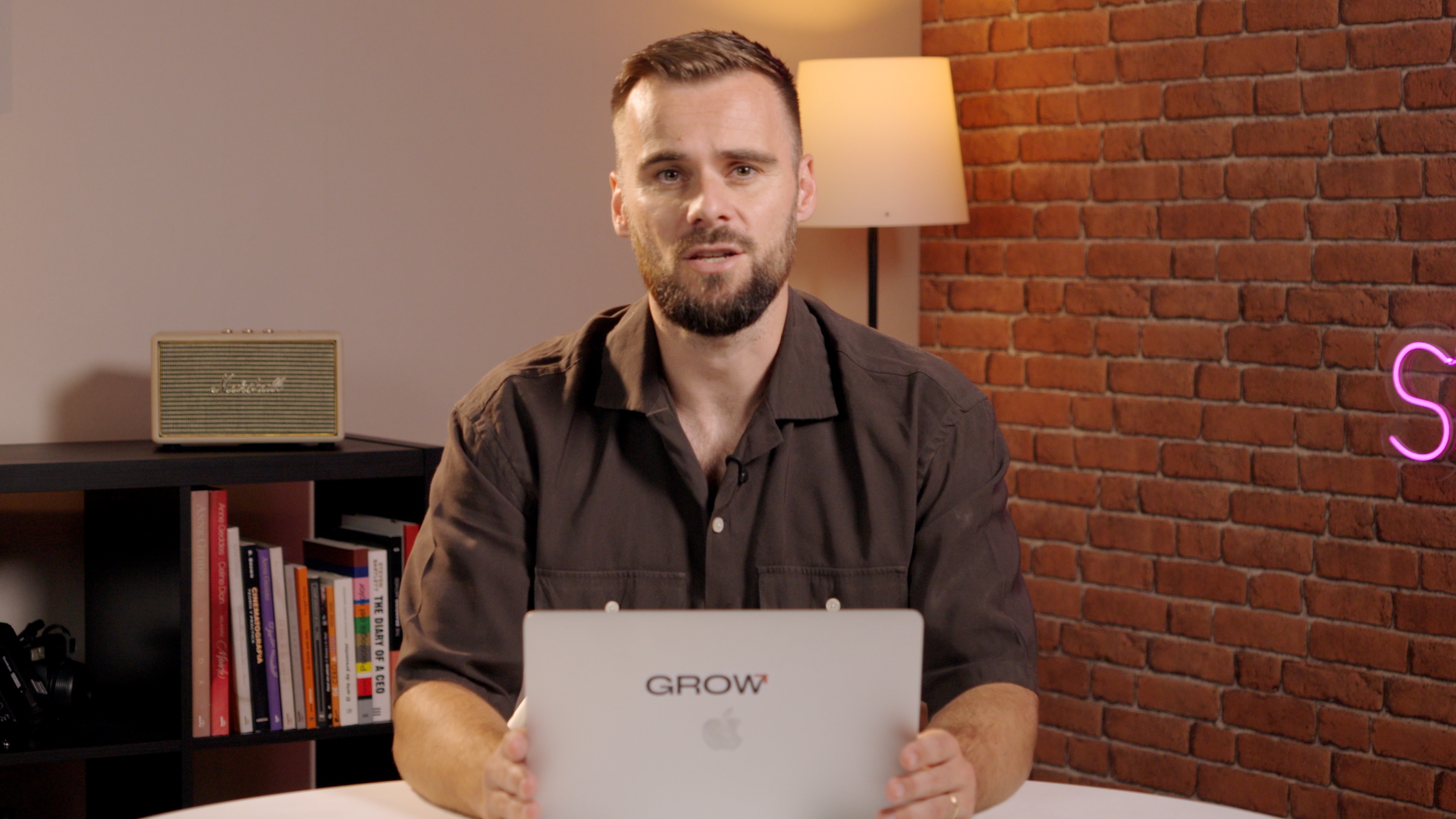
Okay. Now that we have our playbook here in our SalesBrain in the files, as you can see, it is time to add a few instructions. Now we can create a full cold email scale, but I have my framework right here, and I'm gonna add some instructions. And I challenge you to use Claude out of the box to write cold emails for you.
And then over time, you could say, okay. These are emails that have been been performing really well for me, and you add those maybe under examples, or you say, here are emails that I really like, analyze them, turn them into a skill. That is something that is is pretty subjective. Right?
So I wanna give a clear guidelines, in my case, a framework and some guidelines on the length of the email, etcetera. And then we can actually start writing emails. So I'm gonna go here under instructions. I'm going to say for writing called emails, always follow these instructions.
Never more than seventy to eighty words. Always use placeholders like first name and company name.
Follow the frameworks attached to this project.
Now if you don't have any frameworks attached, don't worry because you can always add those based on your writing. Now what I'm going to say is write a cold email sequence for me reaching out to b to b SaaS founders of companies with less than a hundred employees.
There we go.
And as you can see, it jumped straight into the sales playbook that we have to understand what it is that we're selling, get case studies, proof points, and it's going to use all of that.
And as you can see, it has to extract the PDF. So, going forward will be it's great to say, okay. There's a PDF. We can use that for ourselves. Let's also have a text version of that.
But it is able to process it. It just takes, you know, maybe thirty seconds to a minute longer. So it looks at the playbook and says, ah, they want to reach out to b to b SaaS founders. Let me find it in the playbook. Let me find exactly what is that they do, and then turn that into call email sequences. And going forward, you can just simply always use it and say, hey. Now I'm building this campaign or that campaign.
Or you can even go as far as saying, listen. I don't have a lot of inspiration today. I don't know. We need to launch new campaigns.
I'm not sure who we should be reaching out to. Give me ideas, and it will do exactly that. And then we can and we will, in this course, build it out even further where we're going to say, okay. Now look at campaigns that were performing well, pull in analytics, and use that via the Instantly MCP.
That's for the next video. Right now, we'll have it draft emails for us, and then we'll see what it comes up with. Here we go. So wrote the emails for us saying, hey.
I was on the and this is great. It's using the placeholder. Right? The variables. I was on the company website.
Figured your team might be juggling three to four separate tools to run outbound. We help Compass consolidate all of that into one tool instantly in this case. Specifically, I think we could help you scale outbound without adding headcount given your team size and a nice soft CTA, which I like. And then here, it actually references one of our experts.
So it actually reference one of our case studies, which is phenomenal. As you can see, case study results, and I'm very, very happy with this. So now we have our SalesBrain. It has our playbook.
It knows more about our company than I do maybe because it can remember all of our case studies. Right? I could never. And then it's able to write really so called emails regardless of who we want to be reaching out to.
Now what we're going to do next is we're going to connect the instantly MCP. And then once we have that connected, we can actually tell it, okay. That's great. Now create the campaign, and then we're good to go, and we're good to start reaching out.
Resources
Courses

.svg)









Prompts
%20(1).svg)
Unlock the power of AI
With

Get started now to access exclusive templates and elevate your projects to the next level.
Stop letting poor deliverability kill your pipeline. Join 50,000+ sales teams who've made the switch to Instantly for better inbox placement, higher response rates, and more closed deals.
No credit card required.
.svg)
%20(1).svg)