Generate Your Company Playbook
.avif)
Unlock The Power Of AI With Instantly
Find warm leads, scale email campaigns, reach primary inboxes, engage smarter and win more with AI.
Build Your Company Playbook
Now that the sales playbook skill is installed, it's time to run it. This is the step where your Sales Brain goes from a blank project to a knowledgeable system that understands exactly what your company does, who it sells to, and why customers buy.
Trigger the skill using the explicit command you defined — for example, [sales-playbook] followed by your company's URL. Claude will immediately recognize the command, match it to the right skill, and begin its research process. Because the skill is designed to use Claude's built-in web browsing capability, it navigates directly to the website and begins pulling information: the homepage, product pages, pricing, case studies, customer testimonials, blog posts, and any other relevant content it can find.
There's no need to install external scrapers or set up data pipelines. Claude handles all of this natively, which significantly reduces the technical friction of building a knowledge base from scratch.
The output arrives as a PDF document containing everything the skill was designed to capture. This typically includes a company overview, a breakdown of the product's core features and value propositions, a list of target verticals, ICP profiles with relevant job titles and company sizes, and a set of proof points drawn directly from published case studies or testimonials.
For example, running this against an outbound sales platform might produce: a detailed overview of the product's email sending infrastructure, key differentiators like flat-fee pricing or proprietary warmup networks, verticals like B2B SaaS and lead generation agencies, personas like Founders and VP of Sales with their specific pain points, and case studies showing specific results — meetings booked, revenue generated, cost savings achieved.
Once the playbook PDF is generated, add it directly to your Sales Brain project as a file. This is the critical step that makes it useful long-term. From this point forward, every time you work inside this project, Claude has access to the playbook and will reference it automatically without being prompted.
This changes the quality of everything Claude produces within your Sales Brain. Instead of writing generic cold emails based on what AI knows about a product category, it now writes emails grounded in your specific value propositions, case studies, and customer stories. The personalization becomes real rather than surface-level.
If you work with multiple clients or campaigns, this skill scales efficiently. Run it for each company, add each playbook to a dedicated project, and you have a separate, specialized Sales Brain for every client you manage.
Video transcript
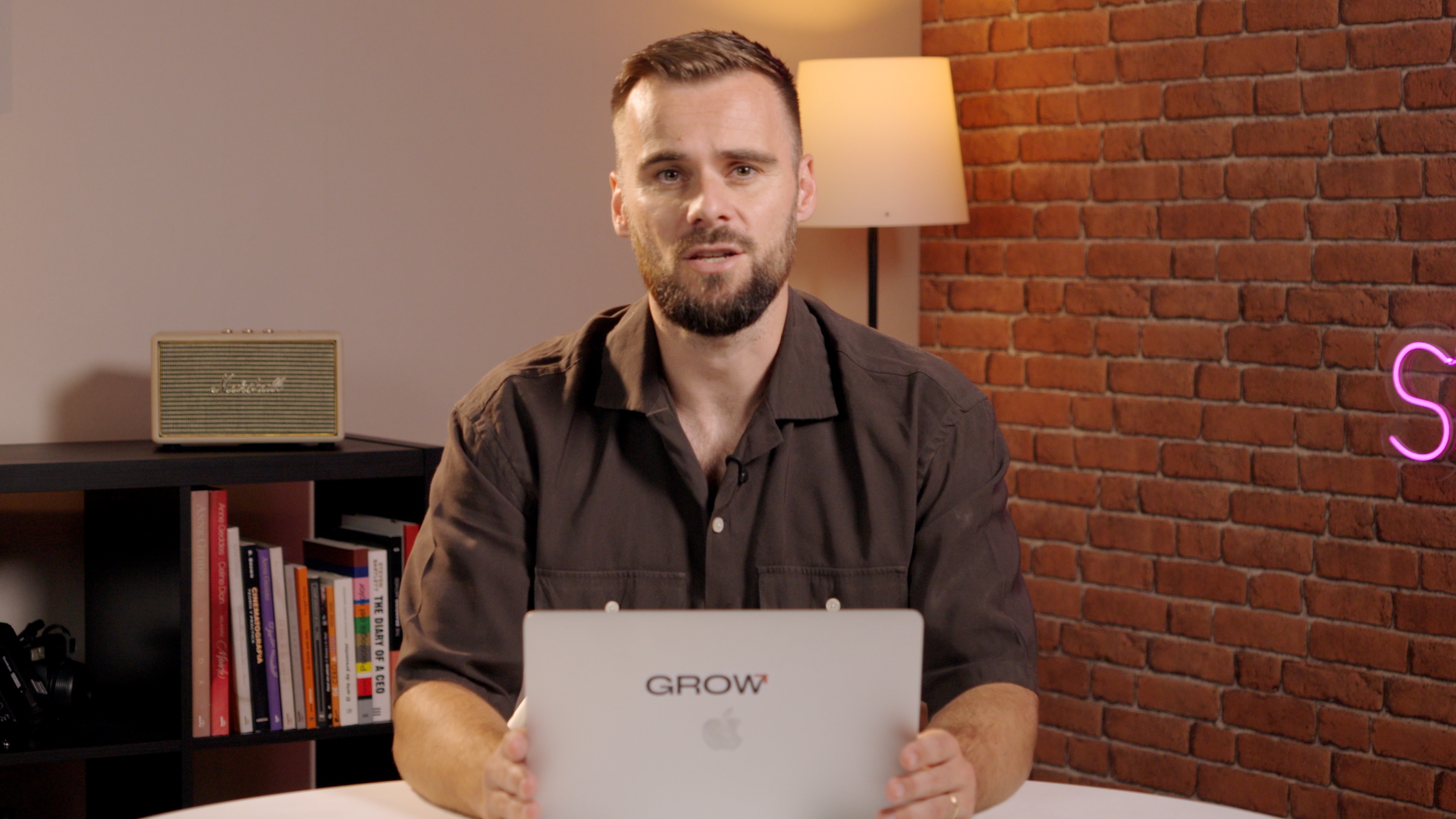
Okay, now that we have our first scale, we can start using it and we can start filling our sales brain with useful stuff. Now we built the sales playbook scale, which means now we can start building a sales playbook. And we trigger it with this command right here, and we say sales playbook and then instantly dot ai. So this will create a sales playbook for our company, instantly dot ai, where Instantly dot ai, in your case, would be your company, of course, or maybe a client that you're that you're working for.
So already found the right skill because we use that command. So because we just really high in description, we put, if you see this command sales playbook, this is the skill that you're looking for. I promise you it actually found it and it will start to research and Claude has this built in where it's searching the web, going to the website, all of that, which is super helpful. The best part is that you don't need to think about installing all these scrapers or difficult tools or what have you, and that's just a phenomenal use case from cloud.
So we'll give it some time. It's thinking searching the web. We'll give it some time to build our sales playbook, and once that's ready, I'll show you what it looks like so that you know exactly what we've built.
Okay, here we go. So it created the entire PDF report for us, which is very helpful. As I said, it's, you know, easier for AI to process text, so we can still transform this with text. But right here, it says let me see if I can blow this up a little bit. Company overview, instantly dot ai, what instantly does, the stages in company description, futures, unique selling points, social proven case studies, all of this, which is just phenomenally helpful. And what you can do then here when you have this is say, I'm going to add this to my project.
And it really is that simple. Now, the file is added to the project. It is part of our sales brain, and now I work for instantly, you may work for a different company. All of that knowledge about your company just within a couple of minutes has been added to your sales brain, and now going forward, you can use that to say, okay, write emails, and it will know exactly what it is that you're selling. And that is actually what we are going to do in the next video. We're going to use this to write cold emails.
Resources
Courses

.svg)









Prompts
%20(1).svg)
Unlock the power of AI
With

Get started now to access exclusive templates and elevate your projects to the next level.
Stop letting poor deliverability kill your pipeline. Join 50,000+ sales teams who've made the switch to Instantly for better inbox placement, higher response rates, and more closed deals.
No credit card required.
.svg)
%20(1).svg)