Create Your Sales Playbook Skill
.avif)
Unlock The Power Of AI With Instantly
Find warm leads, scale email campaigns, reach primary inboxes, engage smarter and win more with AI.
Build Your First Skill
With the theory of skills in place, it's time to build one from scratch. The first skill to create is a sales playbook skill — the tool that will research any company website and turn it into a structured playbook your Sales Brain can use when writing cold emails.
The starting point is the Skill Creator, which should already be toggled on in your settings. This built-in skill allows Claude to design and package new skills based on your natural language description of what you want them to do.
Start a new conversation inside your Sales Brain project and describe the skill you want to create. A useful prompt is something like: "I want you to create a sales playbook skill, where I give you a website and you turn that into a full sales playbook. The playbook should be used by my sales team to write better cold emails. It should analyze any URL I give it, write a description of the company, identify verticals, ICP details, unique value propositions, and pull any relevant case studies or proof points. Only trigger this skill with the command [sales-playbook]."
Claude will process this request by reading the Skill Creator documentation it has internally and then designing the skill accordingly. It typically takes a minute or two to generate the full skill file.
When it's done, you'll see the complete skill laid out as text. At the top is the description — the section Claude reads to determine when to use this skill. Below it is the actual workflow: what the skill does when triggered, step by step. In this case, that means visiting the provided URL, researching the product and pricing pages, extracting case studies and social proof, identifying target verticals and personas, and assembling all of it into a structured PDF output.
The output format of PDF is a practical choice — it keeps the playbook as a persistent document that can be uploaded directly into your Sales Brain project for future reference. Once you have the playbook as a file in your project, Claude can reference it every time you ask it to write emails, generate campaign ideas, or think about who to reach out to.
To install the skill, download the generated file and give it a clear name like "sales-playbook-skill.md." Then go to Settings, open the Capabilities section, scroll to Skills, and upload it. Once uploaded, the skill is available across your entire workspace.
From this point forward, any time you type [sales-playbook] followed by a URL, Claude will research that company and produce a complete, structured sales playbook. That playbook becomes the foundation of your Sales Brain's product knowledge — and in the next lesson, you'll use it to actually generate one.
Video transcript
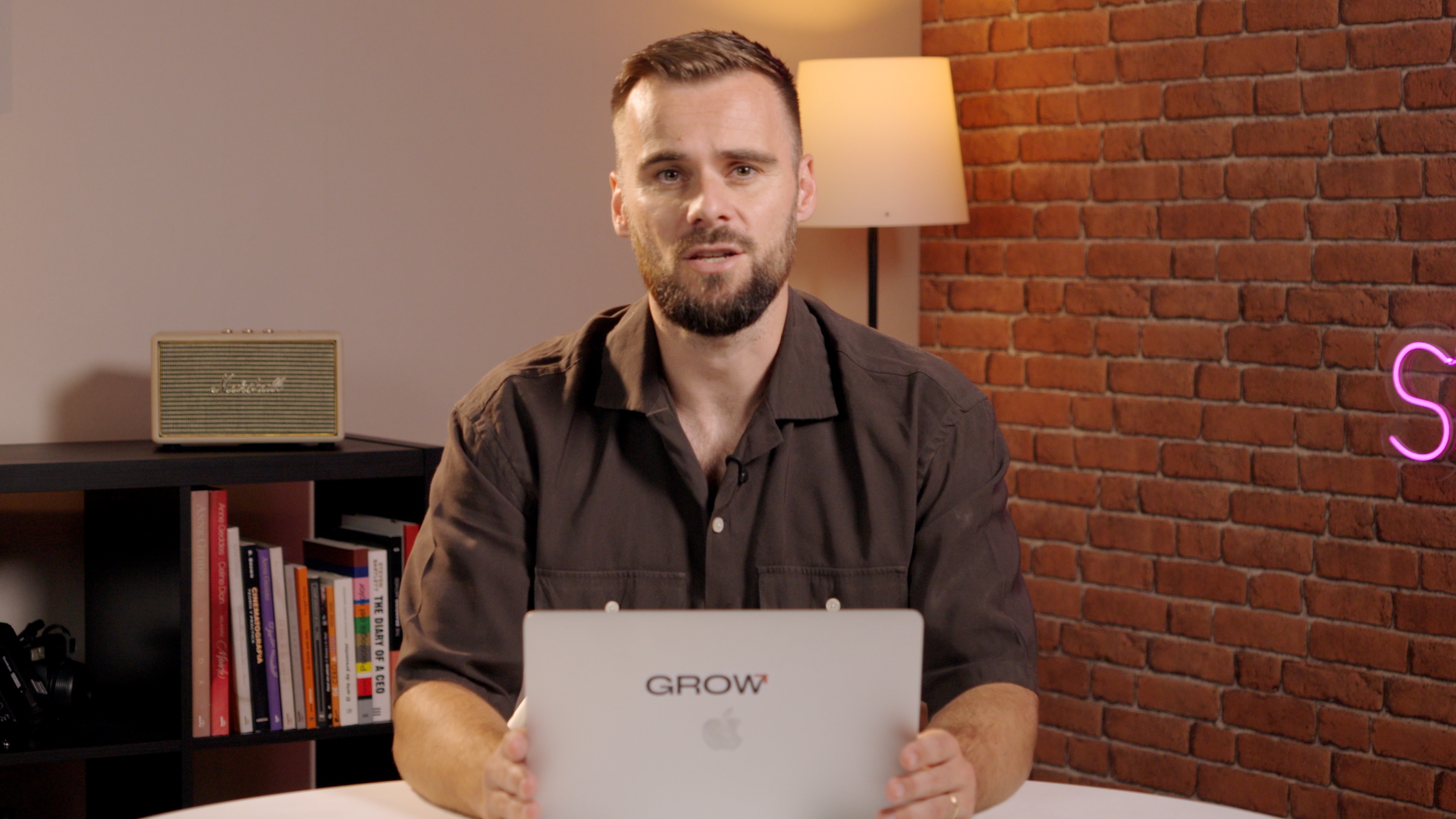
Okay. So I know we've been going a little bit fast, but it will all start making sense now as we are going to create and install our first skill in Claude. What we're going to do is we are going to create a what I call a sales or called email playbook skill the same way that Copilot does that for us. And we're going to ask Claude to create a new one so that we can give it, you know, full context of what is that our company does.
So I'm just gonna type and walk you through the steps and walk you through everything so you can follow along. And I encourage you to actually follow along step by step, so you can start building your own playbook within your own sales brain. I want you to create a sales playbook skill using your skill creator skill, which is the one in the previous video I told you, make sure that it's toggled on. And that is a demo skill, that comes natively with Cloud already preinstalled.
Let's put it that way, where I give you a website and you turn that into a full sales playbook.
Here we go. So I want you to create a sales playbook scale. Playbook is to be used by my sales team to write better call emails, needs to analyze any I give it, write description of the company, identify verticals, ICP details, unique value props. Now, here you can have as much in there as you want.
If you wanted to put case studies, maybe find specific pain points, add specific job titles in there, anything. Your own creativity is the limit. I'm gonna build a, let's say, template sales playbook, and then you can adjust this how you like. And then again, this is the important part, right?
So only trigger this skill with this command, and then that way we can just make sure that we always can grab the right skill and that way we actually have our own AI agent sort of available to us. So I'm going to hit enter and it will start going through the steps. It pulls the skill created documentation that it has internally, and then we'll see, okay, this is how I need to create a scale. It will create the scale for us, and I will show you the scale so that the theory that we just went over that may have been a little over your head will start to make a lot of sense.
Alright. There we go. So here's your sales playbook skill. It is a standalone skill you can drop into directors.
So we'll do it in a second. What it does when triggered is deep website research, company overview, social proof, verticals, personas, so much more that's going to help us write better cold emails. So in this case, it shows to go with a PDF as output. Text is like, it's able to process PDFs if you want if you want the processing going forward to be a little bit faster, just say, hey, I want my output in text only.
For now, I'm fine with PDFs.
So let's have a look at the scale that we created, and it's just a lot of text. Right? Now, here, as we said, is the description that we saw from the theory. And it's just named sales playbook and only triggered by this explicit command sales playbook. And now sales playbook is our agent, our skill that we have.
And it says right here that generate actionable sales playbook by deeply analysing company websites.
Here's the workflow, website research, look at, you know, about product pricing, customers, blog, partners, etcetera, pull specific case studies, company overview, so much more. Now, you can grab this skill if you want. I'm happy to give it to you, but will be great for you to build on your own. And then once this is done, what you do here is you click here, and you can add it the project, but I want, you know, to install it for my entire Cloud instance, and I would just wanna show you how it actually works installing it. So I'm gonna hit download, and I'm going to name it, let's see, sales playbook skill. So this skill and the part you wanna keep in there, and I'm going to save it.
Now we have our sales playbook skill, which is exciting. We need to install it in our workspace, and then we have our first skill. We're ready to move on to the next video.
What I'm going to do, I'm gonna open a sidebar, then I'm gonna click here and settings.
And then under capabilities, I'm going to scroll down.
I'm gonna click add, upload a scale, click here again, and I'm going to grab, let's see, the Sales Playbook scale. There we go.
Uploaded the Sales Playbook scale, which is great. Now we're good to go. Now in the next video, we're actually going to trigger this scale, and I'm going to show you how you can use it. But you've done the hard part. You've created your first scale, and now we are ready to move forward and start using it.
Resources


Courses

.svg)









Prompts
%20(1).svg)
Unlock the power of AI
With

Get started now to access exclusive templates and elevate your projects to the next level.
Stop letting poor deliverability kill your pipeline. Join 50,000+ sales teams who've made the switch to Instantly for better inbox placement, higher response rates, and more closed deals.
No credit card required.
.svg)
%20(1).svg)